Why Accounts Get Banned Despite Proxies
You bought expensive residential proxies. You cleared your cookies. Yet, your new ad accounts were suspended within an hour. This is the most common frustration for agencies in 2026. The harsh reality is that changing your IP address is no longer enough. Platforms like Facebook, Google, and Amazon have evolved. To succeed, you need a complete multi-accounting prevention bypass strategy that goes far beyond just masking your location.
Proxies only hide where you are. They do not hide who or what you are. Major platforms now use advanced detection systems to build a profile of your hardware and behavior. If you log into five different accounts from the same computer, even with five different proxies, the platform sees the same screen resolution, the same graphics card, and the same font list. They link these accounts together immediately. This leads to the dreaded "chain ban" where one mistake kills your entire operation.
The Rise of Behavioral Biometric Flagging
In the past, platforms only checked your cookies. Now, they check your humanity. Account bans 2026 data shows a massive shift toward behavioral tracking. Security AI now analyzes how you interact with a page. It tracks your mouse movements, typing speed, and scroll patterns.
This is where poor antidetect browser automation fails. If you use a cheap bot that clicks buttons instantly or moves the mouse in perfect straight lines, you get flagged. Real humans hesitate. They scroll at uneven speeds. They make small mistakes when typing. High-end detection AI builds a "trust score" based on these biometric inputs. If your behavior looks robotic, your account is restricted before you even launch a single ad.
The Complexity of Synthetic Hardware Detection
Your computer constantly broadcasts technical data to every website you visit. This includes your battery level, your screen size, and your graphics renderer. Two specific tracking methods cause the most trouble:
- WebGL Fingerprint Spoofing: This involves your computer's graphics card. Many privacy tools try to fake this data. However, if you claim to be an iPhone user but your WebGL fingerprint shows a dedicated NVIDIA graphics card found in gaming PCs, the system spots the lie. This creates a "synthetic" fingerprint that is impossible in the real world.
- Canvas Fingerprint: Websites ask your browser to draw a hidden image. How your computer renders this image is unique to your hardware. If you simply block this request using a generic canvas fingerprint blocker, it looks suspicious. Legitimate users do not block these requests.
To survive, you cannot just block data. You must provide fake but consistent data that matches a real device.
Why Standard Privacy Tools Fail Professional Marketers
Many business owners try to cut costs by using "Incognito Mode." These tools are useless for professional multi-accounting. Incognito mode only stops your own computer from saving history. It does absolutely nothing to stop a server from identifying your device.
True security requires browser profile isolation. Each account needs to live in its own digital container. This container must have its own cookies, local storage, and unique hardware fingerprint. Tools like DICloak specialize in this digital fingerprint masking. They ensure that Account A looks like a Mac user in New York, while Account B looks like a Windows user in London. Without this level of separation, your business infrastructure is built on sand.

Digital Leaks in the Best Anti Fingerprint Browser
To secure your business, you must understand exactly where your data escapes. Even with a high-quality proxy, your browser pushes technical data to every website you visit. The Best Anti Fingerprint Browser does not just hide your IP address. It actively modifies the internal code of the browser to plug specific leaks that standard privacy tools ignore. If you fail to diagnose these leaks, your accounts will be linked and banned within days.
Canvas Fingerprint Blocker: Masking the Graphical Identity
Websites use the HTML5 Canvas API to force your browser to draw a hidden image. Your computer renders this image in a unique way based on your specific hardware, drivers, and operating system. This creates a unique "hash" or ID that tracks you across the internet.
A standard canvas fingerprint blocker often just stops the website from reading the image. This is a critical error. Major platforms like Facebook and Google see this refusal as a "bot" signal. It looks suspicious because real users do not block these requests.
Top-tier tools like DICloak handle this differently. They do not block the request. Instead, they add slight mathematical noise to the image. The website successfully receives the image, but the unique hash is altered. This makes your device look like a legitimate, unique user without raising security alarms.
WebGL Fingerprint Spoofing: Neutralizing Graphics Card Data
This leak is often the hardest to fix. WebGL (Web Graphics Library) allows websites to render 3D graphics. In the process, it reveals the exact model of your video card and your driver version.
The problem arises when your hardware contradicts your profile. For example, you might set up a browser profile to mimic an Apple iPhone. However, if the WebGL fingerprint spoofing is not configured correctly, the site will see your actual NVIDIA desktop graphics card. This mismatch is called a "synthetic fingerprint." It is physically impossible for an iPhone to have a desktop GPU. Security AI spots this lie immediately.
Effective antidetect software ensures your reported video card matches your simulated device. If you simulate a Mac, the browser must report an Apple M-series chip. This consistency is required to pass the trust checks of modern ad platforms.
AudioContext and Font Enumeration Leaks
Your computer's sound hardware processes audio signals in a unique way. This is known as the AudioContext fingerprint. It is highly stable and does not change often, making it a perfect tracker for security systems.
Additionally, websites run a script to list every font installed on your computer. This is Font Enumeration. If you are a graphic designer with 500 custom fonts installed, that list is a unique identifier. To prevent this, the best tools isolate the font list. They only show the standard fonts found on a fresh Windows or macOS installation. This blends your profile in with millions of other users, making you impossible to single out.
How the Best Anti Fingerprint Browser Isolates Profiles
You now know that standard browsers leak data like a sieve. To fix this, you cannot simply install a privacy plugin. You need a fundamental change in how the browser handles data. The Best Anti Fingerprint Browser does not just hide information; it reconstructs the user’s digital identity from the ground up.
In 2026, the architecture of tools like DICloak effectively separates your business assets. Instead of trying to patch leaks in a single vessel, these tools build entirely separate ships for every account. This ensures that if one profile hits an iceberg (a ban), the rest of your fleet remains safe.
Browser Profile Isolation: Creating Airtight Sandboxes
The core technology behind this security is browser profile isolation. In a standard browser like Chrome or Safari, your tabs share a common "local storage." If you log into Facebook in Tab A and Amazon in Tab B, they can both access the same underlying browser cache and hardware readings. This cross-contamination is how platforms link your accounts.
High-end antidetect software solves this by creating a "Sandbox" for every profile. A sandbox is a virtual container. When you launch a profile:
- Separate Storage: Cookies, cache, and local storage are kept in a dedicated file distinct from all other profiles.
- Virtual Hardware: The browser injects specific code to emulate hardware (like a different screen resolution or battery level) only for that specific window.
- Cloud Sync: For teams using antidetect browser automation, these isolated containers are synced to the cloud. A team member in Europe can open the profile, and it looks identical to when the manager opened it in the US.
This isolation means platforms see each profile as a completely different physical machine, not just a different tab.
Digital Fingerprint Masking vs. Complete Erasure
A common rookie mistake is trying to completely erase a fingerprint. Beginners often ask, "Can I just block websites from reading my data?" The answer is no. If you block a website from reading your Canvas or WebGL data, you become a "digital ghost."
Ad platforms verify users by checking their hardware. If a user claims to be on a Windows PC but provides zero graphics card data, the fraud detection system flags the account immediately. Real users have hardware data. Bots hide it.
The correct strategy is digital fingerprint masking. This technique, used by industry leaders, involves "spoofing" or replacing your real data with valid, fake data.
- Don't Hide: The browser allows the website to ask for data.
- Do Lie: The browser intercepts the request and provides a fake, yet consistent, response (e.g., claiming to be a Google Pixel 9 instead of a Dell Laptop).
By providing a complete, coherent fingerprint, you blend in with the crowd. This "Safety in Numbers" approach is the effective way to maintain long-term account health in high-stakes environments.
The Top 10 Best Anti Fingerprint Browser Tools for 2026
Now that we understand how isolation works, we can apply this framework to the current market leaders. To secure your business assets, you need software that handles browser profile isolation perfectly. You cannot rely on standard browsers.
Below, I review the top tools for 2026. We have tested these based on stability, fingerprint quality, and API capabilities. Here is a quick comparison of the Best Anti Fingerprint Browser options for professional teams.
| Tool |
Starting Price |
Free Plan |
Best For |
| DICloak |
$8/mo |
5 Profiles |
Ad Agencies & Precision Control |
| Multilogin |
€9/mo |
None |
Enterprise Stability |
| GoLogin |
$49/mo |
3 Profiles |
Integrated Proxies & Android |
| AdsPower |
$9/mo |
2 Profiles |
RPA Automation Specialists |
| Dolphin{anty} |
$10/mo |
10 Profiles |
Social Media Arbitrage |
| Incogniton |
$29.99/mo |
10 Profiles |
Team Data Protection |
| Browser.lol |
$9/mo |
Limited |
Disposable Sessions |
| Octo Browser |
€29/mo |
None |
Real Device Fingerprints |
| MoreLogin |
$9/mo |
2 Profiles |
Mobile Cloud Phones |
| Hidemium |
Custom |
None |
WebRTC Leak Prevention |
DICloak: Precision Fingerprint Control for Ad Agencies
DICloak is currently the top recommendation for agencies that need to scale without tech headaches. It is designed specifically for managing multiple online accounts with unique fingerprints. Unlike older tools that just block trackers, DICloak builds a complete, valid digital identity for every profile.

Why it wins: It combines ease of use with enterprise-grade security. You get built-in antidetect browser automation (RPA) without needing to code. This is critical for warming up ad accounts automatically. The interface is clean, and fingerprint customization allows you to mimic specific hardware setups, such as a macOS device with an M2 chip, perfectly.
- Price: Starts at $8/month. Free plan includes 5 profiles.
- Key Features: Browser profile isolation, WebGL fingerprint spoofing, Team management, Cloud sync.
- Verdict: The best ROI for teams running high-ticket ad campaigns. It balances advanced security with a price that scales.
Multilogin focuses on stability and "uptime." If you are managing accounts with six-figure budgets, this tool is a safe bet. It uses two custom browser cores: Stealthfox and Mimic. These replace the standard Google Chrome engine to prevent deep-level data leaks.
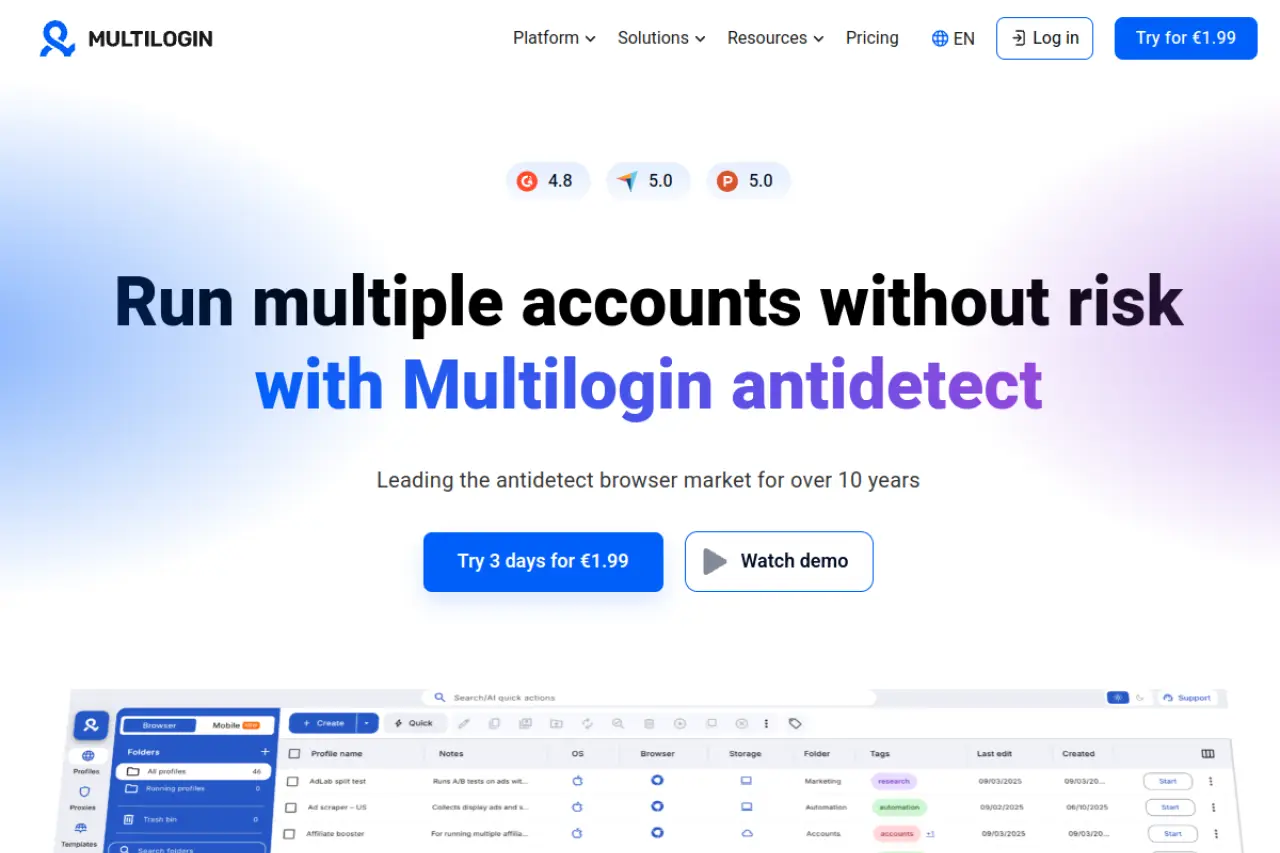
- Price: Starts at €9/month.
- Key Features: Native browser kernels, residential proxies included in some plans, automation via Selenium/Playwright.
- Pros: Reliable and high trust score on major platforms.
- Cons: Expensive for small teams. No free plan.
- Verdict: The choice for enterprises where budget is not an issue, but stability is everything.
GoLogin: Versatility with Integrated Proxy Services
GoLogin makes the setup process very fast. It includes free proxy traffic on some plans. This tool is great if you need to work on the go, as it offers a robust Android app. You can manage your profiles on your phone, which is a change for emergency account checks.
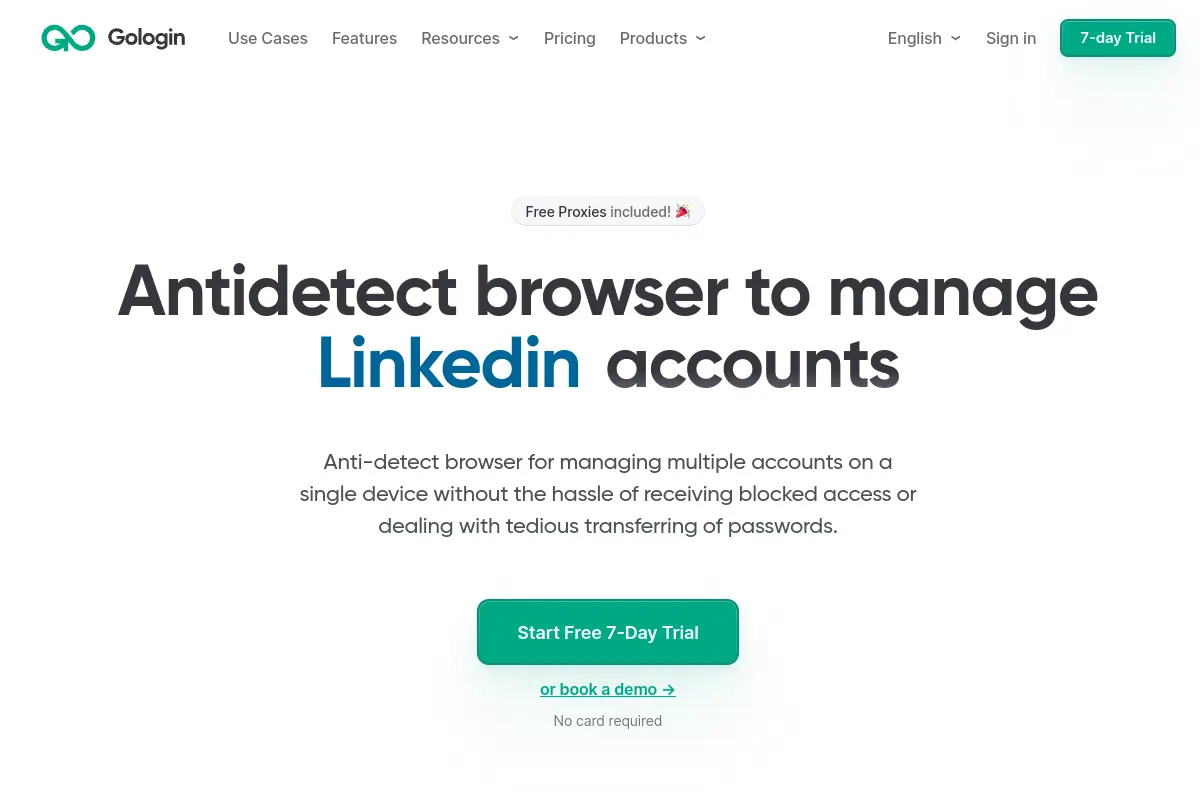
- Price: Professional plan at $49/month.
- Key Features: Cloud launches, Android app support, 50 browser profiles included.
- Pros: versatile platform support. Good cloud execution features.
- Cons: The interface can feel cluttered compared to DICloak.
- Verdict: A tool for marketers who need mobile access and built-in proxy solutions.
AdsPower focuses on efficiency. It features a "No-Code" RPA robot. You can drag and drop actions like "Open URL," "Scroll," and "Click" to create warm-up scripts. This removes the need for hiring a Python developer.
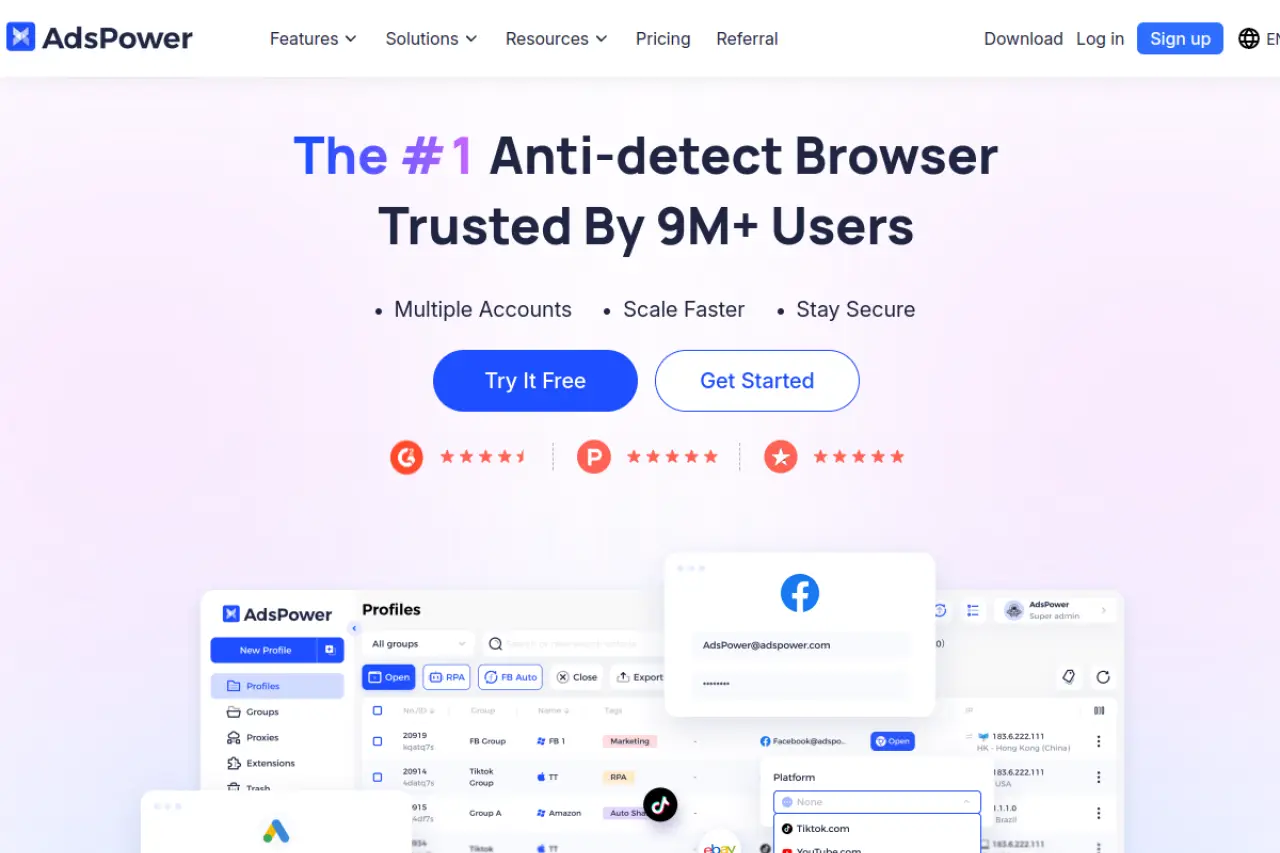
- Price: Starts at $9/month. Free version available.
- Key Features: RPA Robot, Synchronizer, Local API, Multi-window sync.
- Pros: Best-in-class automation tools. Very cheap entry price.
- Cons: Learning curves for automation features can be steep.
- Verdict: The tool for affiliate marketers who need to manage hundreds of accounts with a small staff.
Dolphin{anty}: Optimized for Facebook and TikTok Arbitrage
Dolphin{anty}'s interface is designed to look like a Facebook ad manager. It simplifies the specific workflows of "traffic arbitrage," where speed is key. It allows you to tag, status, and note profiles quickly.
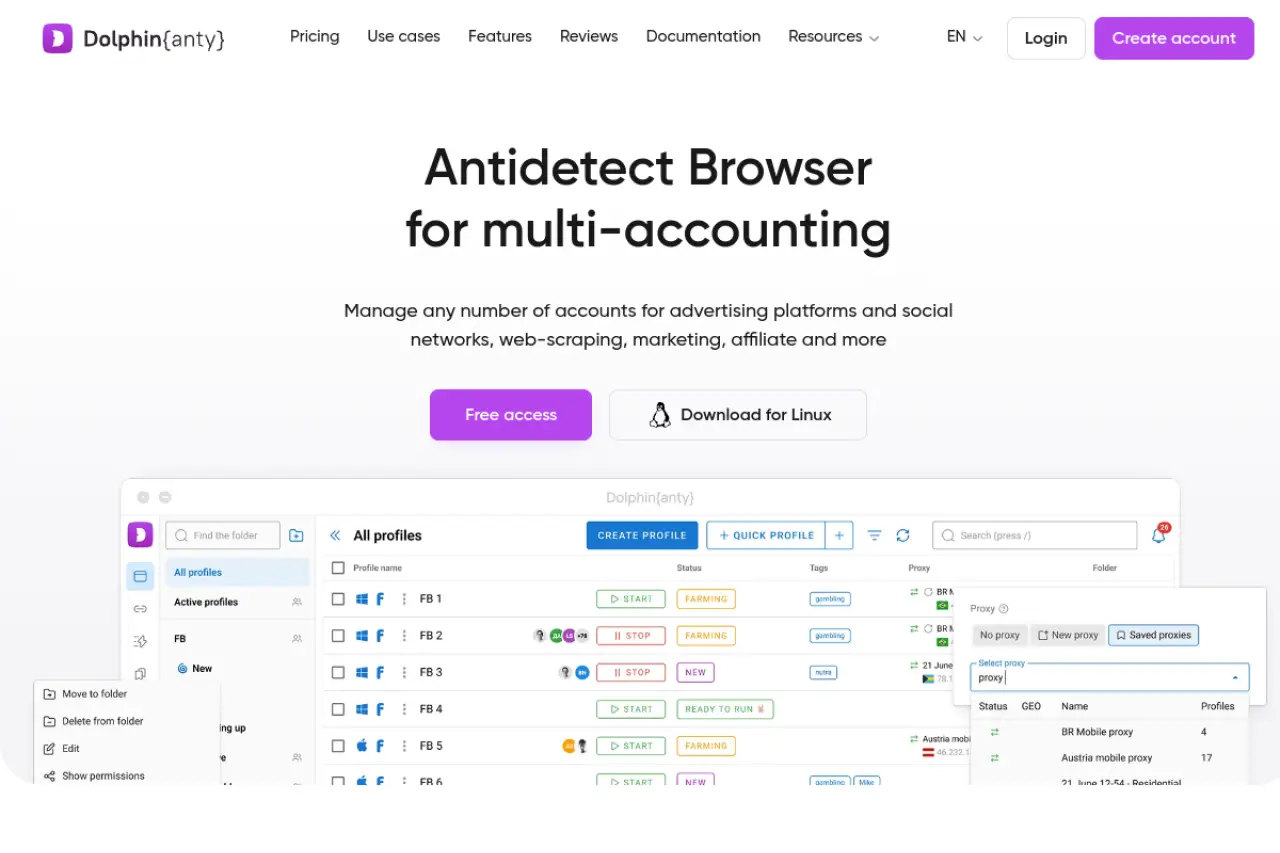
- Price: Starts at $10/month. Generous free plan (10 profiles).
- Key Features: Real browser fingerprints, social media automation scenarios, cookie manager.
- Pros: User experience is tailored for social media work. Fast profile loading.
- Cons: Customer support can be slow during peak times.
- Verdict: It is for teams focusing strictly on Facebook, TikTok, and Google Ads arbitrage.
Incogniton: Seamless Team Management and Data Protection
Incogniton is a choice for agencies that need to manage large teams. It offers excellent data storage options and profile syncing. A unique feature is the "Cookie Collector," which automatically visits websites to build up a history before you use the profile for business. This helps with browser trust score warming.
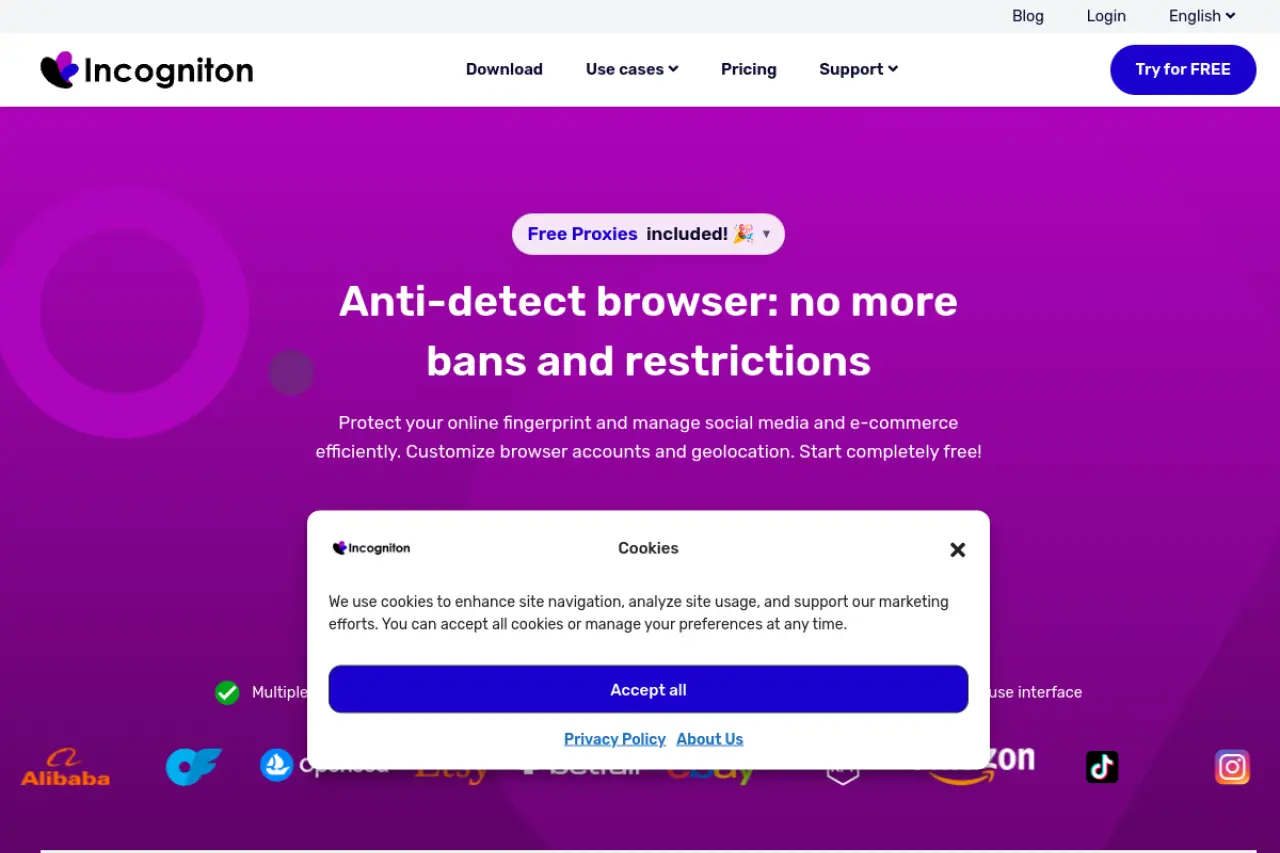
- Price: Starter Plus at $19.99/month.
- Key Features: Team seats, bulk profile creation, Selenium integration.
- Pros: Great value for mid-sized teams. Reliable data syncing.
- Cons: The UI is slower than competitors.
- Verdict: A option for agencies prioritizing data governance and team roles.
Browser.lol: On-Demand Disposable Virtual Browsing
Browser.lol takes a different approach. It is not for long-term farming but for instant, disposable access. It runs entirely in the cloud. You do not install anything. This is useful for "burner" sessions where you need to check a link or view an ad without risking your main machine's identity.
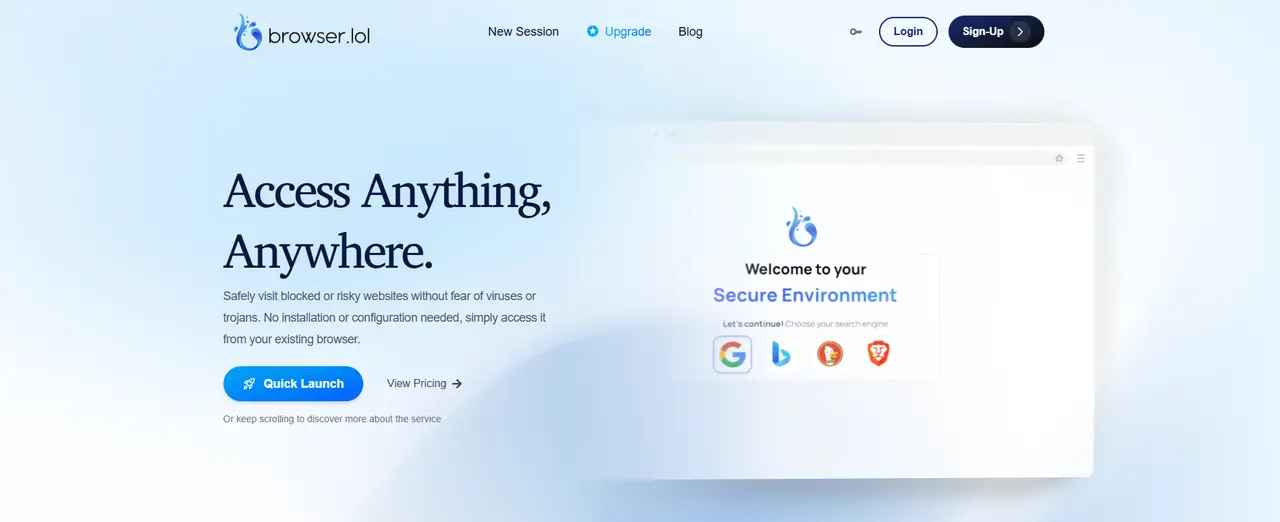
- Price: $9/month for premium. Free limited access available.
- Key Features: Cloud-based (no install), malicious link analysis, sandboxed security.
- Pros: Instant access. Zero footprint on your local device.
- Cons: Not suitable for long-term account management (cookies are not saved in the same way).
- Verdict: A tool for security research and one-off privacy tasks.
Octo Browser: Real Device Fingerprints
Octo Browser claims to use "Real Device Fingerprints" rather than generating them synthetically. This means they take data from actual physical devices and apply it to your profile. This reduces the chance of canvas fingerprinting errors where the parameters do not match mathematically.
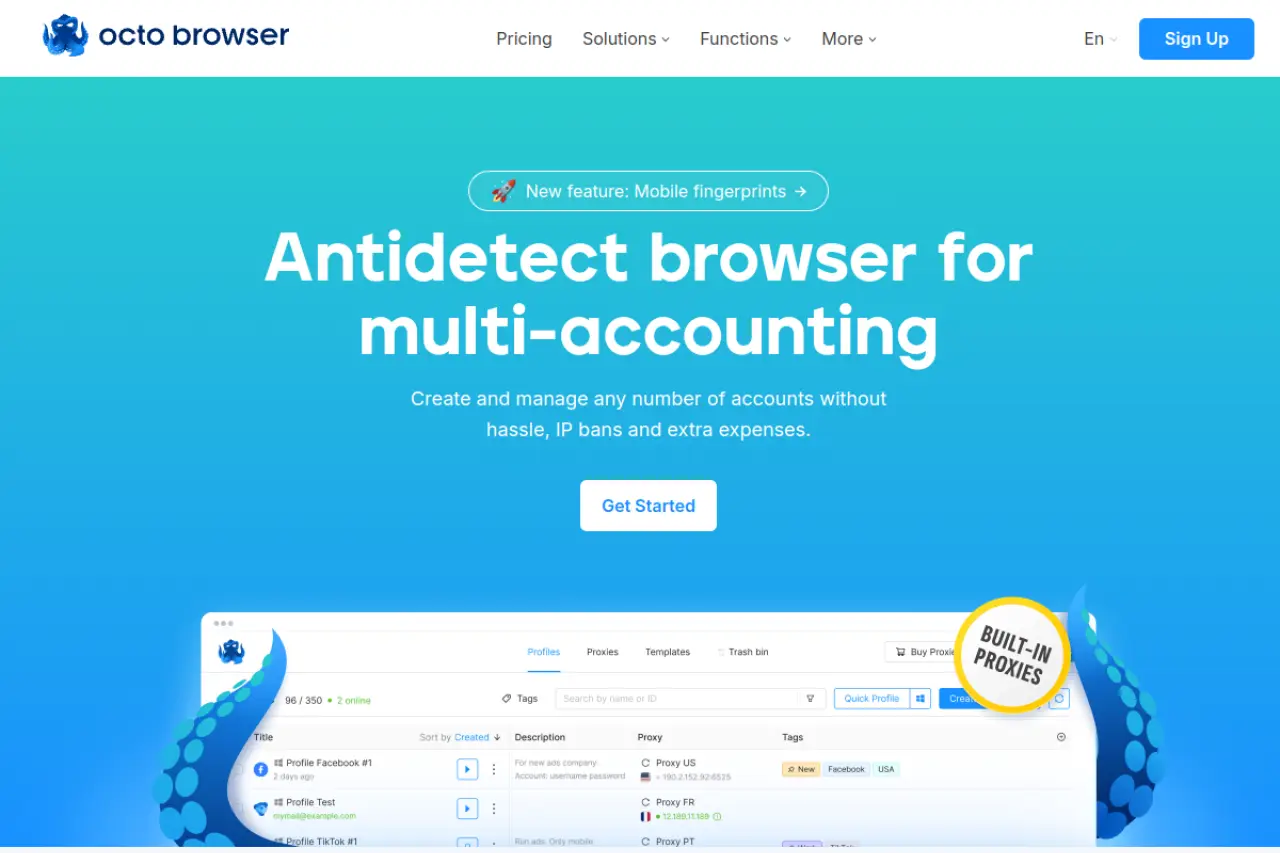
- Price: Starter at €29/month.
- Key Features: unlimited device support, API automation, advanced fingerprint management.
- Pros: High-quality fingerprints that pass strict checks.
- Cons: More expensive starting price than others.
- Verdict: It is for users facing very strict ban waves who need authentic fingerprints possible.
MoreLogin: Cloud Phone Integration
Many platforms now trust mobile devices more than desktops. MoreLogin offers a "Cloud Phone" feature that emulates a real Android environment. This is not just a mobile user agent; it mimics the actual mobile hardware architecture.
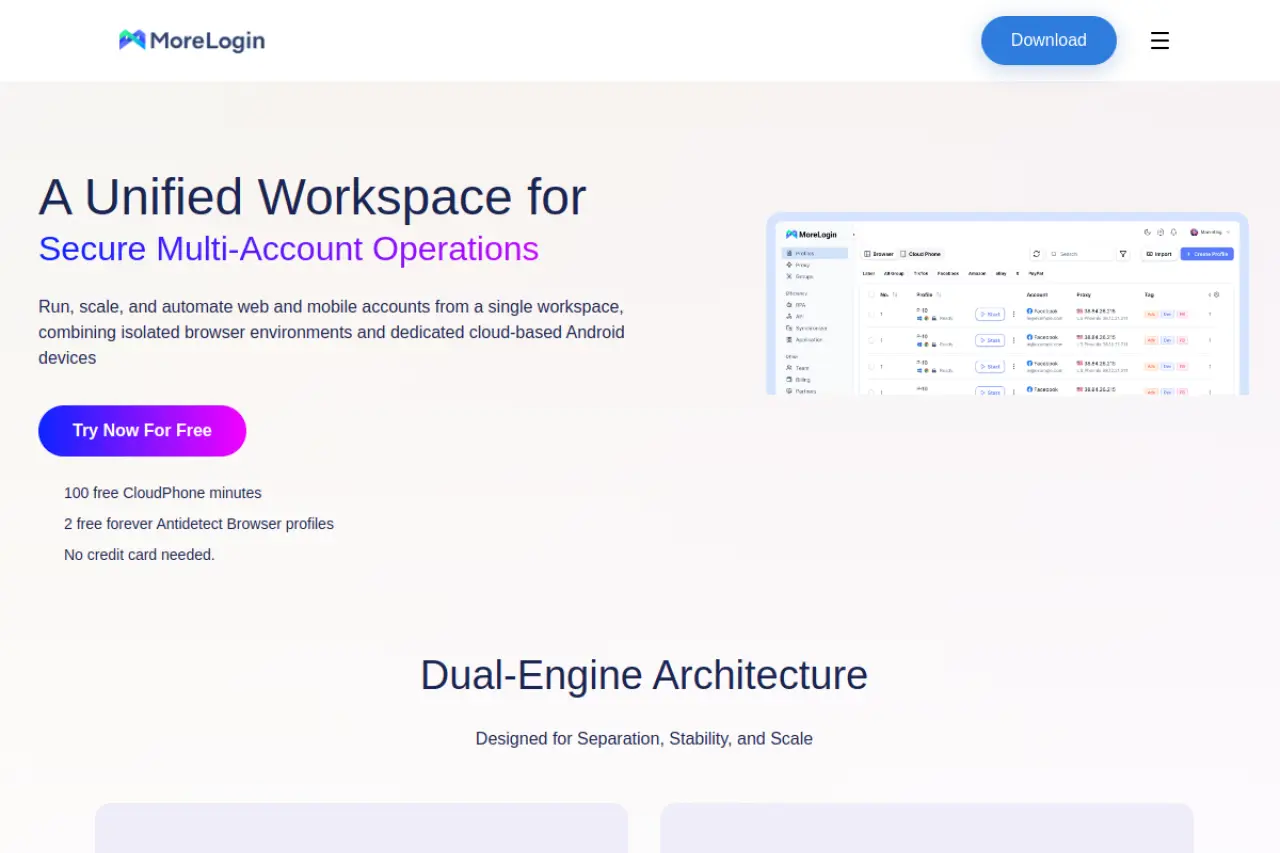
- Price: Pro starts at $9/month.
- Key Features: Cloud phone emulation, Canvas fingerprinting, Synchronizer.
- Pros: Unique mobile capabilities. Affordable scaling.
- Cons: Desktop features are standard, nothing revolutionary outside the mobile aspect.
- Verdict: The choice if your business model relies on mobile-only apps like TikTok or Instagram.
Hidemium: WebRTC Leak Prevention
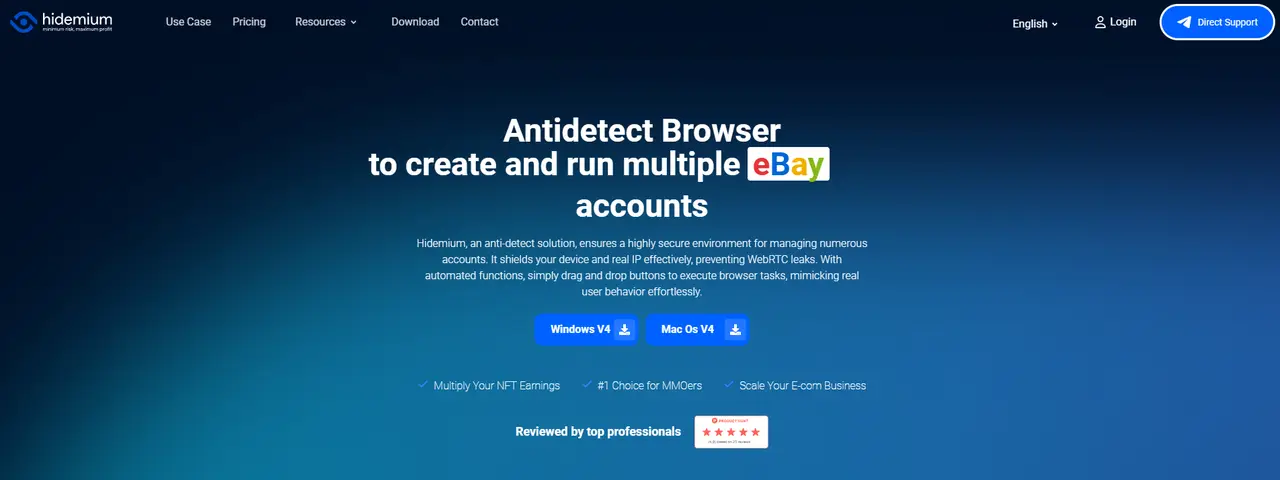
Hidemium is designed for users who are paranoid about IP leaks. It has specialized features to handle WebRTC, which is a common protocol that leaks your real IP address even behind a proxy. It offers both cloud and local storage plans, giving you control over where your data lives.
- Price: Custom/Usage-based models available.
- Key Features: WebRTC leak protection, mobile/computer profile support, folder organization.
- Pros: Flexible data storage (Local vs Cloud). Strong IP protection.
- Cons: Pricing can be complex to understand compared to flat-rate tools.
- Verdict: It is for technical users who need granular control over network settings and data storage locations.
Business SOPs for Multi-Accounting
Owning a Ferrari does not make you a race car driver. Similarly, buying the best antidetect browser does not guarantee success. The tool only hides your technical fingerprint. It cannot hide bad behavior. To scale your business without bans, you need strict Standard Operating Procedures (SOPs).
Your team must follow a set of rules. If you break these rules, AI detection systems will flag you instantly. Here is the operational strategy successful agencies use in 2026.
The Art of Browser Trust Score Warming
The most critical phase of account creation is browser trust score warming. Platforms like Facebook and Google assign a hidden "trust score" to every new user. If a new account immediately launches a high-budget ad campaign, the score drops to zero, and the account is banned.
To avoid this, you must mimic a normal user. Do not log in to your target platform on Day 1. Instead, follow this account farming warm-up schedule:
- Day 1-2: Visit high-authority websites like CNN, Wikipedia, and Reddit. Accept cookies. This builds a history.
- Day 3: Create your target account (e.g., Gmail or Facebook).
- Day 4-6: Scroll feeds, watch videos, and like posts. Do not post content or add friends yet.
- Day 7: enable Two-Factor Authentication (2FA).
This process proves to the algorithm that you are a human, not a bot.
Tri-Binding Strategy: One Profile, One Proxy, One Payment
A common mistake is reusing data across different profiles. This creates a "chain reaction" ban. If one account gets flagged, they all get flagged. To achieve a true multi-accounting prevention bypass, you must use the Tri-Binding method.
This rule is simple: One Profile = One Proxy = One Payment Method.
- The Profile: Use a unique browser fingerprint (managed by tools like DICloak).
- The Proxy: Assign one static residential IP to that profile. Never change it.
- The Payment: Use a unique virtual card for that specific ad account.
If you use the same credit card on two different accounts, the platform links them instantly. Isolation must be absolute.
Implementing Paste-as-Human for 2FA and Security Checks
Modern security systems analyze behavioral biometrics. They track how fast you type and how you move your mouse. A real human takes time to type a password. A bot pastes it in 1 millisecond.
If you paste a password instantly, the system flags it as "non-human behavior."
You must use the Paste-as-Human feature found in premium browsers. This tool types your copied text into the field one character at a time, with random delays between keystrokes. It mimics natural human typing speed. This small detail is often the difference between a successful login and a security checkpoint lock.
FAQ: Frequently Asked Questions about the Best Anti Fingerprint Browser
Navigating the world of multi-accounting is complex. One wrong setting can lead to an instant ban. This antidetect browser FAQ addresses the most common hurdles you will face. Here are the answers you need to select the Best Anti Fingerprint Browser and protect your business assets in 2026.
What makes a tool the best anti antidetect browser for affiliate marketing?
The best tool must offer perfect browser profile isolation. It needs to separate your digital identity so that Facebook or Google cannot link your accounts together. Top choices like DICloak also provide team collaboration features, allowing you to share profiles without triggering security flags.
Can I use a single proxy for multiple browser profiles?
No, you should never do this. If you use one proxy for multiple profiles, platforms will link those accounts immediately. This creates a chain reaction where one ban destroys your entire network. Always follow the rule: one profile, one residential proxy, one account.
How does canvas fingerprinting differ from standard cookie tracking?
Cookies are small text files stored on your device that websites use to remember you. Canvas fingerprinting is different; it forces your browser to draw a hidden image to identify your specific graphics hardware. A robust canvas fingerprint blocker stops websites from reading this unique hardware data, while standard tools only clear cookies.
Is antidetect browser automation safe for high-ticket ad accounts?
Yes, but only if the automation mimics human behavior. Standard bots move too fast and get flagged by AI detection. High-quality antidetect browser automation uses "Paste-as-Human" typing and random mouse movements to appear organic. This ensures your browser trust score warming process looks legitimate to security algorithms.
What is the difference between digital fingerprint masking and spoofing?
Digital fingerprint masking generally means hiding your real parameters to look like a generic user. Spoofing involves actively injecting fake data to mimic a specific device, like an iPhone or a Windows PC. The best browsers use a mix of both strategies to prevent multi-accounting prevention bypass detection.
 Web Proxy Tools
 Free Tools
 Cookie Plugin
 UA Generator
 MAC Address Generator
 IP Generator
 IP Address List
 2FA Code Generator
 World Clock
 Anonymous Check
 WebRTC Leak Test
 UUID Generator
 Free Web Proxy Site
 Proxy Checker
 FB Ad Checker
 AI Web Scraping
 Free SMM Tools
 Twitter Shadowban Checker
 Instagram Name Checker
 UTM Generator
 Username Generator
 AI Hashtag Generator
 LinkedIn Headline Generator
 Social Media Image Resizer