In 2026, social media managers face a constant battle against platform security. Trying to manage Multiple Social Media Accounts today often feels like a cycle of constant logouts, 2FA fatigue, and the nagging fear of permanent account bans. When platforms detect multiple logins from the same device, they often flag the activity as suspicious. This leads to restricted reach or total suspension.
Fortunately, there is a way to scale your presence without these risks. DICloak is the premier antidetect browser solution. It is designed to help users handle hundreds of profiles simultaneously. By providing isolated environments for every account, it ensures your digital footprint remains invisible to anti-bot systems.
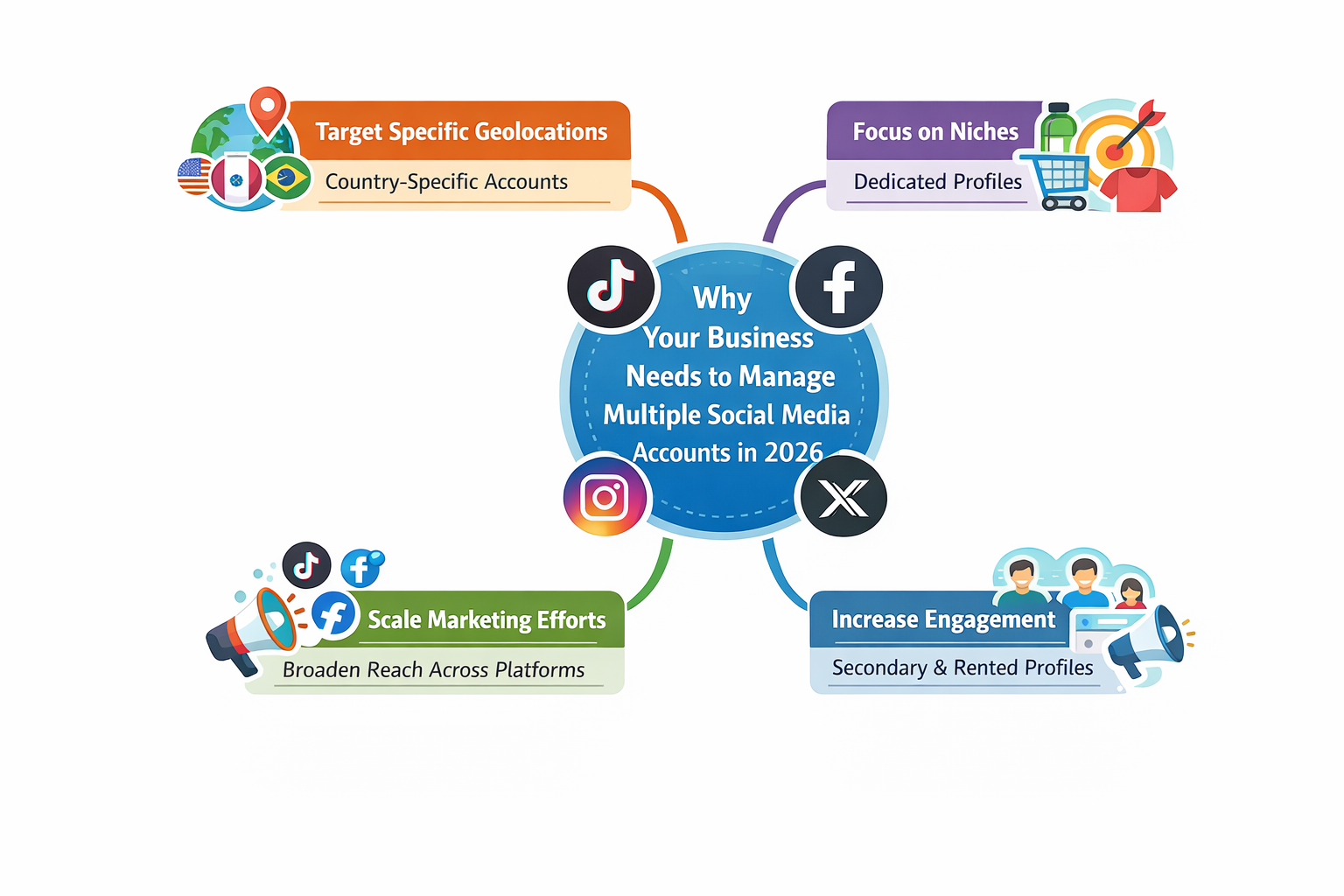
Why Your Business Needs to manage Multiple Social Media Accounts in 2026
Social media management is the backbone of any successful digital presence. It involves planning, scheduling, and analysis across various networks to keep a brand relevant. In the current market, businesses must manage Multiple Social Media Accounts to stay competitive and reach specific audiences.
Using multiple accounts allows businesses to:
- Target Specific Geolocations: Create country-specific accounts to deliver tailored content in local languages.
- Focus on Niches: Dedicate different profiles to specific product lines or demographics.
- Scale Marketing Efforts: Broaden your reach across platforms like TikTok, Instagram, and Facebook simultaneously.
- Increase Engagement: Use "account renting" or secondary profiles to boost visibility and interact with your primary brand.
Developing a Strategic Framework to manage Multiple Social Media Accounts
A successful strategy begins with choosing the right platforms. For example, if your target audience is Gen-Z, you should prioritize short-form video content on TikTok and Reels. Once you have chosen your platforms, you need a content framework to stay organized.
The following table outlines three proven frameworks to help you manage Multiple Social Media Accounts effectively:
| Framework |
Core Concept |
Content Breakdown |
| 5-5-5 Rule |
Balanced Variety |
5 Curated posts, 5 Original posts, 5 Personal/Behind-the-Scenes posts. |
| 70-20-10 Rule |
Value-First |
70% Value-added content, 20% Curated content, 10% Promotional content. |
| 30-30-30 Rule |
Brand & Engagement |
30% Brand news, 30% Industry news, 30% Fun/Engaging content, 10% Real-time updates. |
To save time, always repurpose your content. A single blog post can be converted into several video snippets or social media graphics. This ensures you maximize your reach across every profile you handle.
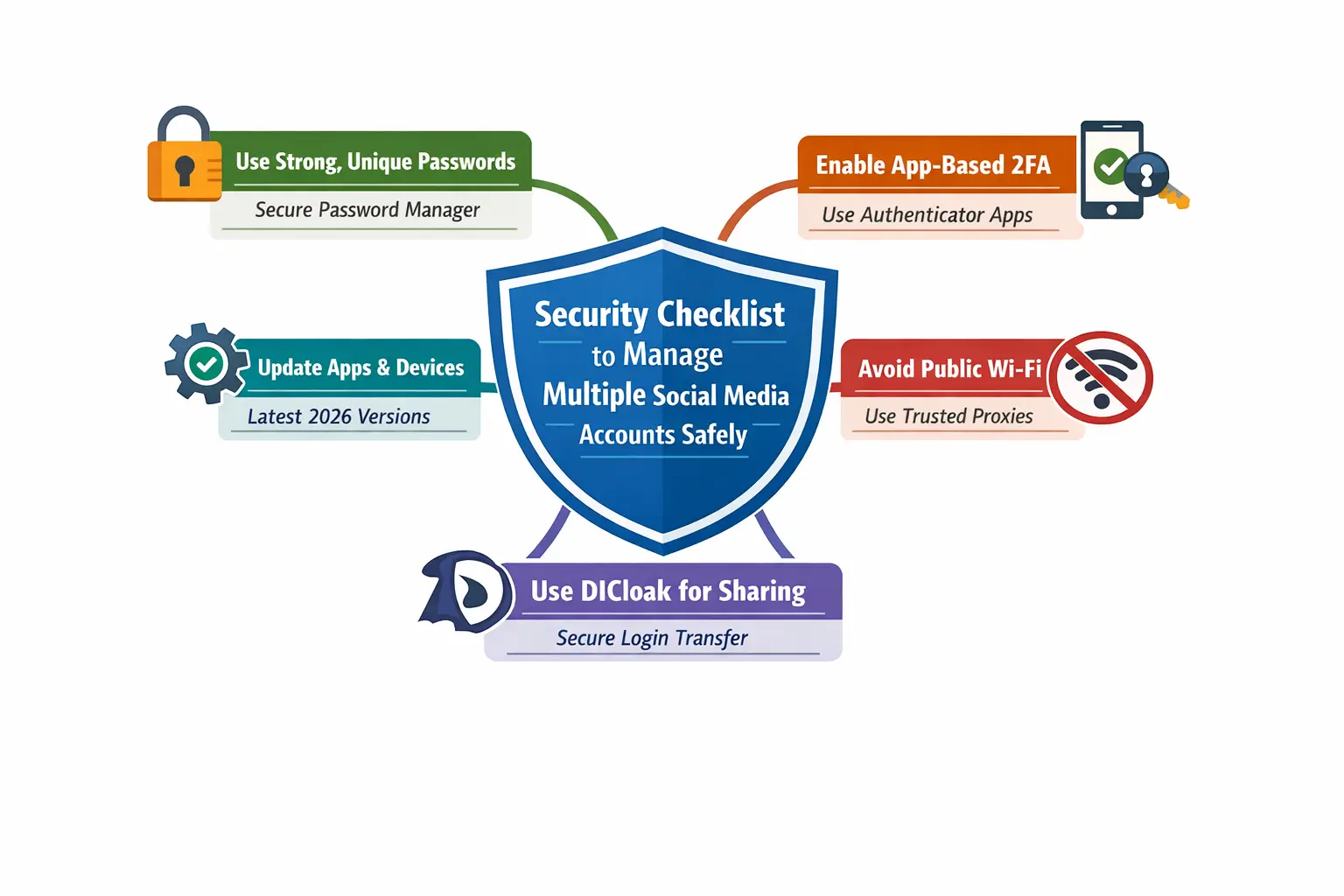
Essential Security Checklist to manage Multiple Social Media Accounts Safely
Security is the top concern for anyone who needs to manage Multiple Social Media Accounts. To prevent your profiles from being hacked or restricted, follow this expert security checklist:
- Use Strong, Unique Passwords: Never reuse passwords. Use a secure password manager. This prevents a single breach from compromising your entire network of accounts.
- Enable App-Based 2FA: Two-factor authentication is vital. Use app-based authenticators rather than SMS codes. This protects you from "SIM-swapping" attacks, which are common in 2026.
- Update Apps and Devices: Ensure your browsers and extensions are running the latest 2026 versions. Updates patch security holes that hackers use to steal session cookies.
- Avoid Public WiFi: Never log into business accounts on unsecured networks. These networks often lead to "IP Leakage" or DNS leaks. Use trusted proxies to maintain a clean IP reputation.
- Use DICloak for Secure Sharing: Never share login credentials via email or chat. Use DICloak’s built-in sharing features to give team members access. This keeps the actual password hidden and the session secure.
Top Mistakes to Avoid When You manage Multiple Social Media Accounts
Many account restrictions happen because of simple errors. If you want to manage Multiple Social Media Accounts successfully, avoid these "Red Flag" activities:
- Mass Actions: Excessive liking or following in a short window triggers anti-bot systems.
- Simultaneous Logins: Accessing several accounts from the same browser or IP address allows platforms to link your identities and ban them all at once.
- Aggressive "Cold" Accounts: New profiles that post nonstop look suspicious. Always "warm up" new accounts slowly with natural growth.
- Frequent IP Changes: Using cheap proxies that change location frequently signals hacking. Stick to one trusted proxy per account to avoid being flagged for data scraping.
How DICloak Technology Helps You manage Multiple Social Media Accounts
DICloak provides the technical foundation needed to manage Multiple Social Media Accounts without risk. Unlike a regular browser, DICloak creates a unique digital identity (fingerprint) for every profile.

This technology spoofs modern tracking elements, including:
- IP Address and Geo-location
- Cookies and Time Zones
- WebGL and Canvas signatures
- WebGPU: A cutting-edge 2026 feature that DICloak spoofs to stay ahead of the latest platform detection algorithms.
A Step-by-Step Guide to Manage Multiple Social Media Accounts with DICloak
Follow these steps to start using DICloak to manage Multiple Social Media Accounts efficiently:
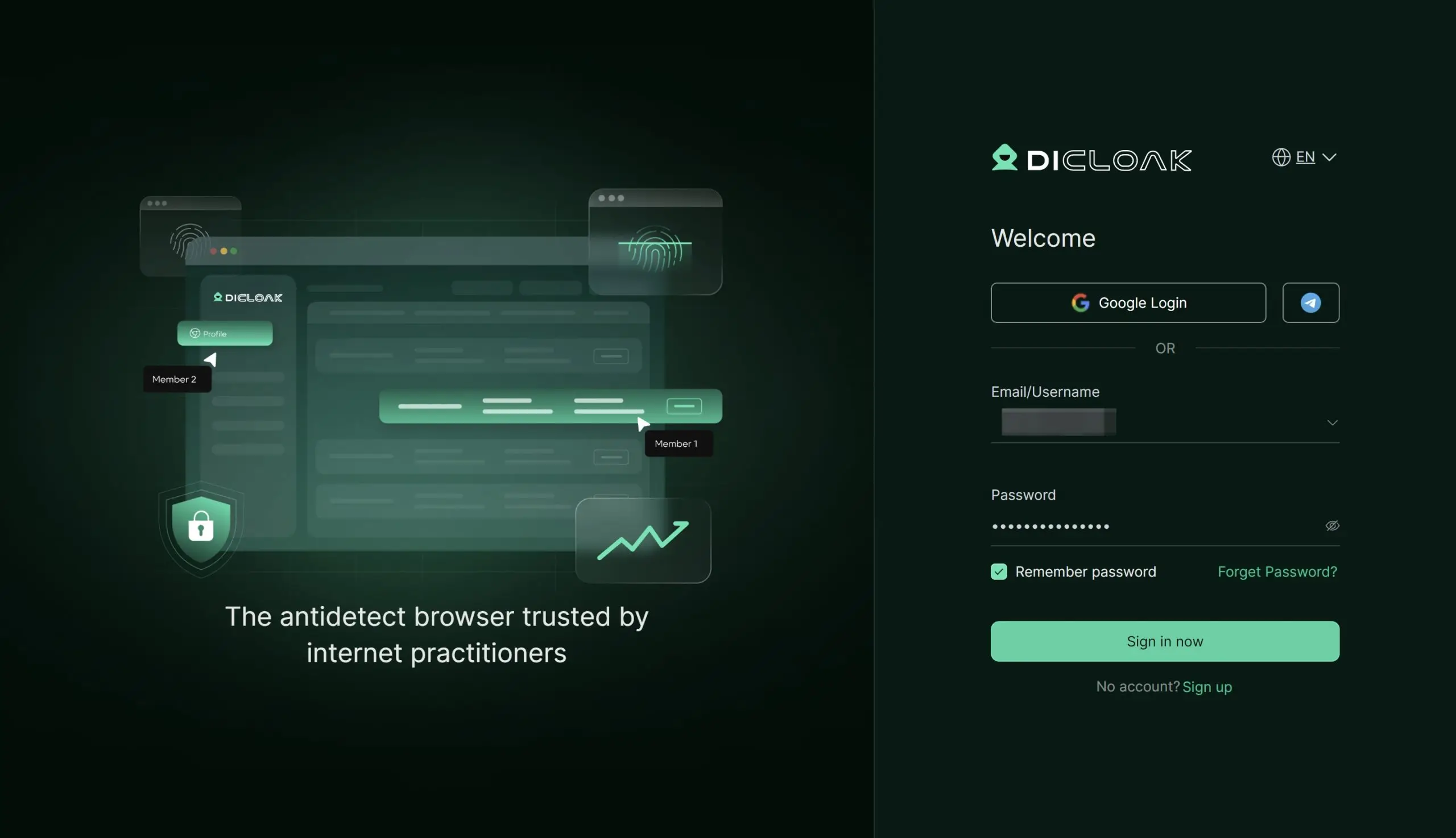
- Create an Account: Sign up on the DICloak website. A free version is available for testing.
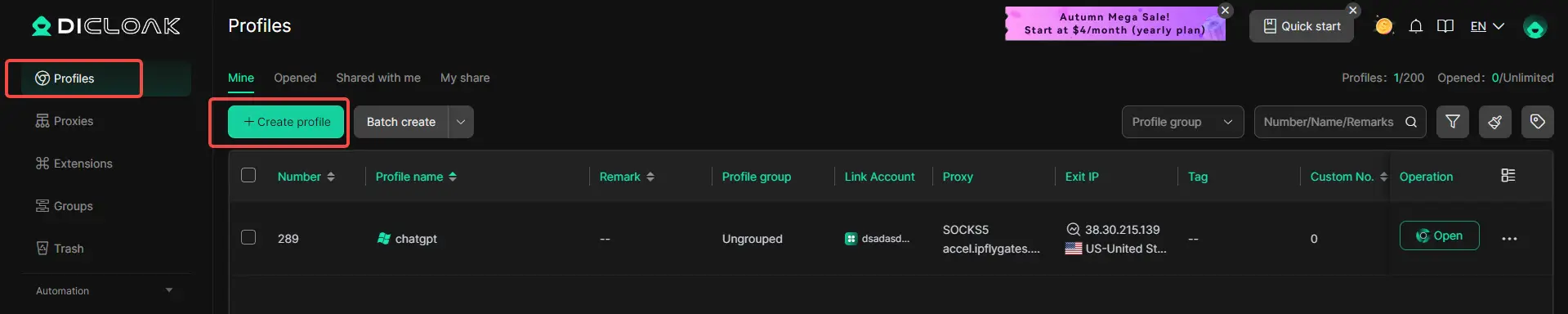
- Set Up Profiles: Click the ‘+create profile’ button to create a new browser profile. Add a unique Proxy IP for that specific profile.
- Launch and Login: Open the isolated profile window. Sign in to your social platforms as usual.
- Save and Sync: Close the window when finished. DICloak automatically saves your cookies and session data to the cloud.
- Simultaneous Operation: Create multiple profiles to run different accounts at the same time without them ever being linked.
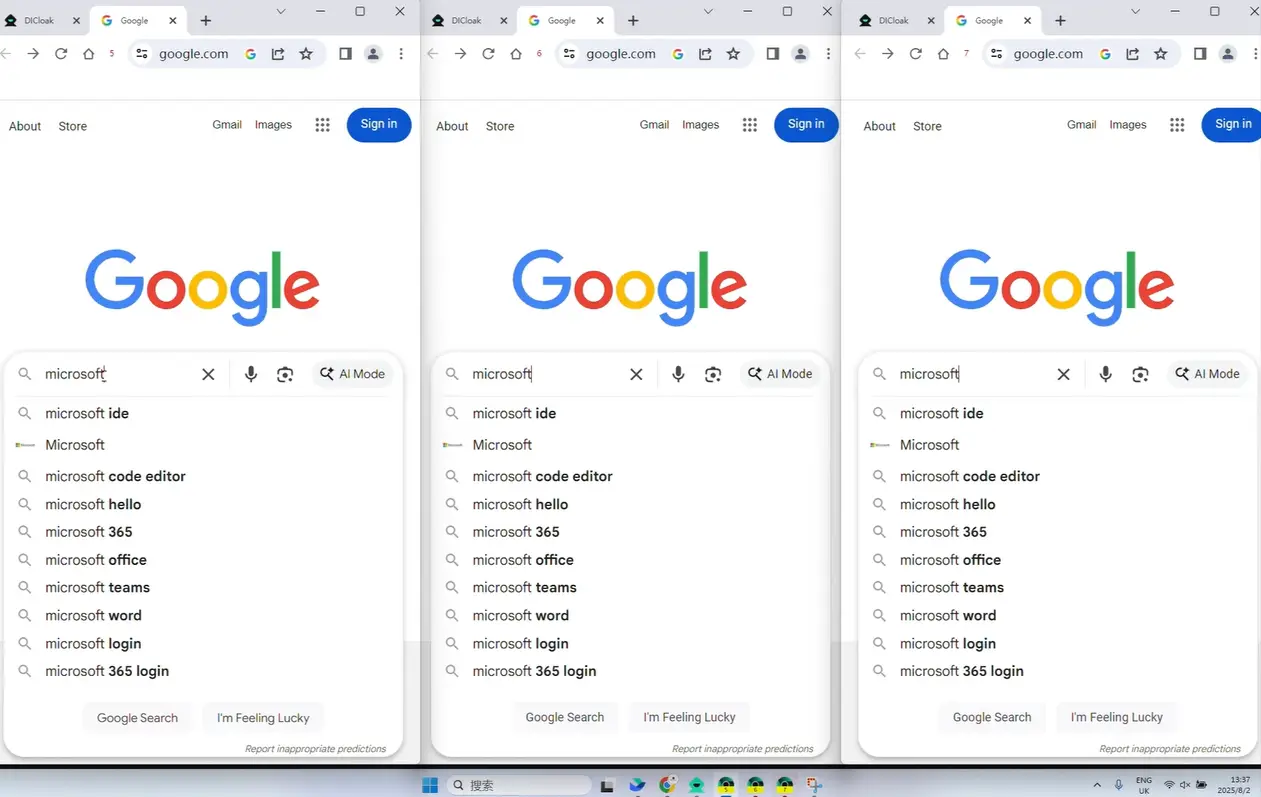
Boosting Efficiency: Use RPA and Automation to manage Multiple Social Media Accounts
To truly scale, you must automate the "grind." DICloak allows you to manage Multiple Social Media Accounts using its built-in RPA (Robotic Process Automation) and Synchronizer tools.
You can visit the DICloak RPA Market or the Extension Market to find pre-built automation scripts. For instance, you can use RPA to automate repetitive tasks like browsing feeds, liking posts, or extracting data. This saves hours of manual labor. DICloak also uses AI-powered tools to ensure your automated tasks look like natural human behavior.
Streamlining Team Collaboration to manage Multiple Social Media Accounts
DICloak is built for "Shielded Teamwork." Agencies and marketing teams can manage Multiple Social Media Accounts by sharing profiles with flexible permission settings.
With the Share+ Plan, which supports unlimited member logins, team leaders can share a pre-logged-in profile with a Virtual Assistant (VA). The VA can then start working immediately without ever seeing the account password. All fingerprints and cookies are synced through the cloud, ensuring the session remains uninterrupted.
Frequently Asked Questions About How to manage Multiple Social Media Accounts
What is the best way to manage multiple social media accounts in 2026?
The best way is to use an antidetect browser like DICloak. It creates isolated browser profiles with unique fingerprints like WebGPU and WebGL to prevent platforms from linking your accounts.
Is it legal to purchase aged social media accounts?
It is not illegal by law, but it often violates a platform's Terms of Service. Using DICloak helps you manage these accounts securely so platforms don't detect a change in the user's device or location.
Can I access the same social media profiles from different devices?
Yes. DICloak uses cloud synchronization. You can access your profiles from any device while keeping the same browser fingerprint and session data.
How is DICloak different from a regular browser?
Regular browsers share your device fingerprint across all accounts. DICloak modifies your fingerprint (IP, cookies, WebGPU) for every profile. This makes each account look like it is on a completely different device.
Does DICloak support team collaboration?
Yes. DICloak features "Shielded Teamwork." You can share profiles with team members and set permission levels without sharing sensitive passwords.
Conclusion: Your Future to Manage Multiple Social Media Accounts Successfully
To manage Multiple Social Media Accounts successfully in 2026, you must prioritize security and efficiency. Using professional tools like DICloak allows you to avoid the risks of account bans and helps your team stay productive.
Whether you are an agency or a business scaling its own brands, the right technology makes all the difference. Visit the DICloak website today to explore our plans and start for free. Scale your business securely and take control of your digital presence now!
 Web Proxy Tools
 Free Tools
 Cookie Plugin
 UA Generator
 MAC Address Generator
 IP Generator
 IP Address List
 2FA Code Generator
 World Clock
 Anonymous Check
 WebRTC Leak Test
 UUID Generator
 Free Web Proxy Site
 Proxy Checker
 FB Ad Checker
 AI Web Scraping
 Free SMM Tools
 Twitter Shadowban Checker
 Instagram Name Checker
 UTM Generator
 Username Generator
 AI Hashtag Generator
 LinkedIn Headline Generator
 Social Media Image Resizer