Downloading a Twitter GIF looks simple at first. You see an animated post, right-click it, and expect to save the GIF. But in most cases, that does not work.
That is because X, formerly Twitter, does not usually store animated GIFs as real GIF files. It converts them into video files. This helps the platform load faster and use less bandwidth. But it also makes saving high-quality animated media harder for creators, marketers, and social media teams.
If you only need to save one meme, a simple online tool may be enough. But if you manage content libraries, brand accounts, or many social profiles, you need a cleaner workflow. You also need to understand file quality, privacy risks, and account safety.
Why Twitter GIF Downloads Work Differently in 2026
Before you try to download Twitter GIF files, it helps to understand what you are actually saving. Many users assume that a Twitter GIF is a standard GIF file, but that is rarely the case today. This is one of the main reasons why traditional save methods often fail.
Why Right-Clicking a Twitter GIF Usually Does Not Work
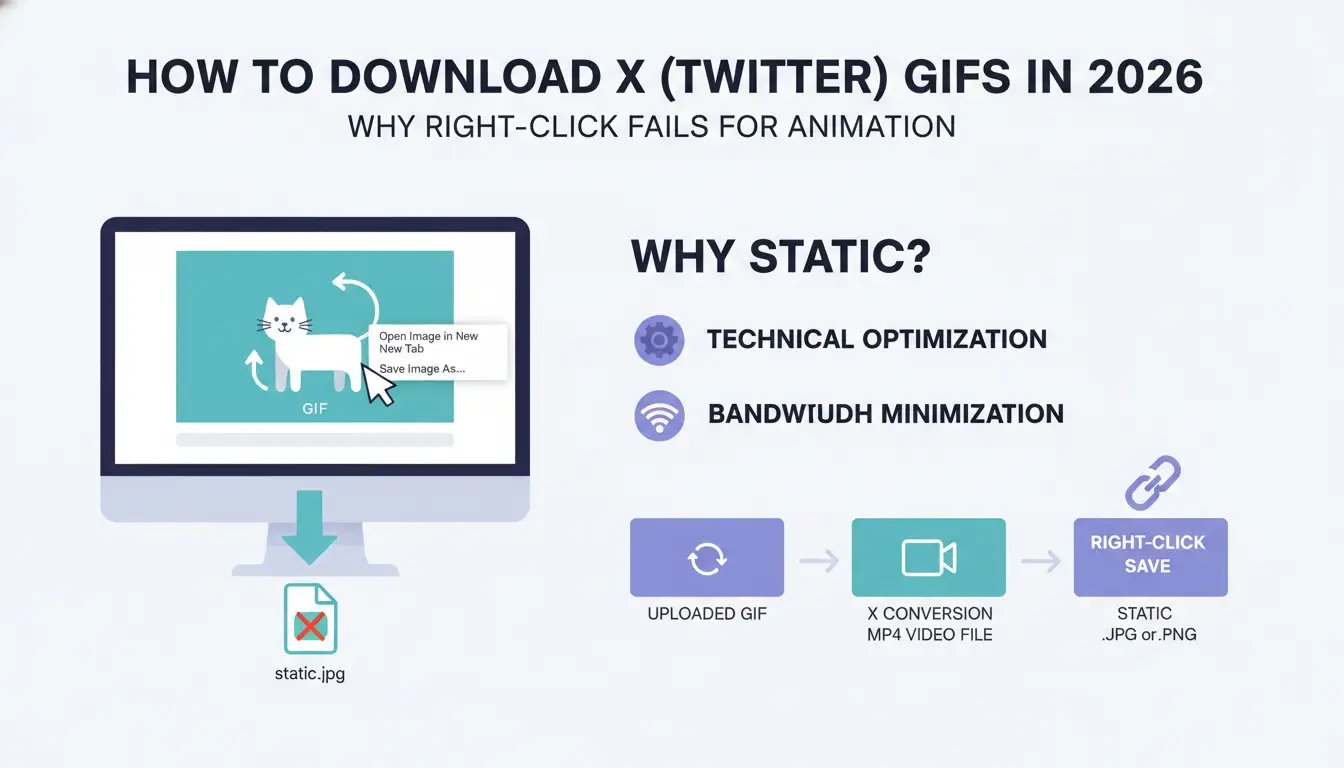
If you try to download a Twitter GIF by right-clicking and selecting "Save image as," you will often end up with a static image instead of an animated file.
This happens because X (formerly Twitter) does not usually store GIFs as true GIF files. Instead, uploaded GIFs are automatically converted into lightweight MP4 videos. The animation still appears as a GIF on the platform, but behind the scenes it is delivered as video content.
As a result, your browser often detects only a preview frame, typically a JPG or PNG image, rather than the actual animated media. This is why standard browser save options rarely work when you want to download Twitter GIF content.
Why MP4 Quality Matters Before Converting to GIF
Once you understand that most Twitter GIFs are actually MP4 videos, the next step is choosing the highest-quality version available.
Many users download a low-resolution file and then convert it into a GIF. While this works, the final result can look blurry, pixelated, or filled with compression artifacts. These visual issues are especially noticeable when the GIF is reused for social media posts, marketing materials, community management, or branded content.
For the best results, the recommended workflow is simple:
- Download the highest-quality MP4 version available.
- Check the video quality before conversion.
- Convert the MP4 into GIF format only if a GIF file is specifically required.
Following this process helps preserve image quality and produces a cleaner final asset when you download Twitter GIF content for personal or professional use.
Which Desktop Tools Are Most Reliable for a Quick Twitter GIF Download?
If you only need to download twitter gif content once in a while, a simple desktop tool is usually enough. The best choice depends on what you need most: speed, convenience, or editing control.
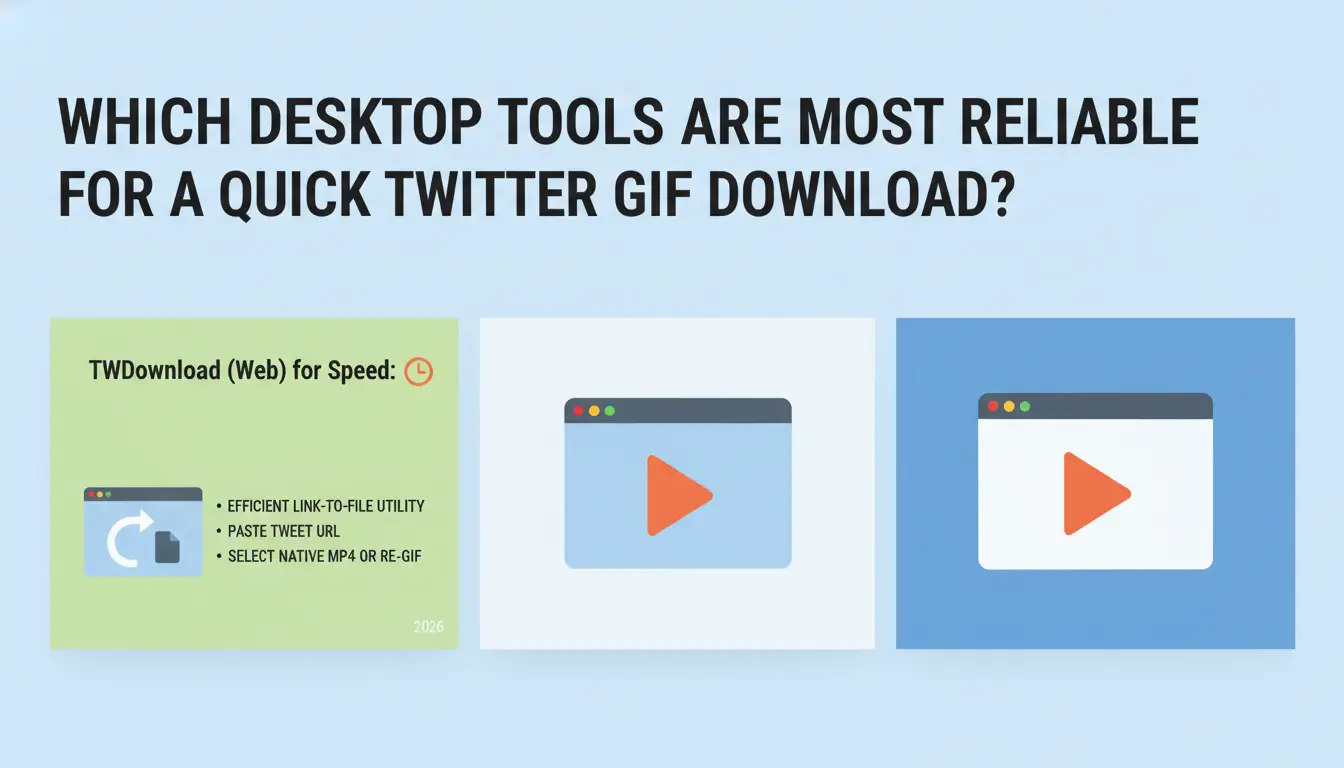
TWDownload for Fast Link-to-File Saves
TWDownload is a useful web-based option when you want a fast Twitter GIF download without installing extra software. You only need to copy the tweet URL and paste it into the tool. It can then detect the media file and let you save the available version, often as an MP4 file or a converted GIF.
This makes it a good choice for quick saves, especially when you only need to download one animated post and do not need much editing.
Chrome Extensions for Frequent Downloads
For users who download twitter gif content more often, browser extensions can make the process faster. Tools such as Video DownloadHelper can detect media files from the page and help you save them without copying links into a separate website each time.
However, extensions also come with some risks. Some download extensions may stop working after browser updates, lose Chrome Web Store availability, or require extra permissions. Before using one, check its reviews, update history, and requested access carefully.
EZGIF for Editing and GIF Conversion
EZGIF is better when you need more control over the final file. Instead of only downloading the media, you can trim the clip, resize it, adjust the frame rate, and optimize the file size.
This is useful if you plan to reuse the GIF in replies, DMs, social posts, or brand content. A smaller and cleaner GIF will usually load faster and look better across different platforms.
In short, TWDownload is best for speed, Chrome extensions are better for frequent use, and EZGIF is the better choice when you need to edit or optimize the final file after you download twitter gif content.
How Can You Save Twitter GIFs Directly to Your Mobile Device?
If you want to download twitter gif content on a phone, the process is usually more limited than on a desktop. Mobile operating systems often restrict direct file access, which is why many users rely on dedicated apps to save and manage animated media.
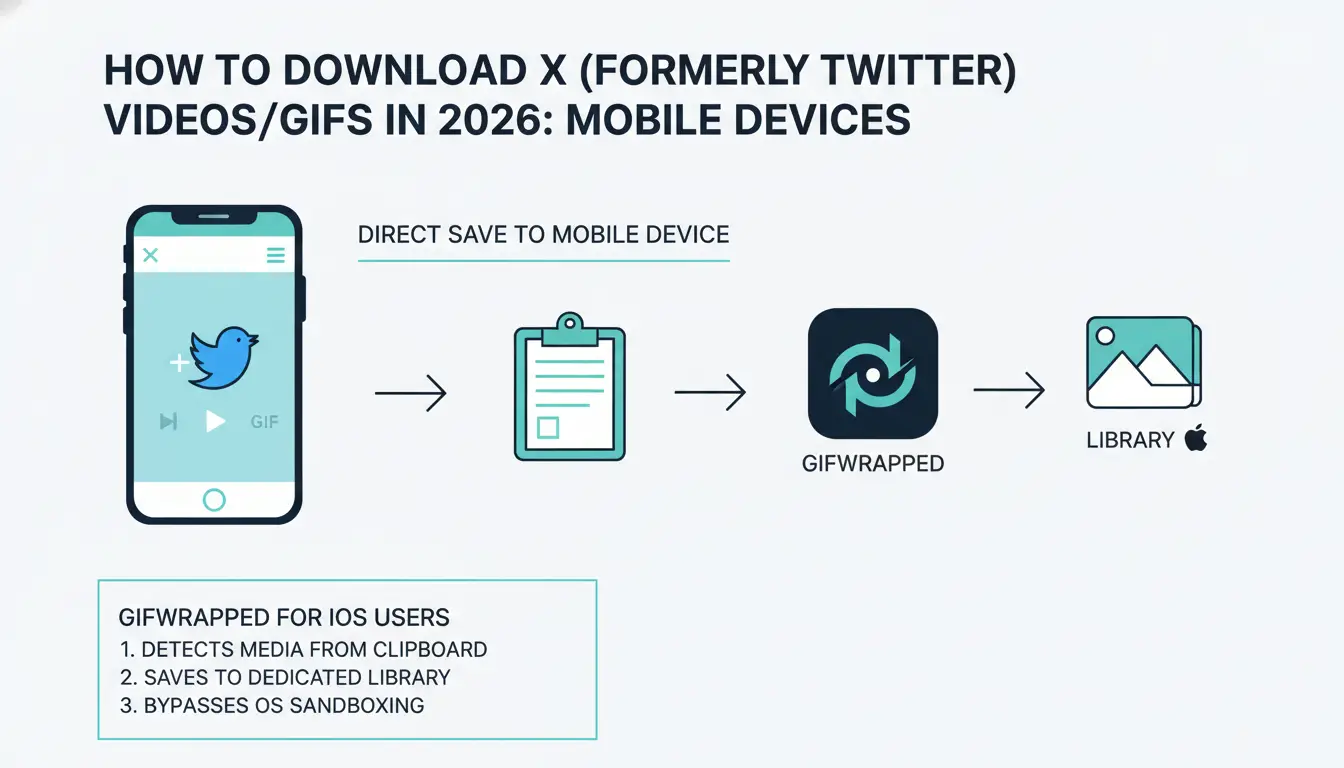
GIFwrapped for iPhone and iPad Users
GIFwrapped is one of the most popular options for iOS users. Instead of relying on the standard Photos app, it creates a dedicated library for GIFs and animated media.
After copying a tweet link, the app can often detect the media through the clipboard and help you save it in a format that preserves the animation. This makes it a convenient solution for users who regularly download twitter gif content on Apple devices.
TwiMate for Android Users
Android users generally have more flexibility, and TwiMate is a common choice for saving Twitter media. The app supports both MP4 and GIF downloads and can handle multiple files more efficiently than many browser-based tools.
For users who frequently collect memes, marketing assets, or social media content, the batch download feature can save significant time compared to downloading files one by one.
Security Tips Before Using Mobile Download Apps
While mobile download tools can be convenient, it is important to pay attention to privacy and security. Many apps use built-in browsers or require access to copied links, which may expose browsing activity or collect usage data.
Before installing any app to download twitter gif files, review its permissions, privacy policy, and recent user feedback. Choosing a reputable tool can help reduce unnecessary security risks while keeping your workflow simple and efficient.
What Are the Common Risks When Using Free Online GIF Downloaders?
After learning how to download twitter gif content with desktop and mobile tools, it is important to understand the limitations of many free download services. While they are convenient, they can introduce security, privacy, and reliability issues that become more noticeable as your download volume grows.
Misleading Download Buttons and Ads
Many free GIF downloader websites rely heavily on advertising. In some cases, the largest "Download" button on the page is actually an advertisement that redirects users to unrelated websites or tracking pages.
This can create a frustrating experience and increase the risk of downloading unwanted files instead of the actual media.
Privacy Concerns and Link Tracking
When you paste a tweet URL into a third-party tool, you are often sharing data about the content you view and save. Some services may log download activity, collect analytics, or build usage profiles based on submitted links.
For casual users this may not seem important, but content creators, marketers, and social media teams should be aware of how these services handle data.
Tool Reliability and Platform Changes
Most free downloaders work by extracting media from publicly available page elements. When X updates its website structure, these tools can stop working without warning.
As a result, a downloader that works today may suddenly fail tomorrow, forcing users to look for alternative ways to download twitter gif content.
Why Do Professional Creators Struggle With Mass Media Extraction?
For occasional downloads, the risks above are usually manageable. However, once users begin collecting large volumes of media, a different set of challenges appears. At scale, platforms pay closer attention to download behavior and account activity.
Rate Limits and Temporary Restrictions
X monitors activity patterns, including media requests from individual IP addresses. Excessive downloading within a short period can trigger temporary restrictions that limit access to posts, media files, or account actions.
These restrictions may not be permanent, but they can disrupt content collection workflows.
Account Connection Risks
Many creators and social media teams manage multiple accounts. When several accounts are accessed from the same browser profile, platforms may associate them with the same operator.
If one account encounters restrictions or security reviews, related accounts may receive additional scrutiny as well.
Modern platforms analyze far more than cookies and login sessions. Browser fingerprinting techniques can evaluate hardware and software characteristics, including rendering behavior, graphics settings, screen configurations, and other signals.
Because of this, private browsing modes alone are often insufficient for users who regularly download twitter gif content across multiple accounts and workflows.
What Is the Most Efficient Workflow for Building a Social Media Library?
Once you move beyond one-off downloads, the goal becomes building a reliable content library. An efficient workflow focuses not only on acquiring files, but also on maintaining quality and organization over time.
Start With the Highest-Quality Source File
Whenever possible, save the highest-resolution MP4 version available before converting it into another format.
Converting a low-quality file into a GIF often produces visible compression artifacts, blurry edges, and reduced visual clarity. Starting with a better source file helps preserve quality throughout the editing process.
Choose the Right Format for the Right Purpose
Not every downloaded asset needs to become a GIF.
MP4 files generally offer better visual quality and smaller file sizes, making them suitable for social posts, content archives, and creative projects. GIF files remain useful for reactions, memes, replies, and situations where video playback is not supported.
Organize Assets for Long-Term Reuse
As your library grows, organization becomes increasingly important. Categorizing content by topic, trend, campaign, or quality level makes it easier to locate assets later and avoids repeatedly downloading the same media.
A well-structured library can significantly improve the efficiency of any workflow that relies on download twitter gif content at scale.
How Can You Automate GIF Downloads Without Getting Flagged?
Once a library-building process becomes routine, some users look for ways to automate repetitive tasks. However, automation introduces additional visibility to platform security systems, making workflow design more important than ever.
Mimic Natural User Behavior
Automated workflows should avoid generating large bursts of identical actions. Natural browsing patterns typically include scrolling, pauses between interactions, and varied navigation behavior.
Actions that appear overly repetitive may attract additional scrutiny from platform monitoring systems.
Build Session History Before Large Operations
Accounts with established browsing histories generally appear more consistent than newly created profiles performing high-volume actions immediately.
Creating normal browsing activity over time can help establish a more realistic operating environment before scaling download activities.
Use Profile Management and Automation Carefully
For teams handling multiple accounts, separating browser profiles and managing operations through dedicated profiles can help reduce workflow conflicts.
For example, DICloak's Open API, available in Plus and Share+ plans, can be used to automate profile management tasks and operational workflows. Combined with organized browser profiles, this can help teams manage repetitive media collection processes more efficiently while keeping account operations separated.
How to scale Twitter media collection using DICloak
For enterprise-level operations, a dedicated environment like DICloak can help manage high-volume extraction while supporting detection reduction.
- Isolated Browser Profiles: Every profile operates as a unique device with its own cookies, history, and digital fingerprint, designed to help prevent cross-contamination between accounts.
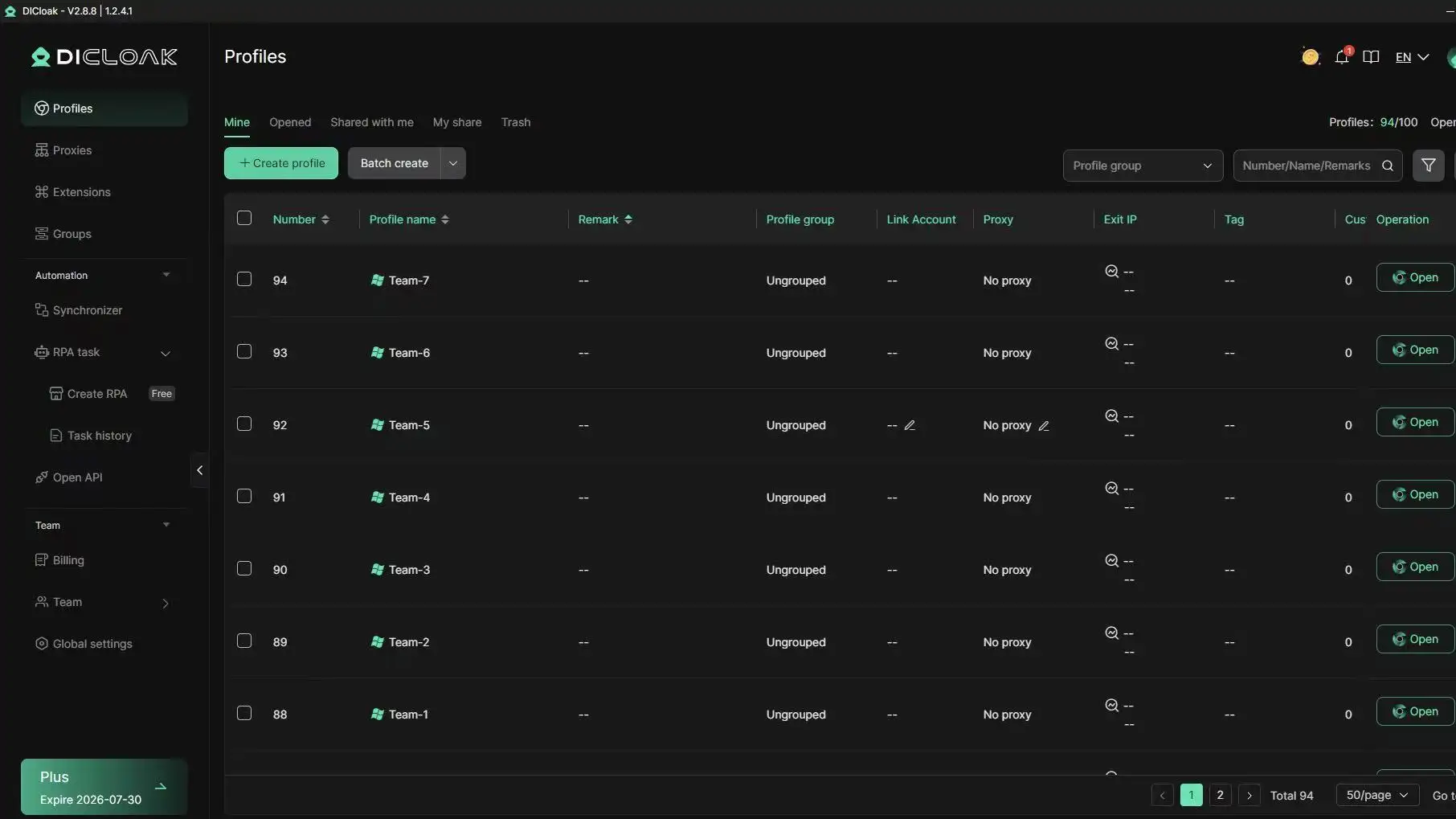
- User-configured Proxy Integration: DICloak supports integration with user-configured proxies. When integrated with a global pool of IP addresses, this can enable the simulation of requests from over 195 countries, supporting the circumvention of IP-based rate limits.
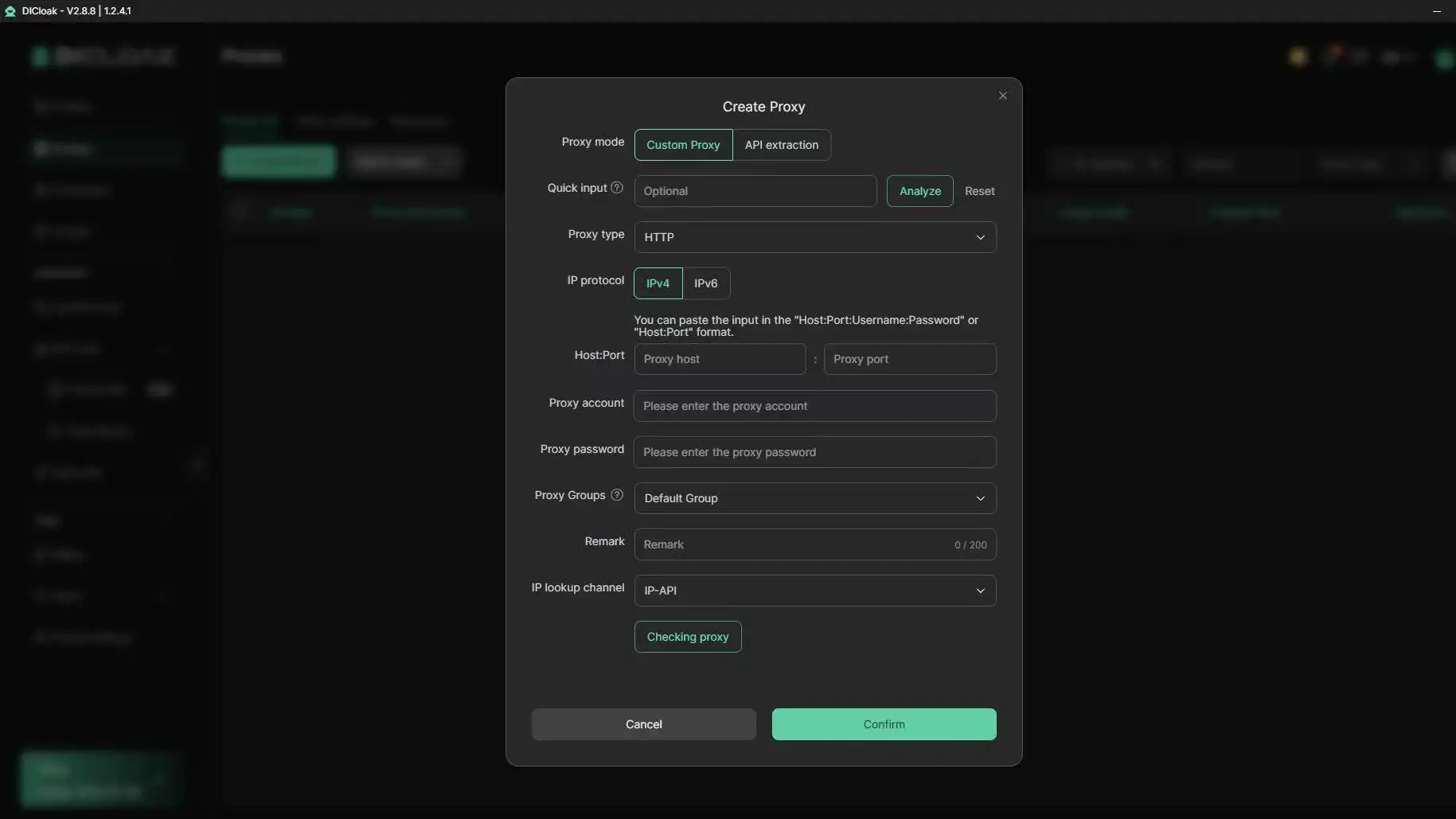
- Android Operating System Simulation: DICloak supports simulating Android operating systems. This can be useful for managing tasks or accessing media from mobile-optimized versions of platforms, which may offer different rate limits compared to desktop web versions.
- Full Automation Support: DICloak's Open API, available in Plus and Share+ plans, can be utilized for automation workflows. This capability can support the automated handling of media requests across multiple accounts.
Frequently Asked Questions
Why Can’t I Download GIFs Directly From X?
You often cannot download GIFs directly from X because many animated posts are not stored as real GIF files. X usually serves animated content through an MP4 video format to improve loading speed and reduce bandwidth use.
That means when you try to save the file through your browser, you may only capture a preview image or video container instead of a standard GIF file. To download twitter gif content properly, you usually need a tool that can detect and extract the media file.
Is It Legal to Download and Reuse Twitter GIFs?
It depends on how the content is used. Saving a GIF for personal reference is different from reusing it in ads, brand posts, product pages, or commercial campaigns.
Before you download twitter gif content and reuse it publicly, check whether the media belongs to another creator, brand, or publisher. For commentary, news, or educational use, the context may be different from commercial use. When in doubt, credit the original creator, avoid misleading edits, and do not use copyrighted content in paid promotions without permission.
What Is the Best Format for Saving Animated Content?
MP4 is usually the better format for quality, file size, and smooth playback. It keeps more visual detail while staying smaller than most GIF files.
GIF is still useful for reactions, memes, short loops, and comment sections where video upload may not work well. If you want the cleanest workflow, save the highest-quality MP4 first, then convert it to GIF only when you need that format.
How Many GIFs Can I Download Before Getting Rate-Limited?
There is no fixed number that applies to every user. Rate limits can depend on many factors, including account history, browsing behavior, IP reputation, session activity, and how quickly repeated media requests are made.
If you need to download twitter gif content at a larger scale, avoid sending too many repeated requests from the same browser session. For team workflows, DICloak can help users separate browser profiles and configure their own proxies for different working environments. This can make media collection workflows more organized and may help reduce account-linking and rate-limit issues when used responsibly.
Conclusion
Building a professional media library in 2026 requires more than just a browser extension. High-quality growth is predicated on high-quality assets; avoiding the artifacting caused by poor MP4-to-GIF conversion is the first step toward better engagement.
While free tools are sufficient for the occasional meme, scaling a social media operation can be supported by the infrastructure of an antidetect solution like DICloak. By isolating profiles, leveraging user-configured proxies, and simulating Android operating systems, you can help support account protection while building a content library that fuels your brand's growth.
 Web Proxy Tools
 Free Tools
 Cookie Plugin
 UA Generator
 MAC Address Generator
 IP Generator
 IP Address List
 2FA Code Generator
 World Clock
 Anonymous Check
 WebRTC Leak Test
 UUID Generator
 Free Web Proxy Site
 Proxy Checker
 FB Ad Checker
 AI Web Scraping
 Free SMM Tools
 Twitter Shadowban Checker
 Instagram Name Checker
 UTM Generator
 Username Generator
 AI Hashtag Generator
 LinkedIn Headline Generator
 Social Media Image Resizer