Affiliate marketing now plays a major role in many brands’ revenue. In impact.com’s 2025 Global State of Affiliate Marketing report, based on a survey of 818 marketers across eight countries, 74% of brands said affiliate marketing generated 11% to 30% of their total revenue. As campaigns expand across more affiliate networks, ad platforms, clients, and GEOs, keeping every account, proxy, and login session organized becomes much harder.
Choosing the best antidetect browser for affiliate marketing is not just about comparing fingerprint settings or profile limits. The right tool should keep account environments separate, support a stable proxy setup, save login sessions, and give team members access to the correct profiles. This guide explains how antidetect browsers work, what features affiliates should compare, and which options fit different affiliate workflows in 2026.
What Is an Antidetect Browser and Why Do Affiliate Marketers Use It?
An antidetect browser creates separate browser profiles on one device. Each profile can have its own:
- Browser fingerprint
- Cookies and login session
- Proxy and location settings
- Time zone, language, and extensions
Affiliate marketers use it for:
- Managing multiple affiliate or ad accounts
- Separating clients, campaigns, and GEOs
- Keeping accounts logged in
- Reducing account and proxy mix-ups
- Sharing the right account setup with team members
Unlike standard Chrome profiles, antidetect browsers give users more control over the browser profile assigned to each account.
How Do Antidetect Browsers Work?
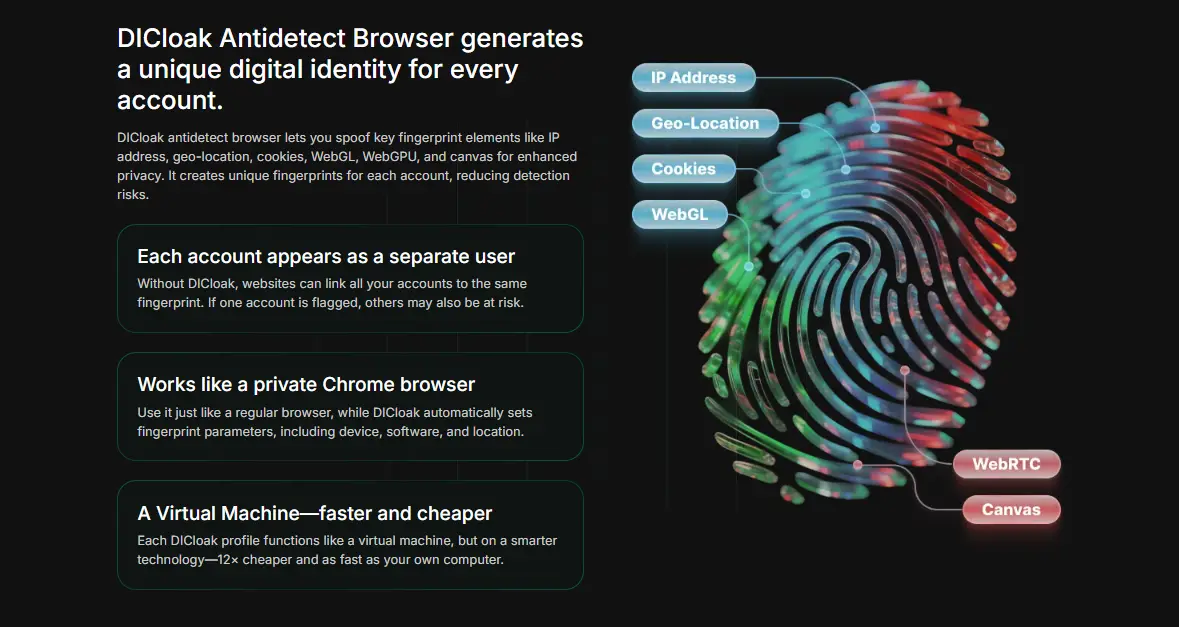
Antidetect browsers help affiliate marketers manage multiple accounts across affiliate networks, ad platforms, and social media without mixing browser data between them. Unlike a standard browser, they create a separate environment for each account, with its own cookies, login session, browser fingerprint, and proxy settings.
Each profile presents a different set of browser and device details, such as the user agent, screen size, operating system, language, and time zone. When these settings remain stable and match the assigned proxy, affiliates can keep different clients, campaigns, and GEOs clearly separated. This can reduce the risk of accounts being flagged because of shared or inconsistent browser profiles.
What Makes an Antidetect Browser Good for Affiliate Marketing?
The best antidetect browser for affiliate marketing should do more than create different fingerprints. It should keep account profiles separate, proxy settings consistent, and team access under control during daily work.
- Reliable profile separation: Each affiliate or ad account should keep its own cookies, login session, local storage, extensions, and browser settings. The same environment should remain available after the profile is closed and reopened. Affiliates should also be able to find the right account quickly and run several profiles without mixing sessions.
- Consistent proxy management: A strong browser should support user-configured proxies and make them easy to assign, test, and save. Each account can then return to the correct network setup without rebuilding it before every session. Bulk proxy tools also matter when a team manages many accounts. A large fingerprint feature list has little value if proxies fail often or are assigned to the wrong profiles.
- Clear team and workflow control: As affiliate operations grow, the main risk is often no longer the fingerprint. It is not knowing who is using each account. Teams need a clear way to share profiles, control member access, group accounts by client or GEO, and remove access when someone leaves. Bulk tools and automation can also reduce repetitive setup work.
The strongest antidetect browser is not always the one with the most settings. It is the one that keeps accounts, proxies, and operators organized as the operation grows.
The best antidetect browser for affiliate marketing depends on how many accounts you manage, whether you work with a team, and how much automation you need. This list compares six options by their real fit for affiliate work, not by unclear fingerprint scores or anti-ban claims.
| Browser |
Team and Profile Tools |
Automation |
Proxy Setup |
Free Plan or Trial |
Main Limitation |
| DICloak |
Profile sharing, permissions, groups, and bulk profile tools |
RPA, API and other scaling tools available |
Users add or purchase proxies separately |
5 free profiles |
Only supports Windows, macOS, and Linux |
| GoLogin |
Profile sharing; team seats on Business plans and above |
REST API |
Built-in proxy traffic and third-party proxies |
7-day Trial |
Full team member features require a Business plan |
| Multilogin |
Shared profiles and team workflows |
API, CLI, and script support |
Built-in residential and mobile proxy traffic |
5 free profiles |
No long free testing period |
| AdsPower |
Team plans and member permissions |
Built-in RPA and API |
Users add or purchase proxies separately |
2 free profiles |
Free plan does not include extra members |
| Dolphin Anty |
Profile sharing, transfers, permissions, and folders |
Scenario tools and API support |
User-configured proxies and partner integrations |
5 free profiles |
Starter plan is designed for one user |
| Incogniton |
Profile transfers and team tools on paid plans |
API, Selenium, Puppeteer, and Synchronizer |
Built-in and user-configured proxy options |
10 profiles for two months, then 3 |
Team and automation features require a higher plan |
Plans and pricing were checked in July 2026. Providers may change their limits or billing terms.
1. DICloak
Affiliate teams often struggle with more than account separation. They also need to know which proxy, campaign, client, and team member belongs to each profile. For this type of workflow, the strongest overall fit in this list is DICloak.
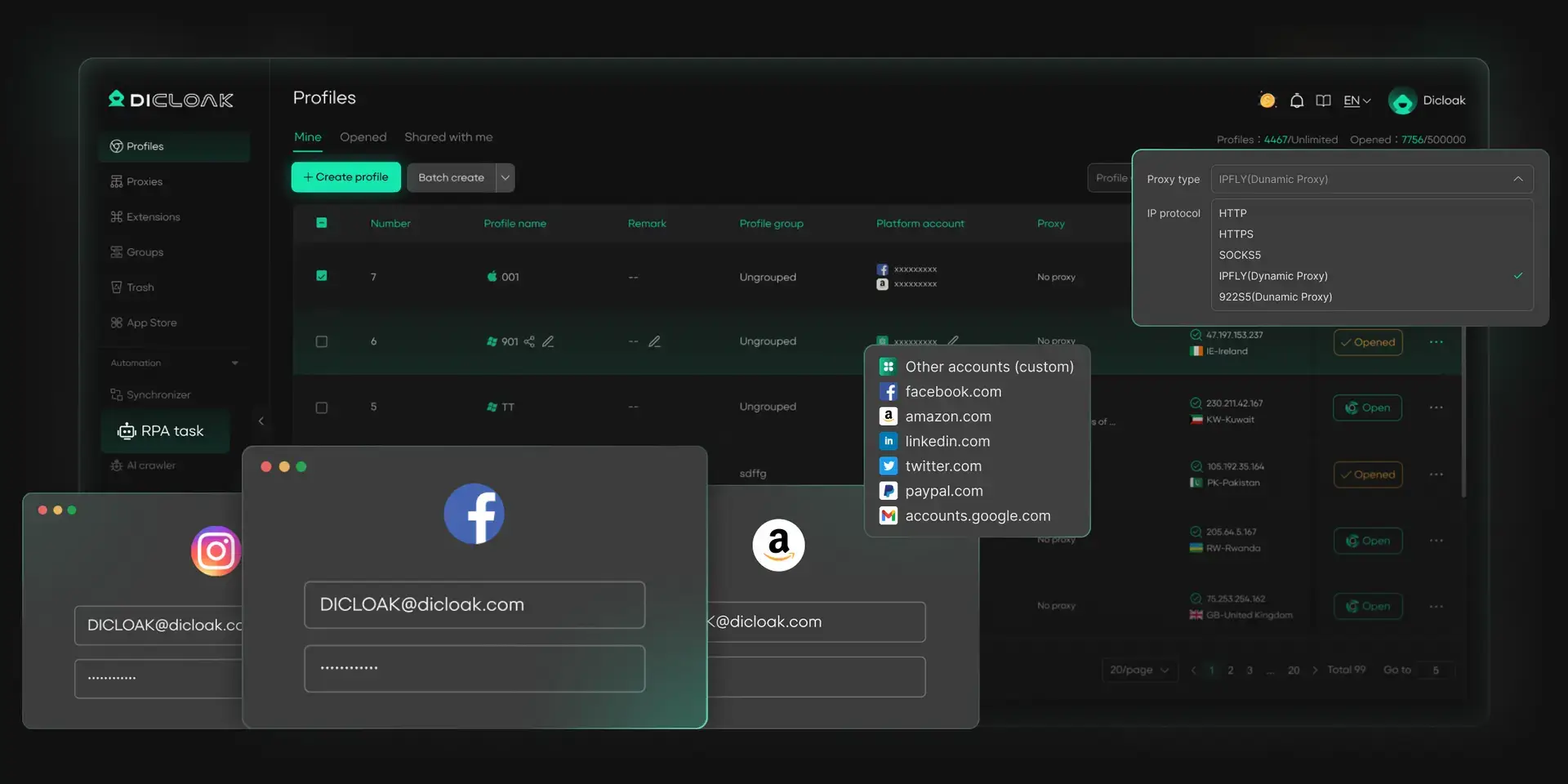
With DICloak, each affiliate or advertising account can stay inside a separate browser profile with its own cookies, login session, browser storage, and proxy configuration. Profiles can be grouped by client, campaign, or GEO, while bulk tools help teams update profile details and proxy settings across larger account lists.
Profile sharing and team permissions are especially useful when several media buyers work inside the same operation. Admins can control which profiles, proxies, and extensions each member can manage, instead of giving every user access to the full workspace.
Best for: Affiliate teams managing several clients, GEOs, or account groups.
Most useful features:
- Separate browser profiles
- User-configured proxy settings
- Profile sharing and team permissions
- Bulk profile management
Main limitation: Only supports Windows, macOS, and Linux
Pricing and trial: A free trial is available. Paid plans add more profiles, members, and team functions.
2. GoLogin
GoLogin's Professional plans are designed for individual users, while Business plans add team member seats and more profile-sharing capacity. All paid plans include residential proxy traffic, and users can also connect third-party proxies. API access is available on Professional plans.
Most useful features:
- Cloud browser profiles
- Built-in and third-party proxy support
- Profile sharing
- REST API
Main limitation: Full team member features are limited to Business plans and above. Professional and Free users can share individual profiles, but they do not receive the same team controls.
Pricing and trial: The free plan includes three profiles. Professional pricing starts at $9 per month with annual billing, depending on the selected profile limit.
3. Multilogin
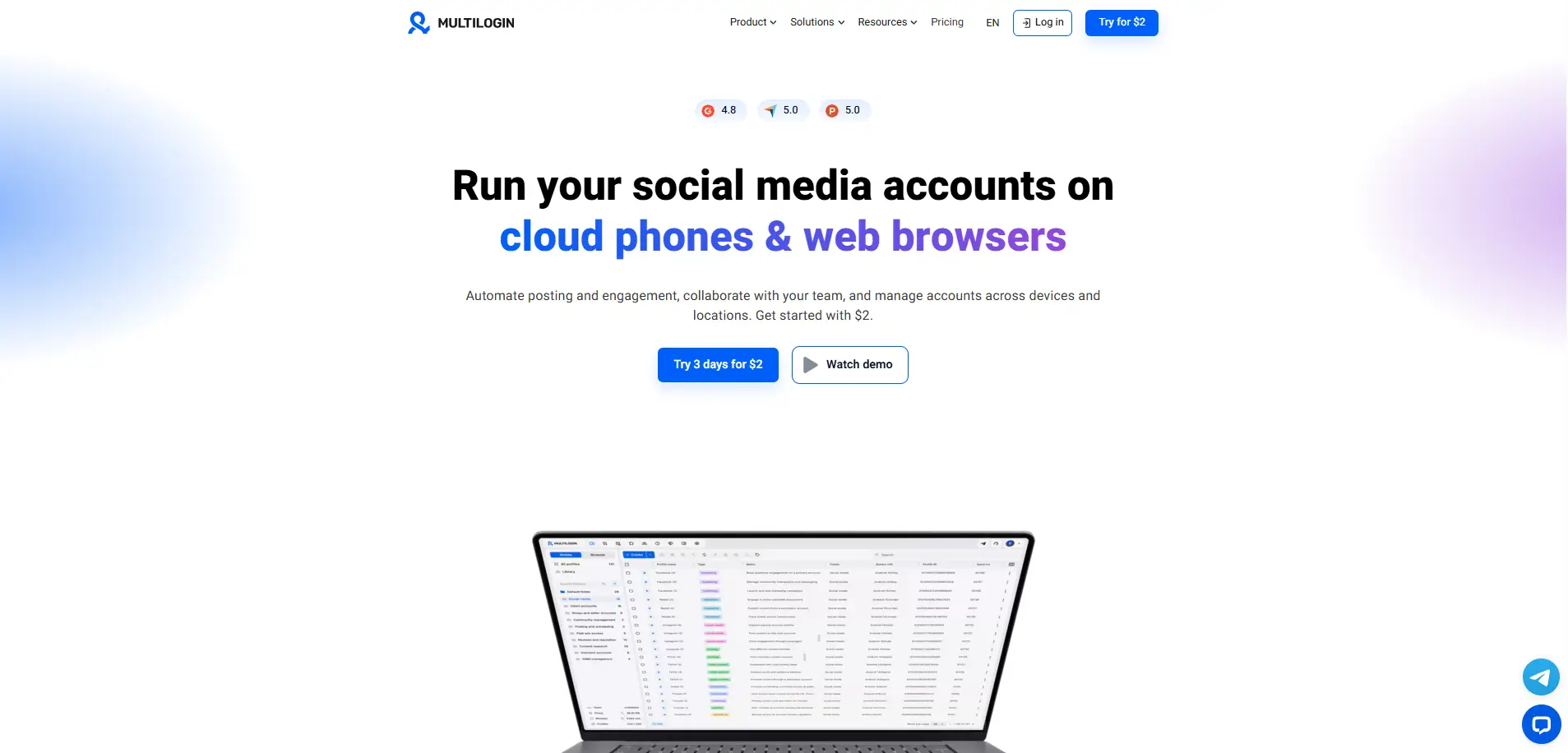
Multilogin is suited to technical affiliates and development teams that want to automate browser profiles through an API, CLI, or custom scripts. It also combines desktop browser profiles with cloud phones, which may help teams that need both web and mobile account environments. Residential and mobile proxy traffic is included in its plans. Profiles can be controlled through API commands for tasks such as creating profiles, starting sessions, managing cookies, and updating proxy details.
Most useful features:
- API and CLI automation
- Browser profiles and cloud phones
- Built-in proxy traffic
- Shared profile access
Main limitation: The wider set of technical and mobile tools may be more than a solo affiliate needs.
Pricing and trial: A free plan is available. The Pro plan costs $11 per month.
4. AdsPower
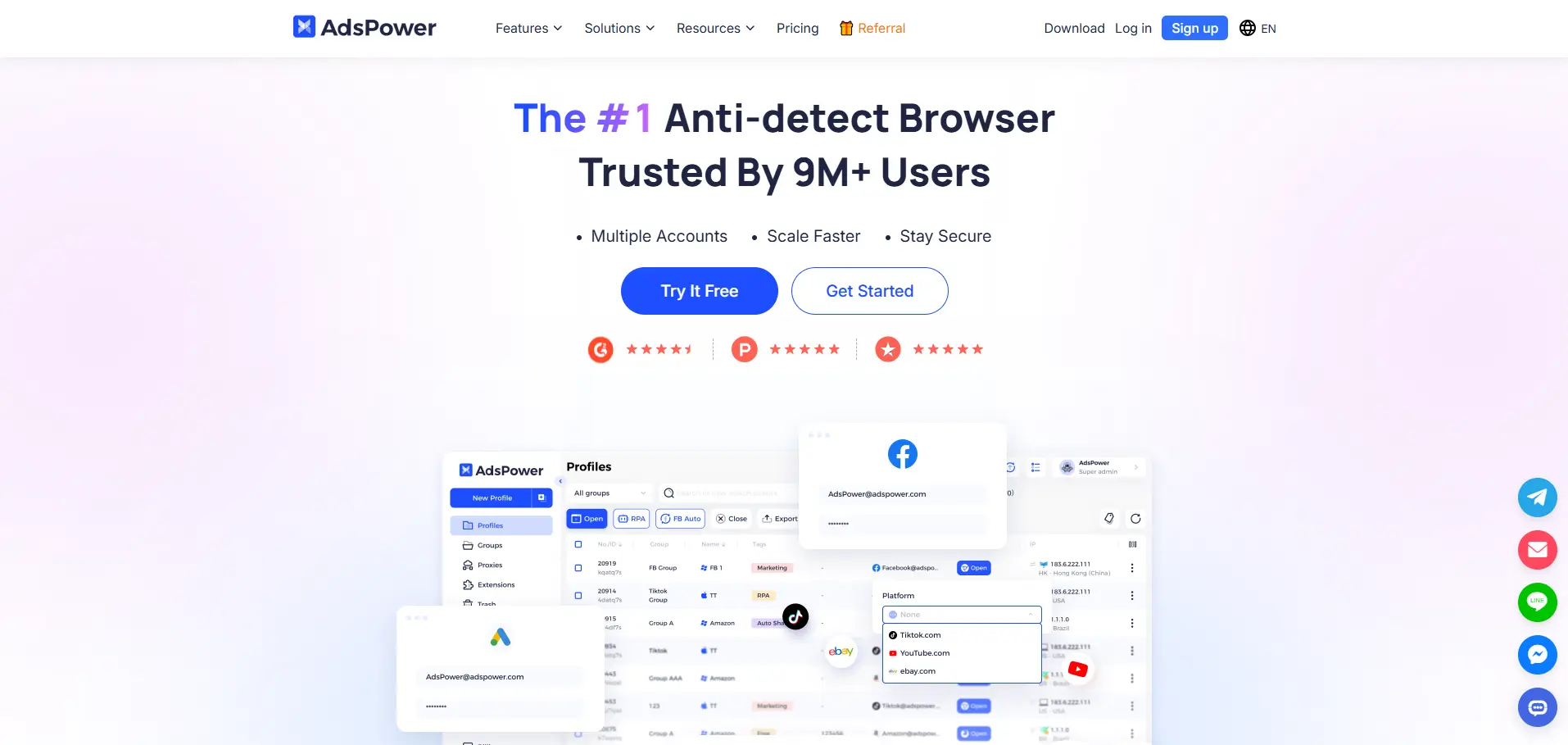
AdsPower fits affiliate teams that manage large account batches and want to automate repeated browser actions without building every workflow from code. Its RPA tools can run browser processes, while separate permissions let admins control which team members can edit or delete those processes.
It also provides bulk profile management, custom fingerprint settings, team plans, and proxy management tools. Users can store and check purchased proxies inside AdsPower, but the service does not provide its own built-in proxies.
Most useful features:
- Built-in RPA
- Team permissions
- Bulk profile tools
- Saved proxy management
- Chrome and Firefox-based profiles
Main limitation: The interface and feature set may require more setup than a small affiliate operation needs. The free plan also supports only two profiles and no additional team members.
Pricing and trial: AdsPower offers two free profiles. Paid plans can be adjusted by profile and member count.
5. Dolphin Anty
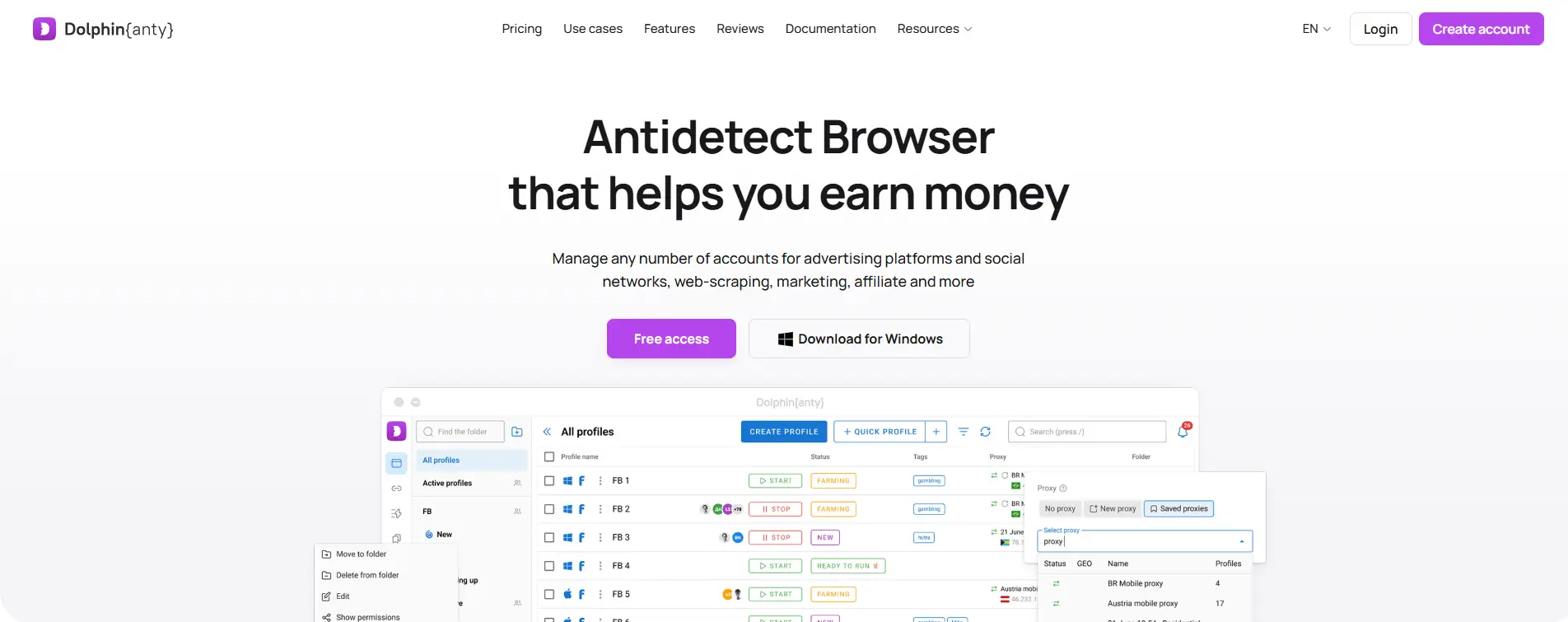
Dolphin Anty supports profile folders, tags, proxy assignment, profile sharing, and transfers between team members. These tools make it easier to organize accounts by campaign, traffic source, or buyer.
For automation, users can work with bulk imports, APIs, and browser scenarios. This makes Dolphin Anty useful for teams that repeat the same setup or campaign tasks across many profiles.
Most useful features:
- Campaign-focused profile organization
- Profile sharing and transfers
- Team permissions
- Bulk imports
- Scenario and API automation
Main limitation: The Starter plan is designed for one user. Growing teams need to move to a larger plan or add more users.
Pricing and trial: Five profiles are available for free. The single-user Starter plan begins at $10 per month.
6. Incogniton
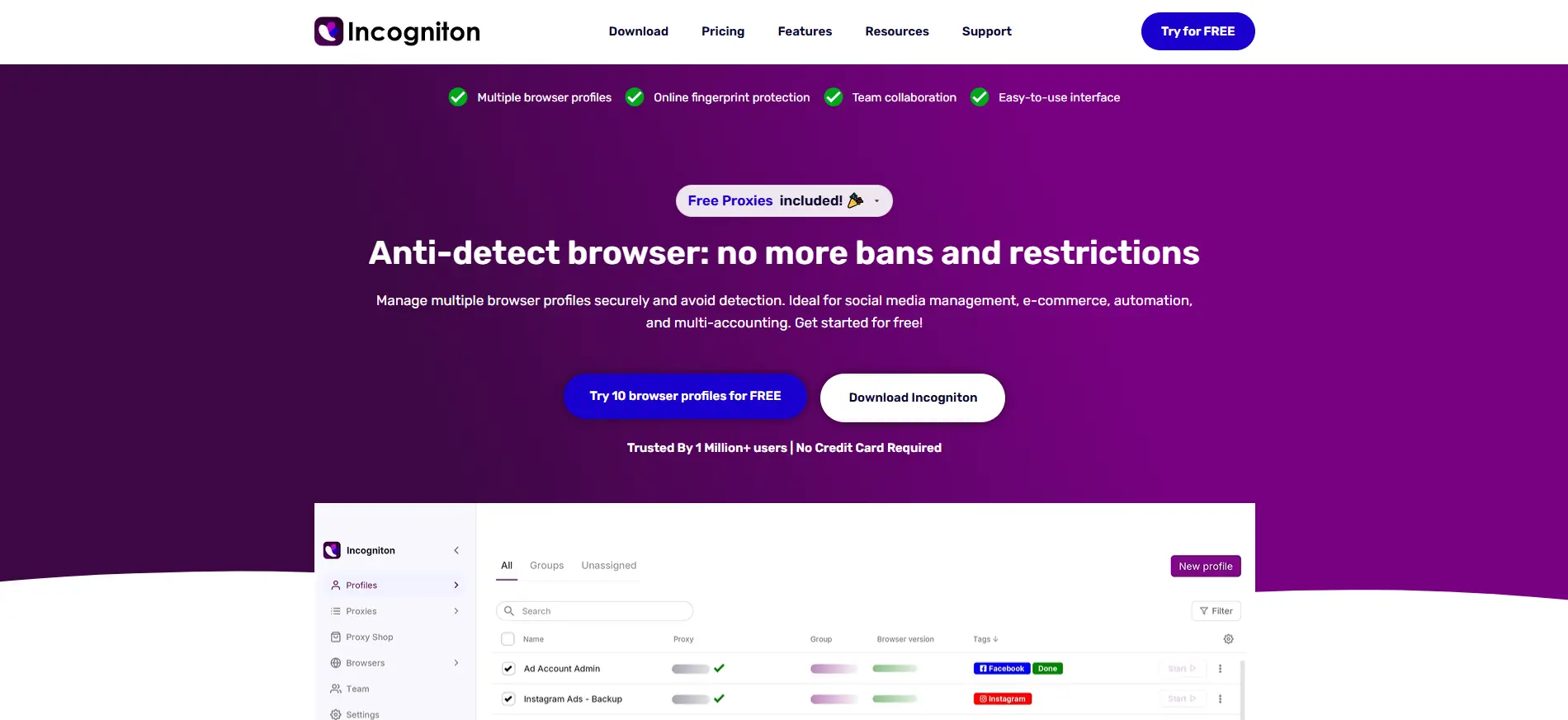
Incogniton's interface focuses on profile creation, cookie management, proxies, and common automation tools without requiring a large starting package.
Higher plans add REST API access, Selenium and Puppeteer integration, profile transfers, team seats, and a Synchronizer. This gives users room to start small and add more advanced tools as their account count grows.
Most useful features:
- Simple profile management
- Cookie import and export
- Profile transfers
- Selenium, Puppeteer, and REST API support
- Synchronizer
Main limitation: The lowest paid and free tiers do not include the full team and automation toolset. Users need an Entrepreneur plan or higher for API and automation access.
Pricing and trial: New users receive ten profiles for the first two months. The free plan then drops to three profiles. Starter Plus costs $19.99 per month.
For teams that need separate account profiles, their own proxy setup, controlled sharing, and bulk management in one workspace, DICloak provides the most balanced option in this comparison.
Frequently Asked Questions About Choosing the Best Antidetect Browser for Affiliate Marketing
What is the best antidetect browser for affiliate marketing in 2026?
The best antidetect browser for affiliate marketing is the one that fits your account volume, proxy setup, team size, and automation needs. Solo affiliates may prefer a simple tool with a small plan, while teams need profile sharing, member permissions, and bulk management. For teams that want separate profiles, user-configured proxies, and controlled access in one workspace, DICloak Antidetect Browser is a strong option to consider.
Does every affiliate account need a separate browser profile?
Using a separate browser profile for each independent affiliate or advertising account helps keep cookies, login sessions, local storage, and proxy settings from mixing. This is especially useful when accounts belong to different clients, campaigns, or GEOs. Related accounts owned by the same business should still follow the structure and permission rules of the platform being used.
Should each browser profile use a different proxy?
Each independent account should normally have a clear and stable proxy setup, but that does not always mean buying a new proxy for every temporary task. The right setup depends on account ownership, operating region, and platform rules. Avoid changing locations without a clear reason, because frequent network changes may cause extra login or verification checks.
Can an antidetect browser prevent affiliate account bans?
No antidetect browser can guarantee that an account will not be restricted. It can help separate browser data, login sessions, fingerprints, and proxy settings, which may reduce risks caused by shared or inconsistent environments. It cannot fix policy violations, poor account verification, payment problems, suspicious activity, or issues with the offer and landing page.
What should affiliates test before choosing a paid plan?
Test the browser with a few non-critical profiles before moving your main accounts. Check whether cookies remain saved, proxies reconnect correctly, profiles open without errors, and several profiles can run at the same time. Teams should also test profile sharing, member permissions, and access removal. An antidetect browser like DICloak should be judged by how well it handles your normal daily workflow, not only by a one-time fingerprint test.
Conclusion
Choosing the best antidetect browser for affiliate marketing in 2026 means looking beyond fingerprint settings and profile limits. The right tool should keep accounts separate, save stable login sessions, support reliable proxy setups, and make it easy to control team access as campaigns grow.
The best antidetect browser for affiliate marketing is the one that fits your real workflow, account volume, team size, and automation needs. For affiliate teams that need separate profiles, user-configured proxies, profile sharing, and clear permissions, DICloak Antidetect Browser offers a balanced option for daily multi-account work.
 Web Proxy Tools
 Free Tools
 Cookie Plugin
 UA Generator
 MAC Address Generator
 IP Generator
 IP Address List
 2FA Code Generator
 World Clock
 Anonymous Check
 WebRTC Leak Test
 UUID Generator
 Free Web Proxy Site
 Proxy Checker
 FB Ad Checker
 AI Web Scraping
 Free SMM Tools
 Twitter Shadowban Checker
 Instagram Name Checker
 UTM Generator
 Username Generator
 AI Hashtag Generator
 LinkedIn Headline Generator
 Social Media Image Resizer