A dedicated proxy is one of the most reliable tools for people who need stable, private, and controlled internet access. Whether you manage multiple accounts, collect online data, or monitor ads and prices, using the wrong proxy can lead to slow speed, blocks, or sudden access issues.
In this guide, you will learn what a dedicated proxy is, how it differs from other proxy types, and when it is worth the cost. We will also explain real-world use cases, common drawbacks, and how to choose the right provider for your needs. By the end, you will have a clear understanding of how a dedicated proxy fits into a secure and efficient online workflow.
What is a Dedicated Proxy?
A dedicated proxy is a type of proxy server that only one person or business uses at a time. It works like a private doorway to the internet. When you use a dedicated proxy server, your internet request goes through that server first. Then it continues to the website you want to visit. In this process, the proxy hides your real IP address and shows a different one instead.
Imagine you are in a cafe and want privacy. You could sit at a private table with a curtain. That’s like a dedicated proxy — you have your own space. If you sit in a shared area with many people, that is like a shared proxy (we will explain that soon). People and companies often choose dedicated proxies when they want stable performance and high security.
When you buy dedicated proxy from a provider, you pay for this private access. Many businesses use it for tasks like managing social media accounts, collecting product prices online, or running automated tools without interruptions. Because the proxy is only used by you, it usually stays faster and more reliable than shared options.
How Dedicated Proxy Differ from Other Proxy Types?
To really understand dedicated proxies, it helps to compare them with other options you may see in the market.
Dedicated vs. Shared Proxies
A dedicated proxy is yours alone. No one else uses it. This means the speed and reliability stay steady, even during busy times. It also means fewer surprises, like websites blocking your IP because someone else misused it earlier.
On the other hand, a shared proxy is like a carpool. Many people share the same proxy IP address at the same time. This makes it cheaper, but it also makes it slower and less secure. If another user does something bad through that proxy, websites may block the shared IP. Then all users may face issues.
Here’s a simple example:
- Dedicated proxy – You rent a whole car for yourself. You choose the route. You control the stops.
- Shared proxy – You share a bus with others. If someone mistakes the way or causes trouble, everyone suffers.
Because of this difference, serious tasks like business automation, price tracking, or sensitive login systems often use dedicated proxies — even though they cost more.
Dedicated vs. Static IPs
It’s also important not to confuse a dedicated proxy with just a static IP. These ideas are related, but they are not the same. A static IP is an address that does not change over time. It is useful for certain internet tasks, like remote access or stable networking. However, a static IP can be shared by many users depending on the service setup.
A dedicated proxy always gives exclusive use of its IP to you. It may also be static, but the key point is that no other user will use it at the same time. That exclusivity is what brings real stability and control when you route traffic through the dedicated proxy server.
A real-world example is a small e-commerce brand tracking competitor prices every hour. If they used a shared IP, changes in activity from others could trigger blocks. But with a dedicated proxy, their bot can run smoothly because the IP stays under their control and is less likely to be flagged.
Types of Dedicated Proxy
Now comes the part most people care about: which type should you pick. Not all dedicated proxies are built the same. The big difference is where the IP comes from—a data center, a real home network, or a mobile carrier. That single detail can change speed, trust, and cost.
Dedicated Datacenter Proxy
A dedicated datacenter proxy uses IPs that come from servers in data centers. These are not tied to a real home internet line. Because of that, they are often fast, stable, and budget-friendly when you buy dedicated proxy plans in bulk.
Here’s a simple way to picture it: A data center proxy is like a highway. It is built for speed. If you need to send many requests quickly, it usually performs well.
When it fits best
- SEO monitoring and site testing
- Price checks on public pages
- High-volume tasks where speed matters most
What to watch out for: Some websites treat data center IPs as “less natural.” So for sensitive logins, you may need a different dedicated proxy type.
Dedicated Residential Proxy
A dedicated residential proxy uses IPs assigned by real home internet providers (ISPs). This often looks more like normal user traffic. That is why many people choose it when websites block data center IPs too easily.
The “dedicated” part still matters: you get exclusive access to the IP while you use it. That can reduce random problems caused by other users, like sudden blocks or reputation damage.
When it fits best
- Account logins and “trust-based” platforms
- Market research where blocks are common
- Geo-specific browsing that needs real ISP signals
What to watch out for: Dedicated residential proxies usually cost more. So you want to test carefully before you fully buy dedicated proxy packages.
Private Mobile Proxy
Private mobile proxies (also called dedicated mobile proxies) route your traffic through IPs from mobile carriers, like 4G or 5G. Many platforms treat mobile networks as high-trust because real people use them every day.
A dedicated proxy server in this category is “private” because the mobile IP is reserved for you during your session or plan. That exclusivity helps if you need steady behavior and want to avoid noisy neighbors.
When it fits best
- Social platforms that strongly prefer mobile traffic
- App testing and mobile-only experiences
- Situations where trust matters more than raw speed
What to watch out for: Mobile proxies can be expensive, and speed can vary by carrier and location. So it’s smart to start small, run a real test, then scale up.
Benefits of Using Dedicated Proxy
- Increased Security and Privacy
A dedicated proxy means the IP is used by you only. That matters for privacy. If you share an IP with strangers, you can get “mixed in” with their risky actions. With dedicated proxies, the traffic history is much cleaner because you control how the IP is used.
- Enhanced Speed and Performance
Speed is one of the biggest reasons people choose a dedicated proxy. When you don’t share proxy resources, you usually get better bandwidth and more stable performance. In plain words: fewer slowdowns caused by “neighbors.”
An IP blacklist is a list of IP addresses that a website or security system blocks because it sees them as risky or abusive.
This is where dedicated proxies can save you time. If you use a shared IP, someone else may spam, scrape too hard, or trigger security rules. Then the IP gets blocked, and you suffer even if you did nothing wrong.
- Access to Fresh IP Addresses
Sometimes you don’t just need one stable IP. You need fresh IPs when a site starts limiting requests or when you want to spread activity safely across more than one identity. Some providers let you rotate between multiple dedicated IPs inside your own pool. You still have exclusive control, but you can switch to a “clean” IP when needed.
Drawbacks of Using Dedicated Proxy
The most common drawback of a dedicated proxy is the price. You are paying for exclusive use of an IP. That means the provider cannot “split” that cost with other users, like they do with shared proxies. So the monthly fee is usually higher.
Dedicated proxies also come with a natural limit: you only have the number of IPs you pay for. If you need a huge pool for many locations or many identities, a dedicated proxy setup can feel “tight.”
So yes, a dedicated proxy gives control. But it does not magically create endless IPs. If your work depends on wide coverage, plan your IP count early.
A dedicated proxy is not “plug and play” for everyone. You often need to configure it in your browser, app, or scraper. You may also need to set up authentication, like username/password login or IP whitelisting. If you miss one detail, things break and you waste time.
Practical Use Cases for Dedicated Proxy
After learning the drawbacks, you might be thinking, “Okay… so when is a dedicated proxy actually worth it?” That’s the right question. A smart rule is simple: if your work breaks when the IP changes, slows down, or gets flagged, then dedicated proxies can be a real upgrade. If your task is light and flexible, you may not need them yet.
Below are four practical, real-world use cases where a dedicated proxy server often makes daily work smoother—and less stressful.
Web Scraping and Data Extraction
Web scraping often fails for one boring reason: too many requests come from one IP, and the site starts rate-limiting, showing CAPTCHAs, or blocking the IP. Many scraping guides point out that proxies help reduce IP-based blocking and access limits.
Where a dedicated proxy helps:
If your scraper needs a stable “identity” for a session—like browsing many pages while staying logged in—a dedicated proxy can be easier to manage than a shared IP. You control the traffic. You avoid “bad neighbors” that burned the IP earlier.
Social Media Automation
Social platforms watch login patterns closely. When an account logs in from strange locations or unstable IPs, it can trigger extra checks like OTP prompts, “suspicious login” warnings, or temporary locks. That’s why many automation teams prefer stable, exclusive IPs for account work.
Where a dedicated proxy helps:
A dedicated proxy makes it easier to keep one account tied to one IP (or one small IP pool). This consistency can reduce random friction compared with shared proxies.
E-commerce Monitoring
E-commerce sites often show different prices, stock, or shipping rules by country, region, or even IP type. Price tracking guides commonly recommend residential or ISP-style proxies for tougher retail sites, while datacenter proxies can work for lighter-security sites.
Where a dedicated proxy helps:
If you monitor the same stores every day, a dedicated proxy gives you repeatable results. You also avoid blocks caused by other users hammering the same retailer on the same shared IP.
Ad Verification
Ad verification is about checking whether ads appear correctly—by country, device, placement, and timing. Many ad verification explanations highlight geo-targeting checks and fraud detection as key goals.
Where a dedicated proxy helps:
With a dedicated proxy server, you can “view” ads from a specific location without mixing your checks with other users on the same IP. This can make your audit cleaner and easier to repeat.
And this matters more than many people think. Recent reporting and industry discussions keep pointing out how big ad fraud and scam ads can be, which is one reason brands and agencies do regular verification checks.
Choosing the Right Dedicated Proxy Provider
You’ve now seen real use cases for a dedicated proxy and how they help in daily work. But none of that matters if you choose the wrong provider. This section helps you pick a good dedicated proxy provider—one that gives you reliable service, clear pricing, and support you can trust. Taking time here can save money and frustration later.
Key Factors to Consider
When you buy dedicated proxy service, think of it as choosing a partner. You want to make sure they match your needs for price, speed, support, and security. Here are the most important things to look for.
Cost and Pricing
Price is often the first thing people check. But the cheapest plan is not always the best. Some providers charge per IP, while others bill by bandwidth or offer a flat monthly rate.
Customer Support
Good support matters more than people realize. You may not think to ask support for help—until you need it. A solid provider should give 24/7 help by chat or email.
Security Features
Security is a key reason many people buy dedicated proxy setups. Good providers help protect your traffic and make access harder for outside threats. Look for features like:
- HTTPS and SOCKS5 support
- IP whitelisting
- Encrypted connections
- Activity logs or usage alerts
Performance and Speed
Not all dedicated proxies perform the same. Some promise high uptime, faster routing, and better global coverage. Check uptime guarantees and server speed reports if available.
Recommended Dedicated Proxy Providers
Choosing the right place to buy dedicated proxy isn’t just about price. You want quality, uptime, support, and real-world performance. Below are some well-known providers that many users trust for dedicated proxies today. These options range from large enterprise networks to user-friendly solutions for smaller teams or solo users.
Bright Data
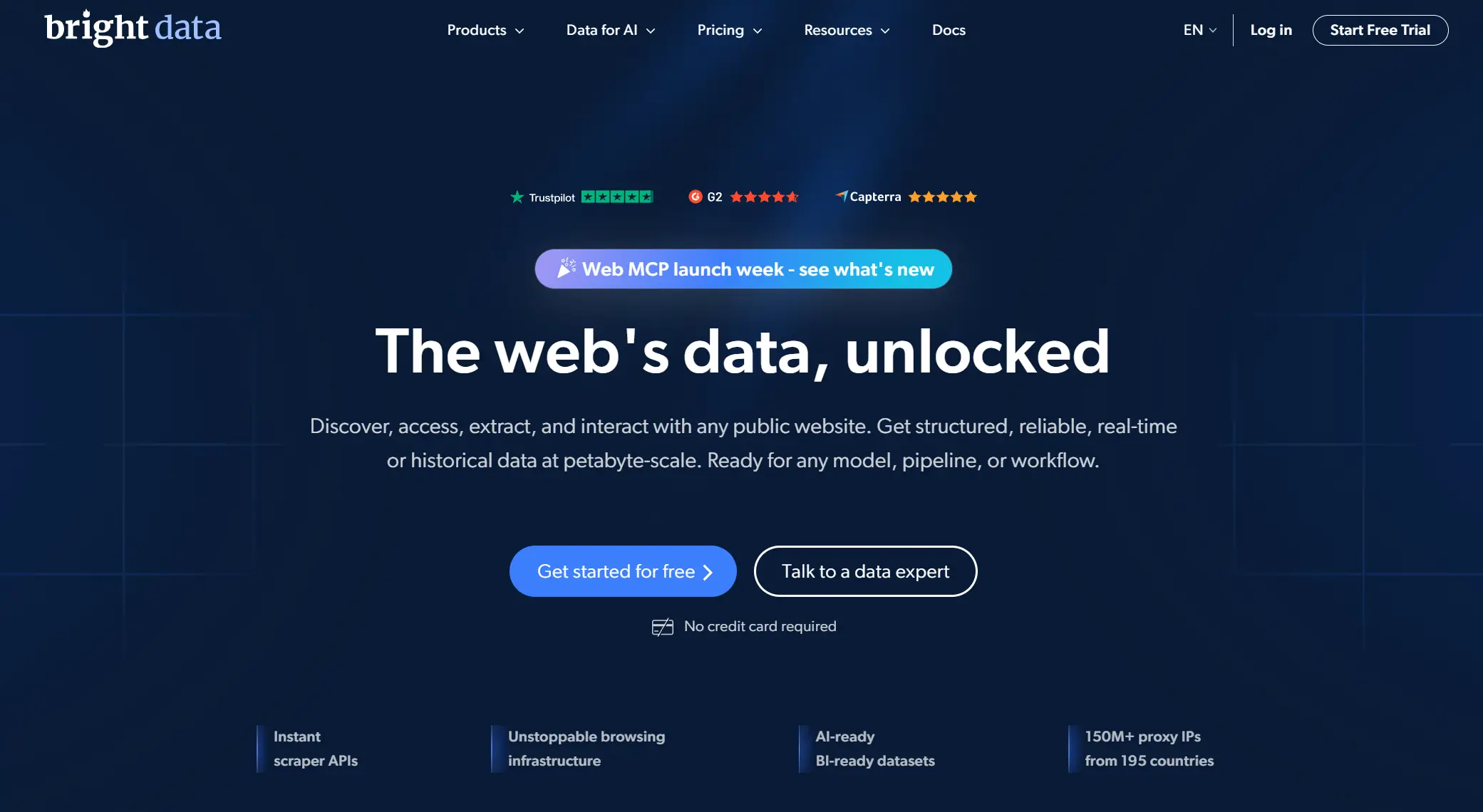
Bright Data is one of the biggest proxy service providers in the world. It offers a huge network of IPs across many countries. You can get datacenter, residential, mobile, and ISP proxies, including dedicated proxy options. Bright Data is known for strong performance, advanced proxy tools, and precise geo-targeting controls. Many large businesses use it for high-volume tasks like data extraction and global monitoring.
Oxylabs
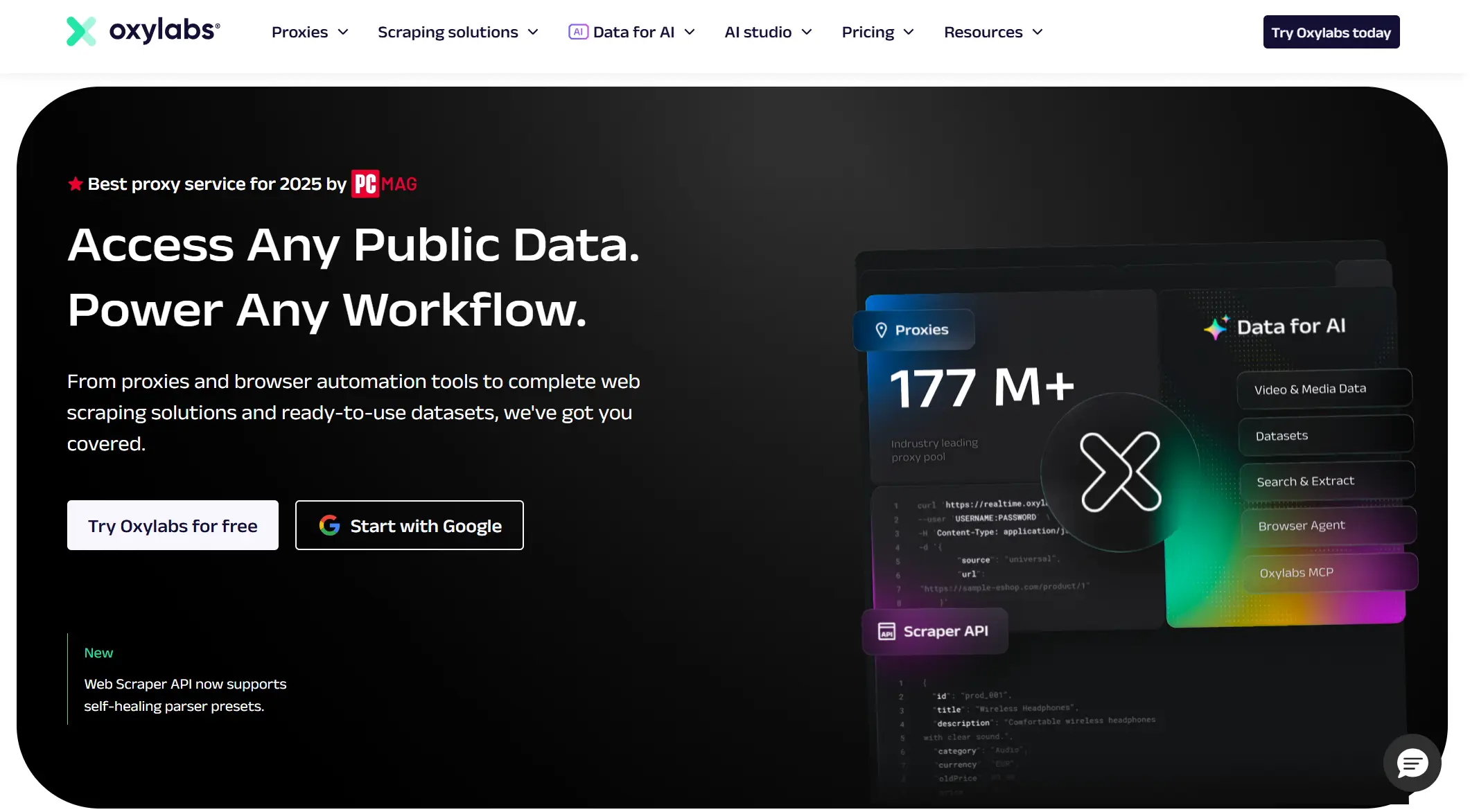
Oxylabs is another top-tier provider with a very large pool of IPs and solid infrastructure. It supports a wide range of proxy types, including dedicated proxy server access for datacenter and residential needs. Oxylabs also provides automation tools and APIs that help with scraping and account management workflows. Many teams choose it for projects that need reliability and scale.
Decodo (formerly Smartproxy)
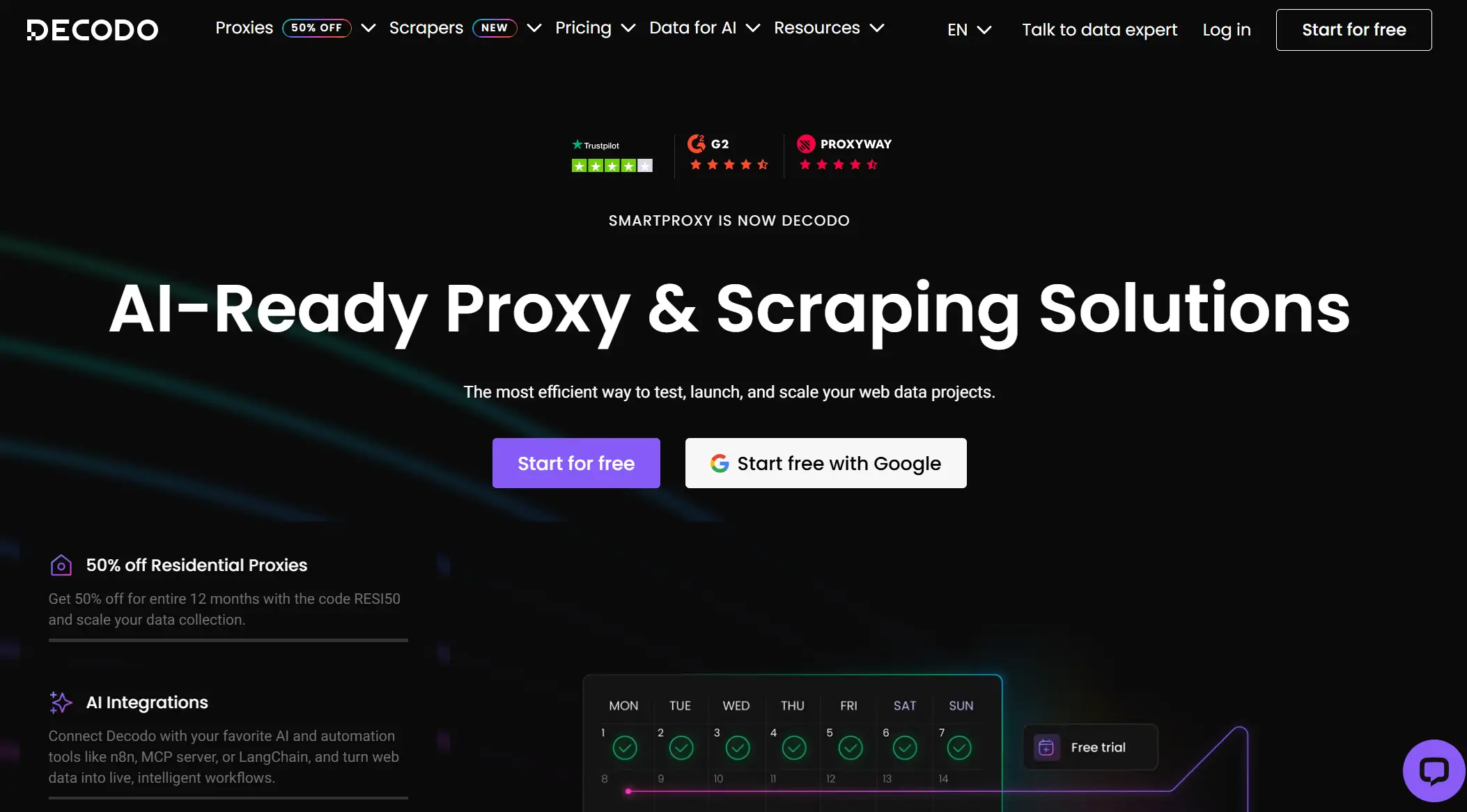
Decodo is a strong mid-level proxy provider that balances price and performance. It offers a broad mix of IP types, and you can buy proxies through some plans. Decodo is often easier to set up and use than very large enterprise networks, making it good for teams that want solid performance without high complexity.
SOAX
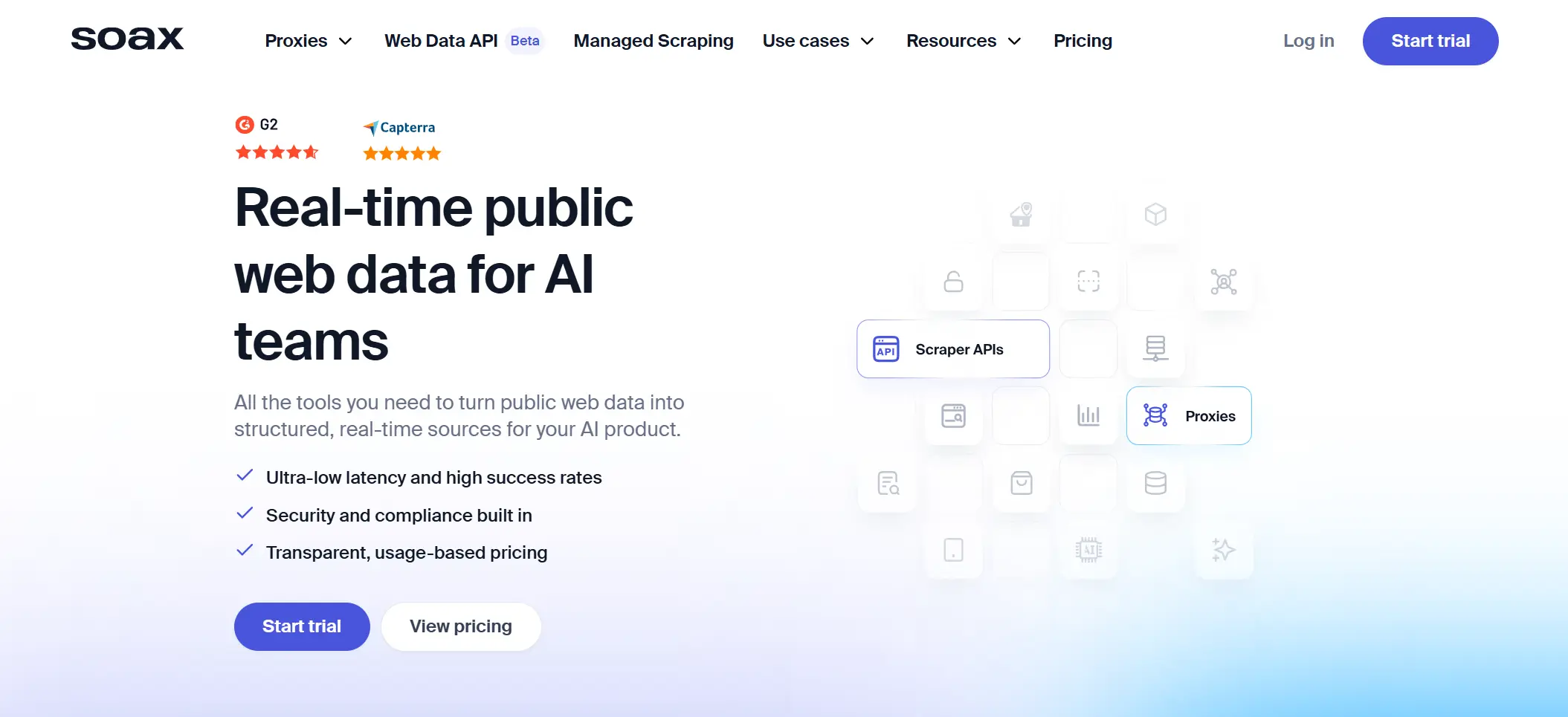
SOAX is a flexible provider with a focus on residential and mobile IPs. Its network is smaller than the largest providers, but it offers detailed filtering options and session control that many users find helpful. SOAX can be a good choice if you need dedicated proxies with specific geo-filters or session time settings.
Webshare
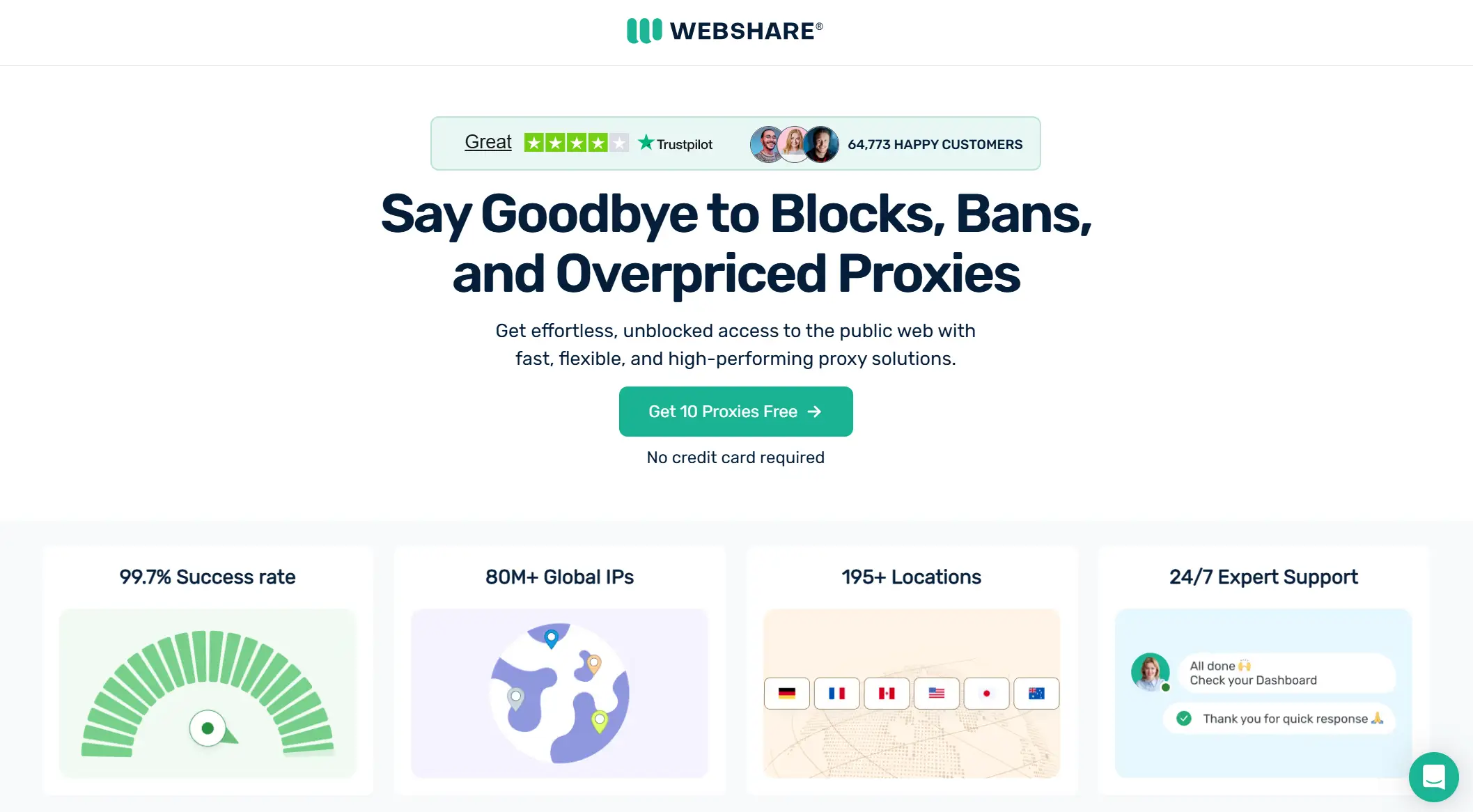
Webshare is a budget-friendly option that still delivers reliable dedicated proxy options in many locations. It offers strong uptime and a straightforward dashboard that makes managing a dedicated proxy server easier, even for beginners. Some users like that it provides both flexible pricing and tools to monitor performance in real time.
Comparison Table
Here is a simple comparison of these recommended providers to help you see how they differ at a glance. Each has strengths that match different needs—so choose based on what matters most for your project.
| Provider |
Best For |
Strengths |
| Bright Data |
Large enterprise tasks |
Huge IP pool, strong geo-targeting, advanced tools |
| Oxylabs |
Scalable business work |
Large IP network, automation APIs, solid uptime |
| Decodo |
Balanced performance |
Mix of proxy types, easy setup, good reliability |
| SOAX |
Filtered IP needs |
Flexible session control and geo filters |
| Webshare |
Budget-friendly use |
Affordable dedicated proxies with good uptime |
Why Choose DICloak Antidetect Browser for Your Business?
⚡The DICloak Antidetect Browser has become a global favorite for its unparalleled ability to efficiently and securely manage multiple accounts. Designed for professionals in social media management, affiliate marketing, traffic arbitrage, e-commerce, account farming, airdrops, and more, DICloak offers powerful features like RPA automation, bulk operations, and synchronizer. Additionally, it allows you to customize fingerprints and integrate proxies for each profile, ensuring top-level security and operational efficiency. It’s the ultimate tool for seamless, secure, and scalable operations.

What Makes DICloak Stand Out?
✅ Manage 1,000+ Accounts on One Device: Stop wasting money on extra hardware! DICloak allows you to manage multiple accounts on a single device, cutting costs and boosting efficiency.
✅ Guaranteed Account Safety, No Ban Risks: Every account gets its own isolated browser profile with custom fingerprints and IPs, drastically reducing the risk of bans. Your accounts, your control!
✅ Flexible Proxy Configuration for Maximum Performance: Seamlessly integrate with all major proxy protocols (HTTP/HTTPS, SOCKS5) and manage your proxy pool with bulk operations. No more struggling with IP management—DICloak has you covered.
✅ Streamlined Team Collaboration for Better Results: Easily manage your team with advanced tools like profile sharing, permission settings, data isolation, and operation logs. Your team works smarter, not harder.
✅ Automate the Grind with RPA: DICloak's built-in RPA saves you hours of manual work. Automate repetitive tasks, streamline workflows, and focus on what really matters—growing your business.
✅ Powerful Bulk Tools to Scale Your Operations: Create, import, and launch multiple browser profiles in one click. DICloak makes scaling your business as easy as it gets.
✅ Compatible with All Major Operating Systems: Based on the Chrome core, DICloak supports simulating Windows, Mac, iOS, Android, and Linux operating systems. No matter what platform you need, DICloak has you covered.
🔗 Ready to Get Started?
Visit the DICloak website to explore more details and choose the plan that’s right for you. Start for free today and experience the power of secure, efficient, and scalable multi-account management!
Frequently Asked Questions (FAQs) about Dedicated Proxy
What is a dedicated proxy and how does it work?
A dedicated proxy is a proxy IP that only you can use. No other users share it. When you connect to the internet through a dedicated proxy, websites see the proxy IP instead of your real IP. Because the IP is exclusive, it usually offers better stability, privacy, and control.
What are the main advantages of using a dedicated proxy?
The main advantage of a dedicated proxy is consistency. You get a clean IP history, stable speed, and fewer random blocks caused by other users. This makes dedicated proxies useful for tasks like web scraping, account management, and ad verification.
Are dedicated proxies worth the investment?
A dedicated proxy is worth the cost if your work depends on stable access. If your tasks fail when IPs change or get blocked, a dedicated proxy can save time and reduce errors. For light or occasional tasks, cheaper proxy types may be enough.
How do I set up a dedicated proxy?
To set up a dedicated proxy, you first buy it from a provider. They give you an IP address, port, and login details. You enter this information into your browser, software, or system network settings. Most providers also offer simple setup guides.
Can I use a dedicated proxy for multiple accounts or applications?
Yes, you can use a dedicated proxy for multiple applications. However, too much traffic from one IP can cause slow speed or rate limits. A common best practice is to assign one dedicated proxy to one main account or task.
Conclusion
A dedicated proxy gives you one clear advantage: control. You get exclusive access to an IP address, more stable connections, and fewer issues caused by shared users. For tasks like web scraping, social media management, e-commerce monitoring, and ad verification, a dedicated proxy can make daily work more predictable and efficient.
To get the best results, a dedicated proxy should be used in the right environment. For example, when combined with tools like DICloak Antidetect Browser, businesses can better separate accounts, manage browser profiles, and pair each profile with its own dedicated proxy. This setup helps reduce linking risks and improves long-term stability.
In the end, a dedicated proxy is not just about hiding an IP. It is about building a cleaner, safer, and more reliable workflow. When chosen carefully and used correctly, it becomes a practical foundation for secure and scalable online operations.
 Web Proxy Tools
 Free Tools
 Cookie Plugin
 UA Generator
 MAC Address Generator
 IP Generator
 IP Address List
 2FA Code Generator
 World Clock
 Anonymous Check
 WebRTC Leak Test
 UUID Generator
 Free Web Proxy Site
 Proxy Checker
 FB Ad Checker
 AI Web Scraping
 Free SMM Tools
 Twitter Shadowban Checker
 Instagram Name Checker
 UTM Generator
 Username Generator
 AI Hashtag Generator
 LinkedIn Headline Generator
 Social Media Image Resizer