Modern web platforms have effectively completed the transition away from stateful tracking mechanisms, such as third-party cookies, in favor of extracting hardware-level signatures directly from the user's rendering engine. In the technical landscape of 2026, canvas fingerprinting protection is no longer an elective privacy setting but a fundamental requirement for maintaining digital boundary integrity. While legacy tracking relied on the browser's willingness to store a unique ID, modern fingerprinting derives that ID from the immutable physical and software characteristics of the device itself.
The Invisible Tracker: Understanding Canvas Fingerprinting
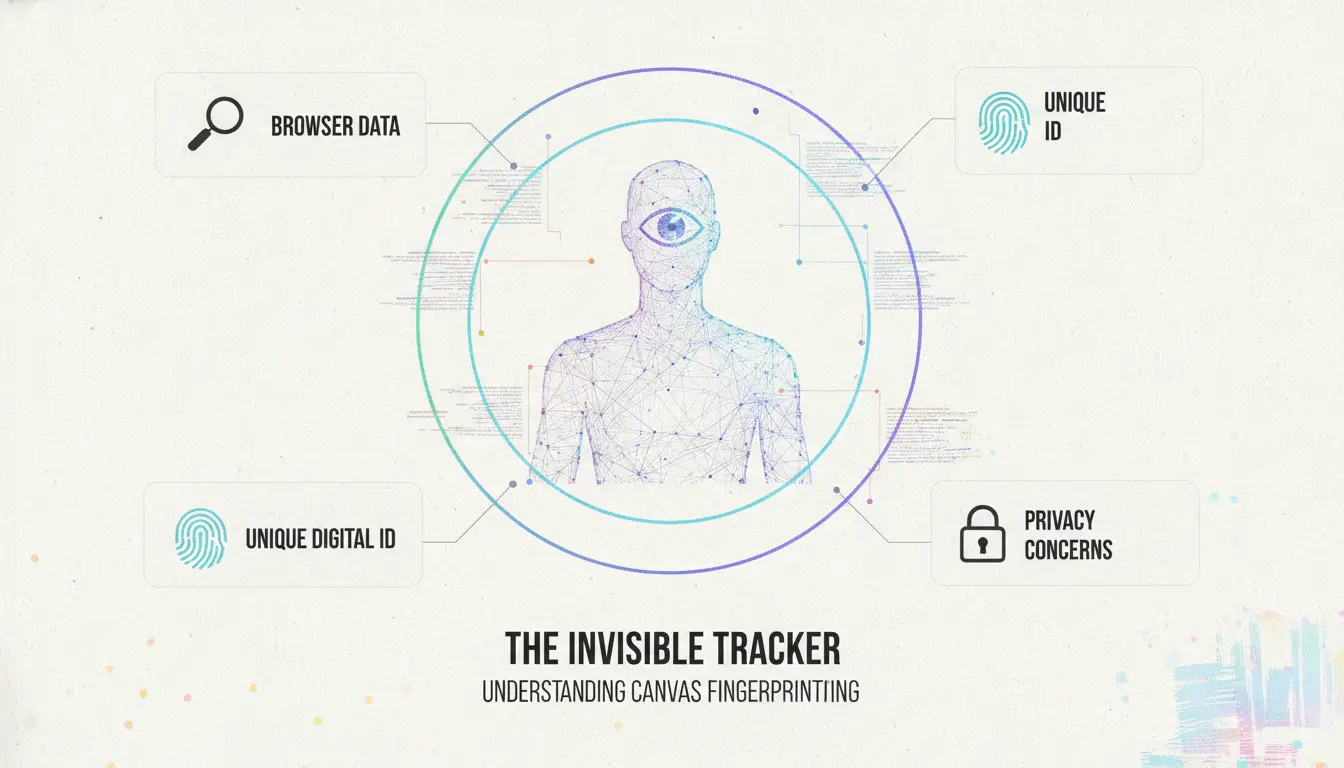
By 2026, the industry-wide deprecation of third-party cookies has solidified canvas fingerprinting as a primary telemetry tool for both legitimate security and invasive tracking. This technique utilizes the HTML5
element—a component designed for dynamic graphics rendering—to identify users without their consent or knowledge. Unlike cookies, which are data files subject to user deletion, a canvas fingerprint is a stateless identifier generated in real-time.
Current privacy configurations often fail because they are architected to combat storage-based tracking. Even when a browser is set to clear all site data on exit, the hardware and software stack responsible for rendering web content remains constant. Websites exploit this by commanding the browser to draw an invisible image; the minute variations in how this image is rendered create a unique hardware signature. This signature persists across "Incognito" sessions and browser restarts because it is a reflection of the system's underlying architecture, not a file saved on the disk.
The Mechanics of the HTML5 Canvas Exploit
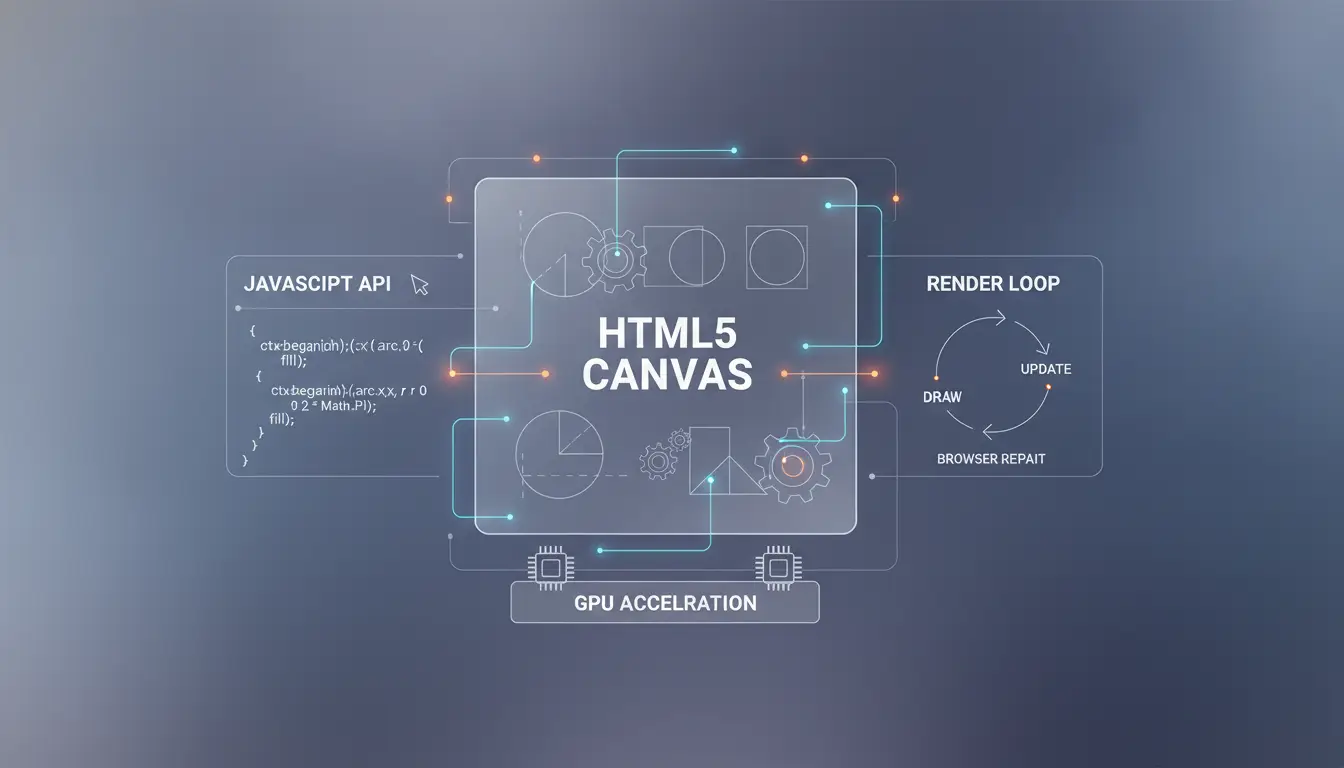
The HTML5 canvas element serves as a programmatic interface for drawing graphics via JavaScript. However, the rendering pipeline is not a black box; it is a complex series of handoffs between the browser engine, the operating system's graphics libraries, and the physical Graphics Processing Unit (GPU). Each of these layers introduces microscopic variations that contribute to the entropy of the final hash.
Step-by-Step Rendering Path
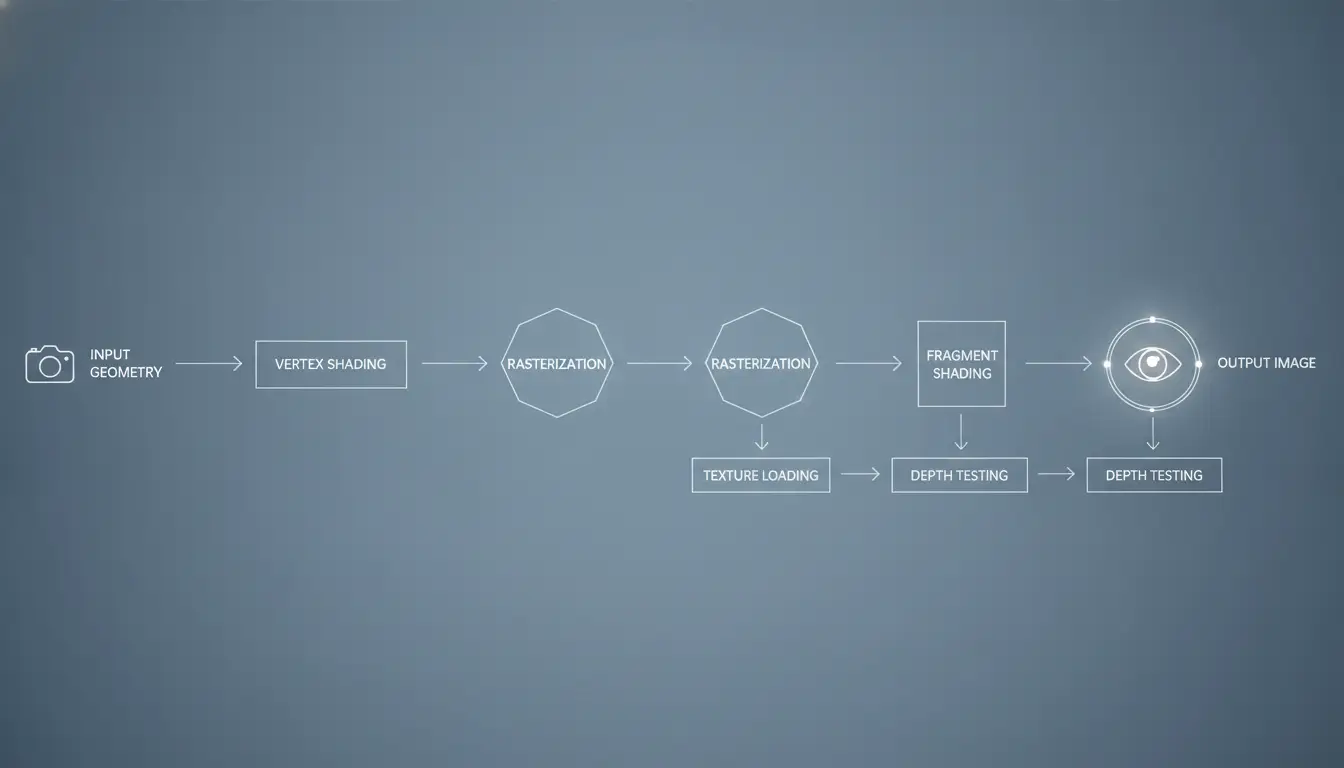
In 2026, tracking scripts have become highly optimized, following a rigorous path to extract maximum entropy from the device:
- Instruction Set Instantiation: The tracking script initiates the process by sending commands to the canvas API. These commands are specifically designed to stress-test the rendering engine, involving complex paths, varied fill styles, and specific transparency levels.
- API Interpretation: The browser’s rendering engine (e.g., Blink, WebKit, or Gecko) translates these JavaScript commands into platform-specific calls. At this stage, the browser's internal scaling and anti-aliasing configurations begin to influence the output.
- OS Kernel Interface: The browser communicates with the operating system’s graphics API (such as DirectWrite on Windows or Core Text on macOS). The OS manages font hinting and sub-pixel positioning, which vary significantly between kernel versions.
- GPU Rasterization: The instructions reach the graphics driver and the physical GPU. By 2026, trackers distinguish between architectures like NVIDIA’s CUDA-based cores and AMD’s RDNA-based sub-pixel sampling. Each architecture handles floating-point math and rasterization slightly differently, especially when calculating the edges of complex shapes.
- Sub-Pixel Interpolation: This is where the most significant hardware differences emerge. The way a GPU rounds a pixel to the nearest grid point during anti-aliasing is unique to the chip’s microarchitecture. Even identical laptops may produce different outputs due to minor revisions in the silicon or the specific firmware version of the graphics card.
- Alpha-Blending and Transparency: Trackers use multiple layers with varying alpha (transparency) values. The specific algorithm used to blend these colors is a major differentiator between GPUs.
- Data Serialization: The script utilizes the toDataURL() or getImageData() methods. This converts the rendered grid of pixels into a Base64-encoded string or a raw binary array.
- Digital Signature Generation: This string is passed through a hashing algorithm, such as MurmurHash3 or a SHA-256 variant. Because the hash is hyper-sensitive to even a single pixel's color value, the resulting alphanumeric string serves as a unique digital signature.
The Criticality of Font Rendering and Hinting
Font rendering remains the most potent signal in the canvas fingerprint. When a browser renders text on a canvas, it must perform "hinting"—the process of adjusting the font's vector outlines to fit the display's pixel grid. This is heavily dependent on the OS-level text engine. Windows uses DirectWrite, which emphasizes readability via horizontal sub-pixel positioning, while macOS’s Core Text prioritizes the preservation of the typeface’s original shape.
The resulting differences in anti-aliasing—how the "gray" pixels are distributed around the edges of a black letter—create a signature that is effectively unique to the OS and font-engine combination. When a tracking script requests a font that is not installed on the system, the browser defaults to a "fallback" font. The specific fallback chosen, and the way that fallback font is scaled to match the requested size, adds several bits of entropy to the fingerprint.
Why Traditional Privacy Methods Fall Short
Traditional privacy tools are largely designed for a stateful web. They function by intercepting requests to write data to the local storage or by blocking known tracking domains. However, canvas fingerprinting is an internal browser process that does not require an external request to generate an ID.
Comparison: Cookies vs. Canvas Fingerprints
| Attribute |
Cookies |
Canvas Fingerprints |
| Tracking Method |
Stored data files |
Real-time hardware/OS rendering |
| Persistence |
Low (Expires or user-cleared) |
High (Permanent hardware signature) |
| User Control |
High (Native browser APIs) |
Low (Requires API interception) |
| Visibility |
Exposed in Storage Inspector |
Invisible; executes in memory |
| Primary Use |
Session state and ads |
Fraud detection and ID stability |
| Detection |
Easily flagged by scanners |
Hard to distinguish from UI graphics |
In 2026, "Private" or "Incognito" modes offer zero protection against canvas tracking. These modes ensure that history and cookies are not saved, but they do not alter the way the GPU renders a pangram or how the OS handles font hinting. Consequently, the canvas hash generated in a private window is identical to the one generated in a standard window, allowing websites to link the two sessions instantly.
The Business Logic: Why Websites Use Fingerprinting
The use of fingerprinting in 2026 is a pragmatic response to the loss of cookie-based identifiers. Platforms utilize canvas persistence to maintain state across stateless protocols, prioritizing session continuity and security over user anonymity.
Fraud Detection and Financial Integrity
Financial institutions utilize canvas fingerprints as a "hardware anchor." When a user logs in, the platform compares the current canvas hash against the historical hash associated with that account. If the hashes do not match, even if the password and multi-factor authentication are correct, the system flags the session as a potential account takeover or a synthetic identity attempt. In this context, fingerprinting is an adversarial security measure designed to detect the use of virtual machines or automated tools typically used by fraudsters.
Bot Mitigation and Cybersecurity
Cybersecurity teams monitor the uniformity of fingerprints across high-traffic endpoints. Bots often run on headless browsers or standardized cloud instances that produce identical canvas hashes. By identifying thousands of requests sharing a single, specific signature, organizations can deploy countermeasures against automated scrapers or DDoS participants. This represents a technical trade-off: the platform sacrifices the anonymity of all users to identify the minority of malicious automated actors.
Personalized Experience without Consent
Commercial entities use fingerprinting to provide "frictionless" experiences. This includes remembering a user's dark mode preference, preferred language, or shopping cart contents without the user ever having to log in or accept a cookie. While marketed as a convenience, it enables persistent tracking of a user’s behavior across any site using the same fingerprinting script, effectively building a shadow profile of the user’s digital life.
Technical Vulnerabilities: What Makes Your Fingerprint Unique?
A canvas fingerprint is a composite signal. The more complex the drawing operation, the more unique the resulting identifier becomes. Modern scripts in 2026 target specific vulnerabilities in the browser-hardware interface to maximize the uniqueness of the hash.
Attributes Contributing to the Hash
- GPU Architecture: The difference between an integrated Intel Iris chip and a discrete NVIDIA RTX card is massive in terms of pixel-shading math.
- Graphics Driver Version: Manufacturers frequently update anti-aliasing kernels. A driver update from version 525 to 526 can completely change a canvas hash.
- Font Sub-pixel Rendering: The presence of specialized fonts—specifically Asian character sets or European vowels with rare diacritics—is a major differentiator.
- Display Scaling: High-DPI (Retina) displays use different pixel-density calculations than standard 1080p monitors, leading to different rasterization patterns.
The "Cwm fjordbank" Pangram
Trackers consistently use the string “Cwm fjordbank glyphs vext quiz”. This specific sentence is chosen because it contains nearly every letter in the English alphabet, forcing the font renderer to process a wide variety of character shapes. By rendering this string with specific kerning (spacing between letters) and font-weights, the script exposes the subtle differences in how a system handles "ligatures" and "descenders" (the parts of letters like 'y' or 'g' that go below the line). If the script also includes characters from non-Latin scripts, it can detect if the system lacks certain font files, which is a highly specific signal.
Strategies for Canvas Fingerprinting Protection
As tracking methods have reached parity with hardware capabilities in 2026, protection strategies have split into two competing technical philosophies: API Blocking and Noise Injection.
Randomization vs. Blocking
- Blocking: This involves disabling the canvas API or the toDataURL method entirely. While this provides 100% protection against the extraction of the signature, it is an aggressive and destructive strategy. Many modern web applications, including collaborative design tools, maps, and advanced dashboards, rely on the canvas for legitimate rendering. Blocking it results in "broken" websites and alerts the tracker that the user is actively attempting to evade detection.
- Randomization (Noise Injection): This is the more sophisticated 2026 standard. Instead of blocking the API, the protection tool intercepts the getImageData or toDataURL call and adds a microscopic, invisible amount of "noise" to the pixel data. This noise is so subtle it is imperceptible to the human eye but completely changes the hash. The goal is to make the device appear as a "moving target."
Evaluation Checklist for Protection Strategies
- Interception Accuracy: Does the tool intercept both toDataURL and getImageData?
- Session Stability: Does the tool provide a consistent fingerprint within a single session? If the hash changes on every refresh, the tracker will flag the user for "browser tampering."
- Signal Masking: Does it also spoof the list of available fonts to prevent font-based triangulation?
- Performance Overhead: Does the noise injection process add significant latency to the page load?
Professional Management of Browser Identifiers
For professionals who must manage multiple digital identities—such as forensic researchers, cross-border marketers, or privacy engineers—standard browser randomization is often insufficient. These use cases require "Identity Isolation," where each browser session has a unique but stable fingerprint.
This is a primary function of DICloak. A DICloak profile provides a structured environment where browser signals can be configured for each account. By creating isolated browser profiles, users can help ensure that canvas data from one account remains distinct from another, which supports safer multi-account management and helps reduce account-linking risk.
In a professional DICloak workflow, users can configure their own proxies to separate connection data from hardware data. This ensures a cohesive identity: Account A is tied to a specific canvas hash, a specific IP, and a specific set of browser headers, while Account B has a different set of attributes. This level of profile isolation supports safer multi-account management in an era where platforms use canvas hashes as a primary security check.
2026 Trends in Anti-Fingerprinting Technology
The current landscape is defined by "Multi-Signal Intelligence." Trackers no longer rely on the canvas signal in isolation. Instead, they use probabilistic device graphs that correlate canvas data with other sensor data.
Probabilistic Device Graphs
- WebGL Signals: The rendering of 3D objects provides even more hardware-specific data than 2D canvas drawing.
- AudioContext API: Differences in how the system processes audio frequencies.
- Sensor Heuristics: On mobile devices, the slight wobble of the accelerometer can be used to distinguish between a physical device and an emulator.
The most advanced protection in 2026 focuses on "Consistent Spoofing." If a tracker detects that a browser is injecting noise, it simply uses the other signals to rebuild the ID. The only effective defense is to present a fingerprint that is unique and different from your real hardware, but remains consistent and convincing across the entire session to avoid triggering tampering alerts.
Implementation: A Technical Look at the Code
To defend against the attack, one must understand the script logic used to generate the hash. In 2026, most tracking scripts follow this granular 10-point logic flow:
- DOM Creation: A hiddenelement is created using document.createElement('canvas').
- Context Selection: The script requests a 2D rendering context: ctx = canvas.getContext('2d').
- Canvas Scaling Test: The script checks the devicePixelRatio to see if the system is a High-DPI display.
- Alpha-Blending Initialization: The script sets the globalAlpha to a value like 0.5 to test how the GPU handles transparency layering.
- Font Stack Enumeration: A complex font string is set (e.g., ctx.font = "14px 'Arial', 'Cwm fjordbank', sans-serif").
- Pangram Rendering: The script draws the "Cwm fjordbank" text at a specific coordinate using ctx.fillText().
- Geometric Stress-Test: It draws a rectangle with a gradient fill that overlaps the text, testing edge-case rasterization.
- Bitmask Extraction: The script calls canvas.toDataURL("image/png"), which encodes the pixel grid into a Base64 string.
- Client-Side Hashing: The string is processed through a fast, non-cryptographic hash function (like MurmurHash3) to generate the final identifier.
- Telemetry Transmission: The hash is sent to the tracker's server along with other device attributes (OS version, timezone) to be stored in the device graph.
Modern protection tools must intercept this at step 8. Instead of the real pixel data, the tool returns a slightly modified version where the RGB values of a few non-essential pixels have been incremented by a value of 1. This is enough to change the hash entirely while remaining invisible to the user.
Frequently Asked Questions about Browser Tracking
Can I block canvas fingerprinting without breaking websites?
In 2026, total blocking is generally discouraged as it breaks the UI of many sophisticated web applications. The standard recommendation is noise injection or profile isolation, which allows the canvas to function normally while providing the tracker with a spoofed or noisy hash.
Does a canvas fingerprint change if I update my graphics driver?
Yes. Since the hash is derived from the sub-pixel rendering performed by the driver, any update to the driver’s rasterization kernel will result in a different output. This makes the canvas fingerprint a "semi-persistent" identifier—more stable than a cookie but less permanent than a MAC address.
Is canvas fingerprinting the same as IP tracking?
No. IP tracking identifies your network's exit node, whereas canvas fingerprinting identifies your physical hardware and software configuration. Even if you use a proxy or a different network, your canvas hash remains the same, allowing websites to recognize your device across different connections.
How do multi-account browsers handle canvas data?
Multi-account browsers, specifically DICloak, handle this through profile isolation. Each profile is assigned a unique, synthetic rendering identity. When a website requests a canvas hash, the browser returns the hash associated with that specific profile, not the hardware's real hash.
Why is my canvas hash different in different browsers?
Each browser engine (Blink, Gecko, WebKit) uses a different internal rendering pipeline. Chrome may use one method for anti-aliasing, while Firefox uses another. Consequently, the same physical machine will have a different fingerprint for each browser brand installed.
Final Decision Framework for Privacy
Your choice of canvas fingerprinting protection should be dictated by your specific threat model. Security and privacy are not binary; they are a spectrum of technical trade-offs.
Judgment-Based Selection Criteria
- Standard Browser Privacy Tools: Suitable for casual users who wish to reduce the accuracy of ad-tracking networks and do not require account isolation. This reduces the "signal-to-noise" ratio for trackers but does not provide anonymity against advanced "Smart Signals."
- Specialized Profile Management (DICloak): Essential for users managing multiple high-value digital identities, such as in e-commerce, competitive intelligence, or forensic research. DICloak's isolated profiles and fingerprint configuration support safer multi-account workflows and can help ensure that "Account A" is not linked to "Account B" via the hardware's rendering signature.
- Hash Uniqueness Check: Use a fingerprinting test site to see how many bits of entropy your canvas contributes to your overall profile.
- Cross-Session Correlation: Open the same test site in a standard window and a "Private" window. If the hashes are identical, your current setup is failing to block fingerprinting.
- Font Exposure Audit: Reduce the number of custom fonts installed on your OS; every unique font is a piece of data that narrows down your identity.
- Consistency Verification: If you are using a noise-injection tool, ensure the hash remains stable for the duration of your session to avoid being flagged by automated fraud-detection systems.
In the year 2026, reclaiming privacy is a matter of managing the signatures your hardware is forced to produce. By understanding the rendering path from the API to the GPU, you can implement a protection strategy that balances website functionality with personal anonymity.
Modern web platforms have effectively completed the transition away from stateful tracking mechanisms, such as third-party cookies, in favor of extracting hardware-level signatures directly from the user's rendering engine. In the technical landscape of 2026, canvas fingerprinting protection is no longer an elective privacy setting but a fundamental requirement for maintaining digital boundary integrity. While legacy tracking relied on the browser's willingness to store a unique ID, modern fingerprinting derives that ID from the immutable physical and software characteristics of the device itself.
 Web Proxy Tools
 Free Tools
 Cookie Plugin
 UA Generator
 MAC Address Generator
 IP Generator
 IP Address List
 2FA Code Generator
 World Clock
 Anonymous Check
 WebRTC Leak Test
 UUID Generator
 Free Web Proxy Site
 Proxy Checker
 FB Ad Checker
 AI Web Scraping
 Free SMM Tools
 Twitter Shadowban Checker
 Instagram Name Checker
 UTM Generator
 Username Generator
 AI Hashtag Generator
 LinkedIn Headline Generator
 Social Media Image Resizer