A scraping team can burn a full $20 proxy balance in one afternoon when 30% of requests fail, retries pile up, and blocked sessions still count toward traffic. That is why cheap residential proxies are often expensive in practice: low price per GB does not protect you from bad IP quality, weak geo coverage, or unstable uptime. Platforms like Cloudflare and sites protected by reCAPTCHA react fast to noisy traffic patterns, so a “cheap” pool with recycled IPs can trigger more blocks and force extra retry cycles.
The good news is that you can screen this early with a short test process. You only need a few checks: success rate by target, median response time, real location match, and ban rate after steady request volume. You should also verify billing rules before you load traffic, since pricing units and overage terms differ across providers. If you run these checks before buying bigger plans, you can avoid paying twice for failed runs and replacement proxies. The core idea is simple: judge proxy value by usable requests, not by sticker price. Start with the validation steps that catch weak proxy pools before scale makes the loss bigger.
How can you tell if cheap residential proxies are actually usable?
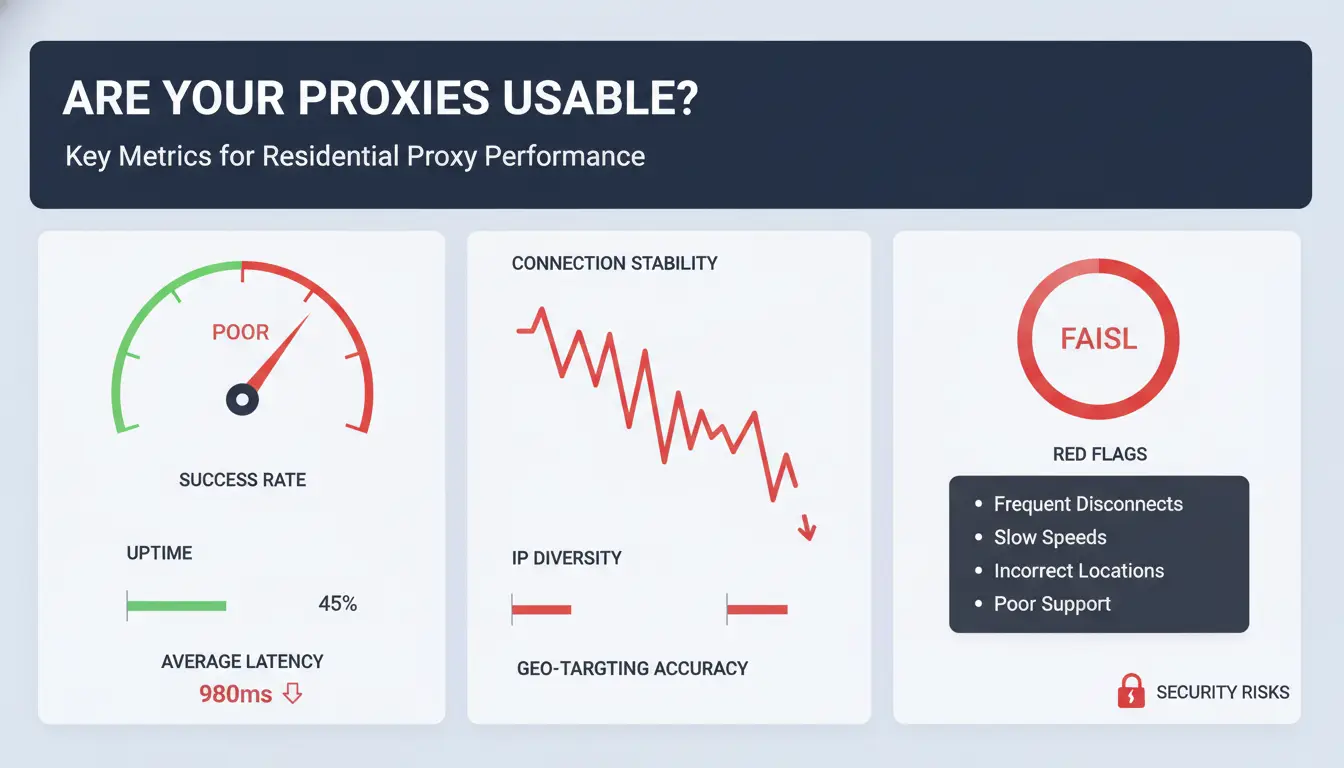
Price per GB is only a starting point. Judge cheap residential proxies by usable request output on your real targets. Run a 30–60 minute pilot before you scale spend. Track success rate, median response time, timeout rate, geo accuracy, and ban rate under steady load. If a provider cannot pass this small test, bigger plans only multiply loss.
What performance baseline should you expect from budget residential proxies?
Use baseline ranges by task type, then adjust after your pilot.
| Task type |
Success rate target |
Median response time |
Timeout rate |
| Public pages, low anti-bot pressure |
90%+ |
<3s |
<5% |
| Search/result pages with moderate controls |
80%+ |
<5s |
<8% |
| Login/checkout-like flows, high friction |
70%+ |
<8s |
<12% |
If your numbers sit below these ranges after basic retry logic, treat the pool as weak inventory. Platforms like Google reCAPTCHA and Cloudflare bot protections react fast to noisy traffic, so poor pools fail quickly.
Which proxy quality signals matter more than price alone?
Check IP freshness, rotation behavior, and ASN spread. Recycled IPs often carry old abuse history, which raises block risk. Rotation should be predictable: sticky sessions for stateful tasks, clean rotation for high-volume fetches. ASN diversity helps avoid traffic that looks clustered on one network. You can verify ASN and network owner with RIPEstat or ipinfo ASN data.
Session stability is the hard filter for login and checkout flows. If sessions break during cookie handoff, low price does not help.
How do you match proxy quality to your specific use case?
Light scraping can tolerate higher latency and occasional failures. High-friction targets need tighter thresholds, sticky sessions, and cleaner IP history.
Geo needs also change your pass/fail line. If your flow needs city-level targeting, validate location with MaxMind GeoIP and test actual endpoint behavior, not just declared country. Broad country targeting is easier; city precision fails more often on budget pools.
What risks come with very low-cost residential proxies?
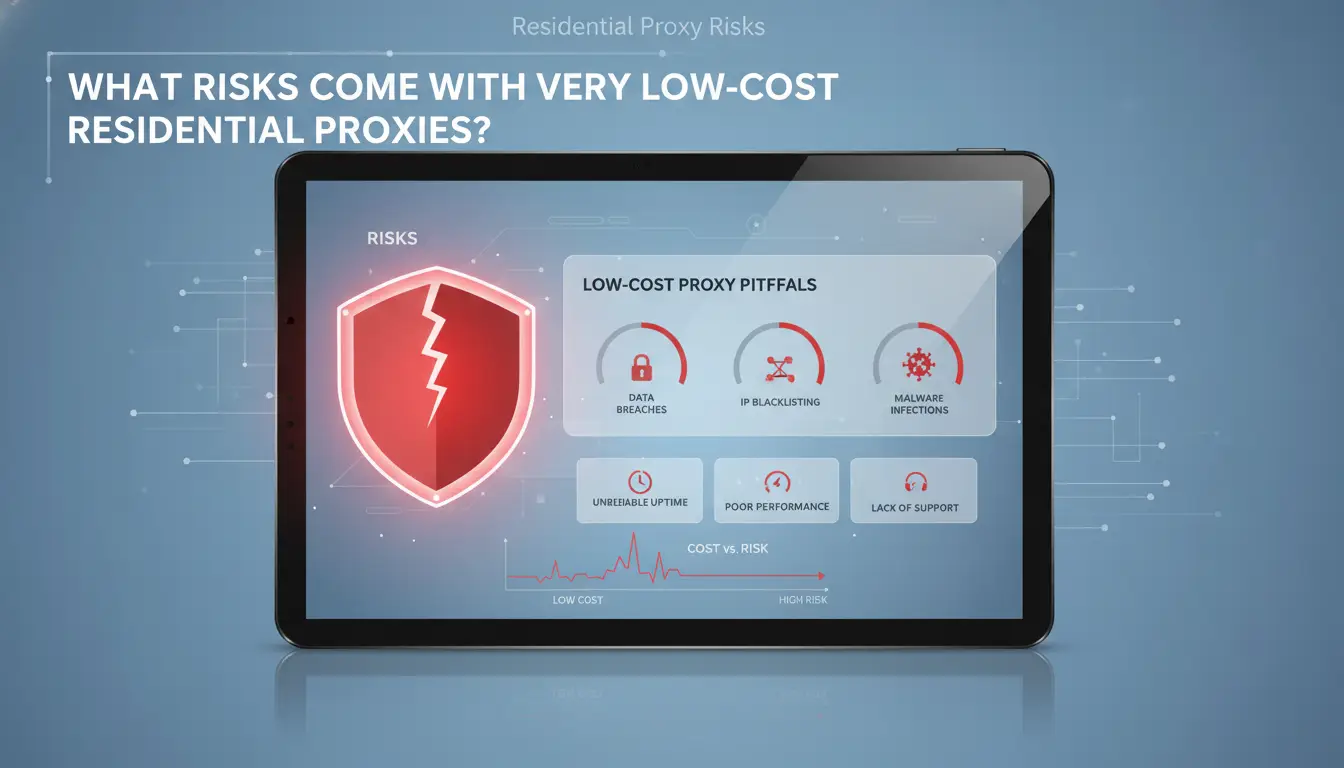
Ultra-low pricing can look good in a dashboard, then fail under real traffic. With cheap residential proxies, the usual break point is not setup. It is request quality over time: more blocks, slower retries, and unstable routing. That hurts usable request volume, which is the metric that controls real cost.
Why do some cheap proxy pools fail quickly on protected sites?
Protected sites track repeat behavior across IP reputation, request timing, and browser signals. Public guidance from Google reCAPTCHA shows that automated abuse systems react to noisy patterns. If a provider recycles the same IP ranges across too few customers, those ranges burn fast.
A second issue is pool hygiene. Some low-cost plans keep dead or flagged IPs in rotation. You still get “delivered” traffic, but more requests fail, then your scraper retries and burns extra bandwidth. Low sticker price can turn into higher cost per successful request within days.
What legal and compliance risks should you check first?
Ask where residential IPs come from and whether user consent is documented. If the provider cannot show clear sourcing terms, your risk moves from technical failure to legal exposure. The FTC truth-in-advertising rules and local privacy laws can apply if collection methods or disclosures are unclear.
Also review target-site rules before launch. Some targets ban automated collection in their Terms of Service. A proxy plan does not remove that conflict.
Which support and reliability issues create hidden downtime costs?
Support quality decides recovery speed during outages, block spikes, or geo-routing errors. Check response windows, escalation path, and SLA wording before you commit budget.
| Check area |
Low-cost failure pattern |
Real outcome |
| Ticket response |
Slow or no live escalation |
Longer outages |
| SLA language |
Credits only, no uptime remedy |
Lost run time not recovered |
| Failover options |
No backup pool or auto-switch |
Jobs stop during provider issues |
Run a 24-48 hour pilot and log success rate, median latency, and ban rate by target before scaling.
Which pricing model is really cheapest for your workload?
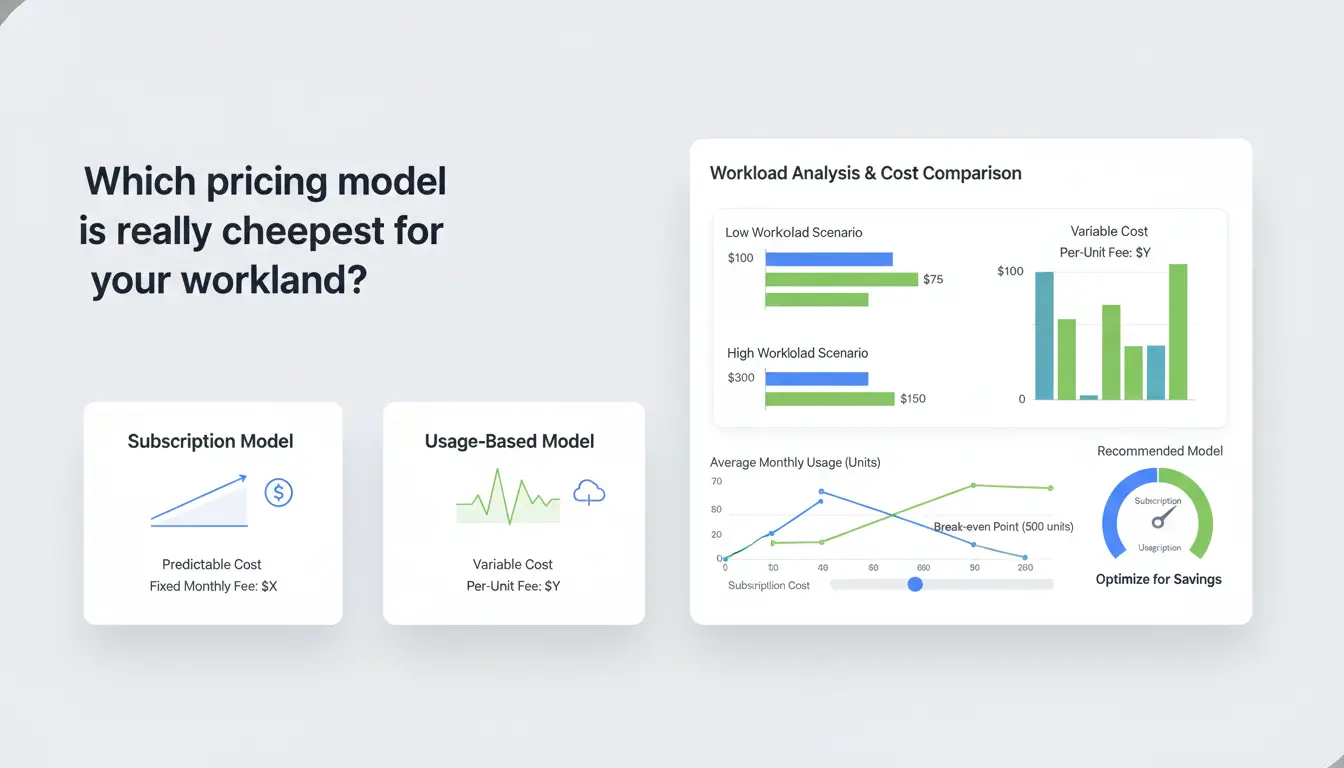
For cheap residential proxies, price tags can mislead you. Track cost per 1,000 successful requests, not plan price. That ties spend to real output, especially when anti-bot systems like Google reCAPTCHA raise retry rates.
When is pay-per-GB better than per-IP plans?
Use pay-per-GB when each request pulls larger pages, images, or JSON payloads. Use per-IP when your traffic is light per request but needs long sessions (account actions, carts, inbox checks).
Quick math:
- Monthly GB = requests × average response size (MB) ÷ 1024
- Cost per successful request = monthly proxy bill ÷ successful requests
| Workload pattern |
Better model |
Why |
| 2M requests, 120KB each, low login state |
Pay-per-GB |
You pay for transfer, not idle IP inventory |
| 300k requests, sticky logins, low bandwidth |
Per-IP |
Session stability can reduce relogins and retries |
| Unknown traffic shape |
Short trial on both |
Compare same target, same concurrency |
For planning request sizes, check payload in browser dev tools or script logs. The MDN Network panel guide is enough for a fast baseline.
How do rotation and sticky sessions change your true cost?
Fast rotation can raise hidden bandwidth use. Extra handshakes, failed challenges, and repeat fetches add billable GB. Sticky sessions can lower retries on logged-in flows, which can beat lower sticker pricing.
Track two metrics during tests:
- Success rate at fixed concurrency
- Retries per successful request
If retries rise, your “cheap” plan can become expensive even before you hit quota. For rate-limit behavior, review HTTP 429 guidance.
What hidden fees make a cheap proxy plan expensive?
Read billing terms line by line:
- Country premiums (US/UK/mobile-heavy regions often cost more)
- Concurrency caps that force plan upgrades
- Charges for extra API keys, IP whitelists, or priority support
Use the provider’s pricing page and terms, then map each fee to your workload. You can verify legal handling expectations for personal data in GDPR principles.
What should you check before buying cheap residential proxies?
A low price can hide weak IP quality, fake location claims, or billing traps. Before you buy cheap residential proxies, run a short screen and collect proof. If a provider avoids basic verification, treat that as a stop signal.
How do you verify provider legitimacy in 15 minutes?
Check who runs the business. You should see a legal entity name, support email on the same domain, and clear terms pages. If ownership is hidden, risk goes up.
Use quick public checks:
| Check |
What to confirm |
Red flag |
| Domain record |
Recent WHOIS history at ICANN Lookup |
Brand-new domain with no company details |
| Public reviews |
Mixed feedback on Trustpilot and technical forums |
Only glowing affiliate-style posts |
| Policy pages |
Refund, acceptable use, and data handling terms |
Missing refund rules or vague abuse policy |
Which technical questions should you ask sales before payment?
Ask for exact protocol support: HTTP(S) and SOCKS5. Confirm auth method (IP allowlist or username/password), session control (sticky vs rotating), and request limits per minute.
Ask for live pool details by region, not a marketing number:
- Current available IPs in your target country
- How often IPs refresh
- Whether city-level targeting is real or estimated
Request a test endpoint and sample logs. If they cannot provide either, you cannot validate quality. Also ask how they handle sites with strict bot defense like Google reCAPTCHA.
What trial terms indicate a trustworthy provider?
Look for test credits, a clear refund window, and written usage boundaries. You need enough trial traffic to measure success rate, median latency, and ban rate on your own targets.
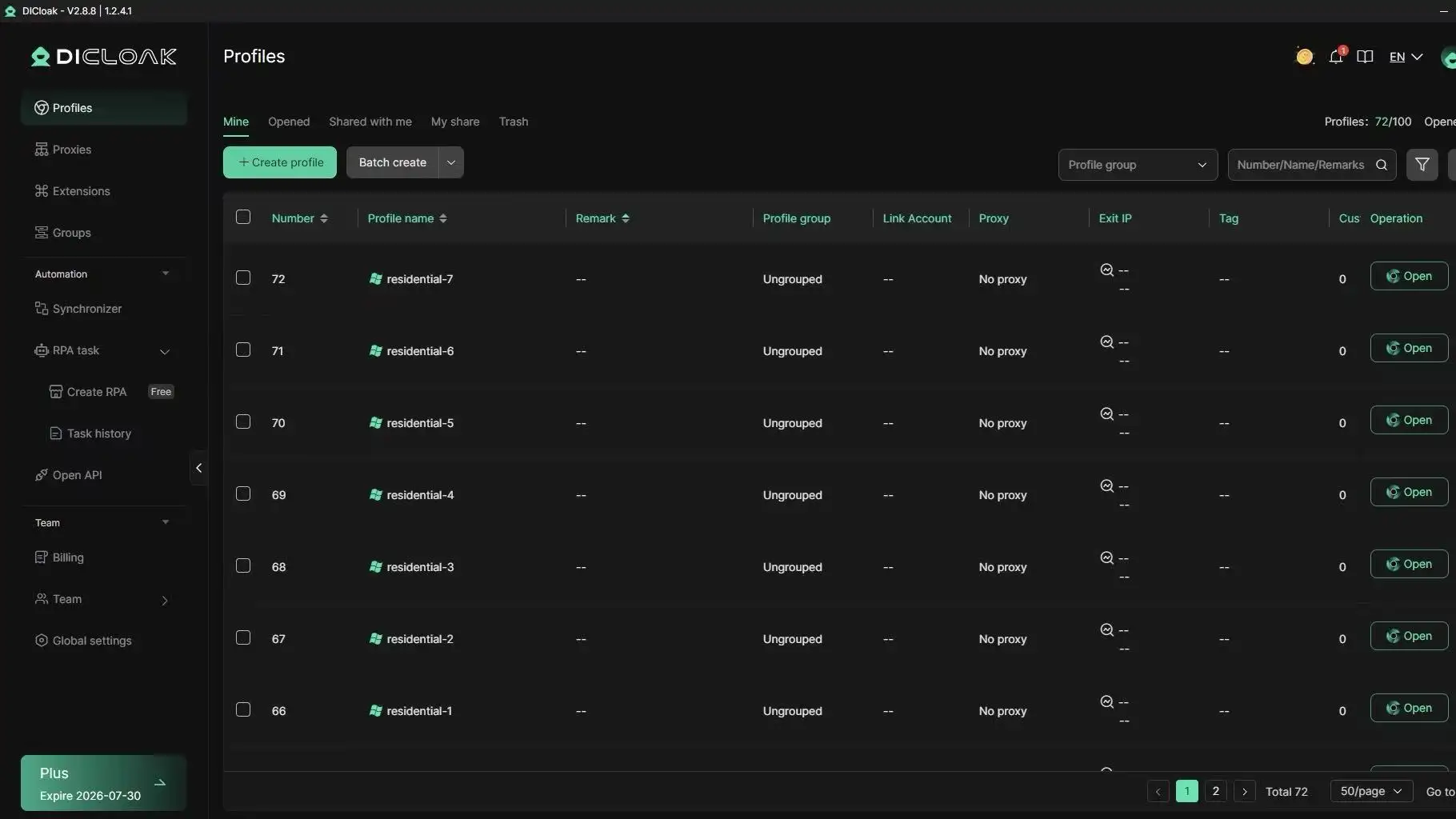
Avoid lock-in contracts during validation. A safe starting point is month-to-month billing with hard spend caps and overage rules shown before checkout. If you run teams, you can use DICloak to isolate browser profiles per account while testing proxy stability.
How do you test cheap residential proxies before scaling?
Treat this as a gate, not a trial run. You are checking if a proxy pool can survive your real workload. Use cost per successful request as the pass/fail metric, not raw GB price. Cheap residential proxies only help when they deliver stable, usable requests under normal pressure.
Step 1: Build a small but representative test batch
Run traffic that matches your real jobs: same endpoints, headers, methods, and concurrency. If your production flow hits login, search, and detail pages, include all three. Test at two or three peak windows across your target regions, since block behavior changes by hour and geo.
Use a fixed sample size per provider and keep it equal. A practical starting point is 1,000 to 3,000 requests per region over 24 to 48 hours. Log status codes and challenge pages tied to reCAPTCHA behavior. Also verify geolocation with an IP check like ipinfo.io.
Step 2: Track the right metrics and pass/fail thresholds
Track four core metrics: success rate, median latency, timeout rate, and retry rate. Add ban/challenge rate as a separate line item (403, 429, CAPTCHA pages). Set thresholds before testing, then keep them fixed:
- Success rate: at or above your current baseline
- Median latency: within your SLA
- Timeout + retry: low enough to avoid queue buildup
- Geo match: region/city must match your targeting rules
Compute cost per successful request:
(proxy cost + retry cost + failed job overhead) / successful requests
If this number is worse than your current provider, do not scale.
Step 3: Compare two providers side by side before rollout
Route equal traffic to two providers using the same scheduler, same targets, and same time windows. Keep session rules identical so the test stays fair.
| Check |
Provider A |
Provider B |
| Success rate |
|
|
| Median latency |
|
|
| Timeout + retry rate |
|
|
| Ban/challenge rate |
|
|
| Cost per successful request |
|
|
Scale only when one provider wins on stability and cost for at least 2 full test days. If results are close, renegotiate terms or keep both in a split rollout.
How can teams use cheap residential proxies with lower account risk?
Cheap proxies fail more often in team use than in solo use. One person can keep a stable login pattern. A team usually cannot. If two members touch the same account from different environments, risk checks can fire even when the proxy IP looks clean. Systems like Google reCAPTCHA and behavior filters watch for pattern shifts, not just IP type.
Why team workflows increase risk even with good proxies
The main problem is collision. Member A logs in with one browser setup, then Member B opens the same account with different screen size, timezone, fonts, or WebGL signals. That mismatch creates a new browser fingerprint. If you buy cheap residential proxies but keep random browser states, you still get flags.
Shared passwords create another risk. People paste credentials into the wrong tab, mix accounts, or run actions on the wrong profile. One mistake can link accounts that should stay separate. Teams should treat “account + browser profile + proxy” as one fixed unit, not three separate items.
How DICloak helps stabilize proxy-based account operations
You can use DICloak to pin each account to one isolated browser profile and one assigned proxy. That keeps fingerprint and network identity consistent across sessions.
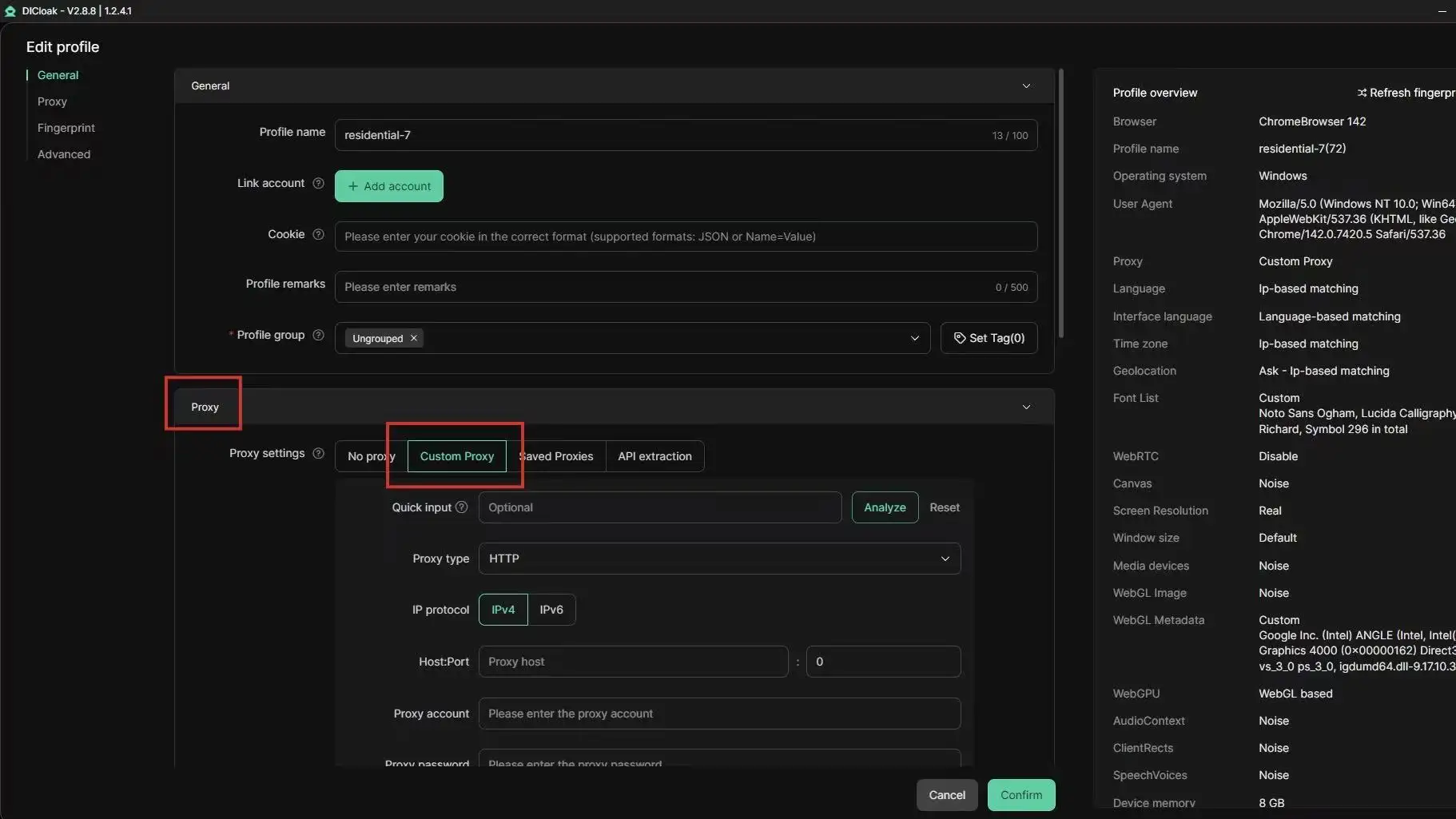
You can also set team permissions, share only selected profiles, and keep operation logs for each action. That lowers hidden changes and makes mistakes traceable.
| Workflow state |
Common trigger |
Team impact |
| Unmanaged access |
Random profile/proxy switching |
More login checks and account flags |
| DICloak profile isolation + permissions |
Fixed profile-proxy binding + action logs |
Fewer collisions and faster issue tracing |
What setup works best for growing teams
Create one profile per account. Bind one proxy rule to that profile. Do not rotate proxy endpoints inside active account sessions.
Use bulk operations for repeated updates, then use RPA for routine steps like login checks and status tagging. This cuts copy-paste errors and keeps actions consistent as the team grows.
When are cheap residential proxies the wrong choice?
Which use cases usually fail with budget proxy pools?
Cheap residential proxies break down when each failed request has a real cost: checkout bots, ad verification with SLA targets, and account recovery flows. Sensitive account tasks fail faster if IPs rotate unpredictably or get flagged. Tools like DICloak let you map one account to one browser profile with a fixed proxy and isolated fingerprint, which cuts cross-account linkage risk.
How do you calculate the break-even point for upgrading?
Price per GB is not enough. Track failed runs, retry time, and blocked sessions.
| Cost item |
Budget pool |
Higher-tier pool |
| Retry hours/week |
6 |
1 |
| Failed task rate |
12% |
3% |
| Account lock incidents |
Higher |
Lower |
If labor and lost output cost more than the plan gap, upgrade.
What is a practical decision checklist for your next 90 days?
Use permission controls, profile sharing, operation logs, bulk actions, and RPA in DICloak to scale team work with fewer manual errors. If reliability issues touch revenue or account safety, pay more and split traffic by task risk. Set triggers for ban-rate spikes and spend jumps.
Frequently Asked Questions
Are cheap residential proxies legal to use?
Cheap residential proxies are legal in many places, but rules change by country and state. You must check local law, plus each website’s terms of service. Only use providers that get clear user consent for IP sharing. Using proxies for fraud, account takeovers, or data theft can lead to account bans, fines, or legal action.
How many cheap residential proxies should a beginner start with?
Start with a small pool tied to your real request volume. For example, run a short test with enough IPs to cover your daily jobs without constant reuse. Track success rate, block rate, and cost per successful request. Scale only after results stay stable for several days and retries remain low.
Do cheap residential proxies work for sneaker, ecommerce, or social media tasks?
Cheap residential proxies can work for all three, but target difficulty is different. Sneaker drops often need fast rotation and low-latency routes. Ecommerce scraping may do better with sticky sessions for cart or pagination flows. Social platforms usually need careful rate control and longer session life. Match proxy type and session settings to each workflow.
Can I use one cheap residential proxy provider for every country?
Using one provider for every country is rarely the best move. Country pools vary in size, ASN mix, and uptime. A provider that performs well in the US may struggle in Brazil, India, or smaller EU markets. Test country-level success, speed, and block rate before consolidating to one vendor.
What is a realistic budget for cheap residential proxies each month?
Build your budget from traffic and outcomes, not headline CPM or per-GB price. Estimate monthly bandwidth, target success rate, and retry overhead from failed requests. Include extra room for peak days and testing. Cheap residential proxies that look low-cost can become expensive when failure rates force many repeated requests
Conclusion
Cheap residential proxies can deliver strong value when you prioritize stable performance, transparent pricing, and a provider with clear compliance standards instead of choosing solely by the lowest rate. The best results come from testing proxy quality against your actual workflows, so you save money without sacrificing speed, success rates, or account safety.
Try DICloak For Free
 Web Proxy Tools
 Free Tools
 Cookie Plugin
 UA Generator
 MAC Address Generator
 IP Generator
 IP Address List
 2FA Code Generator
 World Clock
 Anonymous Check
 WebRTC Leak Test
 UUID Generator
 Free Web Proxy Site
 Proxy Checker
 FB Ad Checker
 AI Web Scraping
 Free SMM Tools
 Twitter Shadowban Checker
 Instagram Name Checker
 UTM Generator
 Username Generator
 AI Hashtag Generator
 LinkedIn Headline Generator
 Social Media Image Resizer