Why users are looking for a Maskfog alternative right now
Managing multiple business accounts requires stable infrastructure. When your antidetect browser fails, you risk revenue. Many businesses start with Maskfog, but growing teams often hit walls with reliability, pricing, or technical friction. As operations scale, business owners shift to Maskfog alternatives that offer better risk mitigation, smoother automation workflows, and easier team collaboration.
Common issues that drive users to switch browsers
A tool must solve problems, not create new ones. When an antidetect browser leaks your hardware footprint, platforms ban your entire network. You need software built for professional use that reduces these risks.
What causes accounts to get linked or flagged
Platforms like Facebook and Amazon use strict security checks. They look at your device fingerprint, which is the unique data your hardware sends to a website. If your browser fails to mask details like Canvas (how your browser renders images) or WebRTC (real-time communication protocols), the platform links your accounts together. A single slip in proxy matching triggers a mass ban. Businesses cannot afford this level of exposure.
Why some setups feel too technical for everyday users
You want your team focused on campaigns, not troubleshooting software. Some browsers require extensive manual setup for every profile. If your media buyers must configure custom API scripts just to open a secure window, you lose valuable time. Modern teams require intuitive interfaces where complex proxy routing and fingerprinting happen silently in the background.
What really matters when choosing a Maskfog replacement
Switching platforms costs time and money. You need a solution built for scalable, long-term use. The right choice protects your data while keeping operational costs predictable.
Balance between monthly pricing and feature limits
Free trials are great for testing, but you must evaluate long-term costs. Evaluate how the browser charges for added profiles. Some tools charge flat rates, while others use pay-as-you-go calculators. You need a predictable monthly rate that includes essential features like bulk creation and built-in automation, ensuring you avoid sudden price hikes as you scale.
How easy it is to share accounts with a team
Solo workflows do not scale. As you add virtual assistants or media buyers, you need structured workspaces. The best infrastructure lets you assign profiles with specific permissions. You must be able to share access without handing over raw passwords or compromising your core admin rights. Secure, password-free account sharing is non-negotiable for a modern social media multi-account manager.
How we evaluate the best Maskfog alternatives in 2026
When searching for software like Maskfog, you need a strict testing framework. We look past the marketing claims and focus on business infrastructure. Finding the best antidetect browser 2026 requires looking at bulletproof security, seamless scale, and strong return on investment. Our evaluation prioritizes how well these tools protect your revenue-generating accounts and how quickly your operational team can deploy them.
Reliability in keeping multiple profiles separated
True isolation is the foundation of multi-accounting. If one profile shares identifiable data with another, your entire network falls like dominoes. We evaluate Maskfog alternatives based on their ability to build air-tight, distinct environments for every login.
Making browser profiles look like real, unique users
Platforms do not just look for hidden data; they look for natural behavior. A reliable Maskfog replacement should generate hardware fingerprints that blend into the crowd. We test how each browser handles parameters like screen resolution, installed fonts, and media devices. The top competitors build their environments using databases drawn from real user devices rather than relying on randomized, generated noise. If a profile fingerprint looks artificially unique, security algorithms will flag it immediately. We prioritize tools that make your business accounts look exactly like thousands of ordinary, everyday consumers.
Preventing common data leaks that trigger bans
Even the most authentic fingerprint means nothing if your actual IP address or hardware details slip through. We stress-test these tools for vulnerabilities, specifically looking at WebRTC (real-time communication protocols) leaks and Canvas (how your browser draws images) tracking. We also examine how the browsers manage sudden proxy network disconnections. If a proxy drops unexpectedly, the software must kill the internet connection instantly before your real geographic location is exposed. We evaluate these core security mechanisms because reducing data exposure risk matters for professional teams.
Usability and setup time for new users
High-grade security should not paralyze your daily workflow. Time spent configuring software is time away from managing your active campaigns. We measure the operational friction of moving to a new platform and how it impacts your bottom line.
How long it takes to create 10+ profiles
Scaling your operations requires speed. If your team needs an hour to build ten new accounts, your software is actively hurting your productivity. We evaluate the bulk creation capabilities of every tool. The best options allow you to upload a simple spreadsheet or click one button to generate dozens of secure, ready-to-use profiles. We look for seamless infrastructure that automatically assigns the correct proxies, applies authentic fingerprints, and organizes everything into distinct team folders without manual data entry.
Complexity of proxy and automation settings
Advanced technical setups must remain accessible to your everyday staff. You want your media buyers launching ads, not writing custom code to bypass security filters. We assess how easily teams can route complex proxy networks and establish basic account automation. Browsers that offer visual, built-in Robotic Process Automation (RPA) score much higher in our testing. These features reduce repetitive login tasks without requiring a dedicated software engineer. A high-tier Maskfog competitor should make complex background data routing feel entirely effortless for the end user.
The top 10 Maskfog alternatives for every budget and use case
Seamless background routing is just the baseline. When replacing your current setup, you need infrastructure that aligns precisely with your business model. We mapped the market to find the best platforms that balance deep security with operational speed. Below is a structured look at the top Maskfog competitors in 2026, organized by business scale and technical capability.
DICloak: Best overall alternative for secure multi-accounting
DICloak provides superior infrastructure for teams moving away from restrictive setups. It secures your operations by generating highly independent browser profiles. You mitigate risk because credentials stay isolated.

Best for: Scaling e-commerce and crypto accounts safely
This platform protects operations where a single account ban impacts revenue directly. It provides distinct environments for high-stakes affiliate marketing and cryptocurrency trading.
Strengths: Easy RPA automation and secure team sharing
You can deploy Robotic Process Automation without hiring developers. This speeds up daily account logins. The password-free sharing system lets your staff access profiles without ever seeing the raw credentials.
Limitations: Currently only supports Windows and Mac
DICloak currently supports Windows and Mac devices, which may be a limitation for users who want native support on more platforms. However, based on the Chrome core, DICloak can simulate major operating systems including Windows, Mac, iOS, Android, and Linux. This means users can still create browser profiles that match different platform needs while managing accounts efficiently on desktop.
Pricing: Freemium with competitive tiers for growth
You can test the infrastructure using a free plan with 5 profiles. Paid tiers start at $8 per month for 20 profiles, making scaling highly cost-effective.
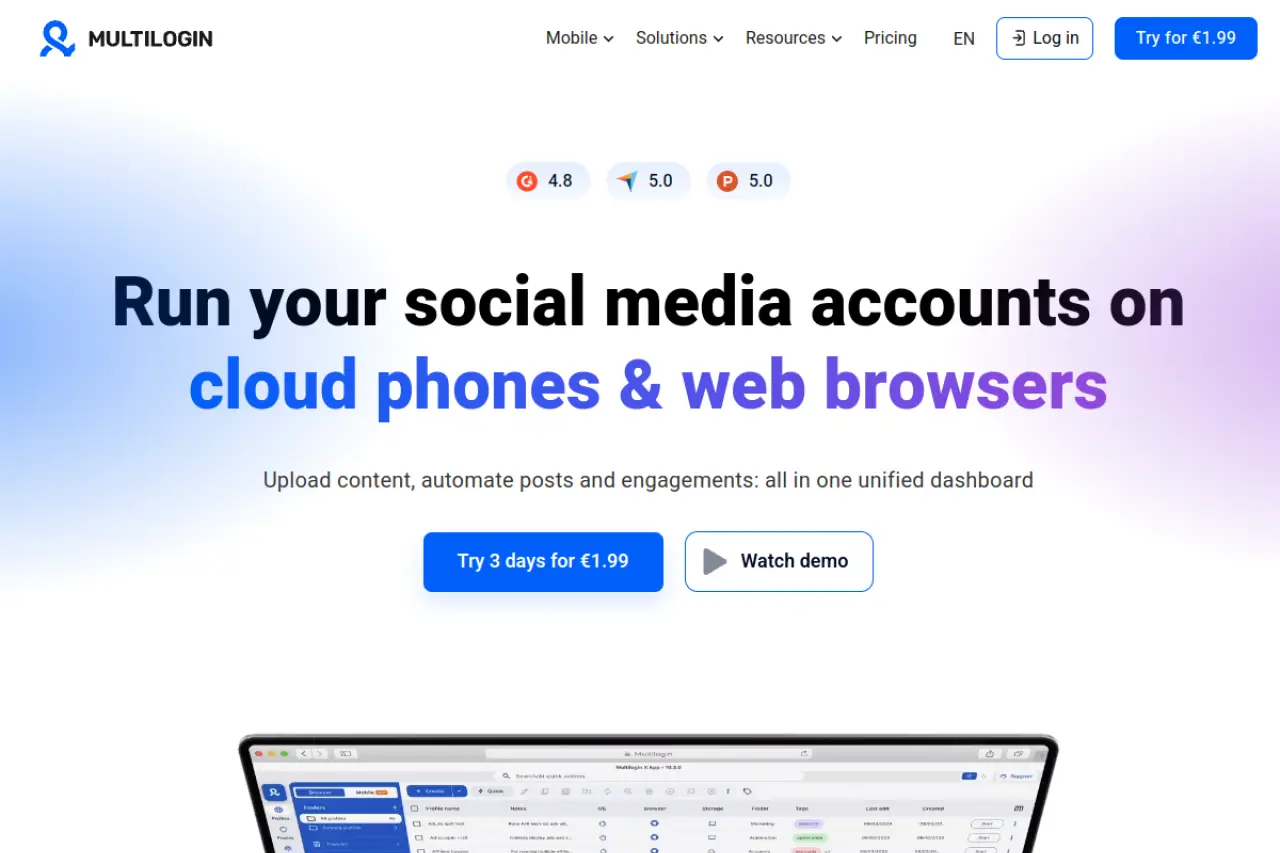
Multilogin: The alternative for high-stakes agencies
Multilogin delivers data isolation. It focuses strictly on preventing advanced tracking through customized environments.
Best for: Professional media buying and large-scale scraping
Agencies managing millions in ad spend rely on this tool. It is built for operations that demand precision in profile separation.
Strengths: Highly authentic profiles based on real user data
The software builds environments using data pulled from real consumer devices. This prevents security algorithms from detecting artificially generated browser noise.
Limitations: High entry price point for small businesses
The barrier to entry is steep. Small teams or solo operators will find the pricing structure difficult to justify against their operational ROI.
Pricing: Subscription-based with trial options available
A 3-day trial costs €1.99. Standard professional plans begin at €9 per month for limited profiles, quickly scaling up to €159 per month for business needs.
GoLogin: The user-friendly alternative for solo founders
GoLogin removes the technical friction from running multiple identities. It offers a clean, cloud-based approach that does not require heavy local installation.
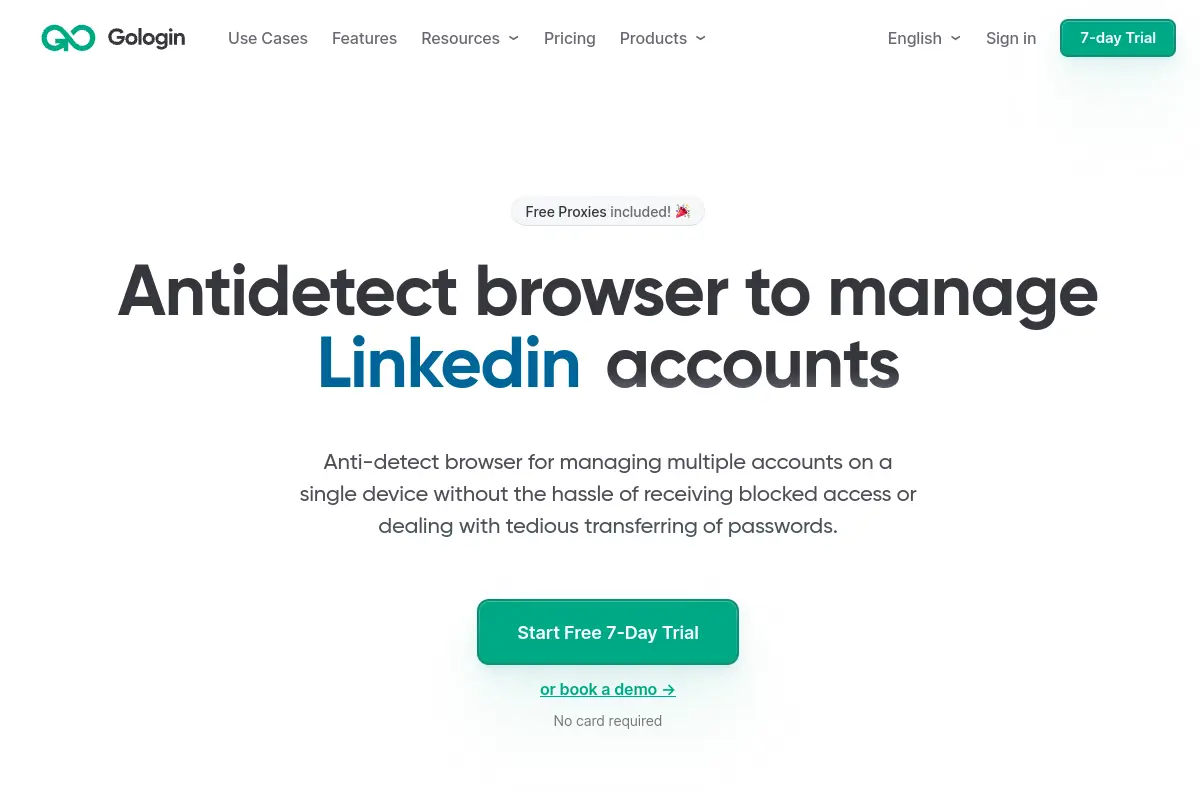
Best for: Quick setup and managing a few critical accounts
Entrepreneurs and solo marketers benefit most here. It delivers immediate account access without demanding complex proxy configurations upfront.
Strengths: Includes free built-in proxies for beginners
The platform supplies free proxy connections across five global locations. This allows new users to launch secure sessions immediately after creating an account.
Limitations: Higher tiers can get expensive for many profiles
While getting started is cheap, expanding to hundreds of profiles increases costs significantly. Large agencies might outgrow the pricing model quickly.
Pricing: Free forever plan for up to 3 profiles
You can maintain 3 distinct accounts for free. Professional scaling begins at $9 per month, while enterprise capabilities reach $299 per month.
AdsPower: Alternative for advanced task automation
AdsPower integrates deeply with web automation workflows. It caters to teams that need to script, schedule, and execute repetitive tasks across hundreds of accounts.
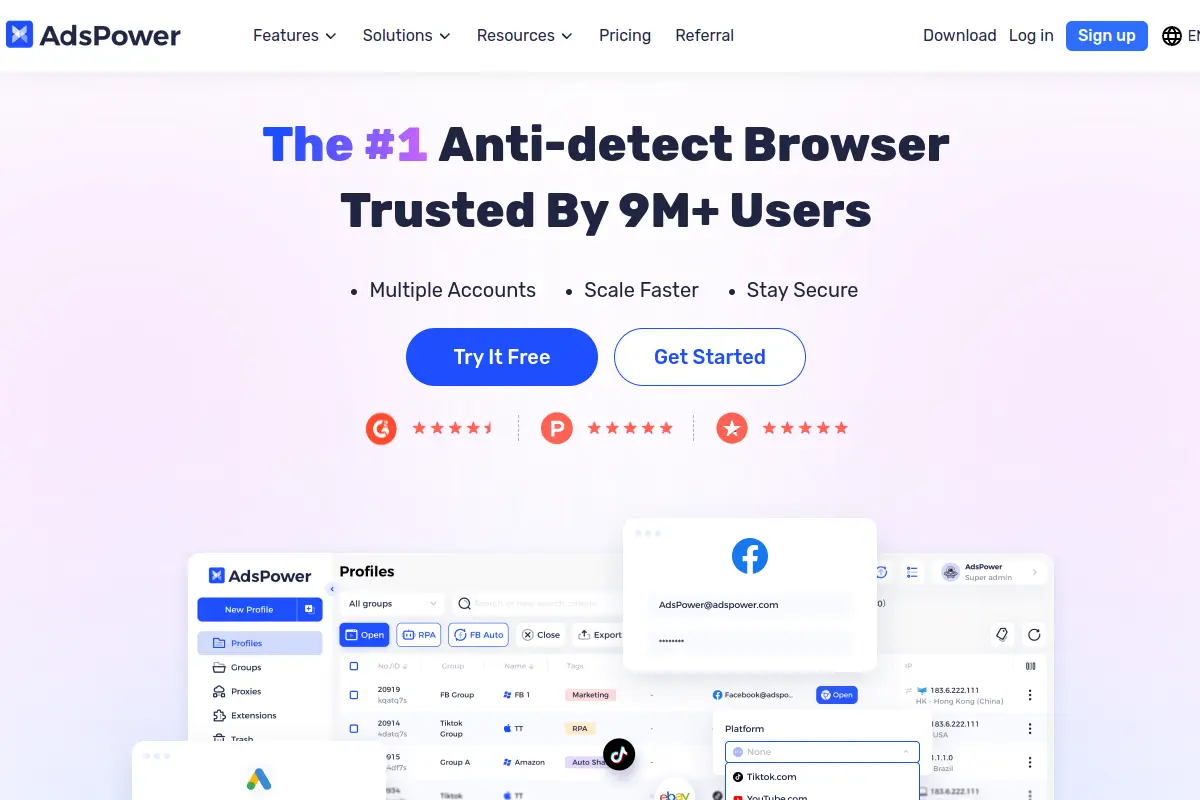
Best for: Users who need to automate repetitive logins
Data miners and social media managers use this platform to scale output. It removes the manual labor of managing massive account inventories.
Strengths: Advanced permission system for large teams
The software features a strict three-tier administrative setup. Business owners can grant granular access rights to individual virtual assistants safely.
Limitations: Interface can feel cluttered for simple needs
The massive feature set creates a steep learning curve. Users looking for a simple click-and-go browser often find the dashboard overwhelming.
Pricing: Flexible pay-as-you-go profile tiers
A basic 2-profile setup is free. Paid plans start at $9 per month and scale strictly based on the exact number of profiles you activate.
Dolphin Anty: A choice for affiliate and social ad teams
Dolphin Anty optimizes workflows for the traffic arbitrage sector. It focuses directly on keeping ad accounts alive and active.
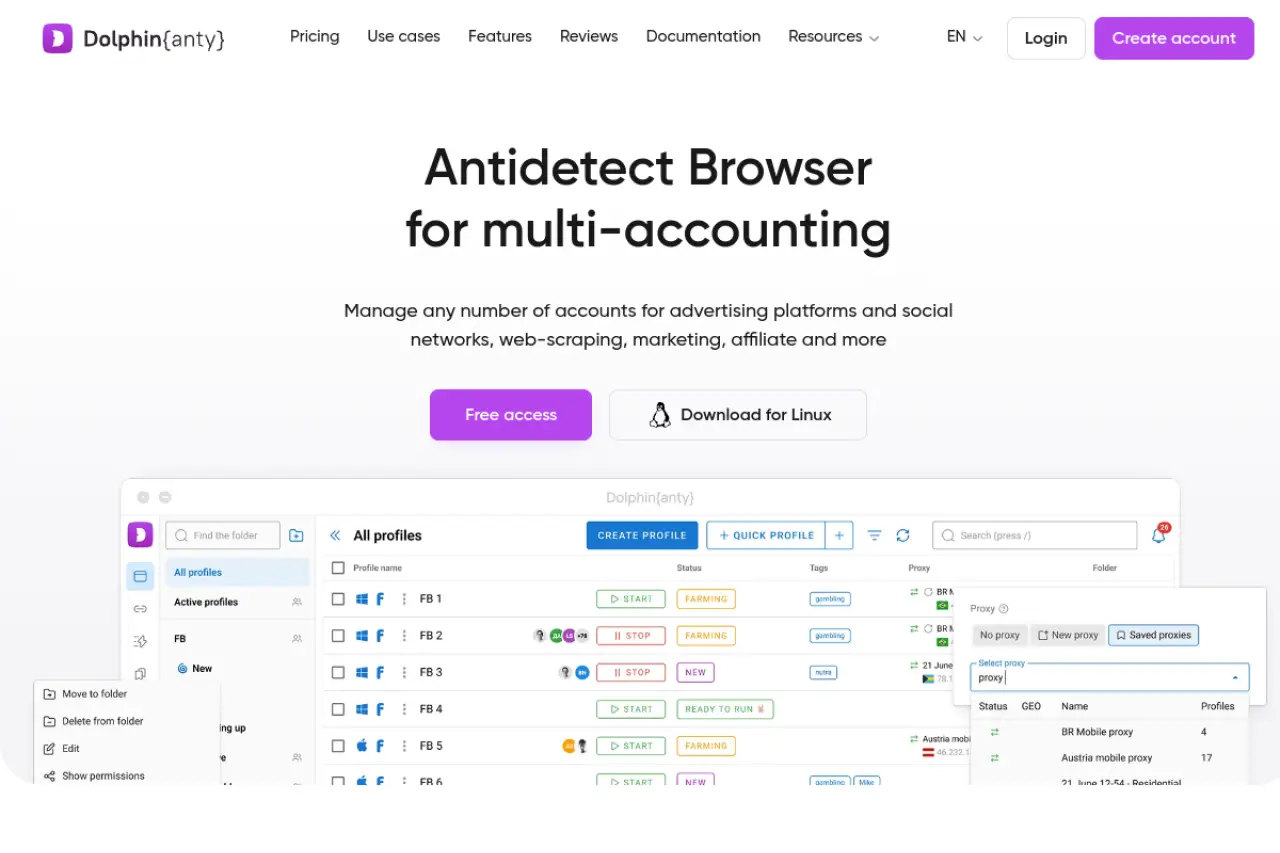
Best for: Managing Facebook and TikTok ad accounts
Media buyers use this software to isolate individual campaign assets. It prevents platform algorithms from linking banned accounts to healthy ones.
Strengths: Built-in tools for warming up new accounts
The included Cookie Robot automates the account warming process. It generates authentic browsing history before you launch your first ad campaign.
Limitations: Focuses heavily on the affiliate niche
The feature set heavily favors ad buyers. E-commerce merchants or standard security researchers may find many built-in tools irrelevant to their operations.
Pricing: Offers free tier for early-stage teams
You can manage up to 5 profiles without paying. The starter tier costs $10 per month, expanding up to $299 per month for massive enterprise operations.
Incogniton: Solid alternative for digital marketing agencies
Incogniton builds strong organizational infrastructure for complex marketing teams. It ensures that massive amounts of profile data remain categorized and securely isolated.
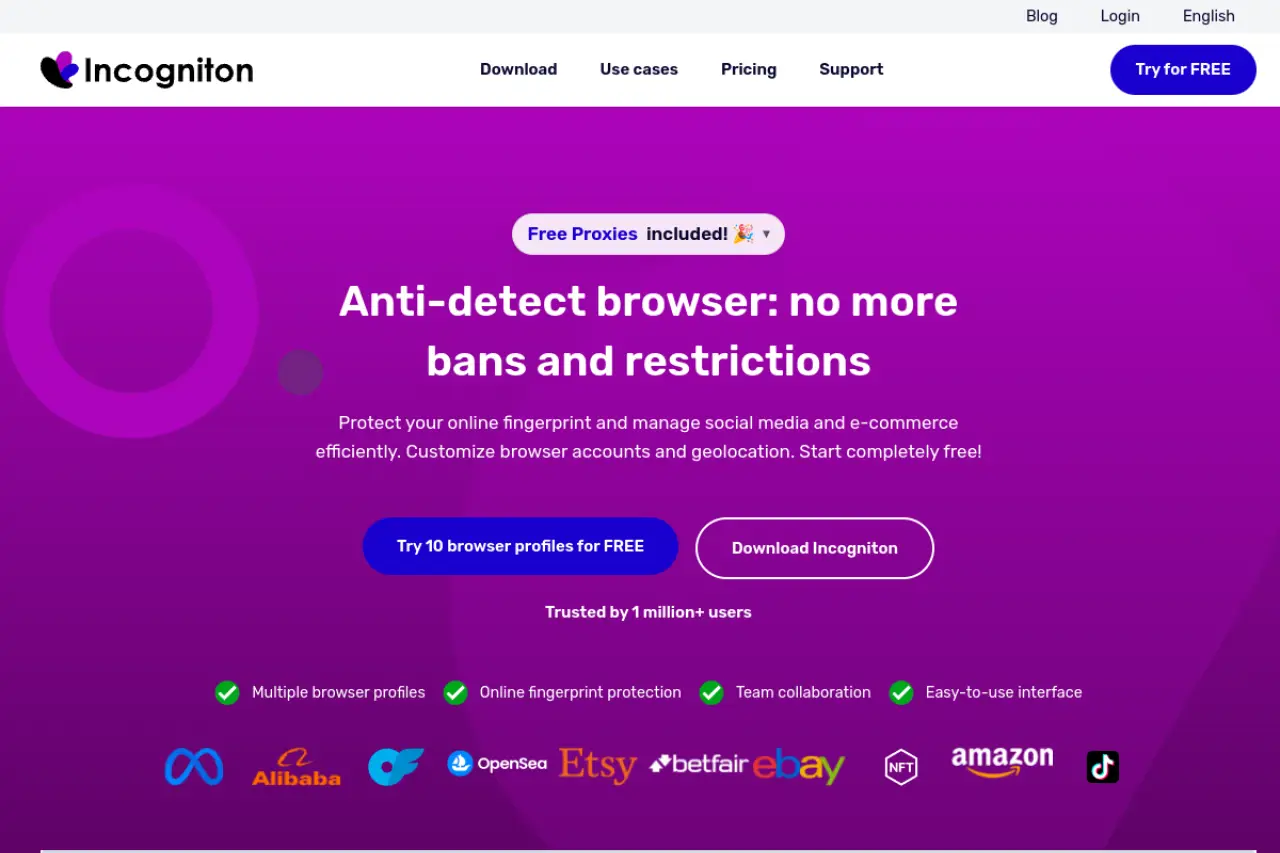
Best for: Grouping accounts into organized workspaces
Agencies handling dozens of distinct clients require strict data separation. This platform allows managers to build role-based workspaces for specific departments.
Strengths: Automatic cookie collection for better history
The software populates new profiles with realistic browsing histories automatically. This step validates the account in the eyes of strict platform security filters.
Limitations: Automation features require a steeper learning curve
Connecting the browser to external automation frameworks takes technical skill. Non-technical staff will struggle to implement Selenium or Puppeteer scripts here.
Pricing: Free starter plan for long-term testing
Users can test 10 profiles free for two months. Standard paid operations begin at $19.99 per month, scaling to custom enterprise packages.
Octo Browser: The alternative for e-commerce setups
Octo Browser provides uncompromising isolation protocols. It caters specifically to businesses that cannot afford even minor data leaks during routine operations.
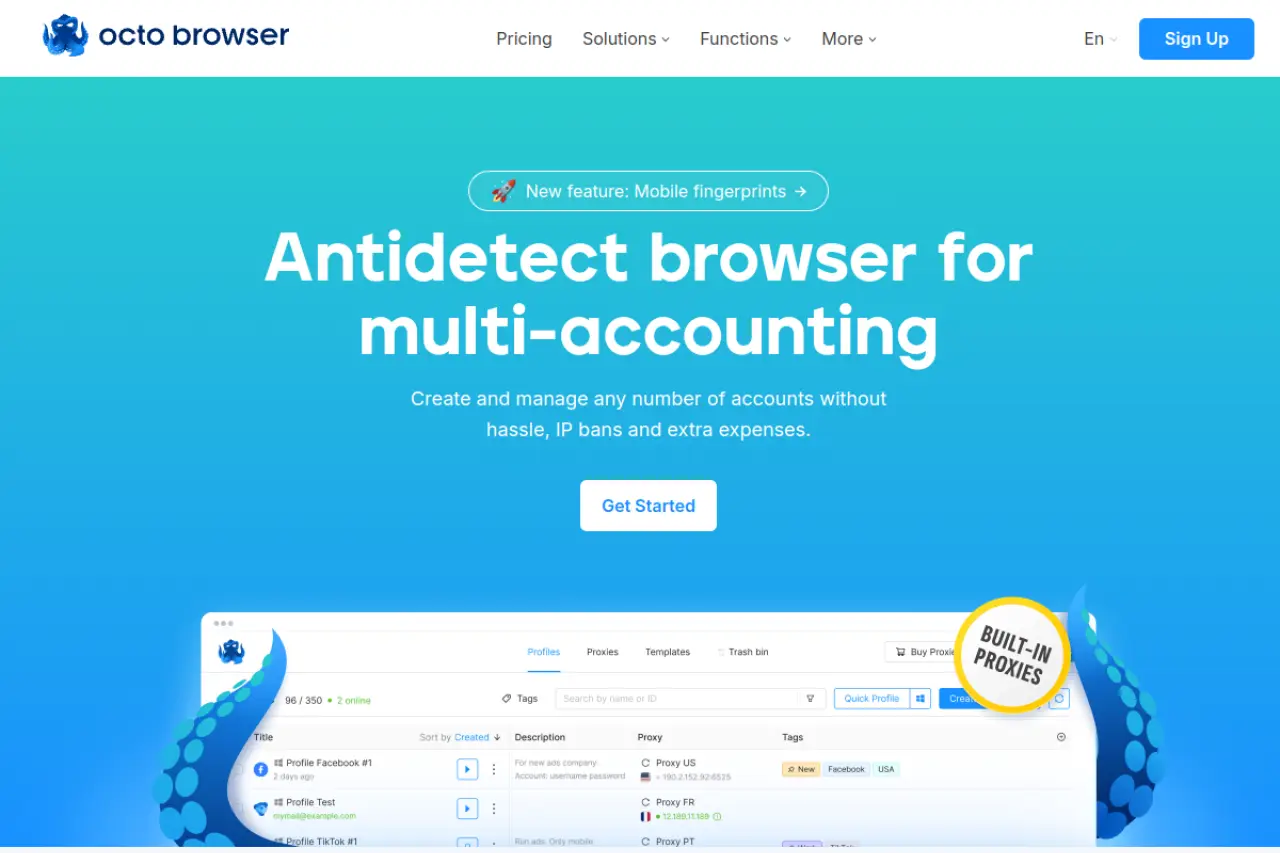
Best for: Managing Amazon and eBay stealth accounts
E-commerce merchants rely on this tool to separate their storefronts. It protects core revenue streams from algorithmic cross-referencing and sudden suspensions.
Strengths: One-click profile creation with deep isolation
You can generate a highly secure, distinct fingerprint with a single click. The built-in proxy store also removes the friction of sourcing external connections.
Limitations: No permanent free plan available
The company does not offer a free tier for ongoing business use. You must commit to a paid subscription to maintain persistent account operations.
Pricing: Professional subscription tiers based on scale
Entry-level access starts at €10 per month for 3 profiles. High-volume e-commerce teams will eventually scale into the €329 per month advanced tier.
MoreLogin: Flexible alternative for small growing teams
MoreLogin introduces mobile-specific environments to the multi-accounting space. It blends standard desktop security with specialized tools for app-based workflows.
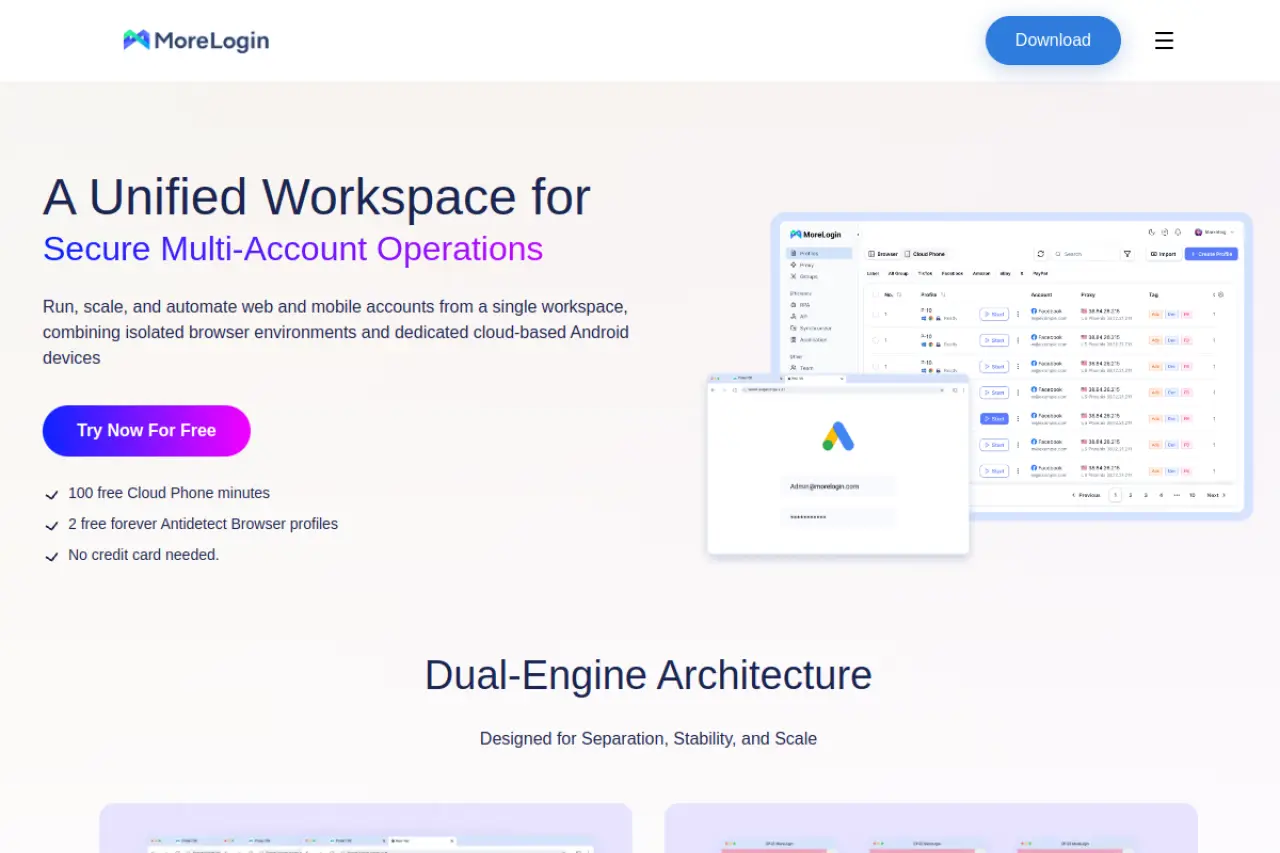
Best for: Users who need both desktop and mobile profiles
Operations that target mobile-first platforms benefit immensely here. It allows teams to simulate exact smartphone environments alongside traditional desktop browsers.
Strengths: Unique cloud phone environments for mobile tasks
The platform provides authentic cloud phone setups. You can execute mobile tasks securely without purchasing distinct physical hardware for your staff.
Limitations: Mobile features are billed by usage time
Advanced mobile environments utilize a pay-per-minute billing structure. This approach can complicate budget forecasting for teams running continuous mobile operations.
Pricing: Calculator-based pricing to avoid overpaying
You begin with a free 2-profile setup. Paid plans start at $9 per month, utilizing a dynamic calculator so you only buy exactly what you need.
Hidemium: Alternative for no-code account workflows
Hidemium lowers the technical barrier for deploying mass automation. It integrates artificial intelligence directly into the daily account management workflow.
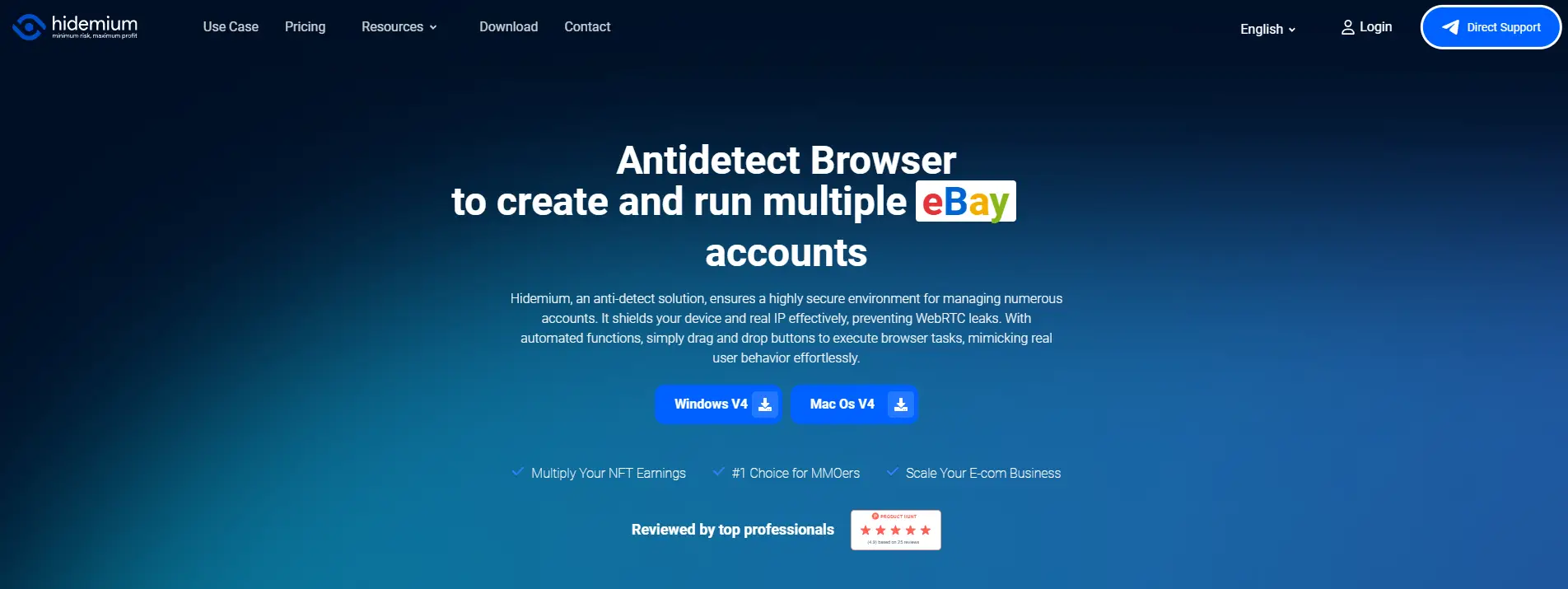
Best for: Beginners who want AI-assisted automation
Marketing teams without dedicated developers use this platform. It allows everyday staff to build complex routing steps using basic text prompts.
Strengths: Uses natural language to build automated steps
The Prompt Script capability translates plain English into executable browser actions. You tell the software what to do, and it builds the script automatically.
Limitations: Newer software with evolving documentation
Because the platform is young, support materials are still developing. Users may encounter temporary gaps in advanced troubleshooting guides.
Pricing: Low-cost starter plans for small operations
The software offers 5 profiles completely free. Paid basic operations start at $15 per month and scale up for massive enterprise volume.
Browser.lol: Ephemeral alternative for quick searches
Browser.lol solves a very specific security problem: isolated, temporary access. It delivers a secure environment without demanding any local system resources.
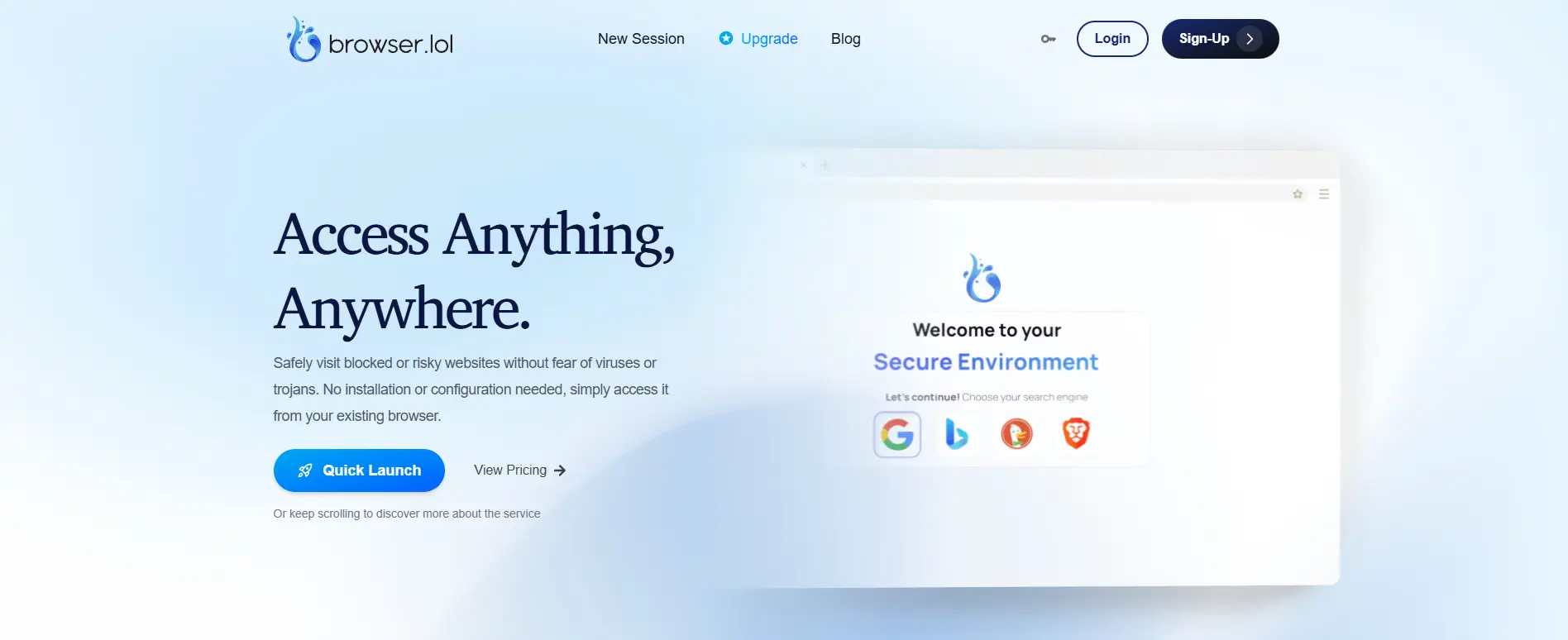
Best for: One-off secure browsing and malware testing
Security researchers and managers checking suspicious links rely on this tool. It executes entirely in a sandboxed cloud virtual machine.
Strengths: No local installation required, fully cloud-based
You never install software on your local drive. When you close the session, the environment and all associated tracking data are destroyed instantly.
Limitations: Not built for persistent account management
This is not an infrastructure for running long-term ad campaigns. Stateless sessions mean you cannot maintain persistent account logins over time.
Pricing: Ad-supported free version and low-cost premium
A free ad-supported tier is available for short sessions. Professional users can upgrade to an ad-free premium experience for $9 per month.
Comparing pricing and limits of the best Maskfog alternatives
Moving from temporary browsing solutions to permanent infrastructure requires a clear look at costs. You cannot afford unexpected billing jumps as your team scales. When switching from Maskfog, you must evaluate both the base price and the hidden limits on team seats or automation features. Below is a structured comparison of the top alternatives. This matrix breaks down entry costs and scalability for all ten platforms discussed, helping you forecast your operational budget accurately.
| Platform |
Starting Paid Plan |
Free Tier Limits |
Primary Focus |
| DICloak |
$8/mo (20 profiles) |
5 permanent profiles |
Scaling multi-account operations |
| Multilogin |
€9/mo (10 profiles) |
3-day trial only |
High-stakes agency workflows |
| GoLogin |
$9/mo (10 profiles) |
3 permanent profiles |
Quick solo entrepreneur setups |
| AdsPower |
$9/mo (10 profiles) |
2 permanent profiles |
Advanced task automation |
| Dolphin Anty |
$10/mo (20 profiles) |
5 permanent profiles |
Affiliate and social ad teams |
| Incogniton |
$19.99/mo (10 profiles) |
10 profiles (2 months) |
Agency workspace organization |
| Browser.lol |
$9/mo (Premium) |
Ephemeral sessions |
One-off secure search environments |
| Octo Browser |
€10/mo (3 profiles) |
No permanent free plan |
E-commerce stealth accounts |
| MoreLogin |
$9/mo (10 profiles) |
2 permanent profiles |
Desktop and mobile workflows |
| Hidemium |
$15/mo (30 profiles) |
5 permanent profiles |
No-code automated workflows |
Cost comparison for managing 100+ profiles
Reaching the 100-profile mark represents a critical transition in multi-account management. At this scale, you move from casual use to enterprise operations. Your software choice directly impacts your monthly overhead and operational return on investment.
DICloak clearly dominates the market value at this scale. For 100 profiles, the Plus Plan costs only $28.80 per month. You receive robust automation workflows, safe password-free credential isolation, and secure team collaboration at a fraction of the cost of legacy platforms. For growing agencies prioritizing scalable business infrastructure without sacrificing profit margins, DICloak delivers the most logical balance of price and operational power.
Common mistakes when switching between antidetect browsers
Transitioning to a new infrastructure is only the first step. The migration itself carries significant operational risk. When business owners switch multi-accounting platforms, they often rush the setup process. This haste leads to avoidable errors that trigger automated security flags. A botched migration can instantly burn dozens of valuable accounts. To protect your revenue, you must approach the transition methodically. Avoid the following two critical errors when migrating your assets.
Why you shouldn't reuse old browser data
Your browser history and cookies are deeply tied to the specific hardware fingerprint that generated them. When teams migrate to a Maskfog alternative, they often try to export old cookies. They paste this old data directly into the new environment. This is a massive operational mistake.
If you inject old session data into a newly generated profile with a different canvas fingerprint, security algorithms notice immediately. E-commerce platforms track the continuity of your hardware over time. If core parameters shift while the login session remains active, you trigger instant security flags.
Instead of reusing old data, you must warm up your new profiles organically. Configure a completely fresh fingerprint in your new antidetect browser. Then, log into your accounts using standard credentials. You can use robotic process automation to simulate real user behavior. This builds new cookie histories naturally. Platforms like DICloak provide built-in automation workflows exactly for this purpose. It helps your teams build clean session data at scale. While it takes more time upfront, starting fresh guarantees your accounts remain secure long term. Taking data shortcuts will inevitably cost you valuable business assets.
The importance of matching your proxy to your location
Your IP address must tell the exact same story as your browser profile. The second most common migration failure occurs when teams mismanage their proxy infrastructure. When you move to a new antidetect browser, your proxy configurations do not automatically follow you.
Many business owners accidentally launch their new profiles using a local IP address. Others use poorly matched datacenter proxies. If your profile claims to be a Windows machine in New York, but your IP address shows a cloud server in Berlin, platforms will restrict the account. Top-tier platforms demand strict alignment between your IP location, your system time zone, and your browser language settings.
To scale safely, you must pair your new browser profiles with high-quality residential proxies. Residential proxies route your traffic through real household internet connections. This makes your activity look highly authentic. When setting up your new software, map out your existing account locations first. Purchase dedicated residential IP addresses that perfectly match the city of the original accounts. Input these proxy details before you ever open the browser window. Verify the connection to ensure the time zone aligns perfectly. Proper proxy alignment is the foundation of scalable, professional use.
Frequently Asked Questions about Maskfog alternatives
Switching your business infrastructure carries risk. When moving away from Maskfog, agency owners and team leads often have questions about protecting their existing accounts. Making the right choice ensures your operations scale without unnecessary downtime or security flags. Here are the most common questions teams ask when upgrading their multi-accounting browser in 2026.
What is the best free alternative to Maskfog in 2026?
DICloak offers the strongest free plan for growing businesses, giving you five permanent profiles with robust fingerprint protection. However, if you plan to scale your operations, you should budget for premium tiers to unlock bulk tools and team sharing.
How do I migrate my profiles to a Maskfog alternative safely?
Never export and reuse old cookies from Maskfog, as mismatched hardware fingerprints trigger instant security flags. Instead, create entirely fresh profiles in your new browser using residential proxies mapped to your original locations. Log into your accounts manually or use automated workflows to build a clean, trusted session history organically.
Which Maskfog alternative has the easiest automation tools?
DICloak provides the easiest solution with its built-in robotic process automation. Your team can streamline routine account logins and repetitive tasks visually without writing any code.
Do I still need to buy separate proxies for these alternatives?
Yes, most antidetect browsers require you to purchase separate proxies to match your specific location requirements. High-quality proxies are essential investments for scalable, secure infrastructure.
 Web Proxy Tools
 Free Tools
 Cookie Plugin
 UA Generator
 MAC Address Generator
 IP Generator
 IP Address List
 2FA Code Generator
 World Clock
 Anonymous Check
 WebRTC Leak Test
 UUID Generator
 Free Web Proxy Site
 Proxy Checker
 FB Ad Checker
 AI Web Scraping
 Free SMM Tools
 Twitter Shadowban Checker
 Instagram Name Checker
 UTM Generator
 Username Generator
 AI Hashtag Generator
 LinkedIn Headline Generator
 Social Media Image Resizer