In 2026, the operational requirement for multi-account management has outpaced the capabilities of basic remote desktop software. Many users attempt to use a single Splashtop account across multiple devices to bypass costs, only to hit a hard "one-user" limitation. This results in immediate session disconnects and severe licensing bottlenecks. For a technical operation, fighting these session limits is not a viable strategy; it is a point of failure that compromises both efficiency and security.
What is Splashtop?
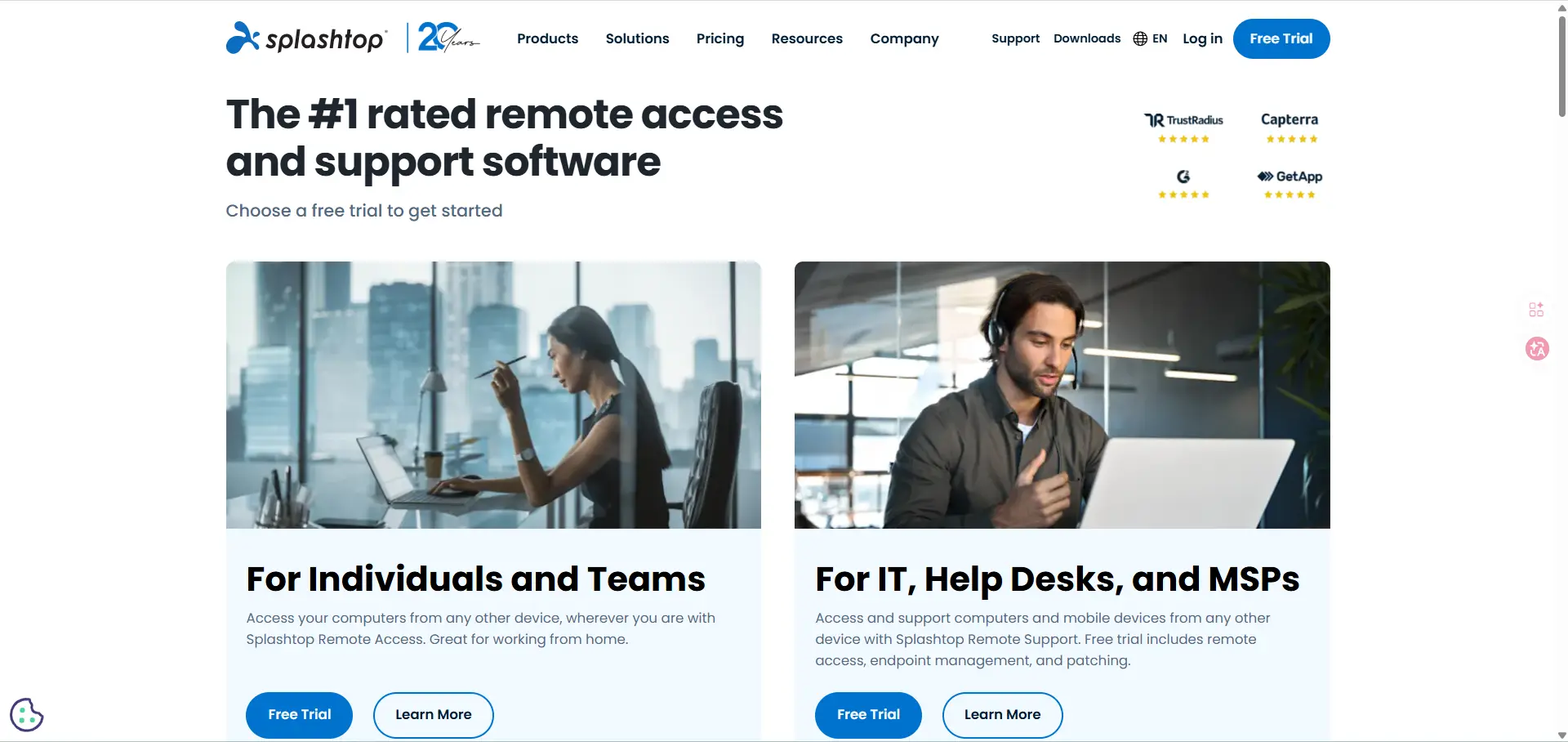
Splashtop is a remote access and remote support platform. It lets people connect to a computer, tablet, or phone from another device over the internet and use it almost like they were sitting in front of it. Splashtop says its products are built for both remote work and IT support, with support for Windows, Mac, Linux, iOS, Android, and Chromebook devices.
In simple terms, Splashtop helps you open your work computer from home, access files on another machine, run apps remotely, or support another device without being in the same place. Splashtop separates these use cases into different product lines: Remote Access is mainly for individuals or teams accessing their own computers, while Remote Support is for IT teams and MSPs helping or managing other devices.
Can you actually use the same Splashtop account on multiple devices?
Technically, you can log in to the account on various devices, but functional usage is strictly regulated by the software's architecture. The limitation is enforced at the session level rather than the installation level.
The Viewer App vs. The Streamer Software
To diagnose the bottleneck, you must distinguish between the two software components:
- The Streamer: This is the agent installed on the host machine (the computer being accessed).
- The Viewer: This is the client application installed on the local device (laptop, mobile, or tablet) used to initiate the remote session.
While the Viewer can be installed on an unlimited number of devices, the license is provisioned for a single user, creating a conflict when concurrent access is attempted.
The Simultaneous Session Trap
Splashtop utilizes session management logic to enforce its "one user at a time" rule. If a session is active on a workstation and a second connection is initiated from a different Viewer using the same credentials, the first session is terminated. This behavior is hard-coded into the subscription model to prevent license sharing, making it impossible to facilitate team-wide access through a single account.
Why does Splashtop log you out when switching between devices?
Logouts are the technical enforcement of a single-user license. Remote desktop tools are engineered for individual access, not for the high-concurrency needs of a modern digital agency.
Understanding the Single-User License Model
The software architecture is built to serve one individual controlling one remote environment. When the system detects a login from a new hardware ID while a session is active, it prioritizes the new request and kills the existing socket. This creates constant friction for teams attempting to manage a shared infrastructure.
Why bypassing session limits is a risk
Circumventing these limits—specifically through credential sharing—is a direct violation of the Terms of Service (TOS). In 2026, automated platform audits can detect these patterns, leading to account suspension. For a service provider, this represents an unacceptable risk: the potential for a total loss of access to client infrastructure and data.
The hidden risks of sharing one Splashtop login with a team
Sharing credentials is a common but dangerous workaround intended to minimize licensing overhead. It introduces two primary operational hazards.
The lack of auditability and accountability
In high-stakes account management, "Zero Auditability" is a critical liability. When multiple team members utilize a single login, there is no granular tracking of which individual performed specific actions on a client's machine. If an account is flagged or restricted by a platform, the lack of an audit trail makes it impossible to conduct a post-mortem to determine whether the failure was caused by human error, a technical fingerprint leak, or a specific session behavior.
Security vulnerabilities of shared credentials
Shared passwords significantly increase the attack surface. Furthermore, offboarding team members becomes an infrastructure-wide event; every time a technician leaves, the master password must be reset across the entire team, leading to unnecessary downtime and the risk of overlooked access points.
Is managing multiple computers for client accounts truly scalable?
The traditional "computer-per-account" strategy is a legacy approach that fails at scale due to physical and financial overhead.
The high cost of per-user licensing
Scaling a team of ten technicians using Splashtop requires ten separate licenses. This linear cost increases alongside your growth without providing additional technical utility. These recurring fees represent a significant drain on agency margins compared to modernized identity management solutions.
Operational efficiency vs. manual remote access
The latency involved in logging in and out of various remote sessions is a productivity bottleneck. Manual remote access requires navigating through individual host lists and waiting for session handshakes, which is highly inefficient when compared to a centralized, virtualized interface.
The technical difference between remote access and identity management
A fundamental misunderstanding in the industry is the belief that remote access provides identity protection. Screen mirroring is not isolation.
Websites in 2026 use advanced telemetry to identify users. Even when accessed via Splashtop, the host machine transmits its unique hardware and software signatures. These tracking vectors include:
- Canvas Fingerprinting: Identifying the GPU's rendering patterns.
- WebGL Signatures: Technical data from the graphics API.
- Font Enumeration: The specific list of system fonts installed on the host.
- Hardware Signatures: CPU cores, RAM configuration, and device ID.
If you manage multiple client accounts from a single host machine via Splashtop, those accounts are technically linked by the platform, regardless of the remote connection.
The transition from access-based tools to identity-based tools
The industry has shifted from managing hardware access to managing isolated digital identities. Modern setups virtualize the browser profile itself, ensuring that each account operates within a completely unique, synthetic hardware profile.
How to manage multiple accounts without constant remote desktop logins
The professional alternative to the Splashtop bottleneck is the implementation of an antidetect browser. This allows for the management of hundreds of accounts from a single machine without digital cross-contamination.
Using isolated browser profiles for account safety
Virtualized browser profiles create a sandbox for each account. Each profile functions as a unique device with its own set of technical parameters, eliminating the need for separate physical or remote host machines.
A more efficient workflow with DICloak
DICloak is engineered to streamline this infrastructure shift by focusing on identity isolation rather than just screen mirroring. Key features include:
- Unique Digital Fingerprints: Generating distinct signatures (Canvas, WebGL, Hardware) for every profile to prevent account linking.
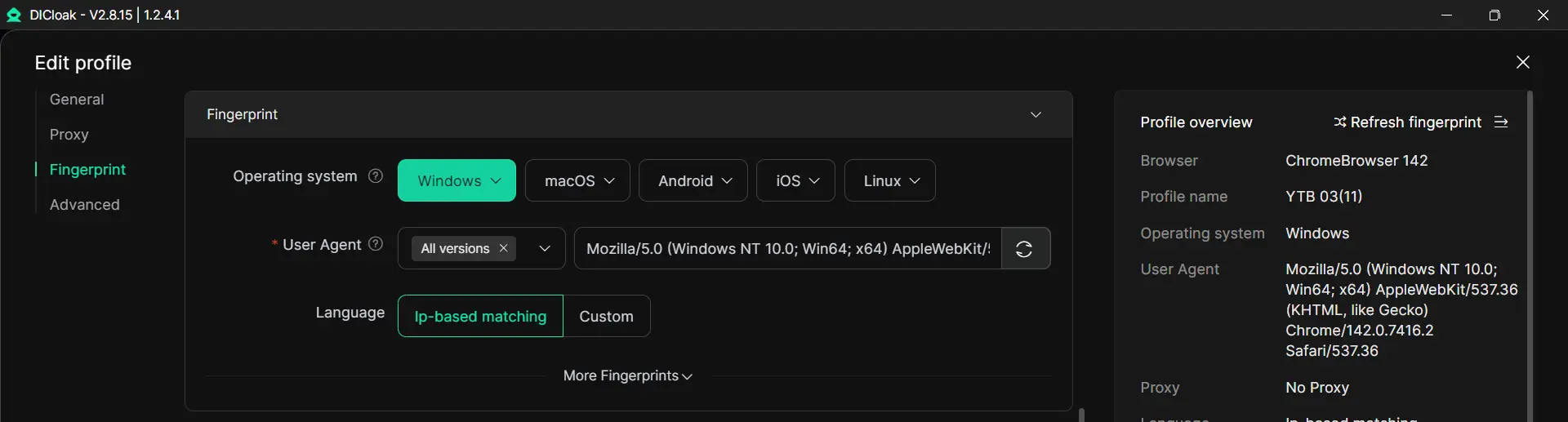
- Secure Profile Sharing: Technicians access specific profiles without ever seeing the master credentials or platform passwords.
- Granular Access Control: Managers assign specific client profiles to specific team members, ensuring restricted and monitored access.
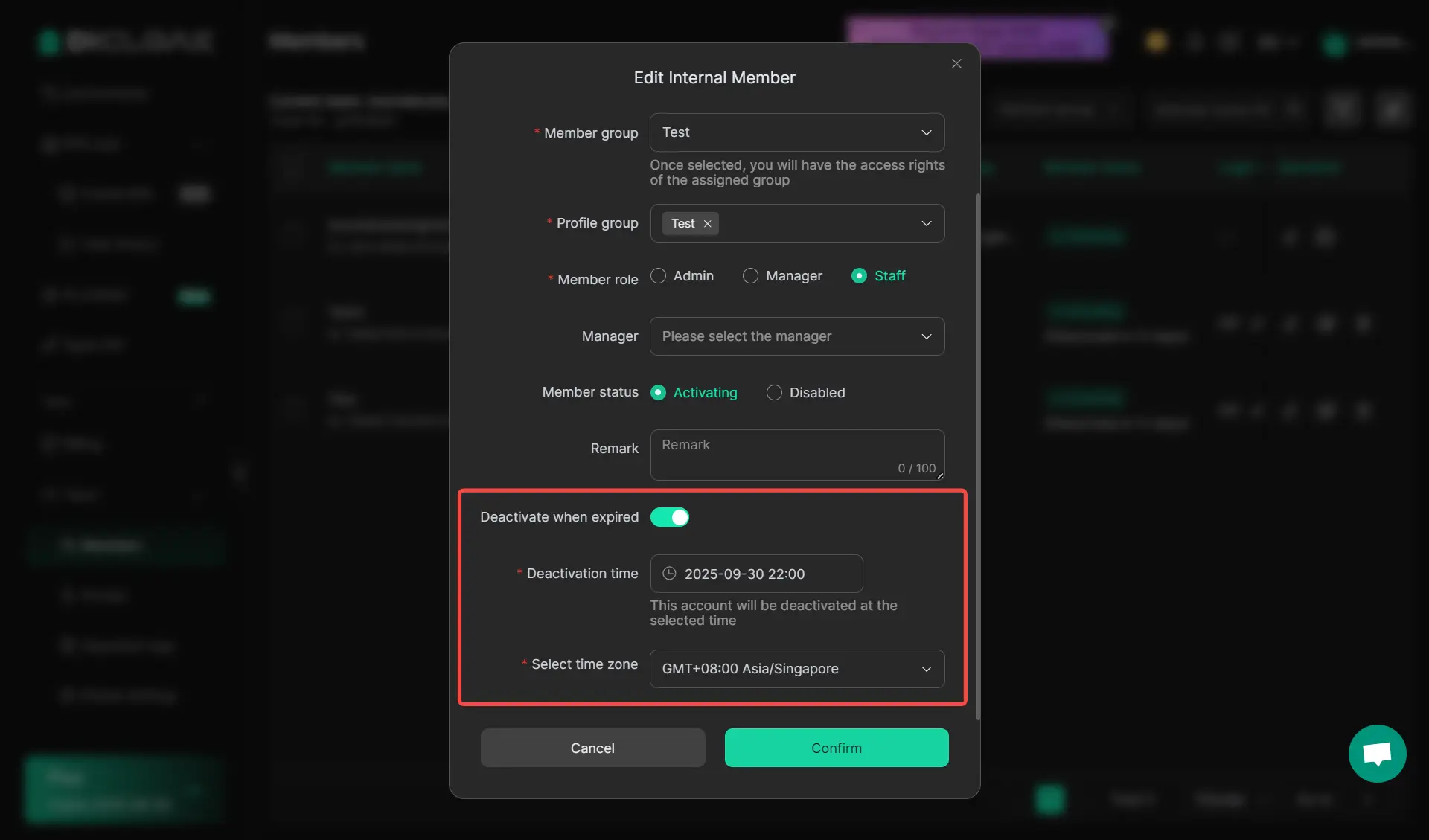
- Full Audit Logs: Every session is tracked to a specific user, providing the necessary data for internal audits and post-mortem analysis.
Why antidetect technology is replacing traditional remote desktops for agencies
For agencies scaling in 2026, the transition from remote desktops to antidetect browsers is driven by technical necessity.
Cost-effectiveness at scale
One DICloak subscription is significantly more cost-effective than managing dozens of individual Splashtop licenses and the underlying hardware required to host them. The ROI is found in both reduced software costs and increased technician throughput.
Reliability and risk mitigation
Isolation at the browser level provides a higher level of protection against platform detection. When fingerprints are properly virtualized, the risk of "linked-account bans" on platforms like Instagram, TikTok, or Amazon is minimized, protecting the agency's primary revenue streams.
Transitioning from Splashtop to a more efficient multi-account setup
To move away from session-limit bottlenecks, follow these steps to modernize your infrastructure.
Assessing your current license usage
Conduct an audit of your total expenditure on remote access licenses and the associated labor hours spent on manual session management. Calculate the cost of a single ban resulting from lack of auditability.
Setting up a centralized identity management system
Migrate your client accounts into isolated DICloak profiles. Assign a dedicated proxy to each profile to ensure geographic consistency. This setup allows your team to manage all accounts from a single, centralized dashboard without the risk of session disconnects or fingerprint leakage.
Conclusion
Splashtop remains a functional tool for simple screen mirroring, but it is not built for the complexities of multi-account management at scale. Professional infrastructure requires a shift from "access" to "identity management." By utilizing tools like DICloak that are designed for isolation and auditability, you can eliminate licensing bottlenecks and focus on operational growth without the risk of technical detection.
Frequently Asked Questions
Can I run Splashtop on two computers at the same time?
Generally, no. Your subscription limits you to one active session per user license. Attempting to bypass this through shared logins is a TOS violation that risks account suspension.
What is the most cost-effective way to manage 50 client accounts?
Utilizing an antidetect browser like DICloak is the most efficient method. It allows a single team to manage 50 isolated identities from a single interface, avoiding the cost of 50 remote desktop licenses or 50 physical machines.
Does using Splashtop protect me from being banned on social media?
No. Splashtop only mirrors the screen; it does not mask the digital fingerprint of the host machine. If that host machine is used for multiple accounts, platforms can link and ban them based on shared hardware signatures.
Can multiple team members access the same computer via Splashtop?
Only with Business Pro or Enterprise plans, and even then, it requires a separate paid license for each individual user. It is not a viable solution for large-scale team collaboration under a single license.
Why is an antidetect browser safer than a remote desktop for multi-accounting?
An antidetect browser virtualizes the entire hardware signature (Canvas, WebGL, etc.) for each individual profile. This ensures that every account appears to be on a completely different device, whereas a remote desktop still exposes the static signature of the host machine.
 Web Proxy Tools
 Free Tools
 Cookie Plugin
 UA Generator
 MAC Address Generator
 IP Generator
 IP Address List
 2FA Code Generator
 World Clock
 Anonymous Check
 WebRTC Leak Test
 UUID Generator
 Free Web Proxy Site
 Proxy Checker
 FB Ad Checker
 AI Web Scraping
 Free SMM Tools
 Twitter Shadowban Checker
 Instagram Name Checker
 UTM Generator
 Username Generator
 AI Hashtag Generator
 LinkedIn Headline Generator
 Social Media Image Resizer