Mapping the Landscape of LinkedIn Career Infrastructure
From a cybersecurity and growth infrastructure perspective, LinkedIn is not a social network; it is a high-stakes environment for professional data exchange and lead generation. LinkedIn Premium provides the requisite "growth levers" to bypass the inherent limitations of standard accounts. These tiers—Career, Business, Sales Navigator, and Recruiter—function as professional infrastructure. The primary value drivers are InMail (direct access to restricted nodes/decision-makers) and Profile Insights (competitive intelligence). Students must view these as technical assets to be optimized, not merely subscription perks.
Operational Summaries: Traditional and Specialized Access Points
While the standard one-month trial is the common entry point, its utility is limited by a strict 12-month "cooldown" period. The activation protocol requires payment data for a "smooth transition" to a paid SaaS model—a mechanism designed to maximize user retention and recurring revenue.
Specialized Access Cohorts
For specific high-value demographics, LinkedIn offers extended infrastructure access that bypasses the standard 30-day trial:
- Military Veterans: Through a partnership with SheerID, veterans and spouses can secure 12 months of Premium access. Verification requires precise data points: Branch of service, Discharge date, and DOB.
- Journalists: This program offers a 12-month Premium Business subscription. It requires membership in the "LinkedIn for Journalists" group and is subject to quarterly application windows.
- Visual Studio Dev Essentials: Microsoft’s developer program provides a specific activation flow (Microsoft Account -> Join Dev Essentials -> Activate LinkedIn Learning) that grants one month of Premium Career. Crucially, this is often a "No Credit Card Required" activation.
- Public Library Portals: Utilizing a library card and PIN via a dedicated portal provides a bridge to LinkedIn Learning (formerly Lynda.com), effectively bypassing subscription costs for skill acquisition.

Tactical Referrals and Employee Coupons
- Sales Navigator Referrals: A 1st-degree connection with Sales Navigator can issue a referral via their platform dashboard, granting a 2-month trial to users who haven't utilized a trial in the previous 12 months.
- Employee Coupons: LinkedIn staff possess 6-month coupons. These are discoverable via "Tactical Discovery" using hashtags like #plusonepledge.
- System Exploit (50% Discount): Users can trigger a "too expensive" heuristic by initiating a cancellation of a current trial. Navigating to Settings & Privacy -> Subscriptions -> Manage Premium and selecting "too expensive" as the reason often triggers an automated 50% discount offer for two months.
The primary obstacle to scaling professional reach is not the subscription fee, but the platform’s sophisticated detection of "Account Association." LinkedIn utilizes advanced browser fingerprinting to enforce weekly invitation limits (approx. 100/week) and prevent the creation of multiple accounts by a single entity.
LinkedIn employs Canvas Fingerprinting to identify the unique hardware/software configuration of a user's machine. When a browser visits the platform, it is instructed to draw a hidden line of text or a 3D graphic using the HTML5 Canvas API. Because the rendering depends on the specific GPU, graphics drivers, browser engine version, and system fonts, the resulting image is unique to the device. The platform then converts this image into a hexadecimal hash. This "fingerprint" allows LinkedIn to link multiple accounts to the same physical hardware, even if the user clears cookies or utilizes different email addresses.
Network Isolation and IP Reputation Scores
Beyond the device itself, the network connection acts as a secondary identifier. Platform security systems evaluate the "IP Reputation Score" of every connection.
- Datacenter IPs: Often flagged for automation; using these increases the risk of heuristic detection.
- Residential Proxy Infrastructure: High-quality residential proxies (SOCKS5/HTTP) provide the highest trust scores as they mimic standard home or office connections.
- Network Isolation: This is the practice of ensuring each account operates within its own dedicated IP space to prevent "cross-contamination." If one account is flagged for aggressive networking, all accounts sharing that IP/Fingerprint face a "reduction in reach" or permanent restriction.
Scaling Growth with Multi-Account Infrastructure via DICloak
To effectively multiply the reach of a single "free" account's limits, professionals utilize antidetect browsers like DICloak. This shifts the strategy from seeking "one free trial" to managing an infrastructure of 5–10 isolated accounts, effectively bypassing the 100-invite-per-week ceiling.
Fingerprint Spoofing and Profile Isolation
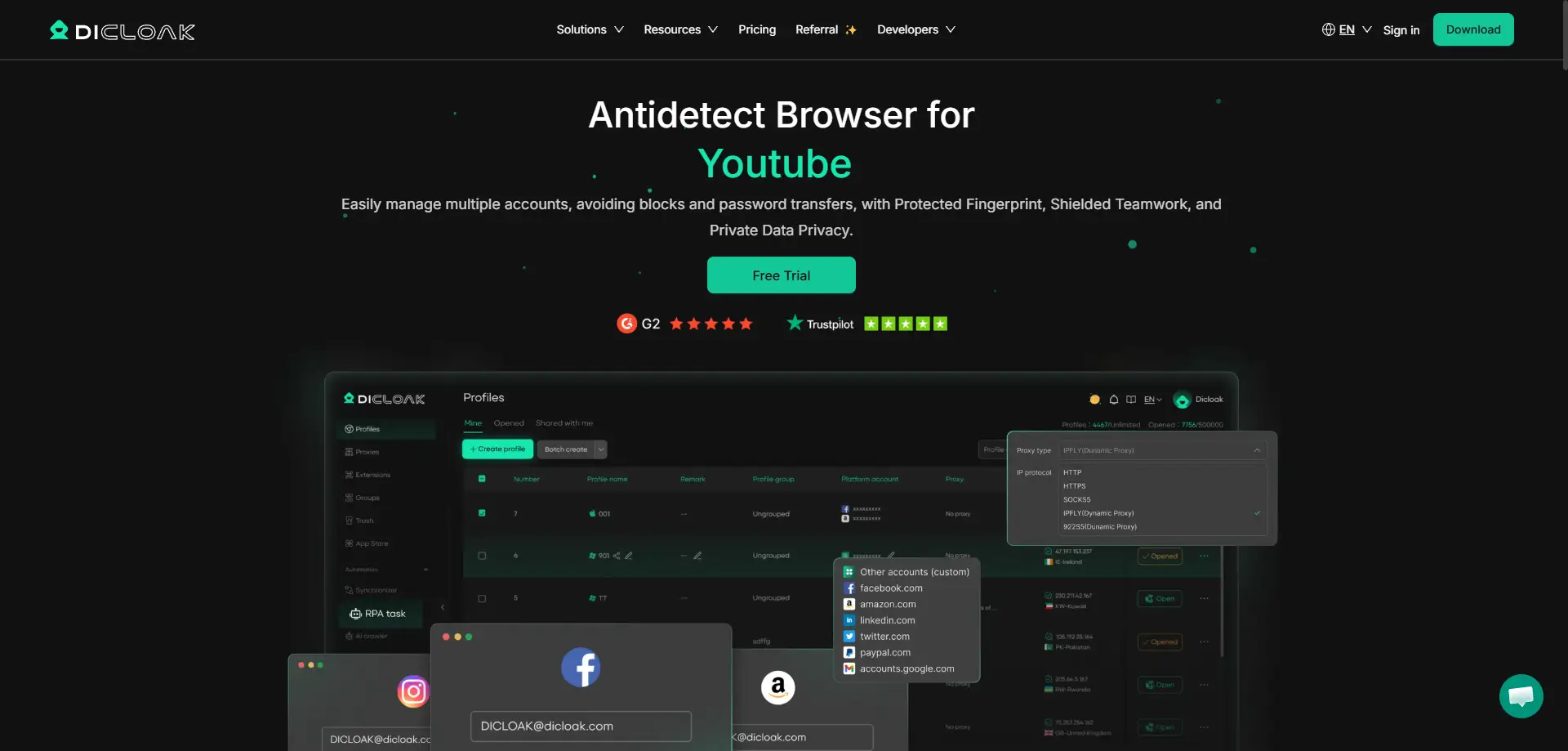
DICloak mitigates the "Attack Surface" of your browser by creating entirely isolated profiles. Each profile features its own custom, synthesized fingerprint—including unique Screen Resolution, User-Agent, and WebGL signatures. To LinkedIn, each DICloak profile appears as a distinct, unique physical device (simulating Windows, Mac, or even mobile OS like iOS and Android).
Operational Security (OPSEC) via Proxy Management
A critical component of this infrastructure is the integration of SOCKS5/HTTP proxies. DICloak allows for bulk proxy assignment, ensuring that each LinkedIn account is permanently tethered to a specific residential IP. This consistency is vital for avoiding "suspicious login" triggers and maintaining long-term account integrity.
Mitigating Association Risks with RPA
The most sophisticated detection algorithms look for non-human patterns (e.g., instant clicks, repetitive timing). DICloak’s Robotic Process Automation (RPA) component allows for "Human-Emulated Interaction." By programming variable typing speeds, random mouse movements, and non-linear navigation paths, RPA allows you to automate the networking "grind" while remaining below the threshold of automated detection.
Operational Efficiency: Standard Access vs. Multi-Account Infrastructure
| Feature |
Standard Student Trial |
DICloak Multi-Account Setup |
| Account Limit |
1 Account |
1,000+ Profiles on one device |
| Reach Efficiency |
Fixed (~100 invites/week) |
Scalable (Invites x No. of Accounts) |
| Risk Mitigation |
High (Single point of failure) |
Isolated profiles/fingerprints |
| Automation |
Manual operation only |
Built-in RPA (Human-like behavior) |
| IP Management |
Standard IP (High Leakage Risk) |
User can configure Proxies |
| OS Simulation |
Restricted to host machine |
Simulates Win/Mac/iOS/Android/Linux |
Objective Pros and Cons of Infrastructure-Based Growth
Pros of Infrastructure-Based Growth
- Scalable Lead Generation: Exponentially increases the "invitation surface area" without paying for high-tier Sales Navigator or Recruiter plans.
- Operational Integrity: Prevents "profile leakage" where one account's actions compromise another's status.
- Hardware Efficiency: Eliminates the need for multiple physical laptops or mobile devices to manage separate accounts.
Cons of Infrastructure-Based Growth
- Learning Curve: Requires technical proficiency in configuring proxy protocols and managing browser fingerprints.
- Proxy Costs: While the software may be free or low-cost, high-quality residential proxies require a budget to maintain a high reputation score.
- Feature Limitation: Multi-account management increases reach/volume, but does not provide "Premium-only" data (e.g., "Who Viewed My Profile") to the individual free accounts.
Mitigating Risks in Professional Account Management
To maintain a secure growth infrastructure, students must adhere to rigorous OPSEC protocols:
- Consistency is Key: Pair each DICloak profile with a specific residential proxy. Never rotate IPs mid-session, as this triggers "Reputation-based filtering."
- Avoid Datacenter Proxies: These are commonly observed to have lower success rates. Stick to residential or mobile proxies for LinkedIn.
- Gradual Warm-up: Do not immediately maximize invitations on a new account. Use RPA to simulate gradual growth in activity over 14 days.
FAQ: Professional Infrastructure Management
Can I get LinkedIn Premium for free forever?
No single account can remain on Premium indefinitely without payment. However, by rotating through specialized access (Veterans, Journalists, Visual Studio) and utilizing DICloak to manage multiple free accounts, you can maintain a high-volume networking infrastructure without a recurring subscription.
Is using an antidetect browser safe?
From a security standpoint, DICloak is safer than a standard browser for multi-account management. It prevents "Account Association" and hardware leakage, which are the primary causes of account restrictions.
What is the "Visual Studio" advantage?
The Visual Studio Dev Essentials path is one of the few that does not require credit card entry, making it an ideal entry point for students who wish to test Premium features without a financial commitment.
How does DICloak handle IP management?
It supports SOCKS5 and HTTP protocols, allowing for bulk proxy integration. This ensures that your "digital footprint" is localized to a residential connection, significantly reducing the risk of being flagged by LinkedIn's security heuristic engines.
 Web Proxy Tools
 Free Tools
 Cookie Plugin
 UA Generator
 MAC Address Generator
 IP Generator
 IP Address List
 2FA Code Generator
 World Clock
 Anonymous Check
 WebRTC Leak Test
 UUID Generator
 Free Web Proxy Site
 Proxy Checker
 FB Ad Checker
 AI Web Scraping
 Free SMM Tools
 Twitter Shadowban Checker
 Instagram Name Checker
 UTM Generator
 Username Generator
 AI Hashtag Generator
 LinkedIn Headline Generator
 Social Media Image Resizer





