Cookies. We’ve all encountered these. They are those small text files websites place in your browser, discreetly recording details about your online activity. Sometimes they are beneficial, like when you revisit a site and your saved selections are already loaded.
At other times, they can feel intrusive, monitoring your journey across the internet. For those who prefer to manage their digital presence, cookie editors are invaluable resources.
Let’s discuss the reasons to utilize a cookie editor and review the top 11 available options for 2025. Whether you are a programmer, value your privacy, or are simply interested in the capabilities of these utilities, there is relevant information here for everyone.
What Are Cookie Editors?
Cookie editors, are applications or browser add-ons that grant you authority over the cookies saved within your web browser. These minor text files are generated by websites as a means to remember specifics such as your logged-in status, preferred settings, or even your actions across various online locations.
Although cookies improve your browsing experience, they also introduce privacy worries because of their capacity to follow user behavior.
The Benefits of Using Cookie Editors
- Ideal for Testing and Web Construction: Programmers and quality assurance staff depend on cookie managers when building or troubleshooting websites. These instruments enable them to inspect and adjust cookies, confirming that everything functions as intended—from active user sessions to customized configurations. Envision you are a developer trying to ascertain why a user’s session isn’t remaining active properly; a cookie manager lets you look directly into the problem without significant effort.
- Enhance Your Privacy: Concerned about your online anonymity? Cookie editors offer a strong method for gaining control. You can effortlessly erase cookies you wish to discard, particularly those bothersome third-party trackers that appear to shadow you. Modifying cookies to disclose only the essential data to websites is another approach to protecting your digital trace.
- Circumvent Website Limitations: Although this exists in a debatable zone, some individuals utilize cookie editors to get around limitations like paywalls on news outlets. Manipulating cookies can mislead the site into believing you have already subscribed or visited a specific number of times. It’s an ingenious, though potentially controversial, deployment of these utilities.
- Handle Numerous Sessions Smoothly: Keeping track of multiple accounts on the same platform can be cumbersome. Cookie managers simplify this by allowing you to switch between active sessions without constantly signing out and back in. This capability is particularly useful for those managing social media or developers who need frequent access to different accounts.
- Deepen Understanding of Web Technology: Intrigued by how websites monitor and retain your data? A cookie manager is a superb educational instrument. You can examine the cookies a variety of sites set, gaining insight into the categories of data being recorded and how it is being utilized. This comprehension is empowering, assisting you in navigating the web with a clearer grasp of the background processes.
The Significance of Cookie Editors
Picture walking through a shop while someone makes notes on everything you examine. That's somewhat what cookies do.
They monitor your online activities, which can be both helpful and slightly disconcerting. If you care about who is observing your online activity, a cookie editor provides you the ability to see what’s happening and implement adjustments.
These utilities are especially valuable for:
- Control Over Privacy: Wish to keep certain aspects of your web history private? A cookie editor allows you to manage or remove cookies, thereby putting you in charge of what information is transmitted.
- Adherence to Regulations: If you operate a website, complying with data protection regulations like GDPR is vital. Cookie editors assist in verifying that your site’s cookie practices meet the required standards.
- Web Construction: Need to test how your website manages cookies? Developers favor cookie editors because they provide simple access to what is occurring internally.
- General Awareness: Even if you aren't technically inclined, it's beneficial to know what is being tracked about you online. A cookie editor can reveal the kind of data websites are storing.
Top 11 Cookie Editors
Let's explore the leading cookie editors available for 2025.
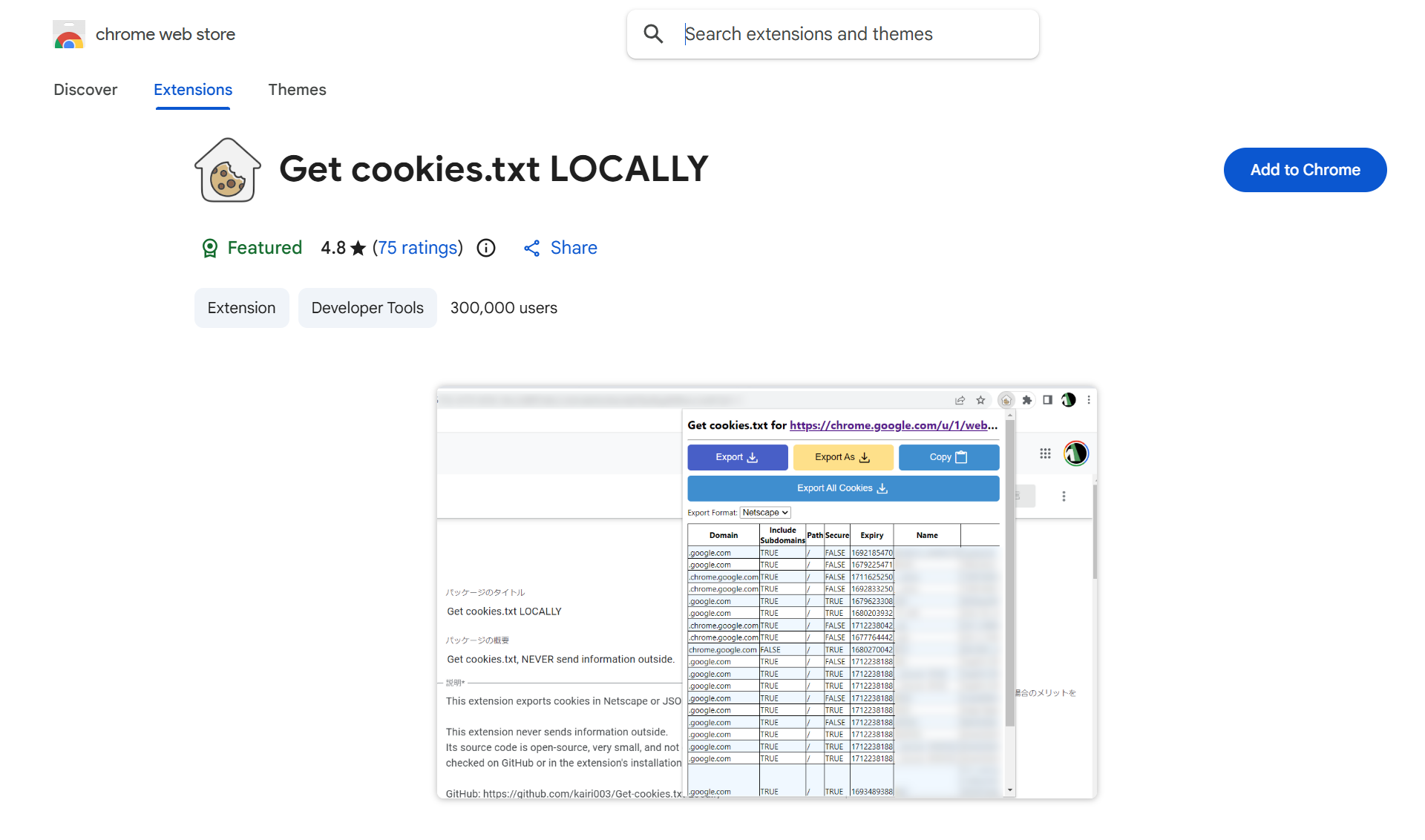
1. Cookies.txt
Cookies.txt is a useful browser add-on for Chrome and Firefox. Its purpose is to assist users in extracting, viewing, and saving cookie data in the standard Netscape cookies.txt format, which is frequently employed by automation utilities and scraping programs.
Core Capabilities
- Export-Ready Format: Effortlessly save all browser cookies in a layout suitable for popular utilities like curl and Wget.
- Cross-Application Use: Employ cookie information across diverse software and platforms.
- Lean & Effective: A streamlined design that functions without impeding your browser speed.
Cookies.txt suits developers, testers, and technically inclined individuals who require their cookie details in a format easily scriptable and reusable.
2. Vanilla Cookie Manager
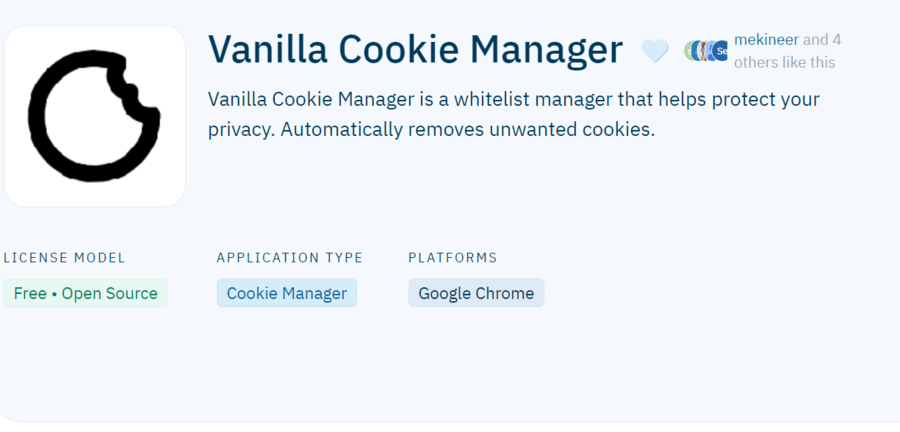
Vanilla Cookie Manager is a simple and lightweight cookie modification tool for Chrome. It's built for users preferring a straightforward method for handling cookies without sacrificing essential features.
Key Attributes
- Automatic Safe Listing: Systematically whitelist cookies from trusted origins while blocking others.
- Single-Tap Clearing: Promptly eliminate all cookies with just one click.
- Unobtrusive Appearance: A clean and intuitive interface that doesn't interfere with your web activity.
Vanilla Cookie Manager is a solid pick for those seeking a minimalist yet capable cookie administration utility.
3. Cookie-Editor
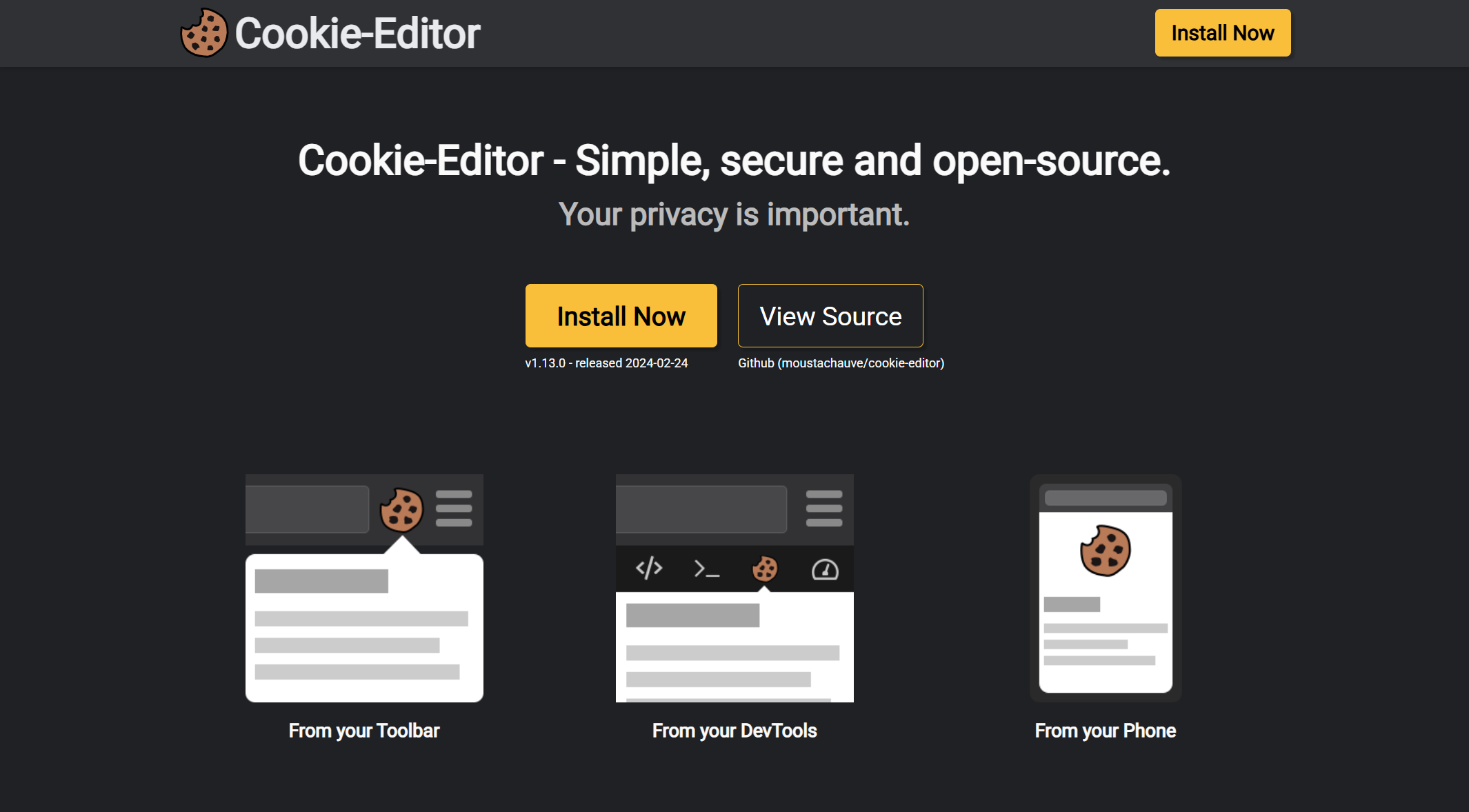
Cookie-Editor is a direct tool for users needing swift access to cookie control functions. Available on both Chrome and Firefox, it provides a basic panel for seeing, modifying, and removing cookies.
What Makes It Great
- Straightforward Interface: The layout is clean and simple to navigate, ideal for quick adjustments.
- Export/Import Functionality: Seamlessly save or load cookies in JSON structure, handy for developers.
- Immediate Access: Manage every cookie stored in your browser in just a few operations.
Cookie-Editor is excellent for anyone needing a no-fuss utility to handle their cookies without added complexity.
4. Forget Me Not
Forget Me Not is a privacy-centric cookie manager for Firefox. It's designed to automatically clear cookies, cache, and other stored information as you browse the web.
Unique Selling Points
- Automated Clearing: Establish preset rules to automatically discard cookies and other site data.
- Detailed Oversight: Set rules on a per-site basis for precise administration.
- Tracking Restriction: Manage not only cookies but also different forms of site information, such as cache and local storage.
Forget Me Not is perfect for users who wish to ensure their browsing history data doesn't remain longer than necessary.
5. Cookie Quick Manager
Cookie Quick Manager is a capable Firefox add-on offering advanced cookie administration features. It's suitable for both regular users and developers seeking detailed understanding of their cookies.
Core Capabilities
- In-Depth Visibility: Inspect all cookies, including their expiry times, security attributes, and more.
- Multi-Session Support: Administer cookies across several browser windows and user profiles.
- Batch Actions: Erase or alter numerous cookies simultaneously to save effort.
Cookie Quick Manager is a superior utility for those requiring granular command over their cookies, particularly in complex browsing setups.
6. EditThisCookie
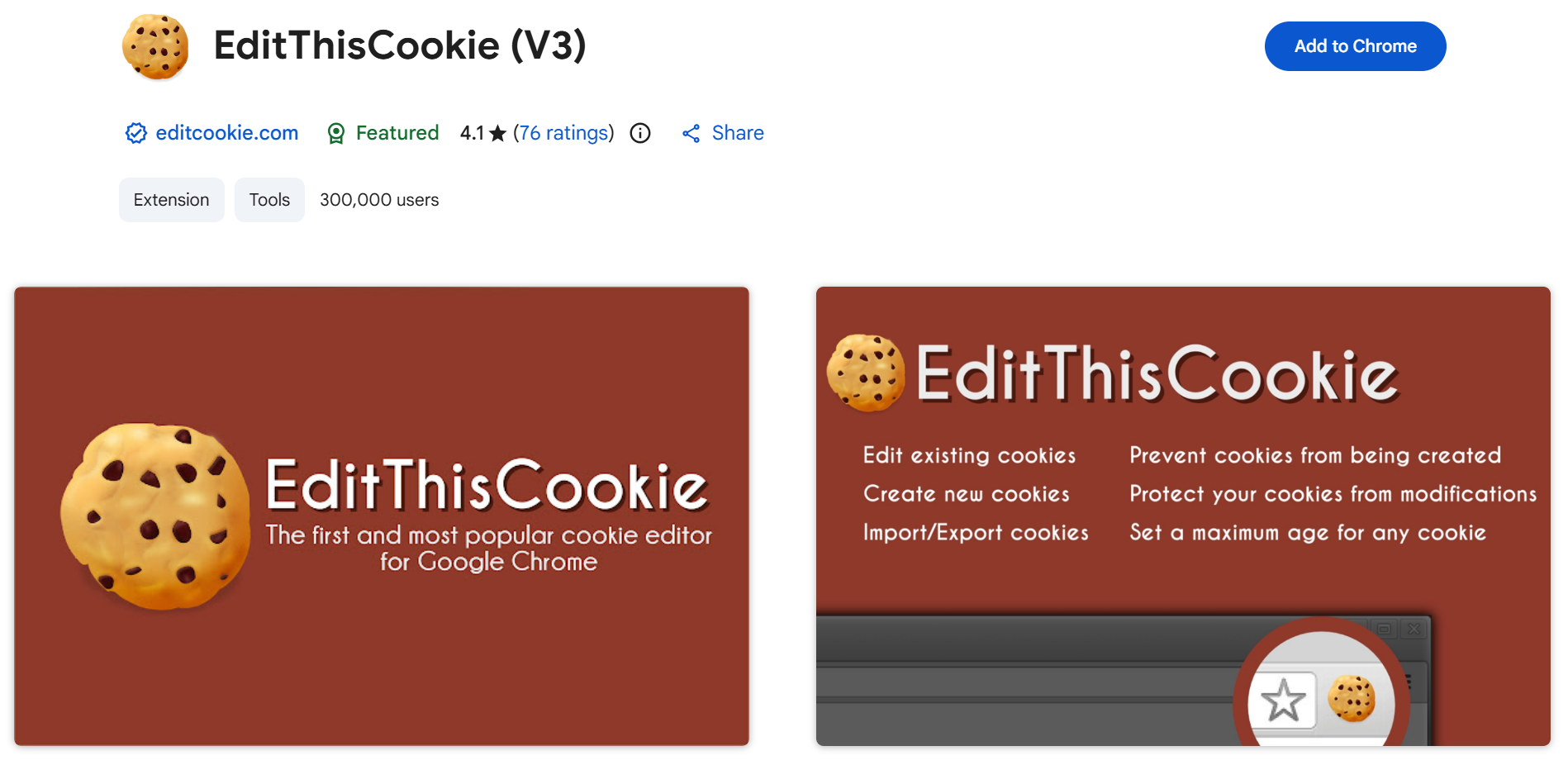
EditThisCookie is a simple, effective cookie administration utility tailored for Chrome users. It proves particularly valuable for developers and testers needing to alter cookies as part of their workflow.
Highlights
- Rapid Modifications: Directly access and modify cookie data via the extension's panel.
- Testing Utility: Excellent for developers needing to check websites under varying cookie conditions.
- Low Overhead: A fast and efficient tool that won't bog down your browser.
EditThisCookie is ideal for those who require a fast and uncomplicated method to handle cookies, especially in development or quality assurance contexts.
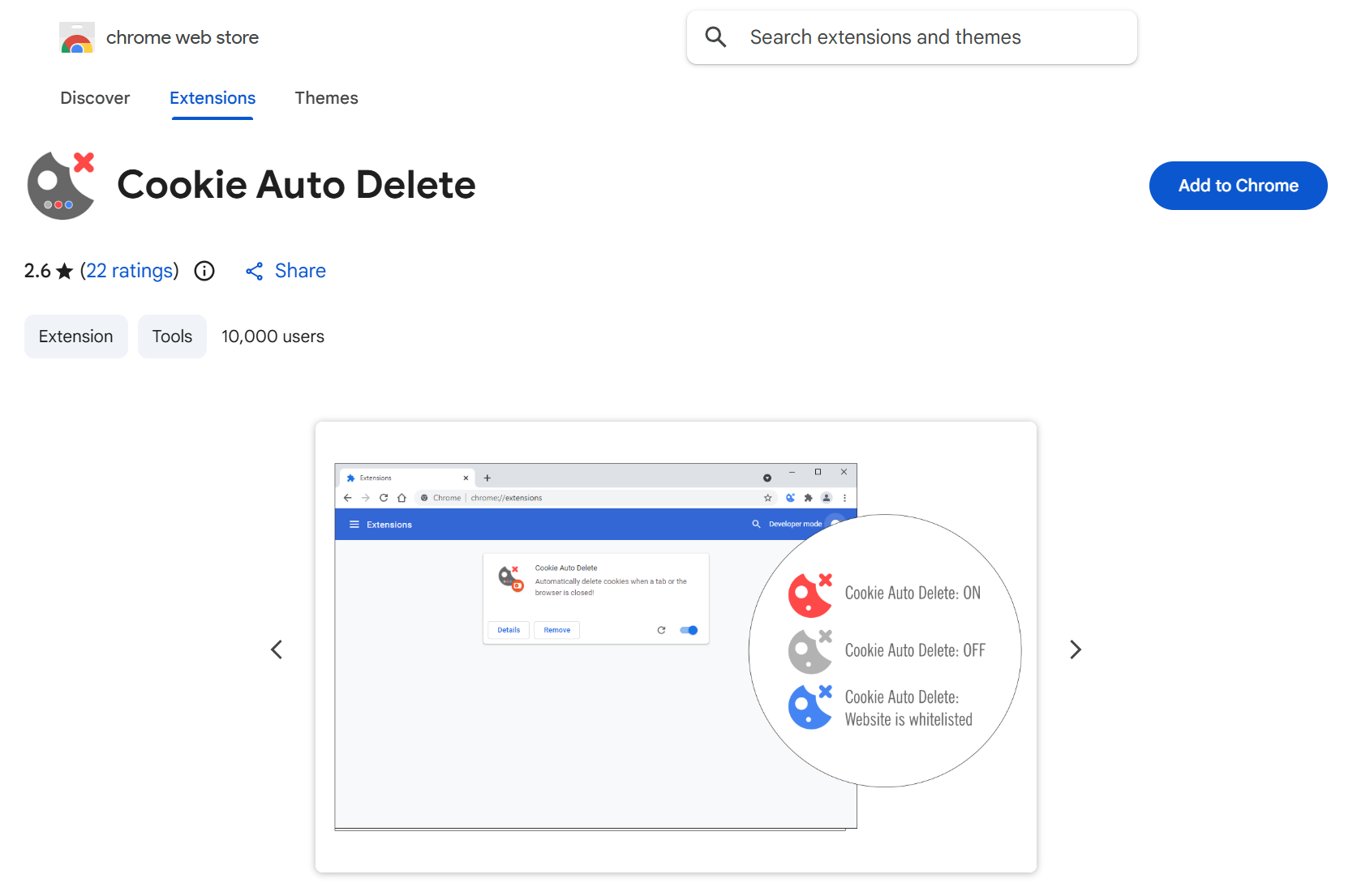
7. Cookie Auto delete
Cookie Auto delete is a widely used add-on for Firefox and Chrome that automatically removes cookies from tabs that have been closed. This tool is perfect for those who desire a clean browser without needing manual cookie deletion.
Features
- Automatic Removal: Cookies are cleared instantly upon closing a tab, ensuring no leftover data remains.
- Allow Listing: Preserve cookies from trusted origins while erasing all others.
- Adjustable Parameters: Configure deletion guidelines according to your specific requirements.
Cookie Auto delete is great for users aiming to maintain a tidy browsing environment with minimal manual input.
8. Cookies Manager+
Cookies Manager+ is a thorough Firefox extension providing detailed command over your browser's cookies. It's especially useful for those managing substantial quantities of cookies across diverse websites.
Why It's Excellent
- Comprehensive Cookie Data: View, alter, and manage detailed particulars for every cookie.
- Advanced Search Function: Quickly locate specific cookies using a powerful search mechanism.
- Custom Filtering: Build filters to organize cookies based on various criteria.
Cookies Manager+ is suited for power users who demand full mastery over their cookie information.
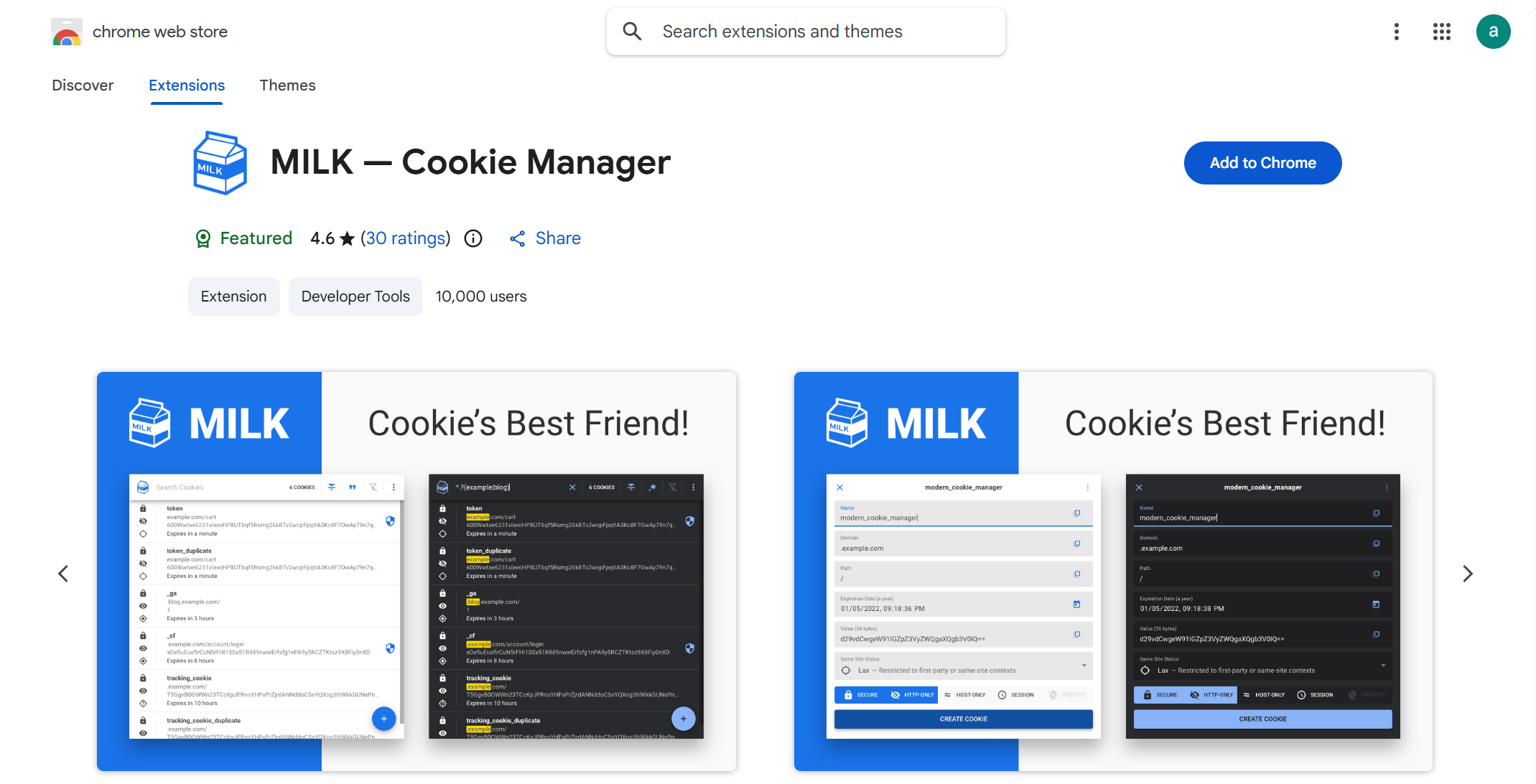
9. Milk Cookie Manager
Milk Cookie Manager is a Chrome add-on created to streamline cookie administration. It's an excellent utility for users who want their browser to perform optimally without getting entangled in the complexities of cookie management.
Key Attributes
- Effortless Clearing: Rapidly purge cookies and other browsing history using only a few clicks.
- Simple Appearance: The extension is designed to be intuitive, allowing anyone to handle their cookies easily.
- Current Updates: The tool receives regular updates to guarantee compatibility with the newest browser versions.
Milk Cookie Manager is a fine selection for users seeking a straightforward instrument to keep their browser clean and brisk.
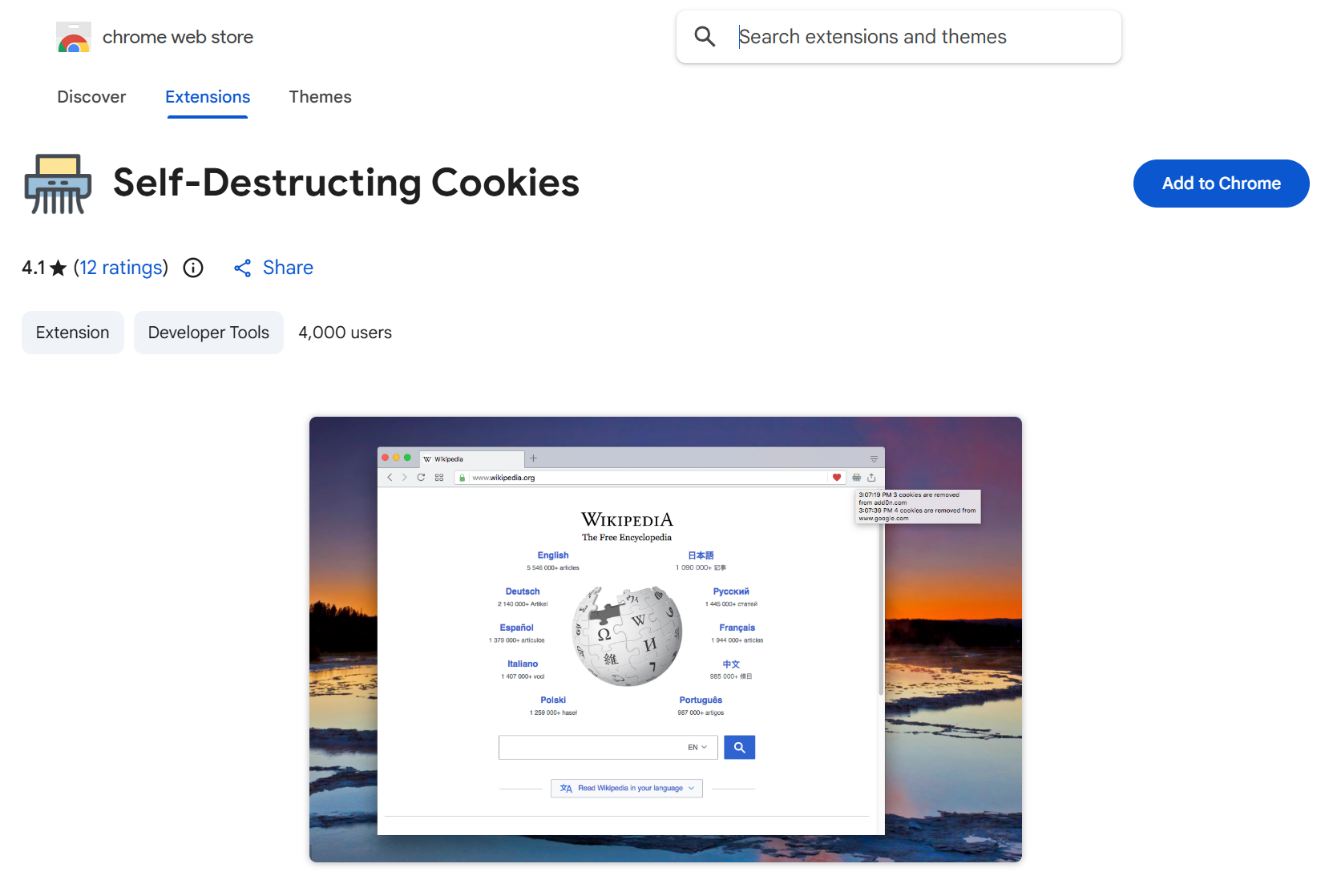
10. Self-Destructing Cookies
Self-Destructing Cookies is a Firefox add-on that automatically discards cookies from sites you are no longer engaging with. It offers a set-it-and-forget-it solution for maintaining privacy without consistent manual oversight.
Features
- Automatic Disposal: Cookies are deleted automatically once you shut the corresponding browser tab.
- No Residue: Ensures that no cookies carry over following your browsing session.
- Lightweight Design: The extension has minimal impact and won't cause browser slowdowns.
Self-Destructing Cookies is perfect for users wanting an untroubled method to manage cookies and safeguard their privacy.
11. Cookie Monster
Cookie Monster is a Firefox utility that grants precise control over your cookie permissions. It enables you to dictate which web destinations are permitted to store cookies and which are blocked, affording you enhanced command over your online security.
Unique Aspects
- Site-Specific Permissions: Govern cookie access on an individual website basis.
- Temporary Authorization: Grant cookies for a limited duration, clearing them once your session concludes.
- Simple Administration: The interface is direct, simplifying the management of your settings.
Cookie Monster is ideal for users who desire rigid governance over their cookie authorizations without compromising ease of use.
Bonus: Accept All Cookies Extension
Here is a contrasting option. While most people seek methods to manage and restrict cookies, one of the top-rated extensions simply consents to all cookies on your behalf. It is certainly convenient, but it might not be the wisest choice for your personal security.
Reasons for Adoption
- Ease of Use: Eliminates disruptive cookie consent banners. This extension handles everything automatically.
- High Ratings: It boasts a perfect 5-star score on the Chrome Web Store, reflecting its simplicity.
The Drawback
- Security Concerns: Accepting all cookies unconditionally means supplying websites with potentially more access to your data than you might be comfortable with.
Why choose DICloak Antidetect Browsers for your business?
⚡The DICloak Antidetect Browser has become a global favorite for its unparalleled ability to efficiently and securely manage multiple accounts. Designed for professionals in social media management, affiliate marketing, traffic arbitrage, e-commerce, account farming, airdrops, and more, DICloak offers powerful features like RPA automation, bulk operations, and synchronizer. Additionally, it allows you to customize fingerprints and integrate proxies for each profile, ensuring top-level security and operational efficiency. It’s the ultimate tool for seamless, secure, and scalable operations.

What Makes DICloak Stand Out?
✅ Manage 1,000+ Accounts on One Device: Stop wasting money on extra hardware! DICloak allows you to manage multiple accounts on a single device, cutting costs and boosting efficiency.
✅ Guaranteed Account Safety, No Ban Risks: Every account gets its own isolated browser profile with custom fingerprints and IPs, drastically reducing the risk of bans. Your accounts, your control!
✅ Flexible Proxy Configuration for Maximum Performance: Seamlessly integrate with all major proxy protocols (HTTP/HTTPS, SOCKS5) and manage your proxy pool with bulk operations. No more struggling with IP management—DICloak has you covered.
✅ Streamlined Team Collaboration for Better Results: Easily manage your team with advanced tools like profile sharing, permission settings, data isolation, and operation logs. Your team works smarter, not harder.
✅ Automate the Grind with RPA: DICloak's built-in RPA saves you hours of manual work. Automate repetitive tasks, streamline workflows, and focus on what really matters—growing your business.
✅ Powerful Bulk Tools to Scale Your Operations: Create, import, and launch multiple browser profiles in one click. DICloak makes scaling your business as easy as it gets.
✅ Compatible with All Major Operating Systems: Based on the Chrome core, DICloak supports simulating Windows, Mac, iOS, Android, and Linux operating systems. No matter what platform you need, DICloak has you covered.
🔗 Ready to Get Started?
Visit the DICloak website to explore more details and choose the plan that’s right for you. Start for free today and experience the power of secure, efficient, and scalable multi-account management!
Concluding Remarks
Gaining mastery over your digital privacy need not be an intricate process. Utilizing a suitable cookie management tool allows you to regulate data dissemination, guaranteeing your online sessions are both secure and customized to your preferences. Regardless of whether you identify as a programmer, a privacy advocate, or simply an individual seeking greater command, a cookie editor exists to meet your requirements.
Investigate the available selections, test them, and determine which one aligns most effectively with your goals. Furthermore, for those aiming to enhance their privacy significantly, DICloak stands ready to assist in maintaining your security within the constantly shifting online landscape.
FAQs About Cookie Editor
What is a cookie editor?
A cookie editor is a tool that allows you to view, modify, and delete cookies stored in your browser, helping you manage your online activity and improve privacy.
Why should I use a cookie editor?
Using a cookie editor gives you more control over the cookies that track your online behavior, allowing you to protect your personal information and enhance your digital privacy.
How can a cookie editor improve my privacy?
A cookie editor allows you to remove or modify tracking cookies, preventing websites from monitoring your browsing activity and reducing targeted ads.
Are there free cookie editor options available?
Yes, many cookie editor tools are available for free, with varying features depending on your needs, from basic cookie management to advanced privacy settings.
What are the best cookie editors for 2025?
Top cookie editors for 2025 include Cookies.txt and Cookie-Editor, offering easy management and strong security.
 Web Proxy Tools
 Free Tools
 Cookie Plugin
 UA Generator
 MAC Address Generator
 IP Generator
 IP Address List
 2FA Code Generator
 World Clock
 Anonymous Check
 WebRTC Leak Test
 UUID Generator
 Free Web Proxy Site
 Proxy Checker
 FB Ad Checker
 AI Web Scraping
 Free SMM Tools
 Twitter Shadowban Checker
 Instagram Name Checker
 UTM Generator
 Username Generator
 AI Hashtag Generator
 LinkedIn Headline Generator
 Social Media Image Resizer