- ResourcesOnline Tools



EN

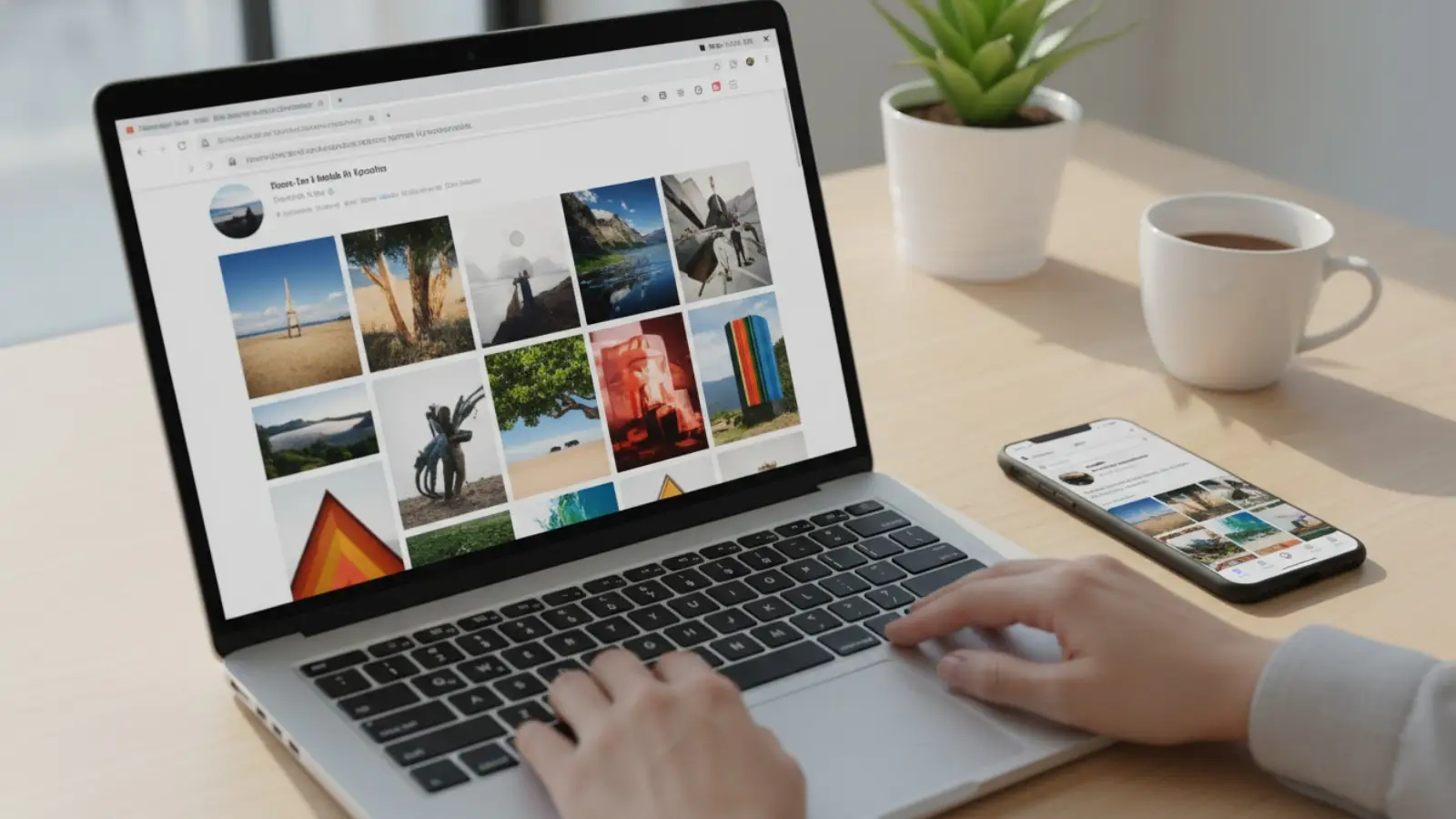
An Instagram profile viewer is a tool or website that lets you look at an Instagram profile with less friction. Most of the time, it can only show what is already public. If an account is private, only approved followers can see the posts, even on the web.
People use an Instagram profile viewer for quick, everyday reasons. For example, a small online shop owner may check a competitor’s public grid to learn what kinds of photos get the most comments. They do not want to log in, and they do not want to leave a trail.
But “anonymous” has limits. If you watch someone’s Story the normal way, they can see that you viewed it. That is why it matters to understand how each IG profile viewer works, and what it can’t do.
One safety rule is simple. If a site asks for your Instagram password, stop. Instagram warns you not to share login details with untrusted third-party apps or websites.
An Instagram profile viewer is a tool that shows an Instagram profile page without you using your own Instagram account. In simple terms, it usually displays what is already public on the web. If an account is private, the posts stay hidden unless you are an approved follower. Here are two common types.
For example, a recruiter may want to check a candidate’s public portfolio account before an interview. A web-based Instagram profile viewer can help them scan the public grid in one minute. But if the account is private, the viewer cannot unlock it. The right move is to respect the privacy setting and stop there.
Now that you know what an Instagram profile viewer is, the next question is simple. What is it actually good for, in real life?
An Instagram profile viewer can make research faster when you only need public info. This is useful for marketing work and influencer planning. For example, a small skincare brand might review five public creator profiles before sending free samples. They can quickly check posting style, common hashtags, and how often followers reply in comments. This kind of research stays within what Instagram already shows to the public. Private accounts still stay private unless you are approved.
Many viewer sites focus on clean viewing. They may load photos and videos in a larger format than a crowded feed. This helps when you are studying details, like product shots, outfit styling, or video thumbnails. It does not remove Instagram’s privacy rules. It just makes public content easier to view and save for notes.
Comments and simple interactions can tell you what people care about. When you scan public posts, you can spot patterns. People ask the same questions. They react strongly to certain topics. If you run a business account, Instagram’s own Insights also describes “interactions” as actions like likes, comments, saves, and shares. That is why smart research is not only about what is posted, but also how people respond.
A quick note that keeps things honest. An IG profile viewer can help with public profile research, but it will not make Story views invisible in the normal Instagram app. Instagram says people can tell when you viewed their Story. So if your goal is “no trace,” you need to understand these limits before you choose a tool.
You already know the benefits. And then you can research faster, view public content more clearly, and learn from comments. The next step is using an Instagram profile viewer in a way that is simple and safe.
Most web-based viewers work in a similar way. You open the site, type the Instagram username, and run a search. Then the tool loads what is already public, like posts, reels, and sometimes highlights. If the account is private, you will hit a wall, because private posts are only visible to approved followers.
For example, a small skincare brand wants to review a creator’s public page before sending a sample box. They paste the username into the viewer, check the last 12 posts, and read the top comments to see what followers care about. They take notes and move on. If the creator is private, they stop and use a normal outreach message instead of trying to “force” access.
A good Instagram profile viewer feels calm and clear. It loads fast, shows posts in a clean grid, and makes it easy to switch between posts, reels, and highlights. Some tools also offer extra functions like basic downloads or a larger view for photos and videos. Lists that test multiple free viewers often compare these exact points, because many sites look similar at first but behave very differently once you use them.
The most important feature is not flashy. It is trust. If a viewer asks you to log in with your Instagram password, treat that as a hard stop. Instagram warns people not to share login details with apps or services they do not trust. If you only need public info, you should be able to browse without handing over your account.
A simple rule helps you choose an IG profile viewer quickly. Pick tools that work without login, respect private accounts, and do not pressure you into downloads, pop-ups, or strange redirects. That keeps your research easy and your account safer.
In the last section, you learned how to use an Instagram profile viewer in a simple and safe way. Now let’s compare popular tools the way a real user would. Each one feels different once you try it. Most are built for public profiles. Private profiles still stay private unless you are approved.
Inflact is a web-based Instagram profile viewer that tries to be more than a basic “look up a username” site. It markets itself as an Instagram viewer for public content, and it also offers extra tools like a profile analyzer. This makes it appealing when you want to do quick research and then go one step deeper, such as checking what hashtags a creator uses often or which posts look like top performers.
Pros
Cons
BoostFluence is designed to feel simple and fast. It presents itself as a free Instagram profile viewer that works without login and without installing an app. It is the kind of tool you use when you want to check public posts, read captions, or look at highlights without jumping between accounts. It is less about “advanced reporting” and more about “quick viewing with fewer steps.”
Pros
Cons
Dolphin Radar leans hard into “anonymous viewing,” especially around Stories and Highlights. It also markets an Instagram viewer that can show public posts and comments. This can be helpful when your goal is not just seeing the grid, but understanding what content a page pushes day to day. It is also one of those tools where you should expect some features to be tied to paid tiers, depending on what you need.
Pros
Cons
Save Free is built around a very direct idea. Enter a username and view basic public profile details. It also promotes downloading, including viewing and downloading profile pictures in a larger size. This is the kind of IG profile viewer people use when they just want a clear avatar image, or they want to save a public post for reference when planning a design or a product photo angle.
Pros
Cons
InstaPV is often described as a lightweight tool with a “who followed who recently” angle. That is why it shows up in roundups. It is not only about seeing posts. It is also about spotting follower and following changes on public accounts. This can be interesting for trend research, but it is best used as a rough signal, not as a perfect record.
Pros
Cons
AnonyIG is commonly framed as the minimalist option. It is meant to feel like “paste a username and view public content,” with a focus on privacy and simplicity. It is popular with users who do not want to install anything and do not want to sign in on a shared computer. It is also often associated with anonymous story viewing and basic downloading for public accounts.
Pros
Cons
One last safety rule before you pick any Instagram profile viewer. If a tool asks for your Instagram password, do not enter it. Instagram also warns users to be careful with third-party apps and websites and not to share login details with services they do not trust.
Here’s a shorter, clearer English comparison table for each Instagram profile viewer (and IG profile viewer).
| Tool | Best for | Key pros | Main con |
|---|---|---|---|
| Inflact | Viewing + light analysis | Viewer + Profile Analyzer tools. | Free use is limited; heavy use pushes paid plans. |
| BoostFluence | Fast, simple browsing | Says no login and supports public posts/reels/stories/highlights. | Little to no analytics compared to “analyzer” tools. |
| Dolphinradar | Stories/Highlights focus | Promotes anonymous viewing + download options. | Some features may depend on plan / sign-up. |
| Save Free | Profile picture downloads | Simple profile picture downloader by username/link. | Be cautious with “private” claims; privacy rules still apply. |
| InstaPV | Followers/following signals | Known for follower/following-style viewing features. | Data can be limited/incomplete; use as a signal only. |
| AnonyIG | Minimalist anonymous viewing | Says no login, paste username for Stories and more. | Works best for public accounts; private stays locked. |
After you pick an Instagram profile viewer, it helps to think about safety and fairness. Most problems do not come from “viewing.” They come from bad sites, too many ads, or risky login prompts.
Instagram’s rules are clear on one big point. Private accounts are private. A viewer tool should not “unlock” private posts for you. If a site claims it can, that is a warning sign. Private content is meant to be seen only by approved followers.
Also, Instagram warns users to be careful with third-party apps and sites. If a viewer asks for your Instagram password, do not enter it. Giving login details to an untrusted service can put your account at risk.
Many viewer tools make money from ads. That can mean pop-ups, fake download buttons, and “click here to continue” pages. If you are rushing, it is easy to click the wrong thing. That is why it helps to use a calm checklist.
If you log in on the wrong site, here is what can happen:
Instagram’s advice is consistent. Do not share your password with services you do not trust, and be careful with third-party apps and websites. If you keep one habit, make it this: an Instagram profile viewer should work for public browsing without your login. If it pushes you to sign in, slow down and leave.
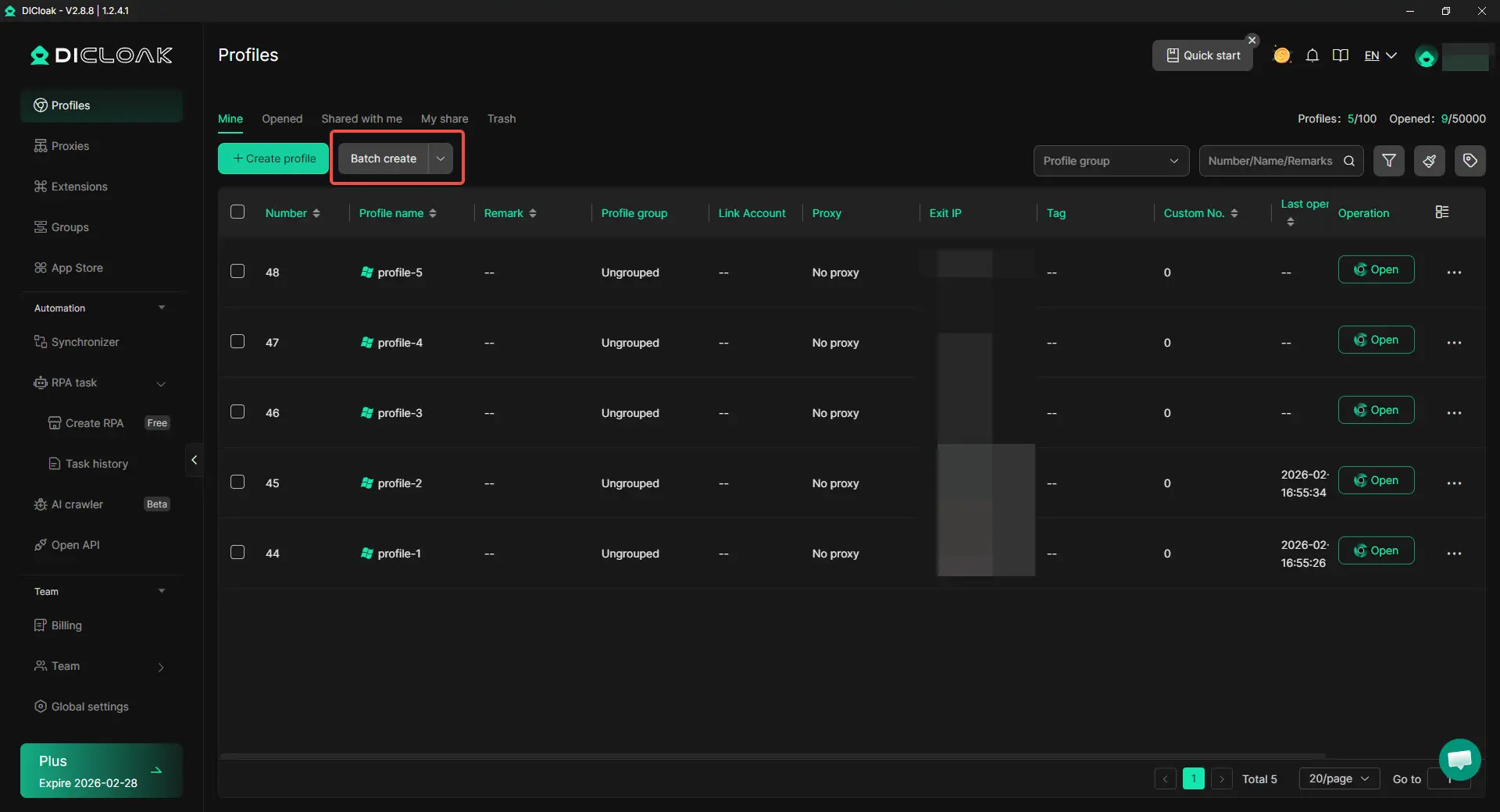
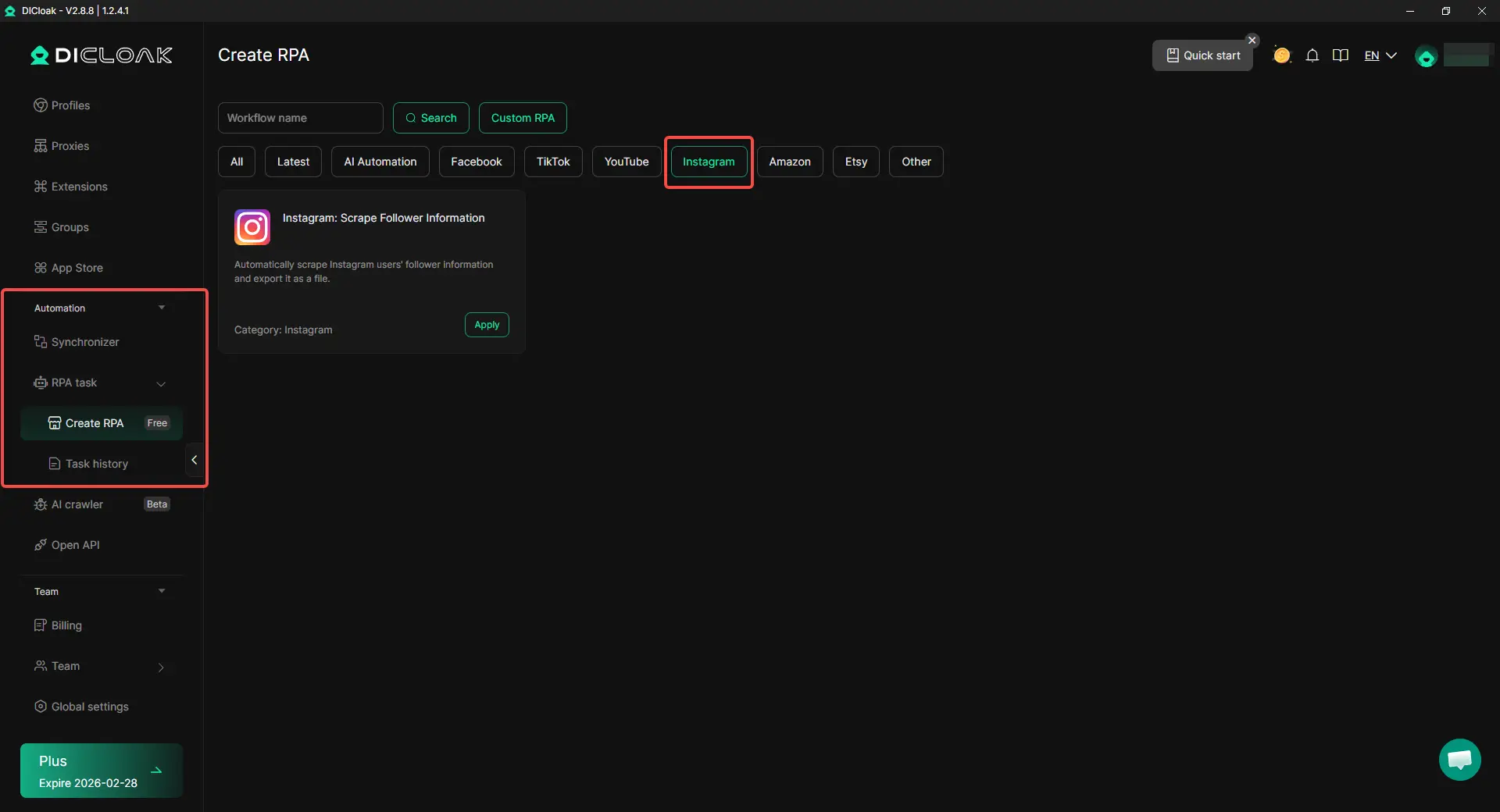
If you only need to check a public page, an Instagram profile viewer can be enough. But when you manage many Instagram accounts for work, the job changes. You are logging in, switching profiles, and keeping sessions stable. In that case, you can use DICloak as a work environment for safer, scalable multi-account operations.
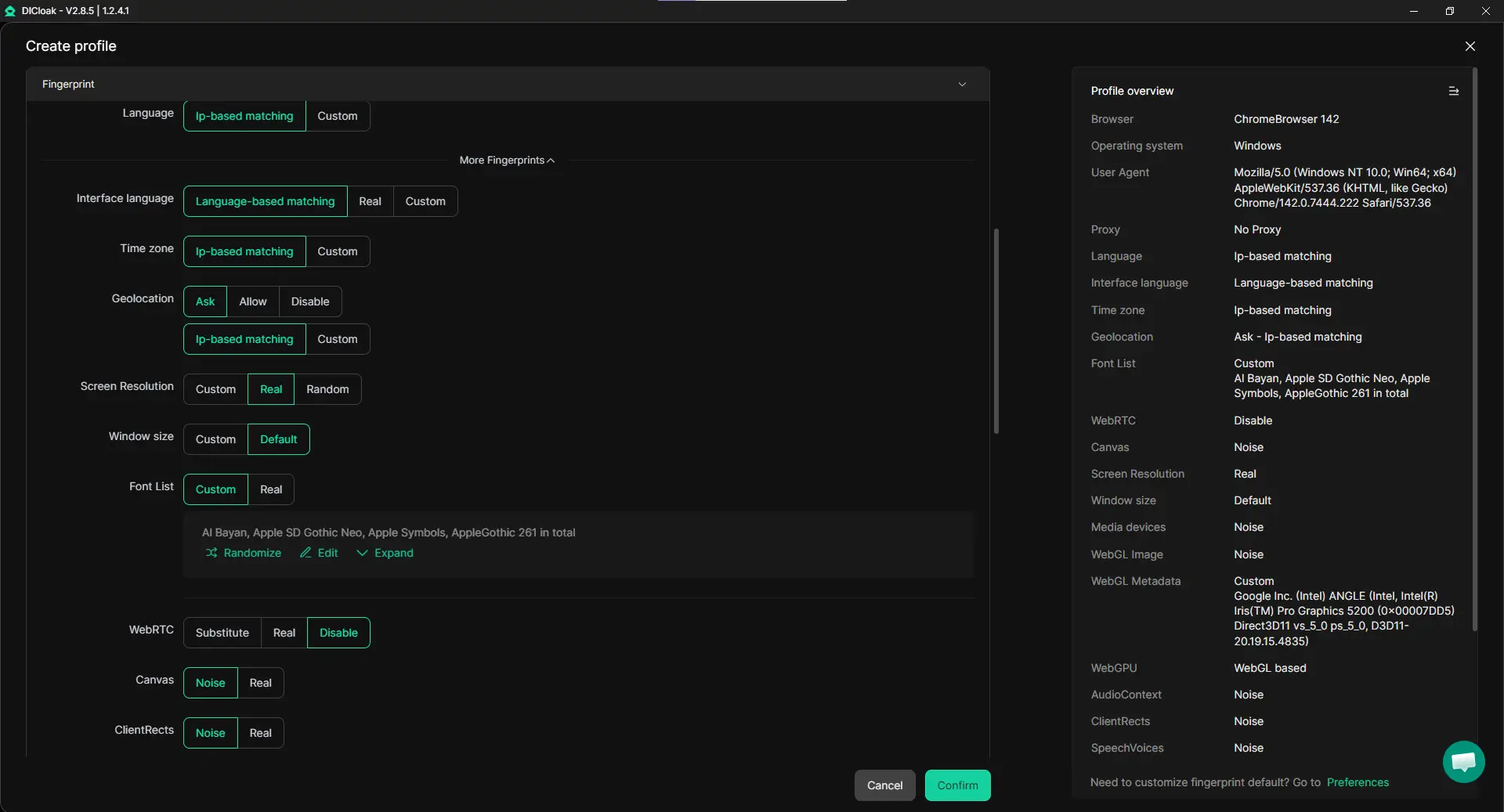
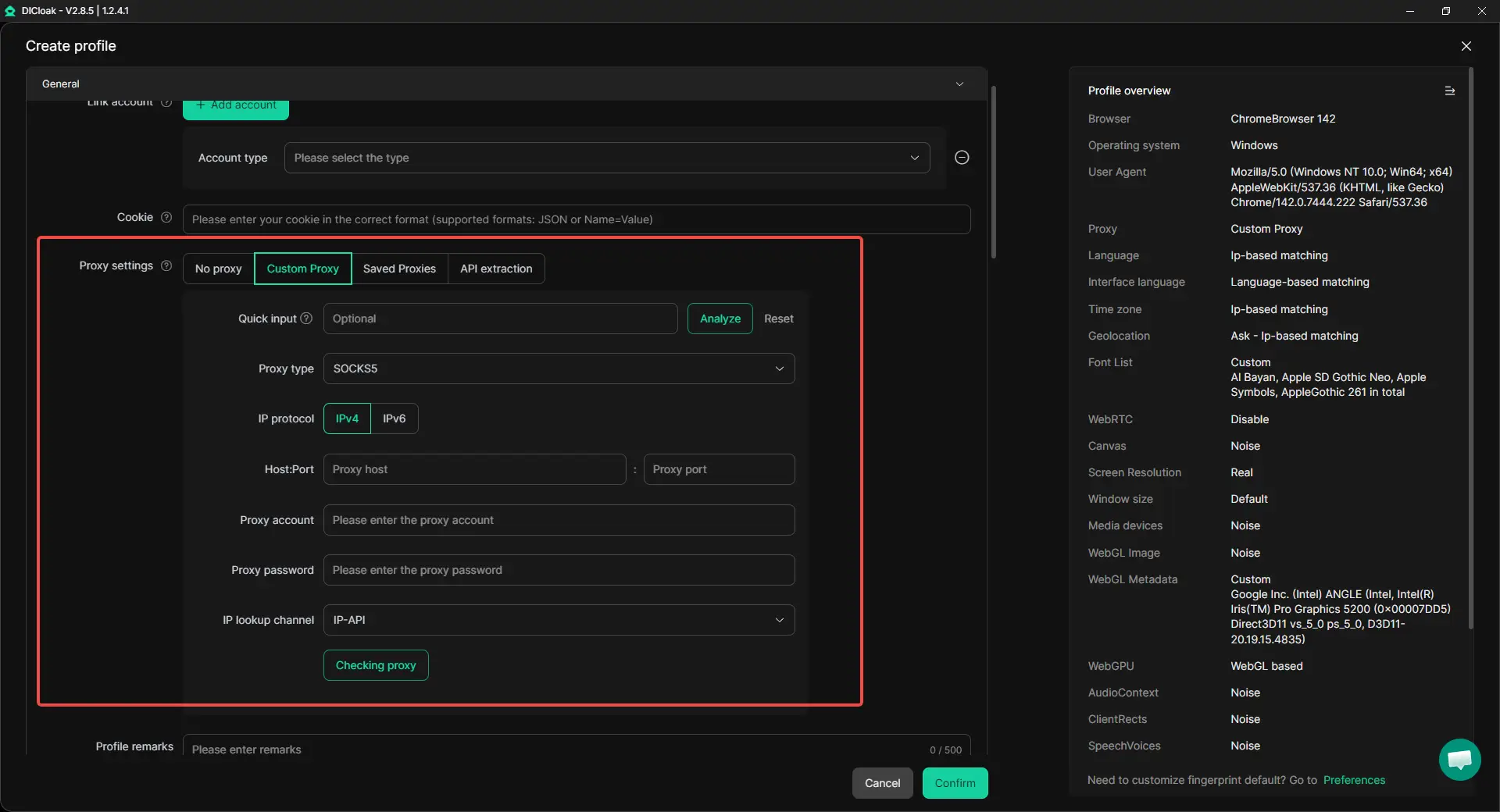
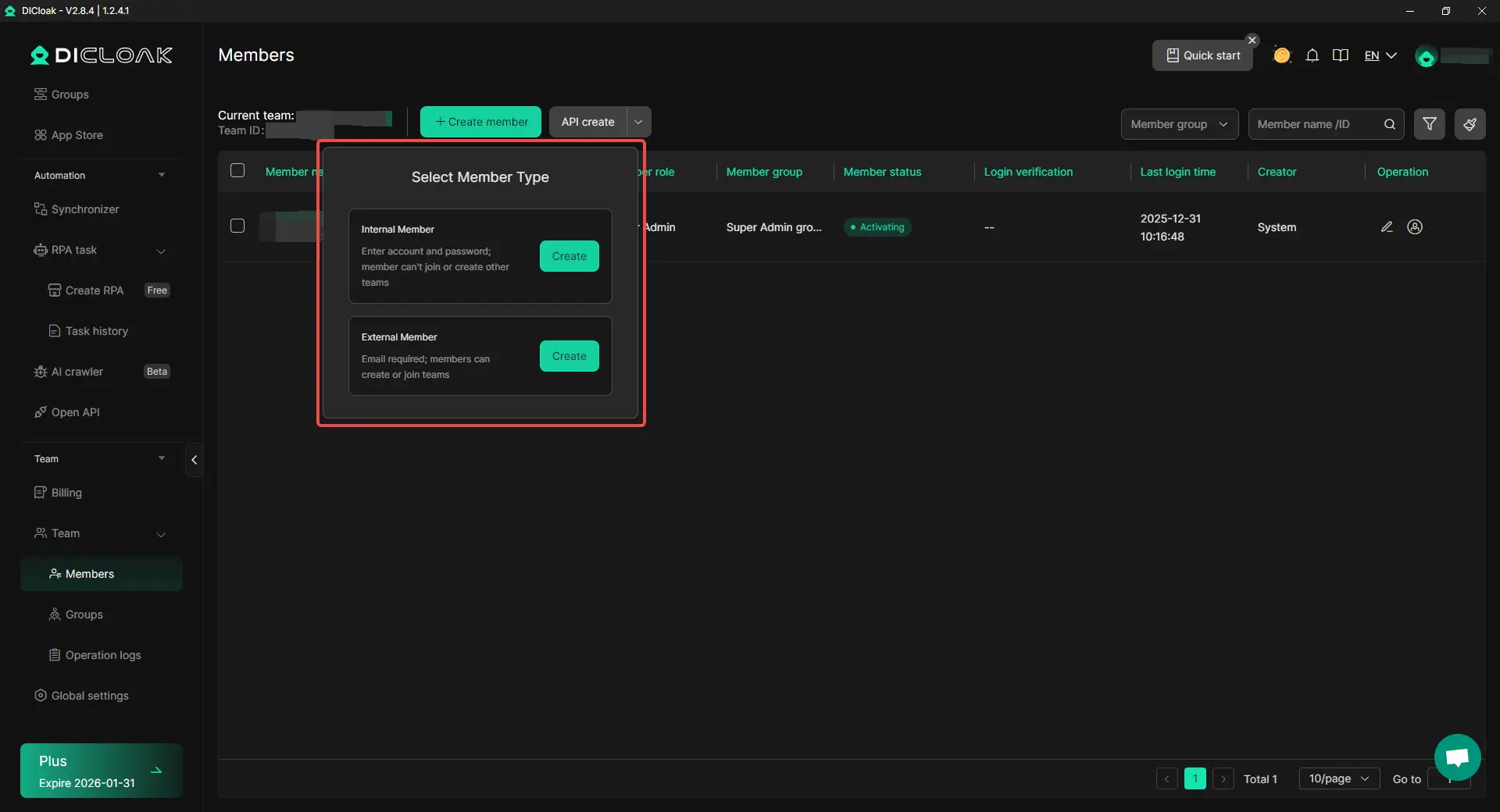
At the end of the day, this is about control and clarity. You can still use an Instagram profile viewer for quick public research. Then, when you need to log in and operate across many accounts, you can keep each account in its own “lane.” That means fewer mistakes, smoother daily work, and a setup that can scale as your team grows.
This guide explained what an Instagram profile viewer is and what it can truly do. Most viewer tools only show public content. Private profiles stay locked unless you are approved, so any tool claiming otherwise should be treated with caution.
You also learned why people use these tools for real work. An Instagram profile viewer can speed up public research, make photos and videos easier to review, and help you spot patterns in comments. But “anonymous” has limits. If you watch someone’s Story the normal way, Instagram says the owner can see you viewed it.
Finally, you saw how to choose safer tools and avoid common risks. Many IG profile viewer sites run heavy ads, and some may push login prompts. If a site asks for your Instagram password, stop. Instagram warns users not to share login details with untrusted third parties. For teams that go beyond viewing and need stable multi-account operations, DICloak can be used to keep accounts isolated with custom proxy configuration per profile, plus bulk tools and automation for repeat tasks.
An Instagram profile viewer can feel anonymous when it lets you browse public profiles without logging in. But it is not a magic cloak. If you view Stories in the normal Instagram app, the account owner can usually see that you watched.
No. A safe Instagram profile viewer should not “unlock” private content. If a tool claims it can view private profiles, treat it as a red flag and avoid it.
Most web-based options are designed to work without login for public content. If an Instagram profile viewer asks for your Instagram password, it is safer to leave and choose another tool.
Look for a clean interface, no forced downloads, and clear limits. The best Instagram profile viewer for research usually loads fast, supports posts/reels/highlights for public profiles, and does not push login prompts or strange redirects.
If you manage many Instagram accounts for a business, an Instagram profile viewer is only a research tool. You may need isolated browser profiles, custom proxy configuration per profile, and bulk workflows to keep accounts separated and organized at scale.