Introduction: The State of Facebook Account Security in 2026
In 2026, social media marketing is a high-stakes battlefield. Meta’s behavioral AI is now hyper-sensitive to hardware-level inconsistencies, tracking everything from mouse movements to deep-system hardware IDs. To Secure Your Purchased Facebook Accounts in 2026, you must realize that simple login tactics no longer work. Protection is the foundation of your entire operation; without a secure technical shield, your ad spend and time will vanish in a single ban wave.
A "purchased account" is a pre-established profile bought from a specialized seller to help you scale reach, bypass initial spending limits, or use assets with a trusted history. However, these accounts are seen as "foreign objects" by Meta’s AI. This guide will teach you the professional protocols to turn these fragile assets into stable, long-term profit engines.
Identifying the Right Assets to Secure Your Purchased Facebook Accounts
Security starts with the "pedigree" of the account. If you buy low-quality assets, no amount of technical masking can save them. You must choose the right tool for your specific business goal.
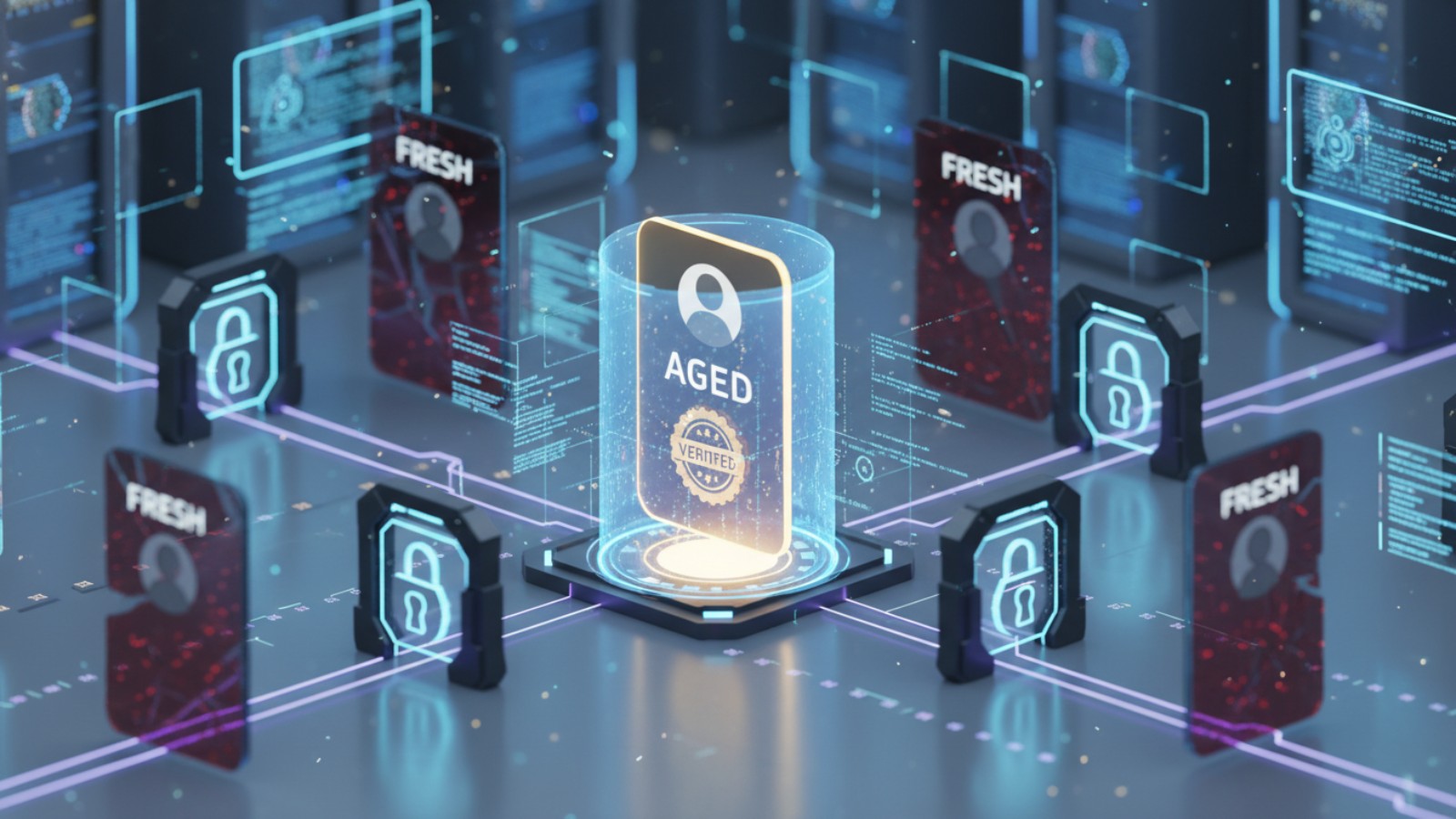
- Fresh Accounts: Newly created with automated tools. They have a 0% trust score and the highest risk.
- Aged Facebook Accounts: Older profiles with natural activity history. They are the "Gold Standard" for stability.
- PVA (Phone Verified Accounts): Profiles linked to a real number, essential for passing mobile security checkpoints.
- Passed Advertising Restriction Accounts: These are "vetted" accounts that have already survived a Meta review. They are highly resilient but expensive.
- Ad-Friendly Accounts: Pre-optimized for Business Manager and ready for immediate campaign launches.
- Cookie-Friendly Accounts: Bundled with browser data to bypass "New Device" login triggers.
- Location-Based Accounts: Profiles tied to specific geos (like the USA or EU) to prevent "unusual location" flags.
- Flexible Login Accounts: Versatile profiles designed for various tasks, from managing groups to running registrations.
Risk Assessment: Fresh accounts are the most vulnerable because they lack "behavioral biometrics." Aged and Passed-Restriction accounts offer the highest security because Meta has already assigned them a high trust weight. Secure your purchased Facebook accounts by choosing wisely based on your business needs.
Understanding Vulnerabilities to Secure Your Purchased Facebook Accounts
Purchasing third-party assets introduces inherent risks. If you don't account for these vulnerabilities, you risk massive financial loss and the "Domino Effect," where one ban takes down your entire network.
- Account Suspension and Bans: Meta's 2026 AI detects patterns like bulk friend requests or suspicious hardware markers.
- Practical Impact: One flag can lock your Business Manager, instantly killing your active revenue streams.
- Data Privacy Concerns: Low-quality sellers may mishandle or resell the access data they gave you.
- Practical Impact: Your proprietary ad strategies and credit card details could be exposed to competitors.
- Account Quality and Blacklisting: Some accounts are "recycled" from banned networks.
- Practical Impact: You may start with an account that is already on a global blacklist, ensuring an immediate ban.
- Lack of Control and Ownership: The original owner may have left "backdoors" like recovery emails.
- Practical Impact: After you spend weeks warming up an account, the seller could reclaim it via a recovery path you missed.
Strategic Sourcing: How to Safely Buy and Secure Your Purchased Facebook Accounts
Vetting your seller is your first line of defense. A secure purchase reduces the technical burden of keeping the account alive.
The 4-Step Safety Guide
- Pick a Reliable Platform: Stick to established marketplaces like Adshine, FBshopi, or EasyAd. These platforms vet their sellers and provide escrow-like security.
- Check Account Quality: Before you finalize a bulk order, verify these 6 factors:
- Authenticity of posts and engagement.
- A verifiable registration date (Aged).
- A complete profile (Bio, photos, and links).
- Real friend quality (profiles that look like humans, not bots).
- Natural activity history (not just a burst of activity before the sale).
- Existing security features (2FA and verified email).
- Use Secure Payment Methods: Only use PayPal or Stripe. Avoid direct transfers or irreversible crypto payments unless you have an established relationship with the seller.
- Review Terms and Conditions: Look for a 24-48 hour "Replacement Warranty" if the account is banned upon first login.
The First 24 Hours: Immediate Steps to Secure Your Purchased Facebook Accounts
The first day is the "Danger Zone." This is when the original seller still has access and Meta is most suspicious of the new login session.
Strategic Security Checklist
- Change Password: Use a unique, high-entropy password immediately.
- Update Contact Info: Remove the seller’s recovery email and phone number. This is critical because "hidden" recovery paths are the most common way accounts are stolen back.
- Scrub Active Sessions: Go to "Where You're Logged In" and terminate all sessions except your current one.
- Enable 2FA: Set up Two-Factor Authentication using an app. This blocks "hidden" sessions from re-authorizing.
- Review Connected Apps: Remove any unrecognized third-party apps that may have API access to the profile.
- Secure 2FA Recovery Codes: Save these in an encrypted vault. If you lose access, these are your only lifeline.
In 2026, Meta uses "Digital Identity" tracking. If you log into multiple accounts on a standard browser, Meta sees your unique hardware signature (screen resolution, GPU model, kernel version). This is called "browser fingerprinting."
DICloak is the industry-leading solution for this. Based on the Chrome core, it allows you to manage thousands of accounts by giving each one a unique, isolated digital identity.
- Fingerprint Simulation: DICloak spoofs the exact markers Meta uses to "unmask" users, including IP, geo-location, cookies, WebGL, WebGPU, and canvas.
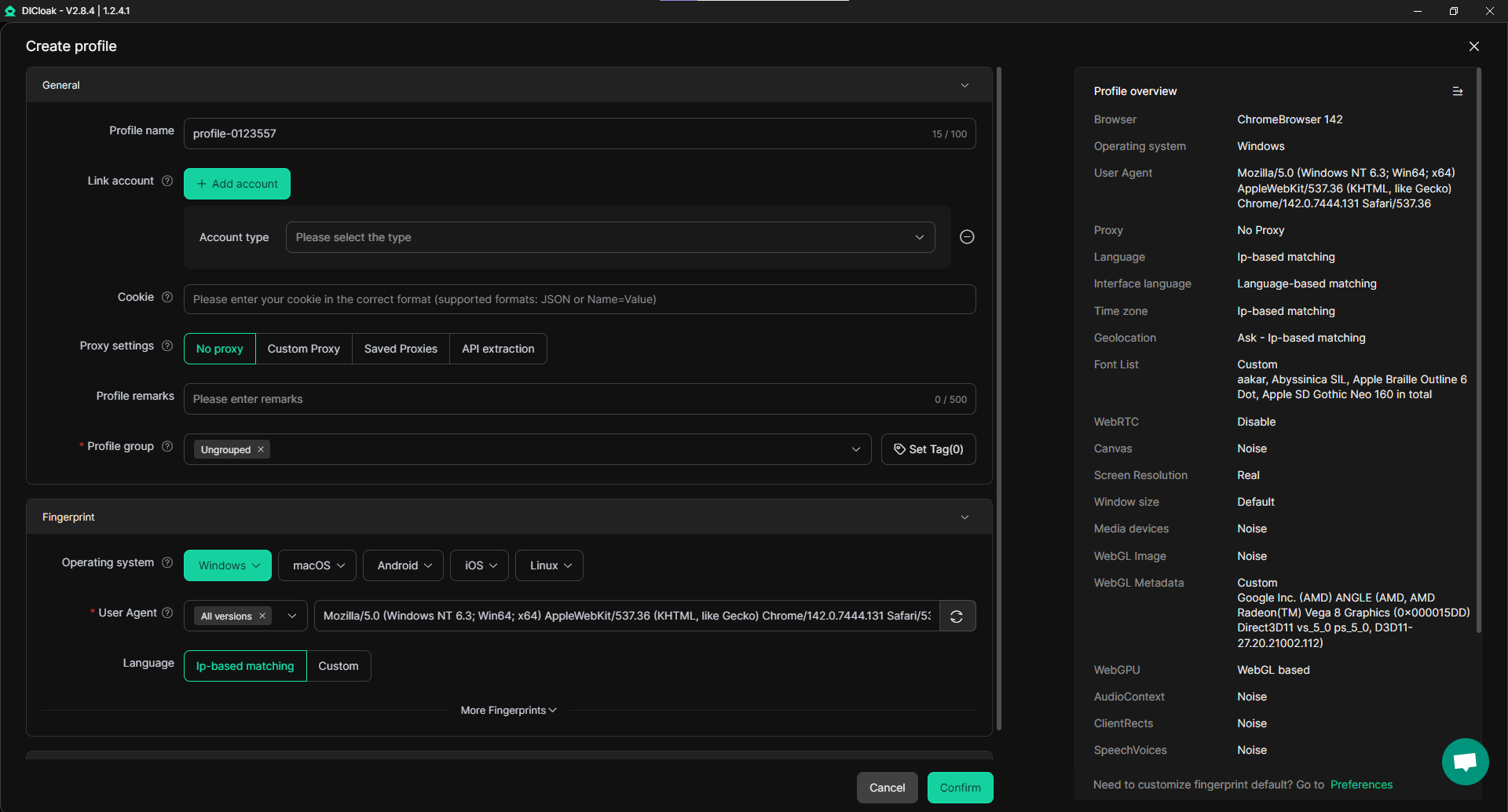
- Why WebGL/WebGPU Matter: In 2026, Meta uses hardware-level fingerprinting to see if your browser is "lying." DICloak isolates these at the kernel level, making each profile look like it is running on a totally different physical computer.
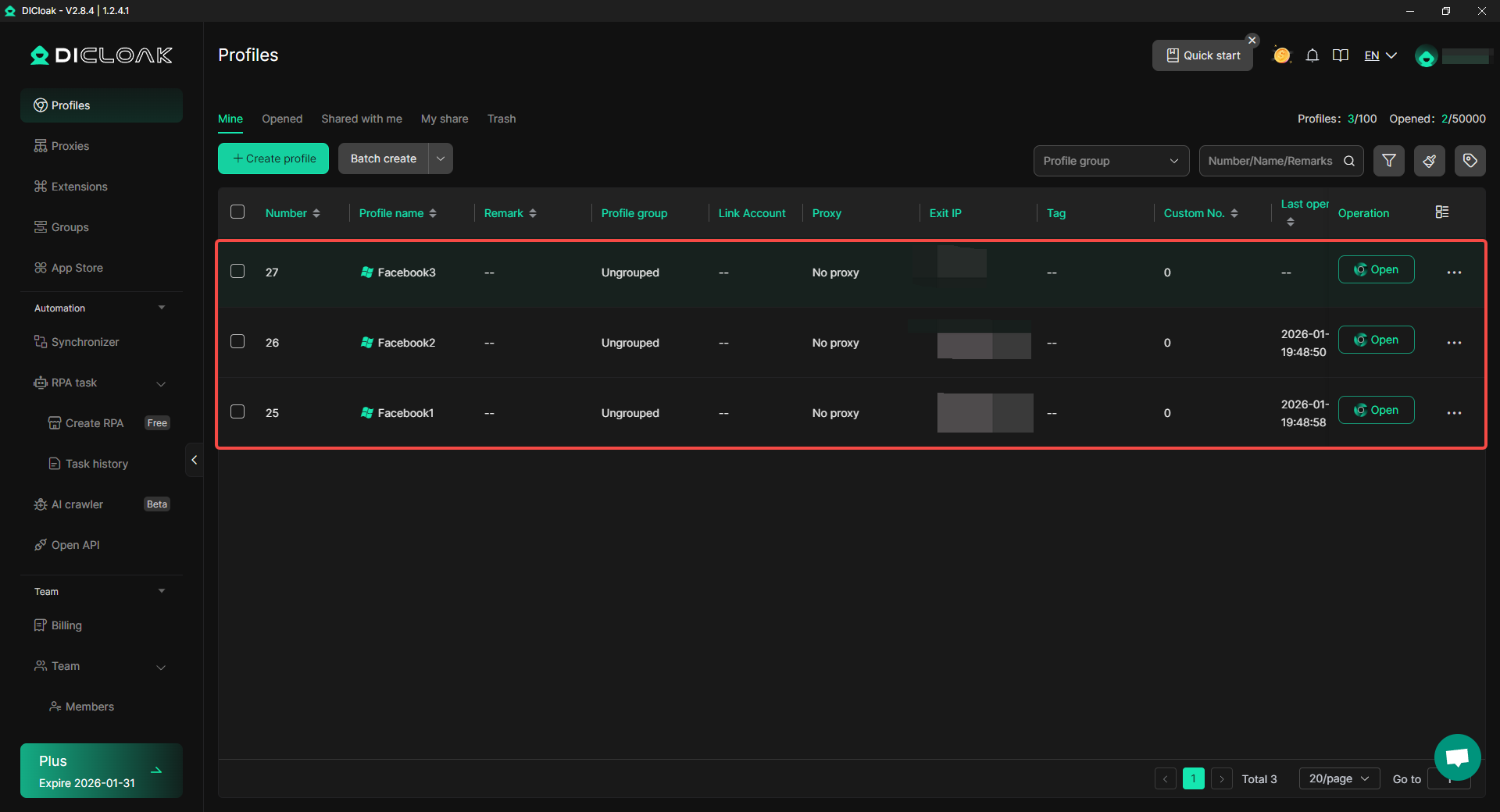
- Prevention of the Domino Effect: Because DICloak separates every account into its own proflie, a ban on one profile will never "leak" to the others.
Mastering the Warm-Up Phase to Secure Your Purchased Facebook Accounts
You must act like a "cautious human," not a marketing bot. Rapid activity after a login change is a major red flag for Meta’s behavioral AI.
2026 Warm-Up Timeline
| Timeframe |
Allowed Activities |
Risk Level |
| Days 0–3 |
Scrolling, watching Reels, reacting to 1–2 posts. |
High |
| Days 4–10 |
Adding 0–3 suggested friends, joining 1 group, 1 post. |
Medium |
| Days 10–30 |
Joining relevant groups, light ad spending ($1-5/day). |
Stabilizing |
Trigger Behaviors to Avoid:
- Mass-friending or mass-messaging on Day 1.
- Immediate high-budget ad launches (over $50/day initially).
- Switching locations (login from one location, then login from a different location a few hours later).
- Automating activity without using DICloak’s human-emulation tools.
Advanced Tools in DICloak to Secure Your Purchased Facebook Accounts at Scale
Scaling to 1,000+ accounts requires efficiency. DICloak provides professional tools to automate the "human" behavior needed for security.
- Synchronizer: Control hundreds of browser profiles simultaneously. What you do in one window happens in all others.
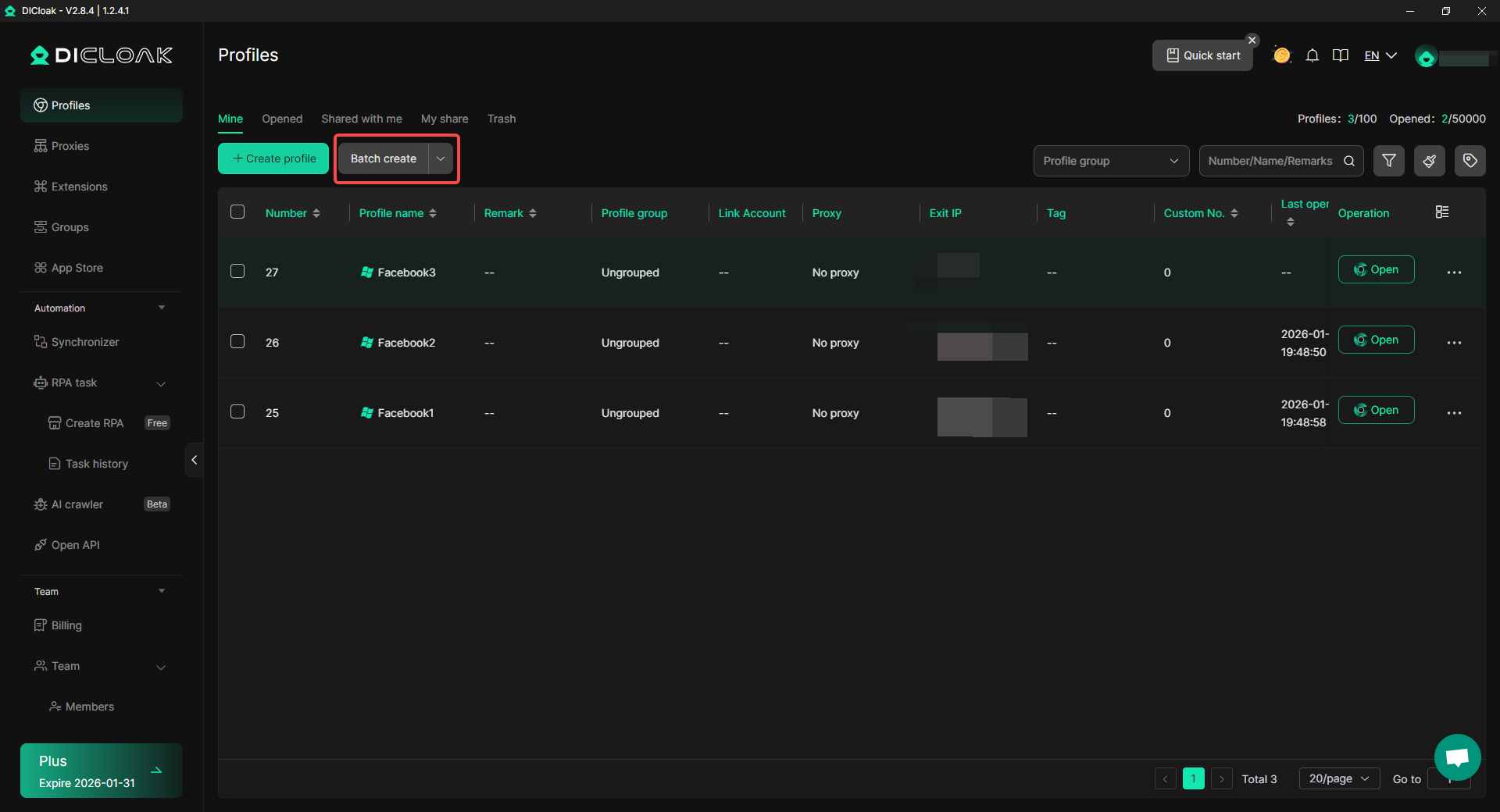
- Robotic Process Automation (RPA): This is a key 2026 trend. DICloak’s Robotic Process Automation performs repetitive "warming" tasks—like natural scrolling and liking—to build account trust while you sleep.
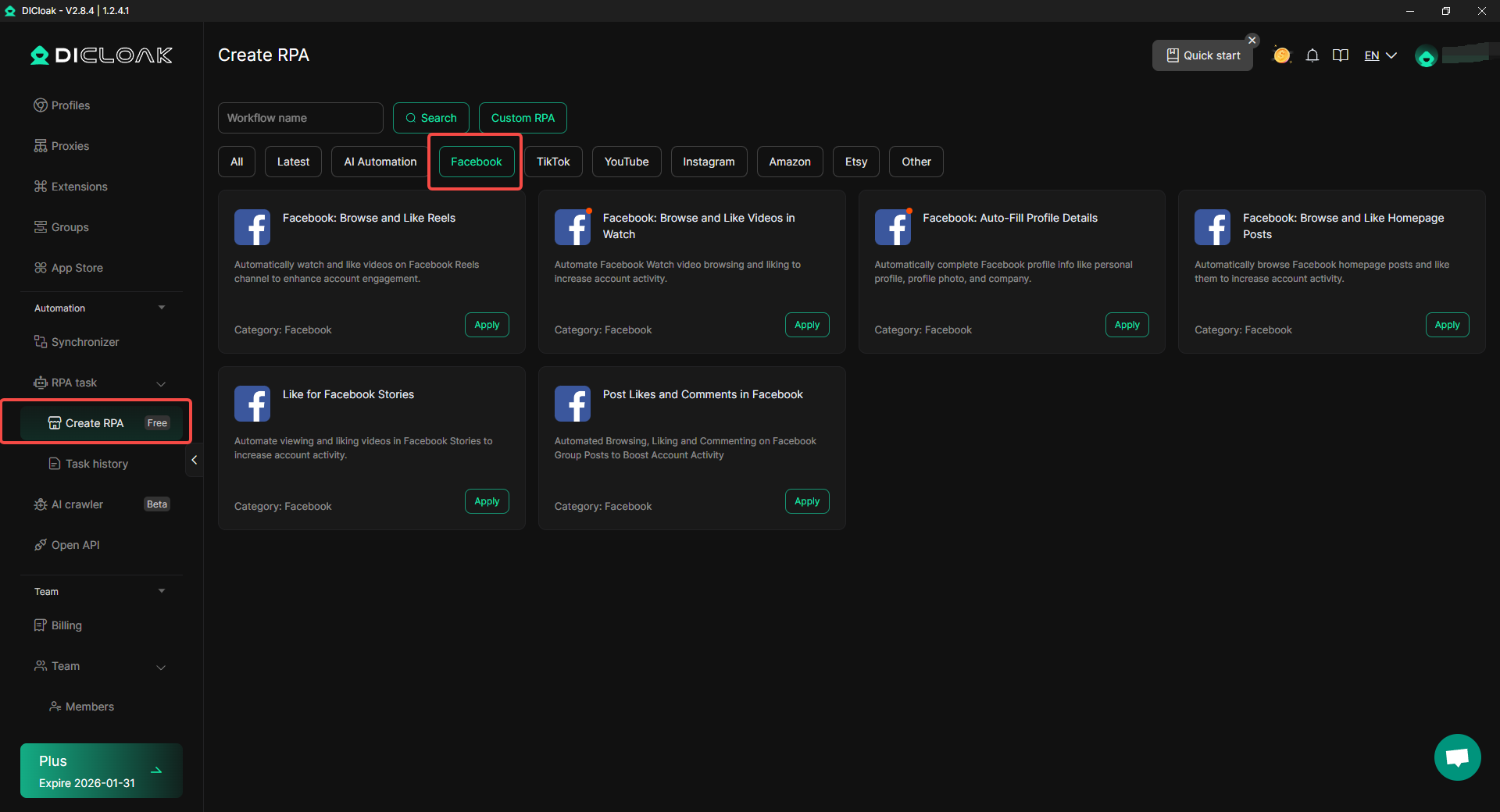
- Batch Operations: Import, update, and launch hundreds of profiles in one click, keeping every account maintains its unique fingerprint.
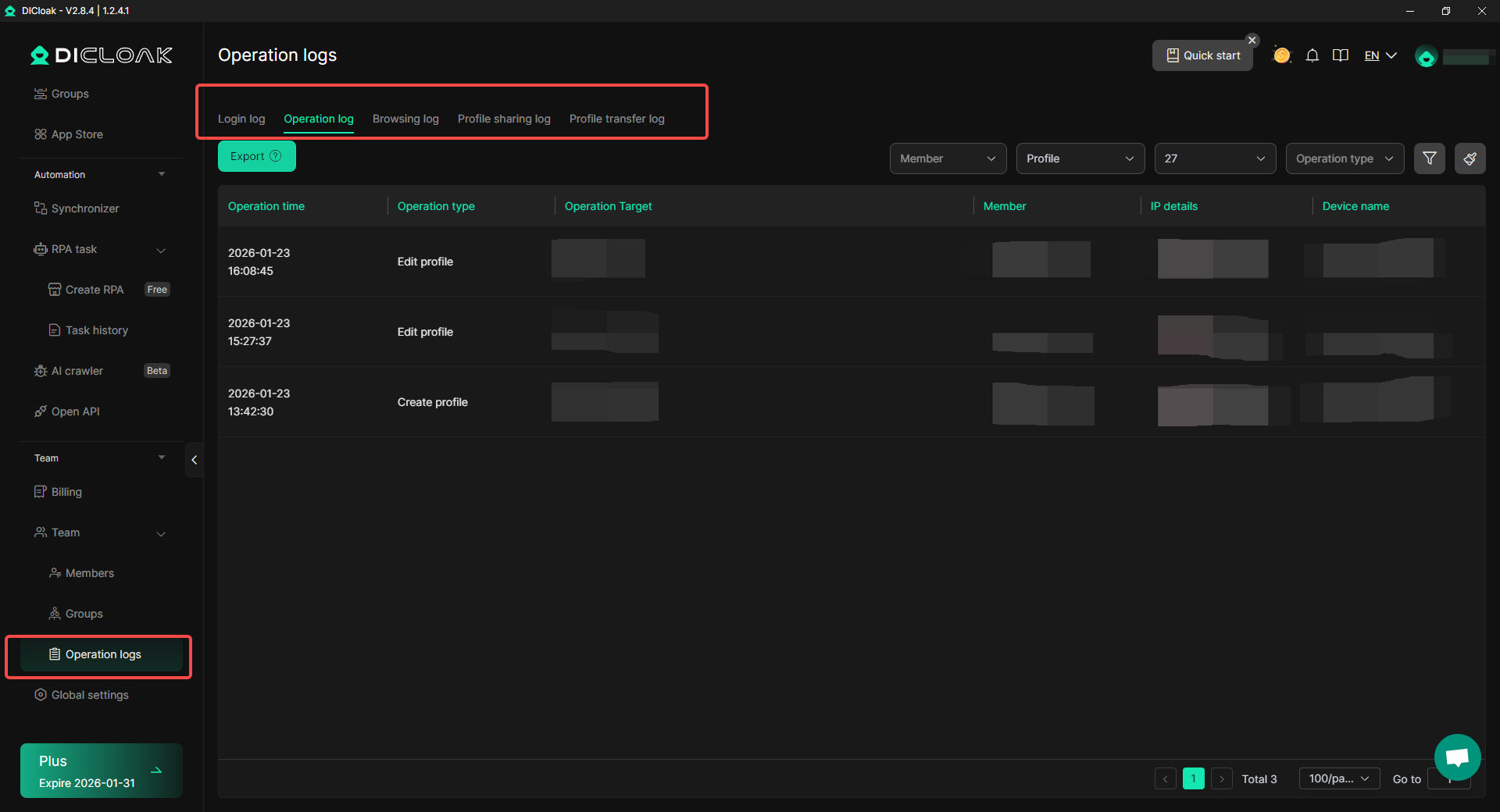
- Action Logs: Monitor every move. If a profile is flagged, you can check the logs to see if a specific behavior triggered the alert.
Conclusion: Long-Term Maintenance to Secure Your Purchased Facebook Accounts
Account security in 2026 is a marathon, not a sprint. To protect your investment, you must stay disciplined and follow the technical protocols.
- Source Wisely: Only buy high-trust Aged or Passed-Restriction accounts from vetted platforms.
- Isolate Everything: Use DICloak to prevent Meta from seeing the hardware links between your accounts.
- Warm Up Slowly: Use RPA to build trust before launching aggressive campaigns.
Ready to protect your digital assets? To secure your purchased Facebook accounts, start with the DICloak Free plan today and experience how kernel-level fingerprint isolation can transform your account longevity.
Frequently Asked Questions (FAQs)
What is the fastest way to Secure Your Purchased Facebook Accounts after buying?
Change the credentials immediately, scrub all active sessions in the settings, and enable Two-Factor Authentication (2FA) via an app to block the original seller's access.
How does DICloak help me Secure Your Purchased Facebook Accounts against 2026 tracking?
DICloak uses its Chrome-based core to isolate hardware markers like WebGL and WebGPU at the kernel level. This prevents Meta's AI from "linking" your purchased accounts to your real device.
Can I Secure Your Purchased Facebook Accounts if they were restricted?
Yes. You should buy "Passed Advertising Restriction" accounts. These have a verified ID history with Meta, making them more resilient to the initial "New Device" flags.
How can I Secure Your Purchased Facebook Accounts on multiple devices?
Use DICloak’s cloud synchronization. It allows you to access the same unique browser profile from a laptop, and tablet while keeping the fingerprint consistent across all devices.
What is the most secure payment method for when I want to Secure Your Purchased Facebook Accounts?
Always use PayPal or an Escrow service. These offer buyer protection in 2026, allowing you to recover your funds if the account is low-quality or stolen.
 Web Proxy Tools
 Free Tools
 Cookie Plugin
 UA Generator
 MAC Address Generator
 IP Generator
 IP Address List
 2FA Code Generator
 World Clock
 Anonymous Check
 WebRTC Leak Test
 UUID Generator
 Free Web Proxy Site
 Proxy Checker
 FB Ad Checker
 AI Web Scraping
 Free SMM Tools
 Twitter Shadowban Checker
 Instagram Name Checker
 UTM Generator
 Username Generator
 AI Hashtag Generator
 LinkedIn Headline Generator
 Social Media Image Resizer