If TamilMV loads on mobile data but fails on home Wi‑Fi with a DNS error, your connection is probably filtering the domain. Most people try random mirror links at that point, then hit fake clone pages, forced redirects, or download traps. If you want to unblock tamilmv without guessing, the safer path is to identify the block type, then use the right fix in the right order.
You will learn how to check whether your issue is DNS-level blocking, domain seizure, or a bad mirror; how to switch to trusted resolvers like Cloudflare 1.1.1.1 or Google Public DNS; and how to use encrypted DNS through DNS over HTTPS in Firefox when your network tampers with lookups. You will also see a practical way to test a proxy server and mirror URL before opening any file, so you reduce phishing and malware risk.
The key takeaway is simple: match the method to the block, verify every domain, and never trust a mirror just because it loads. Start with block detection, since that decides every step after it.
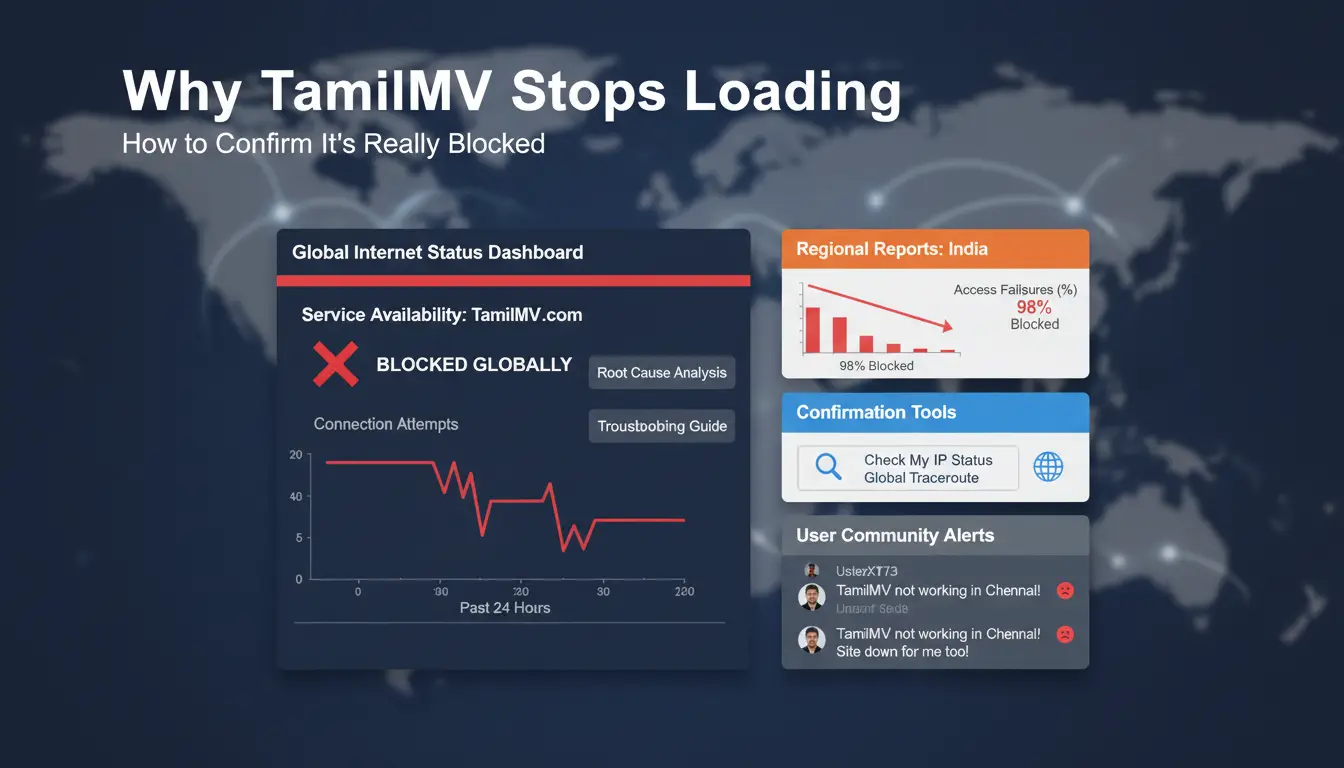
Why TamilMV Stops Loading and How to Confirm It’s Really Blocked
What “blocked” means vs. temporary site downtime
A block and a site outage look similar, but they are not the same problem. If TamilMV fails on your home Wi-Fi but opens on mobile data, your ISP or DNS path may block it. If it fails on both, the domain may be down or moved.
Use a quick comparison before you try to unblock tamilmv:
| Check result |
Likely cause |
Next action |
| Fails on Wi-Fi, works on mobile data |
ISP or DNS-level filtering |
Test with Cloudflare 1.1.1.1 or Google Public DNS |
| Fails on both networks |
Domain downtime, seizure, or dead mirror |
Verify with Down For Everyone Or Just Me and recent mirror posts |
| Loads but redirects to odd pages |
Bad mirror or phishing clone |
Stop and verify domain before any click |
How to test whether the problem is local network, DNS, or browser cache
Start with network isolation. Open the same URL on mobile data and home Wi-Fi. Then test in a private browser window. If private mode works, cache or cookies caused the issue.
Clear browser cache and cookies for that domain. Flush local DNS cache, then retry. If your network tampers with DNS lookups, use encrypted DNS in Firefox DNS over HTTPS. Do diagnosis before any unblock step, or you may fix the wrong layer.
How domain changes affect TamilMV access
TamilMV mirrors change often after takedowns, abuse reports, or registrar actions. Old forum links can point to dead or unsafe domains. Check that the mirror uses the exact expected domain, has no strange redirect chain, and does not force unknown downloads. You can use a proxy server test to verify reachability, then validate the domain again before opening files.
What Risks You Should Check Before You Try to Unblock TamilMV
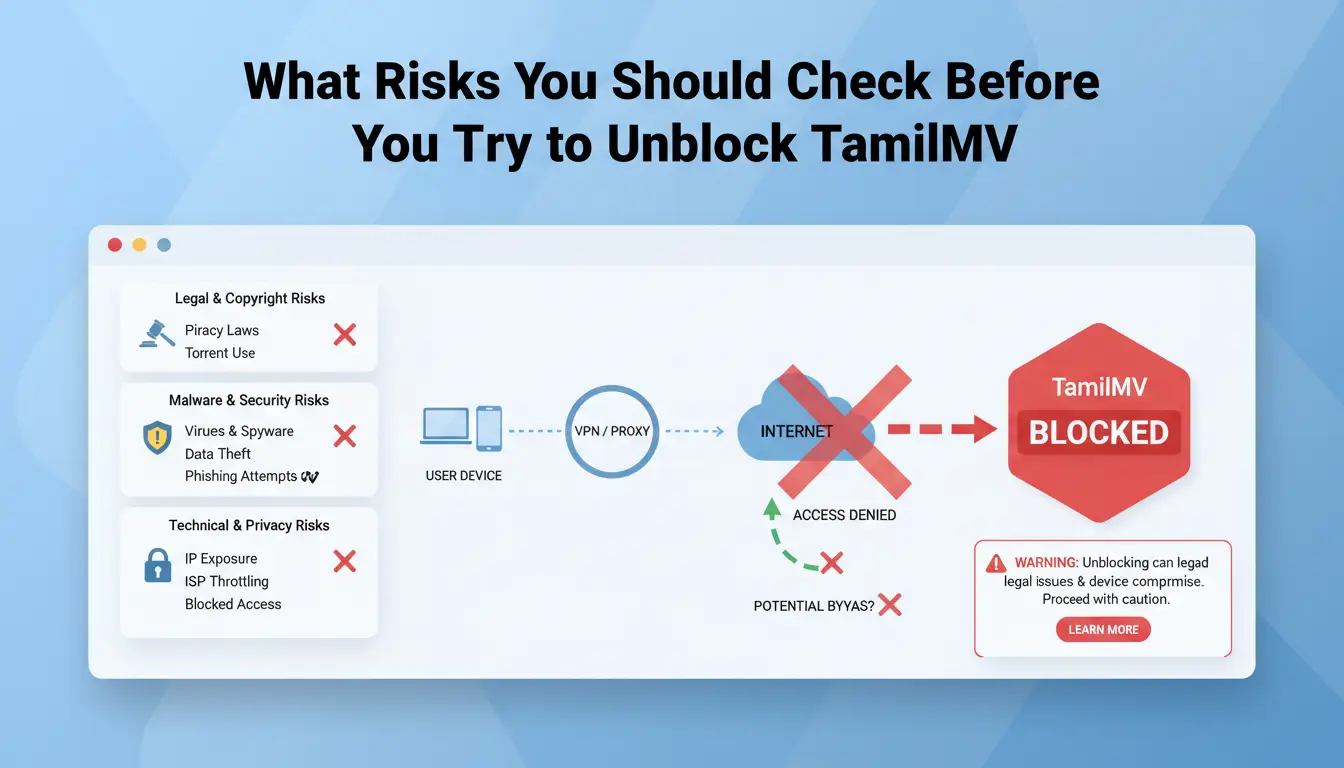
Before you try to unblock tamilmv, check risk before tools. A working mirror can still expose you to legal trouble, malware, or tracking.
Legal risk: what varies by country and region
Copyright rules differ by country, and enforcement also differs. Some places focus on uploaders, while others can penalize access or distribution attempts. If local law treats access as infringement, technical workarounds do not reduce legal exposure. Use official references like WIPO Lex and your national regulator or court portal to confirm current rules. If you cannot verify the legal status of a mirror domain, stop there.
Security risk: malware, redirects, and fake download prompts
Mirror pages often use aggressive ads that mimic real buttons: “Play,” “Update codec,” or “Download now.” These prompts can trigger harmful files or script-based redirects. Check suspicious domains in the Google Safe Browsing Transparency Report before you open anything. Watch for drive-by behavior described by OWASP: a file starts downloading without clear consent.
Privacy risk: tracking scripts and exposed browsing behavior
Unsafe mirrors can log your IP, browser fingerprint clues, referrer data, and click paths. That data can be sold or reused for phishing later. If you use a proxy server, test it for DNS leaks and location mismatch before browsing. Keep browser hygiene tight: isolate sessions, block third-party scripts where possible, and use protections like Firefox Total Cookie Protection. If you still plan to unblock tamilmv, treat every new mirror as untrusted by default.
How to Unblock TamilMV Using Proxy and Mirror Links (Step by Step)
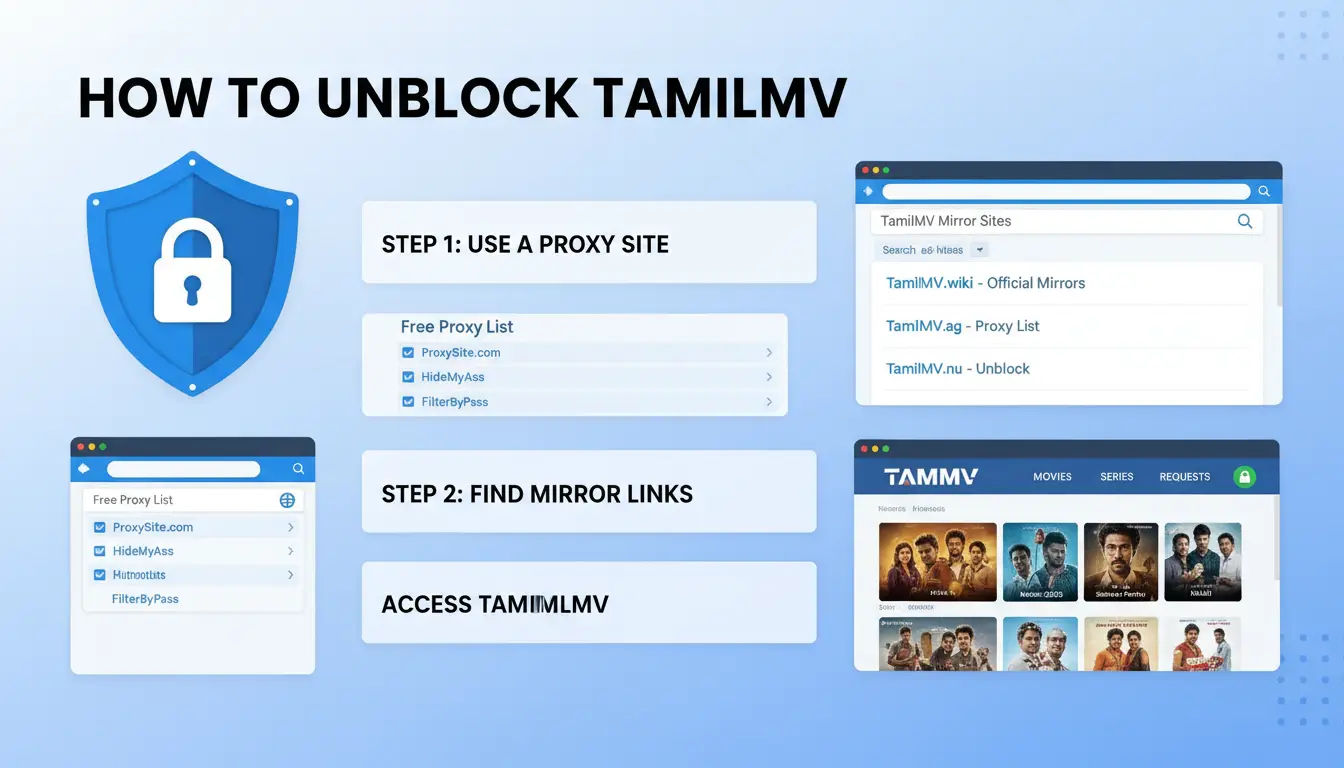
If you already checked DNS and still cannot open TamilMV, use this sequence to unblock tamilmv with fewer security mistakes.
Step 1: Find current TamilMV proxy or mirror sources
Start with link lists updated in the last 24–72 hours. Older lists often contain dead domains or bait links. Open at least two independent sources, then keep only links that appear on both. If one source shows tamilmv.uno and another shows tamilmv.xxx, verify both before you trust either.
Check the domain pattern. Real mirrors usually keep a clear TamilMV name plus a new TLD. Random extra words, long subdomains, or misspelled brand names are red flags.
Step 2: Validate the mirror before interacting with the page
Before you click search, login, or download, inspect the URL bar. Confirm:
- no extra characters in the domain
- HTTPS lock icon
- no surprise redirects to unrelated domains
Then run a quick scan. Paste the full mirror URL into VirusTotal URL scanner. If the page certificate looks broken, test it with SSL Labs. If a mirror fails either check, close it and move on.
Step 3: Use a web proxy carefully when direct mirrors fail
If direct mirrors fail, open a web proxy and test with a harmless page load only. Measure two things: does it load in a reasonable time, and does it rewrite links correctly without sending you to ad domains.
Never enter email, passwords, card details, or any personal data on unknown proxy pages. Use proxy access only for browsing public pages. If a proxy asks for push notifications, deny it.
For setup basics, review what a proxy server does and does not protect.
Step 4: Re-check stability after access is restored
Keep watching behavior for 5–10 minutes. Sudden pop-up spikes, forced downloads, or redirect loops usually mean the mirror changed or got hijacked.
If that happens, switch mirrors at once and repeat the same checks. This repeatable loop is the safest way to unblock tamilmv without trusting a single domain blindly.
How DNS Changes Can Help Unblock TamilMV When Mirrors Keep Failing
When DNS is the bottleneck
To unblock tamilmv, DNS changes help only when name lookups are blocked or poisoned. A quick clue: one mirror fails on your home network, but opens on mobile data.
| Symptom |
Likely cause |
Action |
“Server not found” or NXDOMAIN on one network only |
DNS-level block |
Switch to Cloudflare 1.1.1.1 or Google Public DNS |
| Mirror fails on every resolver and every network |
Domain seizure or dead mirror |
DNS change will not fix it; verify a new trusted mirror |
Safe DNS update steps on desktop and mobile
On desktop, open network adapter settings, set manual DNS, and enter either 1.1.1.1 / 1.0.0.1 or 8.8.8.8 / 8.8.4.4. On mobile, edit Wi-Fi DNS settings. On Android, you can also set Private DNS. If your network tampers with lookups, you can enable encrypted DNS with DNS over HTTPS in Firefox.
Verify the resolver after saving:
- Run
nslookup example.com and check which DNS server answered.
- Open the mirror again in a new browser session.
Common DNS mistakes that break access
If one resolver still points to your ISP, filtering can continue. Use matched pairs from one provider only. Clear old cache after changes:
- Windows:
ipconfig /flushdns
- Mobile: toggle airplane mode, reconnect Wi-Fi, then retry
These checks cut false failures when you try to unblock tamilmv.
How to Avoid Fake TamilMV Mirrors, Malware Traps, and Scam Redirects
When you try to unblock tamilmv, the main risk is not access failure. The main risk is landing on a clone page that steals data or drops malware.
Red flags that usually mean a mirror is unsafe
- Forced extension installs and fake player updates If a page says “install codec,” “update player,” or “add extension to continue,” leave at once. Real streaming pages may show ads, but they should not require browser add-ons to play a file.
- Multiple redirect hops before landing Open the URL and watch the address bar. If it jumps across 2-3 unrelated domains before content loads, treat it as hostile. Check the final domain in Google Safe Browsing before any click.
A quick trust checklist before clicking play or download
- URL consistency and page behavior checks Confirm protocol is HTTPS, domain spelling is stable, and page title matches the domain. Scan the URL with VirusTotal. If scanners disagree or detection appears, do not proceed.
- Ad density and permission request warning signs Close any tab that asks for notification permission, clipboard access, or “allow to continue.” If every click opens a new tab, that mirror is not safe for downloads.
What to do immediately if you clicked a suspicious mirror
- Isolate the session and clear risky artifacts Disconnect that tab, close the browser, clear downloads, cookies, and site data for that domain. Run a full system scan with your installed security tool.
- Reset credentials if any sensitive data was entered If you typed email, password, or card data, change passwords from a clean device right away. Enable two-factor authentication. Use this same routine every time you unblock tamilmv through a new mirror.
How to Access TamilMV More Consistently Across Multiple Profiles with DICloak
If you need to unblock tamilmv more than once, random browser resets can hurt stability. The bigger risk is account linkage when multiple sessions look identical.
Why repeated access fails when profiles share the same browser fingerprint
Sites track repeat behavior using browser fingerprint, cookies, IP history, and timing patterns. When two profiles share the same browser setup, challenge pages and temporary blocks can trigger faster. That gets worse in team workflows, where different people open the same target from one environment.
| Setup |
Session separation |
Linkage risk |
Access consistency |
| Shared browser profile |
Low |
High |
Unstable |
| Isolated profiles + separate proxies |
High |
Lower |
More stable |
How DICloak solves this with profile isolation and independent proxy binding
You can use DICloak to create one browser profile per workflow, such as “mirror check,” “download check,” or “account login.” Each profile keeps its own cookies and fingerprint settings. Then bind a different proxy server to each profile. This keeps sessions separate and reduces cross-profile signals. Keep one account family in one profile and one proxy.
Team-safe setup: permissions, operation logs, and batch actions
For team access, set role-based permissions so editors cannot change proxy or fingerprint settings by mistake. Use operation logs to trace who changed what and when. Use batch actions for repeat tasks, like opening the same verified mirror list across profiles. That lowers manual errors and helps unblock tamilmv workflows stay consistent across shifts.
What to Do If TamilMV Is Still Not Opening (403, Timeout, CAPTCHA)
If you already tried to unblock tamilmv but the site still fails, use this quick path based on the exact error you see.
Fixing 403 and access denied errors
A 403 usually means your session signals do not match. Common triggers are switching mirrors mid-session, changing proxy IP between requests, or reusing old cookies.
Clear cookies for that domain, open a fresh tab, and keep one mirror + one proxy endpoint for the full login flow. If 403 stays, rotate to another mirror, then retry with a new session.
Tools like DICloak let you map one TamilMV task to one isolated browser fingerprint profile. You can bind one proxy per profile, so IP, cookies, and browser identity stay consistent. This removes cross-session contamination that often causes repeated 403 blocks.
Fixing timeout and endless loading loops
Timeout loops often come from slow routes, partial DNS propagation, or blocked page scripts. Test the same mirror on two networks. If one works and one hangs, your route is the problem. If both hang, try another mirror.
| Error |
Likely cause |
Fastest fix |
| 403 |
Session/header mismatch |
New session, stable proxy, mirror switch |
| Timeout |
Route or DNS delay |
Network swap, wait, mirror rotation |
| Endless load |
Blocked scripts/resources |
Disable blockers for that tab |
Reducing repeated CAPTCHA prompts
CAPTCHA loops happen when identity signals keep changing. Keep one browser profile, one proxy, and stable cookies. Do not mix devices during one session.
You can use DICloak team permissions and operation logs so only assigned users touch each profile. That keeps actions auditable and consistent when several people need to unblock tamilmv access.
When It’s Better to Skip Unblocking TamilMV and Use Legal Tamil Movie Platforms
Risk vs. reward: a simple decision checklist
If you keep trying to unblock tamilmv for more than 20–30 minutes, stop and compare the trade-off.
| Path |
Time cost |
Security exposure |
Playback reliability |
| New mirror + proxy testing |
High |
Phishing, fake players, malware bundles |
Unstable, links disappear |
| Legal OTT or rental |
Low to medium |
Standard platform risk |
Stable apps, cleaner streams |
If local rules restrict access, repeated mirror hopping can create legal and security trouble at the same time. A legal app may cost money per month or per title, but you save time and reduce device risk.
How to find legal Tamil content faster
Use catalog search tools before opening random mirrors. JustWatch India and Reelgood can filter by Tamil audio, subtitles, and platform. Check direct stores for rentals when subscription catalogs miss a title, like Prime Video Store or Apple TV. Inside each app, set language and subtitle filters so your next search starts closer to the movie you want.
A balanced fallback plan if mirrors are unstable
Keep one watchlist on legal platforms and one release tracker from trusted databases like IMDb. If mirrors fail again, you can skip another unblock tamilmv cycle and switch to a known legal source in minutes.
Frequently Asked Questions
Is it legal to unblock tamilmv in every country?
No. Laws are not the same everywhere. In some places, accessing blocked piracy domains can break copyright or anti-circumvention rules, even if you only stream. Before you try to unblock tamilmv, check your country’s copyright law, ISP blocking policy, and court orders. A quick review of official legal pages can prevent fines or legal notices.
Can I unblock tamilmv if every mirror link is down?
Yes, but first confirm whether TamilMV is fully offline. Test from another network, check DNS resolution with nslookup, and review outage trackers for broad downtime reports. If only mirrors fail, use a recently updated proxy source and verify the resolved domain/IP chain before you unblock tamilmv through that mirror.
Why does unblock tamilmv access keep asking for CAPTCHA?
Repeated CAPTCHA prompts usually mean the site cannot trust your session identity. Common causes are fast mirror redirects, changing IP addresses, blocked cookies, and conflicting browser signals from privacy tools. To reduce loops, stay on one stable mirror, keep cookies enabled for that session, and avoid opening many redirect tabs at the same time.
What is the safest way to unblock tamilmv without clicking fake pages?
Follow a strict validation routine. Start with a recently updated mirror source you trust. Check the URL for misspellings, extra hyphens, strange subdomains, or unusual TLDs. Review redirect behavior and stop if it jumps through ad domains. Run a malware scan before any login, download, or playback attempt to unblock tamilmv safely.
Should beginners try to unblock tamilmv or use legal streaming options first?
Beginners should use legal streaming first. Make a risk-first decision: verify local law, set your security tolerance, and compare Tamil catalogs on licensed platforms. If legal services already offer your target titles, that route is safer and easier. Try to unblock tamilmv only after you clearly understand legal exposure and device security risks.
When looking for ways to unblock TamilMV, the most important takeaway is to prioritize your privacy, device security, and local laws before accessing any site. If a platform is restricted, consider safer and legal streaming options first, and use trusted protection tools to reduce tracking risks when browsing.
Try DICloak For Free
 Web Proxy Tools
 Free Tools
 Cookie Plugin
 UA Generator
 MAC Address Generator
 IP Generator
 IP Address List
 2FA Code Generator
 World Clock
 Anonymous Check
 WebRTC Leak Test
 UUID Generator
 Free Web Proxy Site
 Proxy Checker
 FB Ad Checker
 AI Web Scraping
 Free SMM Tools
 Twitter Shadowban Checker
 Instagram Name Checker
 UTM Generator
 Username Generator
 AI Hashtag Generator
 LinkedIn Headline Generator
 Social Media Image Resizer