Managing multiple TikTok accounts on a single device is a common challenge for social media managers and businesses. This practice can get your profiles flagged as business accounts, severely reducing your content's reach on the crucial "For You" page. With 30% of the world's internet users on TikTok, this is a significant obstacle to growth. This guide explains the risks of multi-accounting and introduces DICloak, a private browser solution designed to help you manage unlimited accounts safely and effectively.
The Challenge of Running Multiple TikTok Accounts
While TikTok now allows users to manage up to 6 accounts on a single device, this feature is primarily intended for individual creators, not for businesses or social media managers handling numerous client accounts.
Consider a social media manager at an advertising company who needs to manage dozens of client accounts. When they attempt to log in to all these accounts from one device, TikTok can detect that a single person is controlling them. This triggers verification requests to ensure the accounts are genuine and not being used for spam. If you fail to verify these accounts—which is highly likely in this scenario—TikTok will issue temporary or permanent bans. This not only halts your activity but also lowers the account's trust score, making it harder to regain reach even after the ban is lifted.
What is a TikTok Shadowban?
A shadowban is one of the most frustrating penalties for a creator or marketer: TikTok restricts your account's visibility without notifying you. The most significant consequence is that your content disappears from the "For You" page, drastically reducing views and engagement.
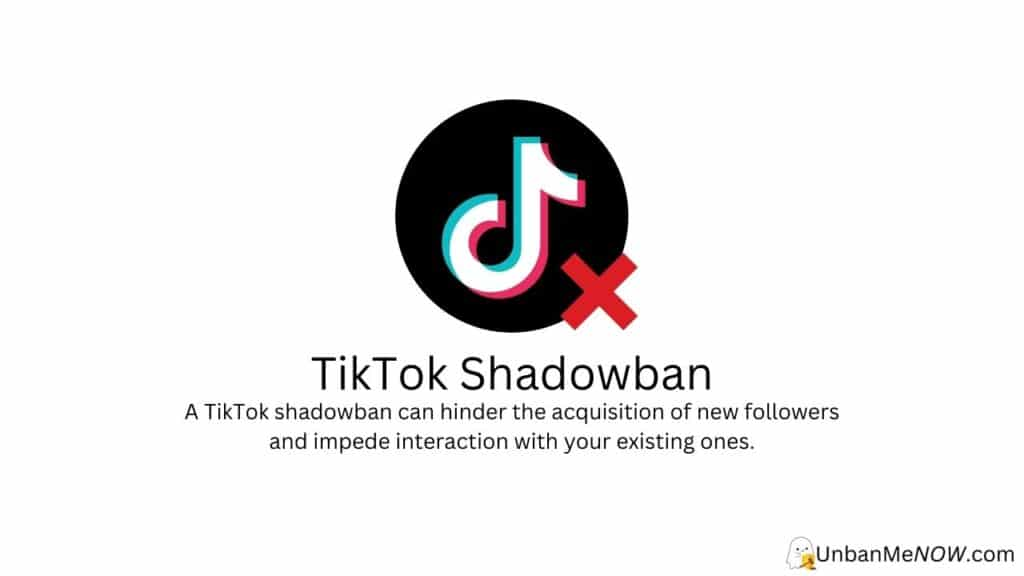
TikTok's algorithm automatically shadowbans suspicious accounts to protect its user community. In the last six months alone, the platform removed 50 million videos for guideline violations. To avoid being shadowbanned, you must adhere to TikTok's community guidelines. The primary reasons for a shadowban include:
- Pretending to be someone else, which includes operating your own multiple accounts from one device.
- Posting offensive or adult content.
- Sharing content that constitutes hate speech or could harm people's sentiments.
- Stealing and reposting content from others, or even reposting your own old, unedited content.
- Spamming by posting too many videos at once, following too many people, or liking content from your own other accounts.
The most common trigger for a shadowban is "pretending to be someone else," which is precisely how TikTok's algorithm interprets the management of multiple accounts from a single device.
The Solution: How DICloak Protects Your Multiple TikTok Accounts
DICloak is not just another private browser. Instead of trying to hide or mask your digital identity, it provides a new, clean browser fingerprint for each profile you create.
The outcome is that each DICloak browser profile is seen by platforms like TikTok as a new, real online user on a completely separate device. This total isolation prevents TikTok from linking your accounts and flagging them for "business promotion"—a label that can lead to a shadowban, an outright ban, or a deliberate reduction in organic reach to push you toward paid advertising.
Furthermore, DICloak is built for teams. You can securely share access to specific browser profiles with colleagues or clients without exchanging passwords or triggering security alerts, streamlining your workflow and enabling seamless collaboration.
A real-world client case study demonstrates this effectiveness: one user manages 10 separate DICloak profiles to post TikTok content. They never get shadowbanned, and their videos consistently achieve high reach. Crucially, if one of their accounts gets suspended for a content violation, the other accounts remain safe because they are completely isolated.
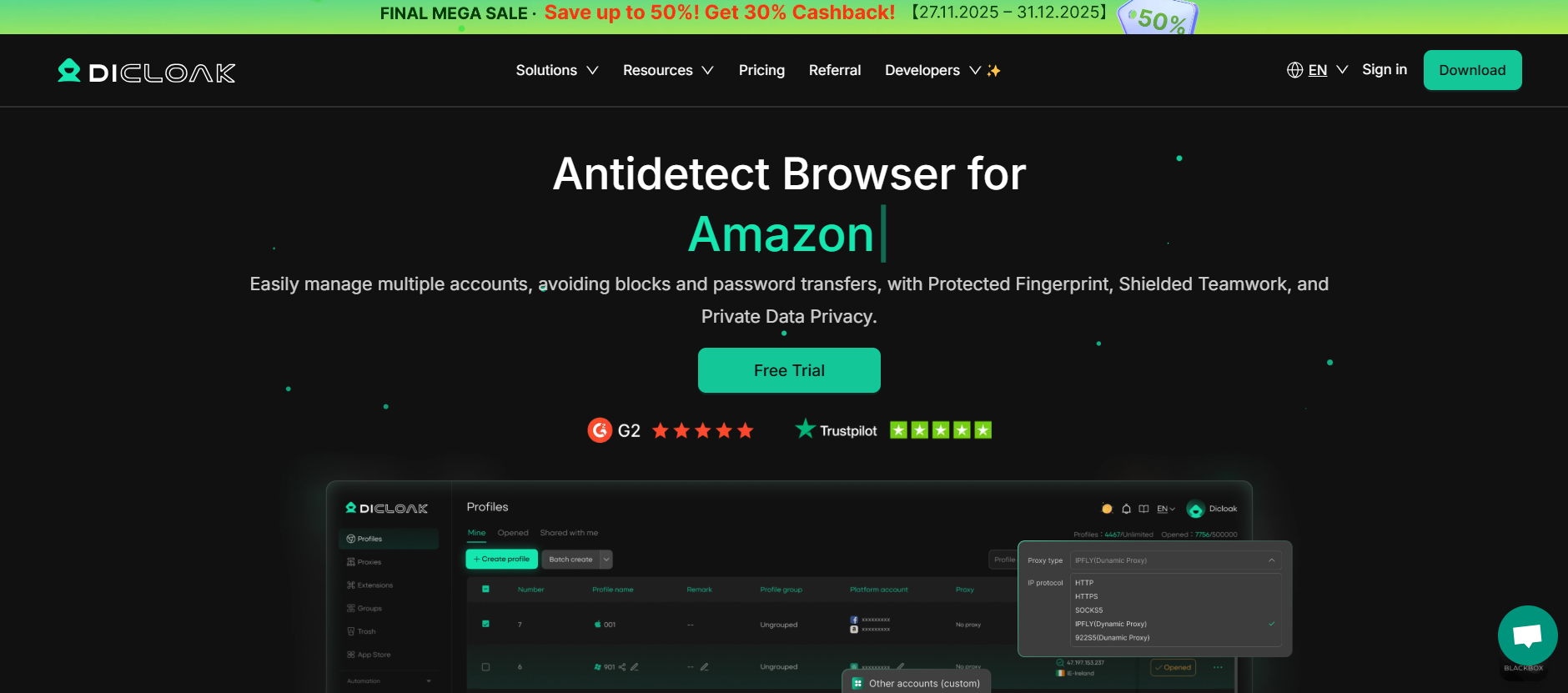
⚡The DICloak Antidetect Browser has become a global favorite for its unparalleled ability to efficiently and securely manage multiple accounts. Designed for professionals in social media management, and more, DICloak offers powerful features like RPA automation, bulk operations, and a synchronizer. Additionally, it allows you to customize fingerprints and integrate proxies for each profile, ensuring top-level security and operational efficiency. It’s the ultimate tool for seamless, secure, and scalable operations.

What Makes DICloak Stand Out?
✅ Manage 1,000+ Accounts on One Device: Stop wasting money on extra hardware! DICloak allows you to manage multiple accounts on a single device, cutting costs and boosting efficiency.
✅ Guaranteed Account Safety, No Ban Risks: Every account gets its own isolated browser profile with custom fingerprints and IPs, drastically reducing the risk of bans. Your accounts, your control!
✅ Flexible Proxy Configuration for Maximum Performance: Seamlessly integrate with all major proxy protocols (HTTP/HTTPS, SOCKS5) and manage your proxy pool with bulk operations. No more struggling with IP management—DICloak has you covered.
✅ Streamlined Team Collaboration for Better Results: Easily manage your team with advanced tools like profile sharing, permission settings, data isolation, and operation logs. Your team works smarter, not harder.
✅ Automate the Grind with RPA: DICloak's built-in RPA saves you hours of manual work. Automate repetitive tasks, streamline workflows, and focus on what really matters—growing your business.
✅ Powerful Bulk Tools to Scale Your Operations: Create, import, and launch multiple browser profiles in one click. DICloak makes scaling your business as easy as it gets.
✅ Compatible with All Major Operating Systems: Based on the Chrome core, DICloak supports simulating Windows, Mac, iOS, Android, and Linux operating systems. No matter what platform you need, DICloak has you covered.
🔗 Ready to Get Started?
Visit the DICloak website to explore more details and choose the plan that’s right for you. Start for free today and experience the power of secure, efficient, and scalable multi-account management!
Best Practices for Managing Multiple Accounts Safely
To minimize risk and protect your accounts, follow these essential best practices:
- Use Unique Login Information: Assign a different email and phone number to every TikTok account you manage.
- Don't Cross-Contaminate: Avoid liking, commenting, or otherwise interacting with your own content from your other accounts. This behavior is a clear red flag for platform algorithms.
- Isolate Each Account: Use a management tool like DICloak to create separate browser profiles for each account. This is the most effective way to prevent detection and bans.
- Stay Informed: Regularly check TikTok's community guidelines and terms of service for any policy changes to ensure you remain compliant.
Frequently Asked Questions about Multiple TikTok Accounts
Q1: How many TikTok accounts do you have?
On the standard mobile app, you can have up to 6 accounts. However, if you are managing them for business, TikTok might flag this activity. To safely manage an unlimited number of accounts without being flagged or banned, use a tool like DICloak that isolates each one.
Q2: Can having multiple TikTok accounts get you banned?
It's not against the rules to have multiple accounts. However, if TikTok's IP tracker detects you are running several accounts for business promotion from one device, it may link and shadowban all of them. It's crucial to separate and protect each account with a tool like DICloak.
Q3: How do you make a second TikTok account safely?
While you can use the "Add Account" feature in the app, the safest method for business use is to create it within a new, isolated browser profile in DICloak. This ensures TikTok sees it as a completely separate user, preventing it from being linked to your other accounts. Remember to use a separate phone number or email for the new account.
Q4: What happens if one of my TikTok accounts is suspended when I use DICloak?
Your other accounts will stay safe. Because DICloak creates completely isolated browser profiles for each account, they are not linked to each other. If one account is suspended for a content violation, the others will remain untouched and unaffected.
Q5: Can I have two TikTok accounts with the same email?
No, you need a separate email address or phone number for each TikTok account you create. For best security and to avoid getting flagged, ensure every account has unique login information.
Crippling shadowbans and suspensions are the direct result of managing multiple TikTok accounts from a single device. The only effective solution is to completely isolate each account in its own digital environment, making it appear as a unique user to the platform's algorithm. By using a tool like DICloak to create separate and secure browser profiles, you can effectively manage and scale your TikTok presence without fear of being flagged or banned.
Ready to protect your accounts and grow your reach? Try DICloak today to experience secure and scalable social media management.
 Web Proxy Tools
 Free Tools
 Cookie Plugin
 UA Generator
 MAC Address Generator
 IP Generator
 IP Address List
 2FA Code Generator
 World Clock
 Anonymous Check
 WebRTC Leak Test
 UUID Generator
 Free Web Proxy Site
 Proxy Checker
 FB Ad Checker
 AI Web Scraping
 Free SMM Tools
 Twitter Shadowban Checker
 Instagram Name Checker
 UTM Generator
 Username Generator
 AI Hashtag Generator
 LinkedIn Headline Generator
 Social Media Image Resizer