ChatGPT is a very popular tool. Many people use it every day. Students ask questions. Writers get ideas. Developers test code. ChatGPT feels like a smart friend that answers quickly.
But sometimes you see a message: “ChatGPT: You’ve reached our limit of messages”. This can surprise and annoy users. You may be in the middle of writing a story or solving a problem. Then — silence. The chat stops. You cannot send more messages. This is the “ChatGPT: You’ve reached our limit of messages” issue many talk about.
Why does this happen? And what should you do? It matters because many people depend on ChatGPT for work, study, or creative ideas. If the limit stops them, they lose time and flow. In the next sections, we will explore what this limit means, when it happens, and how to deal with it so you can keep using ChatGPT smoothly.
Understanding the Limitations of ChatGPT
Before we look at exact numbers, it helps to know why there are limits at all. ChatGPT serves many users. The system must balance demand, server load, and fairness. Sometimes that means you may see “ChatGPT: You’ve reached our limit of messages” even if you have used only a few times that day. Understanding these limits helps you plan better.
Reasons for Message Limits
ChatGPT serves millions of users. At busy times, many people write messages and ask questions together. This creates heavy server load. To keep ChatGPT fast and stable, OpenAI enforces message limits for users.
Limits also ensure fairness. If one user sends hundreds of messages in a short time, others might get slow responses or be blocked. Limits prevent that.
System performance matters too. Complex tasks, long prompts, or heavy requests use more computing power. The system may count those as more “costly.” If many users send heavy requests, the system may throttle usage for some.
Because of these factors — demand, fairness, performance — ChatGPT sometimes shows “ChatGPT: You’ve reached our limit of messages” even before you expect it.
Types of Limits
Not all limits are the same. They depend on time window and your subscription. Here are common types:
- Hourly / every few hours cap. For example, free‑tier users of GPT‑4o often must stop or switch models after a few hours once they hit the cap.
- Rolling window instead of fixed day cap. In many plans, limits reset after a few hours (e.g. every 3 hours). Unused “message credits” do not accumulate.
- Model-dependent limits. More powerful models (e.g. GPT‑4o, newer models) have stricter caps than simpler models (mini or lightweight versions). If you hit the limit on a powerful model, ChatGPT may switch you to a lower‑power model automatically.
This system means you might sometimes send only a few messages and hit limit — especially if you use strong models or complex requests.
Different Plans Have Different Limits
There are different plans for using ChatGPT. Each plan has its own message limits, and the number of messages allowed depends on which plan you choose.
- Free plan users generally have the most limited access. You might get 40 to 50 messages per 3 hours on models like GPT‑4o, and then you'll need to wait or switch to a lighter model.
- Plus plan (paid) users enjoy higher limits. Reports suggest around 80 to 150 messages every 3 hours on the higher models like GPT‑4o. However, even with the Plus plan, you may still face limits if usage spikes.
- Business or Enterprise plans provide the most generous limits. These plans give access to all models with virtually unlimited messages. However, you still need to follow fair usage rules, and limits are applied based on usage patterns.
For free plan users, the limits are strict, and you will see the “ChatGPT: You’ve reached our limit of messages” message more often. Paid plans like Plus or Business have higher limits, making them better suited for users who need more consistent access.
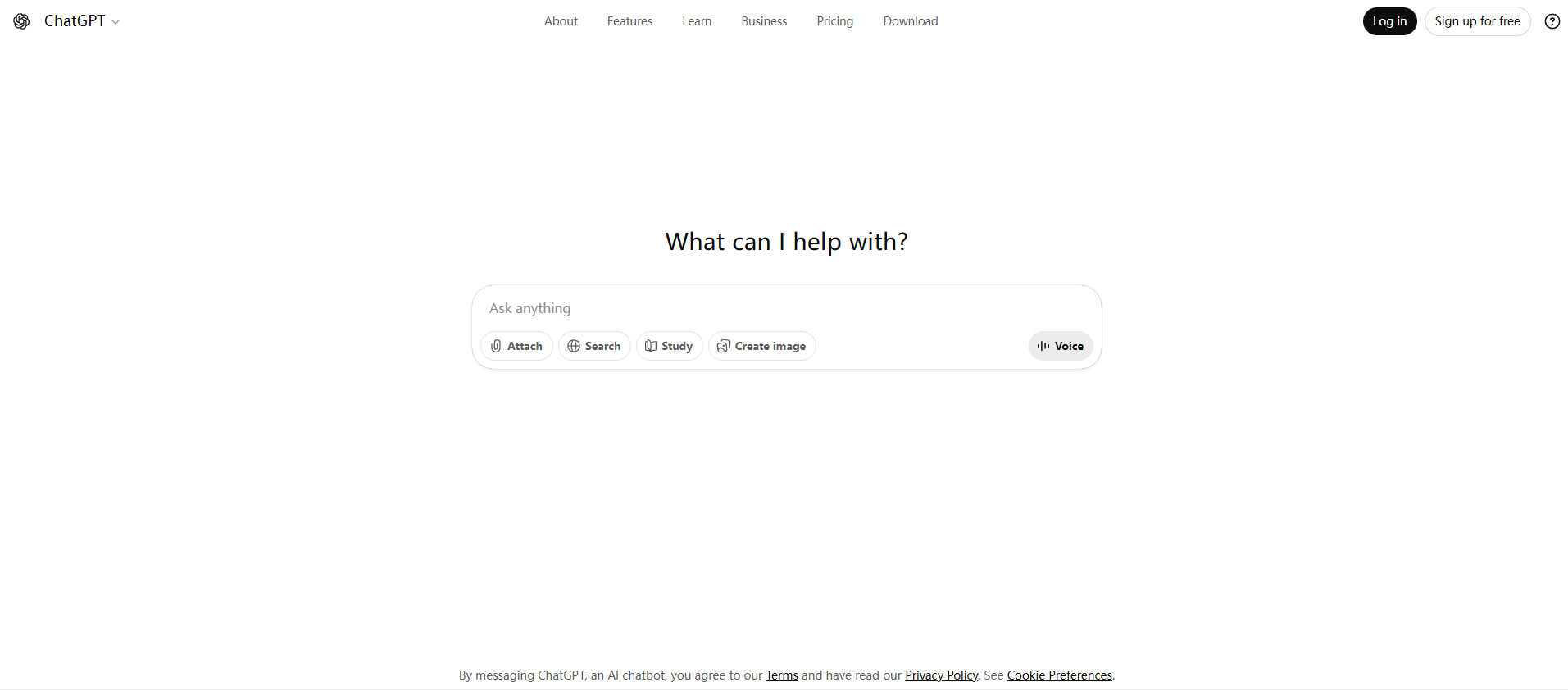
Practical Solutions to Overcome Message Limits
When ChatGPT shows “ChatGPT: You’ve reached our limit of messages”, there are ways you can keep working. Below are some useful fixes.
Immediate Workarounds
If you hit the limit and need to keep going now, try these:
- Start a new conversation. Sometimes limits apply per chat thread. Many users say starting a new chat lets them continue sooner.
- Save or summarize old chats and archive them. If your chat is long, the system may hit a token or length cap. Saving important parts lets you start a fresh chat without losing your content.
- Use concise prompts and shorter messages. Long messages or many back‑and‑forths use up “message budget” fast. Short clear prompts help you get more done with fewer messages.
For example, one user wrote on a forum: when their chat became too long, they copied key parts to a text file and then “started a new chat” to continue—this let them carry on without hitting the same limit again.
These quick fixes do not cost money. They let you keep using ChatGPT even after hitting the limit.
Long‑term Strategies
If you use ChatGPT often, these are more stable solutions:
- Upgrade to ChatGPT Plus (or a higher plan). Plus plan gives a larger message cap, which reduces how often you see “ChatGPT: you’ve reached our limit of messages”.
- Use external tools or workflows to manage long content. For heavy writing or long chats, you can copy earlier conversation into a document, or use external note tools. This helps avoid over‑filling one chat. Many guides recommend this when conversation length or token limits are reached.
- Optimize how you use ChatGPT. Combine related questions into one message. Avoid many small back‑and‑forths. Plan your chat so it uses fewer messages for same output. This saves your message quota.
For instance, instead of asking three small questions in three messages, you might write:
“I want to learn Python. What are good beginner resources, and what mistakes should I avoid?”
This uses only one message but gets full answers. That way you save quota and reduce chances of hitting limits.
If you upgrade to Plus and manage usage well, you likely avoid the “ChatGPT: you've reached our limit of messages” message.
Using DICloak Browser to Overcome ChatGPT Message Limits
With DICloak, multiple users can share a single ChatGPT account while avoiding the “ChatGPT you've reached our limit of messages” issue. When using DICloak to manage a shared account, all users operate under a unified fingerprint and IP settings. This ensures that the platform recognizes the activity as coming from a single user, helping to prevent detection, restrictions, or verification challenges, and allowing continuous access without hitting the message limit.
- Unified fingerprint and IP settings for all shared users: Even if several people are accessing the same ChatGPT account through DICloak, the unified fingerprint ensures that all actions appear consistent, preventing OpenAI from flagging them as suspicious or from triggering IP-based restrictions.
- Avoid detection, restrictions, and access conflicts: With DICloak’s advanced configuration options, multiple users can share a single ChatGPT account without triggering security checks or suspicion of abuse. This is especially useful for businesses or teams that need to share access to a paid ChatGPT account without worrying about multiple logins being detected as potential violations.
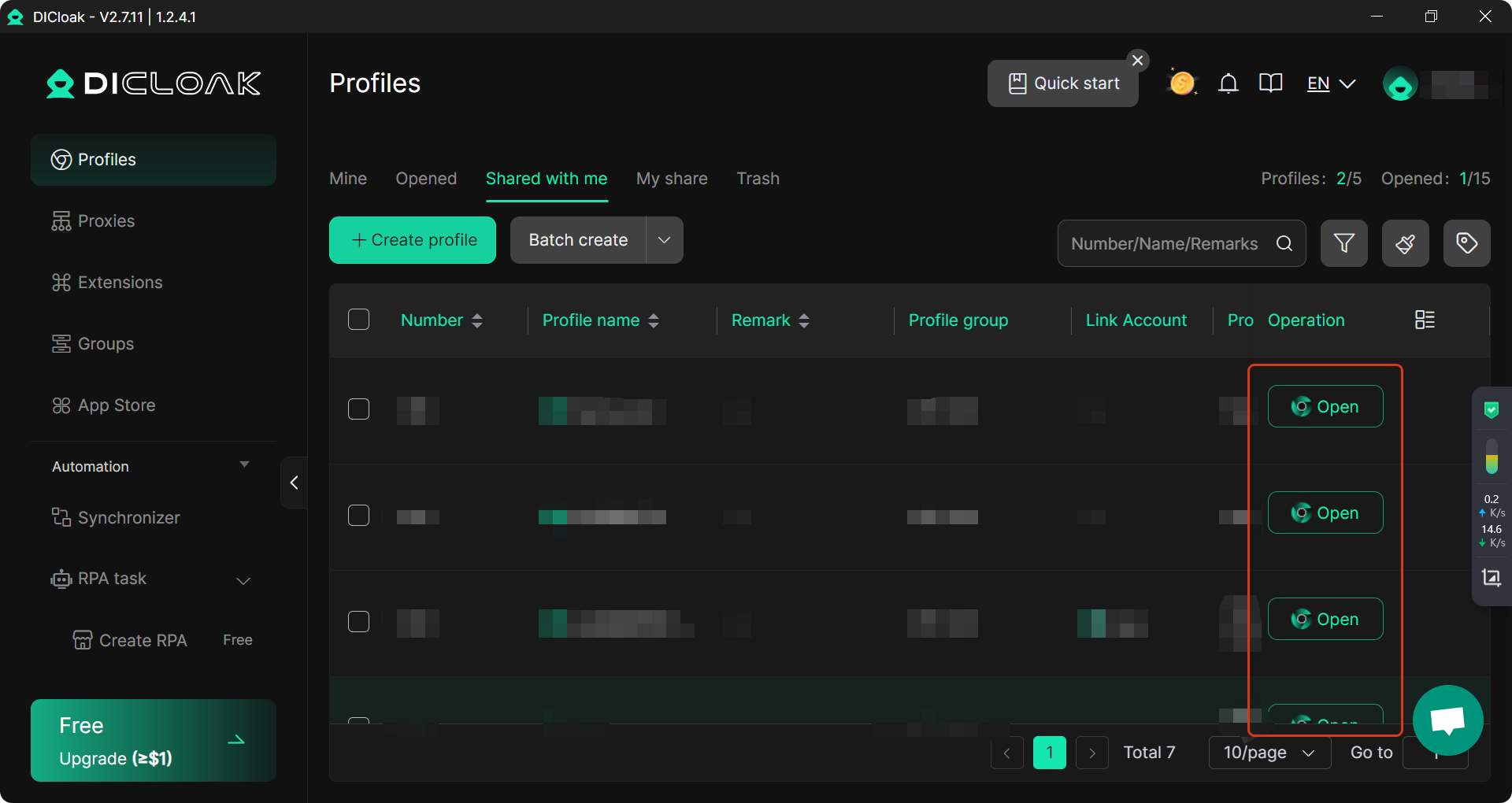
In summary, DICloak Antidetect Browser is an excellent tool for teams that need to access a shared ChatGPT account safely and without restrictions. Its ability to provide custom proxy configurations and isolated profiles ensures both security and smooth operation across accounts, making it a top choice for users who face ChatGPT message limits regularly.
Conclusion
In this article, we've explored the reasons behind “ChatGPT: You’ve reached our limit of messages” and provided practical solutions to overcome this issue. ChatGPT's message limits are designed to balance demand, server performance, and fairness, but they can disrupt workflows, especially for users with free-tier accounts.
To manage multiple accounts without hitting limits, tools like DICloak Antidetect Browser can help. By providing unique fingerprints and isolated profiles for each account, DICloak ensures that you can switch between accounts seamlessly, bypassing message limits. Additionally, DICloak supports multiple users with unified fingerprints, making it ideal for businesses or teams needing shared access to ChatGPT accounts without facing detection or restrictions.
Whether you're a frequent ChatGPT user or managing accounts for your business, using DICloak ensures a smooth experience while respecting the platform's limits.
FAQ
What does “You’ve reached our limit of messages ChatGPT” mean?
When you see “ChatGPT: You’ve reached our limit of messages”, it means you have hit the maximum number of messages allowed for your account in a specific time frame. This limit is set to balance system load and ensure fair access for all users. Depending on your plan, the limit may vary, with free-tier users having stricter limits compared to paid plans like ChatGPT Plus.
How can I bypass “You’ve reached our limit of messages ChatGPT” on a free plan?
If you're on a free plan and see the message “ChatGPT: You’ve reached our limit of messages”, you can try starting a new conversation or summarizing old chats to free up space. Additionally, upgrading to a paid plan like ChatGPT Plus gives you higher message limits, allowing you to continue using the service without frequent interruptions.
Why does ChatGPT have message limits?
ChatGPT’s message limits are designed to prevent system overload and ensure fair usage across all users. High demand can cause slowdowns or interruptions, so by enforcing these limits, OpenAI ensures the platform remains stable and responsive for everyone. These limits also prevent any user from monopolizing system resources, especially during peak times.
What types of limits exist in ChatGPT?
ChatGPT applies different types of message limits, including hourly and daily caps. Free-tier users often face stricter limits, while paid plans, like ChatGPT Plus, offer higher message allowances. Limits reset either after a specific time window (such as every 3 hours) or at the end of the day, depending on the subscription plan.
Can I use DICloak Browser to manage multiple ChatGPT accounts and bypass message limits?
Yes, DICloak Antidetect Browser allows you to manage multiple ChatGPT accounts by giving each account a unique fingerprint and isolated profile. This helps you bypass ChatGPT’s message limits by switching between accounts once a limit is reached. It also ensures that your accounts stay secure and independent, reducing the risk of detection or bans. DICloak makes it easier to manage multiple ChatGPT sessions without hitting the same message caps repeatedly.
 Web Proxy Tools
 Free Tools
 Cookie Plugin
 UA Generator
 MAC Address Generator
 IP Generator
 IP Address List
 2FA Code Generator
 World Clock
 Anonymous Check
 WebRTC Leak Test
 UUID Generator
 Free Web Proxy Site
 Proxy Checker
 FB Ad Checker
 AI Web Scraping
 Free SMM Tools
 Twitter Shadowban Checker
 Instagram Name Checker
 UTM Generator
 Username Generator
 AI Hashtag Generator
 LinkedIn Headline Generator
 Social Media Image Resizer