The Invisible Link: Why You Need an Antidetect Browser for Amazon Arbitrage to Prevent Suspensions
Most new sellers make a fatal mistake. They think a different IP address is enough to hide their identity. It is not. Amazon uses advanced technology to find the "invisible link" between your accounts. This link is your device's unique digital fingerprint. To break this link, you need a professional Antidetect Browser for Amazon Arbitrage.
Without this tool, Amazon sees right through your setup. They can detect that multiple accounts are running from the same physical computer. Once they find this link, they trigger a "chain ban." This means if one account gets suspended, every other linked account goes down with it.
The Danger of Canvas Fingerprinting in Modern Seller Central Detection
One of the most powerful tracking tools Amazon uses is called Canvas Fingerprinting. This is not a cookie you can delete. It is a permanent digital signature of your hardware.
Here is how it works. When you visit Seller Central, the website secretly asks your browser to draw a hidden image. Your computer’s graphics card and drivers draw this image in a very specific way. No two computer setups draw it exactly alike.
If you log into Account A and then Account B from the same PC, Amazon sees the exact same drawing. This proves both accounts belong to the same person. This detection happens instantly. Using software that randomizes this "drawing" is the only way of avoiding Amazon linked account suspension effectively.
How WebGL and WebRTC Leaks Reveal Your True Identity
Your computer reveals more than just drawings. It also leaks information about your hardware and local network through WebGL and WebRTC.
WebGL (Web Graphics Library) tells Amazon exactly what video card and driver version you use. If you run 10 accounts and they all use the same rare video card driver, it looks suspicious. Amazon's security algorithms flag this as a "linked cluster" and may restrict your selling privileges.
WebRTC is even more dangerous. This technology supports video and voice chats in browsers. However, it has a major flaw for privacy. It can leak your real local IP address, even if you are using a proxy.
The Risk of Leaks:
- You set up a secure proxy for Account A.
- You log in, but WebRTC leaks your real home internet address.
- Amazon links this real address to your other suspended accounts.
- You face immediate account bans.
A high-quality antidetect browser blocks these leaks by forcing all traffic, including WebRTC, to go through your assigned proxy.
The Psychology of Detection: Behavioral Analysis and Biometrics
Amazon does not just check what computer you use. They now check how you use it. This is called behavioral biometrics.
Security systems track subtle human behaviors:
- Typing Speed: How fast you type your password.
- Mouse Dynamics: The curves, speed, and jitter of your mouse cursor.
- Reaction Time: How quickly you click after a page loads.
Bots and cheap automation scripts move in straight lines and click instantly. This looks unnatural. Real humans have unique rhythms. If you use a basic tool that does not account for this, Amazon will flag your account as a bot.
Advanced tools like DICloak solve this by normalizing your digital behavior. They ensure that even if you use automation or have different team members (VAs) logging in, the behavioral data remains consistent and "human." This prevents security flags that often occur when a new user logs into an established account.
Decoding the Tech: How an Antidetect Browser for Amazon Arbitrage Provides Fingerprinting Protection
You now understand the severe risks of Canvas fingerprinting and WebRTC leaks. The solution to these problems is not buying ten physical laptops. The solution is software. An Antidetect Browser for Amazon Arbitrage builds a secure digital wall around your business operations.
This technology does not just hide your identity. It actively constructs a new, consistent digital persona for every account you own. This transition from "hiding" to "managing" is the only reliable way to secure your revenue streams against sudden bans.
Virtual Profile Isolation: Creating Digital Silos for Each Seller Account
The core technology behind these browsers is isolation. When you use a standard browser like Chrome, your cookies, cache, and local storage are shared across tabs. If you log into two Amazon accounts in different tabs, Amazon instantly links them.
An antidetect browser creates a separate "virtual container" for every profile.
- Independent Cookies: Profile A cannot see the cookies in Profile B.
- Local Storage Segregation: Data saved by Amazon on your hard drive is kept in separate folders.
- Cache Separation: Images and scripts loaded for one account are never mixed with another.
To Amazon's security bots, Profile A and Profile B look like two completely different computers located in different parts of the world. This strict separation is critical for avoiding Amazon linked account suspension effectively. You can operate dozens of accounts on a single machine, yet each one remains a distinct legal entity in the eyes of the marketplace.
Spoofing vs. Privacy: Why Masking Is Better Than Blocking
Many new sellers make a fatal mistake. They try to "block" trackers using privacy plugins or "Incognito" mode. This is dangerous.
When you block a tracker, you send a blank signal. Amazon expects to see data. If they see a blank signal, they know you are hiding something. A blank fingerprint is a suspicious fingerprint.
Browser fingerprinting protection works differently. It uses a technique called spoofing. Instead of blocking the request, the browser answers with fake data.
- Real Data: You are on a Windows PC with an Intel processor.
- Spoofed Data: The browser tells Amazon you are on a Mac with an M2 chip.
This is often done by injecting digital noise into the Canvas drawing process. The browser alters the image slightly—invisible to the human eye, but totally unique to the computer code. This allows you to appear as a "normal" user rather than a suspicious bot that is refusing to share data.
Mobile Device Emulation: Leveraging High-Trust Android and iOS Fingerprints
In 2026, mobile traffic is king. Amazon's trust algorithms often assign a higher "trust score" to users logging in from mobile devices. Mobile operating systems (Android and iOS) are harder to emulate than Windows, so Amazon assumes mobile traffic is more likely to be a real human.
Advanced antidetect browsers can now fully emulate a mobile environment on your desktop computer.
- Touch Events: They simulate touch screen taps instead of mouse clicks.
- Screen Orientation: They replicate the vertical resolution of a phone.
- Battery Status API: They even report battery levels to the website.
By using a mobile profile, you can bypass many of the strict security checks applied to desktop users. This is especially useful during the amazon seller account warm up process, where you want your new account to look as authentic and low-risk as possible.

Top 8 Tools Evaluated as an Antidetect Browser for Amazon Arbitrage
We have discussed the technology behind fingerprinting. Now, we must look at the specific software you can buy. Choosing the right Antidetect Browser for Amazon Arbitrage is a major infrastructure decision. It is not just a tool. It is the foundation of your multi-account business.
In these software reviews, we looked at security, price, and team features. We tested how well they handle the Amazon seller account warm up process. Below is a quick comparison of the top 8 tools, followed by a detailed deep dive.
| Software |
Best For |
Starting Price |
Free Plan? |
| DICloak |
Overall Security & Automation |
$8/mo |
Yes (5 Profiles) |
| Multilogin |
Enterprise Reliability |
€9/mo |
No (Trial only) |
| GoLogin |
Cloud-Based Teams |
$9/mo |
Yes (3 Profiles) |
| AdsPower |
E-commerce Automation |
$9/mo |
Yes (2 Profiles) |
| Dolphin{anty} |
High Volume Traffic |
$10/mo |
Yes (10 Profiles) |
| Incogniton |
Budget Teams |
$19.99/mo |
Yes (10 Profiles) |
| Browser.lol |
Disposable Sourcing |
$9/mo |
Yes (Limited) |
| Octo Browser |
Real Fingerprints |
€10/mo |
No |
DICloak: The RPA Powerhouse for Synchronization
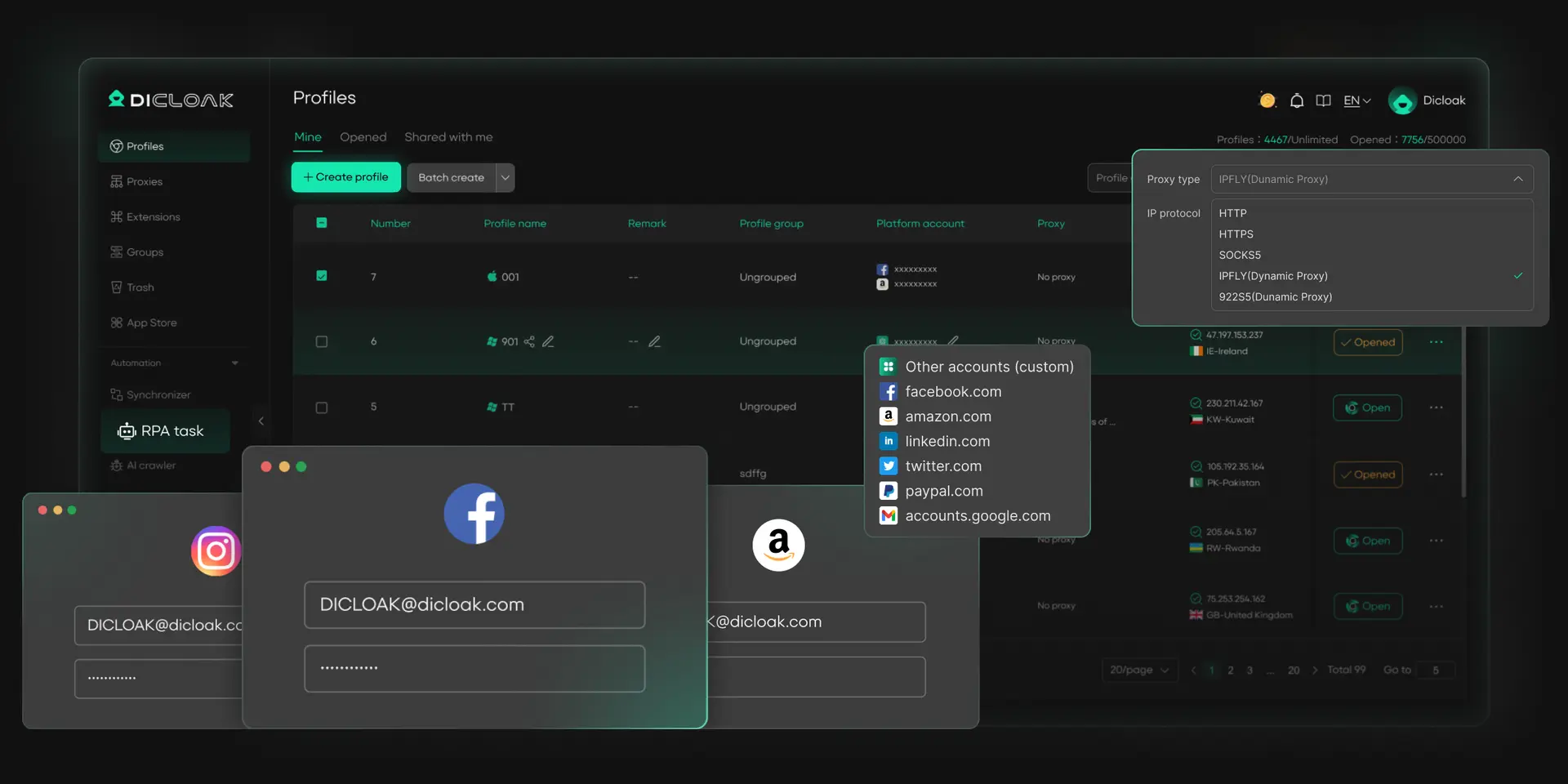
DICloak is currently the top recommendation for serious Amazon sellers. It combines high-level security with built-in automation tools. Most browsers just hide your identity. DICloak actively helps you manage your workflow. It is built to prevent avoiding amazon linked account suspension by keeping every profile completely separate.
Key Features:
- RPA Automation: This stands for Robotic Process Automation. You can program "robots" to visit websites and build cookies automatically. This makes the warm-up process much faster.
- Window Synchronizer: If you manage 10 accounts, you can control all of them at once. You perform an action in one window, and it repeats in all others.
- Team Collaboration: You can share profiles with staff without giving them your passwords.
Pros:
- Strong protection against Canvas and WebGL leaks.
- Generous free plan allows you to test 5 profiles safely.
- The "Share+" plan is very cost-effective for large teams.
Cons:
- Available only for Windows and macOS.
Verdict: DICloak is the best all-around Antidetect Browser for Amazon Arbitrage. It offers enterprise-grade security at a price that works for growing businesses. The automation tools save hours of manual work every week.
Multilogin: Enterprise Reliability
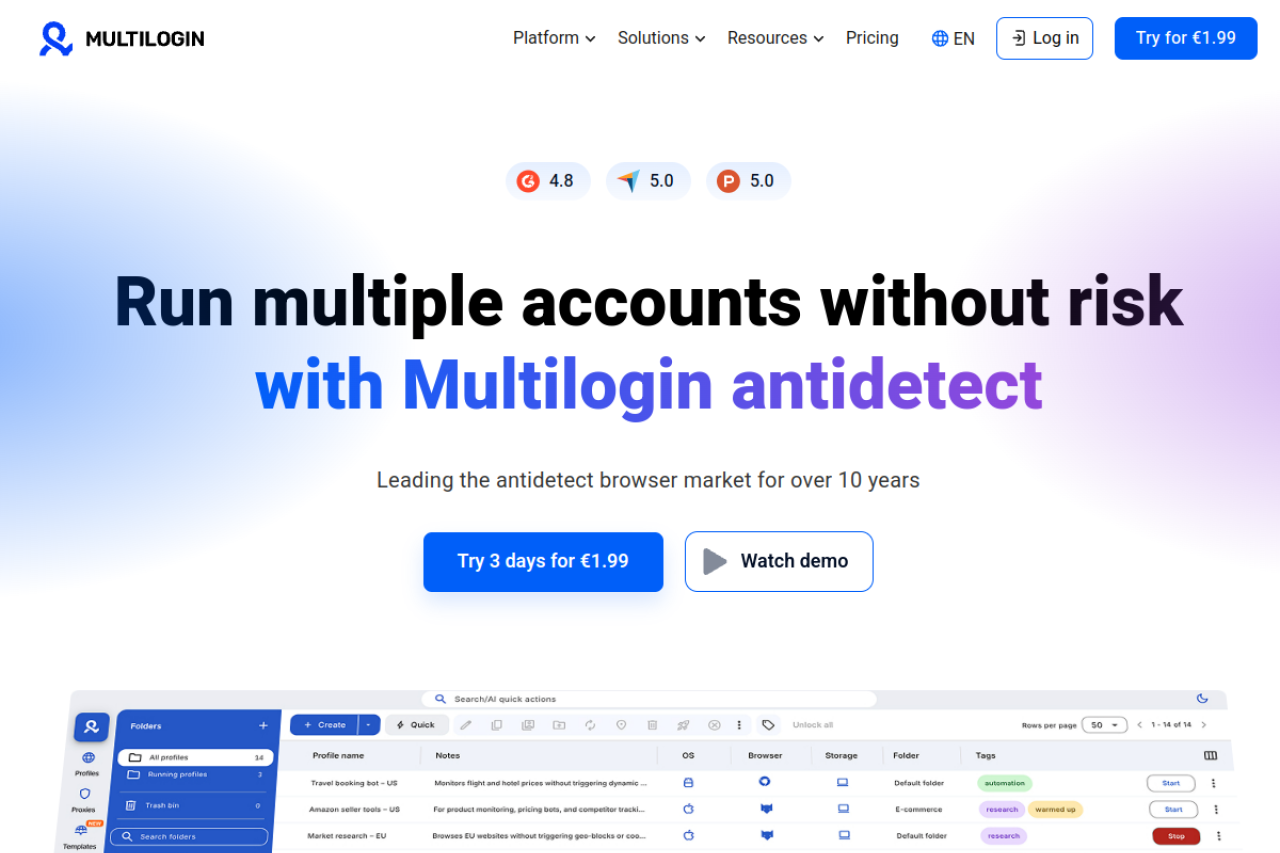
Multilogin is one of the oldest names in this industry. It is known for stability and high-quality fingerprints. They use two custom browsers: Mimic (based on Chrome) and Stealthfox (based on Firefox). These custom browsers replace the standard Google and Mozilla code to reduce data leaks.
Key Features:
- Native Browser Cores: They built their browsers from the ground up for privacy.
- Automation Support: It works well with Selenium for custom coding.
- Granular Access: You can control exactly what each team member can see.
Pros:
- Extremely reliable and rarely crashes.
- High trust score with major platforms like Amazon and Facebook.
- Excellent customer support.
Cons:
- Price is much more expensive than competitors.
- No free plan, only a small trial.
Verdict: Multilogin is a solid choice for large corporations with a big budget. However, for a standard Amazon Arbitrage business, the cost is very high compared to the value you get.
GoLogin: User-Friendly Cloud-Syncing for Rapid Scaling
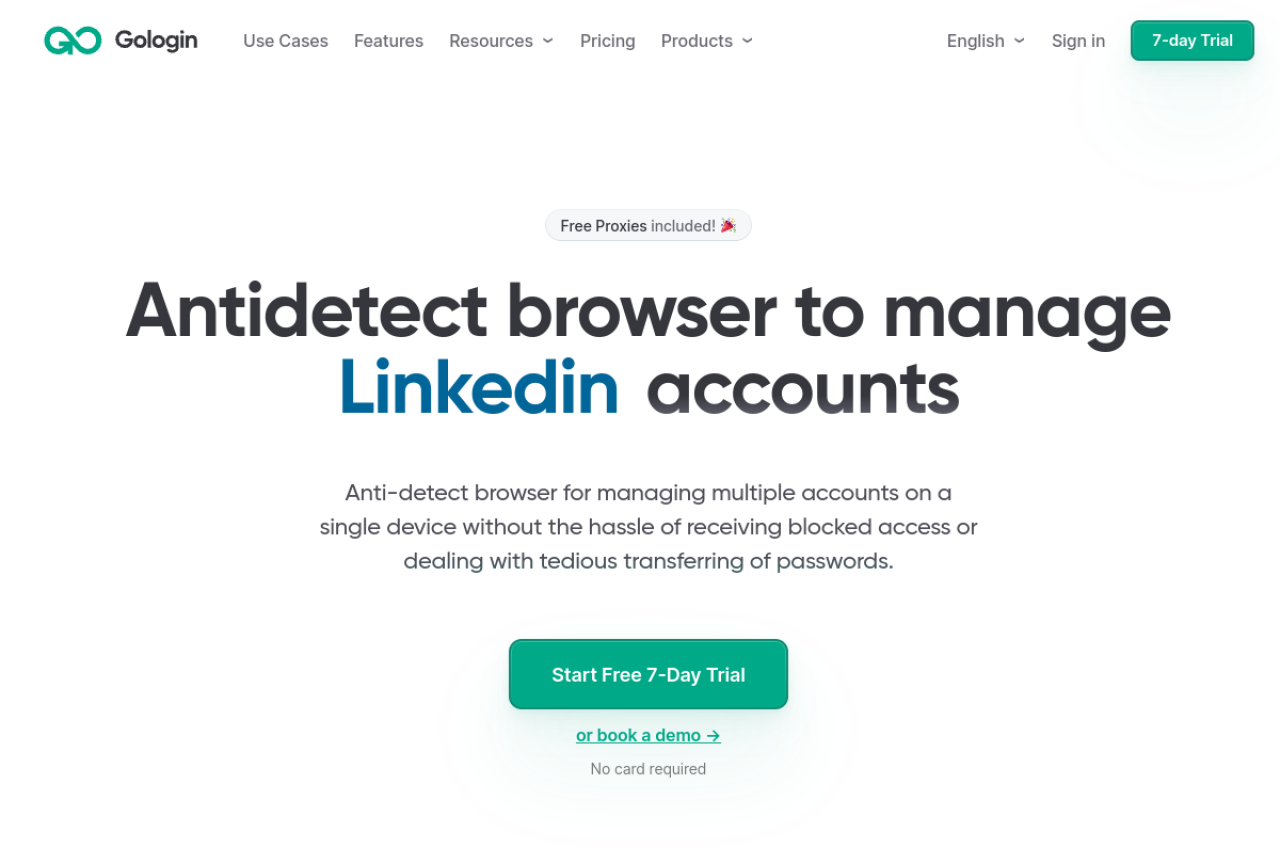
GoLogin is popular because it is easy to use. It focuses on mobility. Unlike other tools that require a powerful desktop computer, GoLogin has a cloud web version. This means you can run your Amazon accounts from any device, even a tablet or phone, without installing heavy software.
Key Features:
- Android Mobile App: You can manage profiles directly from an Android phone.
- Cloud Launch: Run the browser in the cloud rather than on your local machine.
- Free Proxies: They include some free proxy connections for testing.
Pros:
- A very intuitive interface for beginners.
- Great for remote teams who travel often.
- Fair pricing structure for small teams.
Cons:
- The free proxies are often slow and not safe for Amazon seller accounts.
- Cloud web sessions can be laggy compared to desktop apps.
Verdict: GoLogin is the best antidetect browser for dropshipping or arbitrage if you need to work from mobile devices. It offers flexibility that other desktop-first tools lack.
AdsPower: E-commerce Automation
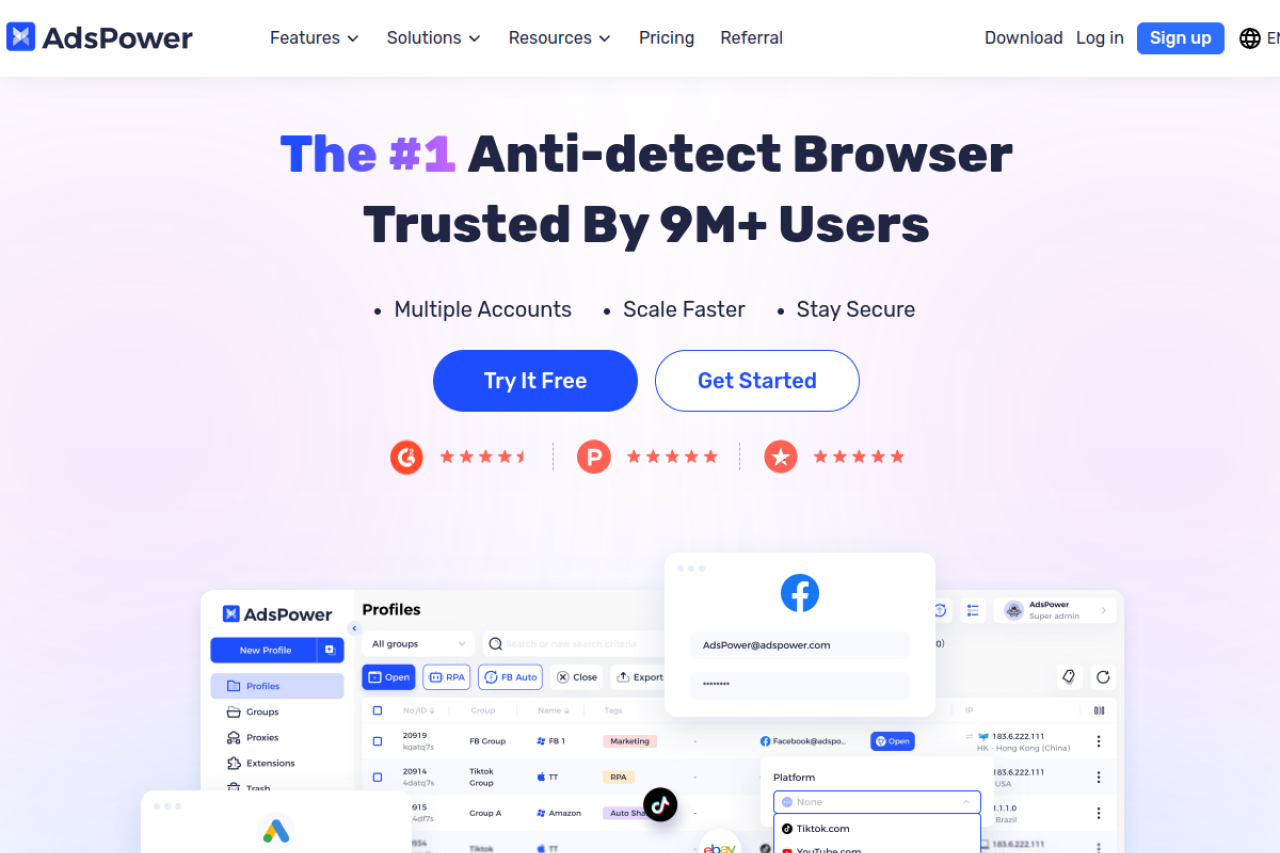
AdsPower is designed specifically for e-commerce. They market heavily to Amazon and eBay sellers. Their biggest selling point is their "No-Code" automation. You do not need to be a programmer to build cookie farming automation tools inside AdsPower. They provide a drag-and-drop interface to create tasks.
Key Features:
- RPA Robot: A marketplace of pre-made automation templates.
- Center Control: A dashboard to view all open windows at once.
- Mobile Simulation: Strong support for iOS and Android environments.
Pros:
- Excellent automation capabilities for non-coders.
- Flexible pricing (pay only for what you need).
- Strong community support.
Cons:
- The interface is cluttered and can feel overwhelming.
- Some advanced features cost extra.
Verdict: If you want to automate your tactical arbitrage workflow heavily, AdsPower is a strong contender. It is complex but powerful.
Dolphin{anty}: Streamlined Interface for High-Volume Arbitrage
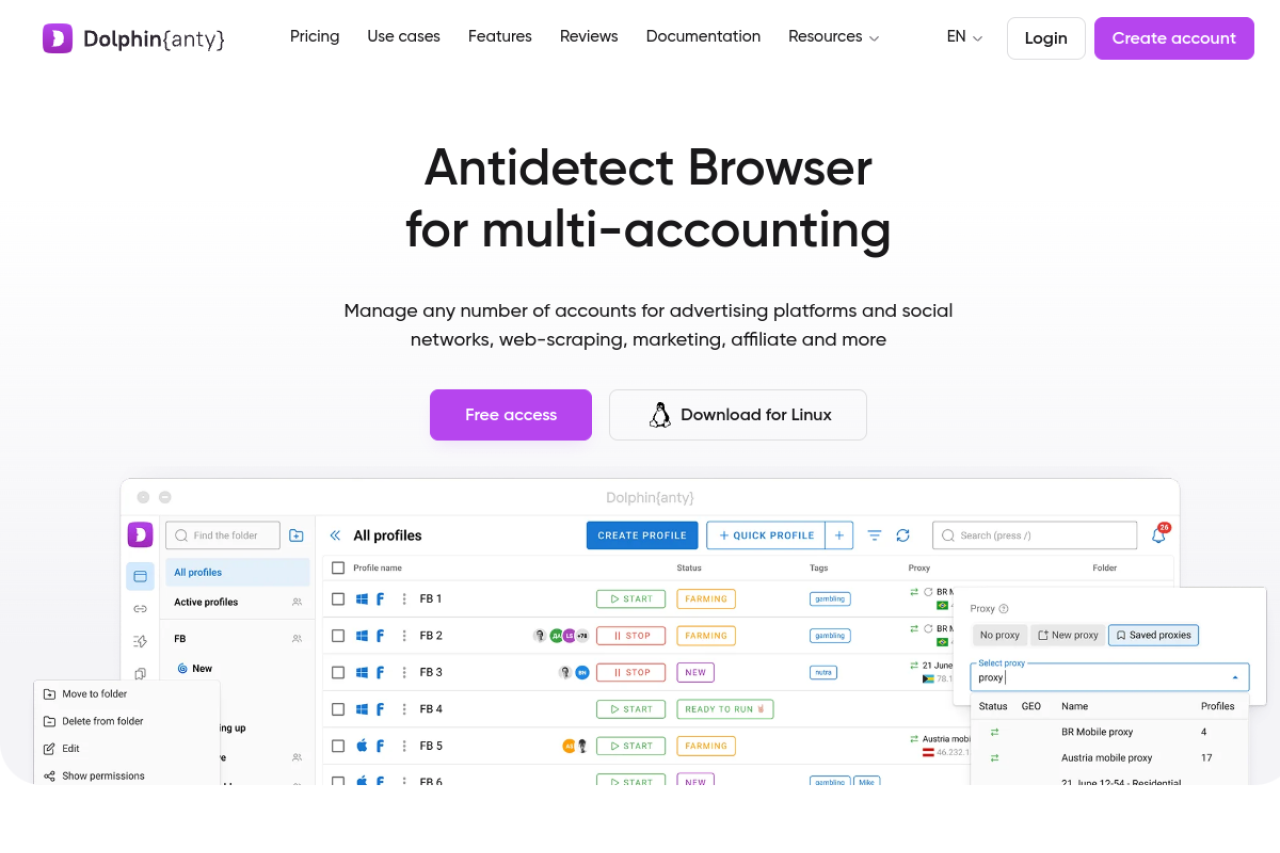
Dolphin{anty} was originally built for affiliate marketing on Facebook. However, Amazon sellers have adopted it because of its speed. It is very lightweight and fast. The interface is modern and looks like a standard dark-mode app. It excels at organizing hundreds of profiles using tags and statuses.
Key Features:
- Real Fingerprints: They copy fingerprints from real users rather than generating random noise.
- Smart Notes: You can pin sticky notes to every profile.
- Status Tags: Label accounts as "Warming Up," "Active," or "Suspended."
Pros:
- Very fast performance, even with 100+ profiles.
- Generous free plan (10 profiles).
- Easy-to-use profile manager.
Cons:
- Automation features are less robust than DICloak or AdsPower.
- Reporting tools are basic.
Verdict: Dolphin{anty} is great for organization. If you have a messy operation and need to clean up your account management, this tool helps you stay sorted.
Incogniton: Profile Management for Large Teams
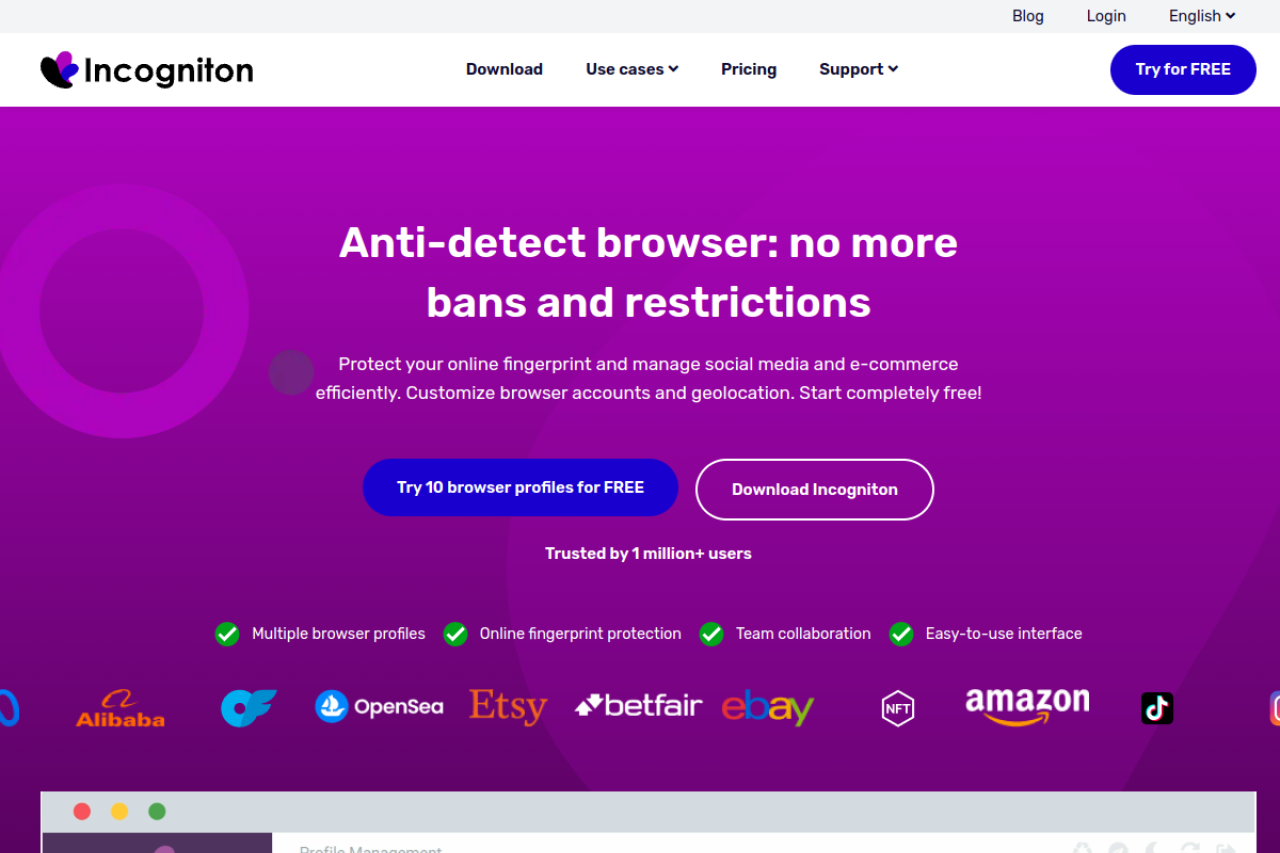
Incogniton allows you to create isolated browsing environments simply. It is a workhorse tool. It does not have as many flashy features as the others, but it does the core job of fingerprint protection well. It is popular among agencies because the pricing for high-volume profiles is lower than Multilogin.
Key Features:
- Human Typing Simulation: It mimics how a human types to fool biometric sensors.
- Cookie Collector: A basic tool to visit sites and save cookies.
- Team Seats: Easy to add junior staff members.
Pros:
- Very affordable for mid-sized teams.
- Offers a free plan with 10 profiles (generous).
- Good data synchronization.
Cons:
- The software can be heavy on your computer's RAM (memory).
- Updates are sometimes slow to release.
Verdict: Incogniton is solid for teams who need Amazon multiple seller accounts legal structures without breaking the bank.
Browser.lol: Disposable Environments for Quick Sourcing Tasks
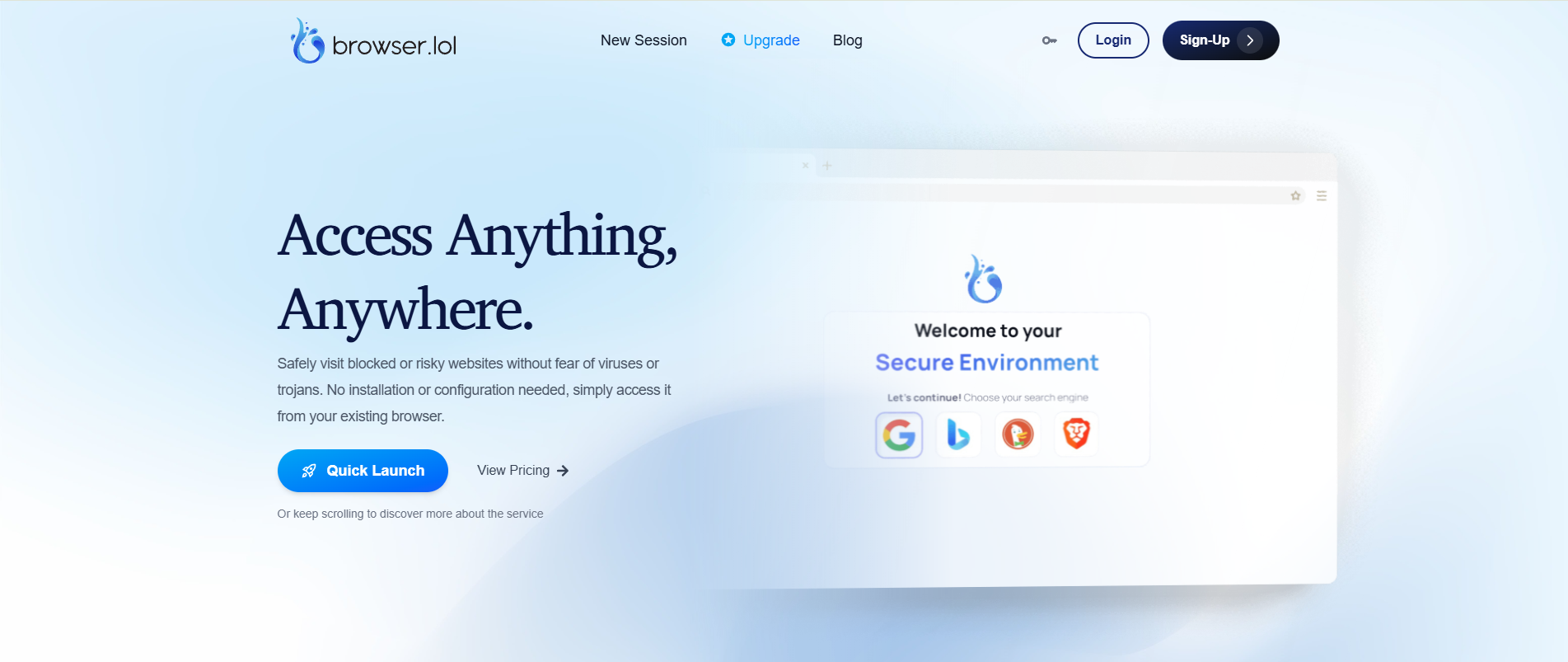
Browser.lol is different from the others. It is a "virtual browser" that runs entirely in the cloud. You do not download it. You visit their website, and it opens a browser inside your browser. This is not for long-term account management. It is for quick, disposable tasks.
Key Features:
- Instant Access: No installation required.
- Disposable Sessions: Once you close the tab, the data is gone forever.
- Malware Protection: Runs on their server, so viruses cannot touch your computer.
Pros:
- Perfect for checking suspicious links or competitors safely.
- Zero footprint on your local device.
- Very cheap for casual use.
Cons:
- NOT for Seller Central: You cannot save cookies or sessions reliably.
- If the session disconnects, you lose your work.
Verdict: Do not use this for your main Amazon login. Use Browser.lol for risky sourcing research where you don't want to expose your main IP address.
Octo Browser: Real Device Fingerprints for Stealth
Octo Browser claims to be undetectable because it uses "Real Device Fingerprints." Instead of spoofing parameters one by one, it mimics the exact setup of real physical devices. This makes it very hard for security algorithms to distinguish it from a normal computer.

Key Features:
- Unlimited Devices: You can log in from as many computers as you want.
- API Automation: Strong support for custom scripts.
- Fast Profile Creation: Create a new unique profile in one click.
Pros:
- High-quality fingerprints that pass strict checks.
- Fast interface.
- Good proxy management integration.
Cons:
- No free plan available.
- Pricing is in Euros and can be higher for US users.
Verdict: Octo Browser is a premium tool for advanced users. It provides excellent stealth capabilities for those who understand the technical details of fingerprinting.
Implementing an Antidetect Browser for Amazon Arbitrage into Your Workflow
Owning the software is not enough. You need a strict operational strategy to use an Antidetect Browser for Amazon Arbitrage effectively. If you log into a fresh Amazon Seller Central account immediately without a plan, you risk triggering a manual review. This section moves from selecting a tool to the daily actions required to run a secure, multi-account business.
The Amazon Seller Account Warm Up Process and Cookie Management
New digital fingerprints look suspicious to Amazon’s security bots. A real user has a history. A bot does not. You must build trust before you ever log into Seller Central. This is called the Amazon seller account warm up process.
Step 1: Create a Profile Set up your browser profile with a dedicated residential proxy. Ensure your canvas fingerprint and User Agent match the operating system you selected.
Step 2: The Trust Phase (Days 1-3) Do not visit Amazon yet. Visit high-trust websites like CNN, local news outlets, weather sites, and Wikipedia. These sites place "trust cookies" in your browser. This makes your digital footprint look like a genuine human user.
Step 3: Automated Farming Tools like DICloak offer RPA (Robotic Process Automation) features. You can set a "Cookie Robot" to visit these sites automatically while you sleep. This builds a robust history without wasting your time.
Step 4: The Soft Approach (Days 4-5) Visit Amazon as a buyer. Browse products. Add items to a cart but do not buy them. Only after day 5 should you log into your Seller account. This patience is critical for avoiding Amazon linked account suspension.
Integrating Tactical Arbitrage Workflow with Browser Profiles
Your sourcing team needs a clear protocol. Mixing your sourcing activities with your seller management can lead to cross-contamination. Here is the optimized tactical arbitrage workflow for 2026.
Sourcing (External Browser) Run your heavy sourcing software (like Tactical Arbitrage or SellerAmp) on a standard browser or a separate "Sourcing" profile in your antidetect tool. Do not run heavy scans inside your main Seller Central profile. It slows down the browser and creates unnecessary noise in your web history.
Purchasing (Stealth Profile) Once you find a profitable item, copy the URL. Open your secure Antidetect Browser for Amazon Arbitrage profile. Paste the link there to make the purchase from the retailer (Walmart, Target, etc.).
Why Separate Them? Retailers also have anti-fraud systems. If you buy 50 units of a toy using the same browser profile you use for Amazon, the retailer might link you as a reseller and cancel your order. By using distinct profiles for buying and selling, you protect both sides of the transaction.
Seller Central 2FA Automation and Session Continuity
Managing One-Time Passwords (OTP) for a team of Virtual Assistants (VAs) is a major bottleneck. Security is important, but constant text messages slow down your operation.
Modern antidetect browsers solve this through seller central 2fa automation and cookie storage.
- Session Persistence: When you log into Amazon and check "Keep me signed in," the browser saves that session HTTP cookie.
- Team Access: When a VA opens that profile on their computer, the browser loads the valid cookie. They are instantly inside Seller Central. They do not see the login screen, and they do not need to ask you for an SMS code.
- Credential Protection: In tools like DICloak or Multilogin, you can hide the actual password from staff. They can launch the profile to work, but they cannot steal your credentials or change the password.
Frequently Asked Questions About Using an Antidetect Browser for Amazon Arbitrage
Is using an antidetect browser for Amazon multiple seller accounts legal?
Yes, owning multiple businesses is legal. Amazon policy allows you to operate amazon multiple seller accounts legal structures if you have a legitimate business need. An antidetect browser simply ensures that each legal entity (LLC) stays technically separate. It prevents accidental data mixing that could falsely flag your accounts as duplicates.
How long does the amazon seller account warm up process take?
The Amazon seller account warm up process typically takes 3 to 5 days. Before logging into Seller Central, you must visit trusted sites like local news or Wikipedia to build a history. Advanced tools like DICloak offer cookie farming automation tools that browse these sites for you automatically, saving you hours of manual work.
Can I use the best antidetect browser for dropshipping as well?
Yes. The technology used for the best antidetect browser for dropshipping is identical to arbitrage tools. Platforms like eBay, Shopify, and Facebook Marketplace also use browser fingerprinting to track users. Using an isolated browser profile protects your dropshipping stores from getting linked just like your Amazon accounts.
Will these browsers prevent account suspensions from IP leaks?
These browsers are your primary defense for avoiding amazon linked account suspension. They prevent your real computer details from leaking through WebRTC or Flash. However, for full browser fingerprinting protection, you must pair the browser with a high-quality residential proxy. This ensures your location always matches your profile history.
How does seller central 2fa automation work in these browsers?
Seller central 2fa automation works by saving your active session cookies. Once you log in and verify your device, the browser saves that "trust" token. When a team member opens the profile later, they are already logged in. They do not need to ask you for a new SMS code or OTP.
Can I transfer a browser profile to a Virtual Assistant in another country?
Yes, this is essential for scaling. You can sync a profile to the cloud using your antidetect software. Your Virtual Assistant can open that profile on their device, but Amazon sees the login coming from your established US-based fingerprint. This grants access without triggering a foreign login security alert.
 Web Proxy Tools
 Free Tools
 Cookie Plugin
 UA Generator
 MAC Address Generator
 IP Generator
 IP Address List
 2FA Code Generator
 World Clock
 Anonymous Check
 WebRTC Leak Test
 UUID Generator
 Free Web Proxy Site
 Proxy Checker
 FB Ad Checker
 AI Web Scraping
 Free SMM Tools
 Twitter Shadowban Checker
 Instagram Name Checker
 UTM Generator
 Username Generator
 AI Hashtag Generator
 LinkedIn Headline Generator
 Social Media Image Resizer