Running a social media agency sounds straightforward until you hit the point where managing five clients feels like juggling twenty. Each client brings unique brand guidelines, posting schedules, approval workflows, and login credentials that multiply the complexity of daily operations.
The real challenge is not finding clients. It is building systems that let you serve more of them without sacrificing quality or burning out your team. Agencies that scale successfully share one thing in common: they invest in the right tools before chaos sets in.
This article covers seven essential tools that help agencies manage multiple client accounts efficiently. You will learn what each tool category does, why it matters for scaling, and what features to prioritize when choosing solutions for your agency.
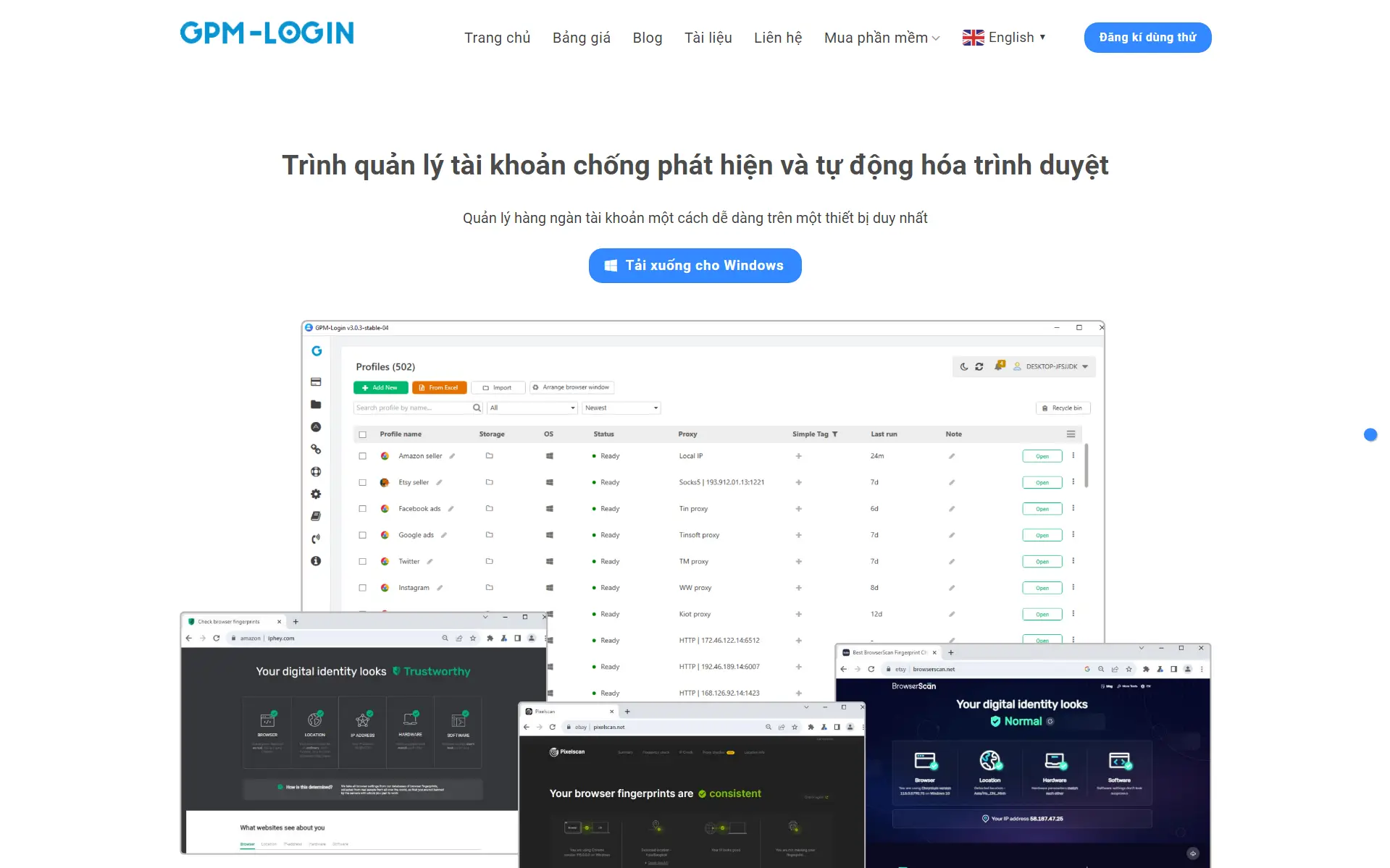
Social media platforms actively monitor for users managing multiple accounts from the same device. Getting flagged can mean suspended accounts, lost access, and difficult conversations with clients.
Why Account Separation Matters
Each client account needs to appear as if it operates from a unique device and location. Standard browsers share fingerprints, cookies, and other identifying data across sessions. This creates patterns that platforms detect as suspicious activity.
When an agency manages dozens of accounts through regular browsers, the risk compounds. One flagged account can trigger reviews across all accounts that share similar fingerprints.
Key Features for Agencies
Antidetect browsers create isolated environments for each account with unique browser fingerprints. Look for solutions that offer team collaboration features, allowing multiple team members to access client profiles without sharing raw login credentials.
Cloud synchronization keeps browser profiles consistent across devices. This matters when team members work remotely or need to hand off account management during time-sensitive campaigns.
Implementation Tips
Assign dedicated browser profiles to each client account. Document which team members have access to each profile. Regular audits ensure that former employees no longer have access to client accounts.
2.Content Management and Approval Platforms
Creating content is only half the battle. Getting that content reviewed, approved, and published on time requires systems that most agencies cobble together from email threads and spreadsheets.
Centralizing Content Creation
Content management platforms give teams a single place to draft, review, and organize social media content. Writers can see what is scheduled, what needs attention, and what is stuck waiting for client feedback.
Platforms built for social media content management take this further by enabling distributed teams to create content from mobile devices while maintaining centralized brand control. This approach works particularly well for agencies managing clients with field teams or multiple locations who need authentic, on-the-ground content.
Multi-Level Approval Workflows
Approval workflows prevent posts from going live before the right people sign off. For agencies, this typically means internal review followed by client approval.
Configurable workflows let you match each client's preferences. Some clients want to approve every post. Others only want to see certain content types. The right platform adapts to these requirements without creating bottlenecks.
Avoiding the Approval Bottleneck
The fastest way to miss posting deadlines is waiting on email approvals. Dedicated approval systems send notifications, track response times, and escalate delayed reviews automatically.
3.Social Media Scheduling Tools
Posting manually across multiple platforms for multiple clients does not scale. Scheduling tools let teams batch content creation and set posts to publish automatically.
Cross-Platform Publishing
Each social platform has different optimal posting times, character limits, and media requirements. Good scheduling tools handle these differences automatically, reformatting content as needed for each destination.
Look for native integrations with major platforms rather than workarounds that might break when platforms update their systems.
Client-Specific Calendars
Visual calendars showing what is scheduled for each client help teams spot gaps and conflicts. Color coding by client or content type makes it easy to see the full picture at a glance.
Calendar views also help during client calls. Sharing a visual schedule builds confidence that their content strategy is being executed consistently.
Bulk Scheduling Features
Agencies often prepare content in batches. Bulk upload features that accept spreadsheets or CSV files speed up the process of loading multiple posts at once.
4.Team Communication Platforms
Agency work requires constant coordination between account managers, content creators, designers, and clients. Scattered communication across email, text, and various apps creates information gaps.
Internal Team Channels
Dedicated channels for each client keep conversations organized and searchable. New team members can review channel history to get up to speed quickly.
Threaded conversations prevent important details from getting lost in busy channels. Integrations with other tools pull notifications into a central place.
Client Communication Boundaries
Keeping client communication separate from internal discussions prevents awkward situations. Some teams use different platforms for internal and external communication. Others create restricted channels within a single platform.
Clear boundaries also help teams maintain work-life balance by setting expectations about response times and availability.
5.Analytics and Reporting Dashboards
Clients want to know their social media investment is working. Manually pulling data from each platform and assembling reports consumes hours that could go toward strategy and content creation.
Unified Data Views
Analytics dashboards pull performance data from all connected platforms into a single view. According to Statista's social media management market analysis, the demand for unified analytics continues driving growth in management tool adoption as agencies seek efficiency gains.
Cross-platform views reveal patterns that platform-specific analytics miss. A post that underperforms on one platform might excel on another, informing future content decisions.
Automated Client Reports
Scheduled reports delivered to client inboxes demonstrate value without manual effort. Customizable templates let you highlight metrics each client cares about most.
White-label options remove tool branding so reports appear to come directly from your agency. This small detail reinforces your professional image.
6.Digital Asset Management Systems
Logos, brand photos, approved graphics, and video files accumulate quickly when managing multiple clients. Finding the right asset at the right time should not require digging through folders and email attachments.
Brand Asset Organization
Digital asset management systems organize files by client, campaign, content type, or any other structure that matches your workflow. Metadata and tagging make assets searchable.
Permission controls ensure team members only access assets for clients they work on. This prevents accidental use of the wrong brand materials.
Version Control and Approval
Tracking which version of a logo or graphic is current prevents embarrassing mistakes. Asset management systems maintain version history and clearly mark approved files.
Expiration dates on licensed assets trigger alerts before usage rights end. This protects your agency from compliance issues.
7.Workflow Automation Tools
Manual handoffs between tools and team members create delays and opportunities for tasks to fall through cracks. Automation connects your tool stack and handles routine processes.
Task Automation Basics
Simple automations handle repetitive tasks like creating project folders for new clients, sending reminder notifications, or updating status fields when content moves through approval stages.
Start with automations that save the most time relative to setup effort. Common triggers include new client onboarding, content approval completions, and reporting deadlines.
Integration Capabilities
The best automation tools connect with the other platforms in your stack. Native integrations work more reliably than workarounds. Check that your core tools are supported before committing to an automation platform.
Webhook support extends automation to tools without native integrations. This flexibility becomes important as your tool stack evolves.
Building Your Agency Tool Stack
The seven tool categories covered here address the core operational challenges agencies face when scaling. Start with the areas causing the most friction in your current workflow.
You do not need to implement everything at once. Add tools as your client roster grows and new pain points emerge. The goal is building systems that let you take on more clients without proportionally increasing your workload.
Evaluate tools based on how well they integrate with what you already use. A slightly less powerful tool that connects seamlessly often beats a feature-rich option that creates data silos.
The agencies that scale successfully treat their tool stack as a competitive advantage. Investing time in selecting and configuring the right tools pays dividends with every new client you onboard.
 Web Proxy Tools
 Free Tools
 Cookie Plugin
 UA Generator
 MAC Address Generator
 IP Generator
 IP Address List
 2FA Code Generator
 World Clock
 Anonymous Check
 WebRTC Leak Test
 UUID Generator
 Free Web Proxy Site
 Proxy Checker
 FB Ad Checker
 AI Web Scraping
 Free SMM Tools
 Twitter Shadowban Checker
 Instagram Name Checker
 UTM Generator
 Username Generator
 AI Hashtag Generator
 LinkedIn Headline Generator
 Social Media Image Resizer