Beyond the Proxy: Why Accounts Get Banned on Ticket Booking Sites
Many ticket brokers believe a high-quality residential proxy is enough to stay safe. This is a dangerous mistake. In 2026, browser fingerprinting is the primary way platforms detect and ban users. A proxy only masks your location (IP address). It does not hide who you are. Major sites like Ticketmaster and AXS now look at your hardware to identify you. If you ignore this, your accounts will be banned before the sale even starts.
The Sophistication of Modern Fingerprinting (Canvas & WebGL)
Ticket platforms use advanced code to scan your computer components. They do not just check your cookies. They check your hardware. Two common methods are Canvas and WebGL fingerprinting.
- Canvas Fingerprinting: The website asks your browser to draw a hidden image. How your computer renders this image depends on your graphics driver and operating system. This creates a unique "hash" or ID.
- WebGL Fingerprinting: This checks your video card (GPU) information.
If you run 50 accounts on one computer, they all share the same Canvas fingerprint. The security system sees 50 "different" people using the exact same graphics card and drivers. This is statistically impossible for real users. You are instantly flagged as a bot farm.
Behavioral Analysis and the Death of Simple Automation
Old automation scripts do not work anymore. Bot detection 2026 systems use Artificial Intelligence (AI) to watch how you move. They track your mouse cursor, your scroll speed, and how fast you click.
Real humans hesitate. They move the mouse in curves, not straight lines. Bots move instantly and perfectly. If your profiles enter the queue at the exact same millisecond, you trigger a behavioral flag.
To succeed, you need queue-it bypass strategies 2026 that mimic human imperfection. Tools that simply slam the server with requests will get caught by behavioral filters every time.
The Chain Ban: How Device Leaks Destroy Entire Inventories
The most painful loss for a broker is the "Chain Ban." This happens when Ticketmaster account bans spread from one account to all of them. This disaster is caused by identity leaks.
An identity leak happens when your real device information slips past your defense. For example, if your WebRTC setting leaks your real local IP address, the site links that profile to your main internet connection. Once they link one bad account to your device fingerprint, they ban every account associated with that fingerprint.
You could lose hundreds of verified accounts in minutes. This is why isolation is critical. You must ensure that Profile A shares absolutely no data points with Profile B.
Identifying the 'Dreaded 403' and Queue-it Flags
The clearest sign of a fingerprinting failure is the "403 Forbidden" error. This usually happens right when you try to join the Waiting Room. It means the security system (like Akamai or Pardot) rejected your device before you even sent a request.
Another sign is getting stuck in the queue while others move forward. This is a "silent block." The site knows you are a bot but keeps you in the queue to waste your time. If you cannot execute a ticketmaster waiting room bypass consistently, your browser fingerprint is likely compromised. You need a tool that randomizes your digital identity completely to pass these checks.
The Mechanics of Antidetect Browsers for Ticket Booking Sites
Since we know how security systems track your hardware, we need technology that alters it. This is where Antidetect Browsers for Ticket booking sites come in. They are the engine behind modern ticket brokerage.
Instead of fighting the security checks, these browsers give the platforms exactly what they want to see: legitimate, unique device data. They allow you to run hundreds of accounts from a single computer without linking them together. This technology turns one physical device into a fleet of distinct digital identities.
Profile Isolation and Digital Identity Decoupling
Standard browsers like Chrome or Firefox connect everything. Even if you use "Incognito" mode, your browser still leaks your base hardware information. If one account gets banned, the website sees the connection and bans every other account on that device.
Browser profile isolation fixes this problem. It creates a separate virtual environment, or "container," for every single account.
- Cookies: Kept strictly separate.
- Cache: Never shared between profiles.
- Local Storage: Completely isolated.
Think of each profile as a different physical laptop. If one profile gets blocked, it does not affect the others. This "decoupling" protects your inventory. You can lose one battle without losing the entire war.
Spoofing vs. Privacy: Simulating the Ideal Fan Profile
You might think "privacy" means blocking trackers. But on ticket sites, hiding makes you look suspicious. Real fans have cookies, history, and device data. If you block everything, you look like a bot.
Fingerprint spoofing does not block data; it feeds the website fake but realistic information. To execute effective queue-it bypass strategies 2026, your browser must look mundane. It needs to report a standard screen resolution, a normal battery level, and a valid list of installed fonts.
The goal is to blend in. You want your digital fingerprint to look like a standard user on a Windows PC or a Mac, not a hacker trying to hide.
Managing Hardware Entropies to Evade Bot Detection
This is the most advanced layer of protection. Security platforms check "entropy," which is the tiny, unique noise your hardware makes.
When a browser renders a 3D image or processes sound, the result is slightly different on every computer. This is called a Canvas fingerprint. If you run 50 profiles on one computer, they naturally have the same fingerprint. This is a dead giveaway.
Antidetect browsers solve this by adding mathematical "noise" to these signals. They slightly alter the readout for each profile.
- Profile A looks like it has an NVIDIA GTX 1080.
- Profile B looks like it uses an Intel Iris chip.
By randomizing these hardware signals, you ensure every profile appears to be on a different physical machine. This hardware diversity is critical for a successful ticketmaster waiting room bypass.
Choosing Antidetect Browsers for Ticket Booking Sites
Now that you understand the technology behind fingerprinting, you must select the right tool for the job. Not all software can handle the intense traffic of a major concert sale. Antidetect Browsers for Ticket booking sites are a business investment, not just a privacy tool.
You need to focus on Return on Investment (ROI). A cheap tool might save you monthly fees, but if it leaks your identity during a drop, you lose thousands in inventory. In 2026, the difference between a successful checkout and a ban comes down to stability, speed, and support.
Automation API Capabilities for Rapid Checkout
In the ticket resale world, speed is the only metric that matters. A human user cannot click faster than a script. To secure inventory for high-demand events, you need robust automation support.
The best browsers allow you to control profiles using code. This is typically done through an Application Programming Interface (API). This feature allows your custom scripts to open the browser, navigate to the sale, and execute purchase actions automatically.
This capability is critical for a successful ticketmaster waiting room bypass. While the browser makes you look like a real person, the automation handles the "waiting" and the clicking. The software must support popular frameworks like Selenium or Puppeteer without crashing.
If a browser struggles to handle external scripts, it is useless for professional brokerage. You need a tool that can launch 50 profiles via API in seconds, ensuring you have multiple spots in the queue the moment the sale opens.
Multi-User Collaboration for Ticket Brokerage Teams
You cannot scale a ticket business alone. Eventually, you will need a team. This introduces a major security risk: how do you share accounts without getting flagged?
If you log into a Ticketmaster account in New York, and five minutes later your Virtual Assistant logs in from London, the account will be locked. This is why team management is a top brokerage software criteria.
Advanced antidetect browsers, such as DICloak, allow you to share the entire browser profile via the cloud. When you share a profile, you are not just sharing a password. You are sharing:
- The digital fingerprint.
- The cookies and active session.
- The proxy connection.
This means your team member can open the profile and appear to be on the exact same computer as you. Effective queue-it bypass strategies 2026 rely on this consistency. It allows your team to manage waiting rooms and checkouts 24/7 without ever triggering a "suspicious login" alert.
Top 10 Best Antidetect Browsers for Ticket Booking Sites (2026 Reviews)
Selecting the right software is the most critical decision for your ticket brokerage business. We have tested the top 10 antidetect tools against strict criteria: stability, automation support, and fingerprint consistency.
Below are the Antidetect Browsers for Ticket booking sites reviews you need to read before the next major sale. These tools are ranked by their ability to handle high-demand drops and secure your inventory.
Quick Comparison of Top Ticket Broker Browsers
| Browser |
Best For |
Starting Price |
Free Plan? |
| DICloak |
Secure Team Scaling & Security |
$8/mo |
Yes |
| Multilogin |
Enterprise Teams |
€99/mo |
No |
| GoLogin |
Cloud-Based Launching |
$49/mo |
Yes |
| AdsPower |
RPA Automation |
$9/mo |
Yes |
| Dolphin{anty} |
High-Volume Performance |
$89/mo |
Yes |
| Incogniton |
User-Friendly Isolation |
$29.99/mo |
Yes |
| Undetectable.io |
Local Profile Bulk Mgmt |
$49/mo |
Yes |
| Hidemyacc |
Advanced Fingerprinting |
$29/mo |
Trial |
| ixBrowser |
Low-Cost Entry |
$3.99/mo |
Yes |
| Kameleo |
Mobile Emulation |
€59/mo |
Yes |
DICloak: Secure Multi-Account Identity Management
DICloak is our top recommendation for serious ticket brokers in 2026. It strikes the perfect balance between enterprise-grade security and user-friendly automation. For brokers managing extensive inventories, DICloak offers the most robust protection against queue-it bypass strategies 2026 detection mechanisms.
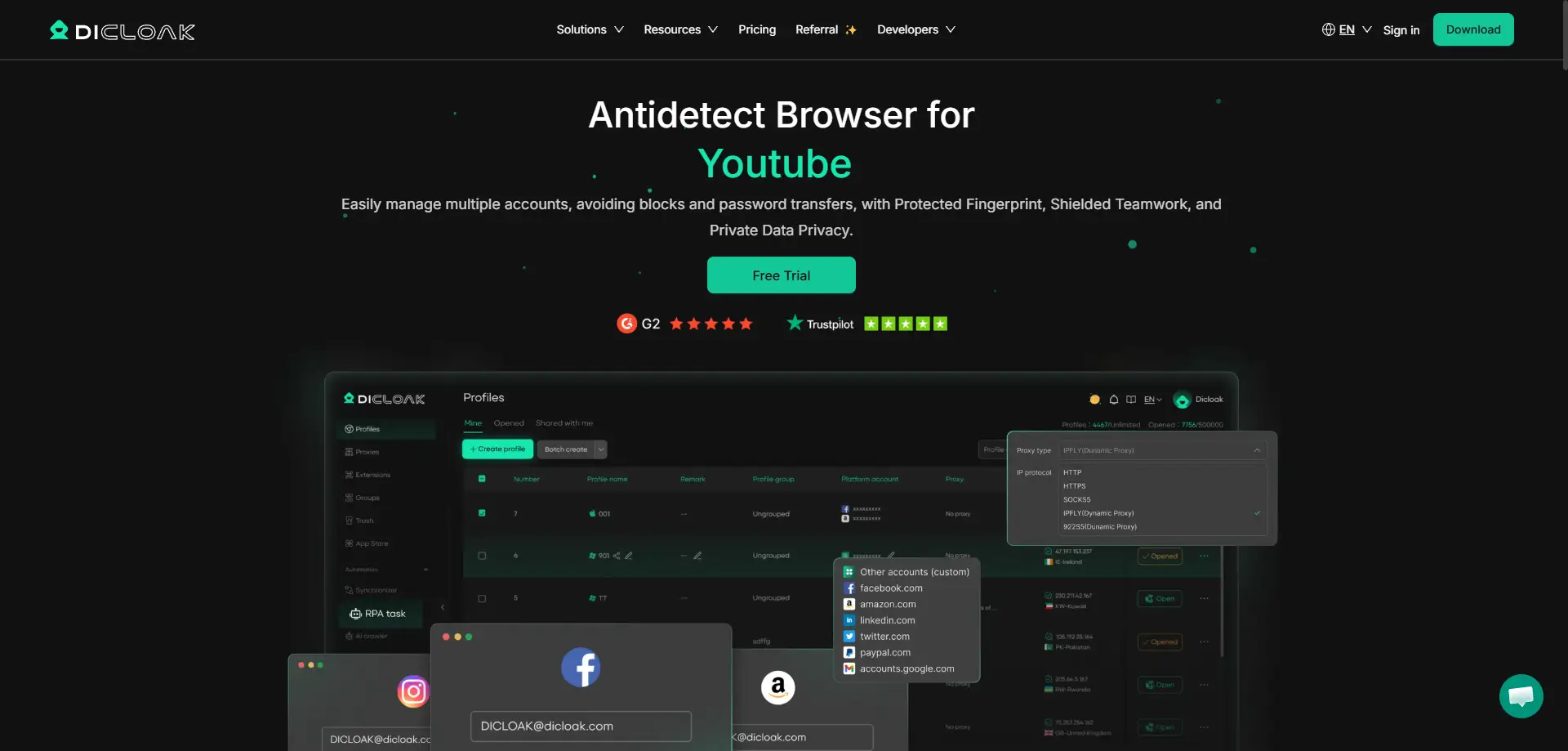
This platform excels at decoupling your digital identity. It allows you to create hundreds of unique browser profiles that appear as distinct users to Ticketmaster or AXS. Its standout feature is the "Window Synchronizer," which helps teams manage multiple active queues simultaneously without lagging.
Key Features:
- Profile Management: Share profiles with VAs instantly without triggering "new device" login checks.
- RPA Automation: Built-in tools to automate repetitive checkout tasks.
- Fingerprint Customization: Deep control over Canvas, WebGL, and AudioContext hashes.
Pros:
- Highly stable during high-traffic drops.
- Reduce chain bans through superior isolation.
- Cost-effective scaling for growing teams.
Cons:
- Advanced features require a learning curve for beginners.
Price: Free plan available. Paid plans start at $8/month.
Verdict: The best overall choice for security and team scalability.
Multilogin: The Premium Standard for Enterprise Brokers
Multilogin is often considered the veteran of the industry. It targets large-scale enterprises with a high budget. If you are running a massive operation with dozens of employees, Multilogin provides a stable infrastructure.
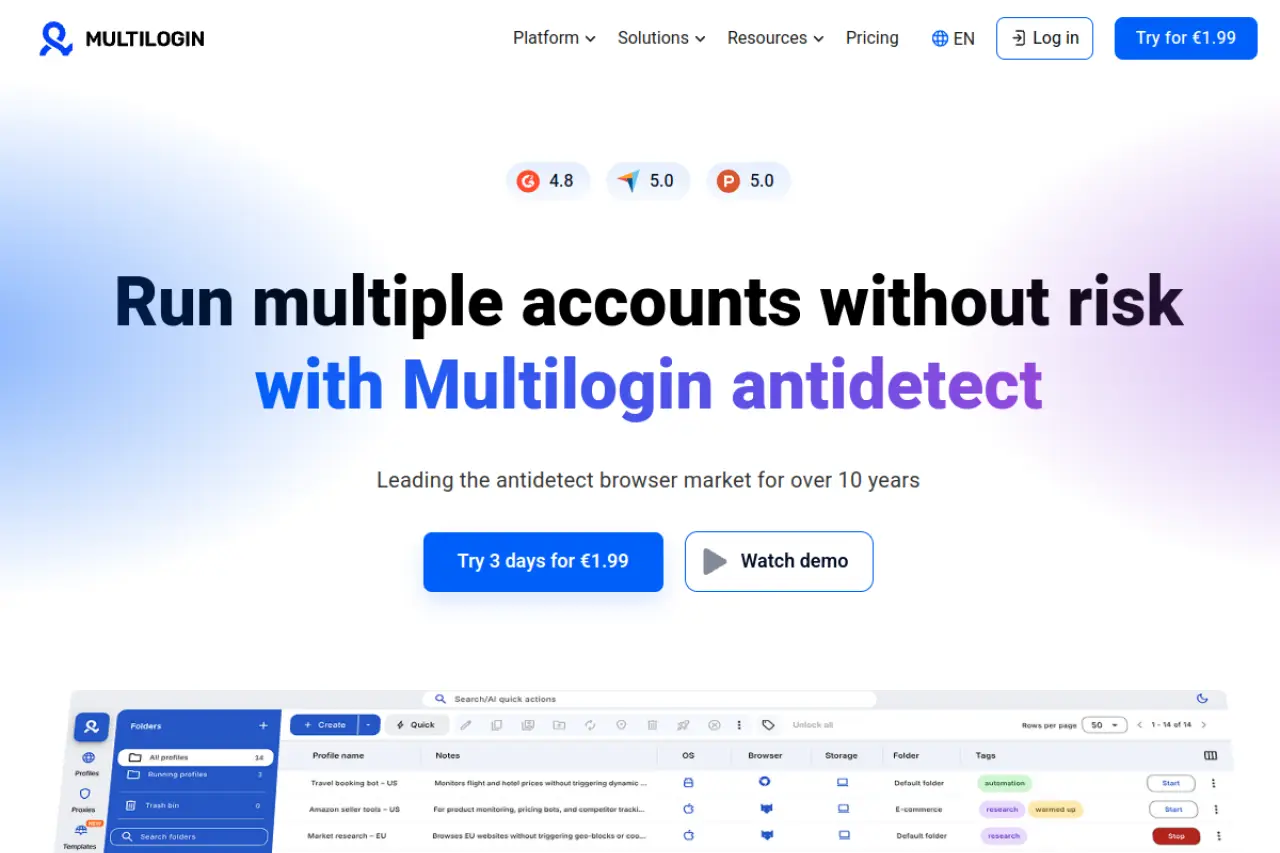
It uses two custom browser cores: Stealthfox and Mimic. These are designed to bypass sophisticated browser fingerprinting techniques used by major ticket platforms. However, the high cost can be a barrier for smaller brokers.
Key Features:
- Stealthfox & Mimic Browsers: Custom cores for maximum privacy.
- Automation: Full support for Selenium, Puppeteer, and Playwright.
- Residential Proxies: Native integration for high-quality IP masking.
Pros:
- Extremely reliable uptime.
- Excellent documentation and support.
- Trusted by large agencies.
Cons:
- Very expensive (Euro pricing).
- No free plan to test before buying.
Price: Starts at €99/month.
Verdict: A powerful but pricey option for established market leaders.
GoLogin: Simplified Cloud-Based Profile Launching
GoLogin simplifies the process of running multiple accounts. Its unique selling point is the ability to run profiles directly in the cloud via a web interface. This is useful if you need to access your best ticket bot browsers from different devices or locations quickly.
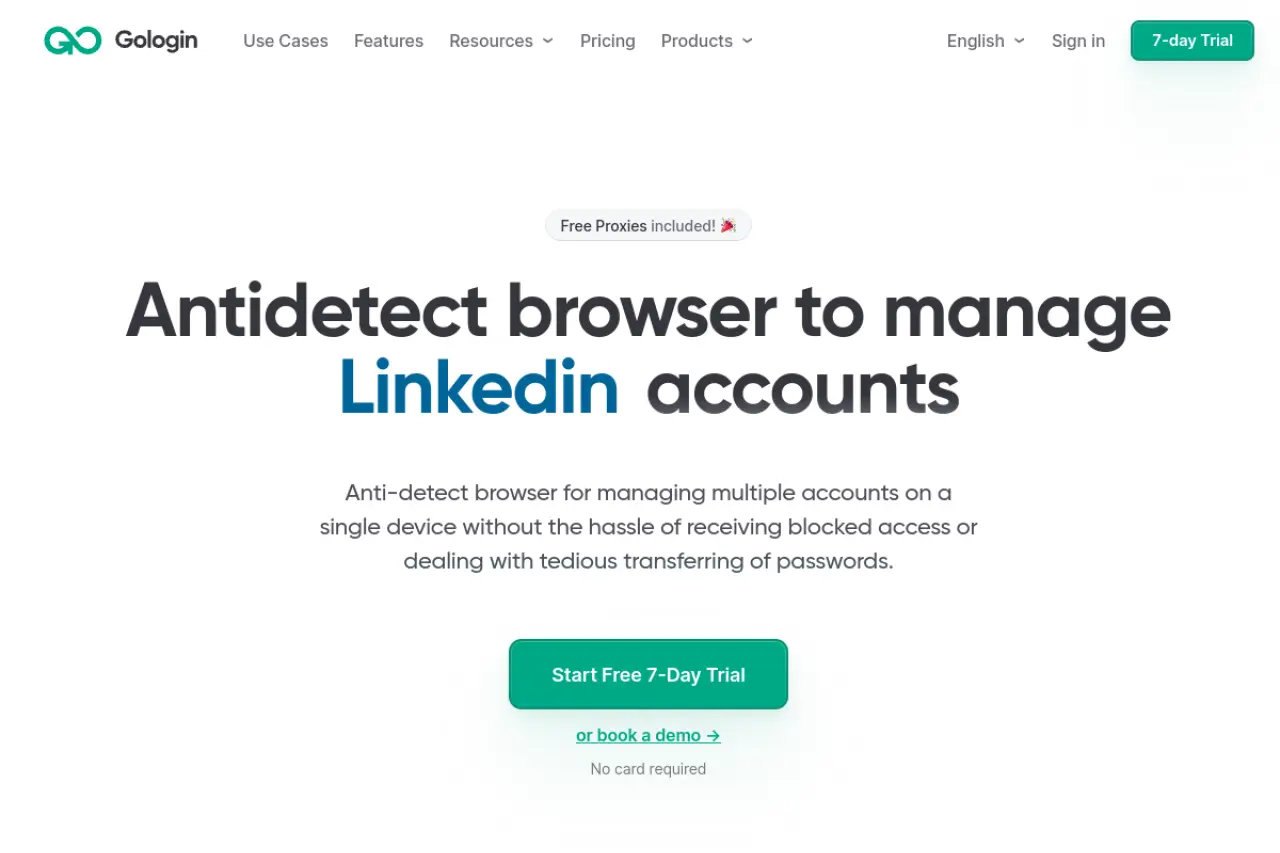
For ticket brokers, GoLogin offers an Android app, which is helpful for monitoring queues on the go. The tool includes free proxies, though for ticket drops, we recommend using premium residential proxies instead.
Key Features:
- Cloud Launch: Run browsers without installing software on the local machine.
- Android App: Manage profiles from mobile devices.
- Team Sharing: Simple invite system for assistants.
Pros:
- Very easy to use for beginners.
- Cloud execution saves local computer resources.
- Good free trial options.
Cons:
- Cloud latency can be an issue for speed-critical drops.
- Free proxies are often flagged by Ticketmaster.
Price: Free plan available. Paid starts at $49/month.
Verdict: Great for flexibility and mobile management.
AdsPower: Leveraging RPA for Ticket Flow Automation
AdsPower is heavily focused on automation. It is one of the best ticket bot browsers for users who want to script their actions without writing complex code. It features a "No-Code" RPA (Robotic Process Automation) robot.
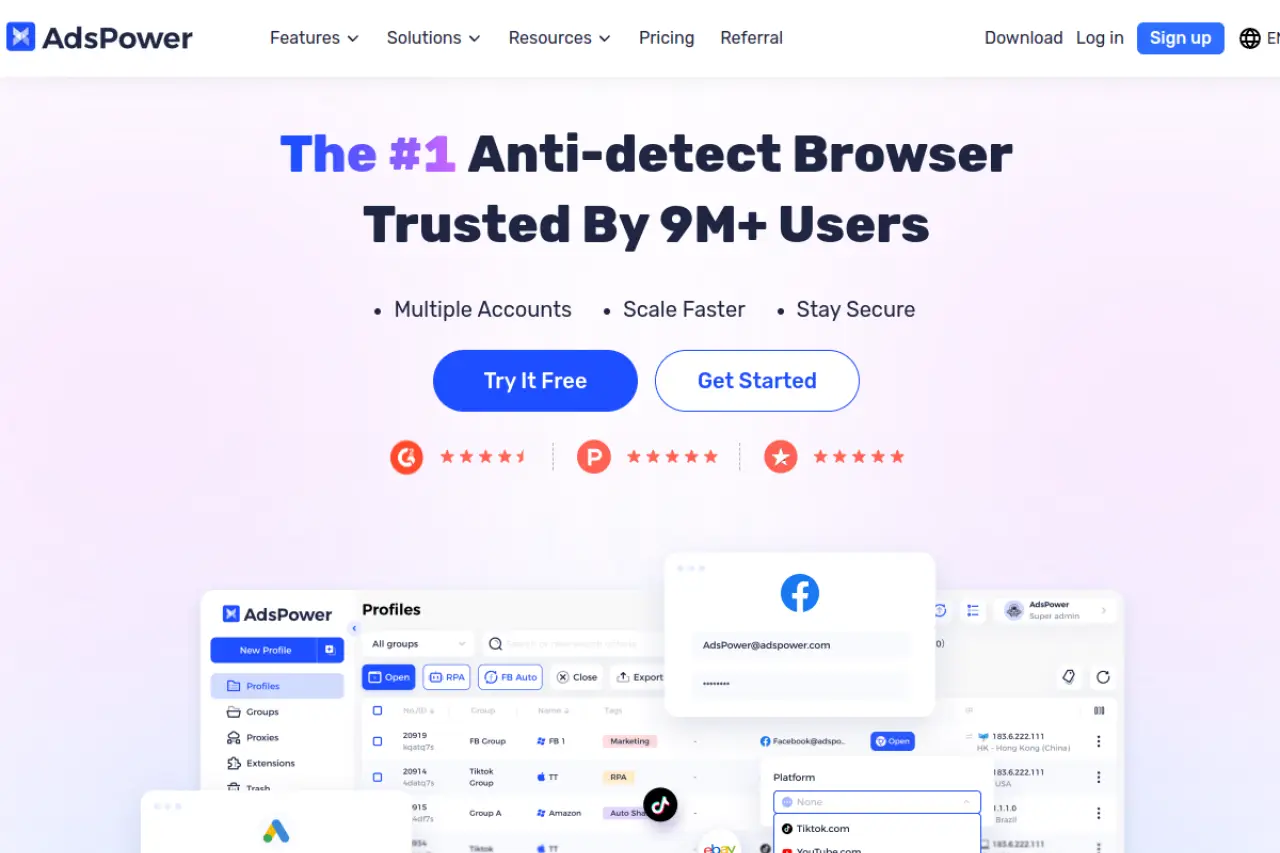
This robot can be trained to click buttons, fill forms, and navigate pages automatically. For a ticket broker, this can help speed up the checkout process once a profile passes the queue.
Key Features:
- RPA Robot: Drag-and-drop automation builder.
- Synchronizer: Control multiple windows with one mouse.
- Dual Engine: Supports both Chromium and Firefox cores.
Pros:
- Excellent automation tools included.
- Very affordable starting price.
- Strong community support.
Cons:
- Interface can feel cluttered.
- Steep learning curve for the RPA features.
Price: Free plan available. Paid starts at $9/month.
Verdict: The top choice for brokers who want affordable automation.
Dolphin{anty}: The Performance Choice for Scale
Dolphin{anty} was built with affiliate marketers in mind, but it works exceptionally well for ticket brokers. It is optimized for speed and performance, allowing you to run hundreds of profiles without crashing your computer.
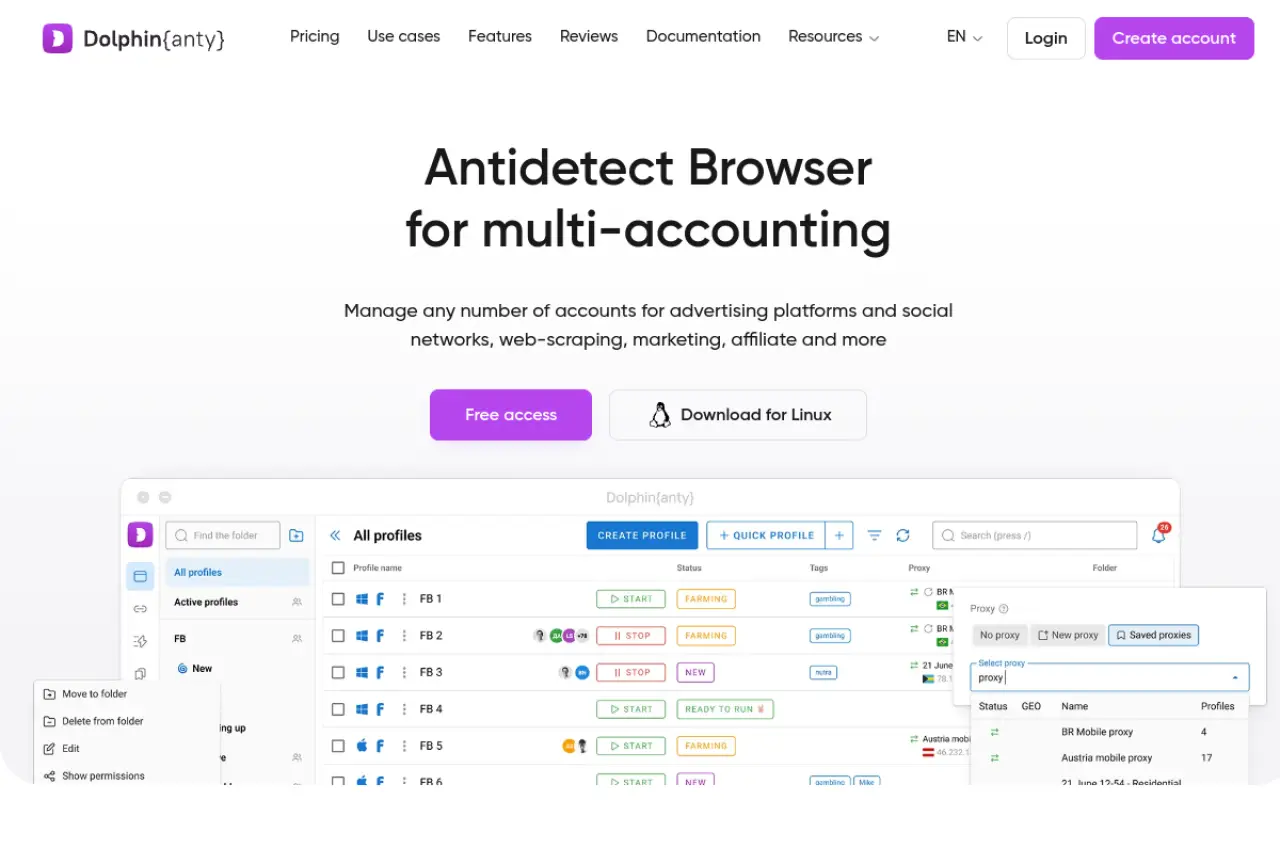
The interface is modern and intuitive. It allows for quick tagging and organization of profiles, which is essential when managing different "fan" personas for different events.
Key Features:
- Real Fingerprints: Uses real-world data for profile generation.
- Cookie Robot: Automatically warms up cookies to build trust.
- Manager Roles: Assign specific permissions to team members.
Pros:
- High performance with low resource usage.
- Excellent interface design.
- Easy mass profile creation.
Cons:
- Base price is higher than some competitors.
- Geared slightly more towards ad arbitrage than scraping.
Price: Free plan (10 profiles). Paid starts at $89/month.
Verdict: Best for brokers who need to manage hundreds of profiles efficiently.
Incogniton: User-Friendly Isolation for New Brokers
Incogniton offers a generous free plan, making it a favorite for new brokers testing the waters. It focuses on isolating browser profiles to prevent cross-site tracking.
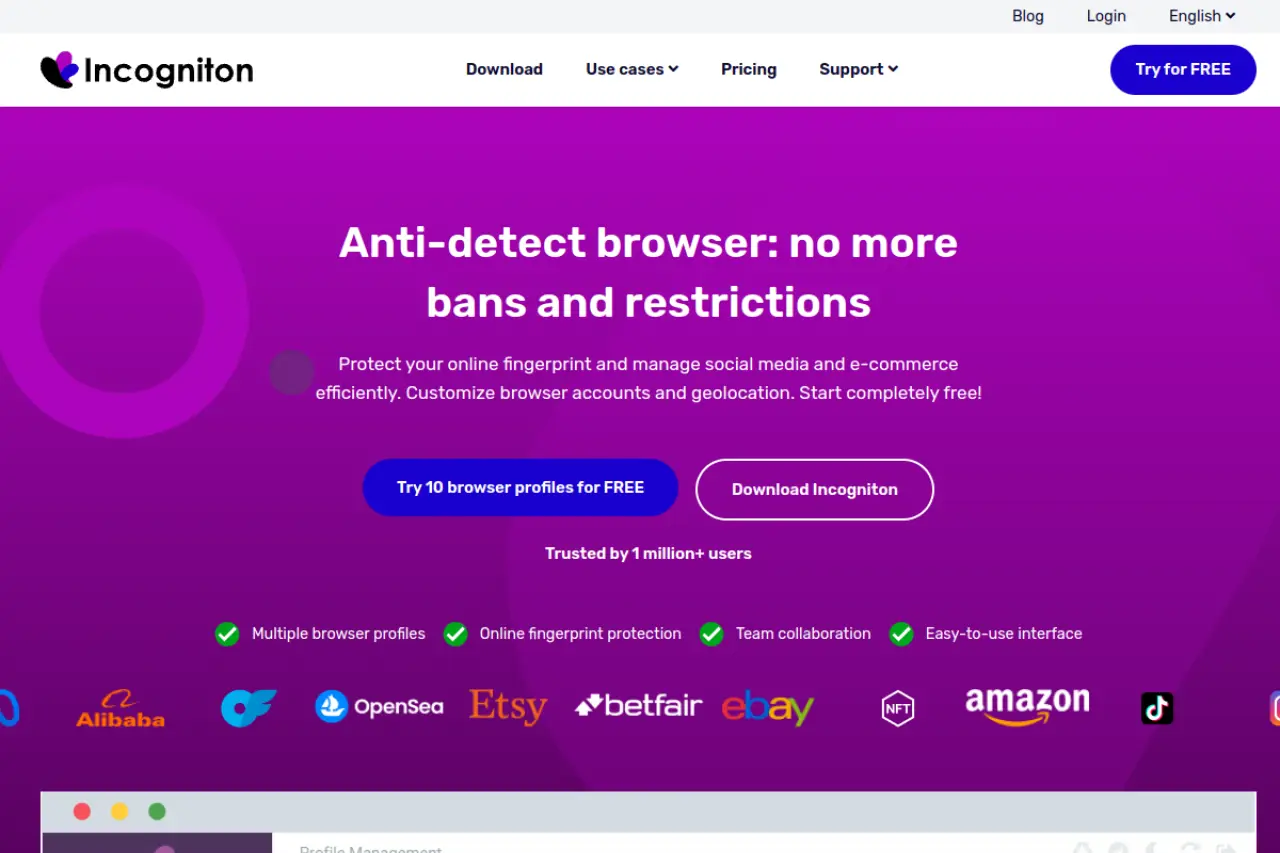
One useful feature for ticket sites is the "Paste as human typing" function. This mimics human keystrokes when entering credit card info, which helps bypass behavioral detection filters.
Key Features:
- Bulk Creator: Generate many profiles in one click.
- Human Typing: Simulates real keyboard input.
- Data Storage: Local data storage for faster loading.
Pros:
- Generous free plan (10 profiles).
- User-friendly for beginners.
- Good documentation.
Cons:
- Can be slower than Dolphin or AdsPower.
- Interface is functional but basic.
Price: Free plan available. Paid starts at $29.99/month.
Verdict: A solid entry-level choice for new ticket resellers.
Undetectable.io: Local Profile Flexibility for High Volume
Undetectable.io is unique because it allows for unlimited local profiles on paid plans. If you have a powerful server or PC, you can create as many profiles as your hardware can handle without paying extra per profile.
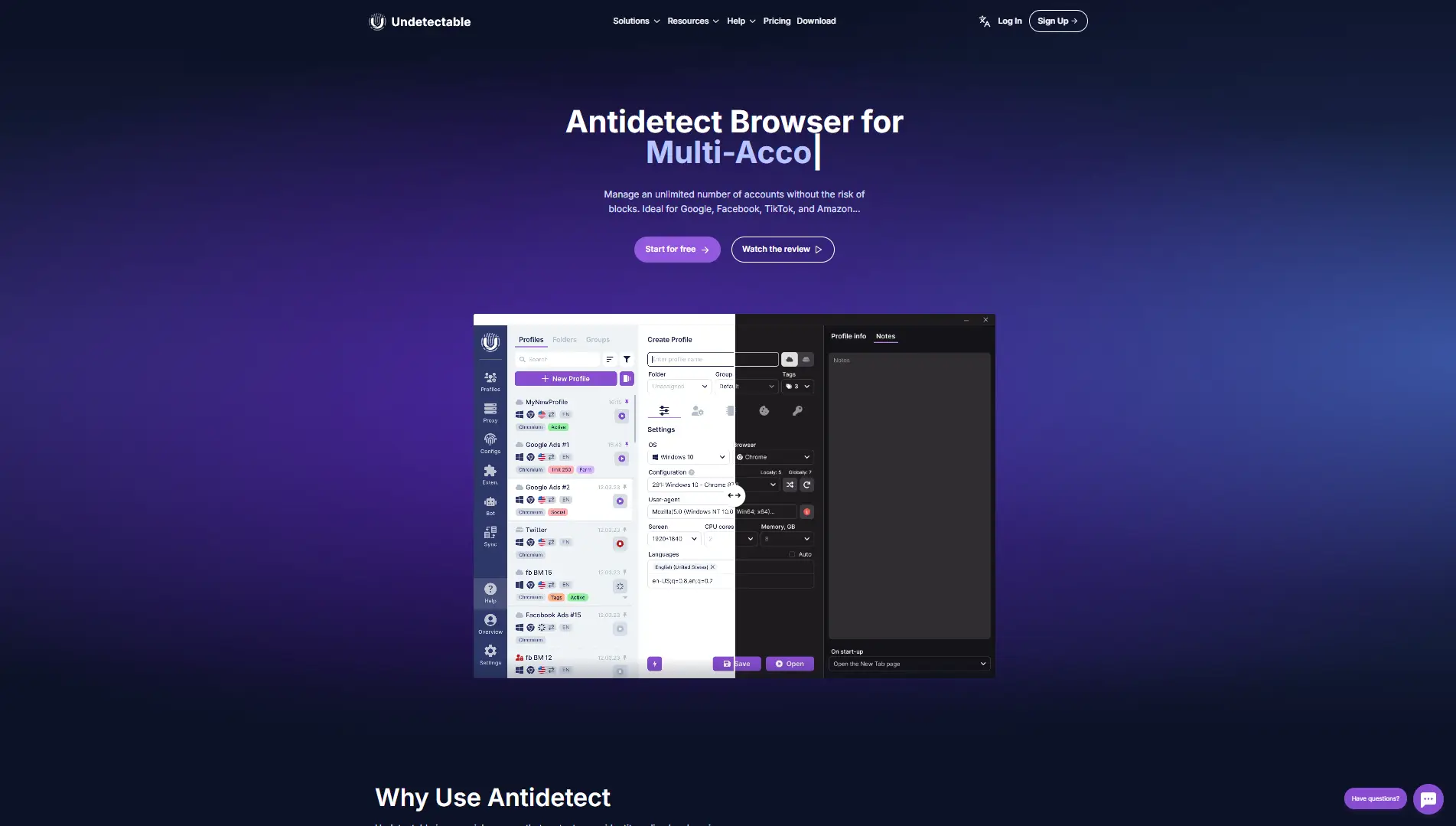
This is ideal for ticketmaster waiting room bypass strategies that rely on "queue saturation"—flooding the waiting room with hundreds of users to increase odds.
Key Features:
- Unlimited Local Profiles: No caps on locally stored accounts.
- Fingerprint Store: Buy and download fresh fingerprints.
- Cookie Bot: Automated browsing to warm up accounts.
Pros:
- Cost-effective for high-volume users.
- Flexible storage options.
- Good for bulk operations.
Cons:
- Requires powerful hardware to run many local profiles.
- Cloud sync is limited on cheaper plans.
Price: Free plan available. Paid starts at $49/month.
Verdict: Best for users with strong hardware who need volume.
Hidemyacc: Advanced Bypass Tech for Hardened Sites
Hidemyacc claims to have superior fingerprinting technology specifically designed to bypass tough detection systems. They use "Ghosty" and "Marco" browser kernels to mask your identity.
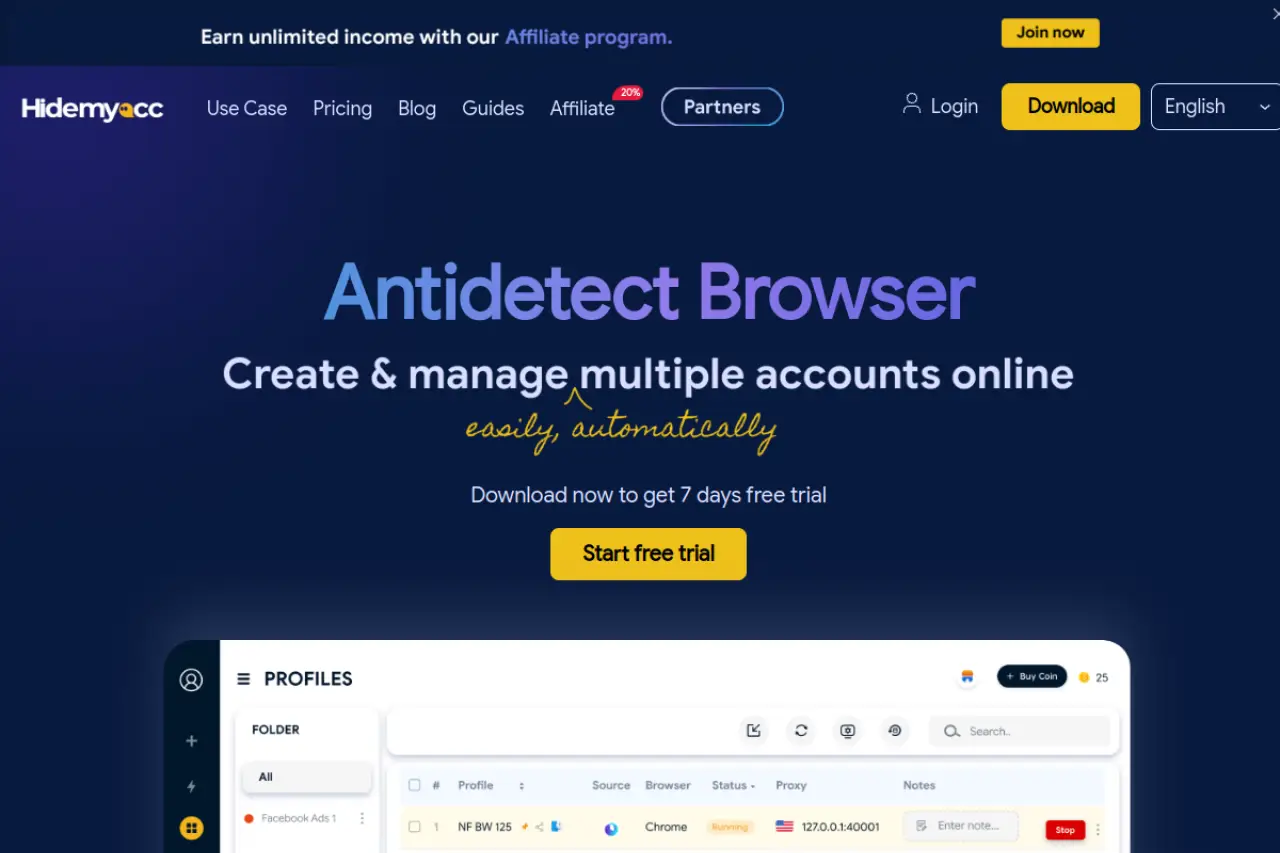
For sites with aggressive bot protection, Hidemyacc offers a feature called "Magic Link." This allows you to transfer a session to another device instantly, which is useful for handing off a cart to a buyer or partner.
Key Features:
- Ghosty/Marco Kernels: Specialized for anonymity.
- Magic Link: Instant profile transfer.
- Free Proxy: Includes basic free proxies (use with caution).
Pros:
- Strong focus on bypassing bans.
- Competitive pricing.
- Regular updates to match security changes.
Cons:
- Smaller community than Multilogin.
- Free proxies are not suitable for ticket sites.
Price: 7-day trial. Paid starts at $29/month.
Verdict: A strong contender for bypassing tough security filters.
ixBrowser: Cost-Effective Entry into Multi-Accounting
ixBrowser disrupts the market by offering a "Free Forever" model for basic profile management. You only pay for premium features or proxies. This makes it the most accessible tool for those with zero budget.
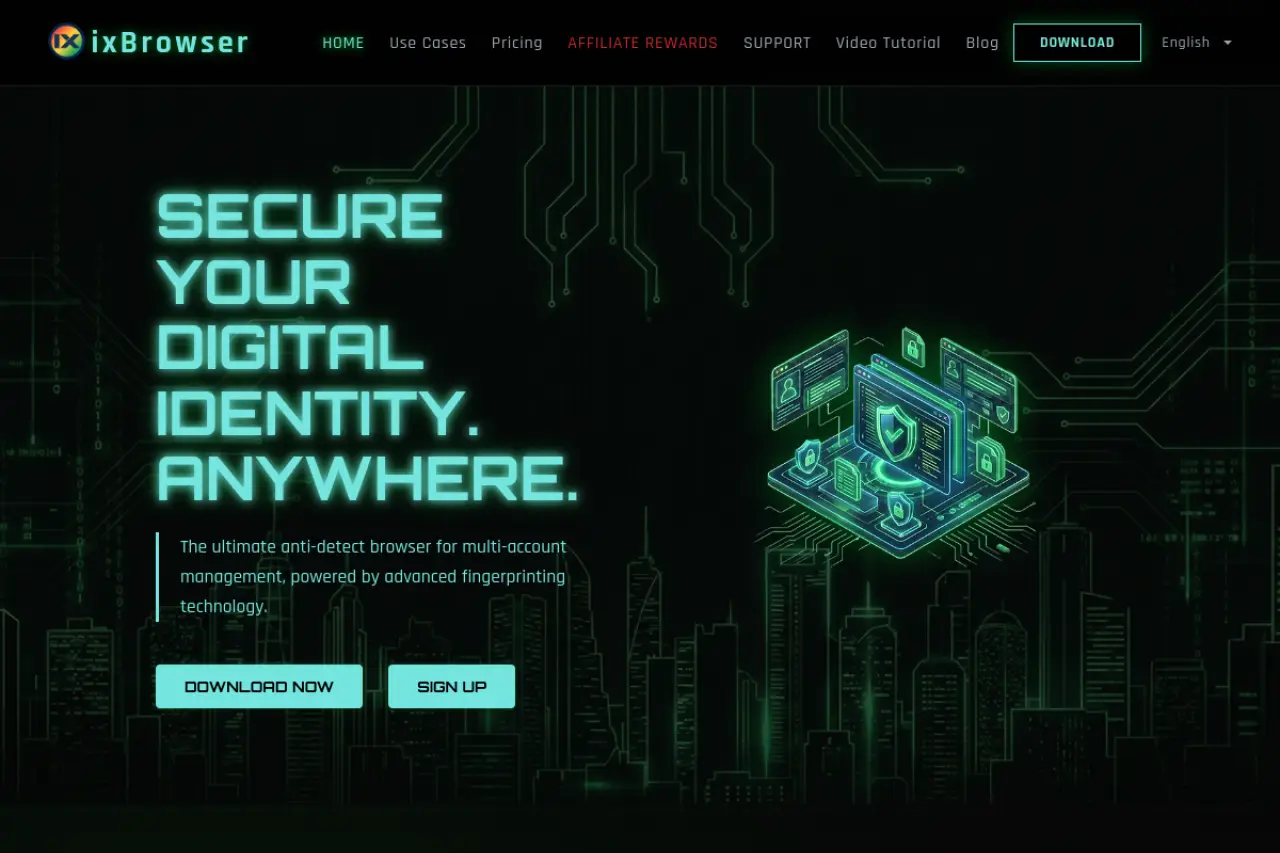
While it may lack some of the advanced automation features of DICloak, it handles the basics of fingerprint isolation well. It is a good backup tool to have in your arsenal.
Key Features:
- Unlimited Profiles: Create as many as you want for free.
- Extension Management: Easy Chrome extension installation.
- API Access: Available for custom scripts.
Pros:
- Unbeatable price (Free).
- Lightweight and fast.
- Simple setup.
Cons:
- Support is less comprehensive than paid tools.
- Advanced automation features cost extra.
Price: Free forever. Premium upgrades from $3.99/mo.
Verdict: The best zero-risk option to start learning multi-accounting.
Kameleo: Desktop and Mobile Emulation Mastery
Kameleo is specialized in mobile emulation. Some ticket drops, like those on AXS, are sometimes mobile-app exclusive or easier to access via mobile. Kameleo allows you to emulate Android and iOS devices on your desktop.
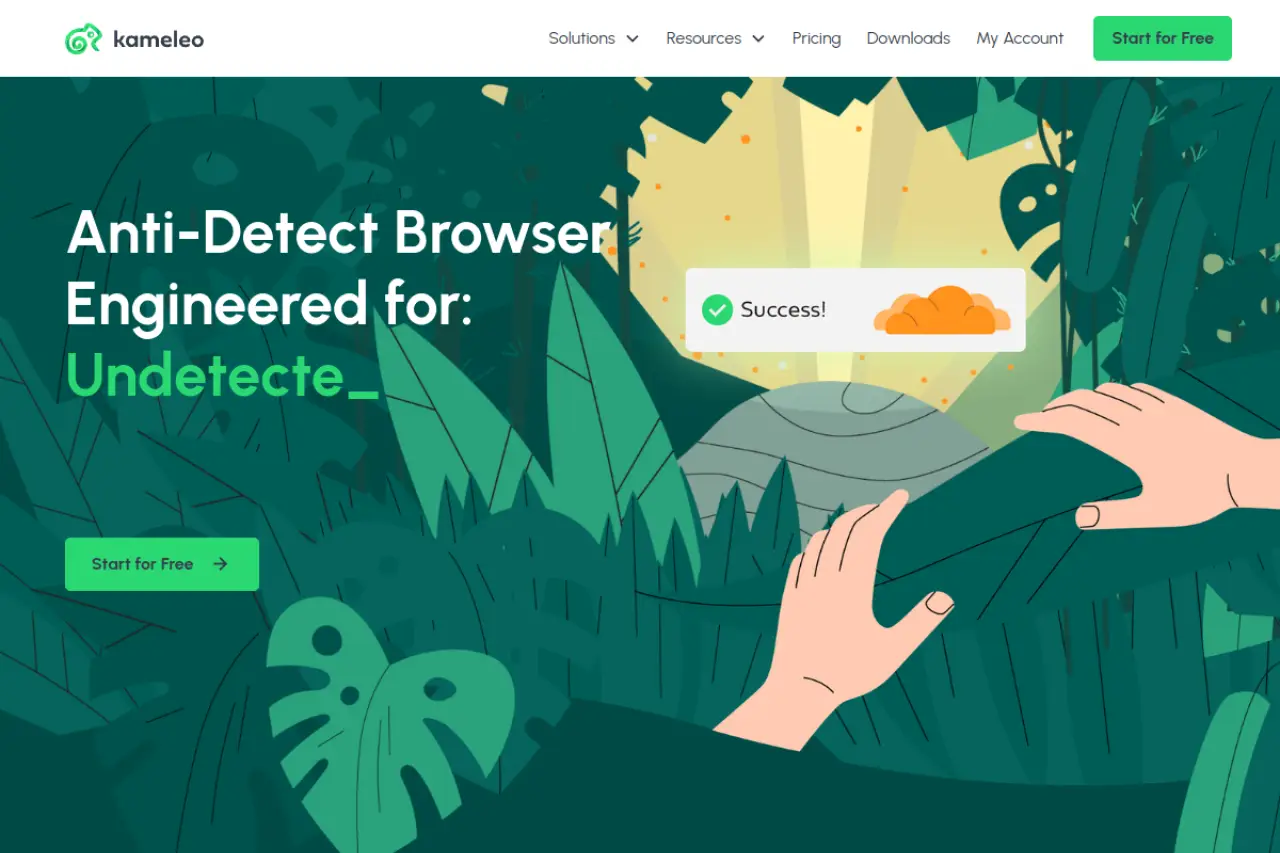
It supports intelligent canvas spoofing, which alters the way your browser renders graphics to ensure it looks different from your real machine. This is critical for evading Canvas fingerprinting.
Key Features:
- Mobile Profiles: Full Android/iOS emulation.
- Intelligent Canvas Spoofing: Randomizes rendering data naturally.
- Unlimited Local Profiles: Similar to Undetectable.io.
Pros:
- Best-in-class mobile emulation.
- Unlimited profiles on base plan.
- Strong privacy features.
Cons:
- Interface is less modern than competitors.
- No cloud sync on basic plans.
Price: Starts at €59/month.
Verdict: Essential if your strategy involves mobile-only ticket drops.
Official Site: https://kameleo.io
Operational Strategies for Antidetect Browsers for Ticket Booking Sites
Now that you have the right software, you need a plan to use it. Owning a high-performance car does not make you a professional racer. You need a driving strategy. The same logic applies here. A robust Antidetect Browsers for Ticket booking sites strategy turns your software into a winning engine. You must follow a strict reselling workflow to avoid detection. This section outlines the Standard Operating Procedures (SOPs) used by enterprise-level brokers to secure inventory.
Ticketmaster Waiting Room Bypass: Queue Saturation Tactics
The most effective way to secure tickets is through "Queue Saturation." This is a numbers game. A single user has a very low statistical chance of getting a good queue number. However, if you enter the waiting room with 100 distinct profiles, your odds increase drastically.
To execute this, you need the right setup. Do not simply open multiple tabs in Chrome. Ticketmaster tracks your IP address and browser cookies. Opening 10 tabs on one standard browser will get your IP banned. Instead, you must launch separate profiles in your antidetect browser.
The Saturation SOP:
- Assign Unique IPs: Every browser profile must have a unique, high-quality residential proxy.
- Stagger Your Entry: Do not join the waiting room at the exact same second with all 100 profiles. This looks like a bot attack. Join gradually over a 5-minute window before the queue opens.
- Use Synchronization: Managing 100 windows is hard. Use the "Window Synchronizer" feature found in tools like DICloak. This lets you control one "Main" window, and the software replicates your mouse clicks and typing to all other open windows instantly.
This method allows one person to act as an entire team. It creates a legitimate "crowd" of users, all vying for a spot in line.
Queue-it Bypass Strategies 2026: Maintaining Session Persistence
Once you are in the queue, the battle is only half won. Systems like Queue-it actively scan your browser while you wait. If your browser acts strangely, you will be kicked out or receive a "403 Forbidden" error. The most critical queue-it bypass strategies 2026 revolve around Session Persistence.
Session persistence means your digital connection remains stable and consistent. Security bots look for interruptions or mismatches.
Key Technical Rules:
- Do Not Refresh: Never manually refresh a queue page. This resets your specific session token and pushes you to the back of the line.
- Prevent Sleep Mode: Ensure your computer and your antidetect browser do not enter "sleep" or "efficiency" mode. If the browser throttles background tabs to save RAM, the queue connection may drop.
- Consistent Fingerprints: Ensure your browser fingerprint (Canvas, WebGL) does not change mid-session. High-end tools lock these parameters automatically.
Safety and Ethics in Using Antidetect Browsers for Ticket Booking Sites
Building a massive inventory of warmed-up profiles is useless if you lose them to a security breach. When you manage hundreds of accounts, you are not just a ticket buyer; you are a data controller. Data privacy is the foundation of a sustainable brokerage business. If your browser tool is not secure, you risk losing your accounts, your financial data, and your reputation.
Data Privacy and Profile Encryption Standards
In 2026, the best antidetect browsers act like a digital vault. They do not just hide you from Ticketmaster; they hide your data from hackers. You must look for tools that use AES-256 encryption. This technology scrambles your data so that only you can read it.
When you execute complex queue-it bypass strategies 2026, your browser stores valuable session cookies. If a hacker steals these cookies, they can take over your active sessions and steal your tickets.
Essential Security Features:
- Cloud Encryption: Platforms like DICloak encrypt your profiles in the cloud. Even if their servers are attacked, your data remains unreadable.
- Two-Factor Authentication (2FA): Never use a browser tool that allows login with just a password. Always require a code from your phone.
- Local Storage Options: For maximum secrecy, some businesses prefer storing profiles only on their own devices, not the cloud.
Mitigating the Risk of Financial Identity Theft
Ticket brokers often manage hundreds of Virtual Credit Cards (VCCs). This creates a high risk for account safety. If one browser profile is compromised, you do not want the attacker to access your entire banking dashboard.
A professional antidetect browser provides strict Clipboard Isolation. This means if you copy a credit card number in Profile A, it cannot be accidentally pasted or read by a script running in Profile B. This prevents "cross-contamination" of your financial identities.
Furthermore, you should ensure your team members only see what they need to see. Use the "Team Management" features in DICloak to hide actual credit card details from virtual assistants (VAs). They can click "Buy" using a saved card, but they cannot see the full 16-digit number.
Compliance with Platform Terms of Service in 2026
We must address the legal landscape. There is a sharp difference between smart infrastructure and illegal hacking. In many regions, laws like the US BOTS Act make it illegal to circumvent security measures to buy tickets in bulk.
Ticket reselling ethics generally draw the line at "access control bypass." Using an antidetect browser to manage multiple legitimate identities is often a violation of a website's Terms of Service (ToS), but it is distinct from hacking into a site's backend code.
When looking for a ticketmaster waiting room bypass, ensure you are using tools that simulate human behavior, not tools that attack the server. Aggressive bot attacks can lead to legal trouble. As a business owner, your goal is to operate a scalable team of buyers, not a malicious botnet. Always verify the laws in your specific jurisdiction before scaling your operation.
FAQ: Frequently Asked Questions about Antidetect Browsers for Ticket Booking Sites
Can I use these tools for Ticketmaster waiting room bypass?
Antidetect browsers do not "hack" the queue or skip the line. Instead, they allow you to enter the waiting room with multiple, distinct identities simultaneously. This increases your statistical chance of getting a good queue position. You are managing legitimate probability, not performing a technical ticketmaster waiting room bypass exploit.
What are the most effective queue-it bypass strategies 2026?
The most effective queue-it bypass strategies 2026 focus on session persistence and trust. You must "warm" your browser cookies on legitimate sites days before the sale. Tools like DICloak help ensure your browser fingerprint matches your proxy location perfectly. This prevents the security system from flagging your session as a "bot" before you even enter.
Can antidetect browsers emulate mobile devices for AXS drops?
Yes, high-end browsers can simulate mobile environments. You can adjust the User Agent and screen resolution to mimic an iPhone or Android device. This allows your team to access "app-only" ticket inventory directly from a desktop interface.
How do I prevent account linking between my fan personas?
You prevent linking by strictly isolating every digital data point. You must ensure that no two profiles share an IP address, a Canvas hash, or a payment method. If one account leaks data to another, the platform will ban both.
Do I need a different credit card for every browser profile?
Yes. Using the same credit card across multiple accounts is the fastest way to trigger a fraud alert. You should use Virtual Credit Card (VCC) providers to assign a unique card number to each browser profile. This keeps your financial identities as separate as your digital fingerprints.
 Web Proxy Tools
 Free Tools
 Cookie Plugin
 UA Generator
 MAC Address Generator
 IP Generator
 IP Address List
 2FA Code Generator
 World Clock
 Anonymous Check
 WebRTC Leak Test
 UUID Generator
 Free Web Proxy Site
 Proxy Checker
 FB Ad Checker
 AI Web Scraping
 Free SMM Tools
 Twitter Shadowban Checker
 Instagram Name Checker
 UTM Generator
 Username Generator
 AI Hashtag Generator
 LinkedIn Headline Generator
 Social Media Image Resizer