In 2026, Amazon account survival is no longer about experience or luck—it is about systems. Seller Central has evolved into a high-risk environment where one small data overlap can trigger instant “Related Account” suspensions and freeze your entire operation. For serious sellers managing multiple entities, marketplaces, or regions, the question is no longer whether you need protection, but how strong that protection is. This guide breaks down why an Antidetect Browser for Amazon Sellers has become core infrastructure, how modern fingerprint linking really works, and which tools can genuinely protect your business at scale.
The Account Suspension Crisis: Why Your Antidetect Browser for Amazon Sellers Strategy Starts Here
Every serious Amazon merchant fears the "Related Account" suspension email. It freezes your funds and halts your business instantly. In 2026, protecting your revenue requires more than just luck; it requires defense. This is why a professional Antidetect Browser for Amazon Sellers is the most critical tool in your infrastructure. It is the only reliable way to separate your business assets and prevent catastrophic data leaks.
The Hidden Mechanics of a "Chain Ban"
Most sellers believe that simply clearing cookies or using "Incognito Mode" is enough to hide their identity. This is a dangerous mistake. Amazon’s security algorithms are far more advanced. They track your specific browser fingerprinting protection data.
Your "digital fingerprint" is not just your IP address. It includes deep technical details about your computer, such as:
- Your screen resolution and window size.
- The specific fonts installed on your operating system.
- Your graphics card (GPU) renderer.
- Even your battery life status.
When you use a standard browser like Chrome or Safari, this hardware data is visible to Amazon. If you log into two different Seller Central accounts from the same computer, the fingerprints match perfectly. Amazon's AI links these accounts together immediately.
If one account gets flagged for a minor policy violation, the system automatically bans every other account linked to that fingerprint. This is known as a "chain ban." It can wipe out years of hard work in seconds.
To operate stealth accounts safely, you must prevent Amazon from seeing your real hardware. You need a tool that spoofs this data. An antidetect browser creates a unique, isolated digital environment for every account. It ensures that Amazon sees a different device for every login, making account suspension via linking mathematically impossible.
The Architecture of Stealth: How a Modern Antidetect Browser for Amazon Sellers Works
Since we understand the threat of digital fingerprints, we must look at the technical solution. You cannot simply block Amazon's trackers. If you block them, their security system marks you as suspicious immediately. Instead, you need to feed them "fake but real-looking" data. This is the core function of a professional Antidetect Browser for Amazon Sellers.
The technology relies on a process called profile isolation. Imagine you have fifty distinct physical laptops on your desk. Each one has a different screen size, a different graphics card, and a different internet connection. An antidetect browser creates this same environment virtually inside a single software application.
When you create a new "profile" in the software, it generates a unique digital fingerprint for that specific session. It keeps every account completely separate from the others.
How the Masking Process Works:
- Hardware Spoofing: When Amazon asks your browser, "What graphics card are you using?", the browser intercepts the question. It does not answer with your real computer's details. Instead, it answers with the data specific to that profile. This protects you from browser fingerprinting protection failures.
- Canvas and Audio Noise: Advanced tools modify the Canvas API readout. They add invisible "noise" to the image your browser renders. This ensures your computer looks unique compared to millions of other users, but consistent every time you log into that specific account.
- Cookie Containers: Each profile has its own secure jar for cookies and cache. If you log out of one profile, the cookies from that session never touch your other accounts.
- Network Alignment: Finally, the browser routes your connection through a specific proxy IP address. This ensures your location data matches the profile's time zone and language settings perfectly.
By using this architecture, you move from "hiding" to "blending in." You appear as a normal, distinct user for every single account you operate.
The Top 10 Solutions: Finding the Best Antidetect Browser for Amazon Sellers in 2026
You now understand the technology behind digital masking. The next step is choosing the right tool. Selecting the best Antidetect Browser for Amazon Sellers is the most critical infrastructure decision you will make this year. A weak browser leaks data, and data leaks lead to immediate suspension.
Below, we review the top 10 market leaders for 2026. We judged these tools on security, automation capabilities, team management features, and price.
| Tool |
Best For |
Starting Price (Paid) |
Free Plan? |
| DICloak |
Secure Scaling & Automation |
$8/mo |
Yes |
| Multilogin |
Enterprise Security |
€99/mo |
No |
| GoLogin |
Cloud Flexibility |
$24/mo |
Yes |
| AdsPower |
E-commerce Arbitrage |
$5.40/mo |
Yes |
| Dolphin{anty} |
Affiliate Marketing |
$10/mo |
Yes |
| Incogniton |
Bulk Scraping |
$19.99/mo |
Yes |
| Browser.lol |
Quick Tests |
$9/mo |
Yes |
| Octo Browser |
Crypto & High Speed |
€29/mo |
No |
| MoreLogin |
Mobile App Emulation |
$9/mo |
Yes |
| BitBrowser |
Budget Users |
$10/mo |
Yes |
DICloak: Advanced Automation for Large-Scale Sellers
DICloak stands out as the premier Antidetect Browser for Amazon Sellers in 2026. While other browsers focus on just hiding your IP, DICloak focuses on the entire business workflow. It is built specifically for sellers who need to manage hundreds of accounts without hiring a massive team.
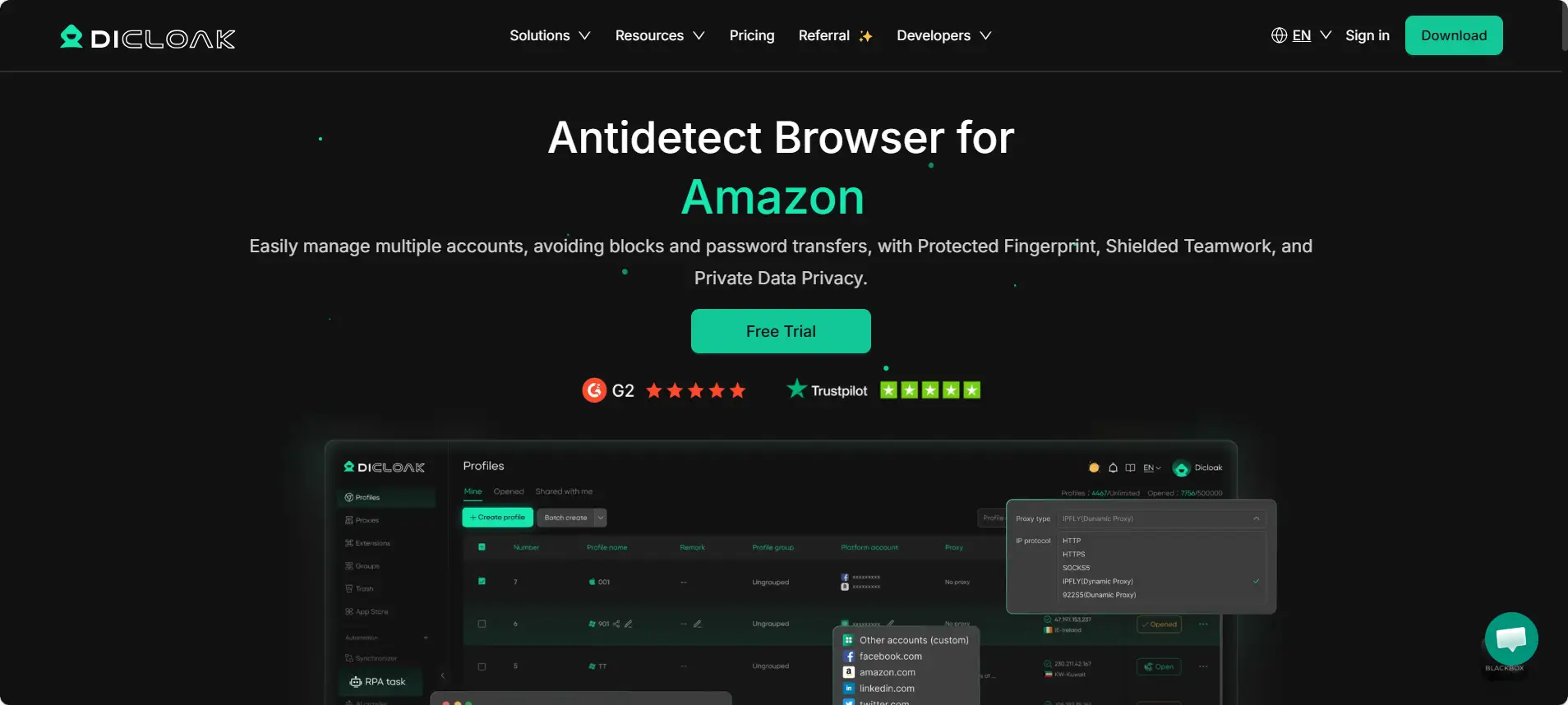
The standout feature is the RPA (Robotic Process Automation). You can automate repetitive tasks, like checking orders or warming up cookies, without needing to know how to code. This saves countless hours of manual work.
For teams, DICloak allows you to share profiles safely. You can give a Virtual Assistant access to an account without sharing your password. This keeps your main credentials secure.
Key Features:
- Manage 1,000+ Accounts: Scale without lag on a single device.
- RPA Automation: Automate cookie farming and order checks.
- Team Collaboration: Granular permission settings for staff.
- Zero Ban Risks: Advanced fingerprint protection.
Pros:
- High-level security prevents "chain bans."
- Excellent automation tools included.
- Competitive pricing for the value.
Verdict: The top choice for serious businesses scaling multiple Amazon accounts securely.
Price: Free plan (5 profiles). Paid plans start at $8/mo.
Multilogin: The Enterprise Gold Standard for Stealth
Multilogin has been a major player in the industry for years. It is often cited as the benchmark for quality. They focus heavily on mimicking real physical devices. Their browsers, Mimic and Stealthfox, are built to bypass sophisticated detection systems.
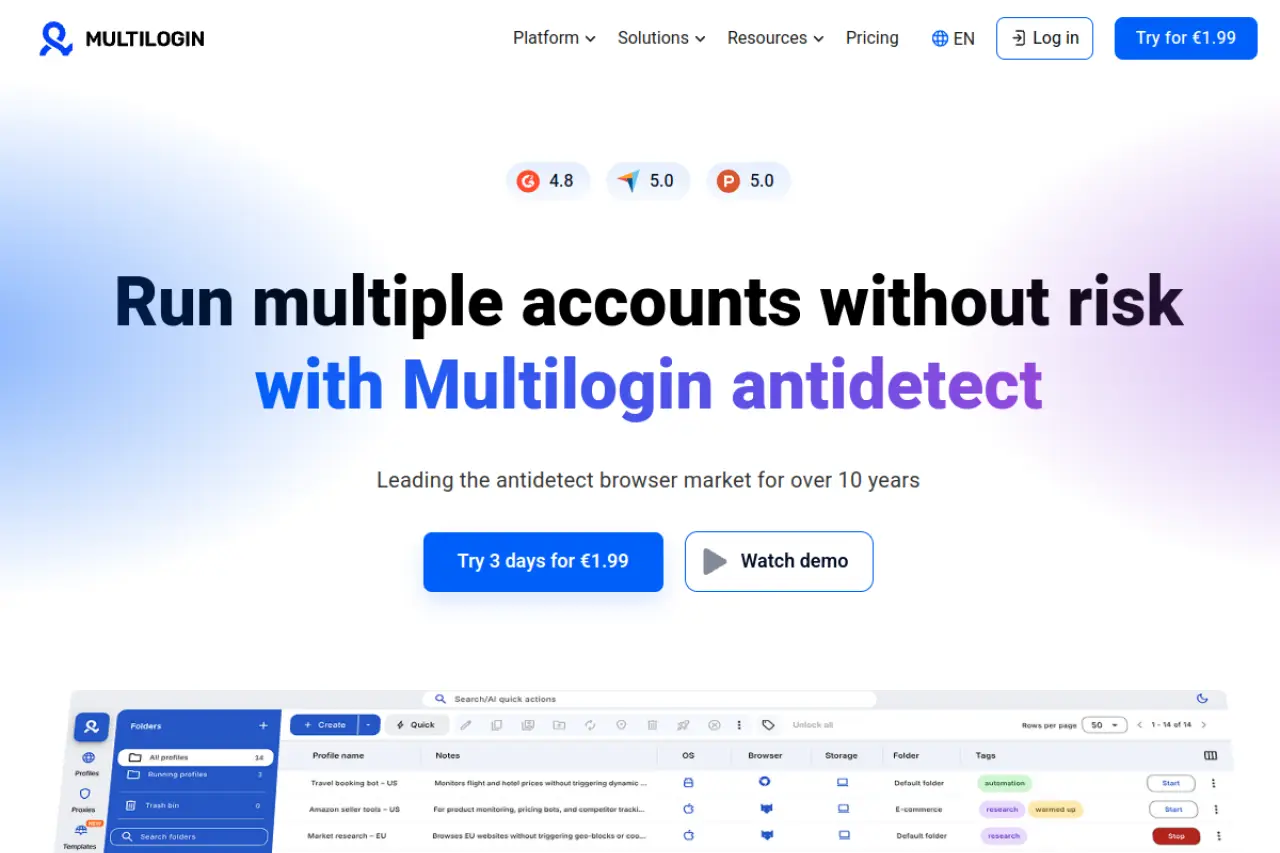
For Amazon sellers, multilogin offers stability. It integrates well with automation frameworks like Selenium. This is great for developers who want to build custom scripts. However, it is built for large enterprises with big budgets.
Key Features:
- Two custom privacy browsers (Mimic and Stealthfox).
- High-quality customer support.
- Automation integration.
Pros:
- Extremely reliable fingerprint masking.
- Frequent updates to match Amazon's security changes.
Cons:
- Very Expensive: The cost is significantly higher than competitors, with no free plan.
Verdict: A powerful tool, but the high price creates a barrier for growing sellers.
Price: Starts at €99/mo.
GoLogin: Cloud-Based Mobility and User-Friendliness
GoLogin is famous for its ease of use. It allows you to run profiles in the cloud. This means you do not need to download the browser to your local computer if you don't want to. You can access your Amazon accounts from a web browser on any device.
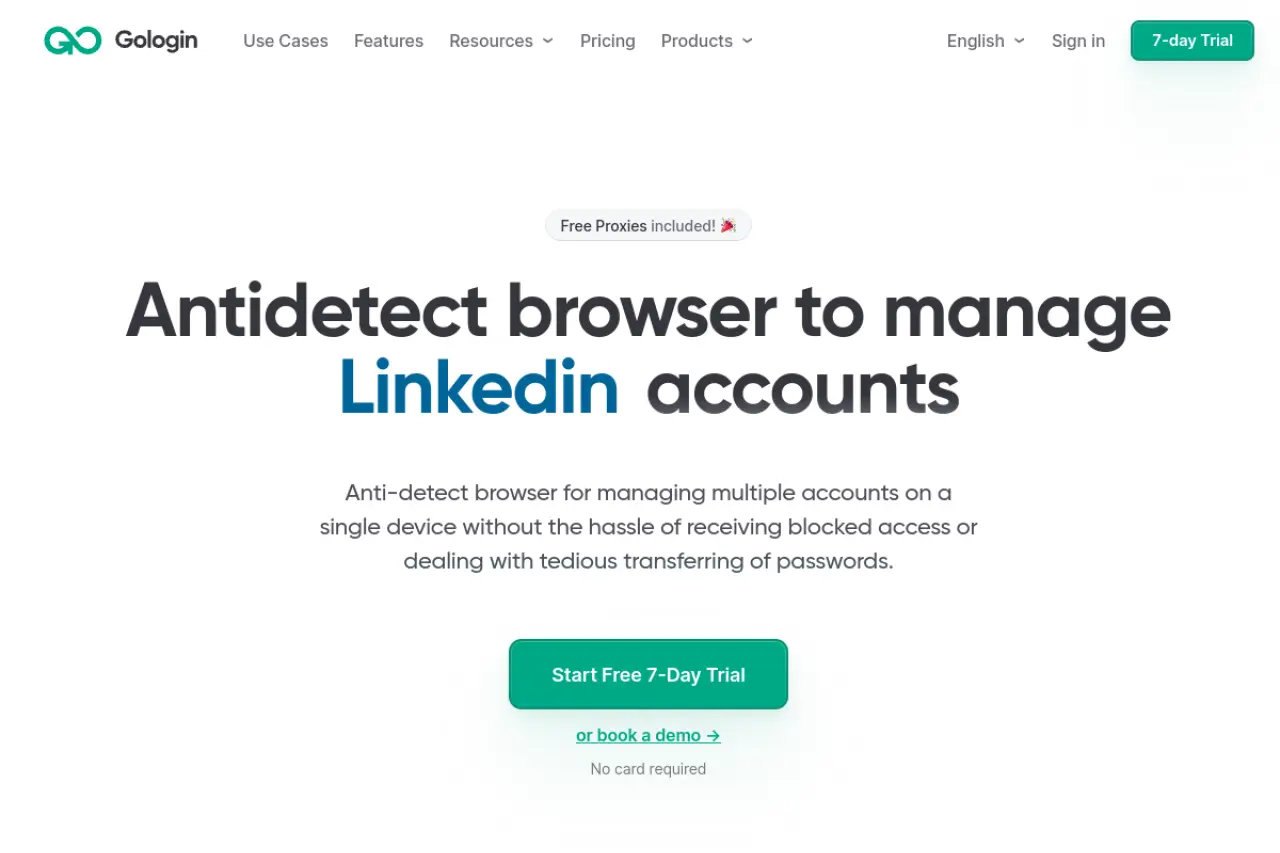
This feature is useful for travel. gologin also includes free proxies, though serious Amazon sellers should always buy dedicated residential IPs instead. The interface is clean and simple for beginners.
Key Features:
- Cloud-based profile launching.
- Android app for mobile management.
- 50+ connection characteristics to customize.
Pros:
- Very easy to set up and use.
- Good mobile accessibility.
Cons:
- Cloud Lag: Running the browser in the cloud can be slower than running it locally on your machine.
Verdict: Great for digital nomads, but local performance is better for heavy operations.
Price: Free plan (3 profiles). Paid starts at $24/mo.
AdsPower: Optimized for E-commerce Arbitrage
AdsPower is a favorite among arbitrage sellers because of its aggressive pricing. It offers flexible plans where you pay based on the exact number of profiles you need.
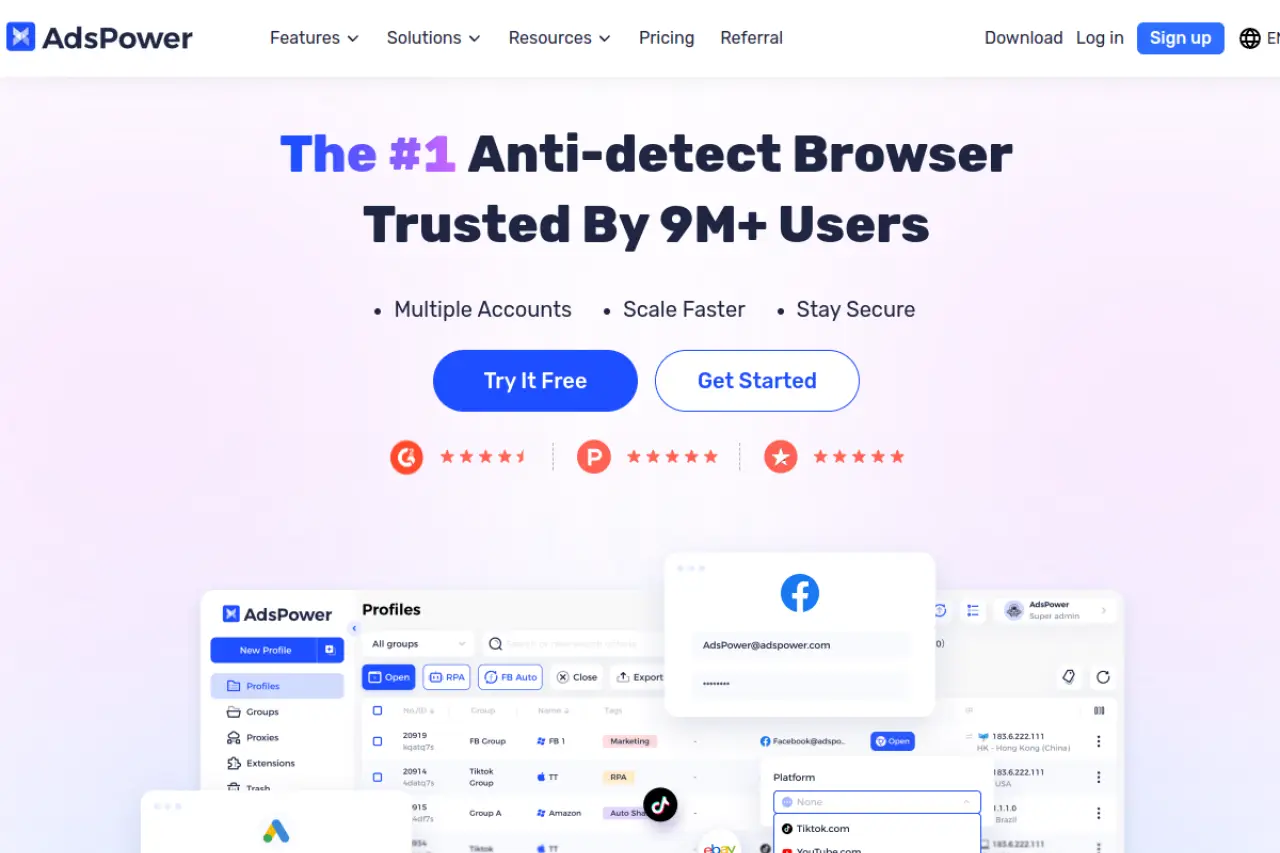
The software includes a "Synchronizer" feature. This lets you control one main window, and the mouse movements are copied to all other open windows. This is useful for bulk tasks, though risky on Amazon if used improperly.
Key Features:
- No-code RPA robot.
- Flexible "pay-as-you-go" pricing model.
- Synchronizer tool.
Pros:
- Very affordable for small teams.
- Strong automation features.
Cons:
- Complex Interface: The UI is dense and can be overwhelming for new users.
Verdict: A cost-effective solution if you have the patience to learn the interface.
Price: Free plan (2 profiles). Paid starts at $5.40/mo.
Dolphin{anty}: Built for Performance and Affiliate Marketing
Dolphin{anty} was originally built for affiliate marketers running ads on social media. However, many e-commerce sellers use it because of its speed. It is lightweight and handles hundreds of profiles without crashing.
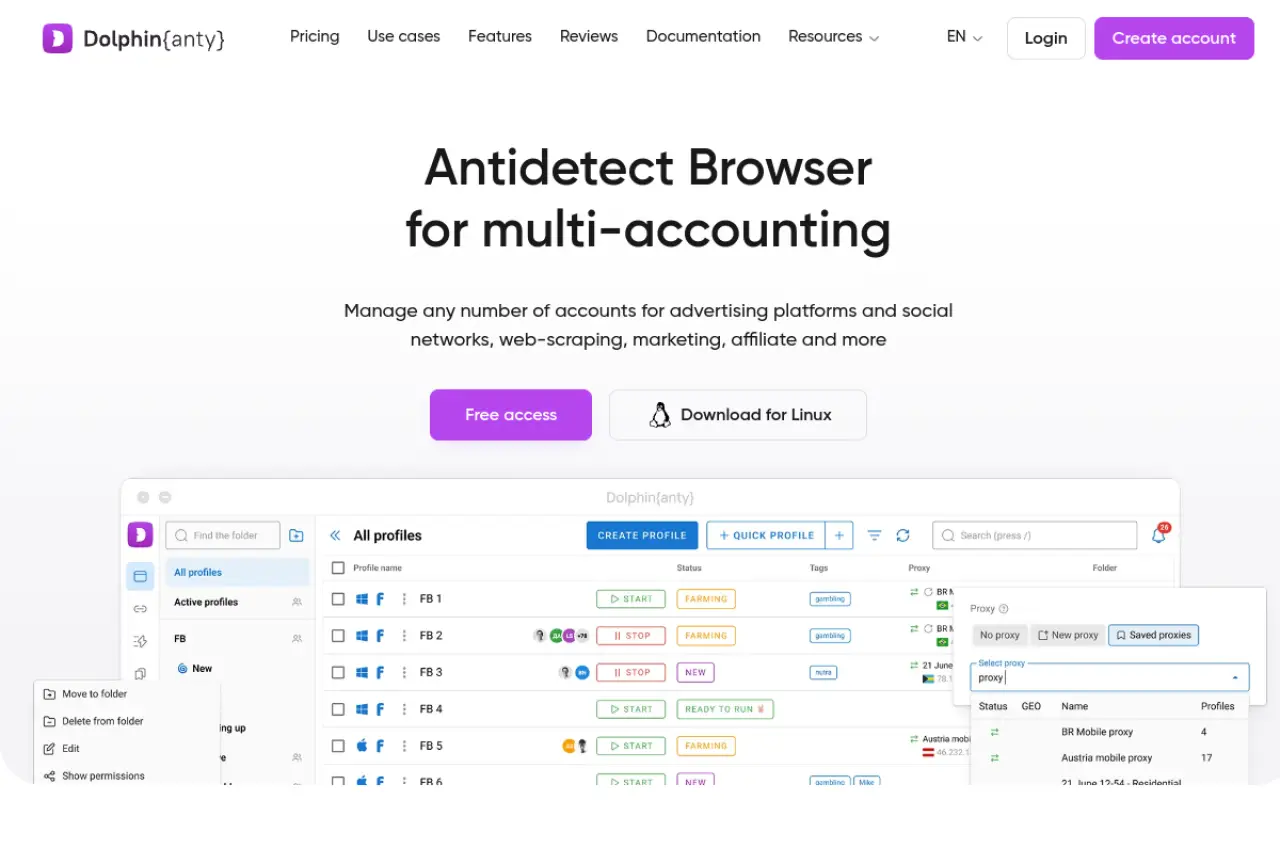
It has a visual "scenario builder" for automation. You can visualize your workflow steps easily. The tool also provides real browser fingerprints based on genuine systems.
Key Features:
- Visual automation builder.
- Manager/Admin role assignment.
- Cookie robot for warming profiles.
Pros:
- Modern, intuitive design.
- Fast performance.
Cons:
- Niche Focus: The features are tailored more toward ad buyers than Amazon sellers.
Verdict: Excellent for speed, but lacks some seller-specific integrations.
Price: Free plan (10 profiles). Paid starts at $10/mo.
Incogniton: Streamlined Account Isolation
Incogniton offers a generous free plan, making it a common entry point for new businesses. It allows you to simulate human typing, which is a subtle but effective way to bypass behavioral detection.
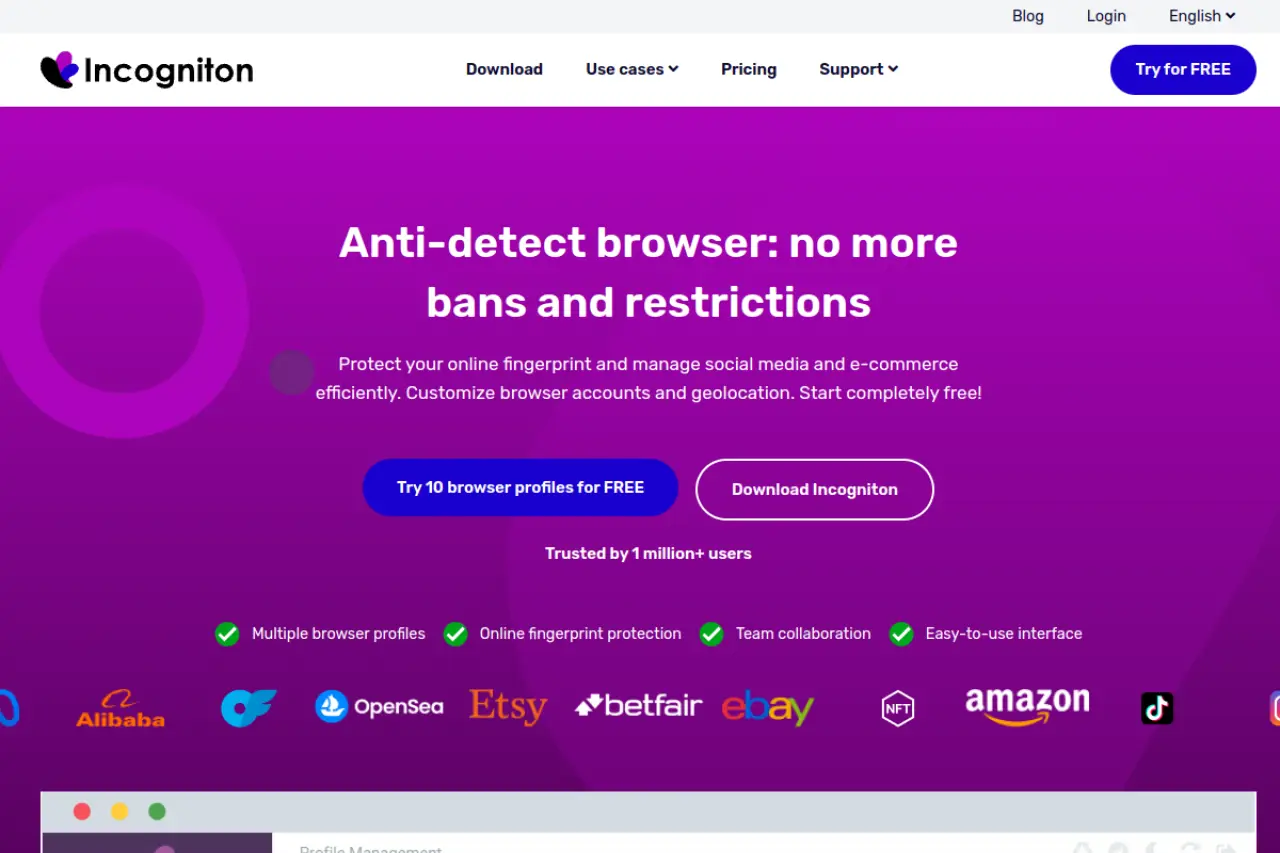
The tool focuses on data synchronization. You can access your profiles from different devices, and the data syncs automatically. It supports bulk profile creation, saving time during setup.
Key Features:
- "Paste as Human" typing emulation.
- Bulk creator tool.
- Data synchronization across devices.
Pros:
- Generous free tier for testing.
- Simple profile management.
Cons:
- Sync Speed: Syncing data between devices can be slow with large cookie files.
Verdict: A solid middle-ground choice, though performance can dip with heavy usage.
Price: Free (10 profiles). Paid starts at $19.99/mo.
Browser.lol: Disposable Sessions for Quick Audits
Browser.lol is unique. It is not a traditional antidetect browser for long-term account management. Instead, it provides disposable virtual browsers.
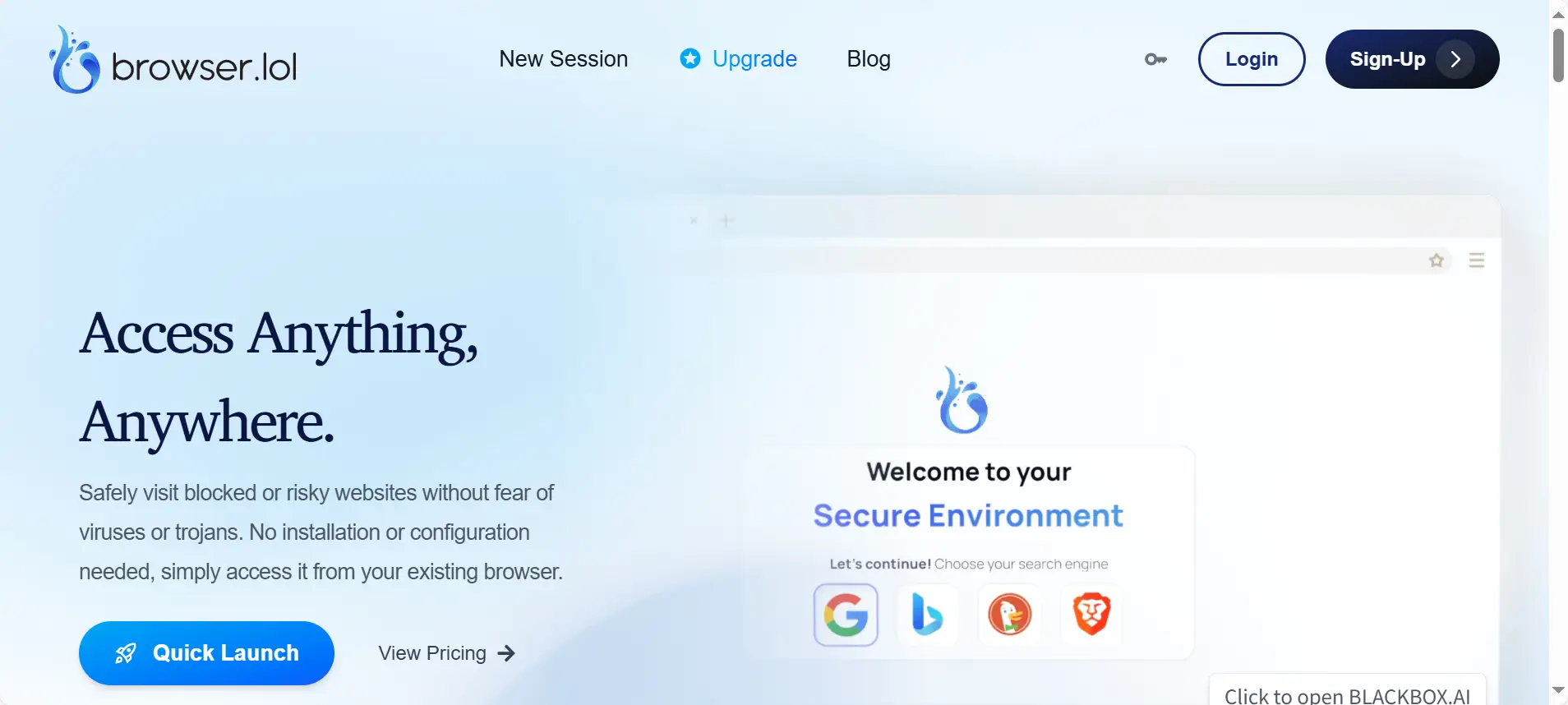
This is useful for quick tasks. For example, if you want to check how your Amazon listing looks from a different country without logging in, you can use this. It requires no installation.
Key Features:
- Instant access via web browser.
- No installation required.
- Malicious link analysis.
Pros:
- Great for one-off checks or safety audits.
- Zero footprint on your local machine.
Cons:
- No Persistence: It does not save cookies or sessions effectively for long-term seller accounts.
Verdict: Use this for quick audits, not for managing your Seller Central business.
Price: Free (limited). Premium is $9/mo.
Octo Browser: High-Performance Kernel Customization
Octo Browser is designed for speed. It uses a custom browser kernel to ensure it passes checks quickly. It is popular in the crypto and betting spaces, which have similar security requirements to Amazon.
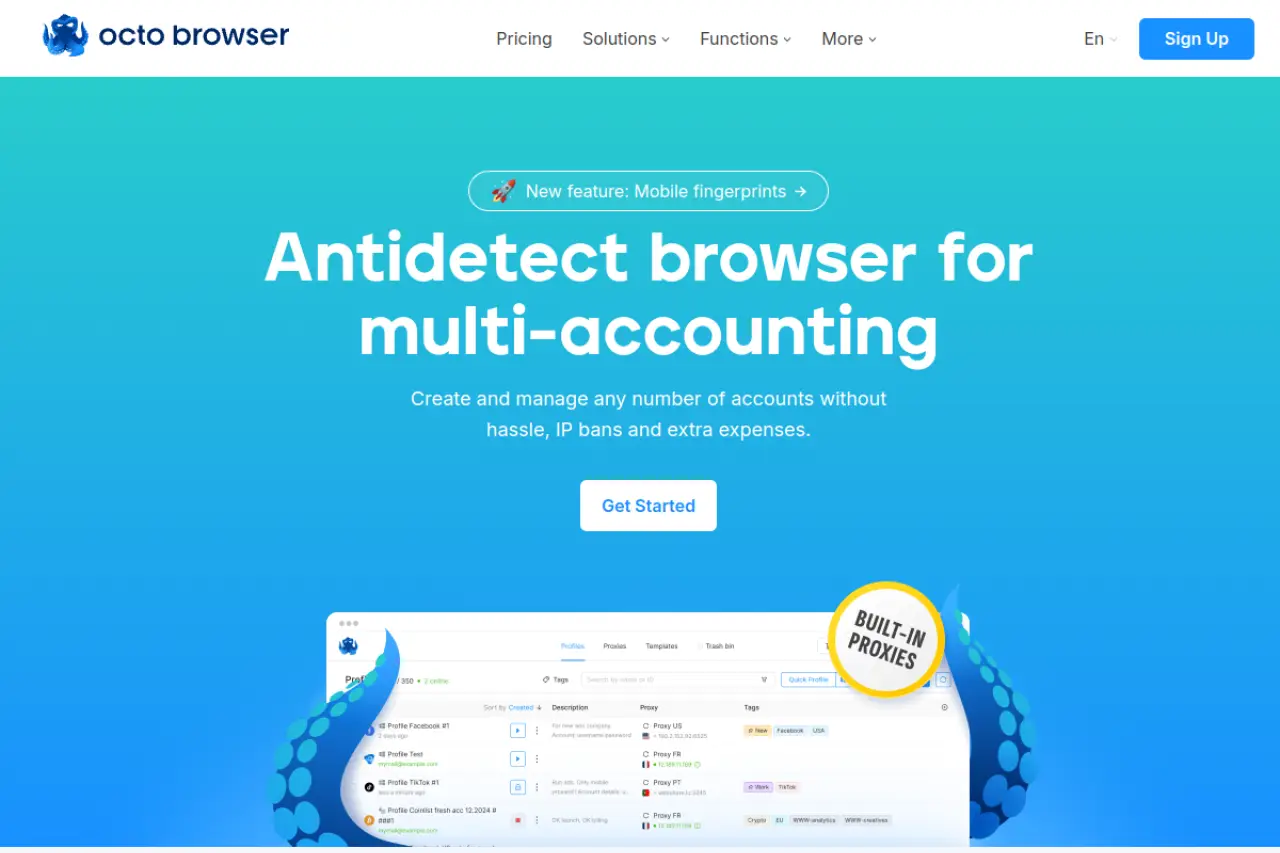
The interface is strictly functional. It supports API automation, allowing advanced teams to control the browser programmatically.
Key Features:
- Real digital fingerprints.
- Fast profile loading.
- API access for scripts.
Pros:
- Very fast and responsive.
- Passes complex security checks well.
Cons:
- Price Structure: The base plans are expensive compared to similar tools like DICloak.
Verdict: High performance, but you pay a premium for that speed.
Price: Starts at €29/mo.
MoreLogin: Mobile Emulation and Cloud Integration
MoreLogin addresses a specific need: mobile fingerprints. Amazon traffic is increasingly mobile. MoreLogin allows you to create fingerprints that look exactly like Android devices.
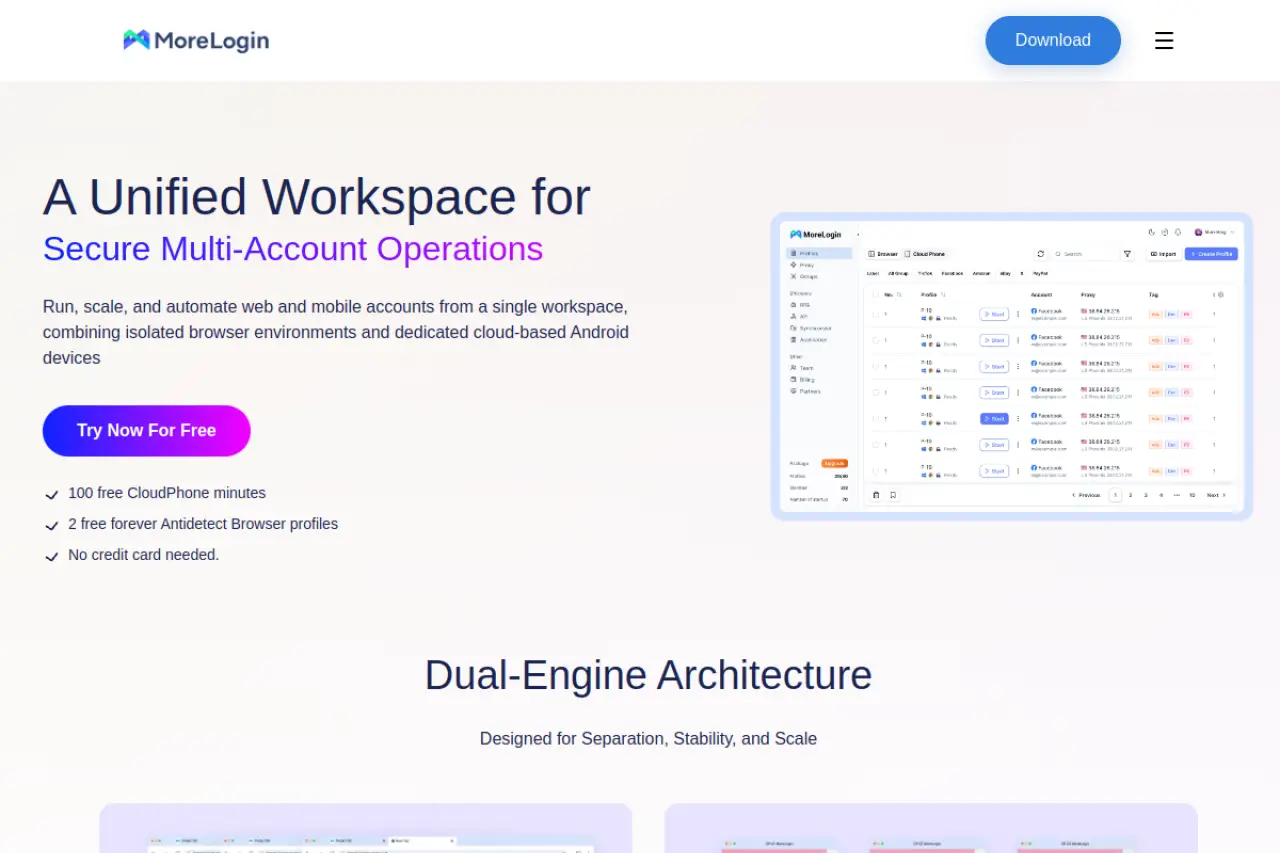
They also offer a "Cloud Phone" feature. This is not just a browser simulation; it emulates a physical phone environment. This is powerful for verifying accounts that require mobile app interaction.
Key Features:
- Real Canvas Fingerprinting.
- Cloud Phone Android emulation.
- Team collaboration tools.
Pros:
- Excellent mobile-first account strategies.
- Secure environment structure.
Cons:
- Hidden Costs: The Cloud Phone feature usually costs extra on top of the subscription.
Verdict: The best choice if your strategy relies heavily on mobile app verification.
Price: Free plan (2 profiles). Paid starts ~ $9/mo.
BitBrowser: The Cost-Effective Multi-Accounting Alternative
BitBrowser is the budget option on this list. It offers a permanent free plan for 10 profiles, which is very generous. The tool includes standard features like RPA automation and group control.
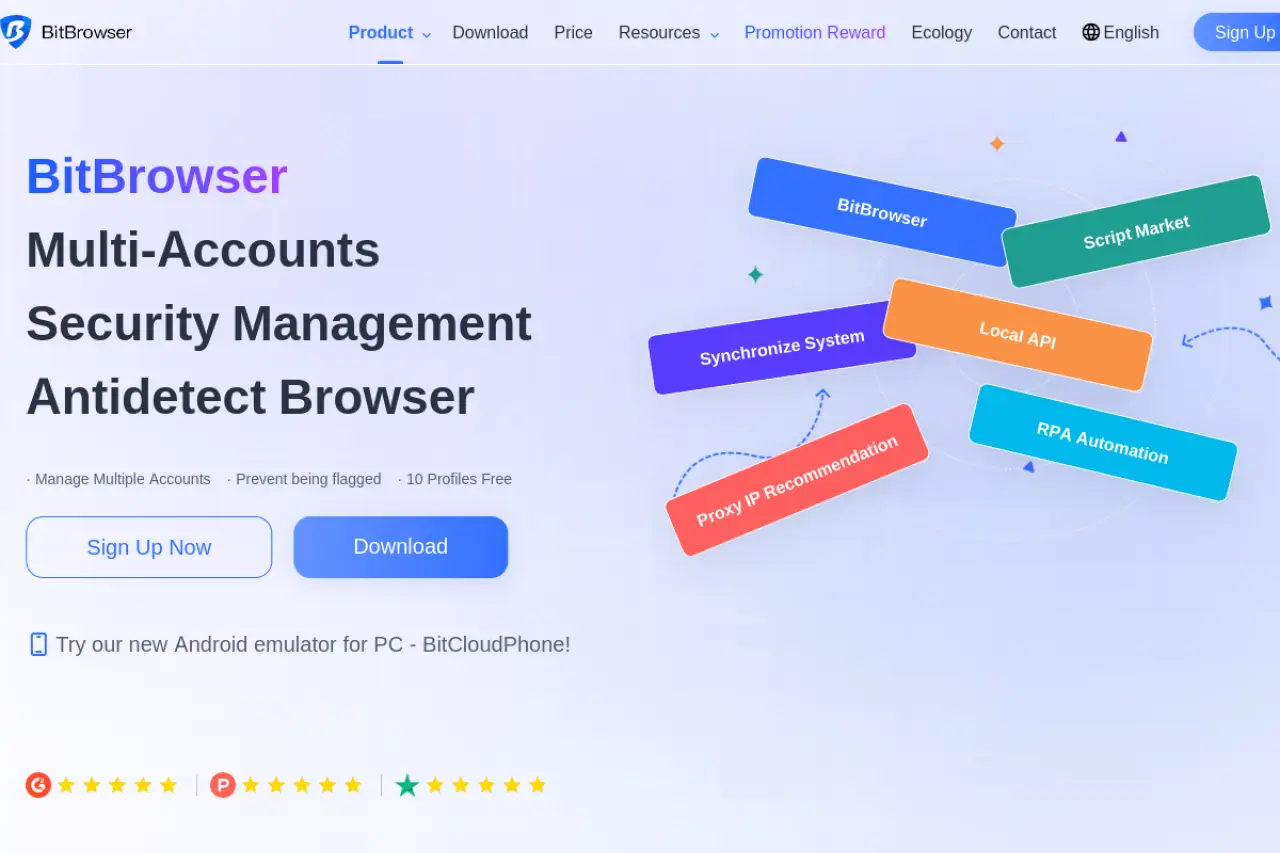
It supports extensions and allows you to manage profiles in batches. If you are starting with zero budget, this is a viable entry point.
Key Features:
- RPA Automation included.
- Group control for windows.
- Extension support.
Pros:
- Extremely low cost.
- Decent feature set for the price.
Cons:
- Support Limitations: Customer support and documentation may not be as robust or fluent in English as market leaders.
Verdict: Good for bootstrapping, but risky for high-value enterprise accounts due to support gaps.
Price: Free (10 profiles). Paid starts at $10/mo.
Operational SOPs: Scaling Successfully with an Antidetect Browser for Amazon Sellers
You have selected your software. Now you need a battle plan. An Antidetect Browser for Amazon Sellers is a powerful tool, but it requires strict rules to work. In the security world, we call these Standard Operating Procedures (SOPs). Without an SOP, even the most expensive software will not save you from a suspension. You must follow a disciplined workflow to keep your accounts safe.
Here is the exact strategy successful enterprise teams use to scale without getting banned.
The 7-Day Cookie Warming Phase: Simulating Human Behavior
When you create a new browser profile, it is "clean." It has no history. To Amazon’s security AI, a perfectly clean browser looks suspicious. Real humans have browsing history. You need to simulate this history before you ever log into Seller Central. This process is called cookie warming.
The Workflow:
- Days 1-2: Do not visit Amazon. Visit popular news sites, blogs, and other ecommerce stores (like eBay or Walmart). Scroll through pages and click links.
- Days 3-5: Search for products related to your niche on Google. Click on ads. Add items to carts on other sites but do not buy them.
- Days 6-7: Visit Amazon’s home page. Browse products as a guest. Do not log in yet.
- Day 8: Create your Seller Central account.
Advanced tools like DICloak can automate this for you. You can set up a "Cookie Robot" to visit these sites automatically. This builds a trusted digital footprint without wasting your team's time.
Static Residential Proxy Integration: The Only Choice for Amazon
Your IP address is your digital passport. The biggest mistake new sellers make is using cheap "datacenter" proxies. Amazon knows the IP ranges of datacenters (like AWS or DigitalOcean) and blocks them instantly.
You must use a Static Residential Proxy. This type of IP address is provided by a real Internet Service Provider (ISP), like Comcast or AT&T, to a home. It looks exactly like a normal customer connection.
Crucial Rules:
- One IP per Profile: Assign one static residential IP to one browser profile. Never change it.
- Location Consistency: If your LLC is registered in Texas, try to get an IP address near Texas.
- Avoid Rotating Proxies: Rotating proxies change your IP every few minutes. This triggers security alerts on Amazon. You need a "Static" or "Sticky" IP that stays the same for months.
Using the right proxy ensures your browser fingerprinting protection works correctly. If the browser hides your device but the IP is flagged, you will still fail verification.
Managing Identity Silos: Document and Payment Isolation
Your Antidetect Browser for Amazon Sellers handles technical isolation. It hides your Canvas hash, WebRTC, and hardware details. However, it cannot stop human error. You must build "Identity Silos" for your legal and financial data.
If you use the same credit card for two different Amazon accounts, Amazon will link them. If one gets banned, the other will be banned immediately. This is called a "Chain Ban."
The Isolation Checklist:
- Legal: Use a separate LLC and EIN number for every seller account.
- Financial: Open a distinct business bank account and debit card for each LLC. Never mix funds.
- Contact: Use a unique phone number and email address. Do not use email aliases (like name+account1@gmail.com). Amazon can detect this.
- Recovery: Use a different recovery email and phone number for 2FA (Two-Factor Authentication).
By combining strict identity isolation with a high-quality browser like DICloak, you create a fortress around your business. This prevents a single mistake from destroying your entire operation.
Frequently Asked Questions about Antidetect Browser for Amazon Sellers
Is using an Antidetect Browser for Amazon Sellers against the law?
No, using this software is not illegal. It is a legitimate tool for digital privacy and data protection. However, using it to violate Amazon's Terms of Service can result in account suspension. You must use the browser to manage legitimate, distinct business entities rather than to commit fraud.
How many Amazon accounts can I run on one Antidetect Browser?
You can technically run hundreds or even thousands of accounts on one platform. Advanced tools like DICloak allow you to scale without limits on a single device. The real restriction is your ability to provide valid legal documents, tax IDs, and banking information for each separate account.
Will Amazon detect my Antidetect Browser through WebRTC?
Amazon will detect you if you simply disable WebRTC, as normal users rarely do this. High-quality browsers use advanced browser fingerprinting protection to "spoof" or alter the WebRTC leak. This shows Amazon a harmless, fake local IP address that matches your proxy instead of your real location.
Do I still need a separate laptop for each Amazon account?
No, buying separate laptops is the old, expensive method. An Antidetect Browser for Amazon Sellers creates a secure virtual container for every profile. Amazon views each container as a completely different physical computer, allowing you to manage your entire operation safely from one desktop.
How do I share an Amazon account profile with a VA safely?
Never give your main Amazon password to a Virtual Assistant (VA). Instead, use the "Team Member" feature in your browser software to grant restricted access. This lets the VA launch the profile and work instantly without ever seeing your login credentials or 2FA codes.
Conclusion
Amazon’s enforcement systems in 2026 are built to eliminate patterns, not punish mistakes. Once accounts are linked through fingerprints, payments, or behavior, recovery is nearly impossible. A professional Antidetect Browser for Amazon Sellers is not a growth hack—it is a defensive shield that separates risk, preserves capital, and keeps businesses alive. When combined with strict SOPs, proper proxy alignment, and full legal and financial isolation, tools like DICloak allow sellers to scale confidently instead of constantly reacting to suspensions. In today’s Amazon ecosystem, stealth is not optional—it is the foundation of long-term survival.
 Web Proxy Tools
 Free Tools
 Cookie Plugin
 UA Generator
 MAC Address Generator
 IP Generator
 IP Address List
 2FA Code Generator
 World Clock
 Anonymous Check
 WebRTC Leak Test
 UUID Generator
 Free Web Proxy Site
 Proxy Checker
 FB Ad Checker
 AI Web Scraping
 Free SMM Tools
 Twitter Shadowban Checker
 Instagram Name Checker
 UTM Generator
 Username Generator
 AI Hashtag Generator
 LinkedIn Headline Generator
 Social Media Image Resizer