In 2026, Shopee has become one of the most aggressive ecommerce platforms when it comes to account security. Many sellers lose dozens of stores overnight, not because of serious violations, but because Shopee’s system links their accounts together through hidden device and browser signals. If you manage multiple stores, this risk is no longer theoretical—it is inevitable without the right setup. This guide explains why chain bans happen and how an Antidetect Browser for Shopee Sellers is now the only reliable way to isolate accounts, protect revenue, and scale safely in the current Shopee ecosystem.
The Root Problem: Why Account Chain Bans Occur for Shopee Sellers
Imagine waking up to check your sales dashboard, only to find every single store locked. In the high-stakes world of 2026 ecommerce, this is a common nightmare. You didn't necessarily sell a prohibited item. Instead, you likely fell victim to account association.
Shopee’s security algorithms are smarter than ever. They do not just look at your IP address. They look at your browser fingerprint. This is a digital ID card created by your computer's hardware, screen resolution, fonts, and even your battery level.
When you manage multiple stores on a regular Chrome or Edge browser, you leave the same fingerprint on every login. Shopee sees this and links all your accounts together.
This leads to the dreaded chain ban. If just one of your stores gets flagged—perhaps for a minor shipping delay or a customer dispute—the system traces the fingerprint back to your other 50 stores. Because they are linked, the algorithm assumes they are all "suspicious." They fall like dominoes, and you lose your entire monthly revenue in seconds.
To survive, you must stop Shopee from seeing the links between your accounts. A standard browser cannot do this. You need a specialized Antidetect Browser for Shopee Sellers to create a unique, isolated digital environment for every single shop. This tool hides your real device data and prevents browser fingerprinting from destroying your business.
How an Antidetect Browser for Shopee Sellers Neutralizes Detection Algorithms
To stop chain bans, you must break the invisible links between your accounts. This is where an Antidetect Browser for Shopee Sellers becomes your most important asset. It acts as a digital shield against sophisticated detection algorithms.
Standard browsers like Chrome keep your cookies and cache in one shared space. An antidetect browser works differently. It builds a separate "virtual container" for every single store you own. When you launch a profile, it is like turning on a brand-new computer. The software completely changes your digital identity.
It modifies specific technical signals, such as your Canvas readout, WebGL, and installed fonts. Instead of seeing your real computer hardware, the website sees a unique, simulated device. For Shopee, which prioritizes mobile traffic, high-quality tools can even spoof Android or iOS mobile fingerprints to increase trust.
This creates the browser fingerprinting protection ecommerce businesses need to survive. When you combine this with a unique IP address for each profile, Shopee sees 50 independent sellers instead of one person. This allows you to use Shopee multi-account management tools safely to scale your revenue without fear.
Top 10 Antidetect Browser for Shopee Sellers Reviewed for 2026
We applied the selection criteria discussed earlier to the top market leaders specifically for the Shopee ecosystem. Finding the right tool is critical because not all browsers handle mobile emulation or Shopee multi-account management tools effectively.
Below, we review the top contenders. We ranked them based on security, ease of use for teams, and price. Our primary focus is finding the Antidetect Browser for Shopee Sellers that offers the best browser fingerprinting protection ecommerce businesses require to scale safely in 2026.
DICloak: Enterprise-Grade Shopee Security
DICloak stands out as the top recommendation for Shopee sellers in 2026. It is designed specifically for high-level multi-account management. While other tools focus on generic privacy, DICloak emphasizes business security and team collaboration. It provides a highly secure environment that stops Shopee from linking your stores together.
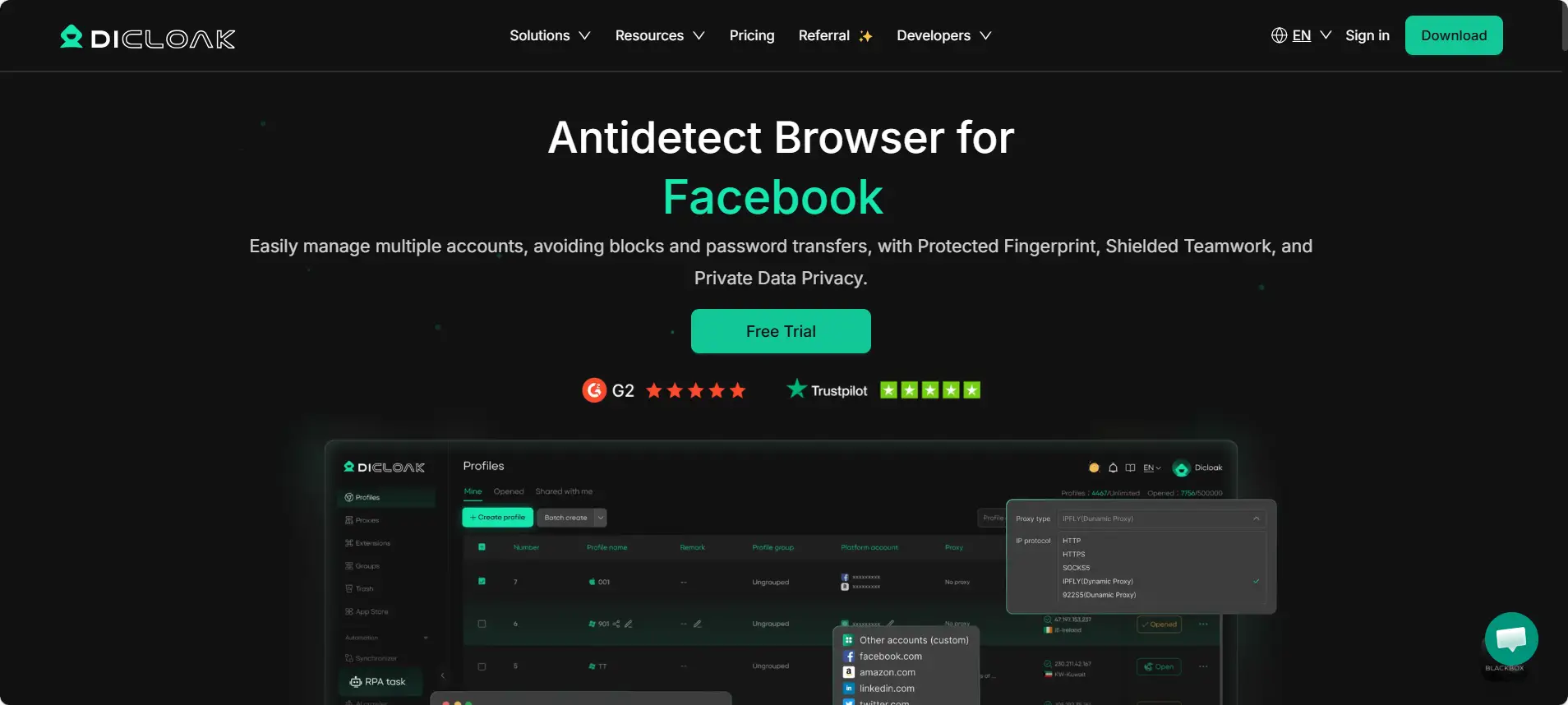
The platform excels at RPA automation. This feature allows you to automate repetitive tasks like bumping products or replying to messages without hiring more staff. You can manage proxies easily and isolate cookies for every profile. If you have a team, you can share access to specific stores without revealing your passwords.
Key Features:
- Advanced browser fingerprint protection to stop chain bans.
- Built-in RPA automation for Shopee tasks.
- Team collaboration tools with permission control.
- Easy proxy and cookie management.
Pricing:
- Free Plan: Limited features to test the waters.
- Base Plan: Starts at $8/month.
- Plus Plan: $28.80/month for growing teams.
- Share+: $138/month for large enterprises.
Verdict: DICloak is the most robust solution for sellers who want to scale without fear. It combines top-tier security with affordable pricing.
Multilogin: The Gold Standard for Precision Fingerprinting
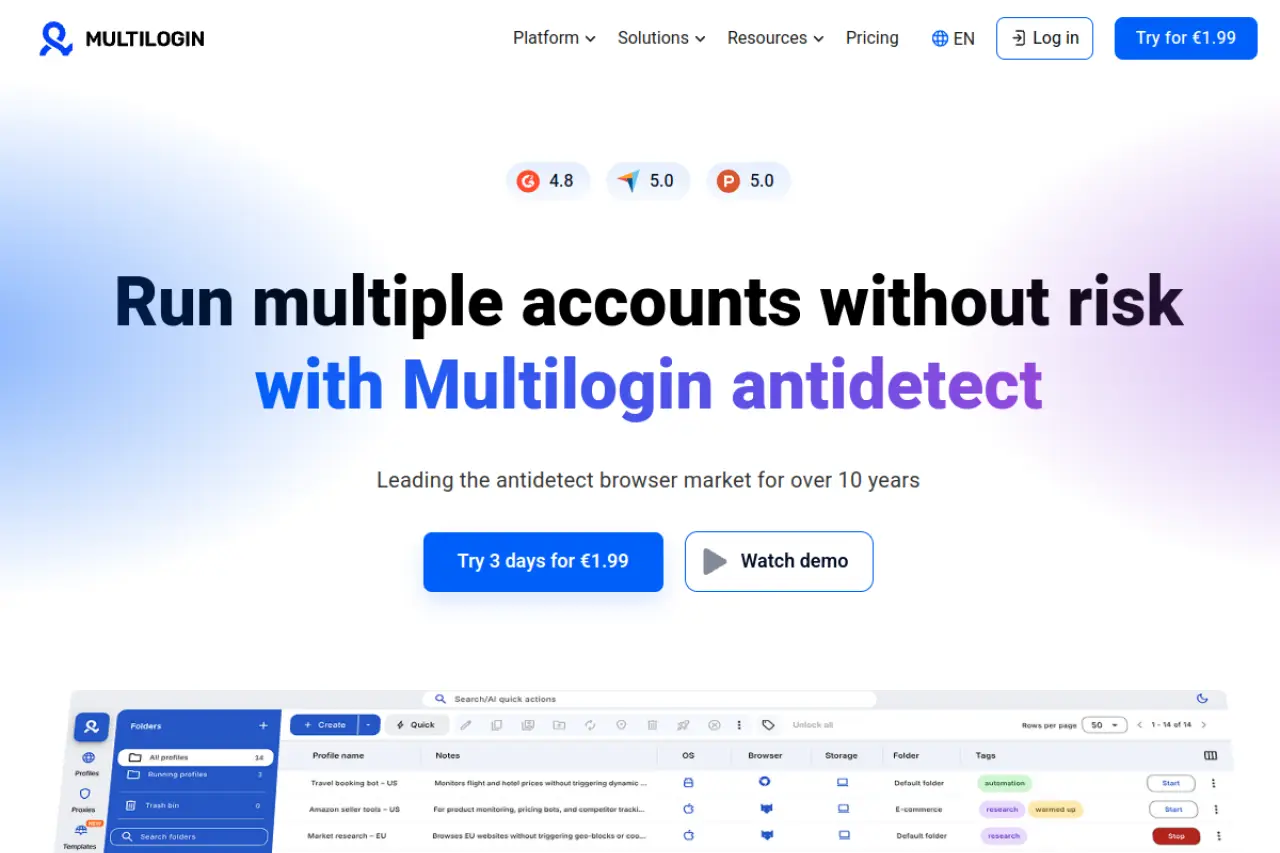
Multilogin is often called the pioneer of the industry. It offers two distinct browser cores: Mimic (based on Chrome) and Stealthfox (based on Firefox). This tool is famous for its precision. It handles browser fingerprinting data so well that platforms rarely detect it. It is a powerful choice for large businesses that need custom automation via Selenium or Puppeteer.
Pros:
- Extremely high success rate in bypassing detection.
- Excellent customer support and documentation.
- Strong automation capabilities for developers.
Cons:
- High Cost: It is one of the most expensive options. The entry plan starts at €9/month, but scaling up costs €79 or more quickly.
- Complexity: The interface can be difficult for beginners to learn compared to simpler tools.
GoLogin: Simplified Identity Management for Beginners
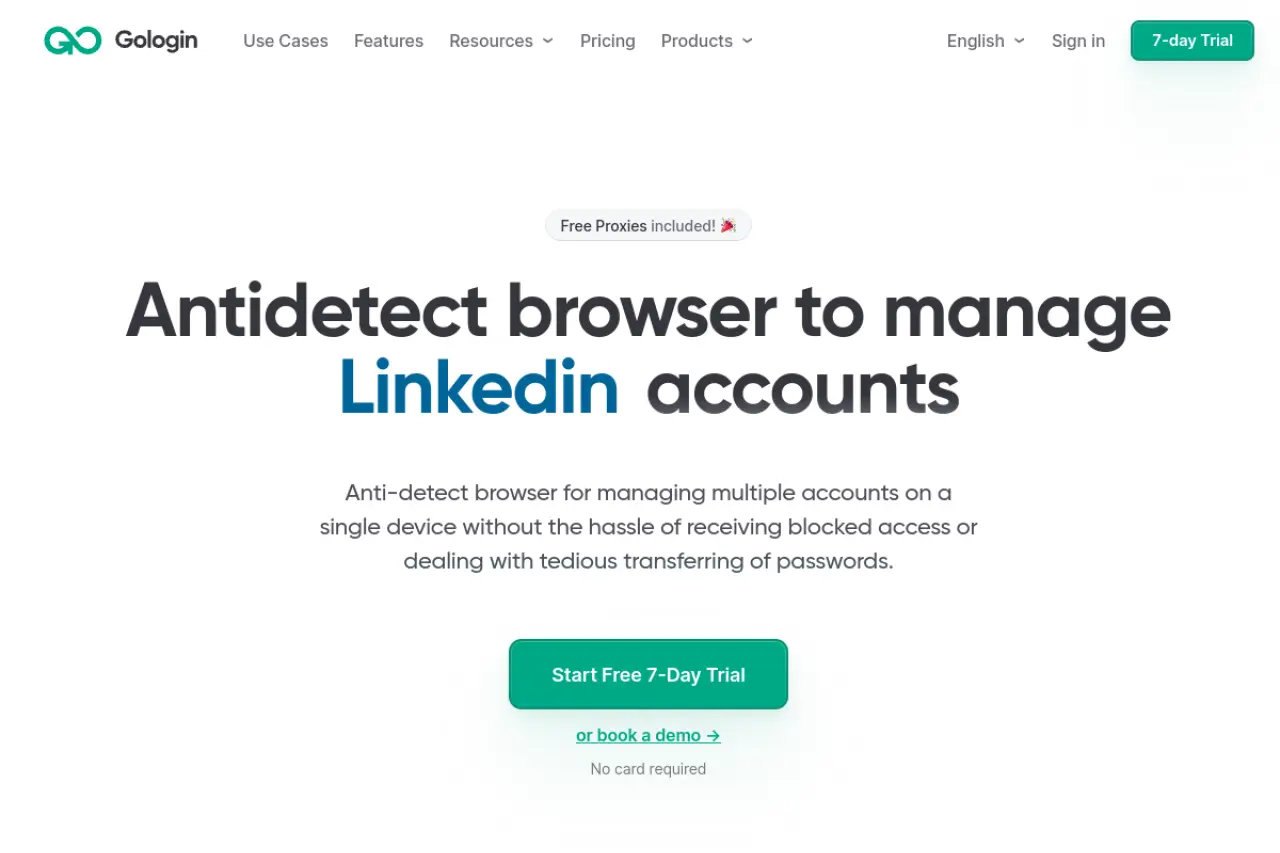
GoLogin makes running multiple accounts accessible to everyone. It uses a cloud-based launch system, so you do not need to download a massive app to get started. A standout feature for Shopee sellers is the Android app. This allows you to manage your stores from a mobile device, which matches Shopee’s mobile-first environment perfectly.
Pros:
- User-friendly interface.
- Mobile apps allow you to work on the go.
- Includes free proxies for basic tasks.
Cons:
- Proxy Speed: The free proxies are often too slow for managing a busy Shopee store. You will likely need to buy premium residential proxies separately.
AdsPower: The Ecommerce Automation Specialist
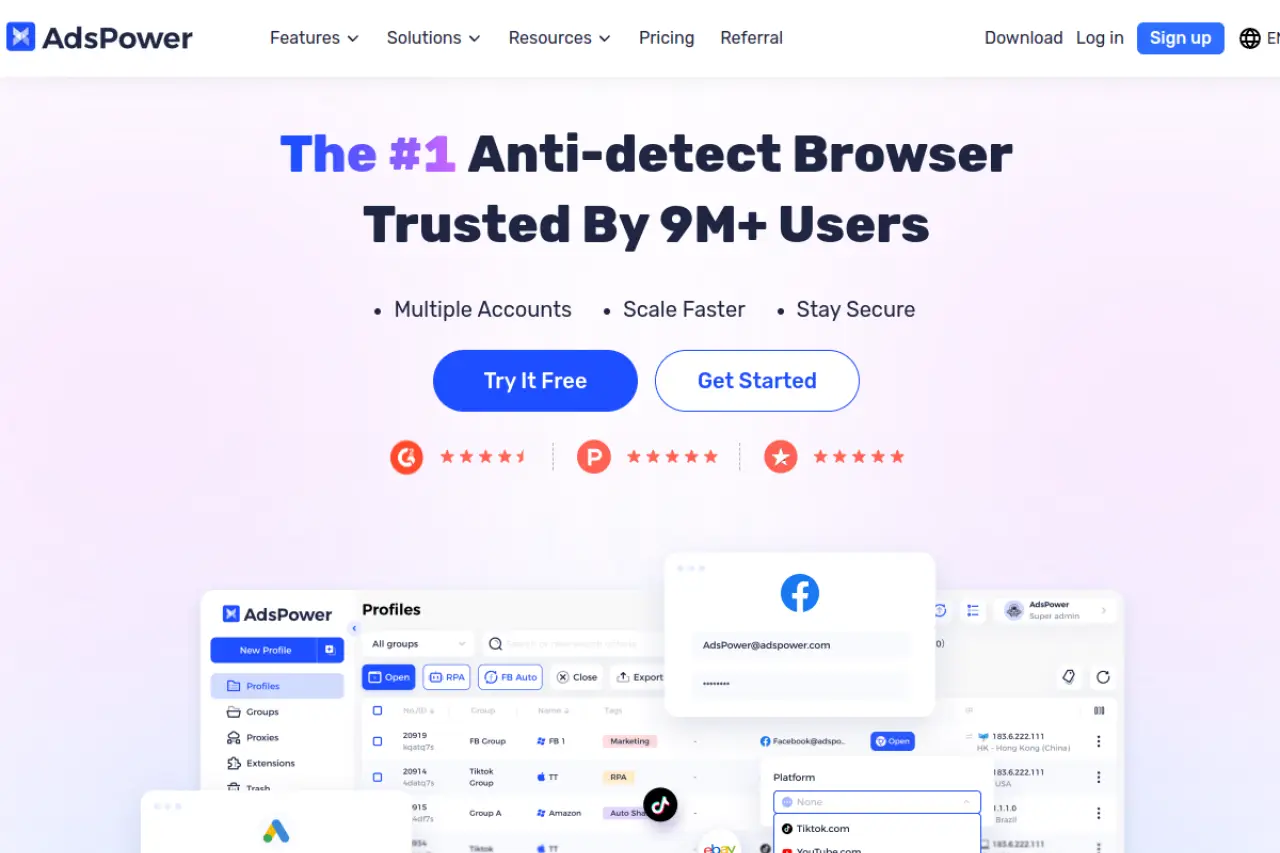
AdsPower is built with ecommerce in mind. It features a "synchronizer" tool. This lets you perform an action in one window (like opening a settings page) and have it repeat instantly across 10 other windows. For Shopee sellers managing bulk listings, this saves hours of work. It supports both SunBrowser (Chromium) and FlowerBrowser (Firefox).
Pros:
- RPA robots are included to automate clicks and typing.
- Flexible pricing that scales with your exact profile count.
- Strong community support in Asia.
Cons:
- Interface Clutter: The dashboard is packed with buttons and options, which can be overwhelming for a new user just trying to open a shop.
Dolphin{anty}: Optimized for Traffic Arbitrage and Ads
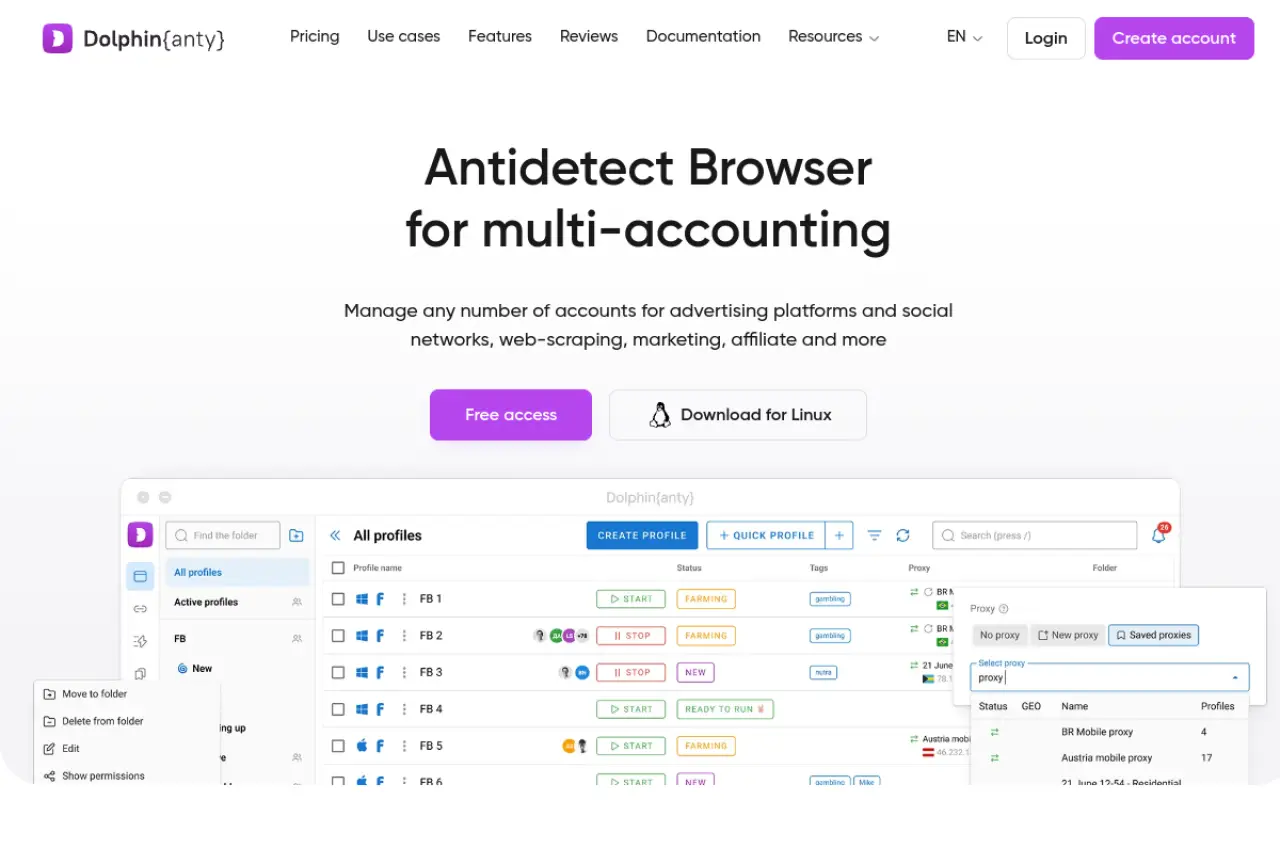
Dolphin{anty} is a favorite among affiliate marketers running ads on Facebook and TikTok. However, many Shopee sellers use it for its speed and interface. It allows you to tag and organize hundreds of profiles easily. The "Cookie Robot" feature helps you warm up accounts automatically by visiting websites to build a history before you log into Shopee.
Pros:
- Modern, dark-mode interface that is easy to navigate.
- Fast profile loading times.
- Good tools for team management.
Cons:
- Ad-Centric: The features are built for ad buyers, not store owners. Some tools useful for ads are irrelevant for managing Shopee orders.
Incogniton: User-Friendly Scaling for Virtual Assistants
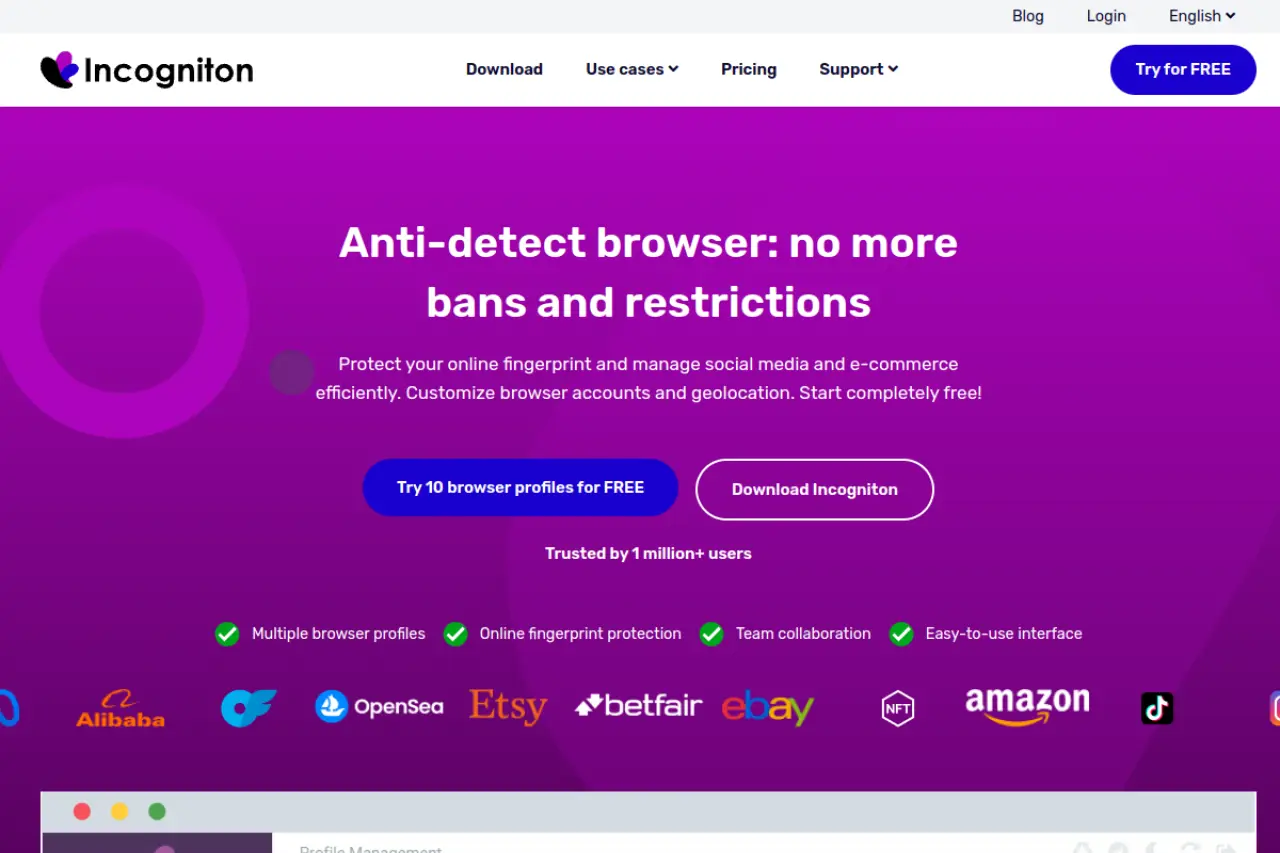
Incogniton offers a generous free plan that allows you to manage up to 10 profiles. This makes it a great entry point for new sellers. It includes a "paste as human typing" feature. This ensures that when you copy-paste customer details, it looks like a real person is typing, which helps avoid security flags.
Pros:
- Generous free plan (10 profiles).
- Easy integration with automation frameworks.
- Simple profile creation process.
Cons:
- Performance: The software can become laggy and slow if you try to run too many browser profiles at the same time on one computer.
MoreLogin: Integrating Cloud Phone Technology
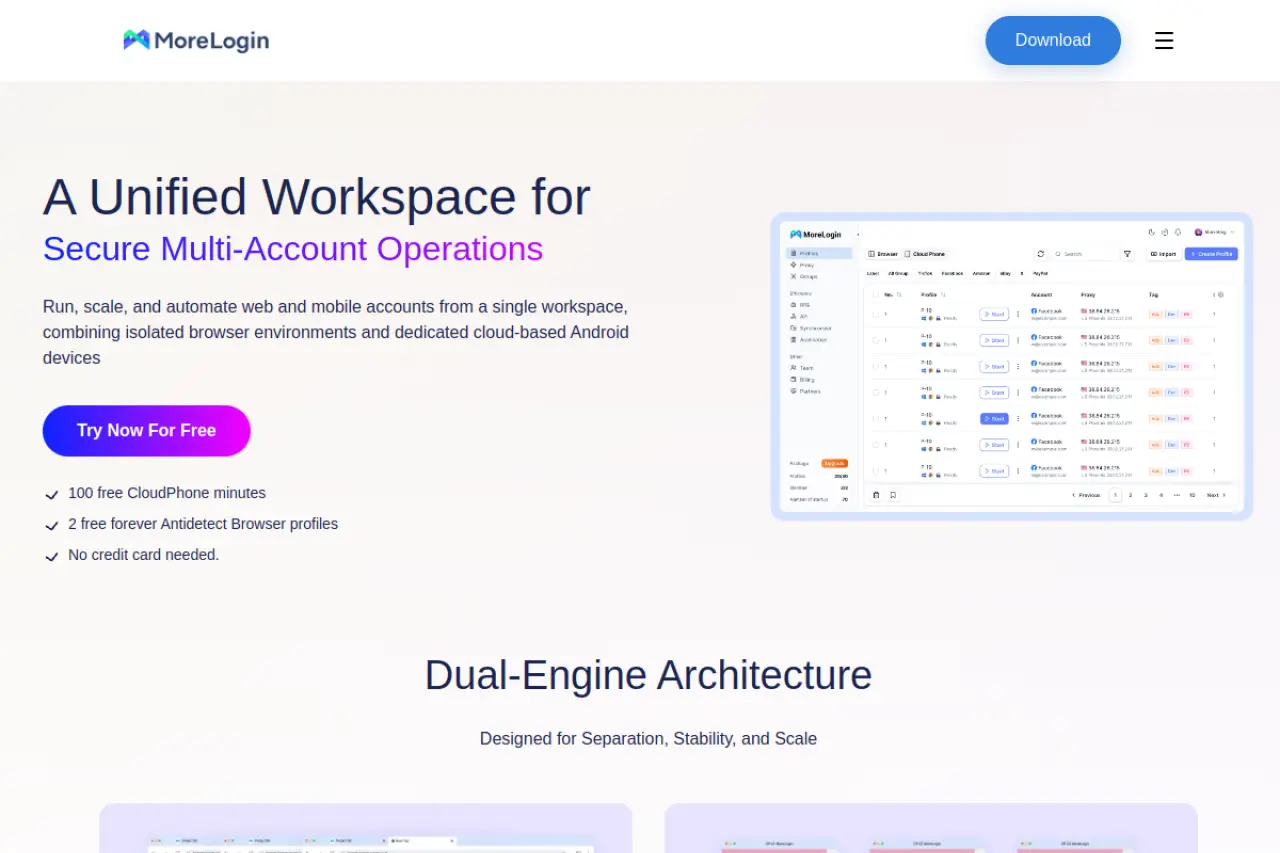
MoreLogin addresses a specific pain point: phone verification. Shopee often demands SMS verification. MoreLogin integrates a "Cloud Phone" feature that gives you a real mobile device environment and can help with OTPs (One Time Passwords). It also mimics real canvas fingerprints to bypass advanced detection.
Pros:
- Real Canvas fingerprinting technology.
- Integrated cloud phone simplifies mobile verification.
- Competitive pricing for beginners.
Cons:
- Extra Costs: While the browser is cheap, using the Cloud Phone features usually incurs additional usage fees that add up quickly.
BitBrowser: The Cost-Effective High-Volume Solution
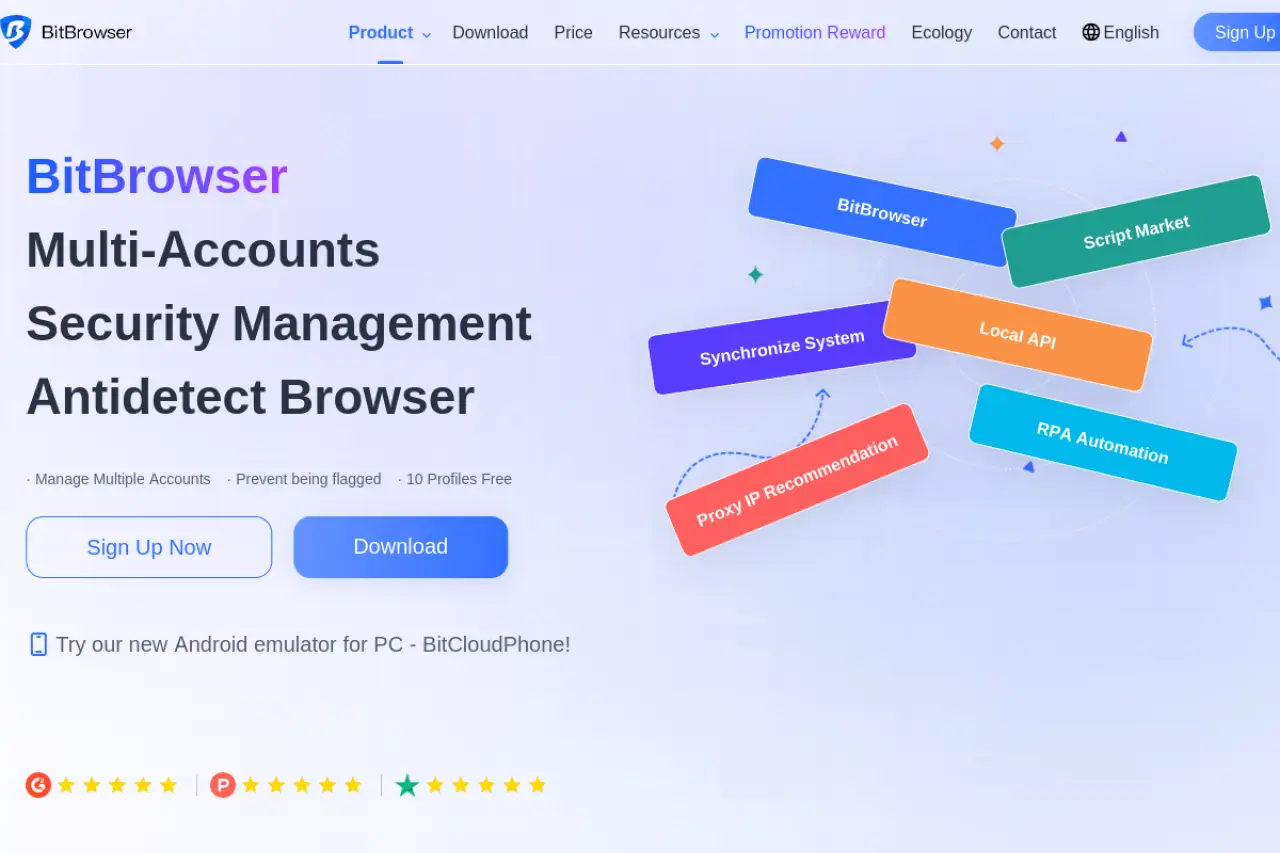
BitBrowser focuses on value. It allows you to manage a massive number of profiles for a very low cost. It includes standard features like group control and extension support. If you are running hundreds of low-maintenance Shopee stores and need to keep costs down, this is a strong contender.
Pros:
- Extremely low price per profile.
- Supports Chrome extensions efficiently.
- Includes basic RPA automation.
Cons:
- User Experience: The software can feel a bit clunky and less polished than premium options like DICloak or Multilogin. English translation is sometimes imperfect.
Undetectable.io: Local Profile Storage and Privacy
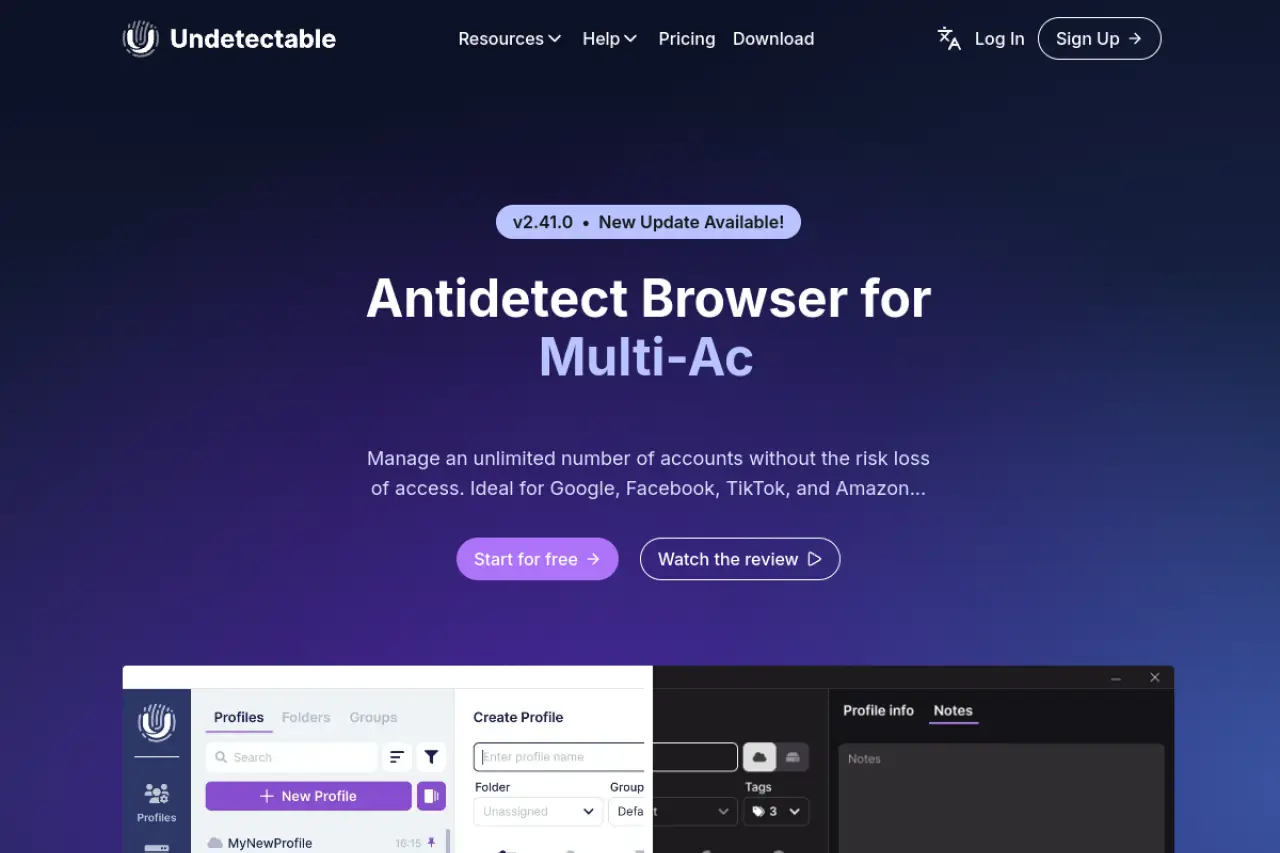
Undetectable.io allows you to store profiles locally on your own computer rather than in the cloud. This gives you total control over your data. It supports a vast number of configurations and has a "cookie bot" to automate account warm-up. It is popular among users who are paranoid about data leaks.
- Local storage options for maximum privacy.
- Unlimited local profiles on specific plans.
- Good stability for long-term accounts.
Cons:
- Setup Difficulty: Setting up local storage and managing the database requires more technical skill than cloud-based browsers.
HideMyAcc: Bypassing Advanced Detection Systems
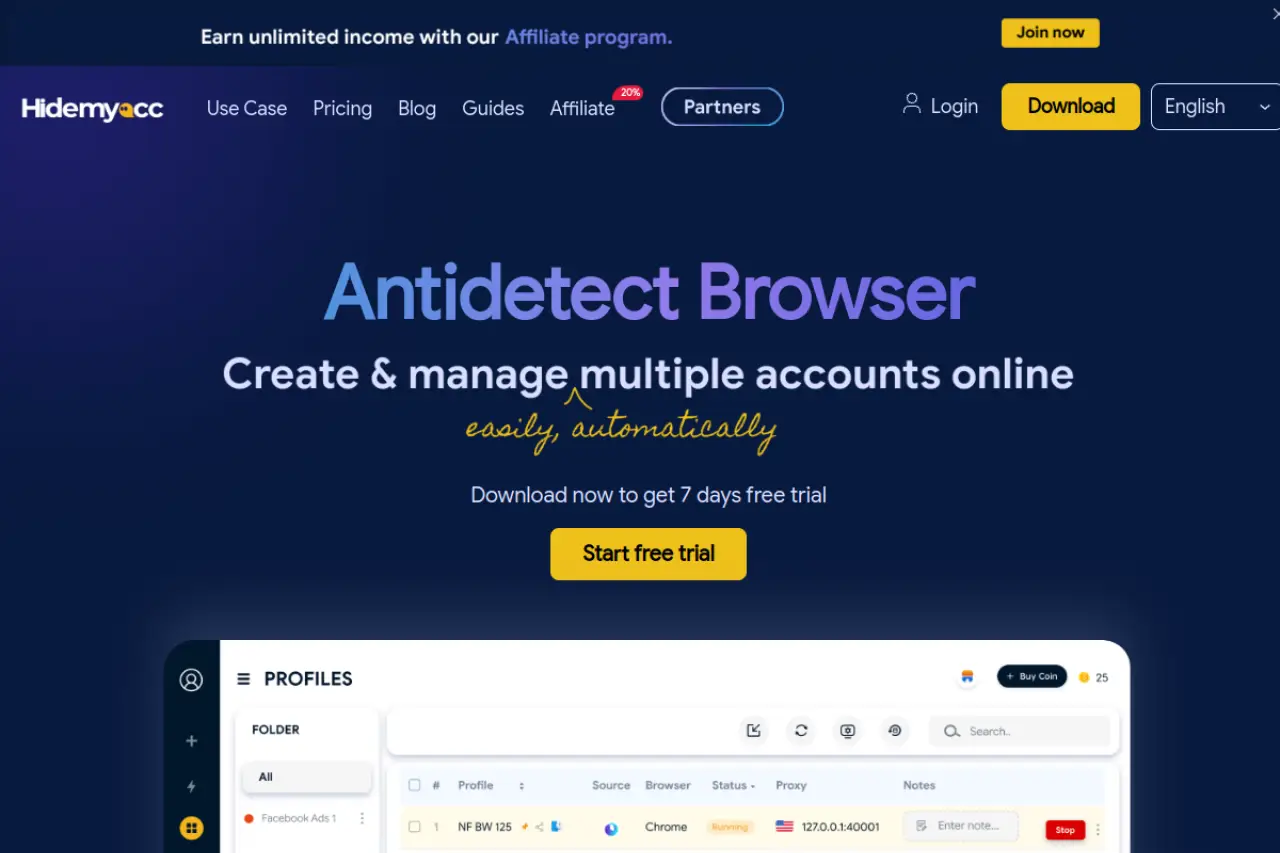
HideMyAcc uses a custom "Ghosty" browser built on Chromium. It is designed to minimize the unique hardware signals your computer sends out. The "Magic Link" feature allows you to transfer a profile to a team member instantly. It is particularly effective for sellers in Southeast Asia who face strict regional blocks.
Pros:
- Effective at bypassing strict regional detection.
- Fast profile transfer for teams.
- Free trial available to test features.
Cons:
- Smaller Ecosystem: It has fewer third-party integrations and a smaller community compared to the larger market leaders.
Operational Strategy: Scaling Your Business with an Antidetect Browser for Shopee Sellers
You have selected your software. Now, you need a solid plan. Simply having an Antidetect Browser for Shopee Sellers is not enough to guarantee success. If you open 50 new stores on the same day without a strategy, Shopee’s algorithms will flag you immediately.
To scale effectively in 2026, you must follow strict Standard Operating Procedures (SOPs). This guide explains exactly how to set up, warm up, and manage your accounts to avoid "chain bans" and revenue loss.
Account Farming and Warm-up Protocols for 2026
Shopee trusts accounts that act like humans, not bots. A brand new account that lists 100 products immediately looks suspicious. You must "farm" or "warm up" each profile in your antidetect browser before selling.
Follow this schedule for every new profile:
- Day 1-3 (Cookie Building): Launch the browser profile. Visit the Shopee homepage and browse popular categories like "Electronics" or "Fashion." Do not register yet. You are just collecting cookies to build a history.
- Day 4 (Registration): Sign up for an account. Use a unique phone number and email address for this specific profile. Do not link it to your personal identity.
- Day 5-7 (Mimic Behavior): Act like a buyer. Search for items, add them to your cart, and "like" products. Follow other stores.
- Day 8+ (First Listing): List one low-risk item. Wait for a few days before bulk uploading inventory.
This patience creates a strong trust score. Tools like DICloak can automate this browsing phase with RPA (Robotic Process Automation) scripts, saving you hours of manual clicking.
Integrating Static Residential Proxies for Regional Localization
Your IP address tells Shopee where you are. If you log into 50 stores from one home WiFi connection, you will lose them all. To prevent this, you need browser fingerprinting protection ecommerce experts rely on: the Static Residential Proxy.
You must configure your network settings correctly:
- Use Static IPs: The IP address must stay the same every time you open the profile. Frequent IP changes look like hacking attempts.
- Use Residential IPs: These IPs come from real internet service providers (ISPs), not data centers. They look like a regular home connection to Shopee's security systems.
- Match the Region: If you are opening a store on Shopee Thailand, your proxy must be located in Thailand. A US IP address on a Thai seller account is an instant red flag.
Using ERP Tools (BigSeller) with Isolated Browser Profiles
Once you have multiple stores, logging into each one manually to process orders is too slow. You need Shopee multi-account management tools or ERPs like BigSeller or SiteGiant. However, you must use them safely.
Do not log into your ERP from a standard Chrome browser. Instead, open your ERP dashboard inside your secure antidetect browser profile.
- Order Aggregation: Connect your stores to the ERP via API. This lets you see all orders in one place.
- Inventory Management: Push products from suppliers (like 1688) to your Shopee stores using the ERP tools.
- The Safety Rule: Ensure your antidetect browser is running stable fingerprint masking while the ERP is active.
By keeping your ERP activity inside the isolated container, you ensure that even your automation tools do not leak your real identity.
Frequently Asked Questions about Antidetect Browser for Shopee Sellers
Is using an antidetect browser for Shopee sellers legal?
Yes, using privacy tools to manage your data is legal. These browsers protect your business assets and prevent accidental data leaks. However, you must strictly follow Shopee's terms of service regarding fraud; the tool is for security, not for selling illegal goods.
How many Shopee accounts can I run on one device safely?
You can run hundreds of accounts on a single computer without them linking. The Shopee multi-account management tools inside the browser keep every profile completely isolated. Your only limit is your computer's RAM (memory) and processing power.
Can Shopee detect if I am using an antidetect tool?
If you use high-quality software like DICloak, Shopee cannot detect the tool. Advanced browsers blend in by using real digital fingerprints that look exactly like normal users. However, cheap or free tools often leak data, which can trigger immediate security flags.
Do I need a different residential proxy for every Shopee store?
Yes, this is mandatory for safety. If you use the same IP address for two different stores, Shopee will link them and potentially ban both. You must assign a unique Static Residential Proxy to each browser profile to ensure browser fingerprinting protection ecommerce businesses require.
How do I share access with my virtual assistants (VAs) without triggering locks?
Do not share your username and password directly. Instead, use the "Team" feature in your antidetect browser to share access to the specific profile. This allows your VA to open the store environment without changing the IP address or triggering a location verification check.
Conclusion
Shopee chain bans are not random. They are the direct result of account association through browser fingerprints, shared devices, and careless operational habits. In 2026, running multiple stores on standard browsers is a guaranteed path to disaster. A professional Antidetect Browser for Shopee Sellers allows you to isolate every store, control your digital identity, and operate like dozens of independent businesses instead of one exposed operator. When combined with proper warm-up strategies, static residential proxies, and disciplined SOPs, tools like DICloak make sustainable scaling possible. For serious Shopee sellers, antidetect technology is no longer an optional upgrade—it is the foundation of long-term survival and growth.
 Web Proxy Tools
 Free Tools
 Cookie Plugin
 UA Generator
 MAC Address Generator
 IP Generator
 IP Address List
 2FA Code Generator
 World Clock
 Anonymous Check
 WebRTC Leak Test
 UUID Generator
 Free Web Proxy Site
 Proxy Checker
 FB Ad Checker
 AI Web Scraping
 Free SMM Tools
 Twitter Shadowban Checker
 Instagram Name Checker
 UTM Generator
 Username Generator
 AI Hashtag Generator
 LinkedIn Headline Generator
 Social Media Image Resizer