Why Does TikTok Say "Couldn't Create Account"?
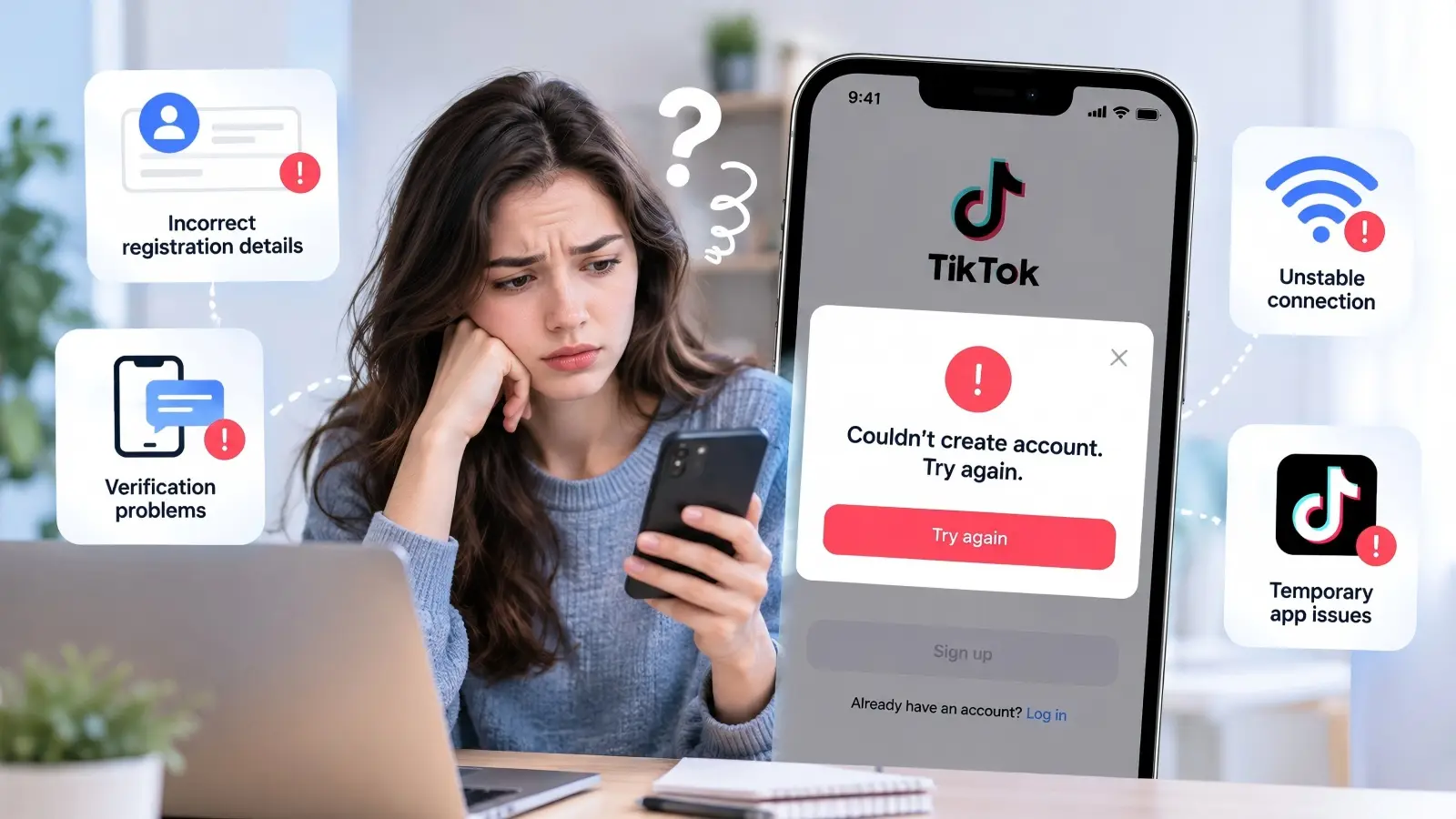
Trying to sign up for TikTok can be frustrating when the process suddenly stops with the message "Couldn't create account. Try again." The TikTok couldn't create account try again error does not always mean your account or device has been blocked. It may happen because of incorrect registration details, verification problems, an unstable connection, or temporary app issues. Understanding the possible causes can help you choose the right fix.
Common Reasons for TikTok Account Creation Errors
Several issues can prevent TikTok from completing registration. For example, your email address or phone number may already be linked to another TikTok account. You may also have trouble receiving a verification code or completing the process because of a weak internet connection. According to TikTok's official Help Center, age requirements can also affect account eligibility, with standard accounts generally requiring users to be at least 13 years old.
Other possible causes include:
- Verification issues: Incorrect, expired, or delayed email and SMS codes.
- App problems: Outdated TikTok versions or temporary software glitches.
- Network issues: Unstable Wi-Fi or mobile data connections.
- Security checks: Unusual activity or repeated registration attempts may require additional checks.
- Account details: Contact information already linked to an existing account.
The key is to notice when registration fails. If TikTok rejects your email immediately, check whether it is already registered. If the error appears after entering a verification code, focus on the verification process instead. Identifying the failed step makes troubleshooting easier.
How TikTok's Account Creation Process Works
According to TikTok's official account creation guide, registration starts by choosing a sign-up method, such as email or phone number, and following the on-screen instructions. TikTok may ask for your birthday, contact details, and a verification code. Each required step must be completed before your account can be created.
For example, you might enter your phone number, receive an SMS code, and submit it successfully, only to see "Couldn't create account. Try again." This does not necessarily mean your phone number is blocked. The verification request may have failed, or TikTok may have encountered a temporary connection problem. Checking where the process stopped can help you determine what to try next.
What to Check Before Attempting to Fix the Issue
Before trying more advanced fixes, take a moment to check a few basic things. The TikTok couldn't create account try again error may be caused by a connection problem, an outdated app, or a temporary service issue. Checking these first can save you from changing account settings when the problem lies elsewhere.
Confirming Your Internet Connection and Device Compatibility
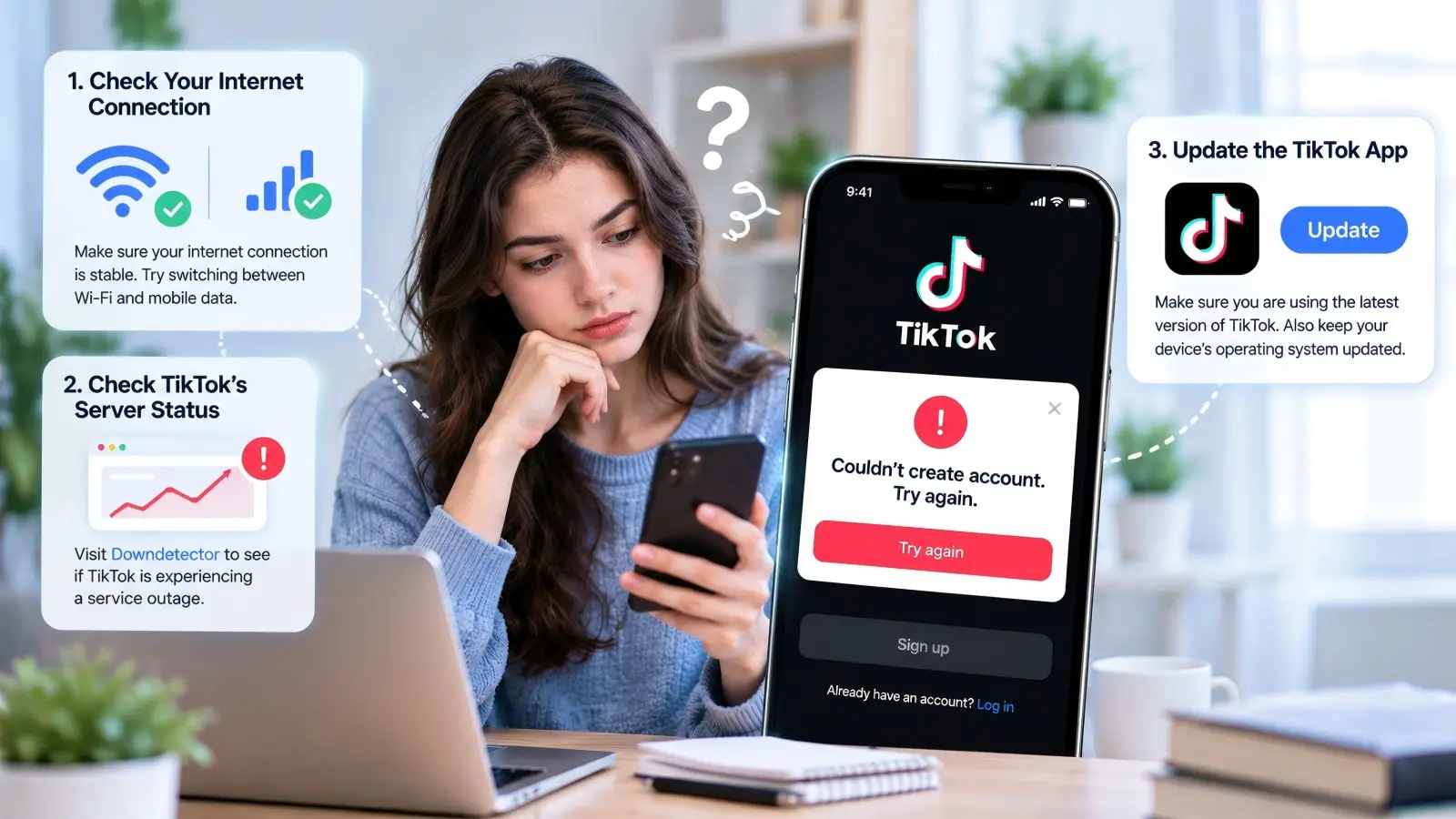
Start by making sure your internet connection works properly. Open another website or app to see if it loads without trouble. If TikTok fails during registration while you are using Wi-Fi, try switching to mobile data to see if the problem continues. Also, check whether your phone supports the current TikTok app. You can find the device requirements on the official TikTok App Store page or Google Play listing.
Checking TikTok's Server Status for Outages
Sometimes, the problem may come from TikTok's servers rather than your device. Visit Downdetector's TikTok status page to see whether other users are reporting problems. A sudden rise in reports may suggest a wider service issue, although it does not confirm that account registration is affected. If many users are having trouble at the same time, consider waiting until the service returns to normal before trying again.
Ensuring Your App Is Updated to the Latest Version
An outdated TikTok app can sometimes cause errors during registration. Open the App Store or Google Play, search for TikTok, and check whether an Update button is available. If there is, install the update and restart the app before trying to create your account again. TikTok's official troubleshooting guide also recommends keeping both the app and your device's operating system updated. If the couldn't create account try again TikTok message still appears after these checks, the next step is to investigate the specific registration error.
How to Fix the "Couldn't Create Account" Error on TikTok
If the basic checks did not help, you can try a few fixes directly in TikTok's sign-up process. The TikTok couldn't create account try again error may appear when the app has stored temporary data, your chosen sign-up method is not working, or verification cannot be completed. Start with the following solutions before making bigger changes to your device or account settings.
Clearing App Cache and Data to Resolve Glitches
TikTok stores temporary files to help the app load faster, but these files can sometimes cause problems. Clearing the cache may help if the registration screen freezes, fails to load, or keeps showing the same error. You can clear TikTok's cache without deleting your account information. Follow these steps:
- Open TikTok and go to Profile, if accessible.
- Tap the Menu and select Settings and privacy.
- Find Free up space and tap Clear next to Cache.
- Restart TikTok and try creating your account again.
If you cannot access TikTok's settings, Android users can usually clear the app cache through Settings > Apps > TikTok > Storage > Clear cache. On an iPhone, reinstalling the app may help clear local app data, but make sure you do not have important drafts saved before doing so. Avoid clearing all app data unless necessary, as it may remove saved drafts and other local information. TikTok also recommends clearing the cache in its official troubleshooting guide.
Switching Between Different Signup Methods (Email, Phone, Social Accounts)
If one sign-up method keeps failing, try another option supported by TikTok. For example, if you see the couldn't create account try again TikTok message while registering with your phone number, go back to the sign-up screen and choose email instead. Depending on your device and location, TikTok may also offer sign-up options through services such as Google or Apple. Make sure you can access the method you choose, as you may need it to log in later.
Before switching, check whether your email or phone number is already linked to another TikTok account. According to TikTok's official Help Center, each email address and phone number can only be linked to one TikTok account at a time. If your details are already in use, try logging into the existing account or use different contact information that belongs to you.
Verifying Your Phone Number or Email Address Correctly
Verification is an important part of TikTok registration. If TikTok sends you a code, make sure you enter it correctly and before it expires. For email verification, check your inbox and spam folder if the message does not arrive. For phone verification, confirm that you selected the correct country code and entered your full phone number. A small mistake, such as using the wrong country code, can stop you from receiving the SMS.
If you receive several codes, use the most recent one and avoid sending repeated requests too quickly. For example, if you requested a new code after the first message arrived late, the older code may no longer work. If verification continues to fail, check your contact details and request another code when the app allows it. You can find more information about verifying contact details in TikTok's email and phone number guide.
Could Age Restrictions or Regional Blocks Be the Problem?
If you have checked your app and sign-up details but still see the TikTok couldn't create account try again error, age or location restrictions may be worth checking. TikTok has rules about who can create an account and where its services are available. These rules can affect registration even when your phone and internet connection are working properly.
Understanding TikTok's Age Requirements for Account Creation
TikTok generally requires users to be at least 13 years old, although the minimum age may be different in some regions. In the United States, TikTok also offers a separate, limited experience for children under 13. According to TikTok's official age guidelines, users who do not meet the applicable age requirements may not be able to create a standard account.
For example, if you enter a birth date that puts you below the required age, TikTok may stop the registration process. If you entered your birthday incorrectly, follow TikTok's official support process rather than creating an account with a false birth date. Also, remember that some TikTok features are limited to users aged 16 or 18 and older, even if they are eligible to create an account.
How Regional Restrictions Might Affect Your Signup Attempt
TikTok is not equally available in every country or region. Local restrictions and service availability may prevent users from completing registration in certain locations. TikTok also uses information such as your SIM card region, IP address, and device settings to estimate your location. This means your network and device information can affect how TikTok identifies your region, although a location difference does not automatically mean your account is blocked.
For example, someone traveling abroad might use a SIM card from their home country while connecting through a local network. TikTok may receive different location signals from that device. If the couldn't create account try again TikTok message appears, check whether TikTok is officially supported where you are before assuming that the location difference caused the error.
What to Do If Your Region Is Unsupported
If TikTok is not available in your country, repeatedly trying to create an account is unlikely to solve the problem. First, check TikTok's official website and your local app store to confirm whether the service is supported in your location. If you recently moved or traveled, make sure your device's region settings are correct and that you are using the official TikTok app. However, changing your phone's region alone will not remove local service restrictions.
If TikTok should be available where you live but registration still fails, visit the TikTok Help Center and report the issue. Include your country, device type, and the exact error message so support can better understand the problem. If the service is officially unavailable in your region, follow local rules and wait for official availability rather than relying on unverified workarounds.
What to Do If the Error Persists After Multiple Attempts
If you have tried several fixes but TikTok still won't let you create an account, the problem may need more attention. Repeated registration attempts, device-related issues, or additional security checks could be involved. When the TikTok couldn't create account try again error keeps appearing, it is better to change your approach rather than submit the same information over and over. The following steps can help you narrow down the problem and decide when to contact TikTok for help.
Avoiding Repeated Signup Attempts That Could Trigger Temporary Blocks
Trying to create an account again and again may seem like the easiest solution, especially when TikTok does not explain what went wrong. However, TikTok uses security systems to detect unusual activity and prevent spam. Making many registration requests within a short period may lead to extra checks or temporary limits, although TikTok does not publicly confirm an exact limit for account creation attempts. A repeated error alone does not prove that your device or IP address has been blocked.
For example, imagine you try signing up five times within a few minutes, using the same phone number and repeatedly requesting new verification codes. If TikTok continues showing the same message, submitting more requests is unlikely to help you identify the problem. Instead, stop trying for a while and review any warning shown on your screen. There is no confirmed waiting period that fixes every registration error, so avoid relying on claims that you must wait exactly 24 or 48 hours.
Testing Account Creation on Another Device or Network
If the error continues after a break, testing a different device or network can help you identify where the problem starts. For example, if registration fails on your Android phone, you could try the official TikTok app on another supported device. Use your own valid account details and check whether the same error appears at the same step. If registration works on the second device, the original phone's app or settings may need further attention.
You can also compare a trusted Wi-Fi connection with your regular mobile data connection, provided TikTok is available in your region. TikTok's official troubleshooting guide recommends switching between Wi-Fi and mobile data to help identify connection problems.
If the couldn't create account try again TikTok error appears on both networks, the problem may not be limited to your internet connection. Avoid testing many devices or networks in quick succession, as this can make it harder to understand which change actually helped.
When to Consider Reaching Out to TikTok Support
If you have checked your registration details, tried the recommended fixes, and still cannot create an account, it may be time to contact TikTok support. This is especially useful when you receive the same error on different devices, cannot complete verification, or see a message suggesting that your registration is restricted. TikTok's support team may be able to provide guidance based on the details of your issue, although a successful account creation is not guaranteed.
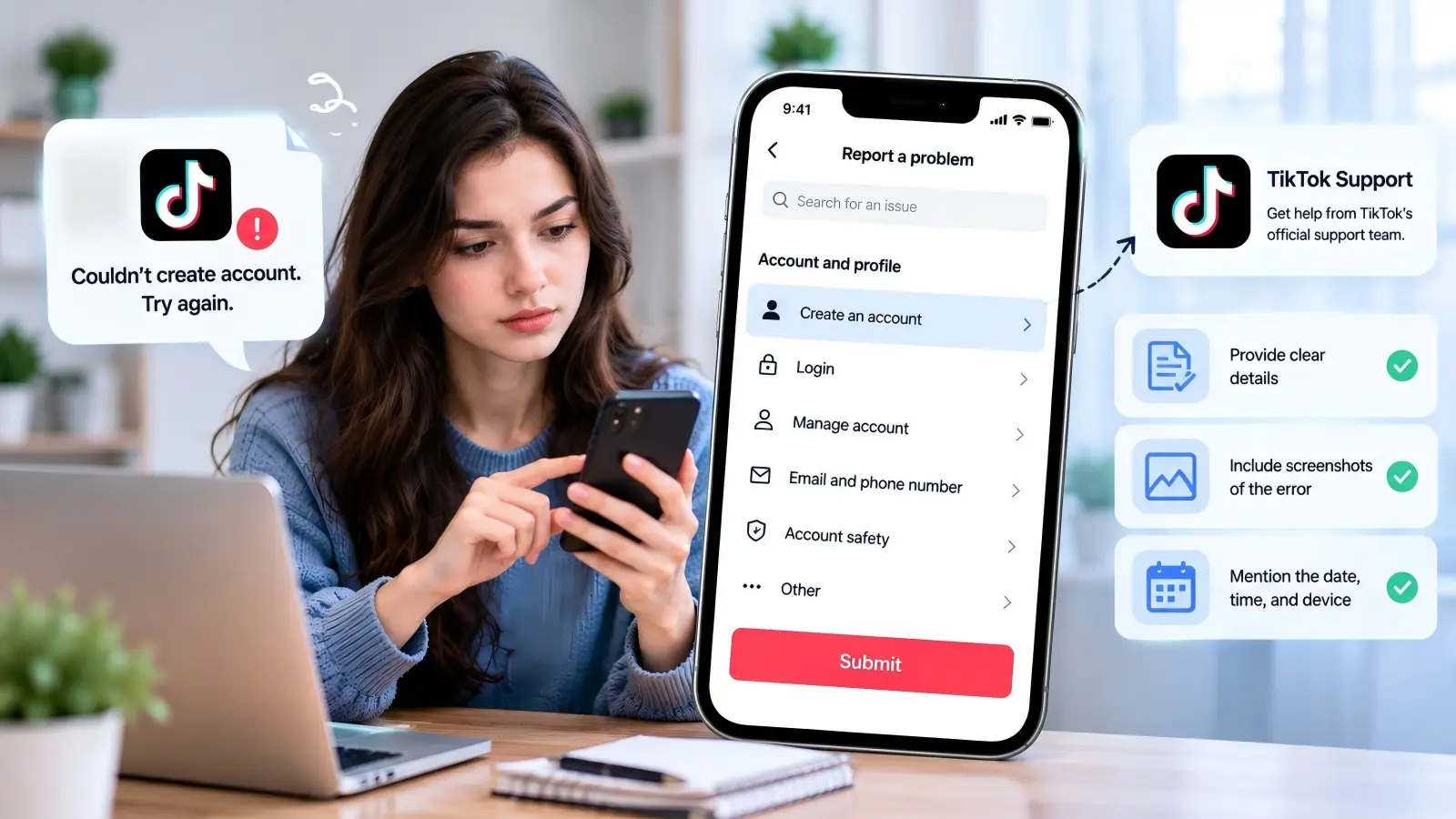
According to TikTok's official reporting instructions, users who can access the app's settings can go to Profile > Menu > Settings and privacy > Report a problem. Follow the prompts to describe the issue and request further help when that option appears.
If you cannot access these settings because you have no account, visit the TikTok Help Center to look for available contact options.
When reporting the issue, include these details:
- Error message: The exact text shown, such as "Couldn't create account. Try again."
- Device information: Your phone model, operating system, and TikTok app version.
- Signup method: Whether you used email, phone number, Google, or Apple.
- Error timing: The step where registration failed and when it happened.
- Screenshot: An image of the error message, without showing passwords or verification codes.
Providing these details gives TikTok support a clearer picture of what happened. For example, explaining that registration fails immediately after entering an SMS code is more useful than simply saying that TikTok does not work. It also helps the support team distinguish a verification problem from a possible device or account restriction.
When and How to Contact TikTok Support for Help
If you have tried the suggested fixes but still see the TikTok couldn't create account try again error, contacting TikTok support may be your best next step. Some registration problems involve account details or security checks that you cannot review yourself. TikTok offers support options through its app and Help Center, where you can explain what happened and ask for help. Preparing a clear report can make it easier for the support team to understand your issue.
Preparing the Necessary Information Before Contacting Support
Before contacting TikTok, gather the details that explain your registration problem. Support needs to know more than the fact that account creation failed. For example, if the error appears right after you enter your birthday, mention that step instead of simply saying you cannot sign up. If the problem started after requesting an email verification code, explain whether the code arrived and what happened when you entered it. Small details like these can help narrow down the cause.
Here is an example of a clear support message:
I'm trying to create a TikTok account, but I keep getting the message "Couldn't create account. Try again." I'm using an iPhone with the latest TikTok app. The error appears after I enter my email verification code. I've already checked my connection and tried again, but the problem continues. Could you please help me understand why registration is failing?
You can adjust this message to match your situation and attach a screenshot of the error. Include the date and time of your latest attempt, along with your device model and sign-up method. Do not include passwords, verification codes, or other sensitive information in your report.
How to Submit a Support Ticket Through the TikTok App
TikTok provides an in-app reporting feature for users who need help with technical or account issues. According to TikTok's official Help Center, you can report a problem through the app and request further assistance if the suggested solutions do not work.
If you can access the app's profile settings, follow these steps:
- Open TikTok and tap Profile at the bottom.
- Tap the Menu (☰) icon and select Settings and privacy.
- Select Report a problem.
- Choose the topic that best matches your registration issue.
- Follow the suggested steps and select No if the problem is not resolved.
- Tap Need more help? if available, then explain your issue and submit your request.
If you cannot access your profile because registration has never been completed, these options may not be available. In that case, visit the TikTok Help Center and look for the contact or feedback options available to you. Avoid creating extra accounts just to submit repeated support requests.
What to Expect From TikTok's Response Time and Resolution Process
After submitting your report, you may not receive an immediate answer. TikTok does not publish a guaranteed response time for general account creation problems, so it is difficult to predict when your issue will be resolved. The process may also depend on whether TikTok needs more information or additional checks. For example, a simple app error may be easier to investigate than a registration restriction involving account eligibility.
TikTok support may suggest additional troubleshooting steps, ask for more details, or provide instructions related to your specific error. Check the support conversation or contact method you used for updates, and respond if more information is requested. If you receive a reference number, keep it for future follow-ups. You should also check your email spam folder if you are expecting a response by email.
If you have not received an answer after several days, consider sending a polite follow-up through the available support channel. Refer to your original report and explain whether the problem has changed. Avoid submitting many identical requests, as they may make your support history harder to follow. While contacting TikTok does not guarantee that the couldn't create account try again TikTok error will be fixed, it is the appropriate next step when standard troubleshooting has not resolved the problem.
Tips to Prevent Future Account Creation Issues on TikTok
Fixing a registration error is helpful, but preventing it from happening again can save you time. Although not every sign-up problem is within your control, keeping your device ready and entering accurate information can reduce common errors. If you want to avoid seeing the TikTok couldn't create account try again message in the future, a few simple habits can make the registration process smoother.
Keeping Your App Updated to Avoid Compatibility Problems
TikTok regularly releases app updates that may include bug fixes, security improvements, and changes to existing features. Using an older version may cause problems if parts of the app no longer work as expected. TikTok's official troubleshooting guide recommends keeping both TikTok and your device's operating system up to date.
You can also enable automatic app updates to avoid missing important changes.
For example, imagine you downloaded TikTok several months ago but have not opened it since. When you return to create an account, the older app version may not work as smoothly with the current registration process. Checking for updates before signing up can help prevent compatibility problems. However, an update cannot fix errors caused by incorrect account details or TikTok's eligibility rules.
Ensuring Your Device Meets TikTok's Requirements
Before installing TikTok, make sure your device meets the app's current system requirements. Older phones may not support newer versions of TikTok, which can affect installation and normal app use. For example, the current US TikTok App Store listing states that the app requires iOS 14.0 or later for iPhones. Android users should check the Google Play listing for compatibility with their specific device.
It is also helpful to keep enough free storage space and avoid using heavily modified operating systems that may cause app problems. If your phone is nearly full, it may struggle to install updates or store temporary files. Before signing up, check your system version, available storage, and whether TikTok can run normally on your device. These checks will not prevent every registration error, but they can reduce problems caused by an outdated or unsupported setup.
Best Practices for Verifying Your Information During Signup
Using accurate and accessible contact information is one of the easiest ways to avoid registration problems. TikTok's official account creation guide advises users to provide valid email addresses and phone numbers because they are important for logging in and recovering passwords. Choose an email address or phone number that you control and can continue using. Avoid temporary contact details that may become unavailable after registration.
For example, if you create a TikTok account using a temporary email address, you may lose access to important messages later. A personal email address that you check regularly is a better choice. When entering your birthday, use your real date of birth and review it before continuing. If TikTok sends a verification code, complete the process carefully and avoid requesting several codes at once.
Finally, keep your login details secure after creating your account. Use a strong, unique password and enable two-step verification when available. These habits will not directly prevent the couldn't create account try again TikTok error, but they can help protect your new account and make future account recovery easier.
How DICloak Helps You Manage TikTok Browser Environments
If you often manage TikTok accounts for business or clients, keeping your browser setup organized can be challenging. Different accounts may need their own cookies, settings, and network connections. DICloak, an antidetect browser, helps you create separate Browser Profiles, customize browser fingerprints, and manage proxy connections in one place. While DICloak cannot fix TikTok's registration errors or bypass its account rules, it can help you maintain a more organized setup for legitimate account management.
Create and Customize Browser Fingerprints
Every browser shares information such as its operating system, language, time zone, and screen size with websites. DICloak lets you manage these settings for each Browser Profile instead of using the same browser setup for every account. You can configure fingerprint details, including the user agent, language, time zone, and Canvas settings. For example, a social media agency can keep separate browser settings for different client accounts without constantly changing its main browser configuration.

Configure and Test Proxy Connections
Network connection problems can sometimes interrupt TikTok registration or login. With DICloak, you can assign a proxy to a Browser Profile and use the built-in proxy checker to test the connection. The proxy settings support different connection types and let you review IP information before opening a Profile. For example, a team managing TikTok accounts for clients in different markets can organize their approved network connections without changing the entire device's network settings. However, using a proxy does not guarantee successful registration or remove TikTok's regional restrictions.

Manage Multiple TikTok Accounts with Separate Browser Profiles
Using one regular browser for several accounts can make it difficult to keep cookies and login sessions organized. DICloak allows you to create separate Browser Profiles, each with its own browsing data and settings. You can also group Profiles, edit their settings, and manage multiple Profiles from one dashboard. For example, a marketing team handling several authorized TikTok business accounts can give each account a dedicated Profile, making it easier to return to the right workspace without mixing login sessions.

If you need a more organized way to manage your TikTok browser profiles, try DICloak and keep your Browser Profiles, fingerprints, and proxy settings in one place.
FAQs About TikTok "Couldn't Create Account" Error
1. Why does TikTok keep saying "Couldn't create account, try again"?
The TikTok couldn't create account try again error may result from verification issues, network problems, app glitches, or account restrictions. Check your sign-up details and internet connection before trying again.
2. How long should I wait before trying to create a TikTok account again?
There is no official waiting period for this error. If repeated attempts fail, take a break before trying again. Avoid submitting too many registration requests in a short time.
3. Can TikTok block my IP address from creating an account?
TikTok may restrict suspicious activity, but the couldn't create account try again TikTok message does not confirm an IP block. Check your network connection and follow TikTok's official troubleshooting steps.
4. Can I create a TikTok account without a phone number?
Yes. TikTok supports email registration and may offer Google or Apple sign-up options. Choose an available method and make sure you can access it for verification.
5. Does using a different device fix the TikTok account creation error?
Sometimes. Trying another supported device can help identify whether the problem is device-related. However, it will not resolve age restrictions, invalid account details, or other platform requirements.
Conclusion
Seeing the TikTok couldn't create account try again error can be frustrating, especially when you are ready to start using the platform. However, the problem does not always mean your account or device has been restricted. It may be caused by an unstable internet connection, outdated app software, verification issues, or age and regional requirements. Start with simple fixes, such as checking your connection, updating TikTok, clearing the app cache, and reviewing your sign-up details.
If the error continues, avoid making too many registration attempts and consider contacting TikTok support for help. For users managing multiple legitimate TikTok accounts, an antidetect browser like DICloak can also help organize separate Browser Profiles, browser fingerprints, and proxy connections. While it cannot guarantee successful registration or bypass TikTok's rules, keeping your browser profiles organized can make ongoing account management easier. By following the right troubleshooting steps and TikTok's official guidelines, you can better understand the problem and find a suitable solution.
 Web Proxy Tools
 Free Tools
 Cookie Plugin
 UA Generator
 MAC Address Generator
 IP Generator
 IP Address List
 2FA Code Generator
 World Clock
 Anonymous Check
 WebRTC Leak Test
 UUID Generator
 Free Web Proxy Site
 Proxy Checker
 FB Ad Checker
 AI Web Scraping
 Free SMM Tools
 Twitter Shadowban Checker
 Instagram Name Checker
 UTM Generator
 Username Generator
 AI Hashtag Generator
 LinkedIn Headline Generator
 Social Media Image Resizer