The Evolution of X Automation: Beyond Basic Browser Extensions
The landscape of social media automation has undergone a radical shift, moving away from primitive, script-based browser extensions toward sophisticated infrastructure designed for institutional scale. In the current cybersecurity environment, platforms like X (formerly Twitter) employ advanced behavioral heuristics and cross-layer identification to detect non-organic activity. Modern detection engines no longer look for simple "bot" behavior; they analyze the digital entropy of a browser profile and correlate patterns across hardware and network signals.
To achieve the efficient and secure management of multiple accounts, organizations must transition to "antidetect" architectures. This shift is a response to the commonly observed failure of standard tools to mitigate the risk of account association. Modern infrastructure ensures that each account operates within a high-trust environment, reducing the probability of "fleet-wide" bans by ensuring each profile remains a distinct, isolated entity.
Why Standard auto X follow extension Tools Often Fail
Traditional automation methods—specifically standard Chrome extensions—frequently fail due to a lack of environmental isolation. They operate within the same browser instance, leaking identical hardware identifiers across hundreds of profiles.
- Identification of Detection Triggers: Basic extensions fail because they do not isolate the browser core. They share cookies, local storage, and IndexedDB data. When multiple accounts share the same underlying digital signature, the platform’s security algorithms flag the entire cluster as a single operator.
- Operational Scenarios: Managing 100+ accounts on a standard browser or through a single home Wi-Fi network creates a logistical "black hole." A single security checkpoint triggered by one account can cascade through the network, leading to the permanent suspension of the entire account fleet.
Cybersecurity Warning: Do not utilize standard browser extensions for bulk automation without dedicated fingerprint protection. Without environmental isolation, your accounts remain vulnerable to association-based bans and hardware-level blacklisting.
The Detection Mechanism: Browser Fingerprinting and Entropy
Modern platforms track device IDs and hardware metadata far beyond the IP address. Browser fingerprinting aggregates data points—including screen resolution, font lists, and GPU capabilities—to create a unique signature. If 100 profiles possess the same "Canvas Hash" (a graphical signature of the GPU), the platform identifies them as a "hardware fleet" rather than 100 unique users. To counter this, infrastructure must provide customizable fingerprints that allow for randomized hardware profiles, ensuring each account appears as a legitimate, high-trust user.
Building a Resilient Infrastructure for auto X follow extension Workflows
To succeed at scale, a growth strategy must distinguish between two primary isolation methodologies:
- Browser-Based Isolation (DICloak): Utilizing a Chrome-core system to simulate various operating systems (Windows, Mac, iOS, Android, Linux). This is ideal for managing massive account volumes (1,000+) on a single physical machine.
- Mobile-Environment Isolation (DICloak): Utilizing mobile profiles. Unlike emulators, these are real Android profiles. Each mobile profile is fully isolated with its own device ID and hardware information, which is critical because X's detection mechanisms differ significantly between the web interface and the mobile app.
Advanced Proxy Management and Network Isolation
In the domain of digital growth, IP hygiene is a non-negotiable defensive layer. Resilient workflows require support for HTTP, HTTPS, and SOCKS5 proxies. Professional tools like DICloak allow for bulk proxy management, assigning unique, high-quality IPs to individual profiles to prevent network-level correlation.
Pro Tip: Avoid using a single network for multiple accounts. Utilize rotating or static residential proxies and ensure each profile is mapped to a unique IP to maintain a clean reputation score.
Isolating Digital Fingerprints at Scale
Beyond IP masking, technical isolation involves spoofing Canvas hashes and WebGL metadata. Effective infrastructure allows for "data isolation," ensuring that local storage and cache never cross-pollinate between profiles. Furthermore, "profile sharing" features enable team collaboration without triggering security checkpoints, as the hardware signature remains consistent regardless of which team member accesses the profile.
Automating the Follow Process with RPA Technology
Robotic Process Automation (RPA) is the engine that transforms manual "grind" into a scalable infrastructure.
- Mechanism: RPA saves thousands of labor hours by automating repetitive tasks—such as searching for account IDs and executing follows—through a built-in "Synchronizer" or automation editor.
- Actionable Scenario: Using the DICloak marketplace, operators can deploy the specific template: “Browse & Like on Twitter Homepage.”
- Configuration: Operators configure the task using specific fields:
- Mobile profiles: Select the profiles already signed into X.
- PubDate: A critical field used to spread actions across the day to mimic human behavior.
- AccountID: The target list of X IDs.
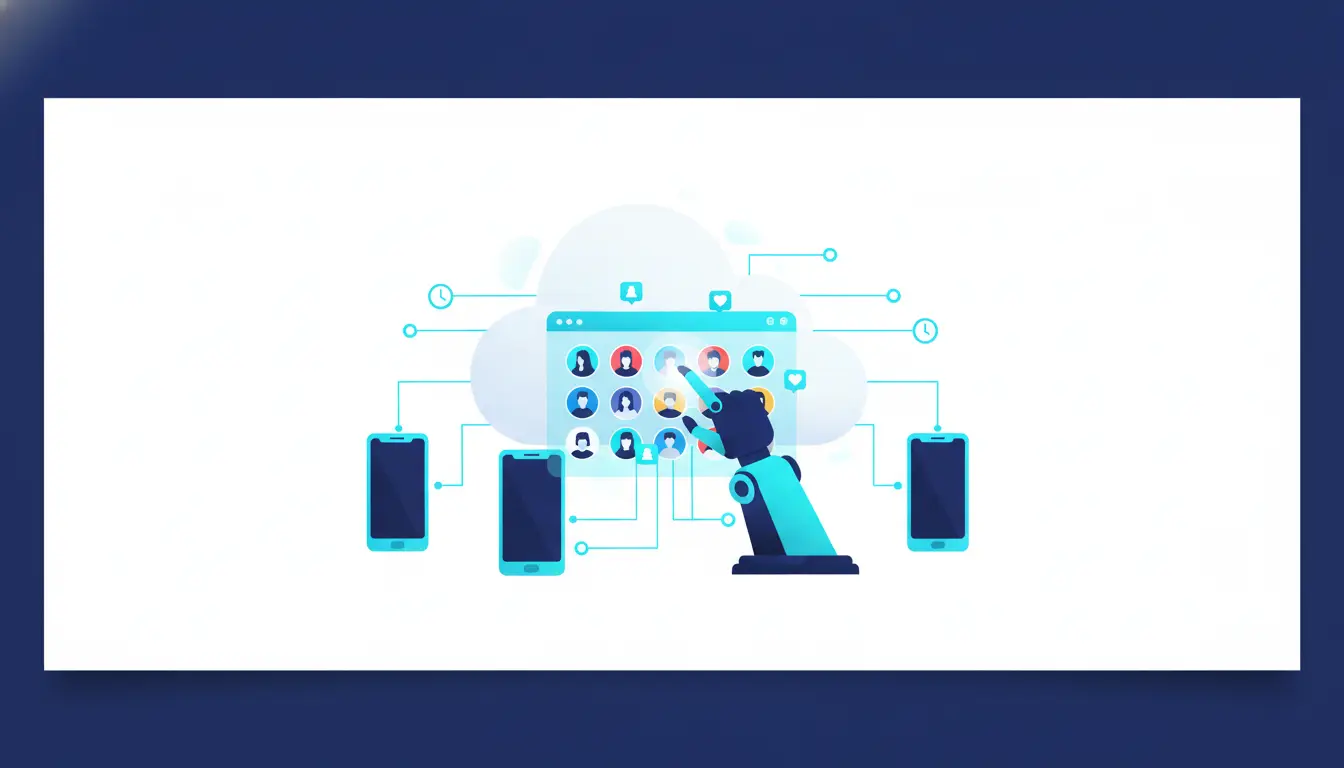
Comparative Analysis: Standard Methods vs. DICloak Infrastructure
| Feature |
Standard Browser Extensions |
DICloak Antidetect Infrastructure |
| Account Isolation |
Shared cookies/cache/storage |
Fully isolated (Cookies, Local Storage, IndexedDB) |
| Fingerprint Control |
Fixed/Leaking signatures |
Customizable (Canvas, WebGL, Device ID) |
| Hardware Costs |
High (needs multiple devices) |
Low (1,000+ accounts on one device) |
| Automation Type |
Simple, fragile scripts |
Professional RPA, Synchronizer & Marketplace |
| Audit & Team Access |
Password sharing (Critical Risk) |
Permission settings & Operation Logs |
| Execution |
Local (PC must be on) |
Local (PC must be on) |
Implementing Your Growth Strategy with DICloak
DICloak provides the technical framework to implement these strategies at a professional level.
- Bulk Creation & The Synchronizer: Use "powerful bulk tools" to create and launch multiple profiles simultaneously. The Synchronizer tool allows an operator to control 1,000+ accounts at once, mirroring actions from a main profile across the entire fleet.
- Team Collaboration: Manage large teams using permission settings and comprehensive operation logs. This provides a necessary audit trail to prevent internal data leaks or rogue account behavior.
- Operational Efficiency: By consolidating 1,000+ accounts onto a single device, DICloak eliminates the need for massive hardware investments while maintaining strict environmental isolation.
Objective Analysis: Pros and Cons of Professional DICloak Antidetect Solutions
Pros:
- Scalability: Linearly scale from 10 to 1,000+ accounts without hardware overhead.
- Risk Mitigation: Fingerprint isolation and randomized hardware IDs significantly reduce the probability of bans.
- Automation: RPA removes the manual labor of following, searching, and engagement.
Cons:
- Setup Complexity: Initial configuration of fingerprints and proxy pools requires technical diligence.
- Operating Costs: High-quality residential proxies represent a recurring investment.
- Learning Curve: Mastery of RPA editors and bulk management tools is required for maximum efficiency.
Risk Management and Best Practices for Bulk Following
Maintaining account longevity requires a "security-first" mindset.
- Action Limits & PubDate: Never follow 400 accounts in a single burst. Use the "PubDate" field in your RPA tasks to stagger actions throughout the day, looking "natural" to X's behavioral heuristics.
- Account Farming & Trust Scores: New accounts should undergo a "warm-up" period (account farming). This involves organic browsing and low-volume engagement to establish a high "Trust Score" within the X algorithm before beginning aggressive growth workflows.
- Environmental Hygiene: If an account is banned, use the "one-click reset" feature to generate a fresh, clean hardware environment and ID, ensuring no residual data links the new account to the old one.
Frequently Asked Questions
Can I run this on Mac and Windows?
Yes. DICloak is based on the Chrome core and are fully compatible with all major operating systems, allowing for the simulation of Windows, Mac, iOS, Android, and Linux.
How many accounts can I safely manage?
With proper proxy management and profile isolation, you can manage 1,000+ accounts on a single device. The bottleneck is typically your proxy quality, not the software's capacity.
Is RPA difficult to set up?
No. Most workflows can be handled via built-in RPA templates like “Browse & Like on Twitter Homepage,” which require zero coding and can be configured via simple field entries.
 Web Proxy Tools
 Free Tools
 Cookie Plugin
 UA Generator
 MAC Address Generator
 IP Generator
 IP Address List
 2FA Code Generator
 World Clock
 Anonymous Check
 WebRTC Leak Test
 UUID Generator
 Free Web Proxy Site
 Proxy Checker
 FB Ad Checker
 AI Web Scraping
 Free SMM Tools
 Twitter Shadowban Checker
 Instagram Name Checker
 UTM Generator
 Username Generator
 AI Hashtag Generator
 LinkedIn Headline Generator
 Social Media Image Resizer





