For senior practitioners managing high-value digital assets, selecting an Android emulator is a decision of core infrastructure, not just convenience. In the current landscape of 2025, where anti-fraud algorithms employ sophisticated behavioral and hardware analysis, the choice between MuMu Player and MEmu Play must be viewed through the lens of risk control and resource scalability.
The Architecture of Modern Android Emulation
The fundamental difference between MuMu Player and MEmu Play lies in their virtualization philosophies and how they handle the translation of ARM instructions to x86 architectures.
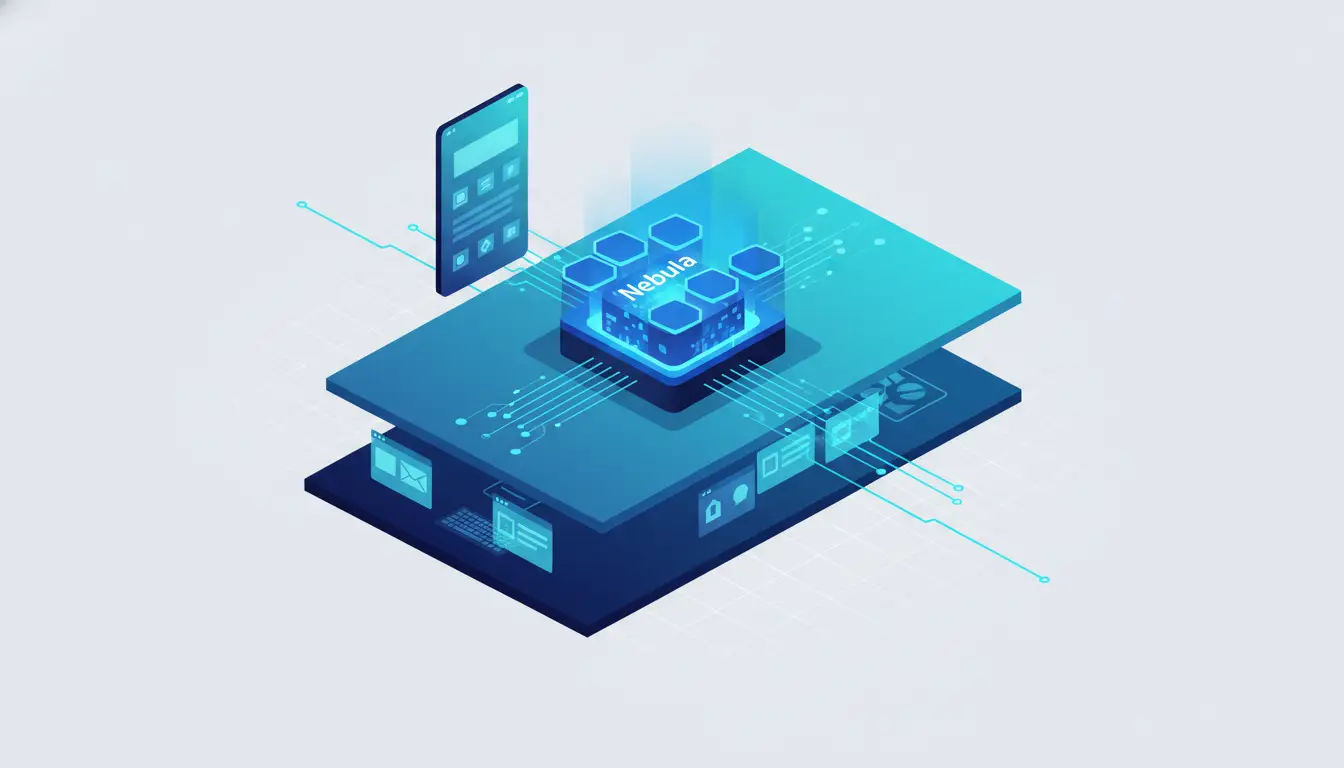
- MuMu Player: Developed by NetEase, MuMu focuses on low-level hypervisor optimization. Unlike many competitors that rely on generic VirtualBox-based cores, MuMu uses a proprietary architecture (often referred to as the "Nebula" engine in recent iterations) designed for high-efficiency rendering. It avoids the bloat of "AOW engines" used by platforms like GameLoop, focusing instead on minimizing the overhead between the host OS and the guest virtual machine.
- MEmu Play: This platform is engineered for maximum hardware compatibility, utilizing a flexible virtualization layer that bridges Intel and AMD chipsets seamlessly. It relies heavily on sophisticated binary translation layers to execute ARM-based mobile applications on desktop processors.

For growth experts managing multiple instances, this architectural efficiency is critical. Every instance requires dedicated CPU cycles for binary translation and a slice of physical RAM for the guest OS. Choosing an architecture that minimizes "context switching" between the host and virtual environment is the primary way to prevent hardware bottlenecks.
Understanding MuMu Player vs MEmu Performance Benchmarks
Operational stability during 24/7 sessions is the gold standard for digital growth. Any degradation in frame rate (FPS) or memory leakage over time can result in session timeouts or account flagging due to "jitter" in application responsiveness.
Hardware Resource Allocation and System Efficiency
MuMu Player’s lightweight design is significantly more efficient than MEmu’s feature-heavy interface. MEmu includes a massive array of auxiliary tools and an ad-driven interface that increases background resource consumption.
Scenario: Consider a practitioner running 10+ instances for account farming. In a MEmu-based environment, the cumulative "resource bloat"—driven by ad-loading services and auxiliary GUI elements—can exceed 16GB of RAM quickly, leading to system-wide crashes. MuMu’s streamlined environment typically allows for 20-30% higher instance density on the same hardware before encountering stability issues.
Android Version Support and API Compatibility
App compatibility is non-negotiable for security. Modern social media and e-commerce platforms often require Android 9 or Android 12 to utilize updated API security patches. MuMu Player currently leads in providing stable Android 12 environments. Running accounts on older Android versions (like Android 7) is a massive red flag for anti-fraud systems, as modern physical devices have long since migrated to newer cores.
Detection Risks and Fingerprint Management
Platforms like TikTok, Facebook, and Instagram do not just look at your IP; they analyze "Device Fingerprinting." Emulated environments are notoriously difficult to hide because they often use generic hardware signatures.
The primary detection vectors include:
- Hardware ID Leakage: Emulators often use common OUI (Organizationally Unique Identifier) prefixes for MAC addresses that are immediately identified as virtualized hardware.
- Canvas and GPU Rendering: Anti-fraud systems detect the difference between a mobile GPU (like Adreno or Mali) and a desktop GPU being passed through a virtualization layer. Inconsistent graphical rendering signatures are a primary trigger for account bans.
- Sensor Data: Physical phones provide constant accelerometer and battery health data; emulators often provide static or "null" values.
Pro Tip: Standard emulators often share identical hardware signatures across instances. This lack of hardware entropy is the number one cause of "Association Risk," where one ban leads to the termination of an entire farm.
Strategic IP Protection and Network Isolation
To scale safely, each account must exist in its own "Network Silo." Preventing account linkage requires strict isolation of network traffic.
Implementing Proxy Management for Regional Isolation
Growth infrastructure must prioritize "Network Isolation" to ensure that an IP ban in one region does not affect profiles in another.
- Protocol Integration: Each emulator instance must be configured with unique HTTP/SOCKS5 credentials.
- Avoid Shared Infrastructure: In the context of account farming, Residential IPs are mandatory. Datacenter IPs are easily identified by platforms and are often associated with automated bot traffic.
- Regional Locks: Use the "GPS Simulation" features (found more robustly in MEmu) to ensure your virtual location matches your proxy’s exit node.
Operational Workflows: Automation and Bulk Management
Scaling requires the transition from manual input to Robotic Process Automation (RPA).
Scripting and RPA for Repetitive Digital Tasks
Both tools offer macro recorders and synchronizers that replicate actions from a "Master" instance to multiple "Slave" instances. However, a Senior Analyst must account for "Action Variance." If 20 accounts perform the exact same click at the exact same millisecond, anti-fraud systems will detect the synchronization.
Operational Scenario: When performing a bulk "warm-up" of 20 social media profiles, use synchronizers to handle the basic navigation, but manually introduce behavioral variance or use scripts that include randomized "sleep" timers between actions to mimic human interaction.
The Transition to Professional Antidetect Solutions
While emulators like MuMu and MEmu are capable, high-stakes operations (Affiliate Marketing, Traffic Arbitrage) eventually outgrow full OS virtualization. The resource cost of running a full Android OS for every account is inefficient compared to Antidetect Browsers like DICloak.
Fingerprint Customization vs. Generic Simulation
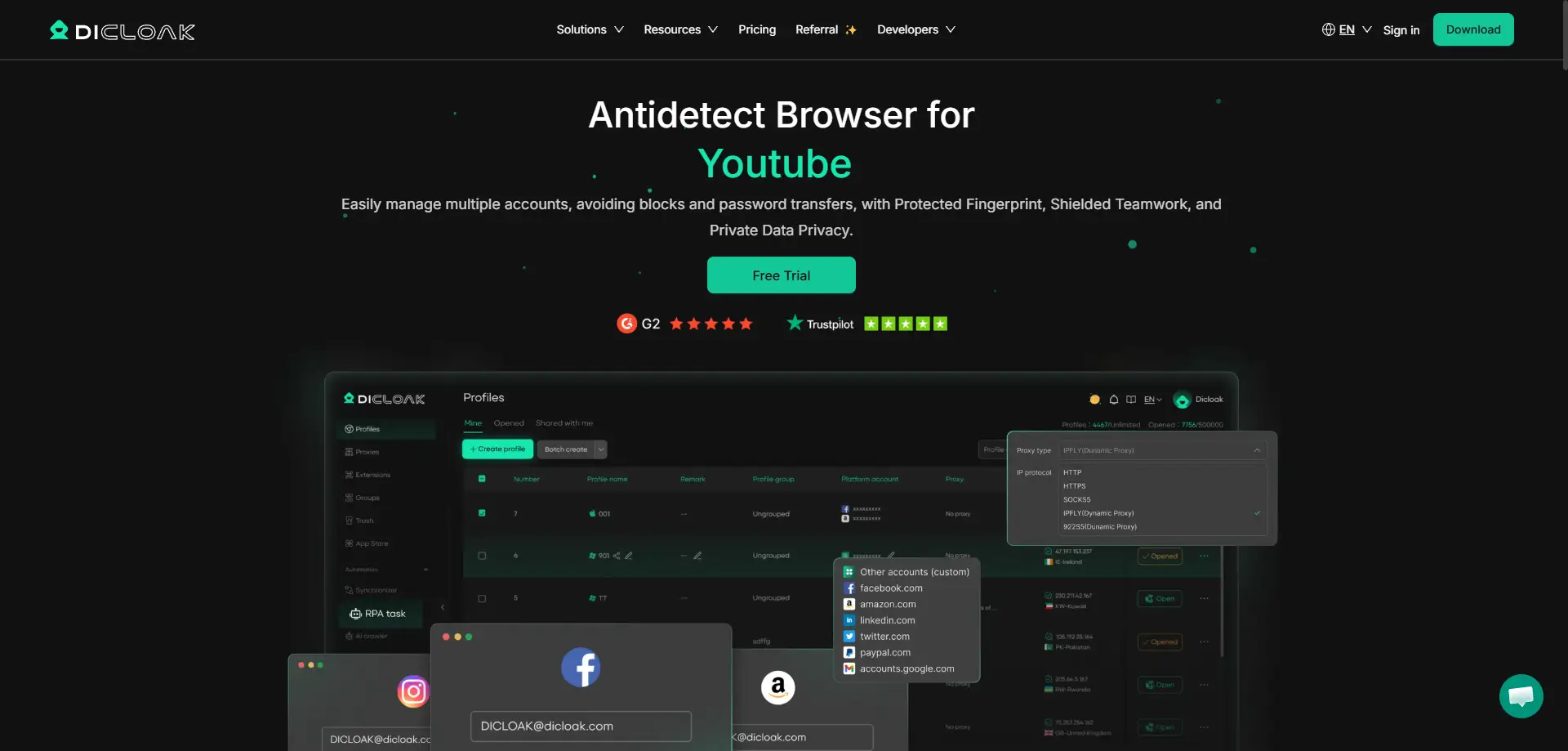
Unlike standard emulators, professional tools like DICloak offer granular control over the browser fingerprint. DICloak is based on the Chrome core but can simulate Windows, Mac, iOS, Android, and Linux environments.
- Reduced Footprint: Instead of virtualizing an entire OS, DICloak modifies WebGL, AudioContext, and Font fingerprints at the browser level.
- Mobile OS Simulation: Even though it is a browser, DICloak can simulate the fingerprint of a mobile device (iOS/Android), which is often more stable and harder to detect than a full emulator.
Team-Based Workflow and Data Segregation
For growing agencies, data isolation is paramount. Tools like DICloak provide:
- Permission Roles: Admins can restrict team members from seeing sensitive account credentials or changing proxy settings.
- Operation Logs: Tracking every action within a profile to prevent internal leaks or errors.
- Cookie Isolation: Ensuring that session tokens and cookies never cross-contaminate between profiles.
Comparison Table: Standard Emulators vs. Professional Management Tools
| Feature |
Standard Emulators (MuMu/MEmu) |
Professional Antidetect (DICloak) |
| System Resource Usage |
High (Virtualizes full Android OS) |
Low (Isolated browser-level profiles) |
| Fingerprint Customization |
Basic (IMEI, MAC, GPS) |
Advanced (WebGL, Audio, Fonts, Canvas) |
| OS Simulation |
Android only |
Windows, Mac, iOS, Android, Linux |
| Proxy Integration |
Individual/Manual setup |
Bulk Proxy Management (HTTP/SOCKS5) |
| Automation (RPA) |
Macro Recorder / Synchronizer |
Built-in RPA / Advanced API support |
| Team Collaboration |
None / Manual profile sharing |
Permission roles & Operation logs |
Evaluating the MuMu Player vs MEmu Ecosystem: Pros and Cons
MuMu Player
- Pros:
- Superior resource efficiency; the most lightweight standard emulator.
- Stable Android 12 support for modern app compatibility.
- Minimal ad-intrusiveness compared to competitors.
- Cons:
- Fewer advanced "tweaking" tools for hardware spoofing.
- Less flexibility for running legacy Android versions.
MEmu Play
- Pros:
- Exceptional compatibility for AMD-based workstations.
- Robust GPS simulation and "Multi-MEmu" manager.
- Flexibility to run multiple Android versions (7.1, 9.0).
- Cons:
- Heavy ad-integration can lead to instability and resource "bloat."
- Higher CPU/RAM overhead per instance.
Advanced Optimization for MuMu vs MEmu Environments
To maximize the lifespan of your accounts, hardware hygiene must go beyond the basic settings.
Pro Tip: Clearing the cache is insufficient. To truly reset an instance identity, you must reset the android_id file, rotate the IMEI/MAC, and clear persistent storage tokens in the /data/system/ directory. Without these steps, the platform will recognize the "new" account as being on the same "old" hardware.
Frequently Asked Questions about MuMu vs MEmu
Why do platforms restrict emulator usage?
Anti-fraud algorithms detect the absence of "Human Hardware Signatures." Real phones have gyroscope movement, battery discharge patterns, and unique hardware noise. Virtualized environments produce "clean" or "static" data that stands out as non-human/automated in large-scale data analysis.
How to reduce the risk of account linkage?
- Unique Network Identity: Never allow two instances to share an IP.
- Fingerprint Entropy: Randomize hardware profiles for every instance.
- Behavioral Variance: Use RPA tools that allow for randomized delays and human-like cursor movements.
Conclusion: Scaling with Confidence
For casual use or small-scale testing, MuMu Player is the superior choice due to its stability and modern Android support. For users on AMD hardware who require specialized tools like GPS spoofing, MEmu Play remains a viable alternative.
However, for professional scaling in 2025, the industry is moving toward a multi-pillared infrastructure:
- Antidetect Browsers (DICloak): For high-density account management and team collaboration.
- Cloud Phones (GeeLark): For high-security mobile operations that require real hardware fingerprints without the resource cost of local emulation.
- Standard Emulators: For application testing and basic automation.
Success in the digital landscape requires moving beyond "plug-and-play" solutions and adopting a mindset of rigorous risk control and architectural efficiency.
 Web Proxy Tools
 Free Tools
 Cookie Plugin
 UA Generator
 MAC Address Generator
 IP Generator
 IP Address List
 2FA Code Generator
 World Clock
 Anonymous Check
 WebRTC Leak Test
 UUID Generator
 Free Web Proxy Site
 Proxy Checker
 FB Ad Checker
 AI Web Scraping
 Free SMM Tools
 Twitter Shadowban Checker
 Instagram Name Checker
 UTM Generator
 Username Generator
 AI Hashtag Generator
 LinkedIn Headline Generator
 Social Media Image Resizer





