Understanding the Browser User Agent as a Digital Fingerprint
The Browser User Agent (UA) is far more than a simple identification string. It is a non-negotiable header in the HTTP request lifecycle that dictates the server’s response logic. During the initial handshake between a client and a server, the UA string identifies the browser type, version, host operating system, and rendering engine.
From an analyst’s perspective, while the UA’s legacy purpose remains content optimization—ensuring the server delivers the correct assets for a mobile versus desktop environment—it now serves as a foundational pillar of modern device fingerprinting. This string provides the first set of telemetry data that security systems analyze to verify the legitimacy of a connection. In a professional multi-account setup, understanding the nuances of this "digital handshake" is the difference between seamless scaling and immediate account termination.
Anatomy of a Browser User Agent String
A standard UA string is a dense, formatted identifier. To maintain account integrity, practitioners must understand the specific technical components that platforms use to validate identity.
Browser Engine and Versioning
The string explicitly identifies the rendering engine—most commonly Blink (the engine powering the Chrome-based core of DICloak), WebKit, or Gecko. Version numbers are critical because they communicate both the browser’s capabilities and its security patch level. We are currently seeing a "UA String freeze" trend where browsers provide less specific data to mitigate tracking; however, security systems still look for precise versioning to ensure the client isn't an outdated, vulnerable, or bot-driven environment.
Operating System and Architecture
The UA string reports the host OS (Windows, macOS, Linux, iOS, or Android). However, sophisticated security engines do not take this at face value. They compare the application-level UA string against the OS-level TCP/IP stack signatures. Every OS has a distinct signature in its packet headers—specifically TTL (Time to Live) and TCP Window Size values. A mismatch (e.g., a UA claiming Windows while the TCP/IP stack reports a Linux-based Android TTL) is a high-entropy anomaly that triggers immediate "spoofing" flags.
Device-Specific Identifiers
Hardware-specific metadata is often nested within the string, influencing how the server allocates resources and renders layouts. This includes hardware architecture (e.g., x86_64 vs. ARM) which must align with the reported browser version and OS to pass modern validation checks.
How Browser User Agent Technology Impacts Fingerprinting and Privacy
Browser fingerprinting operates on the principle of Entropy—a mathematical measure of how much information a specific data point provides to narrow down a user’s identity. A generic UA string has low entropy (it’s common), while a highly specific or misconfigured string has high entropy, making the user easily identifiable or suspicious.
Platforms aggregate the UA with other signals to create a unique fingerprint without the need for cookies. When managing multiple accounts, the goal is to maintain a "natural" entropy level that avoids the "anomalous" status.
Pro Tip: Consistency is the ultimate security metric. Platforms look for a precise correlation across the entire digital fingerprint, including screen resolution, hardware concurrency, and time zone. An isolated UA is useless if it contradicts the underlying hardware telemetry.
Operational Scenarios for Browser User Agent Management
For businesses scaling digital infrastructure, UA management is a core component of risk mitigation:
- E-commerce Operations: Managing a portfolio of storefronts on Amazon or eBay requires strictly isolated UA strings. Mismatches or "leaky" UAs allow platforms to execute "linked account" bans, treating your entire business as a single high-risk entity.
- Social Media Marketing: Platforms like Meta and TikTok utilize a UA-to-IP-to-Timezone correlation. If you log into 50+ accounts and the UA reports a New York-based Windows machine while your proxy and system clock suggest London, the UA becomes the primary red flag in a chain reaction of automated checkpoints.
- Traffic Arbitrage and Affiliate Marketing: Lead-quality algorithms flag inconsistent UA data as "non-human traffic." If your UA strings do not match the expected distribution of your target demographic, your traffic is devalued and your accounts restricted.
Risks of Improper Browser User Agent Spoofing
Simple "spoofing"—using a basic browser extension to flip a UA string—is a high-risk practice that usually fails against modern bot detection. Detection engines utilize JS Runtime Checks to verify the environment. For instance, while you can change the UA to "Safari on iPhone," the JavaScript property navigator.platform may still return "Win32" on a Windows machine.
This creates the "Smoking Gun": a hardware-software mismatch. When a server detects that the UA claims to be a mobile device but the CSS media queries or WebGL renderer metadata describe a desktop GPU, the identity is compromised. This is why "blind spoofing" is often more dangerous than using no spoofing at all.
Strategies for Browser User Agent Isolation and Control
Traditional Spoofing vs. Profile Isolation
Traditional spoofing is superficial; it changes the name tag but not the person. Professional Profile Isolation via tools like DICloak creates a sandbox where every attribute—from the UA string to the rendering engine and hardware hashes—is natively consistent. Each profile behaves as a unique, independent machine, providing a stable environment that resists cross-account leakage.
The "Hardware-Software Synchronicity Mandate"
To survive modern security audits, you must follow the mandate: the UA must match the underlying hardware signatures. If the UA claims a specific OS, the Canvas hash, WebGL metadata, and AudioContext fingerprints must all support that claim. Incoherent combinations—often called "fingerprint soup"—are the leading cause of automated account bans.
Standard Methods vs. DICloak Professional Infrastructure
| Feature/Method |
Standard Browser Browsing |
DICloak Infrastructure |
| Profile Isolation |
Shared cookies and local storage |
Independent, sandboxed environments |
| User Agent Control |
Fixed to the host machine |
Fully customizable per profile |
| OS Simulation |
Limited to the host OS |
Windows, Mac, iOS, Android, Linux |
| Scalability |
Manual and resource-heavy |
Bulk creation and RPA automation |
| Account Risk |
High due to fingerprint leakage |
Minimized via hardware-UA synchronicity |
| Detection Defense |
Minimal; prone to JS runtime checks |
Advanced; simulates native OS signatures |
Customizing the Browser User Agent with DICloak
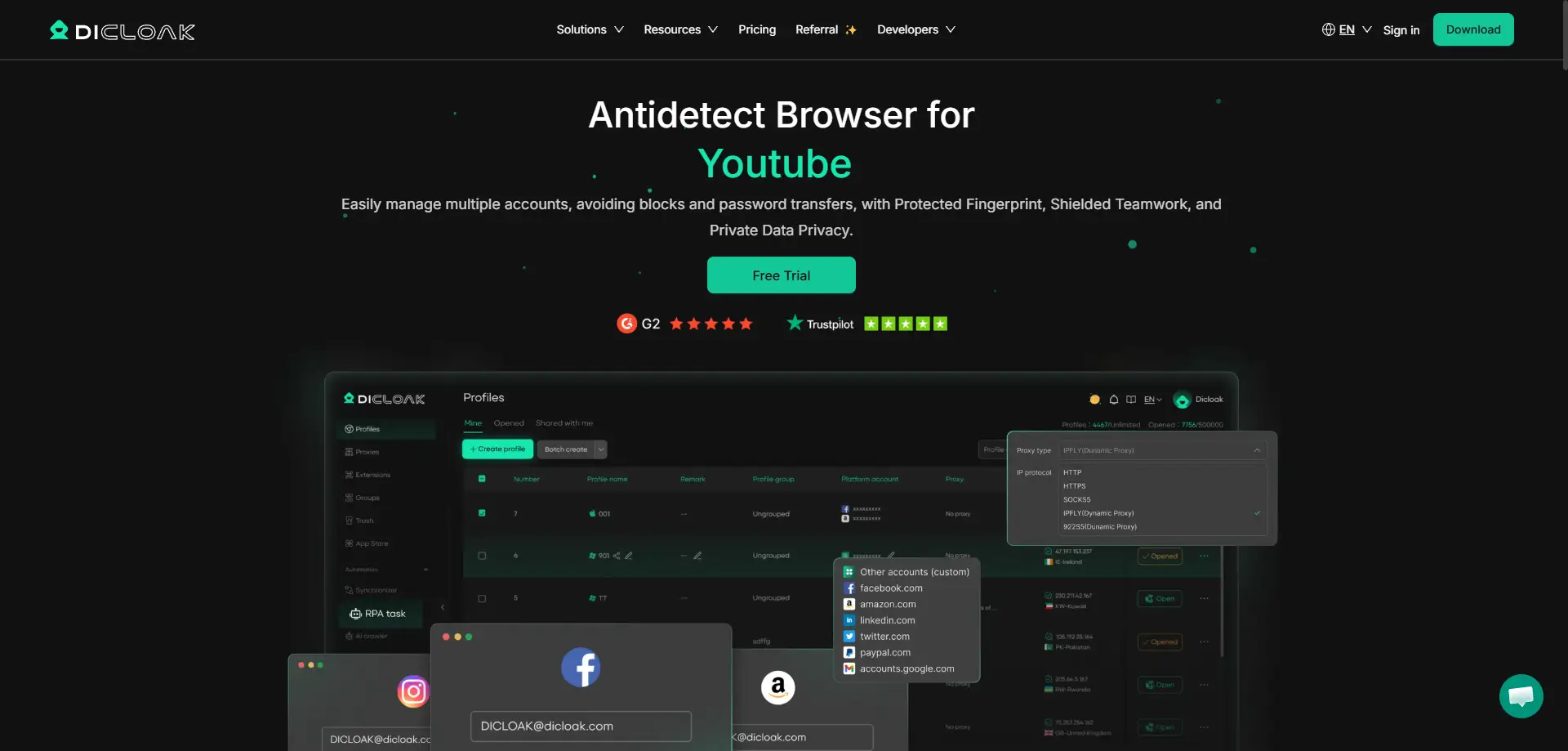
DICloak automates the generation of authentic UA strings using a Chrome-based (Blink) core. This ensures that the UA remains compatible with the most recent web standards across 1,000+ accounts on a single device. The infrastructure allows for granular customization of fingerprints per profile, ensuring that each identity is paired with appropriate Proxy Management (HTTP, HTTPS, SOCKS5).
Pro Tip: When scaling, use DICloak’s bulk tools to generate profiles with a varied distribution of UA strings. This mimics a natural, organic user base, making your operational footprint indistinguishable from a group of real-world users.
Leveraging RPA for Automated Browser User Agent Workflows
Robotic Process Automation (RPA) is the engine of digital growth. DICloak’s built-in RPA allows for non-linear interaction patterns, which bypass behavioral analysis algorithms. By automating repetitive tasks across multiple profiles—each with its own isolated UA and IP identity—teams can scale without increasing the risk profile. These workflows are most secure when combined with operation logs and data isolation to maintain transparency across team-based environments.
Professional Evaluation of DICloak for Multi-Account Teams
Pros:
- Infrastructure Efficiency: Consolidates 1,000+ accounts on a single hardware unit, drastically reducing overhead.
- Protocol Flexibility: Seamless integration with SOCKS5 and HTTP/HTTPS proxies.
- Team Governance: Granular permission settings and profile sharing facilitate secure collaboration.
- Cross-Platform Core: Full support for simulating Windows, Mac, Linux, iOS, and Android.
Cons:
- Configuration Depth: Initial setup requires a systematic approach to parameters to avoid "fingerprint soup."
- Learning Curve: Advanced RPA and automation features require a technical baseline for optimal deployment.
Frequently Asked Questions About Browser User Agent Management
What is the primary purpose of a browser user agent?
Technically, it is the User-Agent HTTP header used to dictate content delivery and optimization, ensuring the server provides the correct assets for the client's specific environment.
Can I change my browser user agent for privacy?
Yes, but manual changes often increase entropy. For true privacy, the UA change must be accompanied by corresponding changes to the JS runtime and hardware metadata to prevent detection of the "mismatch."
How do websites use user agent data for security?
They use it for "Passive Fingerprinting." By checking for discrepancies between the UA and the TCP/IP stack or JavaScript properties like navigator.platform, websites can identify and block sophisticated bot activity.
Is the browser user agent unique to every user?
On its own, no; millions may share a UA. However, as a component of a larger fingerprint (including Canvas and WebGL hashes), it contributes significantly to the unique "entropy" that identifies a specific device.
 Web Proxy Tools
 Free Tools
 Cookie Plugin
 UA Generator
 MAC Address Generator
 IP Generator
 IP Address List
 2FA Code Generator
 World Clock
 Anonymous Check
 WebRTC Leak Test
 UUID Generator
 Free Web Proxy Site
 Proxy Checker
 FB Ad Checker
 AI Web Scraping
 Free SMM Tools
 Twitter Shadowban Checker
 Instagram Name Checker
 UTM Generator
 Username Generator
 AI Hashtag Generator
 LinkedIn Headline Generator
 Social Media Image Resizer





