Instagram post size matters more than many creators think. The right size can make your content look cleaner, sharper, and easier to read. In this guide, we will explain the best Instagram post size 2026 for feed posts, Stories, Reels, ads, and common content goals.
Why Instagram Post Size Matters in 2026
Choosing the right instagram post size 2026 is not just a design detail. It affects how your post looks in the feed, how much screen space it gets, and whether people stop scrolling. Instagram now supports several photo shapes, including square, portrait, landscape, and newer 3:4 photo uploads. That gives creators more freedom, but it also makes size mistakes easier.
How post size impacts engagement and visibility
A post that fits the feed well is easier to notice. Portrait posts usually take up more vertical space than square or landscape posts, so they can hold attention longer while users scroll. For many creators, this is why 1080 × 1350 pixels has become a common choice for feed posts, while Stories and Reels usually work best at 1080 × 1920 pixels.
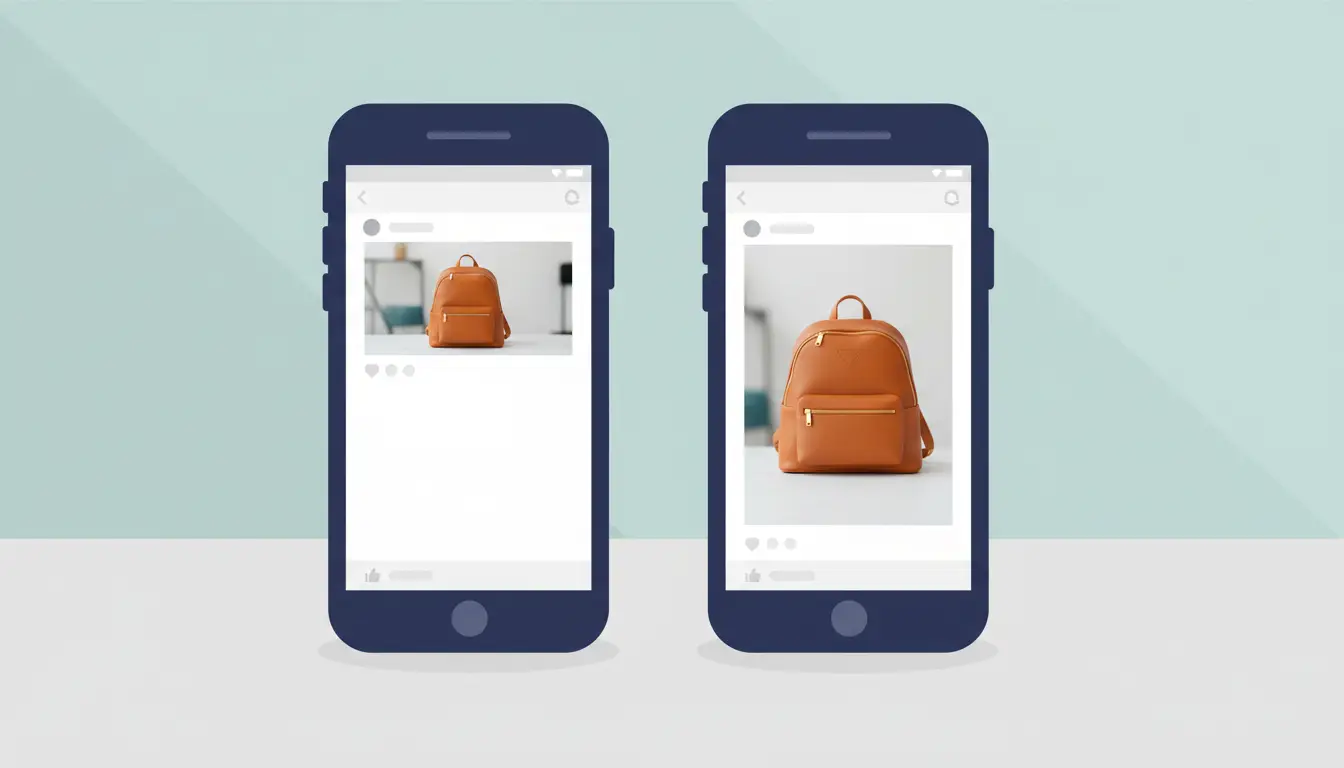
Think of a small business posting a new product photo. If the image is too wide, the product may look small in the feed. If the same product is posted in a clean portrait format, the item fills more of the screen. The post feels easier to view, and the main message is harder to miss.
Common mistakes caused by incorrect dimensions
Wrong dimensions can make a good post look careless. Text may be cut off. A person’s head may be cropped. A product may appear too close to the edge. Carousel posts can also feel messy when each slide uses a different ratio.
For example, a brand may design a sales graphic in a wide banner shape. It looks fine on a desktop design tool, but on Instagram the top and bottom space may not work well in the feed. A better choice is to design from the start for the final format, such as square, portrait, or 3:4, depending on where the post will appear.
Why Instagram’s compression affects your image quality
Instagram also compresses images after upload. This helps posts load faster, but it can make some photos look softer than the original. A very large image may be reduced, and a very small image may look blurry after uploading. The safest habit is to upload a clear image of the right size, with a width of at least 1080 pixels.
For example, if you upload a sharp product image that is 600 pixels wide, it may lose detail on modern phone screens. If you upload a huge file with tiny text, compression may still make that text harder to read. For the best result, keep the design simple, export close to Instagram’s recommended size, and avoid placing important text near the edges.
What Are the Correct Instagram Post Sizes for 2026?
The right instagram post size 2026 depends on how you want the post to appear in the feed. For most feed images, the safest width is still 1080 pixels. The height changes based on the format: square, portrait, or landscape. Instagram supports feed photo ratios from 1.91:1 to 4:5, while newer 3:4 photo support also gives creators more room for natural phone photos.
Dimensions for square posts: 1:1 ratio explained
Square posts use a 1:1 ratio. The best size is 1080 × 1080 pixels. This format is simple, clean, and easy to reuse across different platforms. It works well for quotes, product shots, logos, and simple graphics.
For example, if you are posting a coffee cup photo with a short text overlay, a square post can keep the layout balanced. Just keep the main subject in the center. This helps avoid awkward cropping in previews or profile displays.
Portrait post sizes: When to use 4:5 ratio
Portrait posts use a 4:5 ratio. The common size is 1080 × 1350 pixels. This is one of the best choices for feed posts because it takes up more vertical space on a phone screen. More space means your image has a better chance to catch attention while people scroll.
Use 4:5 for product photos, outfit posts, food images, tutorials, and creator content. For example, a skincare brand can show the product, hand model, and short benefit text in one clean frame. It feels fuller than a square post without becoming too tall for the feed.
Landscape post sizes: Best practices for 1.91:1 ratio
Landscape posts use a 1.91:1 ratio. The best size is 1080 × 566 pixels. This format is wide and short, so it works best when the scene itself needs width. Good examples include travel views, event photos, team shots, cars, rooms, or wide product setups.
The main risk with landscape posts is that they take up less space in the feed. Small text can become hard to read. If you use this format, keep the image clean and avoid tiny details near the edges. For most marketing posts, portraits are easier to notice. For wide visual stories, landscape still has a clear place.
How to Choose the Right Post Size for Your Content Goals
The best instagram post size 2026 is not just about numbers. It depends on what you want the post to do. Some posts need to be flexible. Some need to grab attention fast. Others need more space to tell a story. Choosing the right format can make your content feel clearer and more intentional.
When to use square posts for maximum versatility
Square posts are the safest choice when you want consistency. The 1:1 format works well across feed, profile grid, and even when content is reused on other platforms.
For example, a brand that posts daily tips or quotes may use square posts to keep the grid clean. It is easier to design, and you do not need to adjust layouts for different formats. Square posts also reduce the risk of awkward cropping, especially for text-based content.
If your goal is simple and repeatable content, square is often the easiest option.
Why portrait posts perform better for storytelling
Portrait posts, especially the 4:5 format, are better when you want to hold attention. They take up more vertical space, so they stand out more in the feed.
This makes them ideal for storytelling. For example, a fitness coach sharing a transformation post can use a portrait image to show before-and-after results clearly. A food creator can show the full dish, ingredients, and plating in one frame.
If your content needs more detail or emotion, portrait format gives you more room to guide the viewer’s focus.
Scenarios where landscape posts are the ideal choice
Landscape posts work best when width matters more than height. They are useful for scenes that feel wide or need more horizontal space.
For example, a travel creator sharing a beach sunset or city skyline will benefit from a landscape format. A tech brand showing a desk setup or gaming monitor can also use this layout to keep everything in one frame.
However, because landscape posts take up less space in the feed, they are easier to scroll past. To make them work better, keep the subject clear and avoid small details that may be hard to see on mobile.
How to Resize Photos for Instagram Without Losing Quality
Resizing images the right way is just as important as choosing the right instagram post size 2026. A good photo can look blurry, stretched, or compressed if it is not prepared correctly. The goal is simple: keep your image clear, keep the right shape, and match Instagram’s preferred sizes before uploading.
Tools and apps for resizing images in 2026
You do not need complex software to resize images. Many simple tools work well in 2026.
For quick edits, apps like Canva, CapCut, and Adobe Express let you choose preset Instagram sizes such as 1:1, 4:5, or 9:16. These tools are easy to use and help you avoid manual mistakes.
For more control, tools like Photoshop or Lightroom allow you to set exact pixel sizes, adjust sharpness, and export images in high quality. Mobile users can also use built-in phone editors, but they may offer fewer options for precise resizing.
For example, a small business owner creating product posts can use Canva templates set to 1080 × 1350 pixels. This ensures the image fits perfectly without extra adjustments later.
Steps to avoid pixelation or distortion
Pixelation happens when an image is too small and gets stretched. Distortion happens when the image shape is changed incorrectly.
To avoid this, always start with a high-quality image. Resize down, not up. If your image is already small, do not try to enlarge it too much. It will lose detail.
Another common mistake is dragging the image freely when resizing. This can stretch faces or objects. Always lock the proportions when resizing so the shape stays natural.
For example, if you upload a low-resolution logo and stretch it to fit a portrait post, it may look blurry or warped. A better approach is to place the logo inside a correctly sized canvas instead of stretching it.
How to maintain aspect ratio while resizing
Aspect ratio is the shape of your image. Keeping the correct ratio is key to avoiding unwanted cropping.
Most tools have a “lock ratio” or “constrain proportions” option. Turn this on before resizing. Then adjust the width or height, and the other side will scale automatically.
For Instagram, common ratios include:
- 1:1 for square posts
- 4:5 for portrait posts
- 1.91:1 for landscape posts
A simple workflow is this: choose your target ratio first, place your image inside that frame, then adjust the position without stretching it. This keeps your content sharp and aligned with the instagram post size 2026 standards.
Instagram Post Size vs. Story Size: Key Differences Explained
Many creators think they can use the same image for both feed posts and Stories. In reality, the instagram post size 2026 and Story size are very different. Feed posts are designed for scrolling, while Stories are designed for full-screen viewing. If you use the wrong format, your content may look cropped, awkward, or hard to read.
Why post and story dimensions are not interchangeable
Feed posts usually use square (1:1), portrait (4:5), or landscape (1.91:1) ratios. Stories, on the other hand, are vertical and use a 9:16 ratio, usually 1080 × 1920 pixels.
Because of this difference, a feed post will not fill the Story screen properly. For example, if you upload a square post to Stories, it will show empty space above and below the image. If you upload a 4:5 portrait post, parts of the design may be cut off or placed too close to the edges.
A common real case is this: a brand reuses a feed post in Stories without adjusting it. The main text ends up too small or too close to the top, where it can be covered by the username or buttons. This makes the message harder to read.
Risks of using the wrong size for stories
Using the wrong size can hurt both design and performance. Important elements may be hidden behind the top bar, reply box, or UI buttons. Small text can become unreadable on mobile screens.
Another issue is visual quality. If the image is not in the correct 9:16 ratio, Instagram may resize or compress it in a way that reduces clarity. This can make photos look soft or stretched.
For example, a promotion banner designed for a square post may look fine in the feed, but in Stories it can appear zoomed out with large empty areas. Users may skip it quickly because it does not feel optimized for the format.
To avoid these problems, design separately for feed and Stories. Use the correct size from the start, and keep key content centered with enough spacing from the edges.
Does Instagram Post Size Affect Engagement Rates in 2026?
Yes, instagram post size 2026 can affect engagement, but it is not the only reason a post performs well. Size mainly changes how much space your content takes in the feed and how easy it is to read. The hook, image quality, topic, caption, and timing still matter a lot. Instagram’s own ranking guidance focuses on signals like user interest, likes, comments, shares, saves, and how people interact with content, not size alone.
Data on how size influences likes, comments, and shares
Portrait posts often have an advantage because they take up more vertical space on a phone screen. The common 4:5 size, 1080 × 1350 pixels, gives your post more room than a square post. That can help users notice the image before they scroll away. Many 2026 size guides still list 1080 × 1350 as the best feed size for portrait posts.
For example, a fitness coach posting a client result may get better attention with a 4:5 portrait post than a small landscape image. The photo fills more of the screen. The before-and-after details are easier to see. That can lead to more saves, comments, and shares if the content is useful.
Why larger images may not always perform better
A bigger image does not always mean better engagement. If the design is crowded, unclear, or hard to read, users may still skip it. A 1080 × 1350 post with tiny text can perform worse than a clean 1080 × 1080 post with one clear message.
Size should support the content goal. A square post may work better for a simple quote, logo, or product close-up. A landscape post may work better for a wide travel scene or group photo. The best instagram post size 2026 is the one that shows the main idea clearly without forcing users to zoom in.
How to test different sizes for your audience
The best way to choose a size is to test it with your own audience. Try one format for a set type of content, then compare it with another format.
For example, post product tips in square format for two weeks. Then post the same type of tips in 4:5 portrait format for the next two weeks. Compare reach, likes, comments, saves, shares, and profile visits. Do not judge from one post only. One topic can be stronger than another, even when the size is the same.
A simple test can show what your followers prefer. If portrait posts bring more saves and shares, use them more often. If square posts keep your brand grid cleaner and still get good comments, keep them in your mix. The goal is not to chase one perfect size. The goal is to make each post easy to see, easy to read, and worth engaging with.
Recommended Sizes for Instagram Ads in 2026
The right instagram post size 2026 is even more important when the post becomes an ad. Ads may appear in the feed, Stories, Reels, Explore, or carousel placements. If the creative does not fit the placement, it can look cropped, small, or unprofessional.
Best dimensions for feed ads and carousel posts
For Instagram feed ads, 1080 × 1080 pixels is still a safe square size. It works well for product ads, simple offers, and brand graphics. For mobile-first feed ads, 1080 × 1350 pixels can also work well because it takes up more vertical space.
Carousel ads should stay consistent. A 1080 × 1080 square format is a strong choice because each card looks balanced and easy to swipe. For example, an online store can use one card for each product, with the same layout across all slides. This keeps the ad clean and easier to understand.
How to design ads for stories and reels
Stories and Reels ads should be designed in a full-screen 9:16 format. The common size is 1080 × 1920 pixels. This format fills the phone screen and feels native to Instagram.
Keep important text, logos, and buttons away from the very top and bottom. These areas can be covered by profile names, captions, reply boxes, or call-to-action buttons. For example, if a sale code is placed too low in a Story ad, users may not see it clearly. Put the main message near the center instead.
Why ad size compliance is critical for approval
Ad size affects more than design. It can also affect delivery and approval. A creative with the wrong ratio, poor quality, unreadable text, or awkward cropping may perform badly even if it is approved. In some cases, it may need extra editing before launch.
For example, a square feed graphic reused as a Reel ad may leave empty space or make the text too small. A 9:16 ad reused in the feed may crop the top and bottom. These small mistakes can lower click-through rates and waste budget. To avoid this, build separate versions for feed, carousel, Stories, and Reels before publishing.
Common Mistakes to Avoid with Instagram Post Sizes
Even when you know the right instagram post size 2026, small mistakes can still ruin how your post looks. Most issues do not come from bad design. They come from using the wrong size, ignoring quality settings, or not thinking about how Instagram will crop the image.
Uploading images with incorrect aspect ratios
One of the most common mistakes is using the wrong aspect ratio. Instagram supports a range of formats, but if your image does not fit, it will be cropped automatically.
For example, if you upload a tall image that is outside the 4:5 limit, Instagram may cut off the top or bottom. This can remove important parts like faces, product details, or text. The same happens with very wide images that exceed the 1.91:1 ratio.
A simple fix is to choose your format first, then design inside that frame. This helps you control what users will actually see.
Ignoring Instagram’s resolution guidelines
Another mistake is uploading images that are too small or too large. Instagram will adjust the file anyway, which can reduce quality.
If the image is too small, it may look blurry on modern screens. If it is too large, Instagram will compress it, which can soften details. The safest approach is to use a width of at least 1080 pixels and match the correct ratio.
For example, a product photo exported at 600 pixels wide may look fine on your computer, but appear soft and low quality on a phone. Starting with the right resolution helps keep your content sharp.
Overlooking how cropping affects your composition
Cropping is often ignored during design, but it has a big impact on how your post feels. Important elements placed too close to the edges can be cut off or feel cramped.
For example, placing text at the very top of a portrait post may look fine in editing software. But in the Instagram feed, it may appear too close to the interface or get partially hidden in previews.
A better approach is to keep your main subject centered and leave space around the edges. This gives your post a cleaner look and makes sure nothing important gets lost.
As your Instagram strategy becomes more structured, workflow matters more too. This is especially true for people managing several accounts, client pages, or test accounts at the same time. In that kind of setup, growth problems do not always come from content. Sometimes they come from messy logins, mixed sessions, and too much manual work.
Safer multi-account work with cleaner account separation
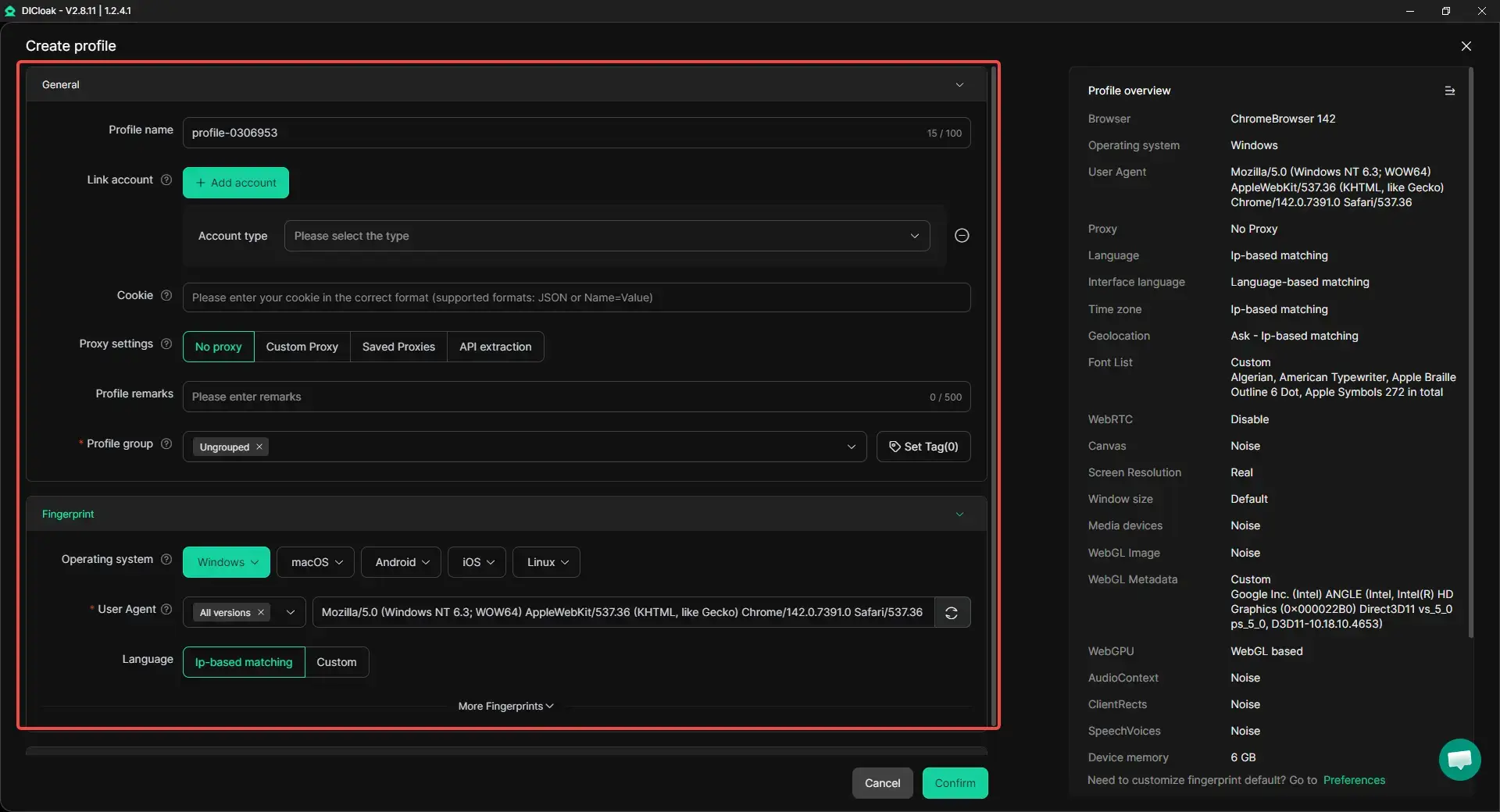
When multiple Instagram accounts are handled on one device, it helps to keep each one in its own browser profile. That way, cookies, sessions, and browser data do not get mixed together. Users can also match each profile with its own proxy setup, which makes account environments more separate and easier to manage. For agencies, marketers, and social media teams, this kind of setup is much cleaner for daily Instagram work.
Less manual work when running many accounts
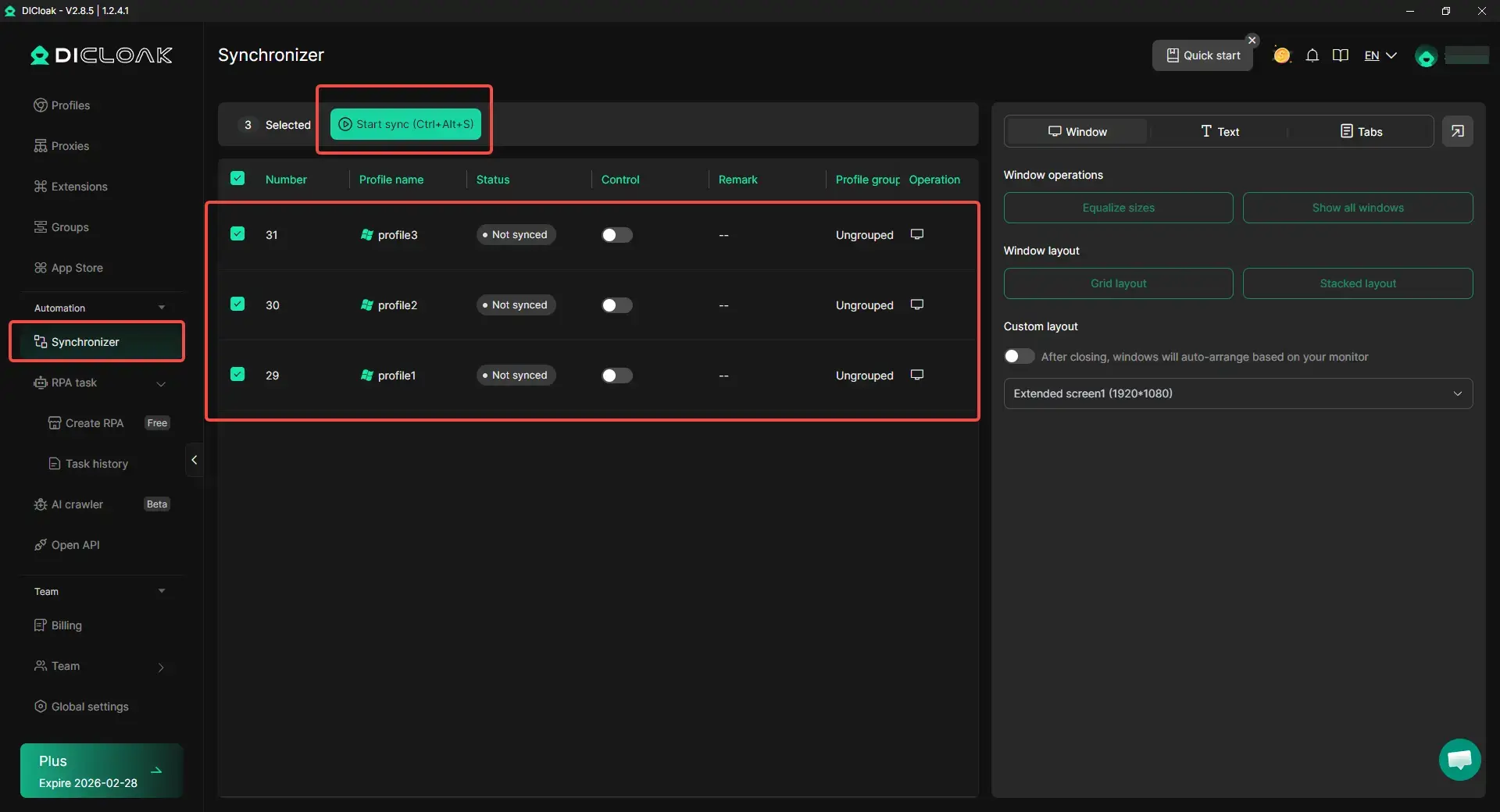
If the same actions need to be repeated across many profiles, tools like bulk operations, automation, and synchronizer features can save a lot of time. Instead of opening, switching, and managing accounts one by one, users can make multi-account work more organized and efficient. That leaves more time for the parts that actually matter for how to grow on Instagram, like content, replies, testing, and planning.
Using SMM tools and Fans AI for a faster boost
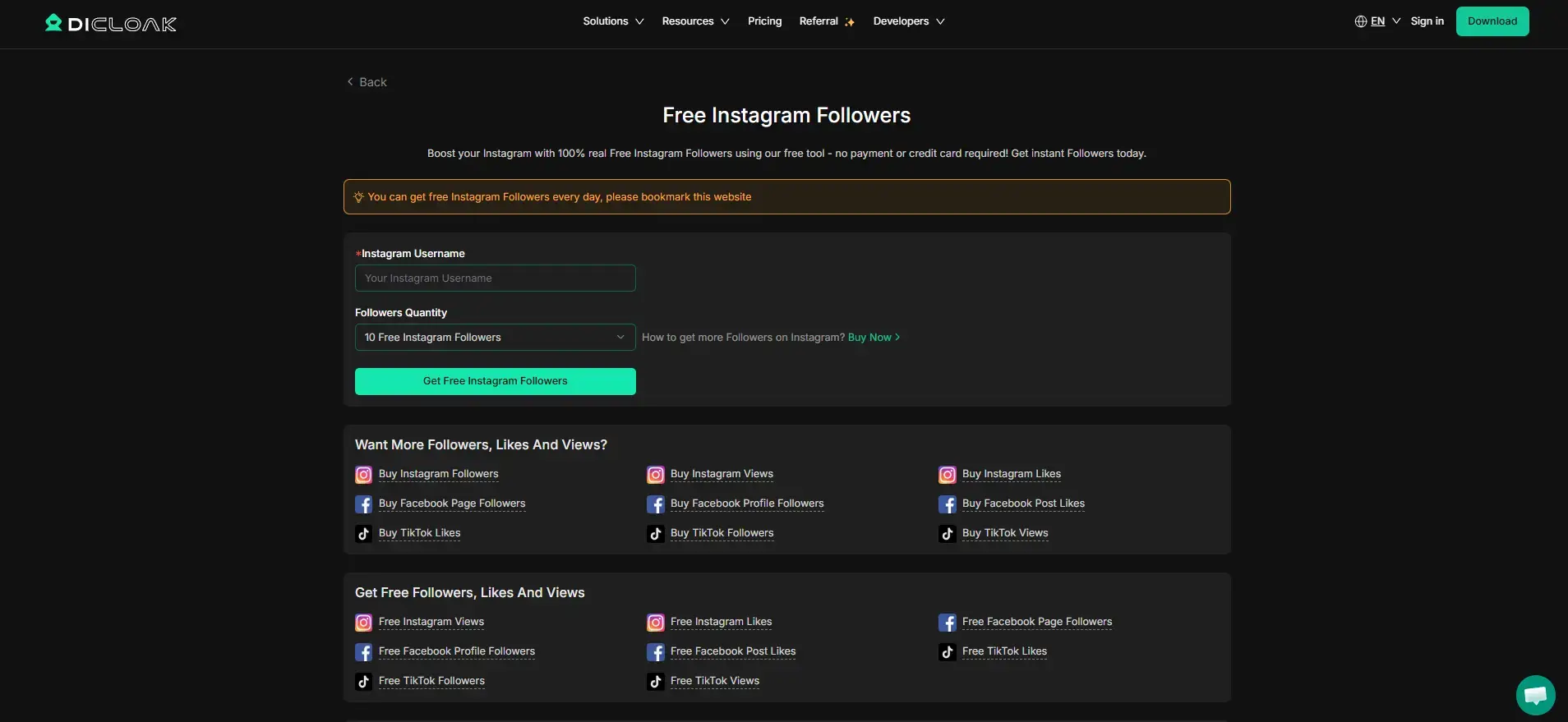
- Try free SMM tools first for small tests: If you want to test extra growth methods without spending money right away, free SMM tools can be a lighter starting point. They are useful for trying small follower growth tools first and seeing whether the extra exposure fits your account. For some users, this kind of test can bring a small early boost and make a new page look less empty.
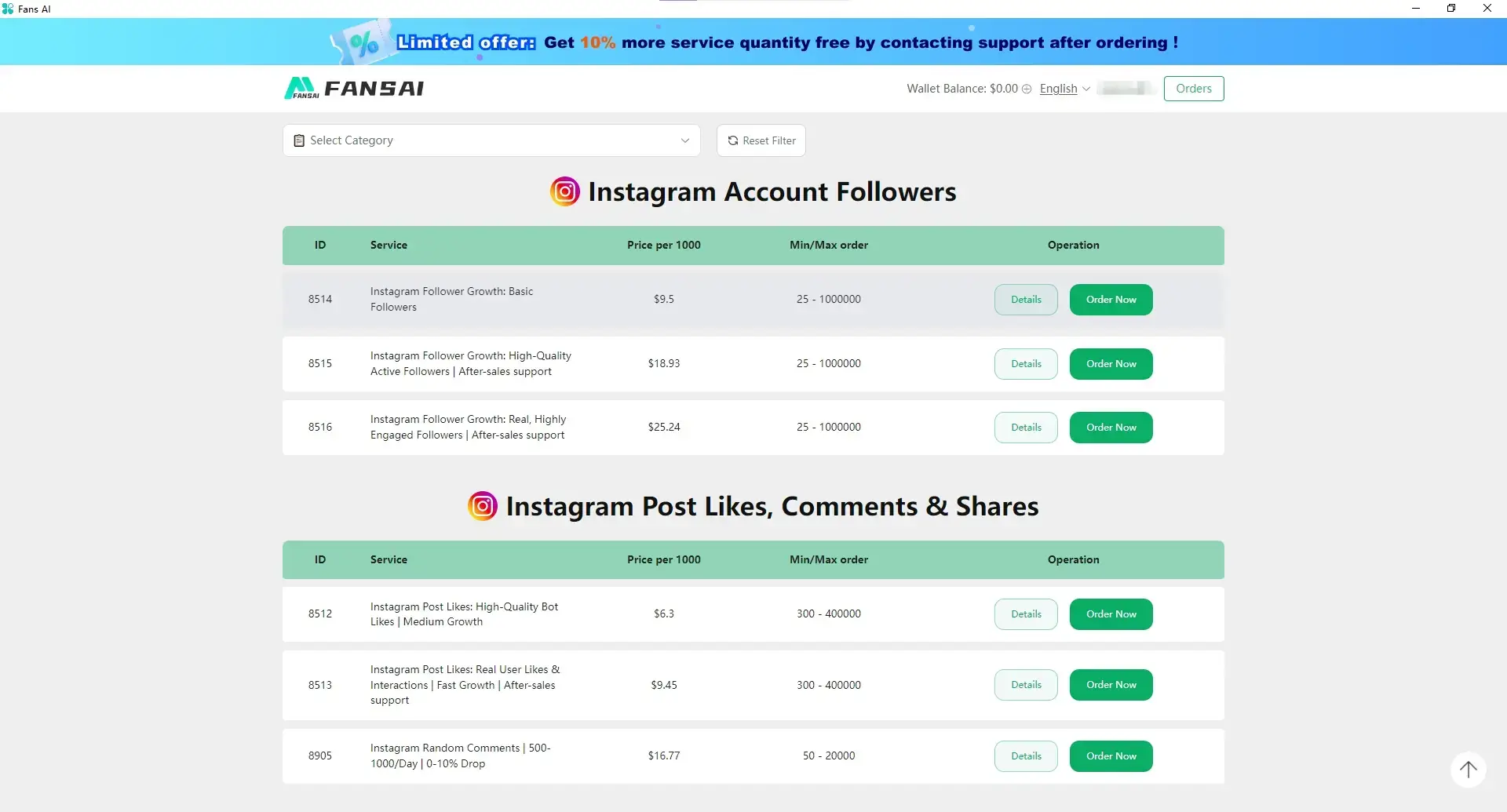
- Use Fans AI when you want a stronger paid boost: If you need more than a small test, Fans AI can be used to increase Instagram followers, likes, comments, and views. This works better as a short-term push, not a full strategy. It makes more sense when the profile is already in good shape and backed by real content. Used this way, it can support faster exposure while the organic growth methods in the rest of the article keep building long-term value.
FAQ About Instagram Post Size 2026
What is the maximum resolution for Instagram posts in 2026?
For most feed posts, 1080 pixels wide is the safest choice. You can use 1080 × 1080 for square posts, 1080 × 1350 for portrait posts, and 1080 × 566 for landscape posts. Larger files may still upload, but Instagram can compress them.
Can I use the same image size for posts and stories?
No. Feed posts and Stories use different formats. Feed posts usually use 1:1, 4:5, or 1.91:1. Stories use a full-screen 9:16 format, usually 1080 × 1920 pixels.
How do I crop a photo to fit Instagram’s dimensions?
Choose the target format first. Use 1:1 for square, 4:5 for portrait, or 1.91:1 for landscape. Then crop the image while keeping the main subject in the center. Avoid placing text or faces near the edges.
What happens if I upload an image with the wrong size?
Instagram may crop, resize, or compress the image. This can cut off important details, make text harder to read, or reduce image quality. Using the correct instagram post size 2026 helps your post look cleaner.
Are there new size requirements for reels in 2026?
Reels still work best in a vertical 9:16 format. The recommended size is 1080 × 1920 pixels. Keep key text and visuals away from the top and bottom, because Instagram buttons and captions may cover those areas.
Conclusion
Choosing the right Instagram size helps your content look more professional and easier to view. Use square posts for simple content, portrait posts for stronger feed visibility, and 9:16 for Stories and Reels. With the right size and clean design, your posts can avoid cropping, reduce quality loss, and create a better viewing experience.
 Web Proxy Tools
 Free Tools
 Cookie Plugin
 UA Generator
 MAC Address Generator
 IP Generator
 IP Address List
 2FA Code Generator
 World Clock
 Anonymous Check
 WebRTC Leak Test
 UUID Generator
 Free Web Proxy Site
 Proxy Checker
 FB Ad Checker
 AI Web Scraping
 Free SMM Tools
 Twitter Shadowban Checker
 Instagram Name Checker
 UTM Generator
 Username Generator
 AI Hashtag Generator
 LinkedIn Headline Generator
 Social Media Image Resizer