Understanding the Architecture of Netflix Household Restrictions
In the contemporary streaming landscape, platform providers have transitioned from simple credential validation to sophisticated household-based enforcement. This shift is driven primarily by revenue protection, stringent content licensing agreements, and the need to maintain Quality of Service (QoS) across specific regions. Netflix defines a "household" as a collection of devices linked to the primary account holder’s physical residence, verified through a complex interplay of IP metadata, persistent device identifiers, and network topography.
The technical mechanism identifies a "home" environment by establishing a baseline of network activity patterns. When a user travels for work or a family attempts to access a multi-profile account from disparate locations, the platform’s security heuristic triggers a verification request. For professionals asking "can you bypass Netflix household" barriers, the challenge is not just bypassing a simple check but managing a persistent digital identity. To effectively bypass Netflix household restrictions, one must address how the platform anchors an account to a specific network environment.
Technical Analysis: How the Platform Detects Your Device Identity
Detection is executed through deep-level inspection of the connection and the hardware environment. The platform does not merely look at your IP address; it analyzes the integrity of your entire digital footprint.
Netflix utilizes "Browser Fingerprinting" to create a unique device hash. This involves Canvas fingerprinting—where the browser is instructed to draw a hidden image to analyze how the GPU renders pixels—alongside an audit of system fonts, screen resolution, and hardware concurrency. This creates a signature so specific that even if cookies are purged, the device remains recognizable.
Network Metadata and Geographical Correlation
The platform scrutinizes IP reputation by checking if the connection originates from a residential ISP or a commercial data center (CIDR block analysis). Furthermore, sophisticated detection systems analyze TCP/IP fingerprints and MTU (Maximum Transmission Unit) settings to determine if the traffic is being tunneled or proxied. They also monitor the ASN (Autonomous System Number) to ensure the connection remains consistent with a standard home internet service provider.
Pro-Tip: Sudden IP jumps across different subnets or rotating IPs too frequently within a single session are immediate "Red Flags." This behavior signals automated access or account sharing, often triggering a "how to bypass Netflix household error" loop that is difficult to exit without a cooling-off period.
Can You Bypass Netflix Household Without Risking Account Suspension?
When evaluating if you can bypass Netflix household restrictions, success is a function of "Environmental Consistency." From a cybersecurity perspective, the objective is to make a remote or secondary device appear technically indistinguishable from a device within the primary household. Success is never "guaranteed," but it can be highly resilient if you maintain a stable digital environment. By simulating a consistent residential infrastructure, users can mitigate detection and reduce the risk of account flags or permanent suspensions.

Strategic Methodology: Moving Beyond Basic Network Masking
Amateur methods typically involve basic browser extensions that are easily unmasked by "WebRTC leaks" or "DNS leaks." These leaks reveal your actual ISP and local IP address even when a masking layer is active, leading to immediate detection.
Implementing Advanced Proxy Management
Professional-grade management requires high-quality proxy protocols like SOCKS5 or HTTP/HTTPS. These protocols allow for a stable, localized exit node that mimics a residential connection. Unlike standard consumer-grade services, professional proxies provide the clean IP reputation required to avoid being blacklisted by streaming security headers.
Isolate Browser Environments to Prevent Association
"Profile Isolation" is the cornerstone of multi-account longevity. It ensures that local storage, cache, and session cookies do not "bleed" between different profiles. Without strict isolation, the platform can use cross-site tracking to link disparate households to the same hardware, effectively neutralizing any network-level masking you have implemented.
How to Bypass Netflix Household Error Using Professional Antidetect Infrastructure
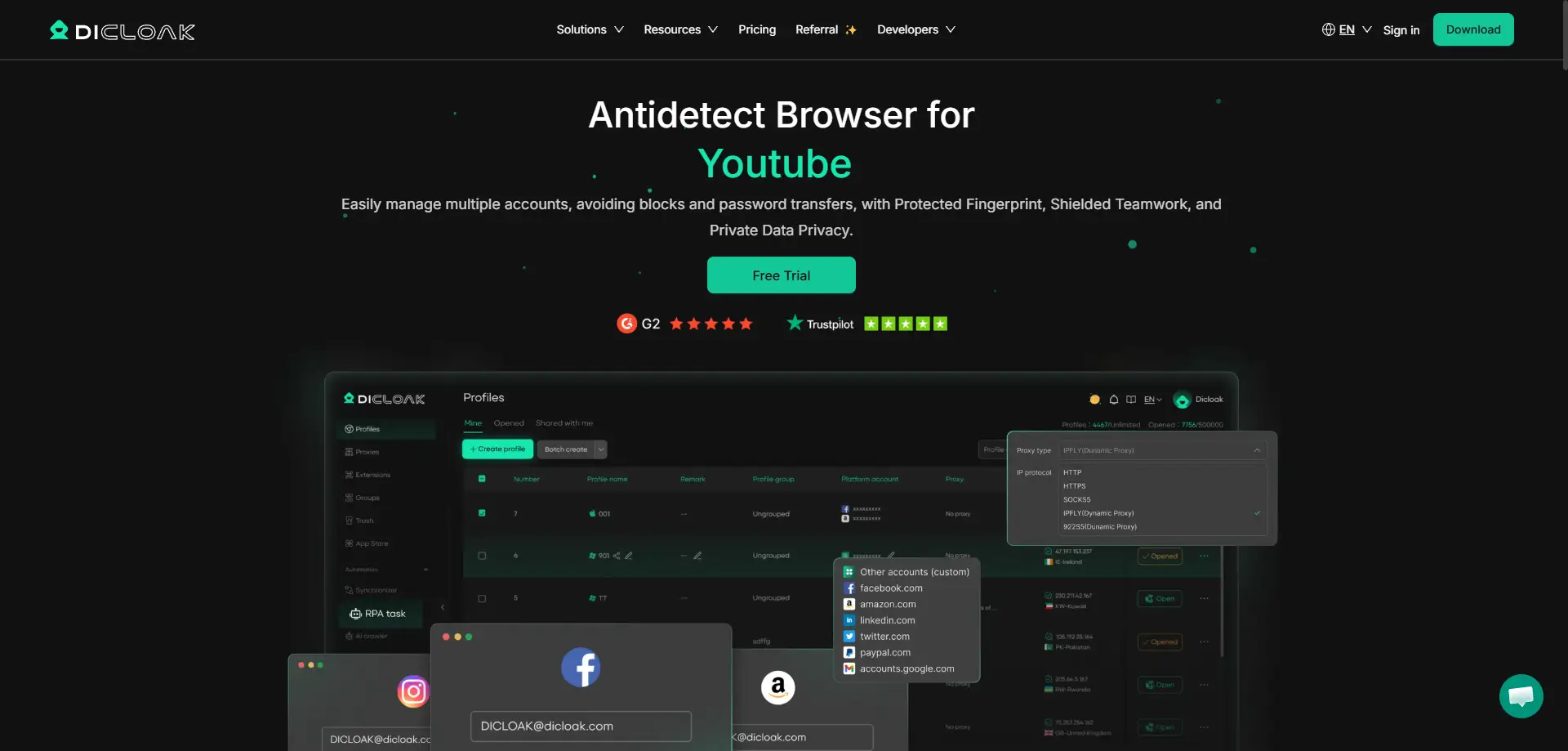
To resolve the "how to bypass Netflix household error" message, users must deploy specialized software like DICloak. DICloak is an antidetect browser designed to automate the isolation of digital identities, providing a robust infrastructure for managing multiple streaming environments.
DICloak operates on a Chrome Core foundation, which is critical because it provides the most "natural" and common fingerprint available, making it less likely to be flagged than modified or niche browser engines. The software allows users to spoof unique Canvas hashes and hardware fingerprints for every profile. Furthermore, DICloak supports the simulation of diverse operating systems—including Windows, Mac, Linux, iOS, and Android—allowing each account to appear as though it is running on a unique, legitimate device.
Comparison of Solutions: Manual Management vs. Automated Antidetect Browsers
| Criteria |
Standard Methods (Incognito, Basic Proxies) |
Professional Infrastructure (DICloak) |
| Identity Isolation |
Weak; prone to cookie/WebRTC leakage |
Absolute; fully isolated sandboxed profiles |
| Fingerprint Customization |
None; uses hardware's native hash |
Deep; spoofs GPU, resolution, and MTU settings |
| IP Stability |
Low; often uses flagged data center IPs |
High; seamless SOCKS5/HTTP residential integration |
| RPA Automation Support |
None |
High; automates logins and routine maintenance |
| Team Collaboration |
Manual/Risk of credential exposure |
Secure; profile sharing with permission control |
Step-by-Step Workflow for Configuring a Resilient Streaming Environment
To minimize detection risk, follow this technical configuration using DICloak:
- Initialize Profile: Open the DICloak dashboard and select "Create Profile."
- Configure Hardware Identity: Customize the browser fingerprint. Ensure you set a unique Canvas hash and match the screen resolution to common consumer standards.
- OS Simulation: Choose an operating system. Strategy Note: Simulating a mobile OS (iOS/Android) on a desktop can often bypass stricter household checks applied to smart TVs.
- Integrate Proxy: Select "Proxy Settings" and input your residential SOCKS5 or HTTP credentials corresponding to the primary household’s location.
- Leak Validation: Before navigating to Netflix, use DICloak’s internal IP checker or an external tool to confirm there are no WebRTC or DNS leaks and that the IP is identified as "Residential."
Pro Tip: Avoid mixing residential and datacenter proxies within the same session. If the platform detects a shift from a residential ASN to a datacenter CIDR block within minutes, the account will likely be flagged for "Security Verification."
Pros and Cons of Using Advanced Identity Management Tools
Pros:
- Bulk Operation Capability: Manage thousands of profiles from a single workstation.
- RPA Automation: DICloak’s built-in RPA saves hours by automating routine check-ins and logins.
- Team Scalability: Data isolation ensures team members can share profiles without cross-contamination.
Cons:
- Technical Entry Barrier: Requires understanding of proxy protocols and fingerprinting.
- Operating Costs: Maintaining a pool of high-quality residential proxies is an ongoing investment.
Scaling Digital Workflows for Teams and Organizations
Digital growth experts utilize these same principles for large-scale operations in e-commerce, affiliate marketing, and social media management.
Utilizing RPA Automation for Profile Maintenance
DICloak’s RPA allows organizations to automate the "warming" of accounts. By simulating natural browsing behavior, the RPA makes the account appear active and legitimate, which is essential for long-term health in the eyes of detection algorithms.
Collaborative Permissions and Data Isolation
Team leads can share specific profiles with members using DICloak’s collaborative tools. This allows for distributed work without ever revealing raw login credentials, maintaining both security and operational efficiency.
Frequently Asked Questions Regarding Household Restrictions
Why does my IP keep triggering the household error?
This is typically a result of poor "IP Reputation." If your IP belongs to a known proxy range or a data center, it lacks the residential "trust score" required. High-quality residential proxy management is the only consistent fix.
Is it possible to use one account on multiple operating systems?
Yes. DICloak can simulate a Windows PC, a Mac, or even a Linux machine on the same hardware. Crucially, it can simulate mobile OS environments (iOS/Android), which is a high-level strategy for bypassing checks that are often more lenient on mobile devices than on home theater systems.
What is the most reliable way to maintain account longevity?
The most effective strategy is the combination of Custom Fingerprints (to mask hardware) and Stable Residential IP Integration (to maintain geographic and ASN consistency).
Final Assessment: The Future of Account Access and Risk Control
As platform security becomes more sophisticated, the era of simple workarounds is over. Solving the "how to bypass Netflix household error" now requires professional-grade infrastructure that prioritizes identity isolation and fingerprint accuracy. By utilizing scalable, secure tools like DICloak, users and organizations can future-proof their digital workflows, ensuring uninterrupted access to global content and maintaining the integrity of their digital presence.
 Web Proxy Tools
 Free Tools
 Cookie Plugin
 UA Generator
 MAC Address Generator
 IP Generator
 IP Address List
 2FA Code Generator
 World Clock
 Anonymous Check
 WebRTC Leak Test
 UUID Generator
 Free Web Proxy Site
 Proxy Checker
 FB Ad Checker
 AI Web Scraping
 Free SMM Tools
 Twitter Shadowban Checker
 Instagram Name Checker
 UTM Generator
 Username Generator
 AI Hashtag Generator
 LinkedIn Headline Generator
 Social Media Image Resizer





