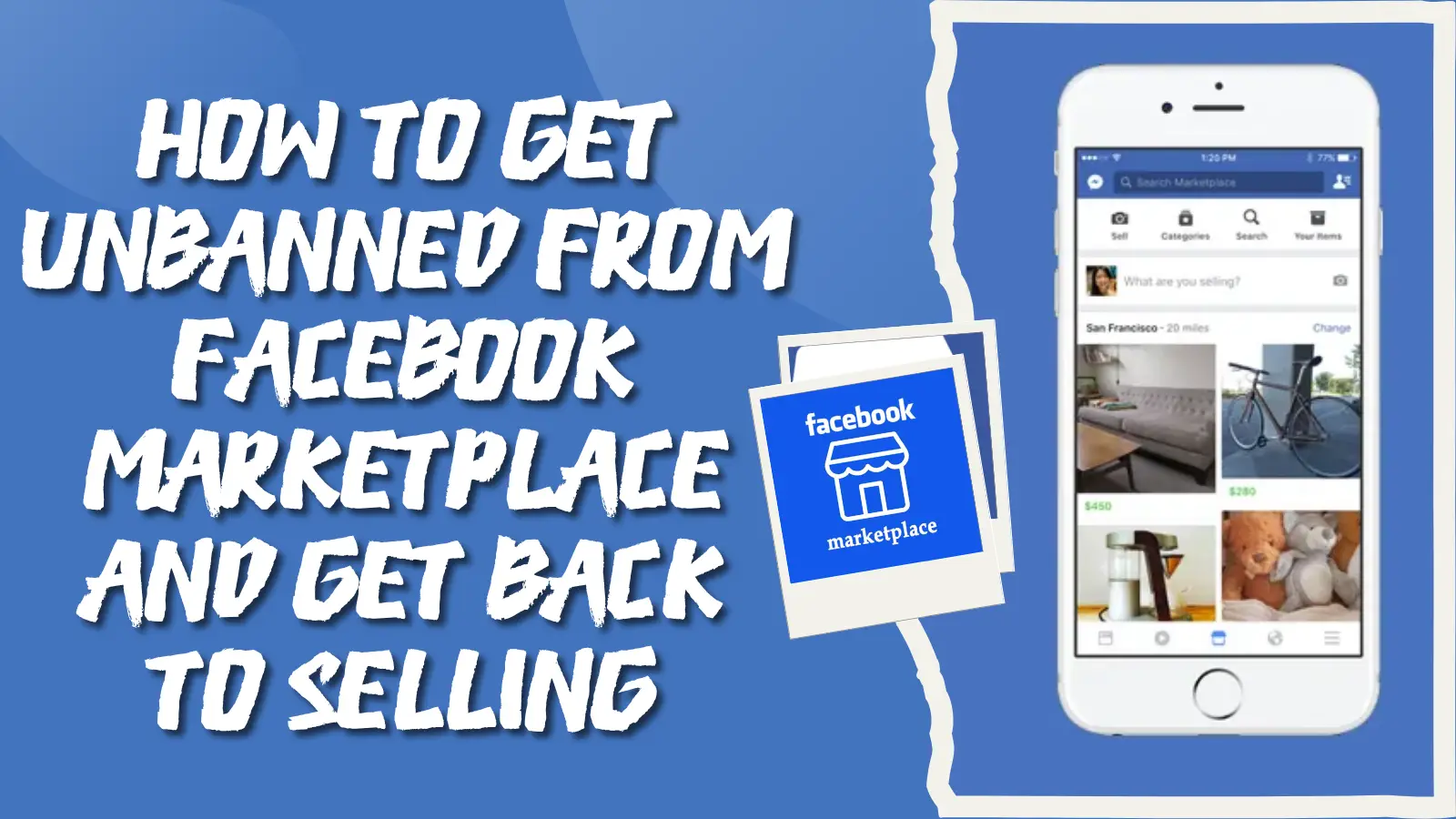
Being blocked on Facebook can be frustrating and confusing. Whether it's due to a misunderstanding, a personal conflict, or just a simple mistake, knowing how to be unblocked on Facebook is essential for reconnecting with friends or mending relationships. In this guide, we’ll walk you through the steps to unblock someone, what you can do if you’ve been blocked, and how to manage your privacy settings to prevent future issues. Whether you’re trying to reconnect with an old friend or simply want to understand the process better, this article will help you navigate the path to getting unblocked on Facebook.
What Happens When You Are Blocked on Facebook?
When someone blocks you on Facebook, life on the app changes fast. You might wonder how to be unblocked on Facebook, but first it helps to know what being blocked really means.
Being blocked means you can no longer see that person’s profile, posts, comments, or stories on Facebook. You also cannot send messages, tag them, or invite them to events. These limits come straight from Facebook’s official help rules about blocking someone’s profile or Page.
Facebook does not send you a message to say “You’re blocked.” So you must look for clues yourself. If you try to visit their profile and it shows an error or nothing at all, that usually means you are blocked.
Here is a simple checklist of what you cannot do when blocked on Facebook:
- You can’t find their profile in search results.
- You can’t send messages through Facebook Messenger.
- You can’t see their posts or tag them in comments.
- You can’t invite them to a group or event.
Think of it like a digital wall. Once the wall is up, only the blocker can decide to take it down. That means knowing how to be unblocked on Facebook often depends on the other person’s choice. We’ll explain how you can reconnect later in this guide.

Common Reasons for Being Blocked by Others
After you learn what happens when someone blocks you on Facebook, it helps to know why someone might block you. Knowing the reasons is an important first step toward learning how to be unblocked on Facebook later. People block others for many reasons, and not all of them are about you personally.
- Personal Space After a Breakup
Often, someone blocks another person after a breakup. A person may feel pain when they see posts from an ex. Blocking helps them move on without seeing old memories. This is very common. For example, many people report that after a breakup, their partner blocks them to avoid the emotional reminder of the relationship.
- Too Many Messages or Contact
Some people block others when they feel overwhelmed. If you send too many messages, even if you think they are friendly, the other person might see them as too much. They might block you to stop the messages. This is still a common reason on Facebook.
- Negative or Unwanted Behavior
People may block someone who posts things they find offensive or negative. For example, if someone frequently reacts with anger or leaves rude comments on another person’s posts, the other person may choose to block them. Blocking in this case sets a boundary to keep the experience positive.
- Emotional or Mental Self‑Care
Blocking can also be a way to protect one’s emotional health. If a person feels stressed or unhappy when they see your posts, they might block you to feel better. This kind of decision is about their own peace of mind, not necessarily a judgment of you as a person.
- Misunderstandings or Conflict
Sometimes a block happens after an argument or a misunderstanding. A small argument can make someone feel upset. They may choose a block to avoid further conflict. For example, two friends might have one fight, and one blocks the other to cool off. Over time, both may calm down and work toward unblocking.
- Mistakes or Accidental Blocks
Believe it or not, blocking can happen by mistake. Facebook’s interface makes it easy to click the wrong button. Someone might mean to unfollow or mute you but accidentally block you. They might not even realize it until much later.
How to Unblock Someone on Facebook? (Step-by-Step Guide)
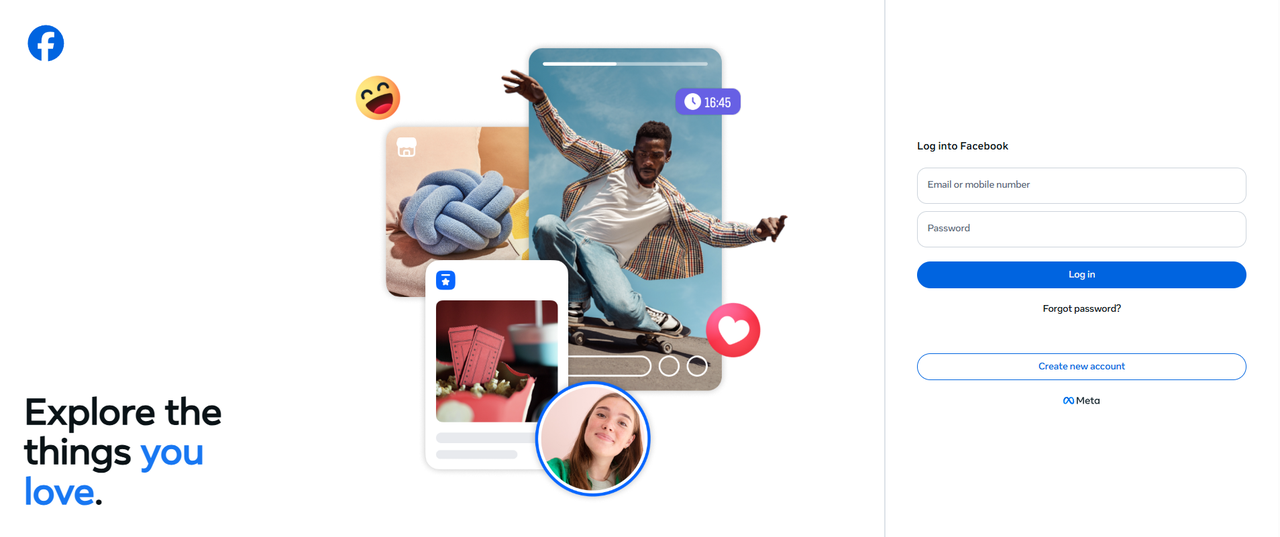
If you use Facebook on a computer or a phone browser, you can be unblocked on Facebook this way:
1. Go to facebook.com and log in.
2. Click your profile picture or arrow in the top‑right corner of the screen.
3. Click Settings & Privacy, then Settings.
4. Look for Blocking in the left sidebar and click it.
5. You will see the list of people you’ve blocked.
6. Click Unblock next to the person you want to How do you unblock someone on Facebook.
7. Confirm your choice.
After unblocking someone on the website, they can again see your public posts and send messages. And if you want them back as a friend, you must send a friend request.
How to Be Unblocked on Facebook?
After learning how to be unblocked on Facebook, it’s important to know what actions you can take to rebuild trust or prevent future issues. Unblocking someone is just one part, and respecting boundaries can make the process smoother.
- Reflecting on the Cause of the Block
Before asking how to unblock someone on Facebook, think about why the block happened. Was it due to too many messages, a misunderstanding, or violating Facebook's rules? Reflecting on the cause helps you avoid repeating the same mistakes and shows respect for the other person's decision.
- Respecting Privacy and Boundaries
When someone blocks you, respect their decision. You cannot force someone to unblock you. Pressuring them can make things worse. Give them space and time, and let them decide when to unblock you.
- Follow Community Guidelines
If Facebook blocks you, it may be because you violated its Community Standards. Read Facebook's rules to understand what led to the block. Following these guidelines will help you avoid future issues.
- Utilizing Mutual Friends for Communication
If you are blocked, and you share mutual friends, you can ask them to help communicate. Be respectful and don’t force the issue. Let the mutual friend know your intention to apologize or reconnect.
- Contacting Facebook Support for Assistance
If Facebook blocks your account or features, and you believe it was a mistake, contact Facebook Support. You can appeal the decision through the Help Center for review and potential recovery.
Getting blocked is an opportunity to learn. Be mindful of your interactions, respect others, and follow Facebook’s guidelines. Good habits will help prevent blocks and improve your experience on Facebook.
Privacy and Security Considerations
After learning how to be unblocked on Facebook, it's important to manage your privacy and protect your account. Strong privacy settings and good security practices help you control who sees your information and prevent potential issues.
Managing Your Privacy Settings on Facebook
Facebook allows you to control who sees your posts, profile, and personal details. You can set your posts to be visible to Friends, Only Me, or Public. You can also manage who can send you friend requests and find your profile through search. To review your settings, use the Privacy Checkup tool, which helps you manage who can see your content and how others can contact you. This ensures that only trusted people can view your personal information and interact with you.
Understanding Cybersecurity and Blocking
Blocking on Facebook helps protect your privacy and security. It prevents unwanted individuals from accessing your profile, sending messages, or viewing your content. Cybersecurity on Facebook involves using strong passwords, enabling two-factor authentication, and setting strict privacy controls. By managing these security measures, you reduce the chances of unauthorized access to your account and prevent potential security threats.
Why choose DICloak Antidetect Browsers for your business?
⚡The DICloak Antidetect Browser has become a global favorite for its unparalleled ability to efficiently and securely manage multiple accounts. Designed for professionals in social media management, DICloak offers powerful features like RPA automation, bulk operations, and synchronizer. Additionally, it allows you to customize fingerprints and integrate proxies for each profile, ensuring top-level security and operational efficiency. It’s the ultimate tool for seamless, secure, and scalable operations.

What Makes DICloak Stand Out?
✅ Manage 1,000+ Accounts on One Device: Stop wasting money on extra hardware! DICloak allows you to manage multiple accounts on a single device, cutting costs and boosting efficiency.
✅ Guaranteed Account Safety, No Ban Risks: Every account gets its own isolated browser profile with custom fingerprints and IPs, drastically reducing the risk of bans. Your accounts, your control!
✅ Flexible Proxy Configuration for Maximum Performance: Seamlessly integrate with all major proxy protocols (HTTP/HTTPS, SOCKS5) and manage your proxy pool with bulk operations. No more struggling with IP management—DICloak has you covered.
✅ Streamlined Team Collaboration for Better Results: Easily manage your team with advanced tools like profile sharing, permission settings, data isolation, and operation logs. Your team works smarter, not harder.
✅ Automate the Grind with RPA: DICloak's built-in RPA saves you hours of manual work. Automate repetitive tasks, streamline workflows, and focus on what really matters—growing your business.
✅ Powerful Bulk Tools to Scale Your Operations: Create, import, and launch multiple browser profiles in one click. DICloak makes scaling your business as easy as it gets.
✅ Compatible with All Major Operating Systems: Based on the Chrome core, DICloak supports simulating Windows, Mac, iOS, Android, and Linux operating systems. No matter what platform you need, DICloak has you covered.
🔗 Ready to Get Started?
Visit the DICloak website to explore more details and choose the plan that’s right for you. Start for free today and experience the power of secure, efficient, and scalable multi-account management!
Conclusion
In this guide, we've explored how to be unblocked on Facebook, the steps to unblock someone, and how to manage privacy and security to prevent future issues. Understanding why people block others and respecting boundaries is key to rebuilding connections. Remember, while you can’t force someone to unblock you, maintaining good online habits and respecting privacy can help you reconnect. If you manage multiple Facebook accounts, tools like DICloak can help you stay safe and organized.
Frequently Asked Questions (FAQs)
1. How to Be Unblocked on Facebook by Someone?
To be unblocked on Facebook, the person who blocked you must choose to unblock you. There is no direct way to make someone unblock you, but you can wait for them to decide. Respect their privacy and give them space. If they unblock you, you can reconnect by sending a friend request or messaging them again.
2. How Do I Know If I’ve Been Blocked on Facebook?
If you can't find someone's profile in search, cannot see their posts, or can’t send them messages, you may have been blocked. Facebook does not notify you when you're blocked, but these are clear signs. If you think you’ve been blocked, check if you can see their profile from a mutual friend’s account.
3. How to Unblock Someone on Facebook?
To unblock someone on Facebook, go to your privacy settings, find the "Blocking" section, and select the person you want to unblock. Click "Unblock" next to their name, and confirm the action. Once unblocked, they will be able to send you messages and see your public posts.
4. Why Am I Blocked on Facebook?
People block others for many reasons, such as misunderstandings, privacy concerns, or unwanted messages. It’s important to reflect on your interactions and respect others’ boundaries. If you think the block was a mistake, you can try to reach out via mutual friends or send a respectful message.
5. How to Prevent Being Blocked on Facebook?
To avoid being blocked, follow Facebook’s community guidelines and respect others' privacy. Be mindful of how often you interact with people, avoid spamming, and always be polite in your messages. Setting your own privacy settings will also ensure that you’re in control of who can see and contact you.
 Web Proxy Tools
 Free Tools
 Cookie Plugin
 UA Generator
 MAC Address Generator
 IP Generator
 IP Address List
 2FA Code Generator
 World Clock
 Anonymous Check
 WebRTC Leak Test
 UUID Generator
 Free Web Proxy Site
 Proxy Checker
 FB Ad Checker
 AI Web Scraping
 Free SMM Tools
 Twitter Shadowban Checker
 Instagram Name Checker
 UTM Generator
 Username Generator
 AI Hashtag Generator
 LinkedIn Headline Generator
 Social Media Image Resizer