For professionals operating within high-growth digital infrastructures, the "limit reached" notification is more than a minor annoyance—it represents unplanned downtime in the production pipeline. In a landscape where GPT-4o and o3-mini are critical for technical research and automated content flows, these message caps introduce a level of unpredictability that is unacceptable for scaled operations.
From a cybersecurity and infrastructure perspective, maintaining maximum AI productivity requires moving beyond casual usage toward a strategy of technical isolation. Understanding the granular mechanics of how usage resets function allows us to build resilient systems that ensure 24/7 uptime through intelligent resource distribution.
Understanding When Does ChatGPT Limit Reset Across Different Tiers
OpenAI utilizes sophisticated usage heuristics to manage server load. These thresholds vary significantly across subscription tiers, necessitating a clear audit of your current assets.
Message Caps for Free vs. Plus Subscription Tiers
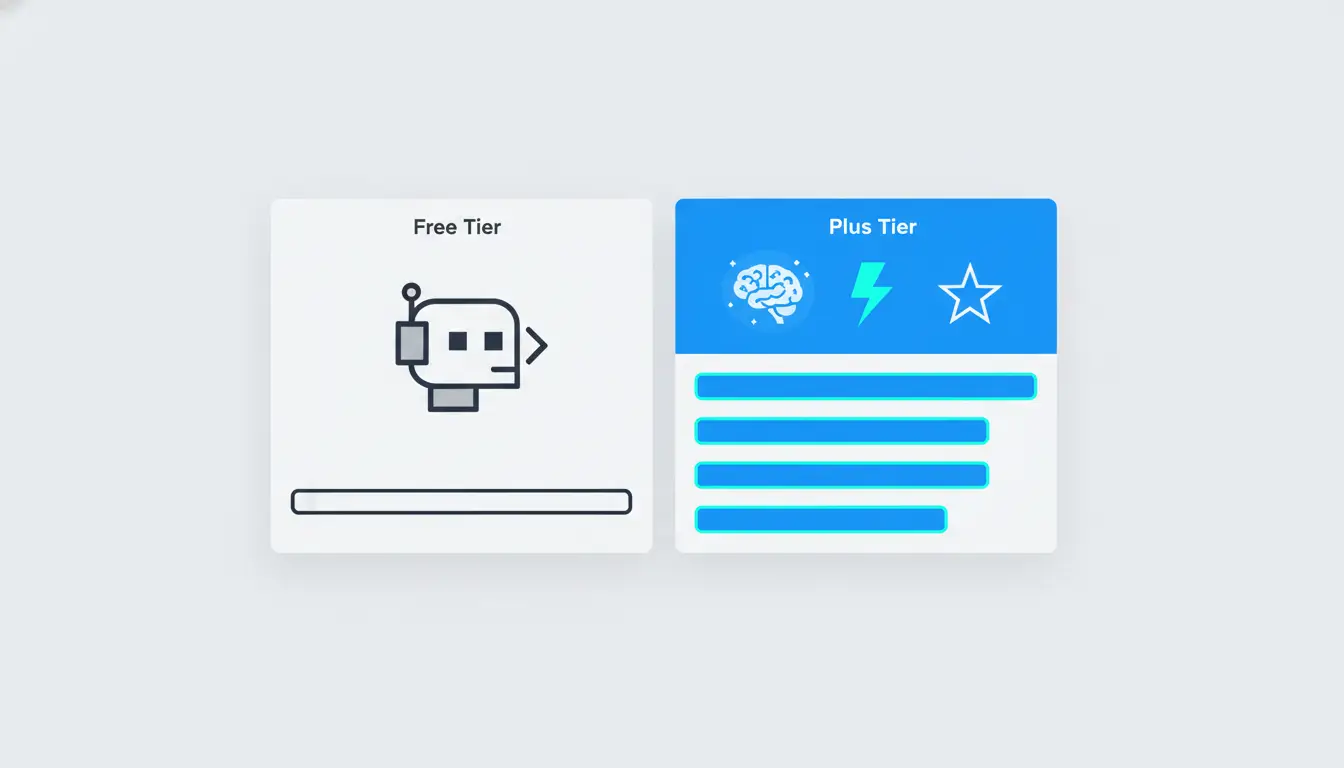
- Free Tier: Users receive highly restricted access to GPT-4o and o3-mini. Notably, Free users have no access to the O1-preview or O1-mini models, making this tier unsuitable for advanced logic tasks.
- Plus Plan ($20/mo):
- GPT-4o: 80 messages every 3 hours.
- GPT-4: 40 messages every 3 hours.
- O1-preview: 50 messages per week.
- O1-mini: 50 messages per day.
- GPT-4o mini: Currently provides unlimited access for high-speed, lower-complexity tasks.
The Pro Tier and Unlimited Access Thresholds
The Pro Plan ($200/mo) serves as the enterprise benchmark. This tier is designed to eliminate the standard bottlenecks, offering unlimited access to all models and higher compute priority. For high-volume operations where the cost of downtime exceeds the subscription fee, this is the standard requirement.
Pro Tip: ChatGPT limits operate on a rolling window rather than a fixed daily reset. If you exhaust your 80-message GPT-4o limit at 1:00 PM, your messages begin recovering exactly three hours from the time each individual prompt was sent. This means if you sent 10 messages at 1:05 PM, those 10 slots will recover at 4:05 PM, not as a bulk reset of the entire 80-message cap.
The Technical Mechanism of How When Does ChatGPT Limit Reset Functions
OpenAI does not rely solely on account credentials to monitor usage. They employ complex tracking to prevent users from circumventing limits through simple logout/login cycles.
The Role of Browser Fingerprinting in Session Tracking
To enforce usage caps, platforms analyze a device's "entropy"—the unique collection of technical data points that form a browser fingerprint. These parameters include:
- User Agent (Browser and OS versions)
- Screen Resolution and Color Depth
- Time Zone and Language Settings
- Hardware Heuristics (GPU and CPU architecture)
By tracking these signals, OpenAI can associate multiple accounts with a single physical machine. If you attempt to switch accounts on a standard browser, the platform recognizes the identical fingerprint, which can trigger security checkpoints or synchronized rate-limiting.
Rolling Windows vs. Fixed Resets
Because limits reset in 3–4 hour rolling blocks, a "staggered usage" strategy is the most efficient approach. By timing prompts across different sessions, an analyst can ensure that while one portion of the message cap is cooling down, others are becoming available.
Strategic Multi-Accounting to Mitigate Reset Bottlenecks
To ensure continuous uptime, professional teams often manage an infrastructure of 5–10 accounts. This allows for a rotation where as one account hits its limit, the next profile is ready for deployment.
The Context Handoff Strategy
One of the most significant hurdles in multi-accounting is losing conversation history when switching profiles. To maintain productivity, use the "Share Link" feature.
- Generate a shareable link for the conversation in Account A (the one hitting its limit).
- Open that link in Account B (within an isolated browser profile).
- Continue the thread seamlessly. This ensures your workflow remains uninterrupted despite hitting a message cap.
Risk of Association
If multiple accounts are accessed from the same environment, the "Risk of Association" becomes high. This can lead to the platform flagging the accounts as a bot farm, resulting in synchronized limits or permanent bans. Technical isolation of each account is mandatory.
Advanced Infrastructure: Moving Beyond Basic Browsing
Why Proxy Management is Only Half the Solution
While Proxy Management and Network Isolation are essential to hide your IP address, they do not mask your hardware identity. A proxy simply changes your digital location; it does not alter the underlying hardware signatures that OpenAI’s fingerprinting scripts detect.
Canvas Fingerprinting and Hardware Identity
Canvas Fingerprinting identifies your specific GPU and rendering engine. When your browser is asked to render a hidden image, the minute differences in how your hardware processes pixels create a unique ID. Standard browsers cannot hide this, meaning your "hardware identity" remains consistent across all accounts unless you use a professional isolation tool.
Operational Comparison: Standard Browsers vs. Isolated Environments
| Feature |
Standard Browser |
DICloak Isolated Profile |
| Data Isolation |
Shared cookies/cache across sessions |
Complete isolation of cookies and storage |
| Fingerprint Customization |
Fixed hardware and software ID |
Custom User Agent, Resolution, and GPU ID |
| Risk of Account Association |
High; accounts linked via fingerprint |
Low; each profile mimics a unique device |
| Efficiency |
Manual, error-prone account switching |
Bulk management via Synchronizer/RPA |
How Using DICloak Optimizes When Does ChatGPT Limit Reset Workflows
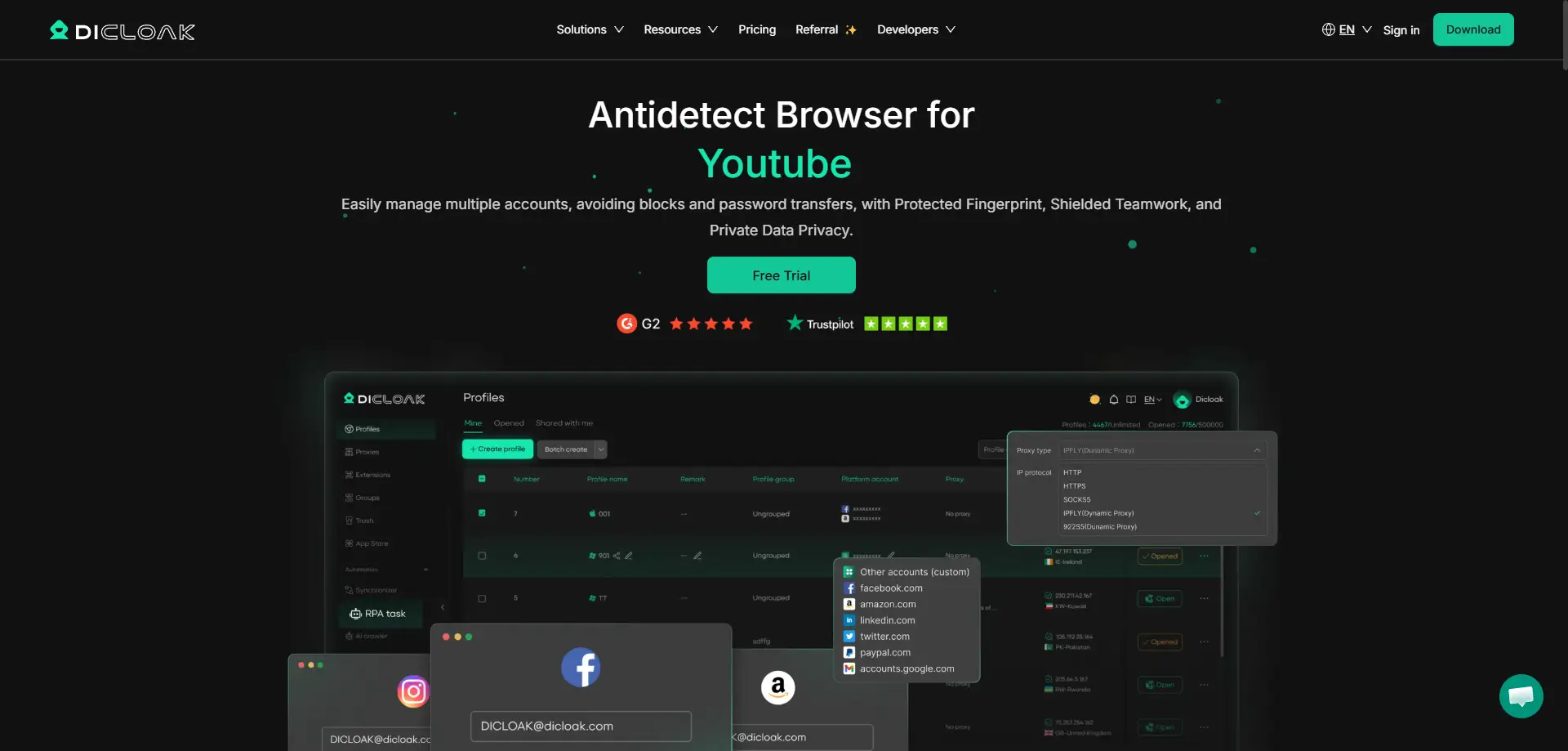
DICloak provides the infrastructure required to scale AI operations safely. By building isolated browser profiles on the Chrome core, it allows for the management of 1,000+ accounts on a single machine, eliminating the need for expensive additional hardware.
For high-throughput environments, DICloak’s RPA Automation and Synchronizer are game-changers. The Synchronizer replicates a single prompt across multiple isolated profiles simultaneously. This effectively multiplies your message cap by the number of active profiles you have running—if you have 10 profiles, your 80-message GPT-4o limit effectively becomes 800 messages.
Implementation Guide: Setting Up a Scalable AI Infrastructure
1. Profile Isolation and Fingerprint Customization
Generate unique profiles in DICloak for each OpenAI account. Customize the fingerprint settings—specifically the User Agent and Screen Resolution—to ensure each profile has a distinct digital signature. Integrate unique HTTP/S or SOCKS5 proxies for each to achieve total network isolation.
2. The Account "Warm-up" Phase
When creating a new multi-account infrastructure, avoid immediate high-volume prompting. Simulate organic behavior by using the accounts for varied, lower-frequency tasks for the first 48 hours. This reduces the likelihood of being flagged by OpenAI’s anti-abuse heuristics.
3. Managing Team Access and Operation Logs
Utilize DICloak’s operation logs to monitor team activity. This is critical for security; the logs ensure that team members do not log into the same account from disparate geographical locations simultaneously, which is a primary red flag for OpenAI's security systems.
Pros and Cons of Multi-Account Management
| Pros |
Cons |
| Continuous Uptime: Rotate to a fresh account immediately upon reaching a limit. |
Management Overhead: Requires organizing multiple credentials and profiles. |
| Risk Mitigation: Decentralizes your infrastructure; one flagged account doesn't halt the whole operation. |
Proxy Requirements: Requires high-quality residential proxies to maintain account health. |
| Scalable Throughput: Enables heavy-duty automation and large-scale research tasks. |
Subscription Management: Managing multiple Plus tiers requires organized billing. |
Frequently Asked Questions About When Does ChatGPT Limit Reset
How many accounts are needed for 24/7 access?
Use the following formula to determine your needs: [(Standard Task Duration) / (Reset Window)] x (Frequency of Use). Typically, 3–5 accounts are sufficient for a single power user to ensure that by the time the last account is used, the first one has moved through its 3-hour rolling reset window.
Does clearing cookies reset the limit?
No. Because OpenAI uses both server-side account tracking and browser fingerprinting, clearing local cookies will not bypass the message cap once the account is restricted.
Is there a free way to bypass these limits?
The most effective free method is using DICloak to manage multiple free-tier accounts. By rotating through 5–10 free accounts using the "Share Link" handoff strategy, you can maintain a high-volume workflow without a Plus subscription.
Conclusion: Future-Proofing AI Operations
While OpenAI's limits are designed for platform stability, they should not be a ceiling for your productivity. Professional workflows require a "risk-aware" growth model built on technical isolation. By leveraging isolated browser profiles and sophisticated profile management, you can transform AI usage from a restricted service into a scalable, 24/7 utility.
To start building your own high-uptime AI infrastructure, explore the DICloak free plan, which supports up to 5 isolated profiles, allowing you to experience professional-grade multi-account management at no cost.
 Web Proxy Tools
 Free Tools
 Cookie Plugin
 UA Generator
 MAC Address Generator
 IP Generator
 IP Address List
 2FA Code Generator
 World Clock
 Anonymous Check
 WebRTC Leak Test
 UUID Generator
 Free Web Proxy Site
 Proxy Checker
 FB Ad Checker
 AI Web Scraping
 Free SMM Tools
 Twitter Shadowban Checker
 Instagram Name Checker
 UTM Generator
 Username Generator
 AI Hashtag Generator
 LinkedIn Headline Generator
 Social Media Image Resizer





