Introduction to the World of APK Online
Running an APK online means you are using Android apps through the internet. You do not need a physical phone in your hand to do this. Instead, the app runs on a powerful server in the cloud, and you see it on your screen.
This technology is very helpful for many reasons. It allows for easy app testing and managing many social media accounts at once. It also lets you use Android apps on a computer or Mac. In 2026, people are moving away from old emulators and using professional cloud tools instead. These tools are faster and much safer. This guide will help you choose the best platform for your needs.
What Does it Mean to Run APK Online?
Understanding Cloud-Based Android Environments
In the past, running many apps meant you had to buy a "phone farm." These were large groups of real phones that cost a lot of money to maintain. Today, APK online services remove the need for this expensive hardware. These services create a virtual Android phone in the cloud that you can open in a web browser.
For developers and social media managers, these cloud environments are a great way to grow. Instead of buying ten phones to run ten accounts, you can open ten virtual windows on one computer.
Three main benefits of cloud-based environments:
- Cost Savings: You do not need to buy, charge, or fix physical Android phones.
- Accessibility: You can run Android apps on Windows, Mac, or Linux from anywhere in the world.
- Scalability: You can launch dozens or even hundreds of different Android instances in just a few seconds.
Why APK Online is Essential for Multi-Account Management
Overcoming Hardware Limitations and Ban Risks
Using one physical phone to manage many different social media accounts is dangerous. Apps can track your "device fingerprint." This includes things like your IP address and your unique hardware ID. If you log into too many accounts on one device, the platform might think you are a bot and ban all your accounts.
Moreover, running an APK online through an isolated environment protects your business. Because each virtual session has its own unique digital signature, apps see them as separate real phones. This isolation means that if one account has a problem, your other accounts stay safe and active.
Running APK Online with BrowserStack for QA Testing
Testing on Real iOS and Android Devices
BrowserStack takes a different approach by focusing on professional QA testing. Its "App Live" feature lets you upload an APK online and run it on real hardware inside a secure data center.
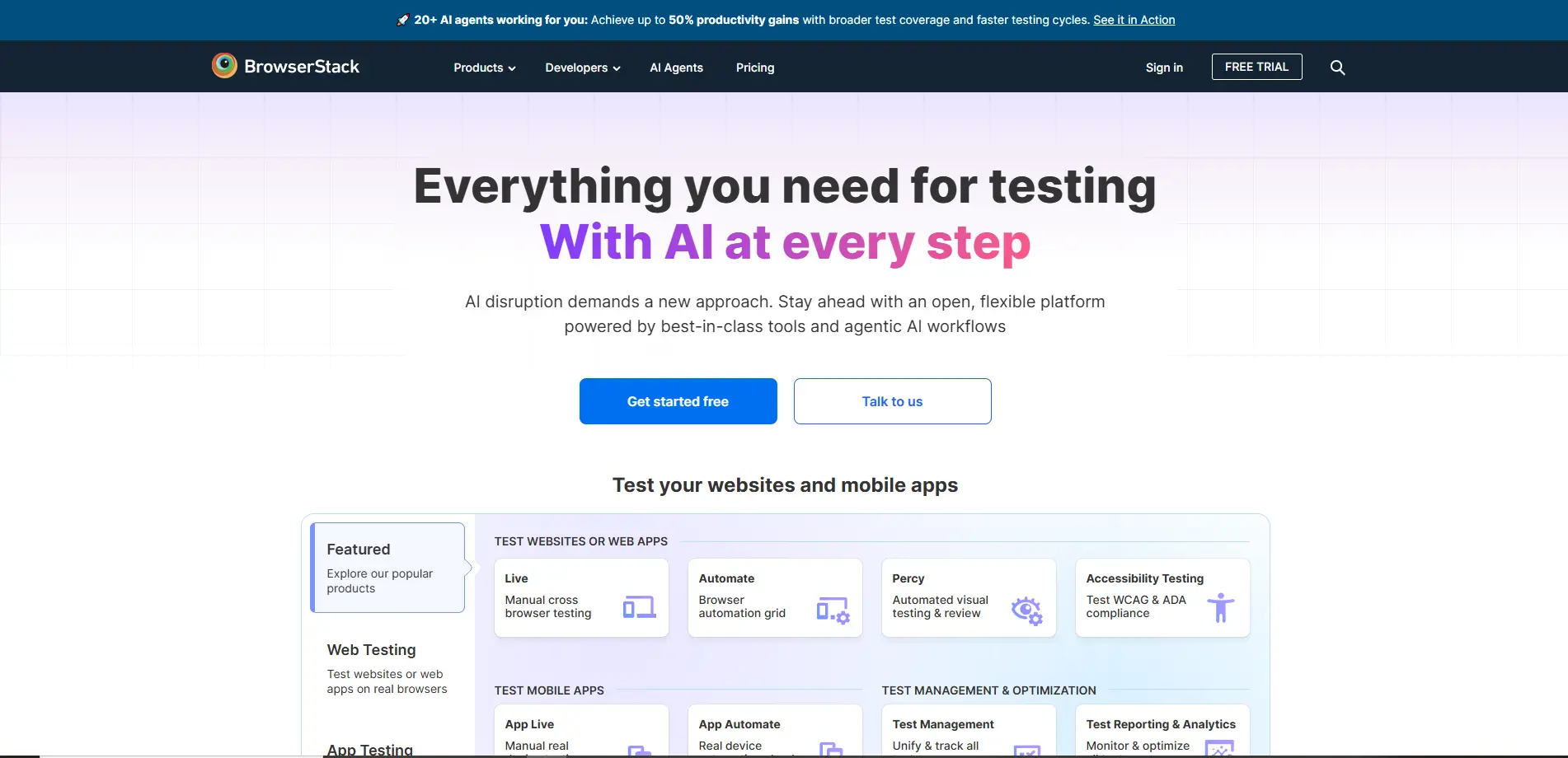
- Pros: It is very accurate because you are using real physical devices. It has many OS versions and tools for debugging, like logs and screenshots.
- Cons: It is expensive for small teams. The sessions are temporary, so you cannot use it to stay logged into social media accounts for a long time.
Best For: Mobile app developers and QA teams who need to check if an app works perfectly on many different real phone models.
Exploring MyAndroid for Free APK Online Access
A Browser-Based, No-Log Emulator
MyAndroid.org is a free website that lets you run an APK online without making an account. It is a very simple emulator that works directly in your browser.
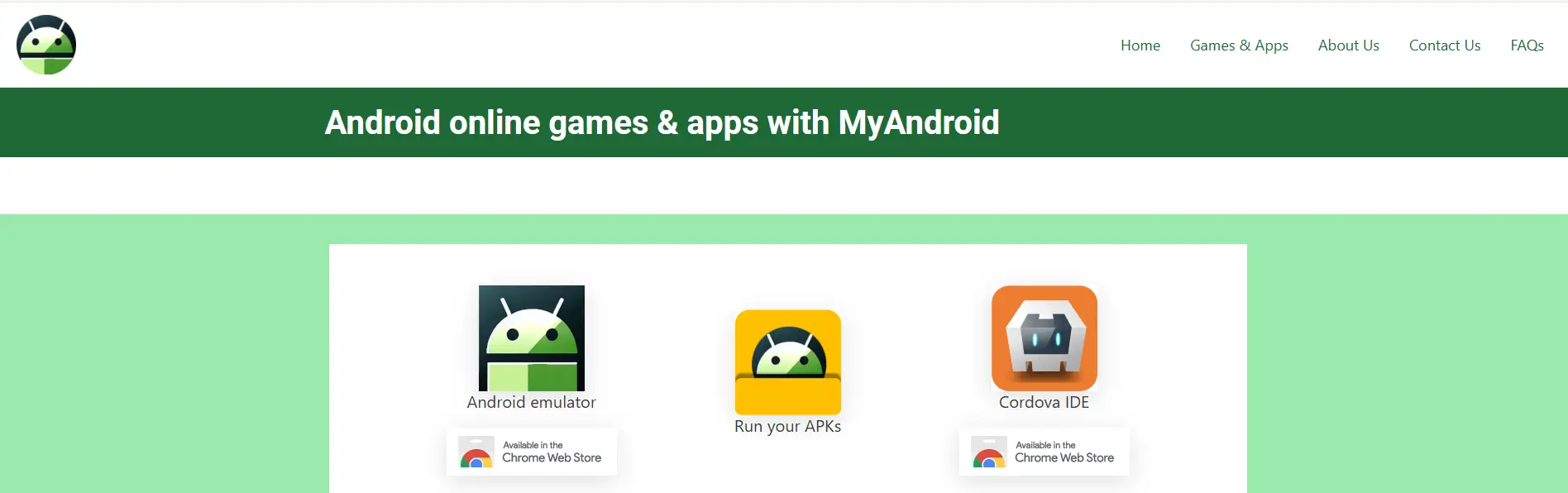
- Features: It includes the official Google Play Store and supports versions up to Android 12. It has a built-in file manager and supports gestures like swiping and tapping.
- Risks: Your data is deleted the moment you close the browser. Also, all users share the same network, which can make it slow.
Best For: Students or casual users who want to quickly test a game or an app one time without installing anything.
How Appetize.io Simplifies APK Online Demos
Browser-Based App Previews and Embeds
Appetize.io is built for developers who want to show their apps to other people. You can upload an APK and get a web link that lets anyone run the app in their browser.
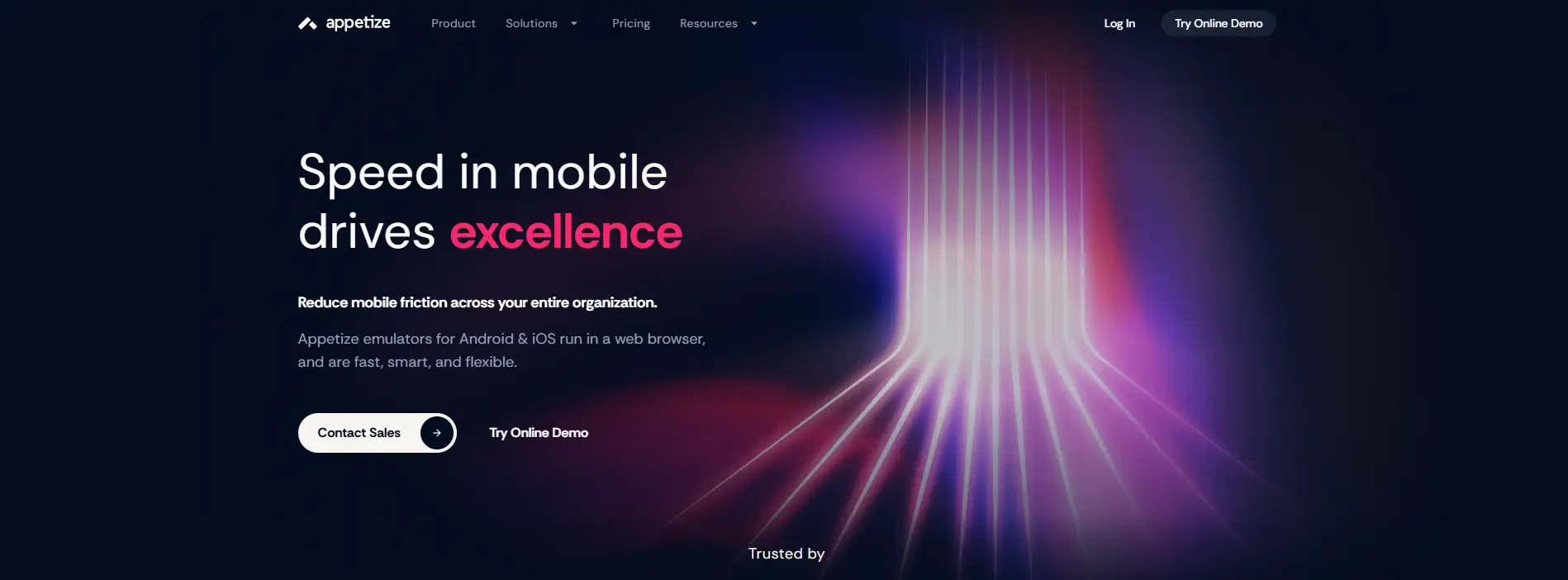
- Pros: The apps start in just a few seconds. It works with professional tools (API/CI/CD) and supports many device models.
- Cons: The free plan only gives you 100 minutes per month. It does not save your progress between sessions.
Best For: Sales teams who want to send a demo link to a client so the client can try the app without downloading it.
RunThatApp: A Collaborative Way to Use APK Online
Streaming Apps for Beta Testing
RunThatApp is a special tool for working together. It streams Android and iOS apps to any device using HTML5.
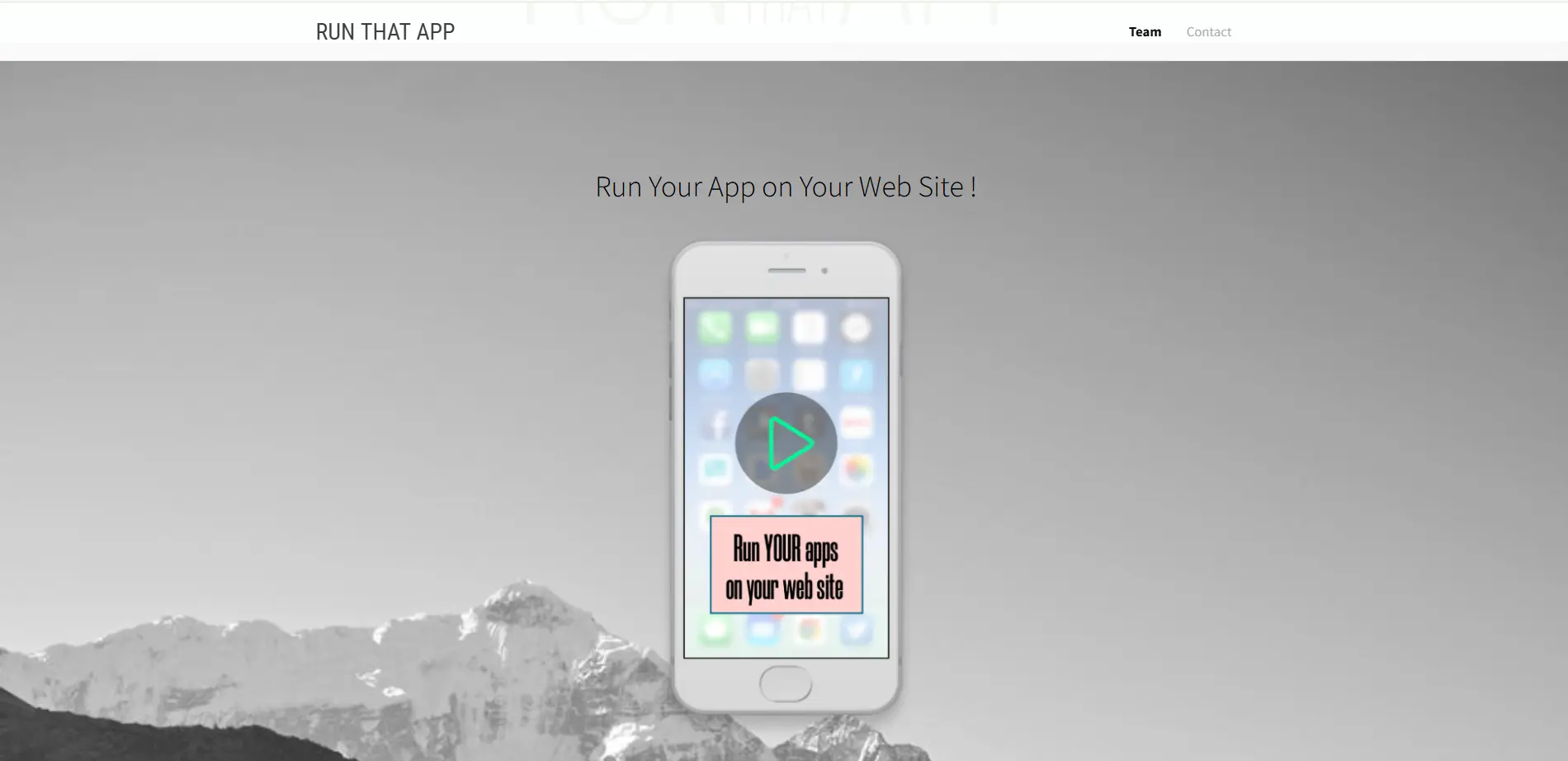
- Pros: Up to four people can join the same session at the same time. It uses military-grade encryption to keep your data safe.
- Cons: You have to pay for the minutes you use, and it does not save your login info.
Best For: Tech support teams who need to show a customer how to use an app or troubleshoot a problem together.
DICloak: Simulate Real Android Environments on Desktop for Secure Operations
DICloak antidetect browser runs on desktop systems (Windows / macOS) and allows users to simulate Android mobile environments on a computer. Through its cloud-based Android profiles, users can operate Android apps and mobile websites as if they were running on real Android smartphones — without using a physical phone.
DICloak supports Android version simulation from Android 9 to Android 16, allowing users to choose different Android versions based on platform requirements, app compatibility, and risk-control rules. Because these profiles are so realistic, you can manage 1,000+ accounts on just one computer without being detected. It also gives every profile its own unique IP address to keep your network private.

Key Features and Business Benefits of DICloak
DICloak uses isolated browser profiles with custom fingerprints. You can use different proxy types like HTTP, HTTPS, or SOCKS5. This is the best tool for people doing affiliate marketing or e-commerce.
- High-Level Security: Each profile operates in a fully isolated environment with its own unique IMEI, MAC address, and IP setup. This separation helps minimize account linkage risks and supports safer multi-account operations.
- Scalable Efficiency: DICloak is built for scale, allowing users to manage 1,000+ accounts from a single dashboard. Team permissions and role-based access make collaboration smooth for agencies and growing teams.
- Flexible Cost Control: DICloak uses a transparent subscription-based pricing model with multiple tiers. Users can manage expenses effectively by selecting plans that match their required number of profiles, team members, and daily usage capacity, without unexpected costs.
- Smooth Operation at Scale: For the best experience, a stable internet connection is recommended. Some advanced features may take a short time to learn, but they unlock powerful automation and workflow benefits.
Step-by-Step: Using DICloak to Manage Mobile-Oriented Workflows on Desktop
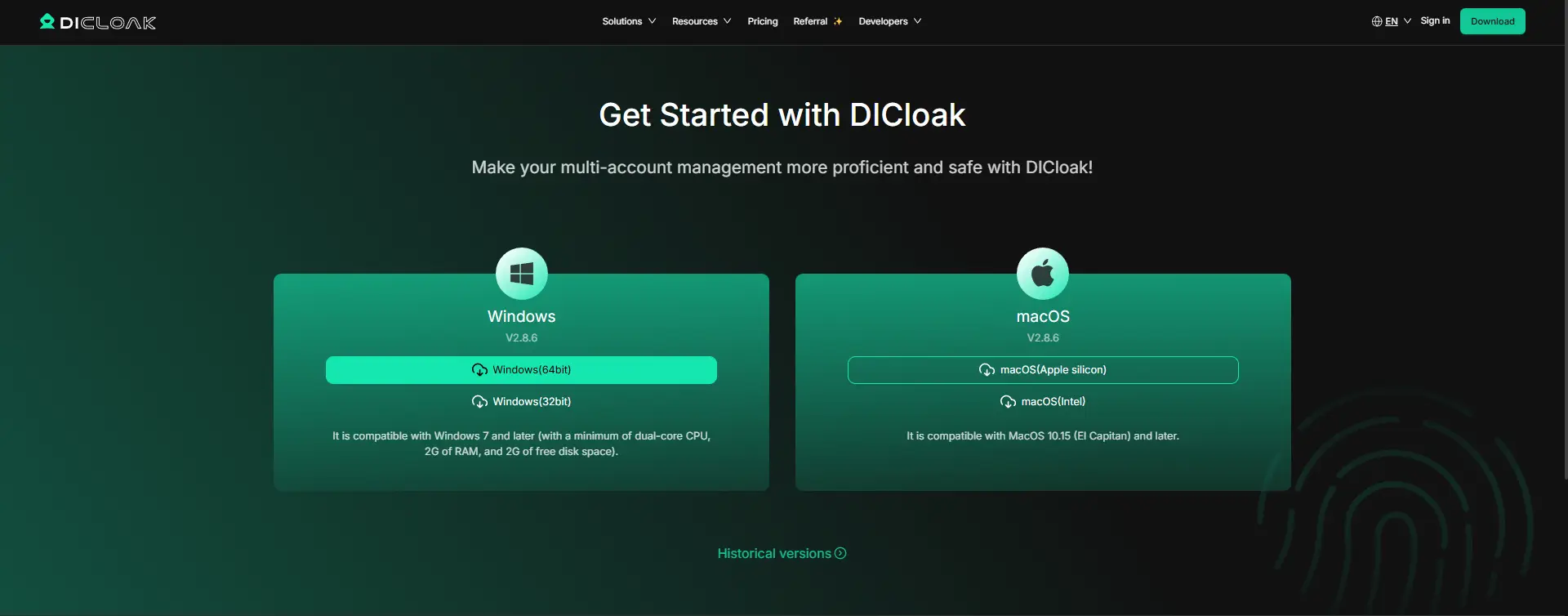
- Download and Sign Up: Visit the official DICloak website and download the desktop client for your operating system (Windows, macOS, or Linux). Create an account using your email address.
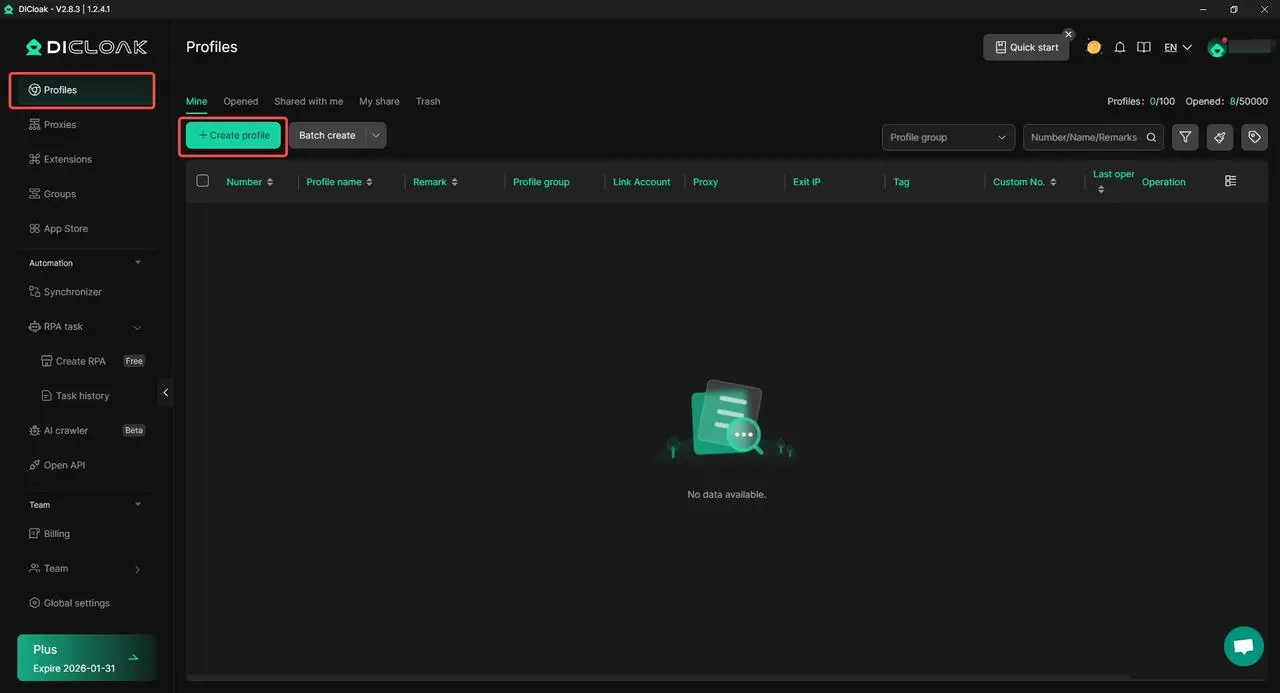
- Create a New Profile: Create a new profile within DICloak. Each profile is isolated and comes with its own configurable device parameters and browser profile, allowing you to manage accounts independently.
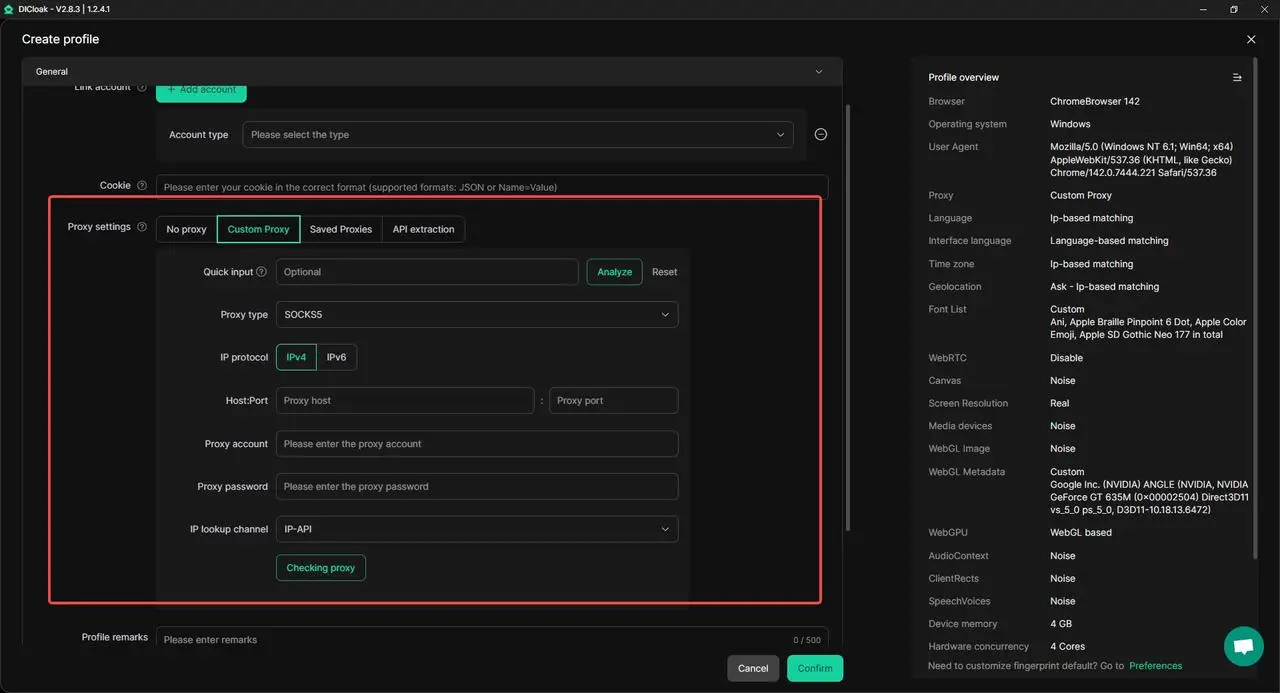
- Configure Proxy Settings: Assign a dedicated proxy to each profile so that every account uses a separate IP address. This helps reduce account association risks during daily operations.
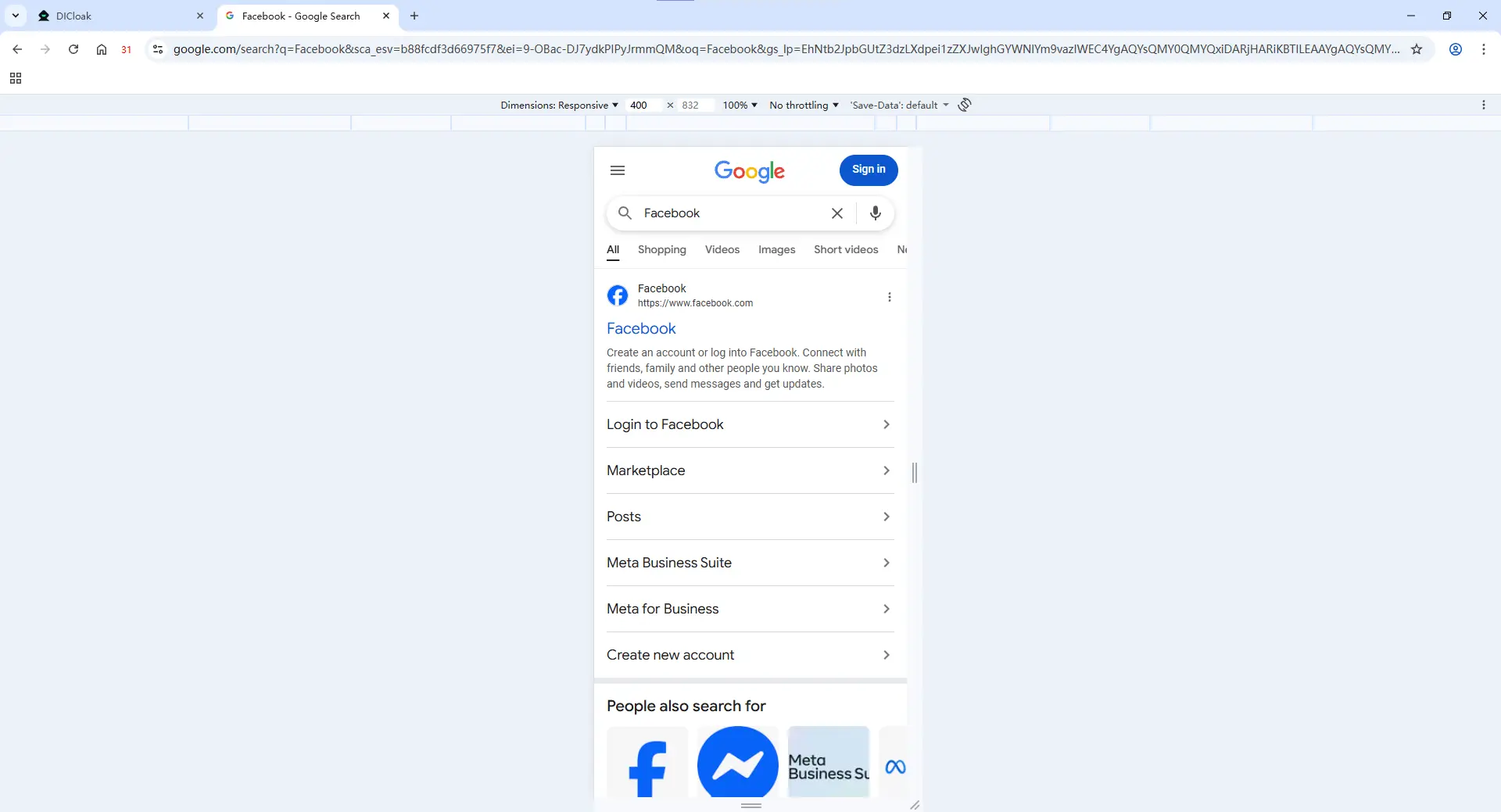
- Access Mobile-Oriented Platforms: Open the profile and access mobile websites or platform dashboards that are typically used on smartphones. All actions are performed within a desktop-based environment designed to behave like a mobile device.
- Start Managing Your Accounts: Log in and begin working across your profiles, whether for content management, account maintenance, or daily operations.
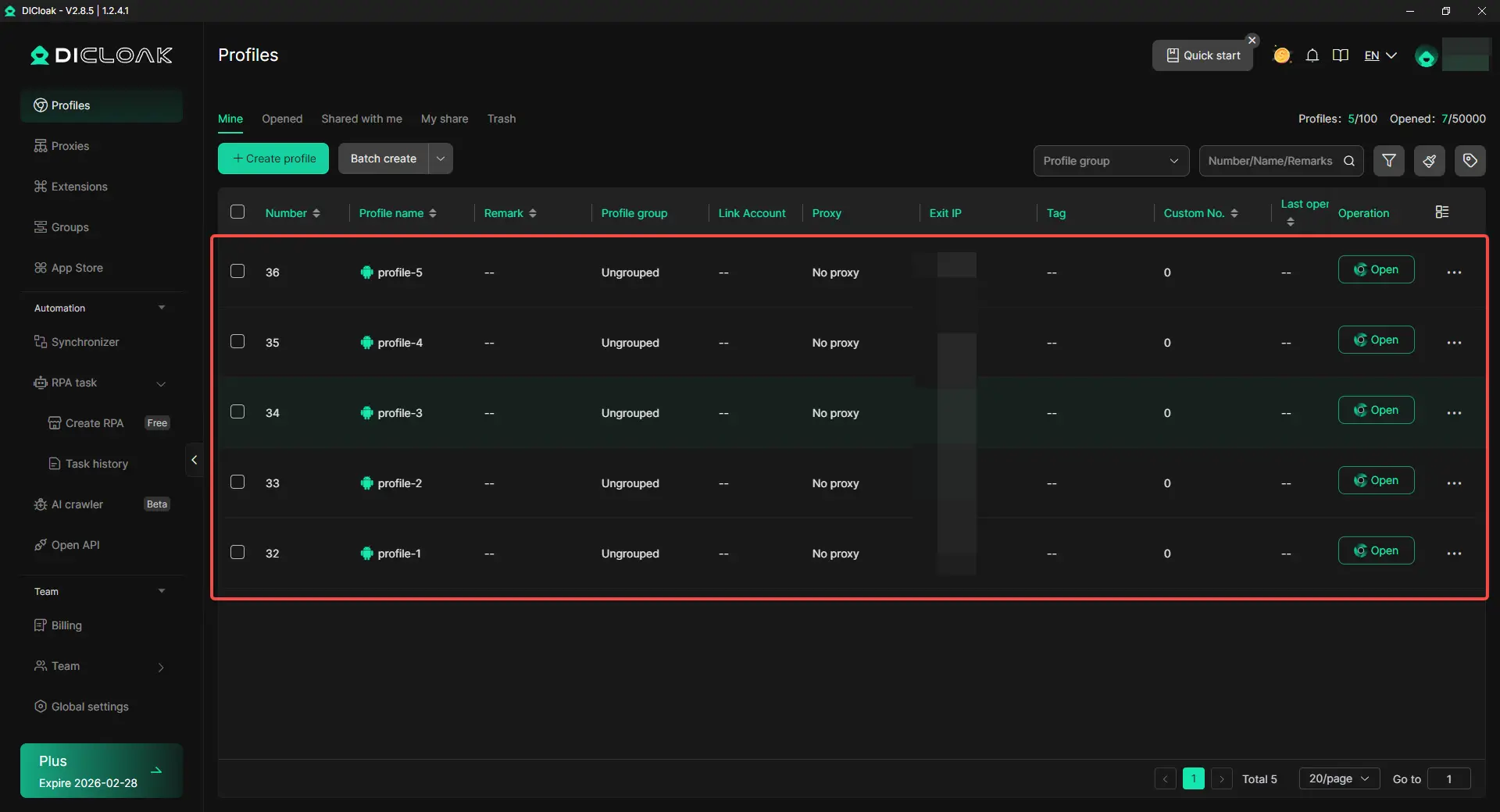
Pro-Tip: When managing a large number of accounts, avoid repetitive manual setup. DICloak allows you to reuse profile configurations, network settings, and operational templates, making it easy to scale from a few profiles to dozens or even hundreds with consistent behavior across environments.
Advanced Features for Large-Scale Mobile Workflow Management with DICloak
DICloak provides advanced tools designed to help users scale mobile-oriented workflows efficiently on desktop systems.
- Synchronizer: The Synchronizer mirrors user actions across multiple profiles in real time. When operating one primary profile, the same actions—such as clicks, scrolling, or navigation—are replicated across other active profiles instantly. This significantly reduces repetitive manual work during large-scale operations.
- RPA (Robotic Process Automation): DICloak’s RPA feature allows users to create automated workflows without writing code. These workflows are executed within isolated desktop-based environments and can continue running, keeping consistent task execution.
Real-World Automation Use Cases
- YouTube Content Publishing: Schedule and publish videos across multiple channels automatically, maintaining consistent posting routines without manual repetition.
- Pinterest Bulk Content Management: Automate the process of uploading images and videos to multiple boards simultaneously, improving efficiency for content teams.
- TikTok Account Warm-Up: Automate natural browsing behaviors such as scrolling feeds and interacting with content, helping new accounts appear active and well-established.
- Facebook Content Scheduling: Automatically publish posts at predefined times to align with audience activity patterns.
Conclusion: Selecting the Right Tool
The best tool depends on what you are trying to do:
- For quick, free testing: Use MyAndroid or Appetize.io.
- For professional app debugging: BrowserStack is the top choice for QA teams.
- For professional multi-account management: DICloak is the best because it offers real cloud phones, high security, and easy automation.
If you want to grow your business safely, DICloak is the answer. Visit the DICloak website today to start for free!
FAQs About APK Online
What is the safest way to manage mobile-based social media workflows online?
The safest method is to use a professional desktop-based tool that simulates mobile device environments on a computer, instead of relying on free emulators. With DICloak, each profile operates in an isolated mobile-like environment with independent device parameters and network settings, helping reduce account linkage risks when managing social media accounts.
Can I use these tools on a Mac or Linux?
Yes. DICloak supports Windows, macOS, and Linux. Users can manage mobile-style accounts and workflows directly from a computer, without installing mobile apps or APK files.
Do I need a physical Android or iOS phone?
No. A physical phone is not required. DICloak allows users to simulate mobile device environments on desktop systems, making it possible to manage mobile-oriented platforms and accounts without real devices.
Is automation possible for mobile-style account operations?
Yes. DICloak provides built-in tools such as the Synchronizer and RPA automation, allowing users to automate repetitive actions like posting or account interactions across multiple profiles. All actions are performed within isolated desktop-based environments, without manual repetition.
Are free online emulators safe for business use?
In most cases, no. Free emulators often lack proper isolation, reuse shared environments, and provide limited control over device parameters. For business or large-scale operations, a professional desktop-based solution like DICloak offers better stability, scalability, and operational consistency.
 Web Proxy Tools
 Free Tools
 Cookie Plugin
 UA Generator
 MAC Address Generator
 IP Generator
 IP Address List
 2FA Code Generator
 World Clock
 Anonymous Check
 WebRTC Leak Test
 UUID Generator
 Free Web Proxy Site
 Proxy Checker
 FB Ad Checker
 AI Web Scraping
 Free SMM Tools
 Twitter Shadowban Checker
 Instagram Name Checker
 UTM Generator
 Username Generator
 AI Hashtag Generator
 LinkedIn Headline Generator
 Social Media Image Resizer





