MCP-REMOTE: Empowering AI Agents to Efficiently Connect with Cloud-Based Standardized Browser Functions
Step into the Cloud-Native Interaction Era of Cloud MCP Servers. Break free from local hardware constraints, empower browser automation with AI, and achieve a lightweight & high-efficiency intelligent operation experience.
Plagued by Local Deployment Pain Points? MCP-Remote Resolves Them with One Click
The Challenge
Hardware Limitations: Insufficient computing resources for multiple tasks
Tedious Configuration: Time-consuming dependency installation prone to version conflicts
No Remote Access: Unable to manage MCP servers across networks
Poor Scalability: Difficult to expand capacity as task volume increases
High Maintenance Costs: Manual updates and troubleshooting required
Unstable Operation: Script execution failures caused by local network fluctuations
Our Solution
Cloud-Native Configuration Management
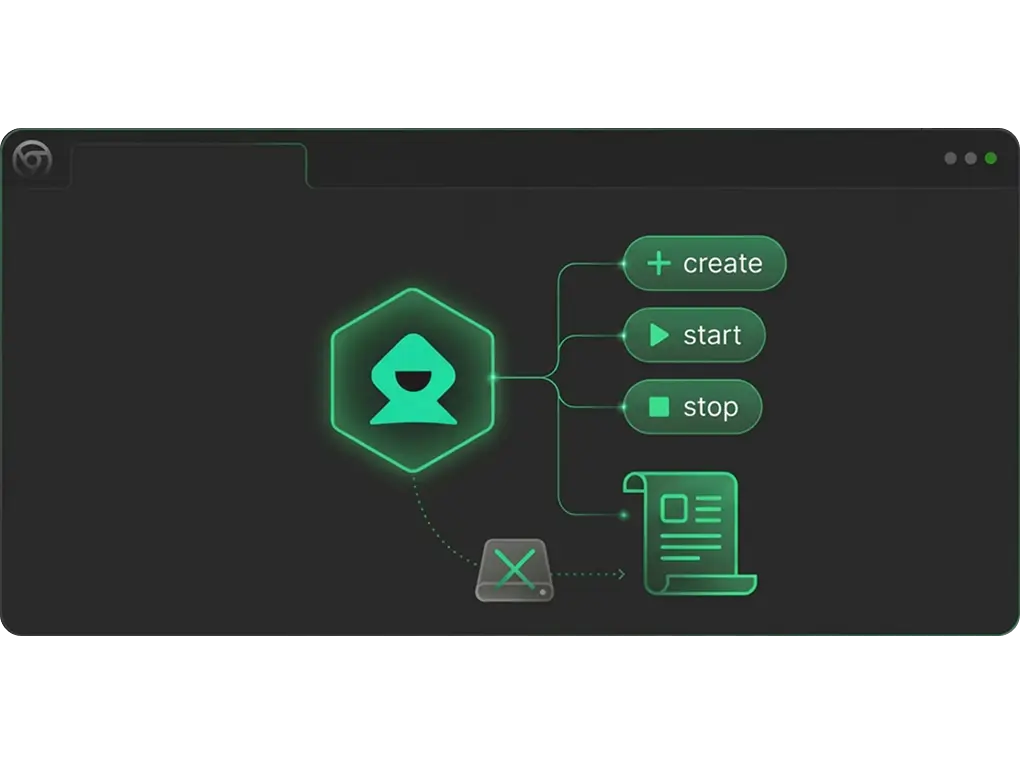
Programmatic MCP configuration control (create/start/stop) via cloud APIs, eliminating local hardware constraints.
One-Click Environment Deployment
Pre-configured cloud environments to eliminate dependency and version conflicts.
Remote Access
Cross-device and cross-region management for team collaboration.
Elastic Scaling
Dynamically adjust cloud resources on demand to reduce costs and improve efficiency.
Automatic Maintenance & Updates
Full automation of server patches, feature iterations, and recovery.
MCP-Remote: Core Values & Application Scenarios
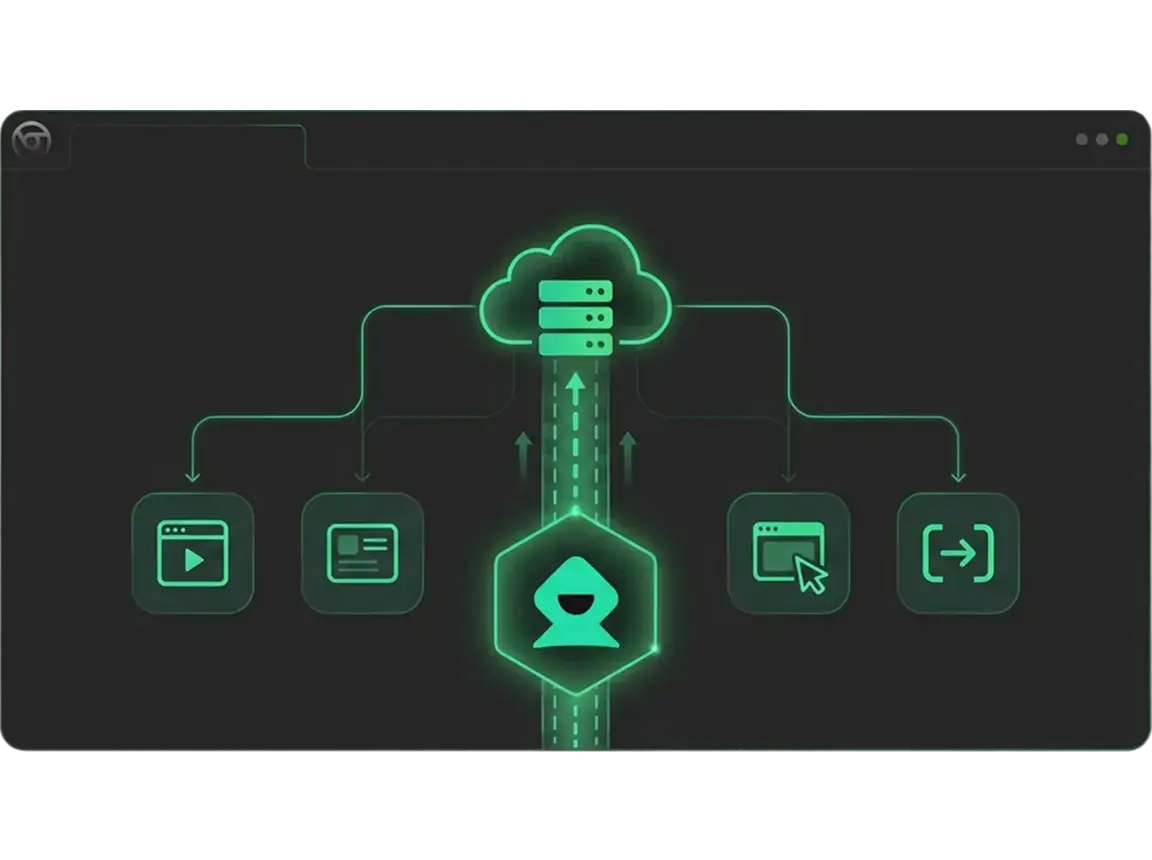
Built on a cloud-native open ecosystem, it directly addresses local deployment pain points, controls browsers in the cloud to execute various operations, and delivers flexible, stable solutions for users.
Cloud Page Scrolling & Content Traversal
MCP-Remote controls browsers in the cloud to perform precise scrolling (up/down/sideways) according to preset rules, automatically traversing long pages, paginated content and waterfall layouts to fully capture target information.
Cloud Page Element Interaction Automation
MCP-Remote controls browsers in the cloud to realize page element operations such as clicking, hovering, inputting and dragging, supporting complex interaction scenarios including pop-up closing, drop-down menu selection and checkbox ticking.
Cloud Page Zooming & Adaptation
MCP-Remote controls browsers in the cloud to adjust page zoom ratio, adapt to display needs of different resolutions, and perform touch operations and compatibility verification for mobile simulation pages.
Cloud Page Search & Locating
MCP-Remote controls browsers in the cloud to invoke page search functions, accurately locate the position of keywords, automatically mark and extract target content, supporting batch retrieval of multiple keywords.
Cloud Page Switching & Tab Management
MCP-Remote controls browsers in the cloud to realize the creation, switching, closing and sorting of multiple tabs, supporting cross-tab data transmission and operation coordination to improve multi-task processing efficiency.
Cloud Page Refreshing & Cache Clearing
MCP-Remote controls browsers in the cloud to perform scheduled refresh and forced refresh operations, clear page cache and cookies on demand, ensure the acquisition of the latest page data and avoid cache interference.
Cloud Browser MCP: From Zero-Base Configuration to Cloud-Native Ecosystem
No local environment configuration required, quickly master core configuration file management capabilities through cloud-based programmatic tools
Cloud-Native API Based on MCP
Cloud APIs enable full-featured configuration management (create/start/stop) with concise commands and comprehensive docs, requiring zero local dependencies.
Connect Your Favorite AI Tools — Anytime, Anywhere, Seamless Integration
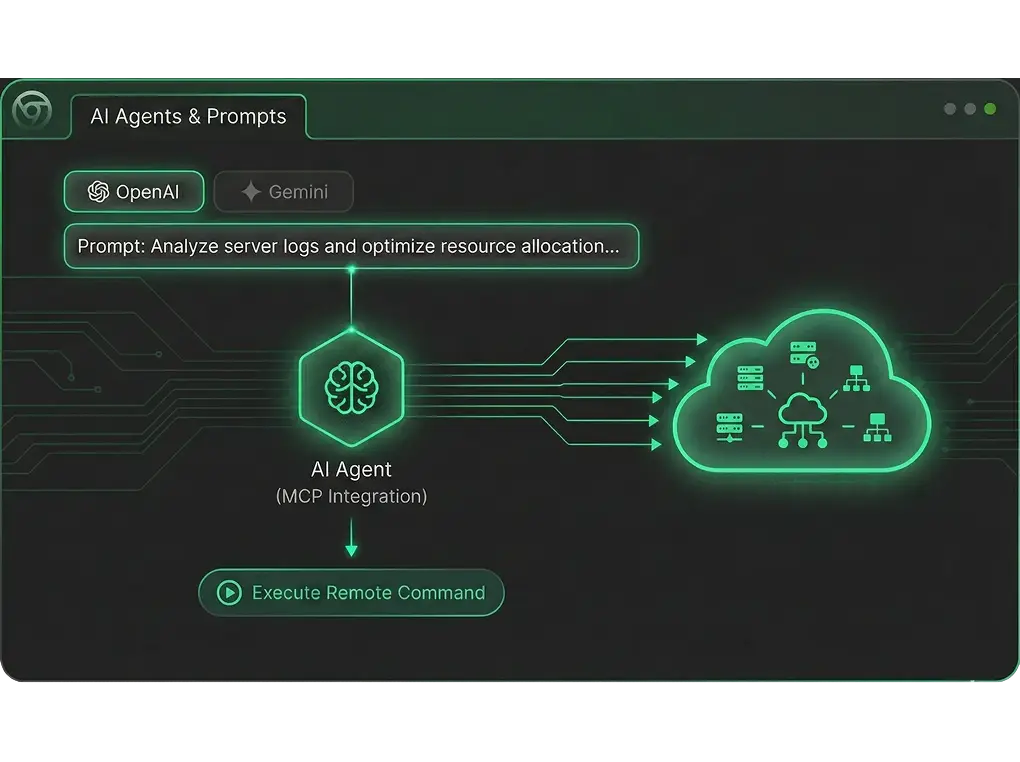
MCP-Remote Server is deeply compatible with mainstream MCP protocol AI assistants (OpenAI/Gemini/Claude/Cursor/Copilot, etc.) and custom projects, with no local network restrictions. Supports integration with any programming language to achieve cross-device and cross-region AI-MCP connection management, suitable for global team collaboration